Using a Matrix Bridge with LibreOffice IRC Channels

Hossein Nourikhah writes:

Ever wondered about using modern chat tools to discuss LibreOffice? Here we will discuss using a Matrix bridge to connect to the LibreOffice IRC rooms, to participate more efficiently in LibreOffice-related discussions.

Traditionally, IRC has been the preferred way of communication for the FOSS communities including the LibreOffice community. There are multiple IRC rooms that you can join, and the one related to the LibreOffice development is #libreoffice-dev at Libera Chat network. A more complete list is in the TDF Wiki:

IRC is an open protocol, and there are many clients for it. With the modern IRC clients, some of the shortcoming of the earlier IRC clients are now resolved. For example, you can use encryption in your connection.

https://libera.chat/guides/connect#accessing-liberachat-via-tls

On the other hand, IRC still has its drawbacks. You have to be online to get the messages, and you will lose the messages that was sent when you were offline. There are solutions like “IRC bouncers” that can help resolve this specific issue, but when compared to the modern chat clients and protocols, IRC still falls behind. So, many people prefer the new tools for chat.

But, is there a way to connect these two worlds, old and new? Fortunately there is a solution: using a Matrix bridge.

Using the Matrix Bridge for the LibreOffice IRC Channels

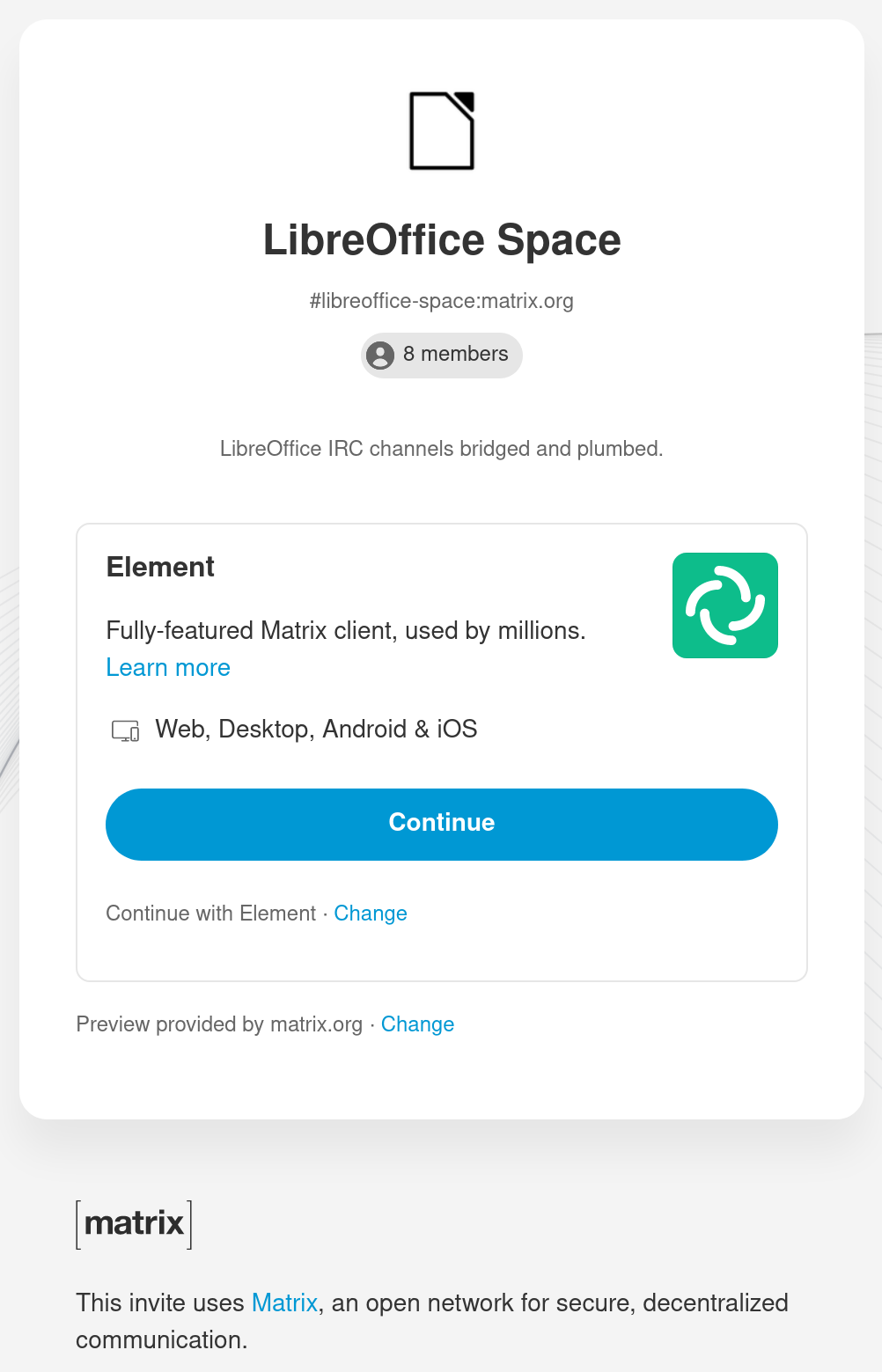
To use the matrix bridge for the LibreOffice IRC channels, first you need a Matrix account. Then, by clicking on the link below you can connect to the “LibreOffice space“, and see the LibreOffice channels in Matrix:

https://matrix.to/#/#libreoffice-space:matrix.org
"<yoastmark

You don’t have an account? No problem! You can register one at matrix.org. It is as easy as a simple sign up, by entering username, password and your e-mail. You have to verify your e-mail address by opening a link sent to your inbox.
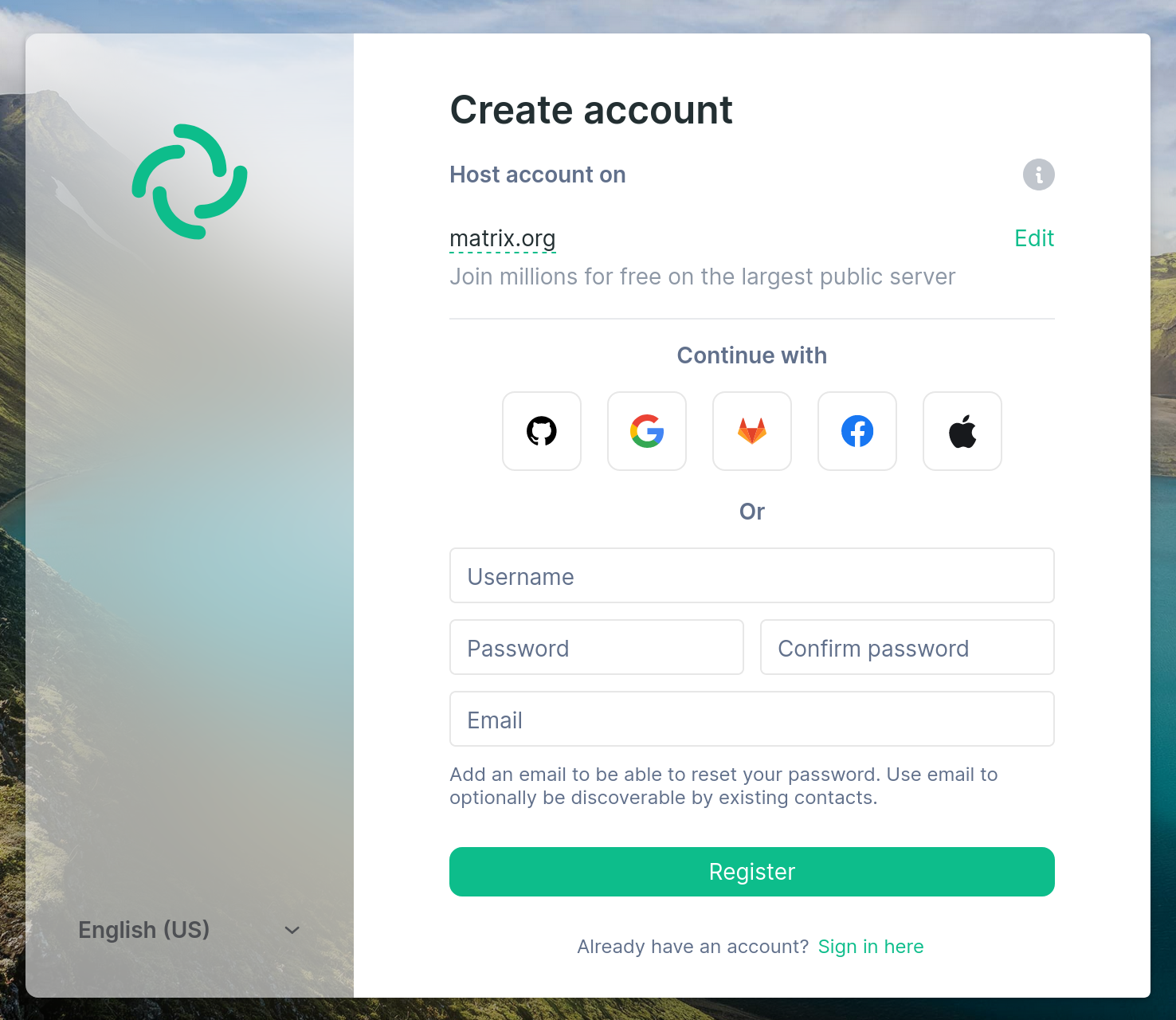
You, or your organization can have your own Matrix home server. If not, you can stick to matrix.org account. In any way, having a Matrix account lets you to join the LibreOffice space.
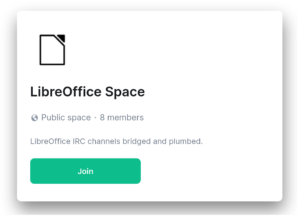
Join LibreOffice space

Subsequently, after joining the LibreOffice space you can join separate rooms and enjoy the Matrix bridge!
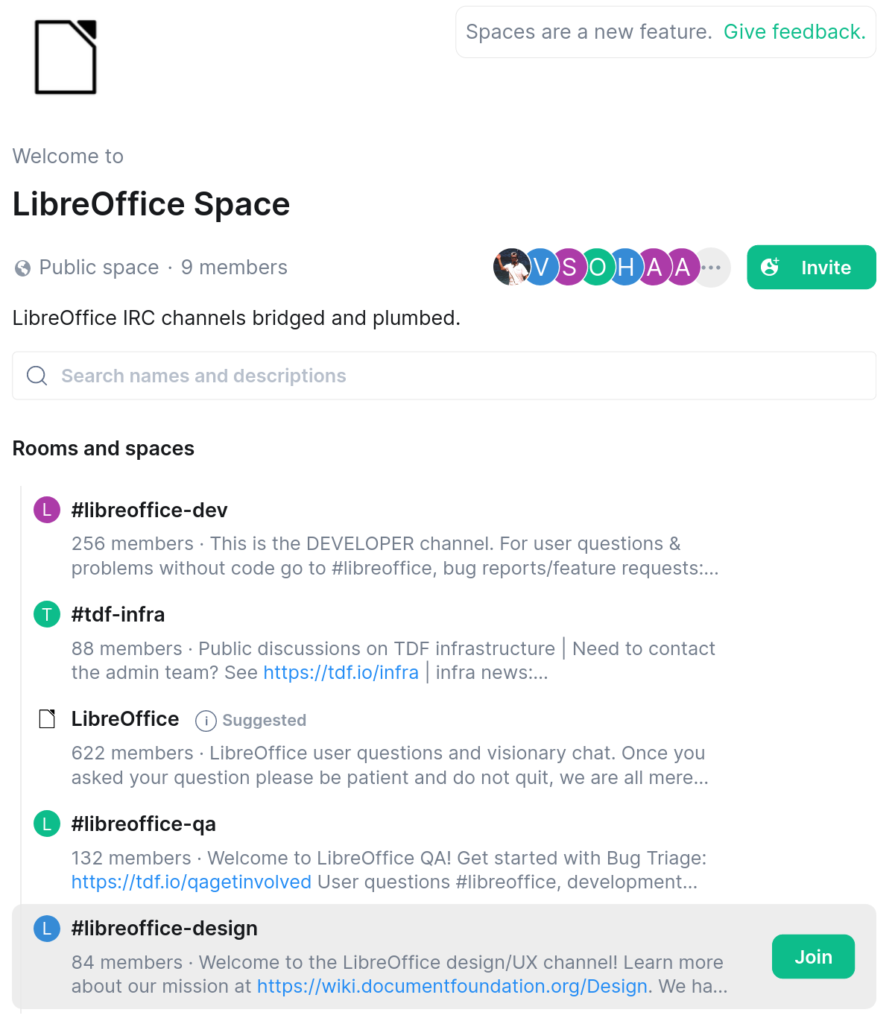
Join rooms in the LibreOffice space which uses Matrix bridge to IRC

Then, if you look at the users list in the IRC rooms, you see several people with [m] after their names. They are usually people that are using Matrix bridge. If you are also using Matrix bridges, you can use the Matrix for private messages and use all the features available in Matrix protocol and client.

Finally, we hope that you enjoy the LibreOffice space on Matrix, and have fun!
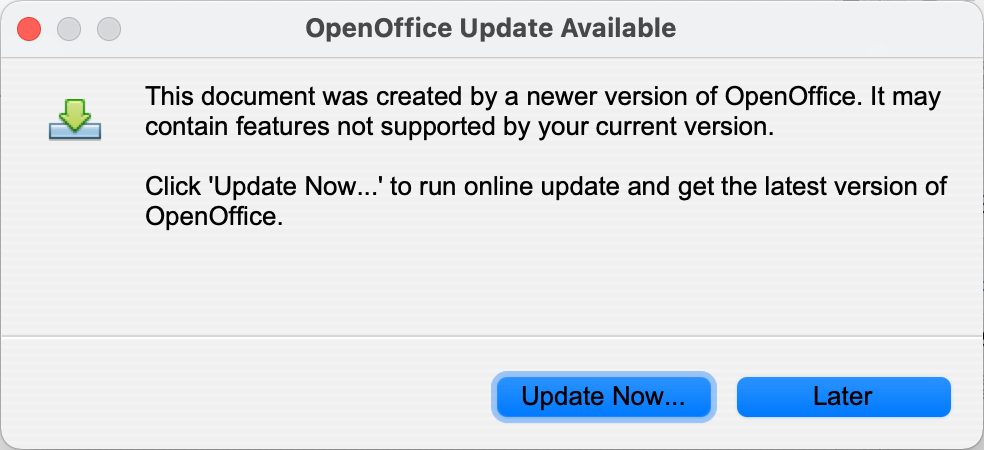
OpenOffice users: Getting messages about documents being made in a newer version?

Many OpenOffice users are seeing warnings when trying to access files in the OpenDocument Format (eg .odt, .ods). The full text is:

This document was created by a newer version of OpenOffice. It may contain features not supported by your current version.

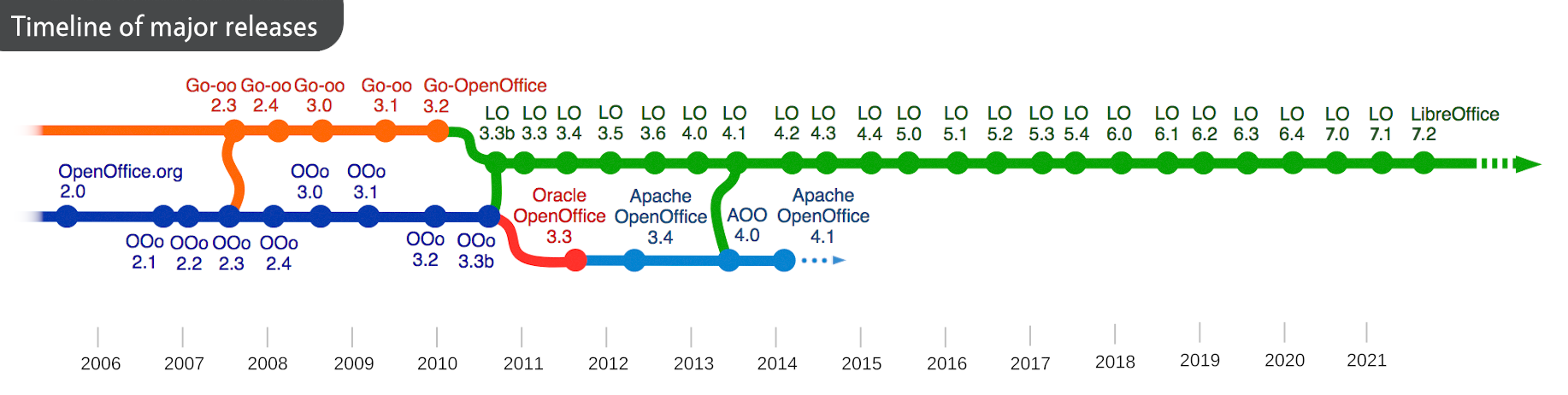
In this case, the document was probably made in LibreOffice, which supports newer versions of the OpenDocument Format. LibreOffice is a successor project to OpenOffice that’s much more actively developed, with new major releases every six months, hugely improved Microsoft Office compatibility, and many other benefits:

LibreOffice supports OpenDocument Format 1.3, the latest release. COSM, the Community of ODF Specification Maintainers, is an independent project started by The Document Foundation, and oversees the work of preparing the new standards for ratification. COSM is starting to crowdfund work on the OpenDocument 1.4 standard – so organisations that would like to contribute should get in touch!

Another benefit of OpenDocument is its backwards compatibility. Even when a file is built around a newer format, older versions of the software should still be able to read and process it. So you’re not forced onto an upgrade treadmill (although as LibreOffice is free and open source software, it’s always good to keep up-to-date!)

Learn more about LibreOffice and OpenDocument here.

Community Member Monday: Baltasar García Perez-Schofield

Today we have a quick chat with Baltasar García Perez-Schofield, who recently became a Member of The Document Foundation, the non-profit entity behind LibreOffice…

Tell us a bit about yourself!

I’m from Spain, in that north-west corner called Galicia. Professionally I’m a teacher of computer science, and dedicate my spare time to my family, swimming, hiking, and retro computing.

I defended my PhD Thesis in 2002, wrote it entirely in what was then OpenOffice, and later forked to LibreOffice, and more importantly spawned The Document Foundation. I then decided that I should somehow return the favor by collaborating (as far as I could), with the product.

What are you working on in the LibreOffice project right now?

I’ve lately dedicated my time to the Basic interpreter, solving simple bugs such as type-persistence through compilation and execution, or the behaviour of certain functions that do not adhere to the specification.

Why did you decide to become a member of TDF?

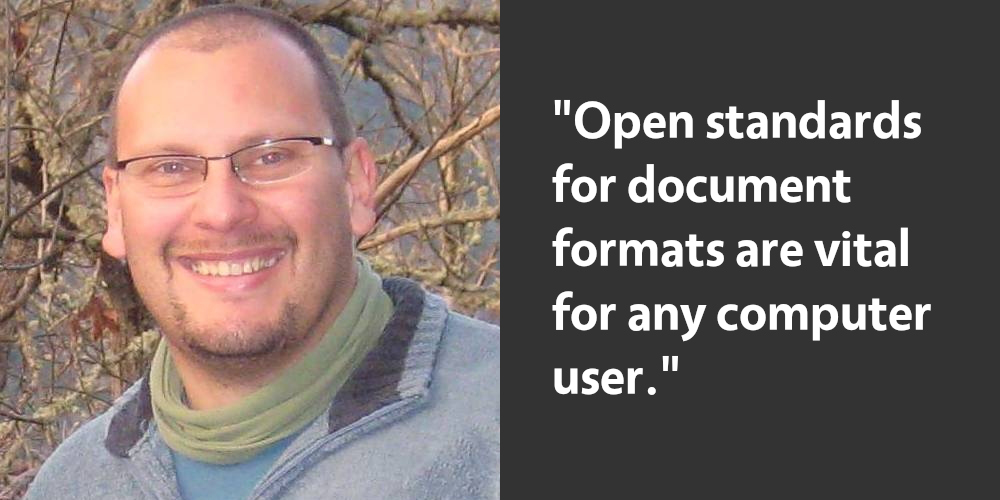
I think that the open standards for document formats are vital for any computer user, and therefore defend the TDF’s existence. In that sense, becoming a member was an honor for me, and I also perceived it as a recognition for the work I did.

Anything else you plan to do in the future? What does LibreOffice really need?

I plan to continue collaborating with LibreOffice, at least in my free time gaps. Regarding the needs of LibreOffice, I think it probably needs marketing and compatibility (right now it is a must) with MS Office. The objective would be to let computer users realize that they have the possibility to use a free product as capable (or even more so!) as the private one.

Thanks to Baltasar for all his contributions! All LibreOffice users can join him in helping to improve the software, and find out what they can do for LibreOffice. 👍

“LibreOffice Expert” magazines available for schools and communities

Recently, Linux New Media released a special edition magazine, full of tutorials, tips and tricks about LibreOffice. And some articles were contributed by members of the LibreOffice community! Well, we have 50 issues to give away – and we’d like to get them in the hands of students, communities and other projects around the world:

The magazines come with DVDs that include LibreOffice for Linux, Windows and macOS, alongside extra templates, extensions and guidebooks. So ideally, we’d like to get these magazines out to locations and communities where internet connections aren’t always available – so that the users can really benefit from the discs.

So, if you can help us to distribute these magazines to students, local communities and other places, drop us a line! Let us know what you plan to do with them, and how many you need. Send us an email and let’s spread the word!

Oyez! Oyez! Oyez! The LibreOffice Draw Guide 7.2 has arrived!

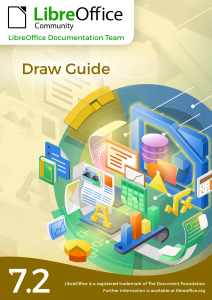
Peter Schofield and the LibreOffice Documentation Team announcs the immediate availability of the Draw Guide 7.2, the update of the Draw Guide for LibreOffice version 7.2.

Draw Guide 7.2

Anyone who wants to quickly acquire knowledge about LibreOffice Draw and is new to drawing software, or may be familiar with another office suite, will find this user guide very useful. It introduces the main features of LibreOffice Draw. Although Draw is a vector graphics drawing tool, it can also perform some operations on raster graphics (pixels) such as photographs.

Using Draw, a wide variety of graphical images can be created quickly. Some of the drawing functions are: layer management, snap functions and grid-point system, dimensions and measurement display, connectors for making organization charts, 3D functions that enable small 3D drawings to be created (with texture and lighting effects), drawing and page-style integration, and Bézier curves.

A printed version is available at Lulu Inc, thanks to Jean H. Weber. The Draw Guide completes the LibreOffice 7.2 book collection, and opens the LibreOffice 7.3 shelf for more work and activities.

Peter Schofield
Peter Schofield

The Draw Guide 7.2 – as well as many other LibreOffice Guides – can be downloaded from the LibreOffice Documentation website and the LibreOffice Bookshelf website.

A big thank you to Peter and the LibreOffice Draw documentation team!

Join the Documentation Team

LibreOffice: The Klingons and Interslavs are already here

We happily report that Klingons have – at this point – not taken over control of the LibreOffice bug-tracker.

While Klingon language support still ranks somewhat low among issues thought not to be essential, the federation that is LibreOffice 7.3 will also bring Interslavic support to the mix when released come early February.

Since you were wondering, Interslavic is an artificial language meant to operate in the cross-section of Slavic interlingualism.

Targ-herders everywhere are reportedly mildly pleased. The synergy in KSL (Klingon as second language) regions is a potato harvest that we can all appreciate.

Undeterred by the confines of a monogalactic community of translators, LibreOffice numbers are growing. Hundreds of millions or earthlings alone now have powerful tools honed in their native languages.

Together we bring free and open source software to the Nekrit Expanse. We can go into space, and beyond. Use, inspect, improve and share freely — with all. Full tut ahead.

Thanks, Qapla’ and hvala!


Update: check out the Interslavic Spellchecker extension


And now, a bit more seriously…

Yes, initial language support for Klingon and Interslavic is coming to LibreOffice. But before you ask: “Why don’t you focus on X or Y instead?” Remember that LibreOffice is a volunteer-driven, community open source project. Individual developers (and companies in the ecosystem) work on what’s important for them, and not to the detriment of anything else. If someone wants to help with a Klingon translation, that doesn’t mean others in the project stop working on other important tasks!

And especially: even if Klingon and Interslavic support sounds like a novelty, it shows how versatile free and open source software is. As mentioned, LibreOffice is available in over 100 languages, and we’d like to expand that even further. The more languages the better, especially if we can help to boost IT skills in places which don’t otherwise have software in their native languages!

Join our localisation projects, and give us a hand!