Using LibreOffice for writing screenplays

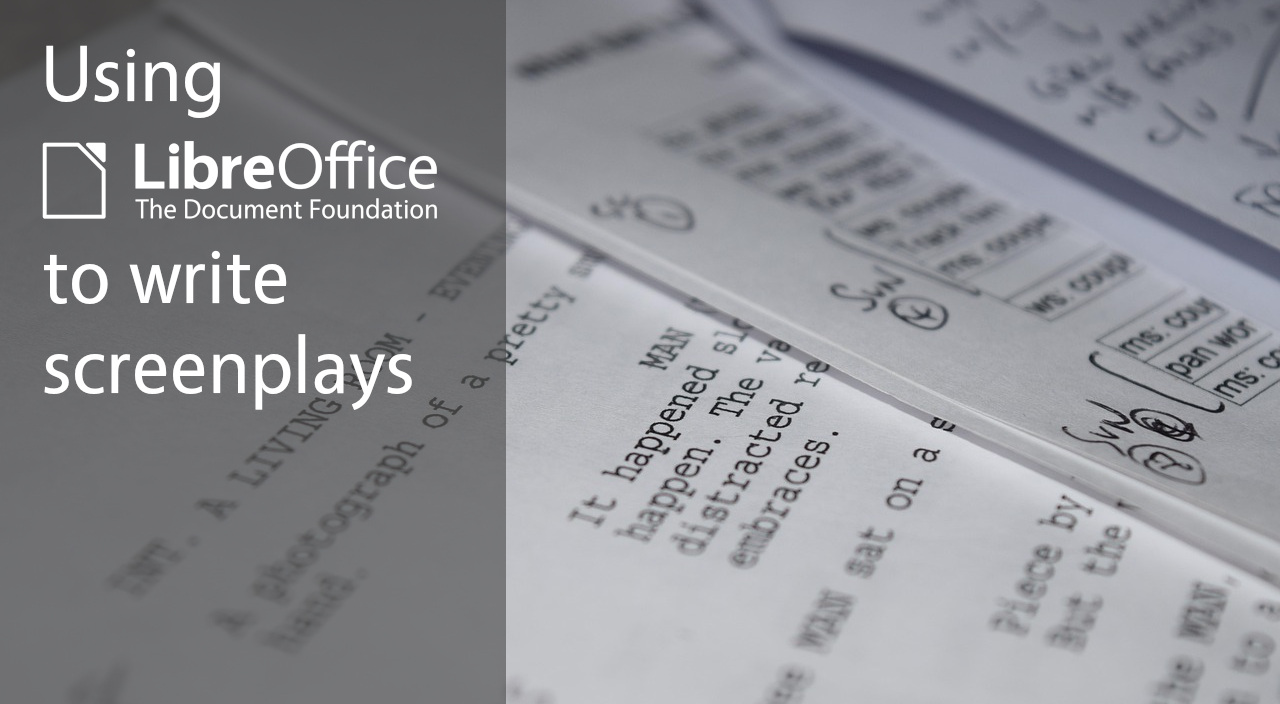
Photo of screenplay document

LibreOffice Writer is the suite’s word processor, and can be used for virtually any task involving… well, processing words, of course. But how about screenwriting (aka writing screenplays)?

We saw a discussion on Ask LibreOffice where user Peter J. talked about his experiences in this field. Initially he described LibreOffice’s limitations in screenwriting, but then robleyd pointed out to the new Markdown support added in LibreOffice 26.2. Peter explored this new feature and concluded:

“So, basically, if I was to write a screenplay now, I would use LibreOffice Writer”

What changed in the software, to change Peter’s mind? He explained:

The problem with LibreOffice Writer was exporting. Its HTML output is HTML 4… with font tags. Very bad. It can be cleaned up relatively easily, but it takes some tinkering skill, therefore it is no good route.

BUT the sizzling new export to Markdown functionality changes everything! Now you can easily share what you have cooked up. You have a professional PDF export… PLUS an export to Markdown.

He went on to explain how LibreOffice Writer is now a good tool for writing movie scripts, because:

It has pagination. You can set up A4 and other formats easily and precisely.

It has styles. You can create as many paragraph styles as you want. Nevertheless, you only need a few, like 5…

You can precisely set up these styles. You can easily apply these styles, using short keys, too. You can easily modify these styles, before, during, after.

AND… you can export it to Markdown. From Markdown you can get to Final Draft easily.
See the full discussion here

Video: New features in LibreOffice 26.2

Here’s a selection of new features in LibreOffice 26.2, which we released on Wednesday. (This video is also available on PeerTube.)

Please confirm that you want toΒ play a YouTube video. By accepting, you will be accessing content from YouTube, a service provided by an external third party.

YouTube privacy policy

If you accept this notice, your choice will be saved and the page will refresh.

Announcing the LibreOffice US community!

LibreOffice US community banner

LibreOffice is made by hundreds of people around the world. In many countries, we have active communities that organise events, do local marketing, and help users in their local language.

But while we have many users and contributors in the United States of America, so far we haven’t built up an active local community. Of course, part of this is due to the size of the country – the US is huge, so getting people together isn’t easy.

Nonetheless, we want to try! There are many things we’d like to do in the US with LibreOffice, such as:

  • Creating merchandise designs for events and giveaways
  • Working on local marketing materials and advocacy projects
  • Organising meetups to bring contributors and users together

To get things going, we’ve created some communication groups and a social media channel. Our Discord server has a few channels which are also bridged to Matrix, so join one of those and let’s start discussing ideas. We also have the LibreOfficeUS Mastodon account where we’ll be posting updates.

We look forward to seeing you there 😊

Austria’s military switches from Microsoft Office to LibreOffice

Logo of Bundesheer

Like we’re seeing in Schleswig-Holstein, Denmark and many other government bodies and organisations, the Austrian military (Bundesheer) has migrated 16,000 PCs from Microsoft Office to LibreOffice.

As Heise reports, the main reasons behind the switch are to:

  • strengthen digital sovereignty
  • maintain independence of IT infrastructure
  • ensure that data is processed in-house

The initial plan to move to LibreOffice was formed in 2020, and detailed planning and training of internal developers for improvements began in 2022. In 2023, a company in Germany was contracted to provide technical support and additional development.

The Austrian military’s migration reflects a growing demand for independence from single vendors. With free and open source software like LibreOffice, anyone can study and modify the source code to make improvements specifically for their setup and workflow. Government bodies and organisations can free themselves from vendor lock-in, spending taxpayer’s money on local companies to provide support and further development – rather than paying for license fees from overseas companies.

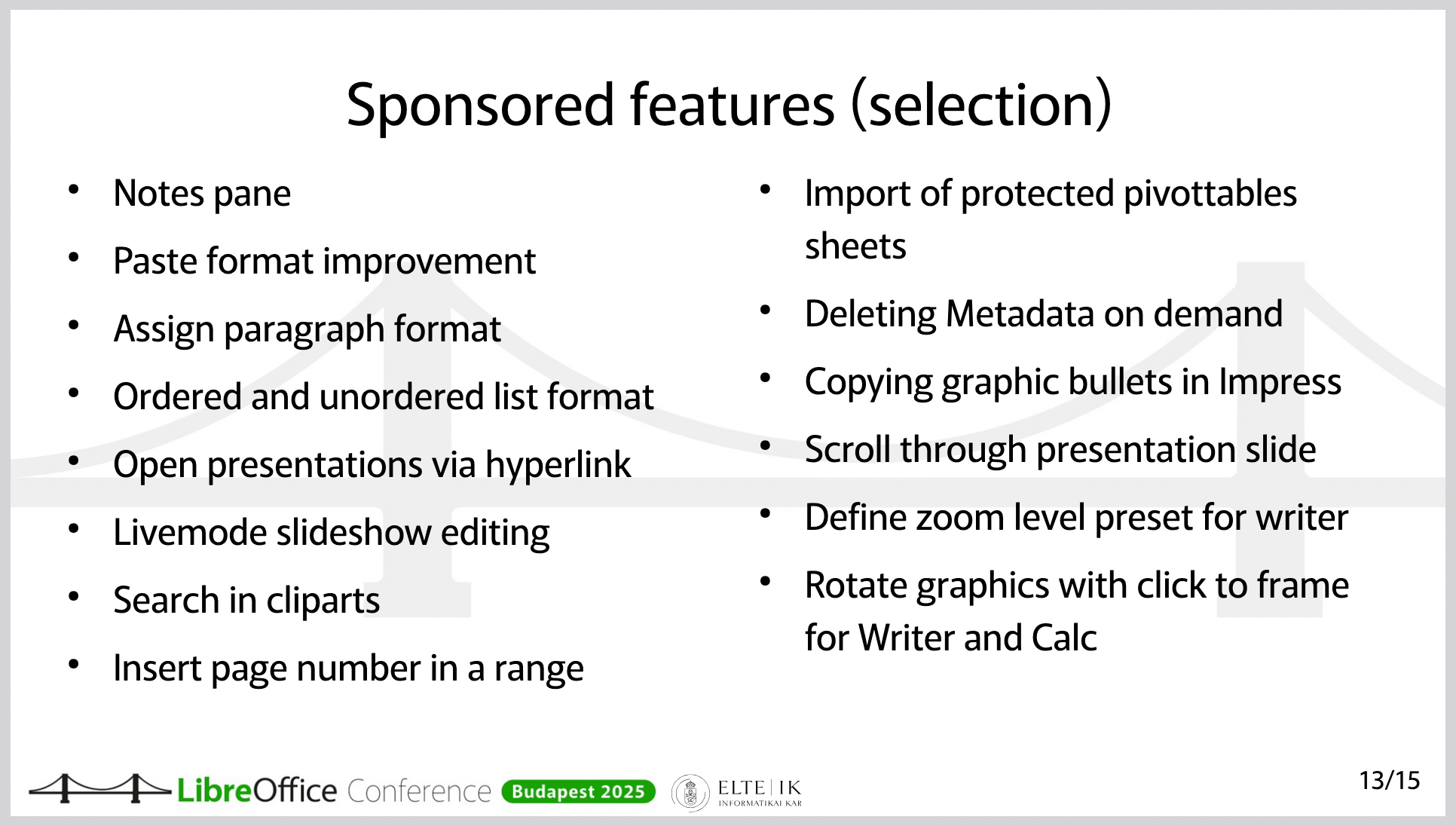
At the recent LibreOffice Conference 2025, representatives from the Austrian armed forces gave a talk about their switch from Microsoft Office, highlighting some of the new features and improvements that they have sponsored:

Presentation slide of improvements in LibreOffice, such as notes pane, and import of pivot table protected sheets

Click here to view the slides