Making LibreOffice a Friendly Platform for Indigenous People in Taiwan


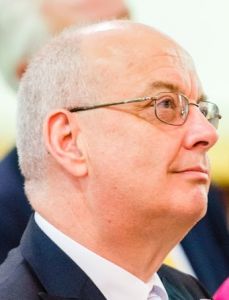
Lin and Wang in the LibreOffice Conference 2019. The Chinese words in the photo in slide marks: “I have to speak Chinese, not local languages.”

Authors: Author: Kuan-Ting Lin and Tanax Yago (Xiao-Wu Wang)

Foreword: At the LibreOffice Conference 2019, two young people from Taiwan, Kuan-Ting Lin and Xiao-Wu Wang, gave a wonderful talk called “Making LibreOffice a lifesaver for dying languages in Asia”. (Video of the talk is at the end of this blog post.) It covered their work and plans for saving indigenous languages in Taiwan, and what an important role LibreOffice can play here.


Like many indigenous or native people around the world, the indigenous Taiwanese people have been excluded from contemporary technology for decades. During the rapid development of personal computers between the 1960s and 1980s, the indigenous people were suffering from the “national language” policy, which banned all indigenous languages and discourse promoting Chinese identity in school. That is the reason that the earliest Chinese input method for computers was invented before 1976, but there were no equivalents for indigenous languages until the late 2000s.

As smartphones boomed in this decade internationally, more and more indigenous people gained access to the internet mobile apps as, like other people do Taiwan. But the majority of the digital resources are still in Chinese: online news articles, educational materials, translation systems, digital government services, medical information, chat forums, and many more. Almost all of them are not available in the indigenous languages.

Maybe Taiwan has done a lot for indigenous rights, but as members of the indigenous community and students of anthropology here, we think there is still huge room for improvement. The input system is the first step. Typing has been difficult for indigenous people as sentences are treated as English – hence tons of red underlines indicating spelling or grammatical “mistakes” identified by various office software brands in the market. Therefore, making indigenous dictionaries for the apps to remove the underlines has become the top priority of our work.

Making it appealing

Furthermore, the system must be appealing for people to type in their own indigenous languages. It needs to be smart enough to correct grammar, if possible, and spelling. Being able to do so can empower the elderly to use new technology and to align their spelling with the official dictionary as long as they want to. New language learners will benefit from this system, since they don’t need to look up in dictionaries when typing as often.

After our research, we understand that Microsoft not only discourages people to type in indigenous languages in Microsoft Office – by failing to implement such support in the software suite – but also distance people from their mother tongue by restricting modifications to Office with its proprietary software license.

On the contrary, the LibreOffice community discovered this problem years ago and has been tackling it thanks to its open source development, and its appreciation of diverse values. For example, LibreOffice was translated to Guarani to address a similar issue in South America. In Taiwan, community members like Mark Hung have started to build databases for indigenous languages, too.

Working with the youth communities of indigenous people, we are able to extend the project to another level: local participation. We want this project to be an important point of revitalization of indigenous culture, and it can be applied in everyday life. We invite youngsters from all the indigenous communities, and connect them with the LibreOffice community. With such an idea, the LibreOffice community can also benefit from new perspectives and views of different people, and can get a huge group of new and enthusiastic users and promoters.

Good for everyone

The project is also good for the government. The central government of Taiwan is both struggling with its OpenDocument Format/LibreOffice policy and the “official documents in indigenous languages” policy. For public servants, everyday tasks seem to have made them reluctant to learn new things – both dying languages and new software. We hope that combining the two will make it easier for people to adapt new and meaningful policies.

We received so many words and a lot of help from our friends in the LibreOffice community around the world before, during and after the LibreOffice Conference 2019 in Almería, Spain. Our Taiwanese folks, including Franklin Weng and Eric Sun, introduced this wonderful opportunity for us to get to know this community. Mark Hung, Gustavo Pacheco, Eike Rathke and Cheng-Chia Tseng generously provided their precious knowledge and experiences. Shinji Enoki, Jeff Huang and many friendly LibreOffice community friends gave us their sincere encouragement and suggestions. We are so lucky to work on this important issue with these lovely people!

If you agree that this is worth doing, please join us! We’d love to see new participants from various backgrounds. For inquiries, participation, questions or suggestions, just send an email to a @ cssjh . com (Kuan-Ting). We appreciate your interest and support!

And as mentioned, here’s the video of the presentation from the conference:

Please confirm that you want to play a YouTube video. By accepting, you will be accessing content from YouTube, a service provided by an external third party.

YouTube privacy policy

If you accept this notice, your choice will be saved and the page will refresh.

Celebrating International Volunteer Day

Today is International Volunteer Day. All around the world, volunteers give their time and energy to help many different causes – including free and open source software projects like LibreOffice.

Indeed, LibreOffice wouldn’t be where it is today, without the incredibly valuable help of hundreds of volunteers in the last decade. So to everyone who has contributed to our project and community over the years, we at The Document Foundation want to say a big thank you! Your work has helped many millions of LibreOffice users around the world benefit from powerful, open and multilingual productivity tools.

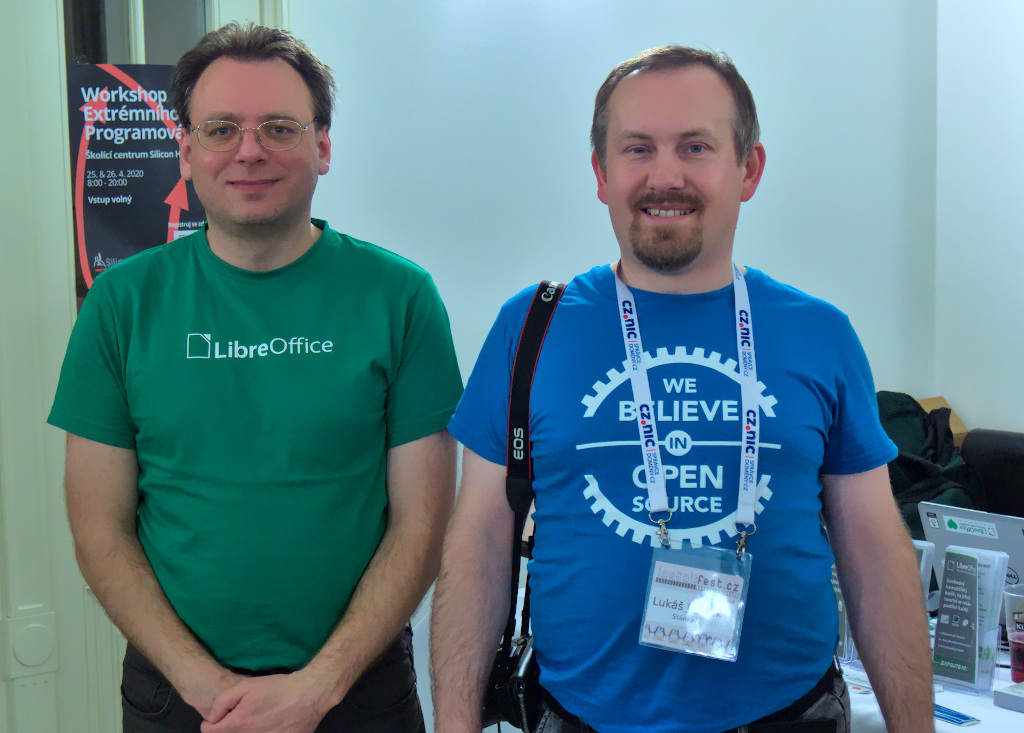
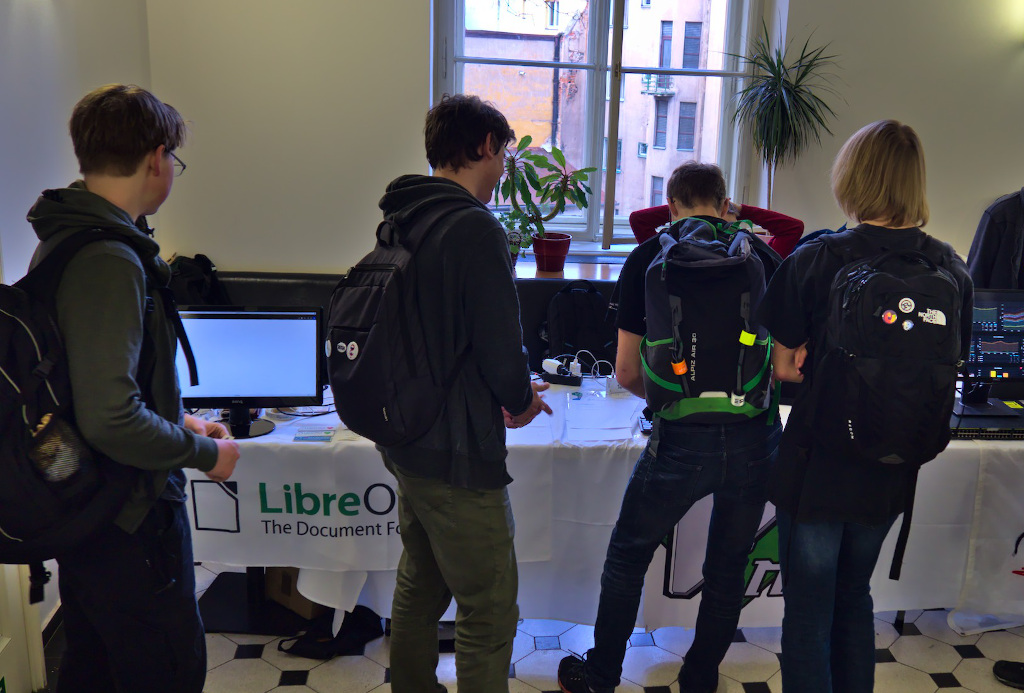
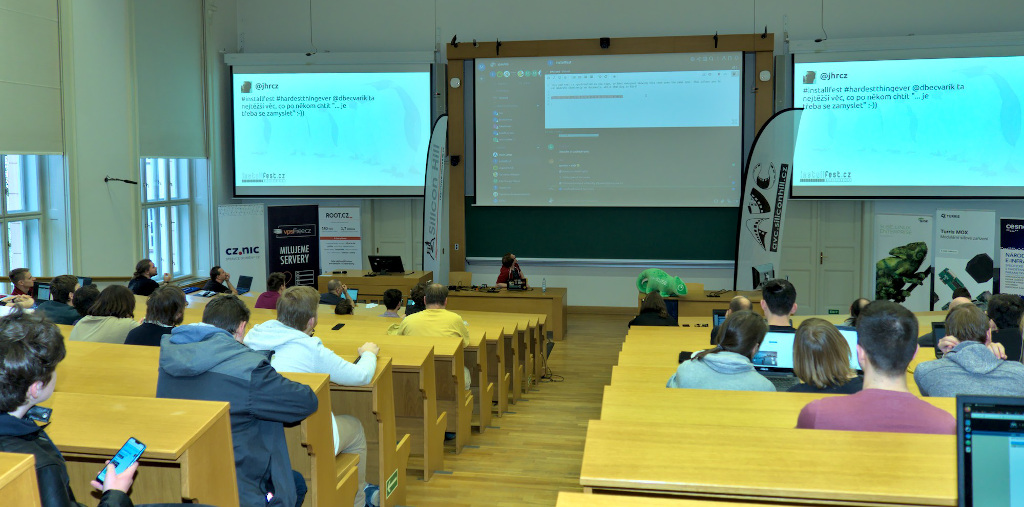
And to celebrate, here are some photos of volunteers from events this year:

Month of LibreOffice, November 2019: The winners!

At the beginning of November, we started a new Month of LibreOffice, celebrating community contributions all across the project. So how many people got sticker packs throughout the month? Check it out…

Congratulations to everyone who’s on that page – and thanks so much for your contributions. It’s great to see such a passionate community helping to bring powerful, free and open source software to the world.

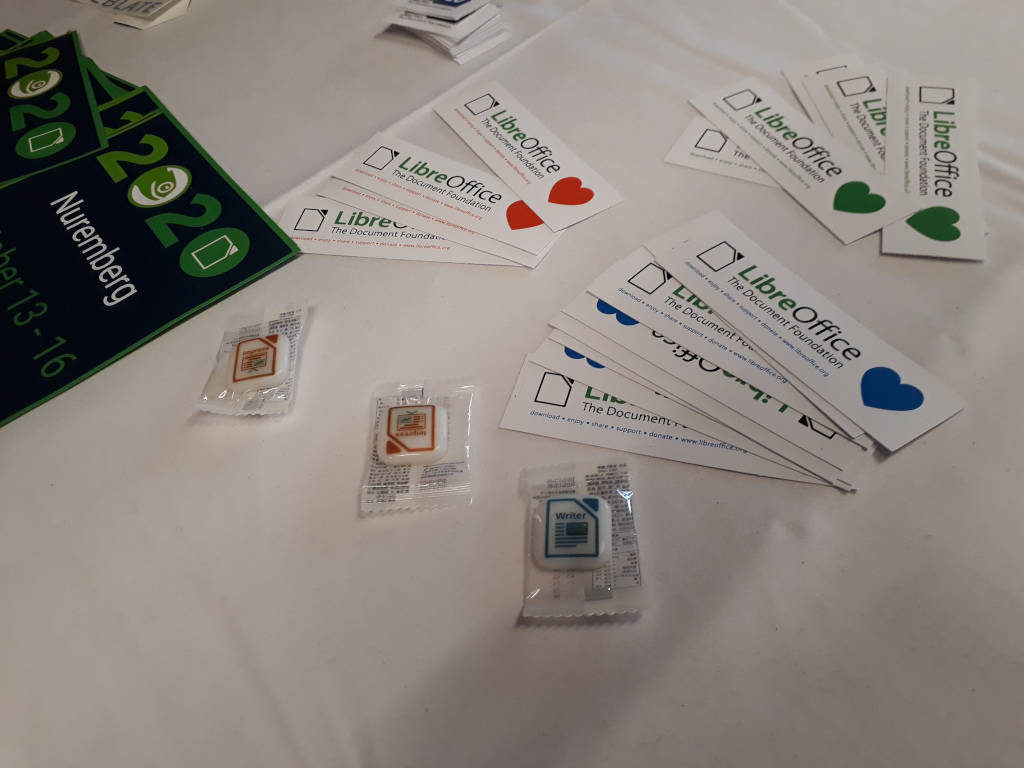
Now, how can you claim your sticker pack? Click the 302 above, and if you see your name (or username) on that page, get in touch! Email mike.saunders@documentfoundation.org with your name (or username) from the wiki page so that we can check, along with your postal address, and we’ll send you these:

(Note: your address will only be used to post the stickers, and will be deleted immediately afterwards.) If you contributed to the project in November but you’re not on the wiki page, please let us know so that we can add you!

But there is one more thing…

And we have an extra bonus: 10 contributors have also been selected at random to get an exclusive LibreOffice glass mug! It looks like this:

And here are the winners:

  • Krunose
  • LibreOfficiant
  • @tetrapyloctomist@muenchen.social (Mastodon)
  • Rhoslyn Prys
  • Roman Kuznetsov
  • Marco A.G.Pinto
  • @balogic (Twitter)
  • Gerhard Weydt
  • Grantler
  • Rizal Muttaqin

Congratulations to you all! We’ll be in touch with details for claiming your mugs…

So, this Month of LibreOffice has finished – but we plan to do another one in May next year, with another opportunity to get cool merchandise! And, of course, you can join our friendly community at any time and contribute back to the project. Thanks!

LibreOffice monthly recap: November 2019

Here’s our summary of updates, events and activities in the LibreOffice project in the last four weeks – click the links to learn more!

  • We got started with the Month of LibreOffice, November 2019. This is a campaign that we run every six months, crediting contributions all across the project. Everyone who helps the LibreOffice community during November can claim a sticker pack, and has a chance to win a cool glass mug. Today is the final day, so click the link to find out how to participate!

  • The OpenDocument Format (ODF) is the native file format in LibreOffice, and is used by other applications too. On November 7, we welcomed the release to OASIS of TC Committee Draft of ODF Version 1.3 for ratification. At the end of the process, ODF Version 1.3 will be submitted to ISO to become a standard. The final approval is expected in late 2020 or early 2021.

  • The LibreOffice Conference 2019 took place in Almeria, Spain in September, and we finished editing and uploading videos of presentations from the main room (auditorium). They’re all in the playlist, which you can browse below – click the button at the top to change to a different video:

Please confirm that you want to play a YouTube video. By accepting, you will be accessing content from YouTube, a service provided by an external third party.

YouTube privacy policy

If you accept this notice, your choice will be saved and the page will refresh.

  • Another community that was especially active this month was the Albanian LibreOffice community, who organised a localisation sprint and other events. We really appreciate their help – and our thoughts are with them, and the people of Albania, in the difficult times after the earthquake.

  • Over in Indonesia, Sokibi’s story tells us about advocacy of free software and LibreOffice at a local level. It’s wonderful to see people all around the world who are so passionate about open source and sharing knowledge!

  • The new LibreOffice Macro Team posted a progress report, detailing bugs fixed, help update and code contributions. Great work, everyone!

  • And finally, we had a local event update from Sofia, Bulgaria, where LibreOffice was present at OpenFest. Gabriele Ponzo describes his experiences there, and explains how other community members can get involved too.

Keep in touch – follow us on Twitter, Facebook and Mastodon. Like what we do? Support our community with a donation – or join us and help to make LibreOffice even better!

Local event update: LibreOffice at OpenFest in Sofia, Bulgaria

LibreOffice community members attend many events around the world to spread the word about the software, encourage people to get involved, and have fun! We’re really grateful for all their efforts. On November 2 and 3, the OpenFest 2019 took place in Sofia, Bulgaria, and Gabriele Ponzo was there. Here’s his report:

What was the event about?

Sofia’s OpenFest looks like probably the largest open source software and hardware festival in Bulgaria. There were plenty of people – more on Saturday than on Sunday.

There were three tracks, and a huge room for many workshops (four or five usually), which covered topics such as electronics skills improvement (eg soldering), or padlock cracking, or developing with Elasticsearch…

There was also an awesome kindergarten (with backlit sand projection game), a relaxation area and a speaker’s corner, to allow attendees pose more questions to speakers, after their lectures. The organisation of the event was great, I must say, which includes pre and post parties, lead by Yana Petrova.

Why did you go there?

The goal of my mission was to create a local LibreOffice community, and possibly increase the membership base of The Document Foundation, the non-profit entity behind the software, having this country better represented. I’ve seen many people that were interested – so we’ll see if they will become active in our community.

I also had a great opportunity to get in touch with a local technical school called TUES, which is a high school but really well connected with the university. We have now started an official dialogue, in order to try organising some kind of lecture or workshop there too.

My dream would be to have teachers giving students practice with our Easy Hacks and thus giving them the chance to get their hands on a real project’s source code, and possibly improve it. This would have a great added value, from my point of view, in IT lessons, giving the students satisfaction and many real chances for the future.

What did you do there?

I had the opportunity to share a booth with the wonderful guys from the openSUSE community. They were really kind and warm with me and helped in many ways, from coming to the airport to pick me, to talking about LibreOffice in Bulgarian to attendees of the booth, side-by-side with me who was doing in English.

A special thank you goes to Dimitar Zahariev who was so gentle and I’m really happy and honoured to have become friend of, as well as to Rozalina, Rositsa and Rumen.

At the end of the morning of the second day, I had my usual talk about our community and TDF membership. The hall wasn’t full, as in some other’s lectures, but I received a lot of questions at the end, which gave me a lot of hope, and I also talked to two interesting speakers during lunch, about LibreOffice and its ecosystem.

Are there any other events you’d like to attend?

I’ve been told by Yana that they’ll probably have another event during next summer. Either that one and/or the next edition of this one; I’d like to come, but this time with someone else from our community, in order to have our own booth, with plenty of gadgets and marketing materials.

This time, in fact, we couldn’t send anything there and Dimitar was so kind to print flyers for us. Then the organisation team have let us share a big LCD screen with the Kiwi TCMS guys, to show some videos. A thank you goes also to those last ones (Alex, Anton and Vasilena), who were so kind and generous to let use the screen one day per each booth. I’ve been talking to them too, in order to see if the two projects may collaborate.

The event really deserves our presence, from my point of view, since there was a lot of people attending, and the organisation was really professional, starting with the conference management software developed by them – we should ask them if we could try it for our conferences 😉 And also with the audio and video service (like at FOSDEM!).

How can community members get involved and help out at other events?

When we have a booth, especially if it’s not shared, more people are necessary, to cover whole days. This gives everyone the chance to do other things – to have the possibility to follow some talks, do some PR, and get some rest now and then. But the best would be to have people who’re not shy, possibly used to speaking in public, and used to approaching unknown people – in order to interact with them and explain our project.

Another way to involve attendees is to have some kind of game or challenge, giving some gadget as a prize. This is something I’ve seen at most of the booths at this conference.

In conclusion, I really enjoyed this event and I hope to come back and increase even more our presence and our brand knowledge, hoping to find always more contributors to our projects, who could also be the numerous IT companies present in Bulgaria.

Community Member Monday: Sokibi, Indonesia

A story about how Sokibi uses LibreOffice and other FOSS to spread knowledge and love

Authors: Ahmad Haris and Franklin Weng

Sokibi (no last name – it’s a typical Javanese old-style name) was born in a rural village, around 45KM away from Semarang City in Central Java island, Indonesia. He now runs a small store residing in a traditional market, working on repairing computers, selling new and used computers, and provided open source solutions for migrations, support and training.

Sokibi has had extensive experience with office suites – from StarOffice and OpenOffice.org to LibreOffice. So besides his daily job, he put huge effort into teaching LibreOffice in schools, from primary schools to high schools. It was not always easy to go to different schools, which were usually very far away from his home town or company, but over the last 20 years, Sokibi has insisted on spreading knowledge about these office suites, without getting students locked in to proprietary software. During these times, Sokibi also wrote 16 books about learning computers from beginner level onwards, including four books for kindergarden kids and 12 books for primary school students.

What Sokibi has done is not only teaching computing and LibreOffice in schools. Many villages in Central Java have libraries but no computers at all. Although Sokibi has just run a small store selling computers, he decided to donate many computers to these libraries to build computer labs there, with Linux and many other open source programs – including LibreOffice – pre-installed.

Several years ago, Sokibi joined the documentation team of BlankOn Linux – an Indonesian Linux distribution founded by Ahmad Haris – writing documents for users who wanted to migrate to FOSS, and also about the daily use of LibreOffice. Now he’s still writing books – including computer learning books for high school students, and several other FOSS applications, like the one pictured above (which covers LibreOffice, Gimp and Inkscape).

In his point of view, currently there is only small or limited documentation and HOWTOs in his local language Indonesian. Therefore he keeps teaching and spreading the knowledge and love, hoping that the number of contributors to LibreOffice and FOSS can grow.

We believe that there are more people like Sokibi, spreading his knowledge and love to people using the power of free and open source software. Let’s applaud Sokibi, and if you know anyone doing the same, please it share with us!