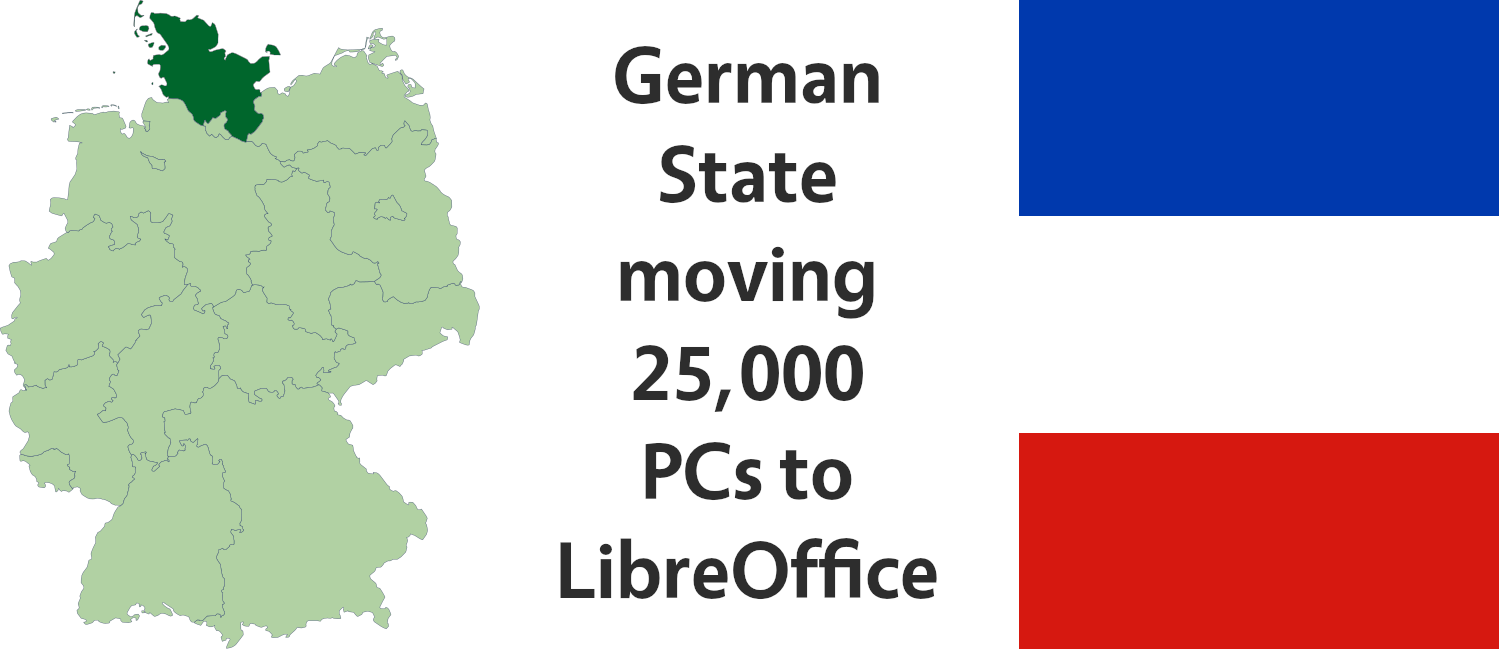
Here’s our summary of updates, events and activities in the LibreOffice project last month – click the links to learn more!
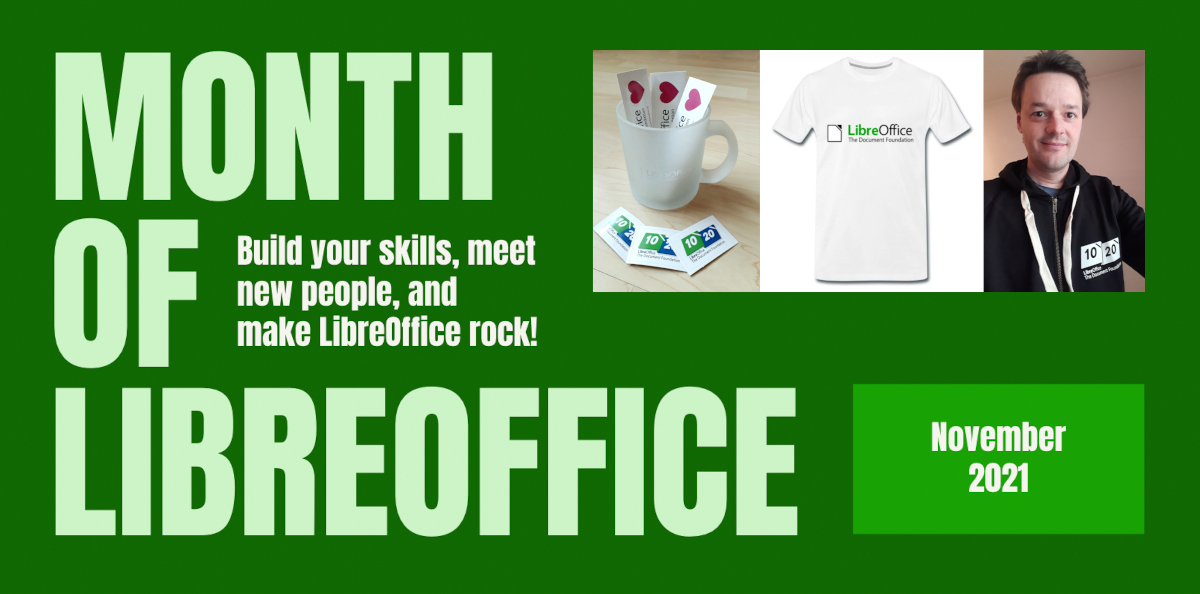
Throughout November, we had a Month of LibreOffice, celebrating contributions all across the projects. Everyone who took part can claim a sticker pack, and we have extra merch to give away too! Check out the winners here.
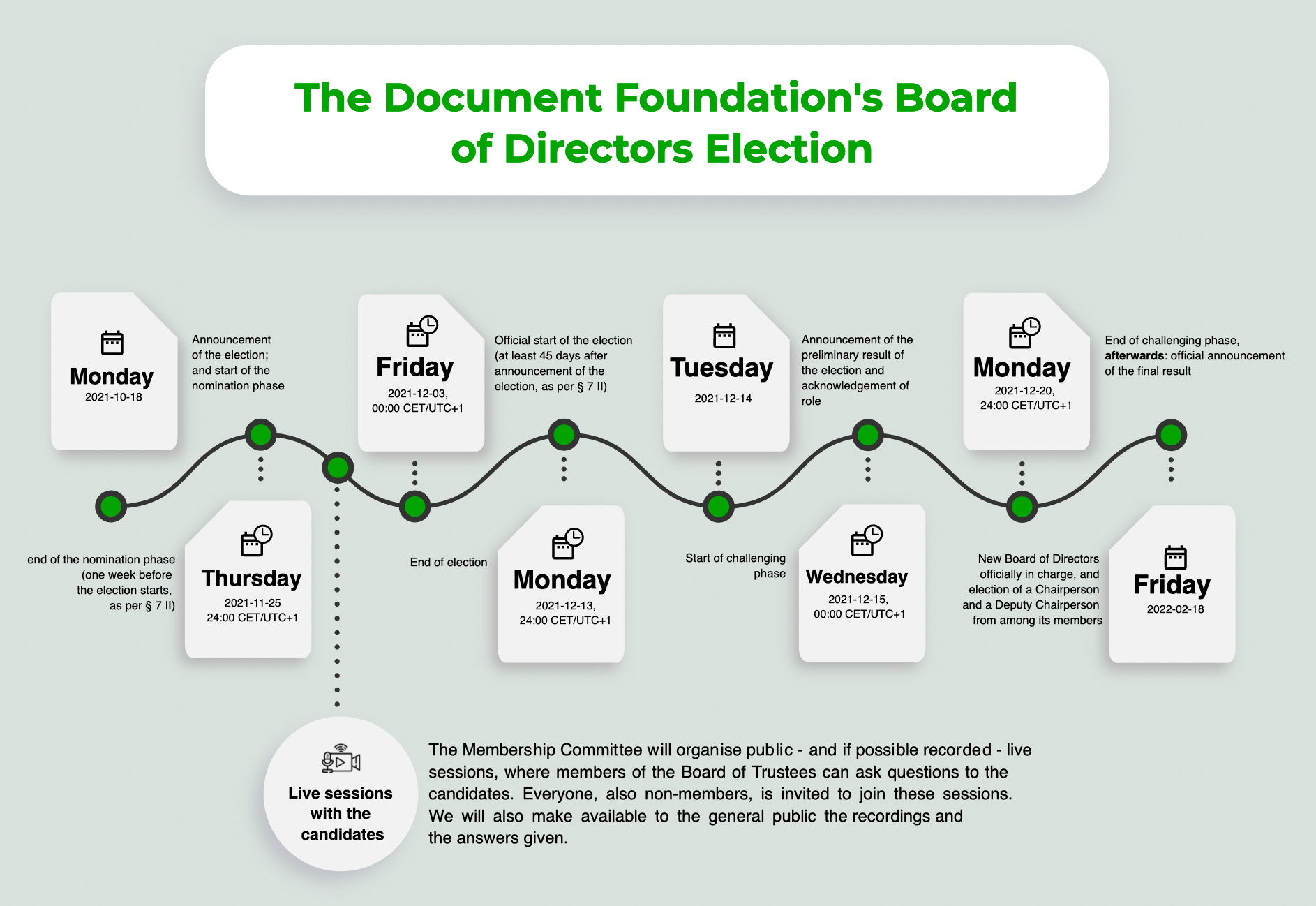
Meanwhile, in foundation news, TDF’s members are electing a new Board of Directors. We had live sessions with the candidates – and here are recordings for the second and third sessions.
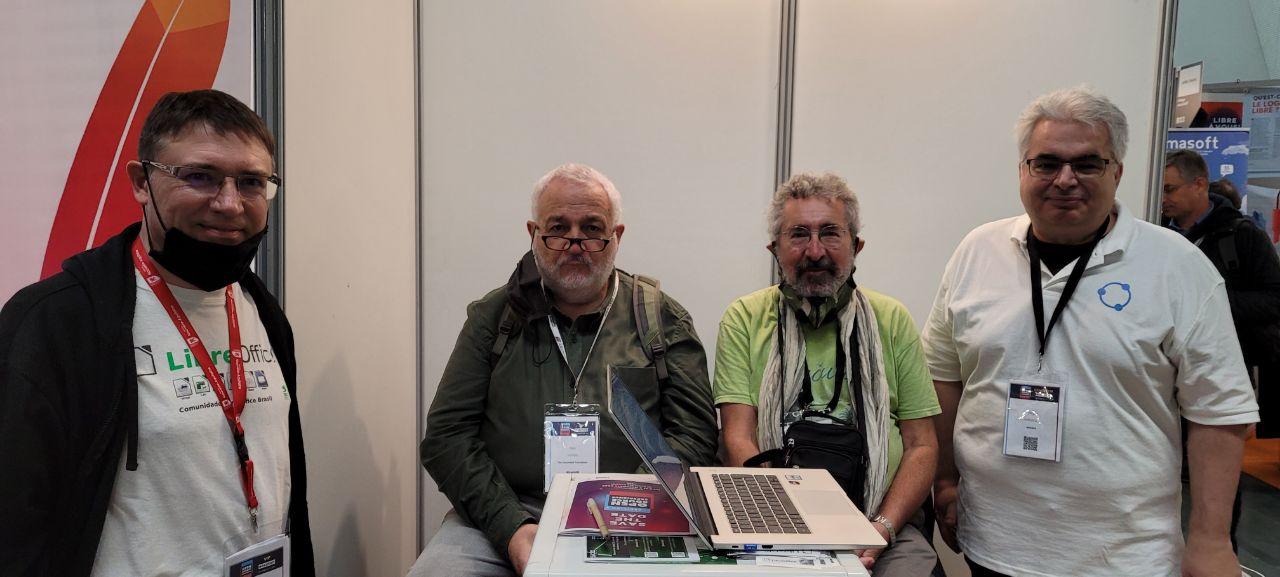
Although the pandemic is still limiting in-person events, members of the French-speaking community met at the Open Source Experience 2021 in Paris. They had a booth with materials and information about LibreOffice.
Our documentation and translation communities worked super hard in November, releasing the Impress Guide 7.2, Calc Guide 7.2 and a Czech translation of the Draw Guide 7.1. Well done, everyone!
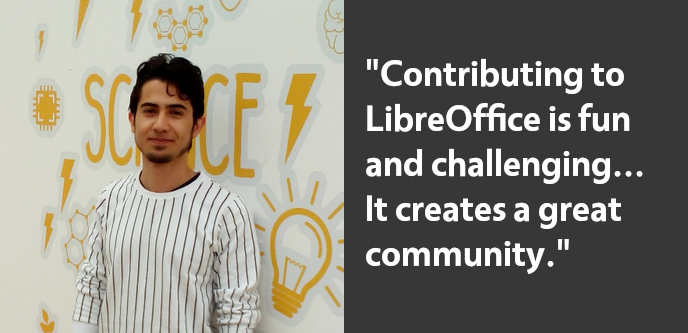
Meanwhile, Bayram Çiçek, who’s helping to implement new features in LibreOffice as part of the Google Summer of Code, told us about his work and why he recently became a Member of The Document Foundation.
The LibreOffice Documentation Team releases the Base Guide 7.2, based on refactored content from the Base Guide 6.4, with the 7.2 branding and text layout. It covers LibreOffice’s database component.
The team decided to just fast-forward the release number, given the very little developments for Base since LibreOffice 6.4. The team intended to complete the Guide set for LibreOffice 7.2 and get ready to update contents of the set for the forthcoming LibreOffice 7.3 release.
The LibreOffice Base Guide is a community effort that include valuable collaboration from Robert Großkopf, Pulkit Krishna, Dan Lewis, Drew Jensen (In Memoriam), Peter Schofield, Jost Lange, Steve Schwettman, Jean-Pierre Ledure, Jochen Schiffers, Martin Fox, Alain Romedenne, Jenna Sargent, Hazel Russman, Andrew Pitonyak and Randolph Gamo.
Steve Fanning assembled the new Base guide and Jean Weber reviewed for publication
At the start of November, we revved up a new Month of LibreOffice, celebrating community contributions all across the project. We do these every six months – so how many people got sticker packs this time? Check it out…
Awesome work, everyone! Hundreds of people, all across the globe, have helped out in our projects and communities. We’re hugely thankful for your contributions – and, of course, everyone who’s listed on the wiki page can get a sticker pack, with these stickers and more:
(Note: your address will only be used to post the stickers, and will be deleted immediately afterwards.) If you contributed to the project in November but you’re not on the wiki page, please let us know what you did, so that we can add you!
There is one more thing…
And we have an extra bonus: 10 contributors have also been selected at random to get an extra piece of merchandise – a LibreOffice hoodie, T-shirt, rucksack or snazzy glass mug. Here are the winners – we’ll get in touch personally with the details:
Marcela Tomešová
Sabyasachi Bhoi
Radish
Andrew Pitonyak
giors_00
Vasudev Narayanan
Ezinne
GrahamLees
psidiumcode
Annabelle Wübbelsmann
Congratulations to all the winners, and a big thanks once again to everyone who took part! Your contributions keep the LibreOffice project strong. We plan to have another Month of LibreOffice next May, but everyone is welcome to see what they can do for LibreOffice at any time!
At the recent online Software Freedom Camp, an event organised by Indian free software supporters, Mike Saunders from The Document Foundation gave a talk about the LibreOffice community. Learn about what we’re doing, where we’re going, and how you can get involved – click the image below to watch it!
Our team has finished translating the LibreOffice Draw Guide 7.1. As usual, it was a team effort, namely: translations by Petr Kuběj, Zdeněk Crhonek, Radomír Strnad, Ludmila Chládková; text corrections by Marcela Tomešová, Martin Kasper, Eva Kmochová, Věra Dvořáková; localized pictures by Roman Toman; and technical support from Miloš Šrámek. Thanks to all of the team for their work!
The Czech translation of the Draw guide 7.1 is available for download on this page.
Now, the team continues with translations of the Base Guide. We always looking for new translators and correctors. Join us!
Many thanks to everyone in the Czech community for their great work! Want to see more documentation in other languages? Give us a hand!
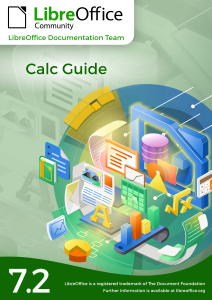
Just days after the release of the Impress Guide 7.2, the LibreOffice Documentation Team is proud to announce the immediate availability of the Calc Guide 7.2, that includes the latest developments of the LibreOffice Community 7.2 Calc module.
This 548 pages guide is for beginner to advanced users of Calc, the spreadsheet component of LibreOffice. You may be new to spreadsheet software, or you may be familiar with another program, this book covers the main features of Calc. The new Calc guide has been updated from Calc Guide 7.1. It covers changes that are visible in the user interface, including the new Search Commands tool, the global toolbar lock, details of the properties dialog, improvements in the Status and Sidebar, new menu entries, standard filter dialog and new cross-shaped cursor.