LibreOffice: Advent Tip #9

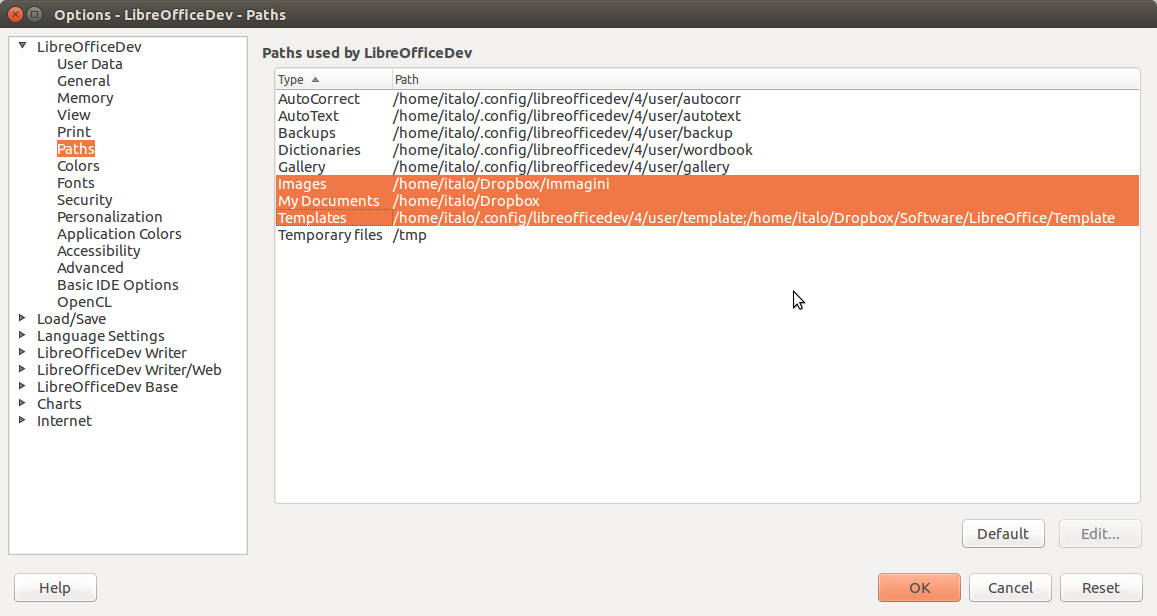
options

Libreoffice offers a number of different icon sets, which can be selected from the menu Tools > Options > LibreOffice > View. The default Linux icon set is called Human, while the default Windows icon set is called Tango.

Together with Galaxy and Oxygen, they have been the available options for quite a long time (although there have been several improvements to the design of the icons).…

Read More

LibreOffice: Advent Tip #8

PDF Options_001Hybrid PDFs are a peculiar feature of LibreOffice, and are extremely handy for interoperability. They are standard PDF files, which embed a standard ODF document.

Because of this characteristic, although they have a PDF extension they can be opened by LibreOffice as fully editable documents (please note that they cannot be opened with a double click on the icon, as any regular ODF document, but they must be opened from within LibreOffice by using the menu File > Open).…

Read More

LibreOffice: Advent Tip #7

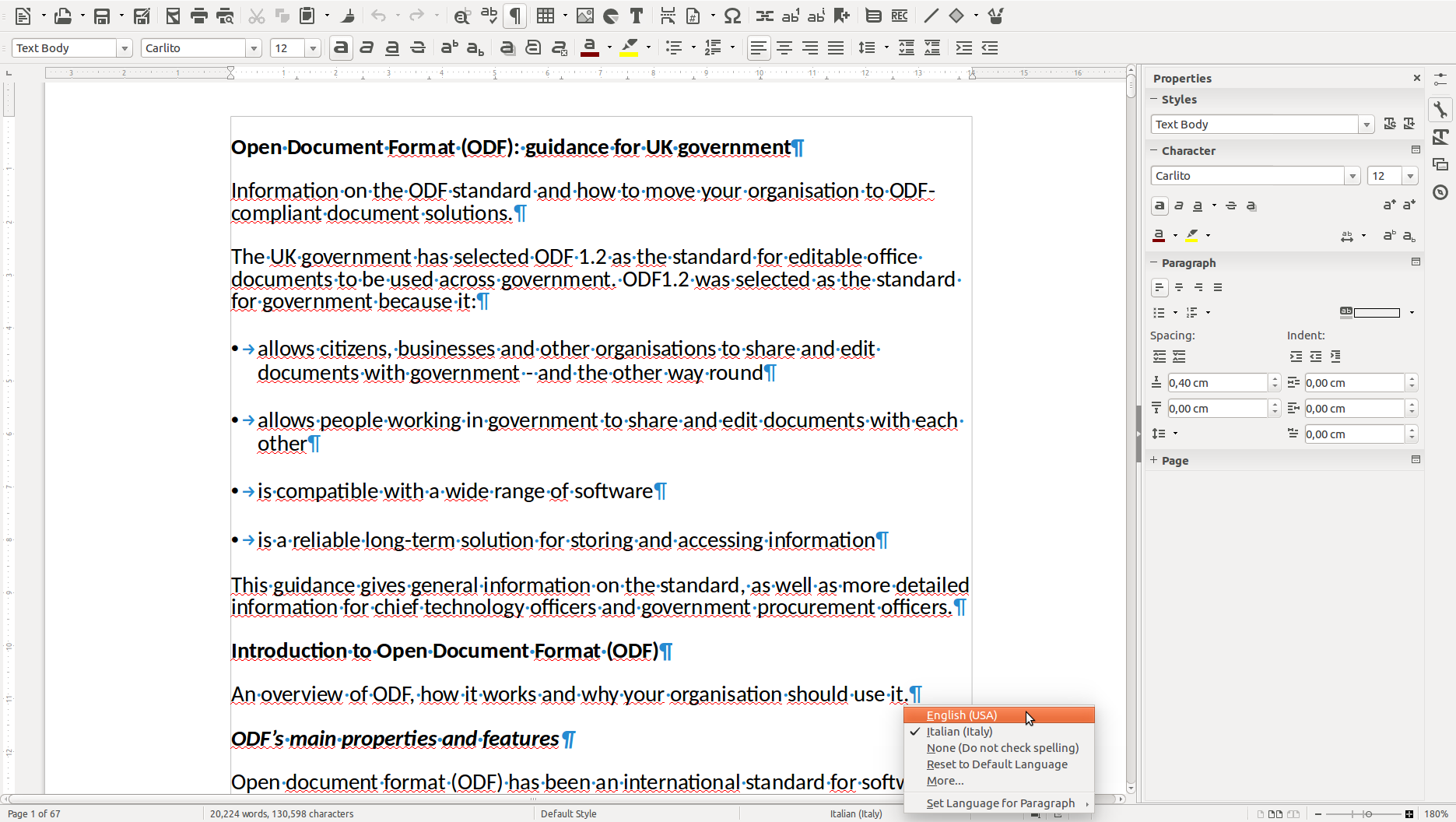
odf-guidance.odt - LibreOffice Writer_003LibreOffice Writer was born – as StarWriter – to produce lengthy documents, such as thesis and relations, and as such offers a number of specific features in this area. Two of the most important are Templates and Styles, which facilitate the creation of good looking documents, and make it easier to reproduce a standard document once the layout – including Styles – has been defined and consolidated.…

Read More

LibreOffice: Advent Tip #5

noun_76831_ccToday, a very simple tip, for all those people who are using LibreOffice and own a mouse with a scroll wheel (today, most mice have a scroll wheel, or are able to mimic the behavior of a scroll wheel).

LibreOffice allows to zoom a document from 20% (very tiny) to 600% (very large), independently from the application (Writer, Calc, Impress and Draw), by pressing the Control key on the keyboard and rotating the scroll wheel.…

Read More

LibreOffice: Advent Tip #4

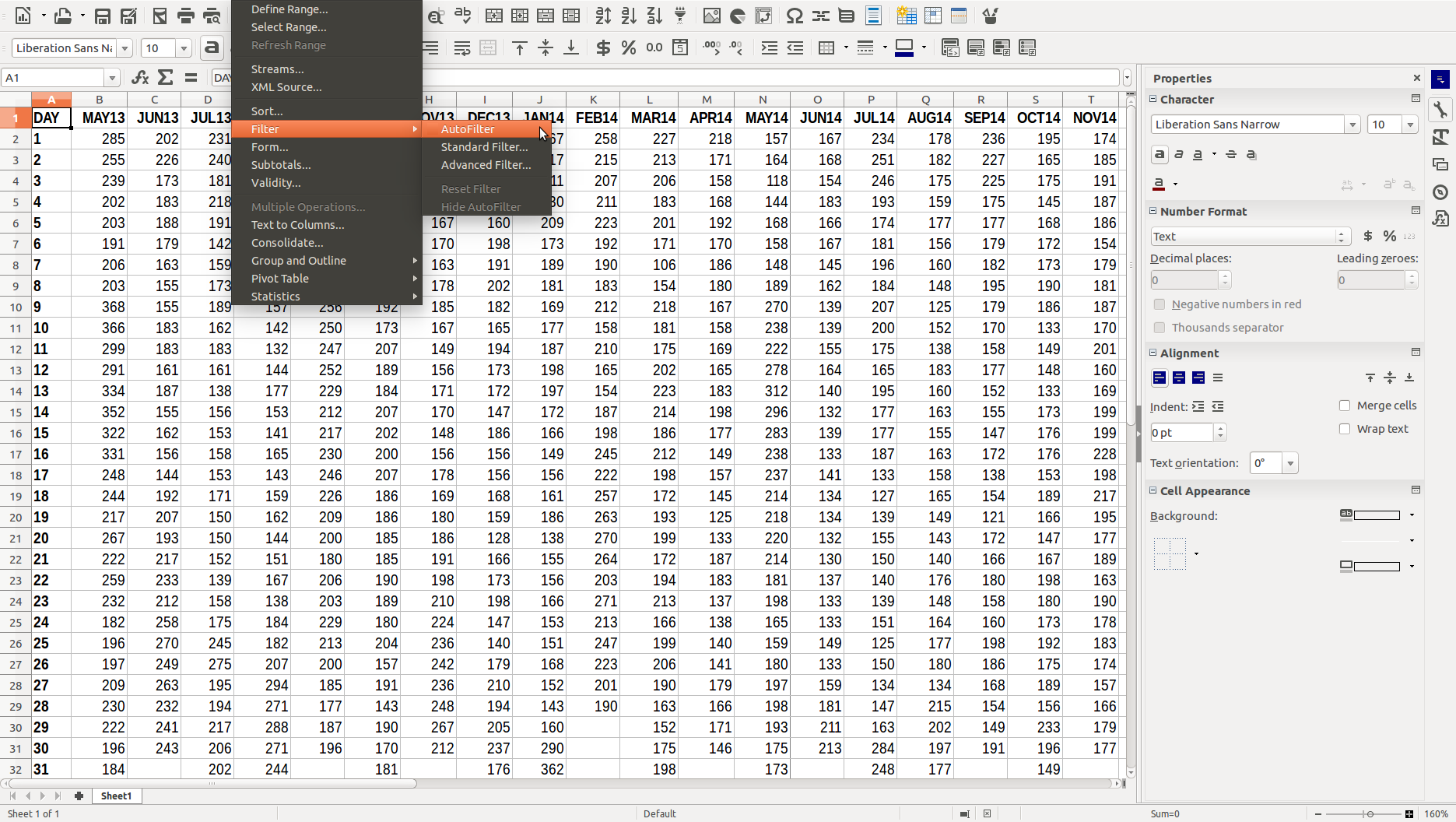
LibreOffice has a comprehensive AutoCorrect feature, which can be accessed from the menu Tools > AutoCorrect Options… The command opens a dialog window with five tabs: Replace, Exceptions, Options, Localized Options, and Word Completion. Replace provides a list of symbols and words which might be entered using the wrong character or misspelled, and will be corrected automatically once entered.…

Read More

LibreOffice: Advent Tip #3

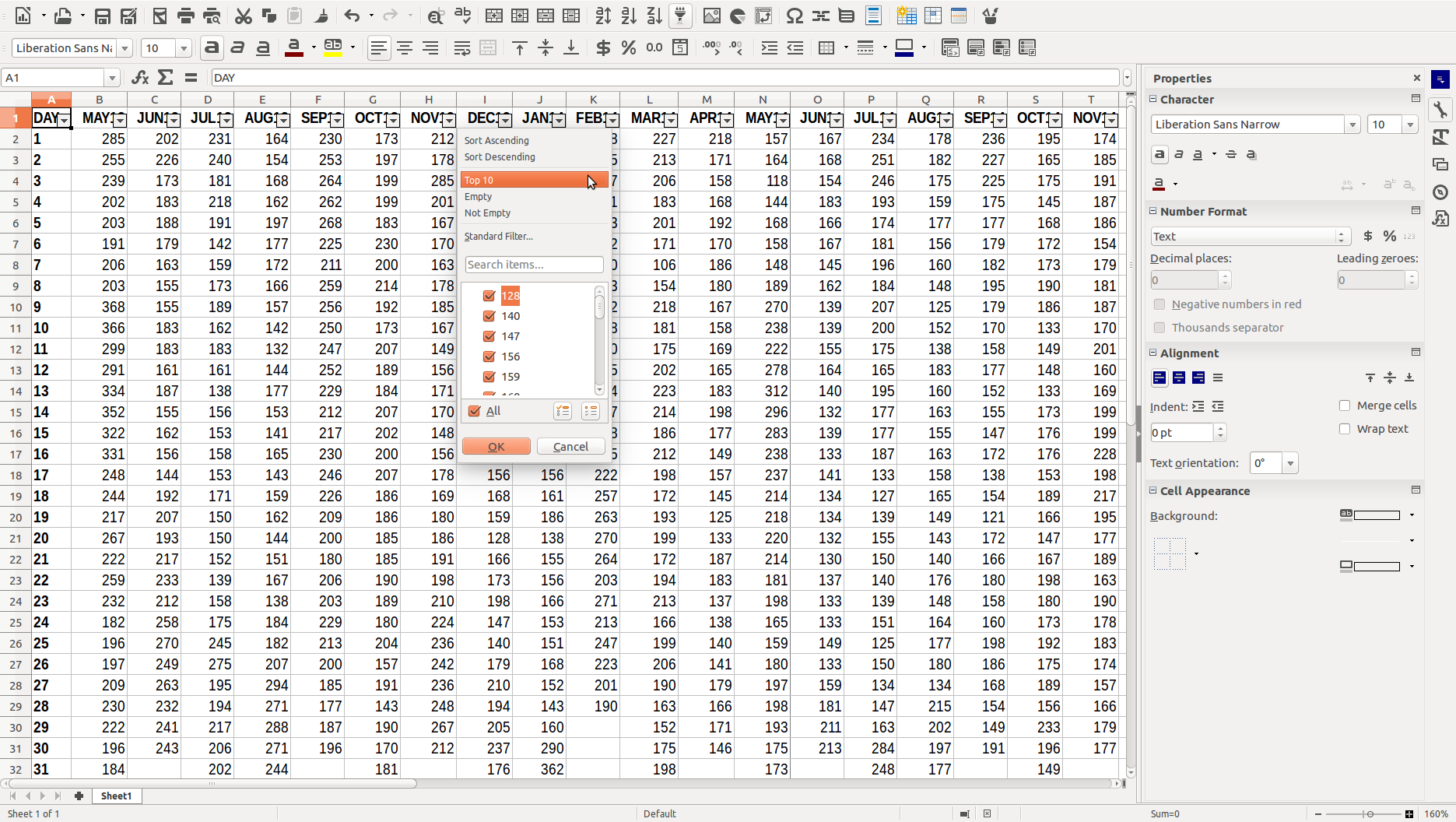
LibreOffice Impress allows to create a nice Photo Album with a few clicks of the mouse. First, you open an empty presentation. Second, you access the feature with Insert > Media > Photo Album. Third, you press the Add button to select your pictures from your hard disk. Fourth, you choose your options (slide layout, caption, aspect ratio) and then press Insert Slides to create the Photo Album, and – in a few seconds – you get the final product.…

Read More