Status of LibreOffice for Android and iOS

Here’s a quick status update on LibreOffice for Android and iOS (iPhone/iPad).

LibreOffice is an application for desktop platforms, including Linux, macOS and Windows. The Document Foundation, the non-profit entity behind LibreOffice, is currently focused on delivering the best experience on the desktop. (There is also LibreOffice Online, a cloud-based version of the suite, for use in web browsers.)

While The Document Foundation doesn’t currently offer an Android or iOS version of LibreOffice, there is a LibreOffice-based product in app stores from Collabora, one of our certified developers and ecosystem members:

(More apps will be added to this list as they are developed and released.)

For more technically-oriented users: our developer community has been working on a mobile app, LibreOffice Viewer for Android, which also includes experimental editing support. This is not yet ready for widespread usage, but work is ongoing. (Binary builds are also available on F-Droid, but may not represent the latest state of the code.) If you’re familiar with Android app development, we’d appreciate your contributions!

New version of LibreOffice Impress Remote for Android

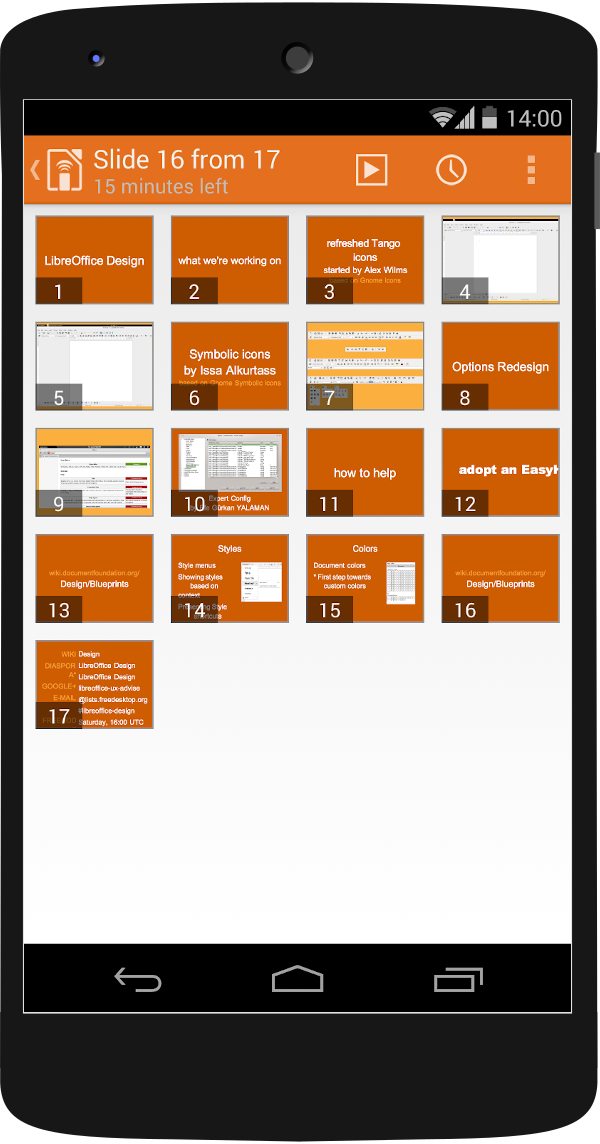
We often talk about the desktop version of LibreOffice on this blog, but our community is working on mobile tools as well. For instance, the LibreOffice Impress Remote lets you interact with your slideshow presentation from your Android device – including slide previews, speaker notes, and more.

At the weekend, we released an update for the Impress Remote (version 2.4.0), with various bugfixes and updates:

  • Fix missing slide previews
  • Ongoing fixes for Bluetooth discovery
  • Fix pointer feature
  • Fix timer for certain Android versions
  • Updated translations

Note that there’s an additional permission required for the app in this release, coarse location, but it’s solely for Bluetooth discovery. The app doesn’t make any use of it – it’s just a prerequisite for doing discovery and listing nearby devices.

Additional notes: if you don’t get the proper slide count on the initial connection attempt, pause and resume should fix it. In addition, discovery of WiFi clients relies on Avahi being enabled on Linux (for Linux). If you don’t run Avahi (but still have the ports open, at least for your local network), you can manually enter the machine’s IP.

Download the new version here

(Note: an update for the iOS app will also follow.)

If you want more improvements or new features in the Impress Remote, give us a hand! We’re a volunteer-driven, community open source project, so we really appreciate all help to make the software even better. You can assist by reporting bugs, testing new releases, or helping with the code (if you have some development experience). See here to get started!

What about LibreOffice for Android?

We have the LibreOffice Viewer for Android, so you can view your documents on-the-go. Editing is an experimental feature at present, and to improve it and make it ready for full-time use, our community would appreciate some help! As mentioned, we’re a volunteer-driven open source project, so if you want the Android app to keep improving, help our community or consider funding a certified developer to work on it. That way, everyone benefits – thanks!

LibreOffice at droidcon Vienna

LibreOffice is available for Android smartphones and tablets – albeit as a “Viewer” application, for checking documents on the go. There is an experimental editing mode, but it still needs more work, and we’d love to have more help and feedback to improve it!

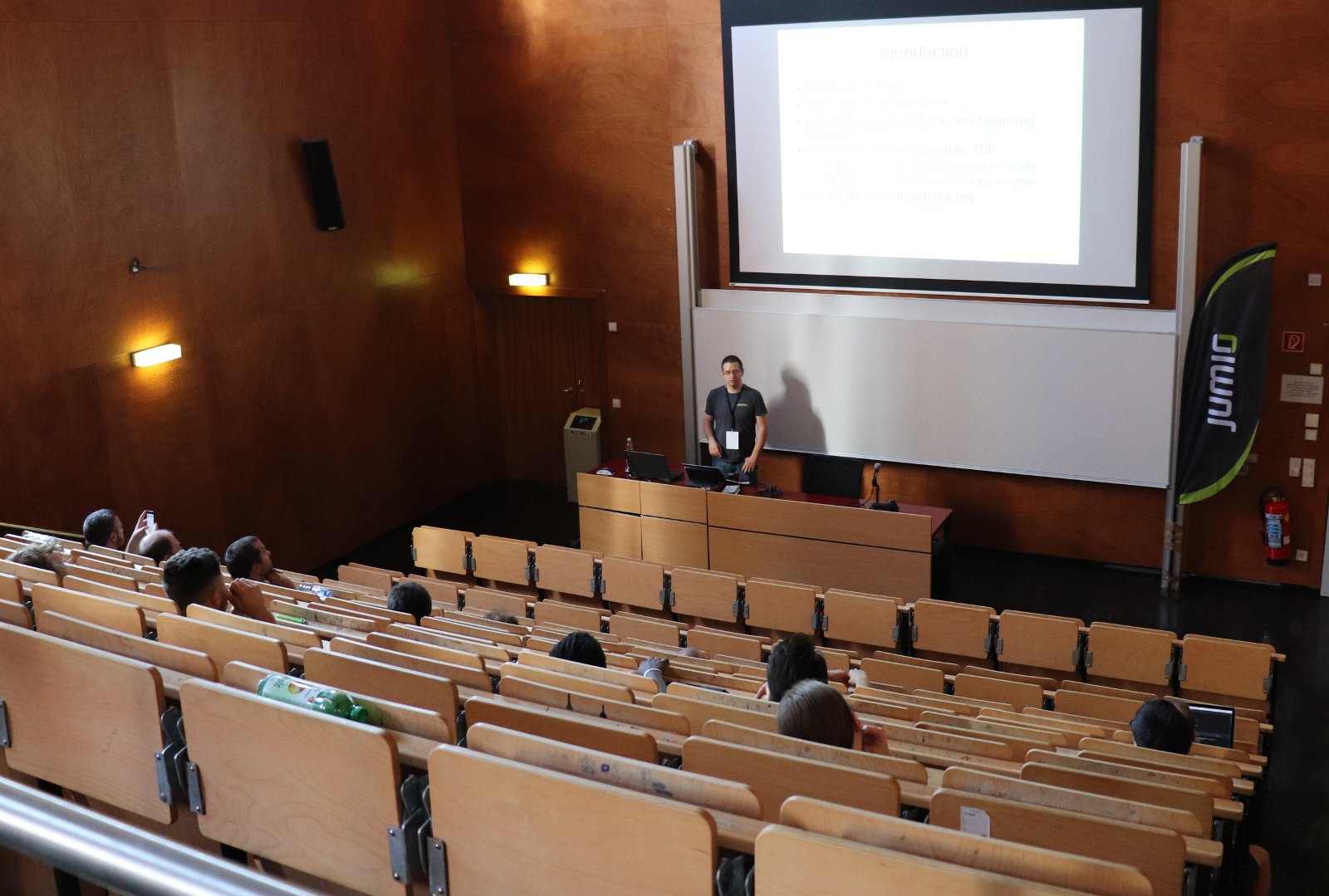
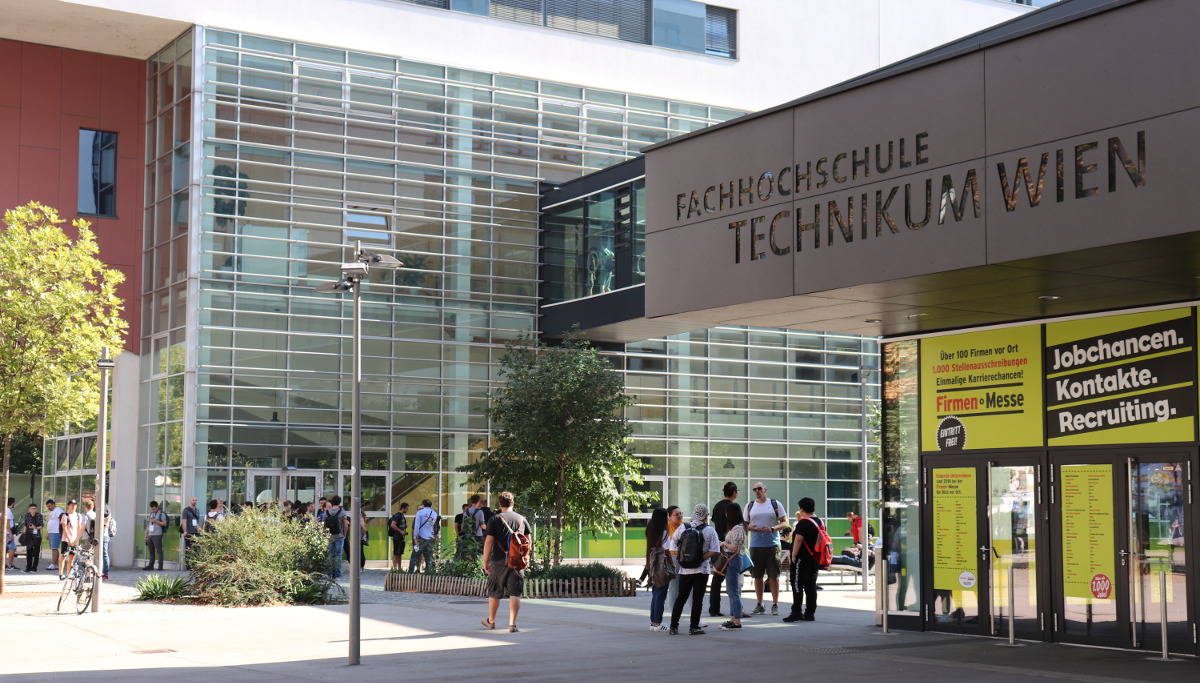
So to spread the word amongst potential contributors, Christian “Cloph” Lohmaier (LibreOffice’s release engineer) and Mike Saunders attended droidcon Vienna on 21st and 22nd of September.

Organised by AndroidHeads and the Google Developer Group Vienna, droidcon is made up of 20 sessions on various topics. On the first day, Cloph gave a talk titled “Struggles with a large native app, LibreOffice’s attempts at Android”, describing the first stages of development of the LibreOffice Viewer, challenges faced along the way, and the next steps to take. Full slides from the talk are here.

At the end of the talk, there were some questions from the audience about the build process and testing. As Cloph explained, the Viewer app doesn’t have many user interface elements to test, so the main issues are related to the “lifecycle” – ie when users open and close the app, rotate their devices, and so forth. And regarding the build system, Cloph noted that it’s much better today, compared to the early days of the app.

Meanwhile, one of the recurring topics at the conference was Kotlin, a “statically typed programming language for modern multiplatform applications” that runs on the Java VM. Kotlin is growing in popularity, so if you’re interested in the language and the possibility of converting the LibreOffice Android apps (including the Impress Remote), give us a hand! Our wiki has information on building the apps, and you can also talk to our developer community on IRC and mailing lists too.

Finally, after the first day of droidcon, there was an evening party with more opportunity to share ideas and meet people. So thanks to the organisers, and now we move on to the LibreOffice Conference 2018 in Tirana, which is just a few days away…!

LibreOffice Viewer for Android: Help us fight for digital freedom!

Did you know that LibreOffice Viewer is available for Android phones and tablets? Check it out:

Please confirm that you want to play a YouTube video. By accepting, you will be accessing content from YouTube, a service provided by an external third party.

YouTube privacy policy

If you accept this notice, your choice will be saved and the page will refresh.

It’s available on the Play Store and on F-Droid, and includes experimental editing support. But we want to go much further! You can help our community to improve it:

  • Report any bugs you find so that our QA volunteers can investigate
  • If you have some technical knowledge, build the latest version and test it out (new features are being added regularly)
  • And if you have some experience developing Android apps, we’d love to have your help! Start with the README to get an overview of the app and source code tree, and see here for information on submitting patches

Together we can make the dream of a full-featured version of LibreOffice for Android a reality. Thanks for your help and support!

The Document Foundation announces LibreOffice Viewer for Android

Berlin, May 28, 2015 – LibreOffice, the best free office suite on the desktop, is available on Android as a native application for viewing ODF documents. The app can be installed from Google Play Store at http://tdf.io/androidviewer. Direct download of the APK and download from other app stores will be made available at http://www.libreoffice.org/download/android-viewer.

LibreOffice Viewer also offers basic editing capabilities, like modifying words in existing paragraphs and changing font styles such as bold and italics.

Editing is still an experimental feature which has to be enabled separately in the settings, and is not stable enough for mission critical tasks. It will be enhanced to a fully fledged editing solution in the future, with the help of our steadily growing developer community. The editing features provided in the current release have been developed thanks to donations to The Document Foundation.

Feedback and bug reports are very welcome, to help developers improve the quality of the application on its way to a fully-fledged editor. Users are invited to report problems, using the bug tracker and attaching files that have triggered the issue at https://bugs.documentfoundation.org.

LibreOffice Viewer is using the same engine as LibreOffice for Windows, OS X and Linux. This, combined with a new front-end based on Firefox for Android, reads documents similarly to LibreOffice on the desktop.

LibreOffice Viewer has been developed by Collabora and Igalia, backed by Smoose, with contributions from Google Summer of Code students, together with The Document Foundation and the LibreOffice community. SUSE has provided a key foundation of cross platform support, and Mozilla Corporation several core components.

The Document Foundation announces the results of the Android Tender

Berlin, January 27, 2015 – Following the successful release of the LibreOffice Viewer (Beta), The Document Foundation announces the results of the Android tender – http://tdf.io/tender – today. The tender aims at developing the technical framework that will ultimately power LibreOffice for Android, including the document editor. This tender is one more step towards a compelling, elegant and full-featured experience of LibreOffice on Android.

“We have received a large number of requests for LibreOffice on Android, but at the same time we have realized that without a solid base framework it would have been extremely difficult for the ecosystem to develop a full fledged application for that platform,” comments Thorsten Behrens, TDF Chairman. “With the other members of the BoD, we have then decided to use a portion of the money coming from donations to fund the development of such a framework. This represents an innovative way to spend donations money, and respects the will of the people who have donated to fund an Android application. We invite our happy users to keep on their support with donations.”

To confirm the interest for LibreOffice on Android, the Viewer – although still a Beta – has already been downloaded by tens of thousands of users in just a week, and reviewed by hundreds of websites.

Three work packages, out of the four included in the tender, have been assigned as follows: (1) infrastructure and (2) selections to Collabora, (4) cloud storage and e-mail to Igalia [details of the work packages are available on the tender page]. Results are expected during the month of March 2015.

“The tender process has been a completely new experience for the Board of Directors and for myself”, says Florian Effenberger, Executive Director of The Document Foundation. “The most challenging part has been to create the format of the tender according to the principles set in our statutes, to set an even ground of competition for all the participants. Once again, we have set a new ground for free software foundations, by investing in the development of a framework, to foster the development of a full fledged LibreOffice for Android. I would like to take this opportunity to thank all the companies who have sent their proposals, including those who have not been selected.”

The Document Foundation will be making the work available as a series of Beta builds over time which will incrementally add more powerful editing capabilities. Users are encouraged to download and play with the application, and provide their feedback to help improve the quality of the software.

The Document Foundation is grateful to all donors for their ongoing support of the project, through the donations page at: http://donate.libreoffice.org.