Annual Report: The Document Foundation in 2022

Annual Report banner

In 2022 we had with elections for the foundation’s Membership Committee, along with regular Advisory Board calls, and support for other projects and activities

(This is part of The Document Foundation’s Annual Report for 2022 – we’ll post the full version here soon.)

Election of new Membership Committee

The mission of the Membership Committee (MC) is to administer membership applications and renewals following the criteria defined in The Document Foundation’s Foundation’s Statutes. It initiates and supervises the election of the Board of Directors, and The Board of Trustees elects from among its members the Membership Committee for a period of two years.

In August, we had live town-hall meetings with the Membership Committee candidates, in multiple timezones, to ensure that as many people as possible (both candidates and TDF members) could take part and ask their questions. We made video recordings of these meetings, and posted them on our video channels and blog, for those who couldn’t take part live:

Please confirm that you want to play a YouTube video. By accepting, you will be accessing content from YouTube, a service provided by an external third party.

YouTube privacy policy

If you accept this notice, your choice will be saved and the page will refresh.

Voting tokens were sent out to TDF members at the end of August, and then the voting process began, running until September 7. Then, on September 9, TDF’s Board announced the preliminary results, along with a confirmation period.

On September 17, we announced the final results, with the following confirmed as Full MC Members: Miklos Vajna, Marina Latini (tied for first), Gustavo Buzzatti Pacheco, Gabriele Ponzo, Uwe Altmann. Deputies: Shinji Enoki, Balázs Varga, Ahmad Haris.

TDF would like to say thank you to all past and new members of the MC for their service to the community, and to all candidates for running.

Advisory Board members and meetings

The Document Foundation relies on its Advisory Board Members in order to receive advice and support. The Advisory Board’s primary function is to represent The Document Foundation’s supporters and to provide the Board of Directors with advice, guidance and proposals. Current members are Adfinis SyGroup, allotropia software GmbH, Red Hat, Hypra, Collabora, GNOME, Google, Kopano b.v., City of Munich (Landeshaupstadt München), CIB Software, IHC Invest Inc., Software in the Public Interest (SPI), KDE e.V., UK Government Digital Services, and the Free Software Foundation Europe (FSFE).

Throughout the year, TDF had regular calls with representatives of the Advisory Board. Staff and Board members at TDF provided updates on the foundation, software and community, and described plans and activities for the future. Advisory Board members were invited to provide valuable feedback on TDF’s work, and various ideas and proposals were discussed during the calls. TDF would like to express its thanks to all of the members for their help and support.

Highlights of activities

Throughout the year, TDF supported – and provided information about – various campaigns and events, via this blog and our social media channels. For instance, in January, we supported a “bug bounty programme” for finding and fixing security holes with European Commission funds. With help and coordination from their recently formed Open Source Programme Office (OSPO), the European Commission started a series of hackathon and “bug bounty” programmes to help selected projects find (and potentially fix) security issues.

The Commission’s OSPO set aside €200,000 to reward developers and researchers who find critical security vulnerabilities in free software projects (such as LibreOffice and Mastodon). TDF got involved, and as Paolo Vecchi from the foundation’s Board of Directors said:

We at TDF and our community are grateful for the opportunity that has been provided with to make LibreOffice even more secure and ready to potentially become the preferred open source office suite also within European institutions.

In April and November 2022, we supported an open letter about the universal right to install any software on any device. Earlier in the year, together with more than 100 European organisations and companies, The Document Foundation signed this letter, and encouraged others to do the same. The signees of this open letter recognised that free access to hardware and software determines how long or how often a device can be used or reused, and declared that the increased longevity and reusability of their devices are inevitable for a more sustainable digital society.

In September and October, TDF announced that it was directly providing LibreOffice on the Mac App Store (Apple) and Microsoft Store. The announcement reflected the project’s new marketing strategy: The Document Foundation is focused on the release of the Community version, while ecosystem companies are focused on value-added long-term supported versions targeted at enterprises. The distinction has the objective of educating organizations to support the FOSS project by choosing the LibreOffice version best suited for their needs, instead of the Community version generously supported by volunteers. Of course, TDF will continue to provide LibreOffice free of charge from the LibreOffice website for all users.

Finally, throughout the year we celebrated our community of translators, which provide LibreOffice in over 110 different languages (with more hopefully becoming available in the future), more than any other software. This helps us to fulfil one of the most important objectives of The Document Foundation: “to support the preservation of mother tongues by encouraging all people to translate, document, support, and promote our office productivity tools in their native language”. Today, there are over four billion people in the world who can use LibreOffice in their native languages. We are very thankful to our hard-working community, which makes all of this possible.

Like what we do? Support the LibreOffice project and The Document Foundation – get involved and help our volunteers, or consider making a donation. Thank you!

Annual Report 2022: LibreOffice in 2022

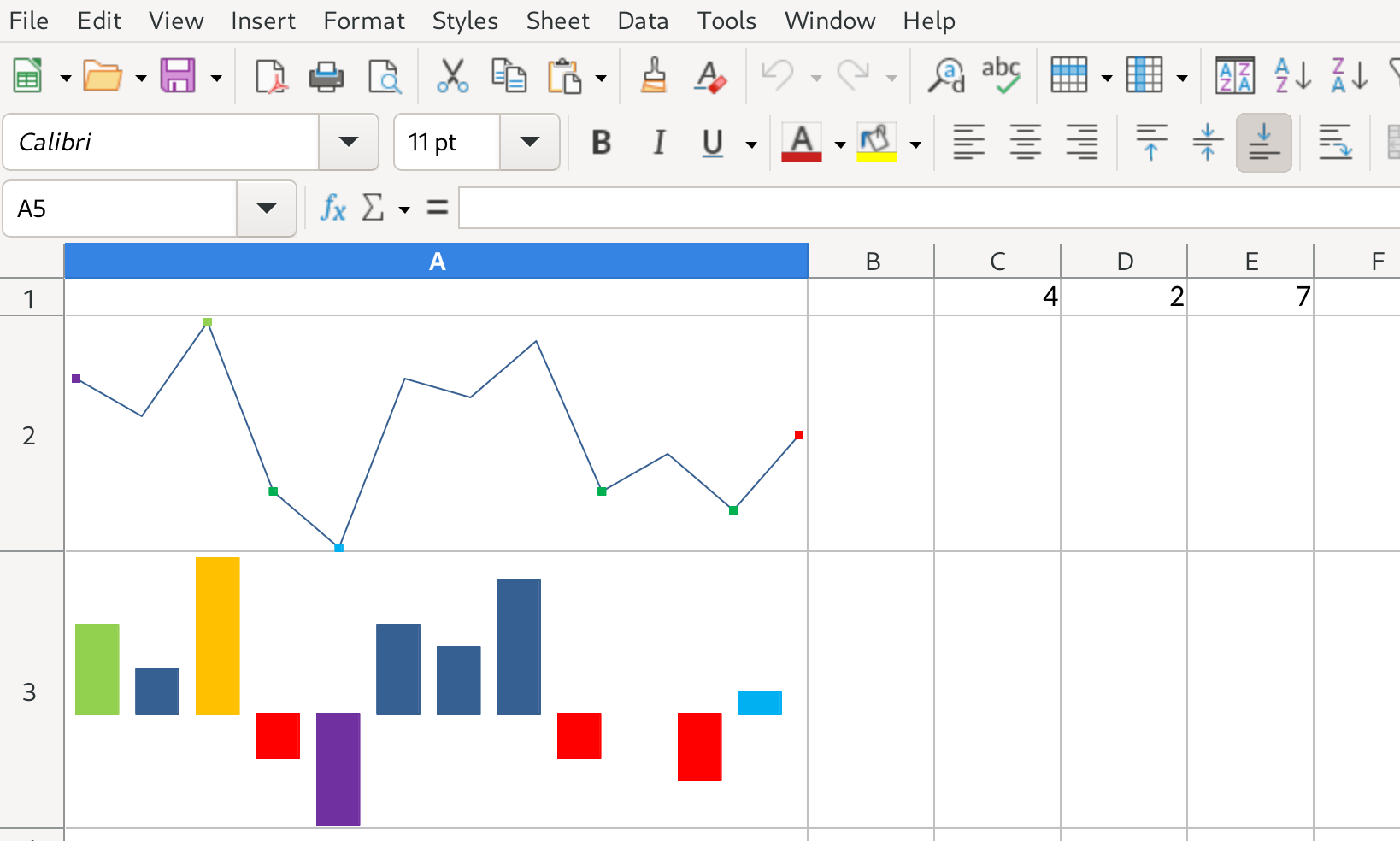
Sparklines in LibreOffice 7.4

In 2022, LibreOffice celebrated its twelfth birthday. Two new major versions of the suite introduced a variety of new features, while minor releases helped to improve stability as well

(This is part of The Document Foundation’s Annual Report for 2022 – we’ll post the full version here soon.)

LibreOffice 7.3

On February 2, LibreOffice 7.3 was officially released after six months of work. Developers at Collabora, allotropia, CIB, Red Hat, NISZ, The Document Foundation and other companies and organisations – along with volunteers – worked on many new features.

For instance, large improvements were made to change tracking, with especially when tables are altered and paragraphs are moved (László Németh, NISZ). Colour Filter support was added to the “Standard Filter” dialog in Calc (Samuel Mehrbrodt, allotropia), while PowerPoint-compatible screen sizes were added to Impress (Jun Nogata). On top of the new features, there were many other general improvements to performance, compatibility and stability.

With the help of the Indonesian community, TDF produced a video to explain and demonstrate many of the new features in LibreOffice 7.3. This was linked to in the announcement, and embedded into various web news websites that covered the release. The video is also available on PeerTube.

Please confirm that you want to play a YouTube video. By accepting, you will be accessing content from YouTube, a service provided by an external third party.

YouTube privacy policy

If you accept this notice, your choice will be saved and the page will refresh.

LibreOffice 7.4

Later in the year, on August 18, TDF released LibreOffice 7.4. Based on the LibreOffice Technology platform for personal productivity on desktop, mobile and cloud, it provided a large number of interoperability improvements with Microsoft’s proprietary file formats.

In terms of features, this release added support for “sparklines” in Calc (Tomaž Vajngerl, Collabora). These are very small line charts, without axes or coordinates, to provide a quick overview of trends – as opposed to a full chart with details. Then, support for WebP images (Luboš Luňák, Collabora) and EMZ/WMZ files (Paris Oplopoios) was added, along with integration of the remote grammar checker LanguageTool (Mert Tümer; Collabora).

Many other features were added as well, and there were a large number of compatibility improvements. As with the previous release, TDF staff worked with the Indonesian LibreOffice community to make a video (PeerTube version) to demonstrate the new features:

Please confirm that you want to play a YouTube video. By accepting, you will be accessing content from YouTube, a service provided by an external third party.

YouTube privacy policy

If you accept this notice, your choice will be saved and the page will refresh.

Regular improvements

We also released 13 minor updates:

  • LibreOffice 7.2.5 – January 6
  • LibreOffice 7.3.1 – March 3
  • LibreOffice 7.2.6 – March 10
  • LibreOffice 7.3.2 – March 31
  • LibreOffice 7.3.3 – May 5
  • LibreOffice 7.2.7 – May 12
  • LibreOffice 7.3.4 – June 9
  • LibreOffice 7.3.5 – July 21
  • LibreOffice 7.3.6 – September 8
  • LibreOffice 7.4.1 – September 15
  • LibreOffice 7.4.2 – October 13
  • LibreOffice 7.3.7 – November 3
  • LibreOffice 7.4.3 – November 24

Like what we do? Support the LibreOffice project and The Document Foundation – get involved and help our volunteers, or consider making a donation. Thank you!

Microsoft 365 price hike in Germany? LibreOffice to the rescue!

Microsoft plans to raise the prices of its office software in Germany – and other services – significantly (article in German here). And not just once, but every six months there are to be “price adjustments”.

This is of course a problem for many businesses, organisations, schools and local governments that have limited resources. But it is also a good time to explore alternatives like LibreOffice.

LibreOffice Technology logo

LibreOffice is a free (as in zero cost) office suite, but it also offers fundamental freedoms to study, modify and share the software. Businesses benefit from the software’s data protection and security, and they can also take advantage of professional support. Other advantages:

  • LibreOffice can be installed in parallel with Microsoft Office for testing purposes
  • The German Federal Office for IT security has issued recommendations for secure configuration of LibreOffice
  • In larger environments, LibreOffice can be distributed centrally to users
  • Free software apps strengthen independence from individual providers and reduce vendor lock-in

Writer screenshot

Many companies and organisations have already switched to LibreOffice, so why not take a look?

Learn more and download

LibreOffice project and community recap: March 2023

Montage of images from this post

Here’s our summary of updates, events and activities in the LibreOffice project in the last four weeks – click the links to learn more…

Conference logo

  • Throughout the month, we had three updates to LibreOffice – version 7.5.1 on March 2, and version 7.5.2 on March 30. We’re also maintaining the older LibreOffice 7.4 branch, and released 7.4.6 on March 9.

LibreOffice 7.5 banner

  • LibreOffice installer improvements (on Windows) are coming, thanks to Rachael Odetayo, Ximena Alcaman and Outreachy mentors. We talked to Rachael about what she’s working on, and how the installation process will be simplified.

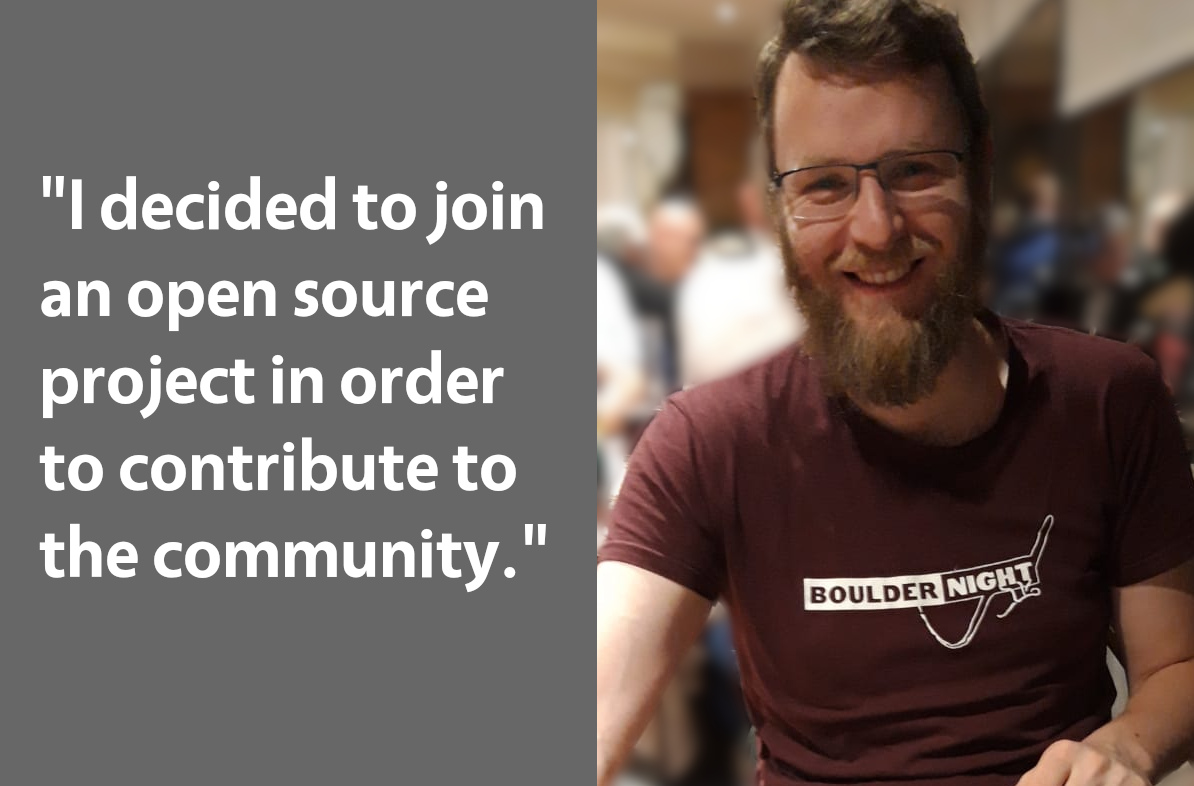
Rachael Odetayo

  • Data protection and privacy is very important to us – and our users – in the LibreOffice project, so we’re happy to see that the European Data Protection Supervisor (EDPS) is piloting the use of LibreOffice Technology.

LibreOffice Technology stack

Women's Day banner

  • While we’re planning the LibreOffice Conference 2023, as mentioned, we’re also looking further ahead to 2024. If you’d like to host the conference in your location, get in touch – we’d love to hear from you.

Conference 2022 group photo

Czech guidebook cover

  • Members of the German-speaking LibreOffice community met at the Chemnitzer Linux-Tage event. They had a booth with merchandise, and answered questions from visitors.

LibreOffice booth at Chemnitzer Linux-Tage

Keep in touch – follow us on Twitter, Facebook and Mastodon. Like what we do? Support our community with a donation – or join us and help to make LibreOffice even better!

German LibreOffice community meeting, March 2023 in Essen

Members sitting at a table

LibreOffice is developed by a worldwide community, and many members of this community live in German-speaking countries. From 24 to 26 March, some of them met at the Linuxhotel in Essen. There was an informal meeting on Friday evening, while the main discussions started on Saturday. The topics included:

  • Further development of the Base database module
  • LibreOffice community at free software events
  • Flyers and donations
  • UX improvement possibilities
  • Status of the German LibreOffice project

Delicious food

It was a nice meeting, even if some couldn’t be there, and hopefully we’ll see each other again at events like FrOSCon – and of course the LibreOffice Conference in Bucharest in September!

Members sitting at a table

LibreOffice 7.5.2 Community available for download

LibreOffice 7.5 banner

Berlin, March 30, 2023 – LibreOffice 7.5.2 Community, the second minor release of the LibreOffice 7.5 line, the volunteer-supported free office suite for desktop productivity, is available from from our download page for Windows (Intel/AMD and ARM processors), macOS (Apple Silicon and Intel processors), and Linux.

Most Significant New Features of the LibreOffice 7.5 Family

GENERAL

  • Major improvements to dark mode support
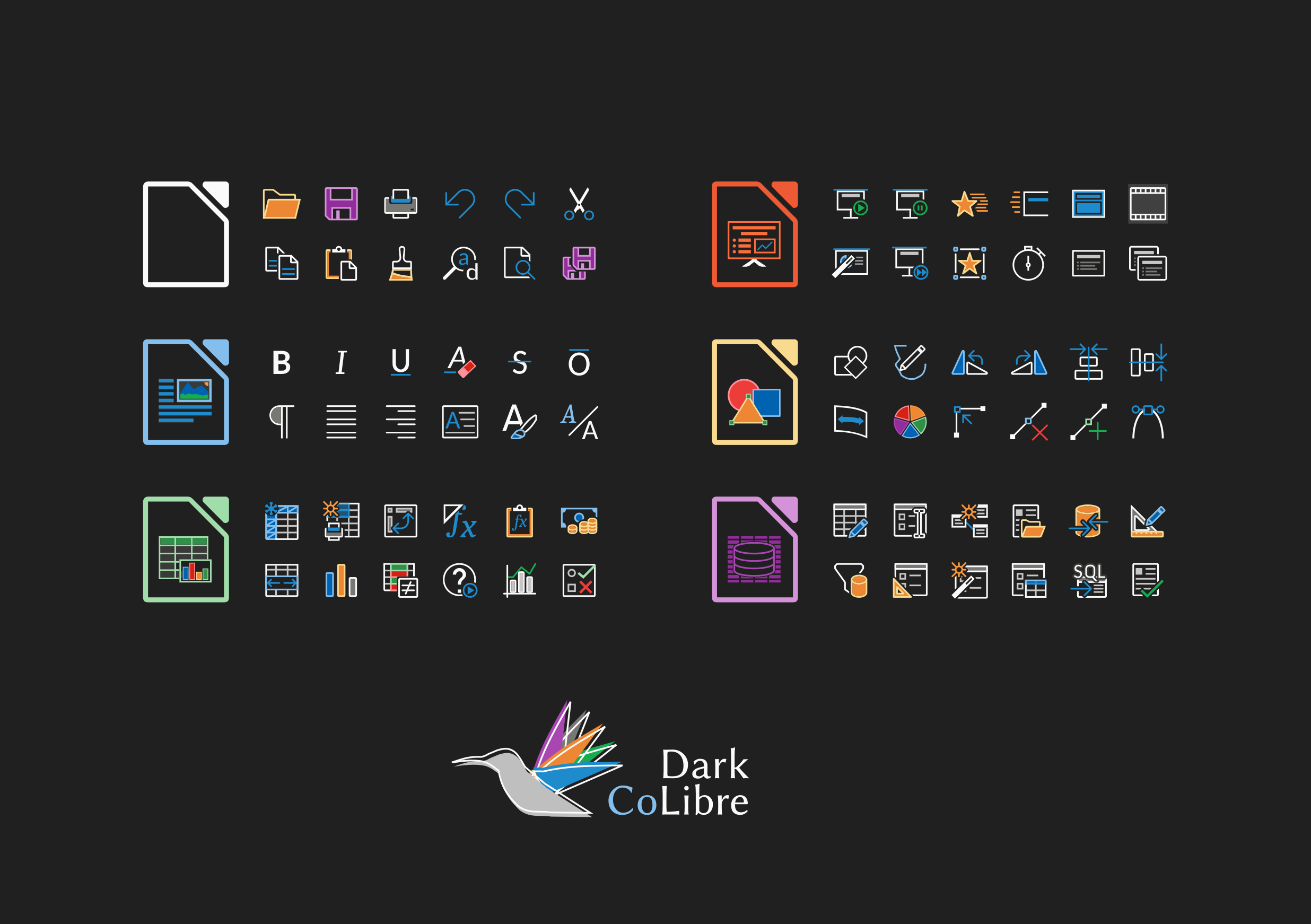
  • New application and MIME-type icons, more colorful and vibrant
  • The Start Centre can filter documents by type
  • An improved version of the Single Toolbar UI has been implemented
  • PDF Export improved with several fixes, and new options and features
  • Support for font embedding on macOS
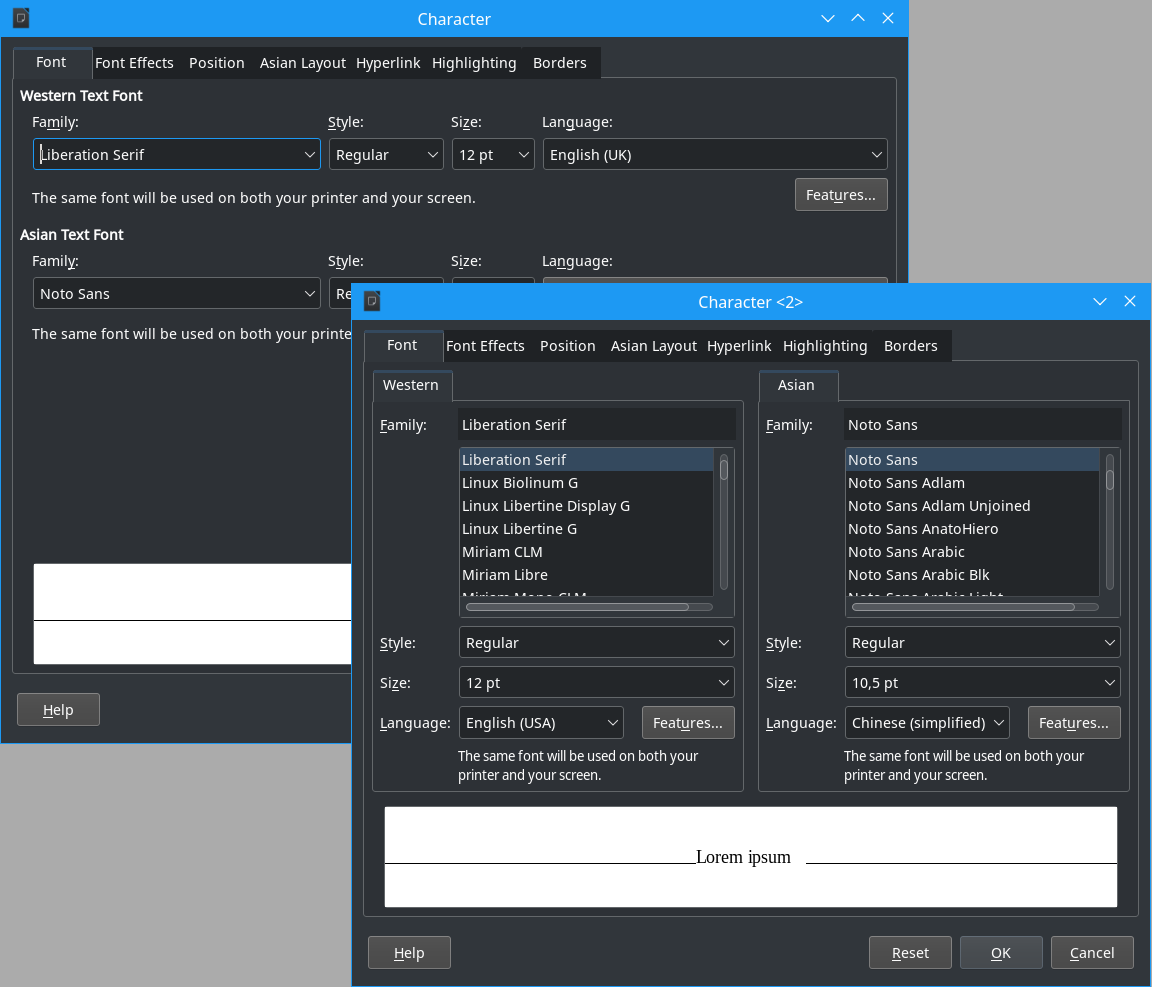
  • Improvements to the Font Features dialog with several new options
  • Addition of a zoom slider at the bottom right of the macro editor

WRITER

  • Bookmarks have been significantly improved, and are also much more visible
  • Objects can be marked as decorative, for better accessibility
  • New types added to content controls, which also improve the quality of PDF forms
  • A new automatic accessibility checker option has been added to the Tools menu
  • Initial machine translation is available, based on DeepL translate APIs
  • Several spell checking improvements

CALC

  • Data tables are now supported in charts
  • The Function Wizard now lets you search by descriptions
  • “Spell out” number formats have been added
  • Conditional formatting conditions are now case insensitive
  • Correct behavior when entering numbers with a single prefix quote (‘)

IMPRESS & DRAW

  • New set of default table styles, and creation of table styles
  • Table styles can be customized, saved as master elements and exported
  • Objects can be drag-and-dropped in the navigator
  • It is now possible to crop inserted videos in the slide and still play them
  • The presenter console can also run as a normal window instead of fullscreen

A description of all new features in the LibreOffice 7.5 family is available in the Release Notes.

Screenshot showing tabbed interface

Based on the distinctive features of the LibreOffice Technology platform for personal productivity on desktop, mobile and cloud, LibreOffice 7.5 provides a large number of improvements and new features targeted at users sharing documents with Microsoft Office or migrating from Microsoft Office. These users should check new releases of LibreOffice on a regular basis, as the progress is so fast, that each new version improves dramatically over the previous one.

Products based on LibreOffice Technology are available for major desktop operating systems (Windows, macOS, Linux and Chrome OS), for mobile platforms (Android and iOS), and for the cloud.

For enterprise-class deployments, TDF strongly recommends the LibreOffice Enterprise family of applications from ecosystem partners – for desktop, mobile and cloud – with a large number of dedicated value-added features and other benefits such as SLA (Service Level Agreements).

Availability of LibreOffice 7.5.2 Community

LibreOffice 7.5.2 Community is available from our download page. Minimum requirements for proprietary operating systems are Microsoft Windows 7 SP1 and Apple macOS 10.14. LibreOffice Technology-based products for Android and iOS are listed here.

The Document Foundation does not provide technical support for users, although they can get it from volunteers on user mailing lists and the Ask LibreOffice website. Professional support is also available.

LibreOffice users, free software advocates and community members can support The Document Foundation with a donation.

Change log pages: RC1 and RC2