There are many ways you can help out – and you don’t need to be a developer. For instance, you can be a:
Handy Helper, answering questions from users on Ask LibreOffice. We’re keeping an eye on that site so if you give someone useful advice, you can claim your shiny stickers.
First Responder, helping to confirm new bug reports: Go to our Bugzilla page and look for new bugs. If you can recreate one, add a comment like “CONFIRMED on Windows 11 and LibreOffice 25.2.3”.
Drum Beater, spreading the word: Tell everyone about LibreOffice on Mastodon, Bluesky or X (Twitter)! Just say why you love it or what you’re using it for, add the #libreoffice hashtag, and at the end of the month you can claim your stickers.
Globetrotter, translating the user interface: LibreOffice is available in a wide range of languages, but its interface translations need to be kept up-to-date. Or maybe you want to translate the suite to a whole new language? Get involved here.
Code Cruncher, contributing source code: The codebase is big, but there are lots of places to get involved with small jobs. See our Developers page on the website and this page on the wiki to get started.
Docs Doctor, writing documentation: Whether you want to update the online help or add chapters to the handbooks, here’s where to start.
So, two more weeks to go! We’ll be posting more updates on this blog and our Mastodon, Bluesky and X (Twitter) accounts…
Our two main websites are vital sources of information for The Document Foundation and the LibreOffice software. We also use our social media channels to raise awareness about our work, share information and encourage new contributors to join us
(This is part of The Document Foundation’s Annual Report for 2024 – we’ll post the full version here soon.)
TDF website
The Document Foundation website provides general information about the foundation (overview, statutes, code of conduct, financials and reports) and its governance (board of directors, membership committee, members, advisory board, and engineering steering committee), and about LibreOffice certification, including a list of certified developers, and professionals for migrations and trainings.
During 2024, the foundation’s website was visited 98,499 times, with 146,456 page views – a slight reduction in visits but also a slight growth in page views from 2023. Continent-wise, the largest chunk of visits were from Europe (52%), followed by North America (24%) and Asia (16%). And regarding software: the most visits were from PCs using the Windows (65%) operating system, followed by GNU/Linux (10%) and macOS (8%) and devices uses Android (6.2%), while for browsers: Chrome had 39%, followed by Firefox (16%) and Microsoft Edge (15%).
LibreOffice website
The LibreOffice website provides information about the office suite and the document format, the various download options, how to get help, how to contribute to the project, events where users can get to know the LibreOffice community, and how to make a donation to support the project and the community.
In 2024, we continued to make improvements and tweaks to the website, updating the “Discover” and “New Features” sections of the site to reflect new versions of the software.
During 2024, the English-language LibreOffice website was visited 19,298,517 times (a 0.6% gain over 2023), with 46,065,236 page views (a 0.1% gain). Most visits were from Europe (52%), followed by Asia (20%), North America (15%) and South America (9%), from PCs using the Windows operating system (82%), followed by macOS (6%) and Linux (23%). Regarding web browsers, Chrome was the most popular (41%), followed by Microsoft Edge (29%) and Firefox (13%).
Blogs
TDF’s blogs (like this one) are essential for communicating activities inside and around the project, including new releases of LibreOffice, community events and support for other free and open source initiatives. In 2024, we used them to post regular interviews with community members and provide updates from team members about documentation, marketing, QA, design and more.
Blogs were also maintained by various native language communities including Japanese, Spanish, German and others. Thanks to the hard work of community members, we had press releases, tips and other articles translated into many languages, and picked up by local media organisations.
These native language blogs complement the information provided by the main blog in English, and by the two blogs managed by members of the design and the quality assurance projects, which provide updates about activities for the upcoming major releases.
In 2024, the blog had 100,180 visits and 131,174 page views – a drop in both cases of around 30% from the previous year. The press releases for LibreOffice 24.2 and 24.8 were the most popular posts, followed by the posts about the German state of Schleswig-Holstein moving 30,000 PCs from Microsoft Office/365 to LibreOffice.
Social media
In January 2024, our X (formerly known as Twitter) account (@LibreOffice) had 63,060 followers; by the end of the year, we had grown this to 68,870. Our most popular posts were for major releases of LibreOffice, and news about migrations to the suite. We posted customised images for “Community Member Monday” interviews with short quotes, encouraging more users to get involved with LibreOffice projects.
In addition, we focused not only on our own posts, but also retweeting announcements from the LibreOffice community members. We liked and reposted messages of support from end users – many of whom were surprised and thankful that a large project would show them support. To keep the content flowing, we reposted popular older tweets, and responded to individual messages.
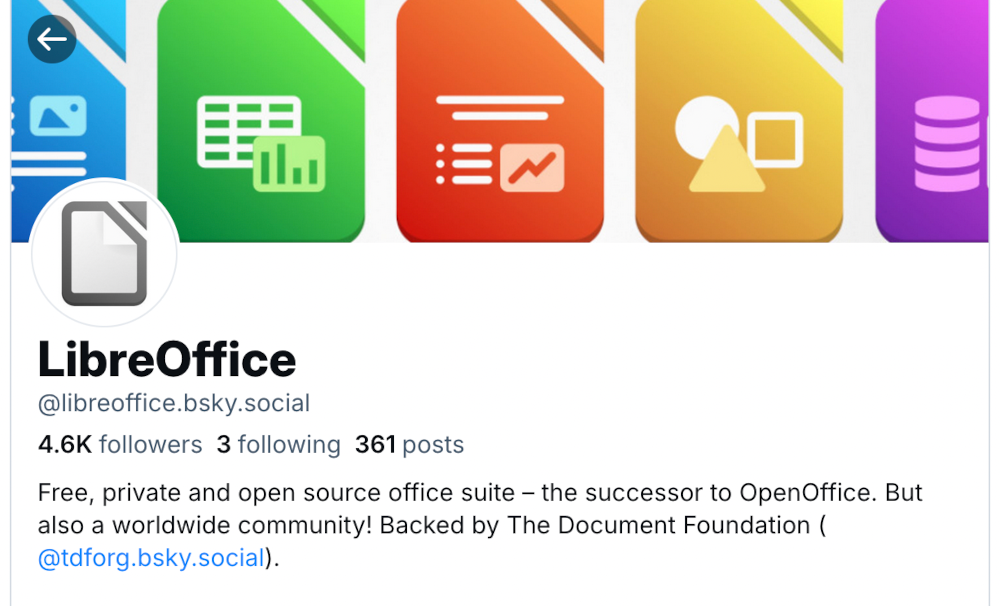
On other social media platforms, we focused on growing our account on Mastodon, a Twitter-like open source, federated and self-hosted microblogging service. In 2024 we worked more on expanding our activities on our account @libreoffice@fosstodon.org, and from January to December, we grew our follower base from 25,440 to 29,326. We also joined Bluesky in late 2023 thanks to invites from a community member, and by December 2024 our follower count had reached 2,900.
Our Facebook page growth was smaller, from 63,348 page followers to 64,239. We’ve noticed a gradual reduction in activity on Facebook over the last few years, which reflects its changing audience, and the move towards other social media platforms. Nonetheless, Facebook still provides a good opportunity to interact with end users of LibreOffice, and every day we checked in to answer questions, get feedback, and post announcements/tips about the software.
YouTube channel
Our YouTube channel grew from 20,638 subscribers and 3,243,107 video views in January 2024 to 22,586 subscribers and 3,534,370 video views by the end of the year. The most popular videos were the “New Features” videos for LibreOffice 24.2 and 24.8, and we also added videos of talks, presentations and workshops from the LibreOffice Conference 2024.
At the end of 2024, we posted the first video from the new LibreOffice Podcast series, where Italo Vignoli and Mike Saunders from TDF talked about the challenges and opportunities in marketing free and open source software like LibreOffice. More podcasts are planned for 2025.
Please confirm that you want to play a YouTube video. By accepting, you will be accessing content from YouTube, a service provided by an external third party.
Quality Assurance (QA) is a cornerstone of the LibreOffice project, thanks to the activity of a large number of volunteers and the feedback of many users who help in reporting bugs and regressions
(This is part of The Document Foundation’s Annual Report for 2024 – we’ll post the full version here soon.)
QA team work
In 2024, the QA team triaged thousands of bugs, bisected hundreds of regressions, and answered questions from countless bug reporters. As one of the most visible groups directly responding to end users, the QA team must be nimble and able to adapt to changes. In addition, it must deal with specific requests for help from other teams.
The QA team meets regularly on IRC on the #libreoffice-qa channel, which is the best medium for discussing bugs and regressions. The IRC channel provides an excellent opportunity to remain in close contact with team members, and to tutor new members in the art and skill of LibreOffice QA. This is bridged to the Telegram group.
During 2024, 5351 bugs were reported by 2463 users, which means 103 new bugs were reported every week on average. The QA team prepared monthly reports about their activity and posted on the QA blog.
Top 10 bug reporters
Eyal Rozenberg (211)
Gabor Kelemen (193)
Mike Kaganski (137)
Telesto (86)
Regina Henschel (85)
Xisco Faulí (82)
Stéphane Guillou (78)
peter josvai (75)
Rafael Lima (72)
Heiko Tietze (54)
Triaging
During 2024, 5086 bugs were triaged by 328 people. The top 10 bug triagers were:
Stéphane Guillou (stragu) (762)
Buovjaga (684)
m_a_riosv (499)
Heiko Tietze (374)
V Stuart Foote (241)
Mike Kaganski (232)
Julien Nabet (186)
Xisco Faulí (175)
ady (144)
Dieter (144)
Bibisecting
Also, during 2024, the QA team performed 561 bibisects of regressions by 30 people. The top 10 bisecters were:
In 2024, the documentation community continued to update LibreOffice guidebooks, and the Help application
(This is part of The Document Foundation’s Annual Report for 2024 – we’ll post the full version here soon.)
New and translated guides
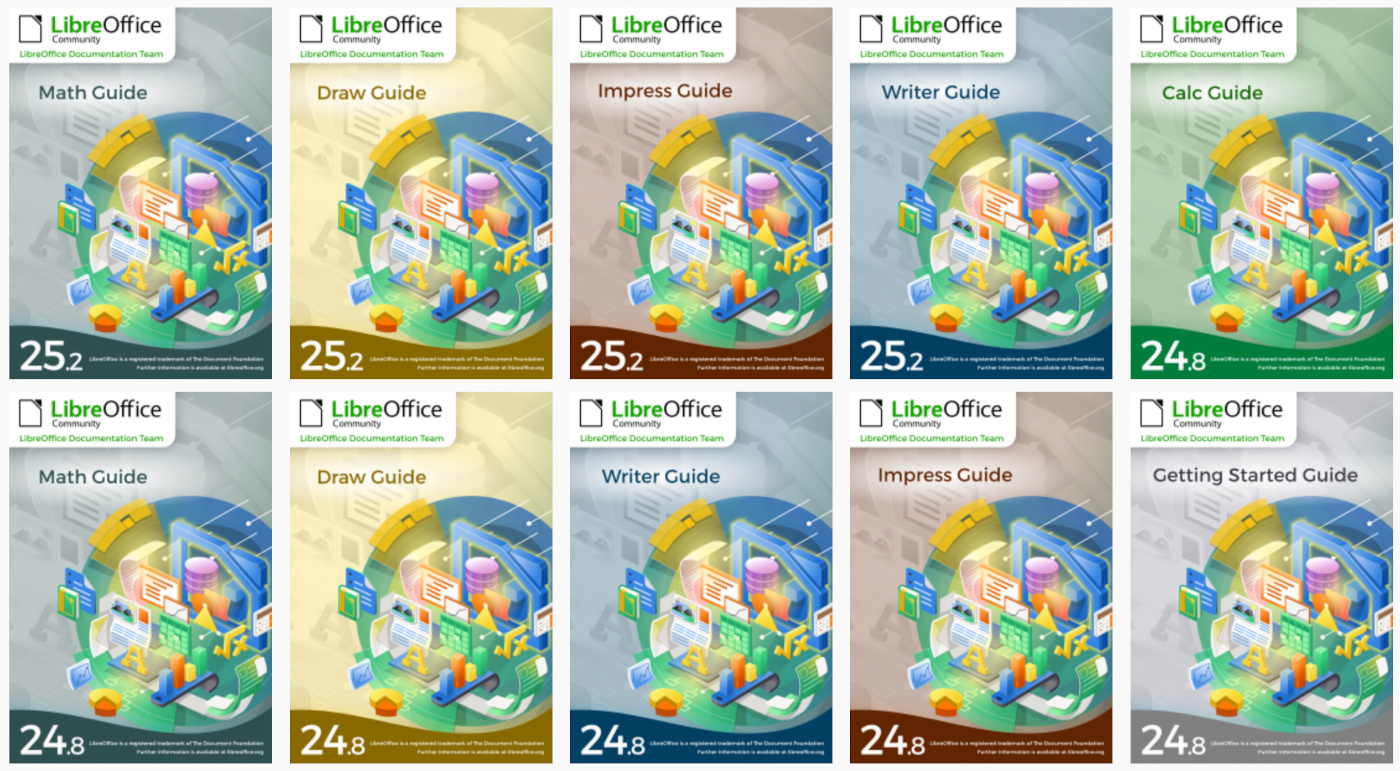
Throughout the year, the documentation project closed the gap between LibreOffice’s major releases, and the updates of the corresponding user guides. By the end of the year, all of the version 24.2 guides were updated to match the release of LibreOffice 24.8, and ready to continue for the forthcoming release – 25.2 – which arrived in February 2025. The goal of tracking the software releases closely was achieved, and the documentation team is now in a steady state of small updates between releases.
The updates and enhancements of the guides were an effort of all of the team, coordinated by Jean Weber (Writer and Getting Started Guide), Olivier Hallot (Calc Guide), Peter Schofield (Impress and Draw guides). A number of volunteers also worked in each guide by writing and reviewing contents and suggesting improvements. Special thanks to Jean Weber for making the guides available for sale in printed format via Lulu Inc.
LibreOffice Help updates
The documentation community also had a team of Help page bug fixes, closing Help documentation bugs, bridging gaps, fixing typos and improving quality, a must-have update to keep LibreOffice in-shape for its user base and documented reference of the application features. A total of 614 Help patches were merged in 2024. The Help pages, which are part of the LibreOffice codebase, were also refactored continuously for better maintenance and code readability. The localisation and translation team of volunteers was quick in flagging typos and English mistakes – while translating the Help content and the user interface.
ScriptForge libraries, and Wiki updates
The documentation community also had a nice contribution from Jean Pierre Ledure, Alain Romedenne and Rafael Lima, for the development of the ScriptForge macro library, in synchronization with the much-needed Help pages on the subject, a practice rarely followed by junior developers of LibreOffice. As we know, undocumented software is software that’s lacking; features that are unknown to the user can be a cause of costly calls to a help desk in corporate deployments. ScriptForge developments came together with their documentation, demonstrating the ScriptForge team’s professional maturity.
LibreOffice Bookshelf
In 2024, the documentation community also updated the LibreOffice Bookshelf – another download page for LibreOffice guides that is different from the current documentation page. The Bookshelf can be cloned and installed in organizations, libraries, colleges and schools, for immediate availability in controlled environments, as well as online reading of the guides. The Open Document Format chapters were transformed into static HTML pages, and are ready to display on computers, tablets and cell phones, bringing LibreOffice user guides closer to its public, anywhere, at any time.
Want to learn new skills for a potential future career change, or expand your knowledge and have fun on the way? Then get involved in the Month of LibreOffice, May 2025! Over the next four weeks, hundreds of people around the world will collaborate to improve the software – and you can help them. There are many ways to get involved, as you’ll see in a second.
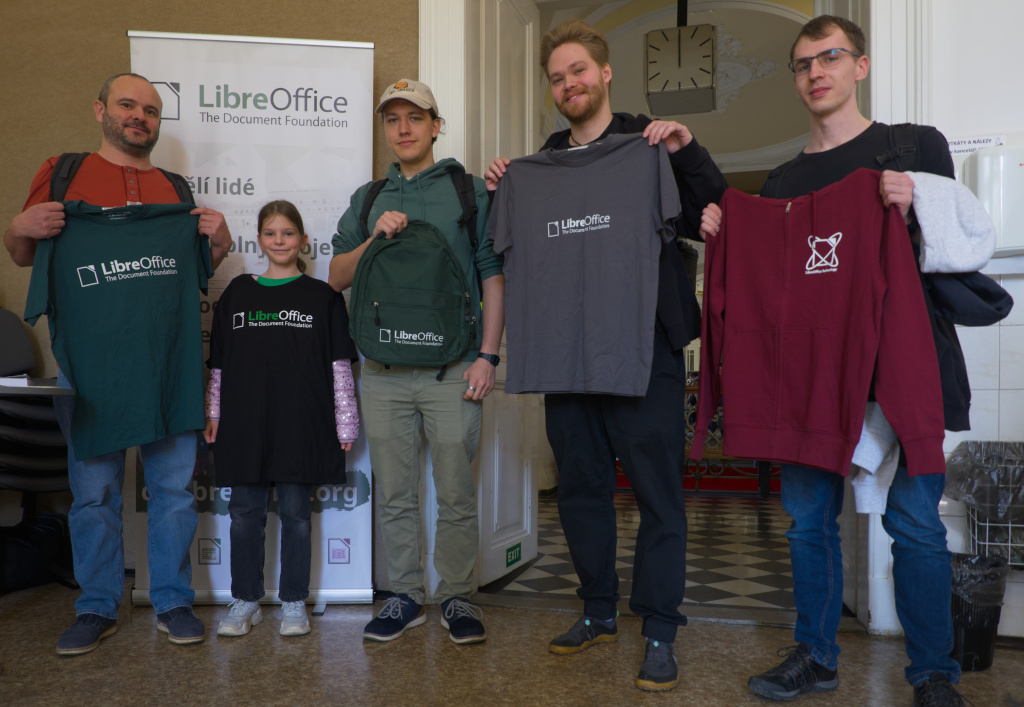
And best of all: everyone who contributes to LibreOffice in May can claim a cool sticker pack, and has the chance to win extra LibreOffice merchandise such as mugs, hoodies, T-shirts, rucksacks and more (we’ll choose 10 participants at random at the end):
How to take part
There are many ways you can help out – and you don’t need to be a developer. For instance, you can be a…
Handy Helper, answering questions from users on Ask LibreOffice. We’re keeping an eye on that site so if you give someone useful advice, you can claim your shiny stickers. We also monitor the users@ mailing list too.
First Responder, helping to confirm new bug reports: Go to our Bugzilla page and look for new bugs. If you can recreate one, add a comment like “CONFIRMED on Windows 11 and LibreOffice 25.2.3”.
Drum Beater, spreading the word: Tell everyone about LibreOffice on Mastodon, Bluesky or X (Twitter)! Just say why you love it or what you’re using it for, add the #libreoffice hashtag, and at the end of the month you can claim your stickers.
Globetrotter, translating the user interface: LibreOffice is available in a wide range of languages, but its interface translations need to be kept up-to-date. Or maybe you want to translate the suite to a whole new language? Get involved here.
Code Cruncher, contributing source code: The codebase is big, but there are lots of places to get involved with small jobs. See our Developers page on the website and this page on the wiki to get started.
Docs Doctor, writing documentation: Whether you want to update the online help or add chapters to the handbooks, here’s where to start.
We’ll be updating this page every few days with usernames across our various services, as people contribute. So dive in, get involved and help make LibreOffice better for millions of people around the world – and enjoy your sticker pack at the end as thanks from us! And who knows, maybe you’ll be lucky enough to win bonus merch as well…
So let’s get going! We’ll be posting regular updates on this blog and our Mastodon, Bluesky and X (Twitter) accounts over the next four weeks – stay tuned…
Here’s our summary of updates, events and activities in the LibreOffice project in the last four weeks – click the links to learn more…
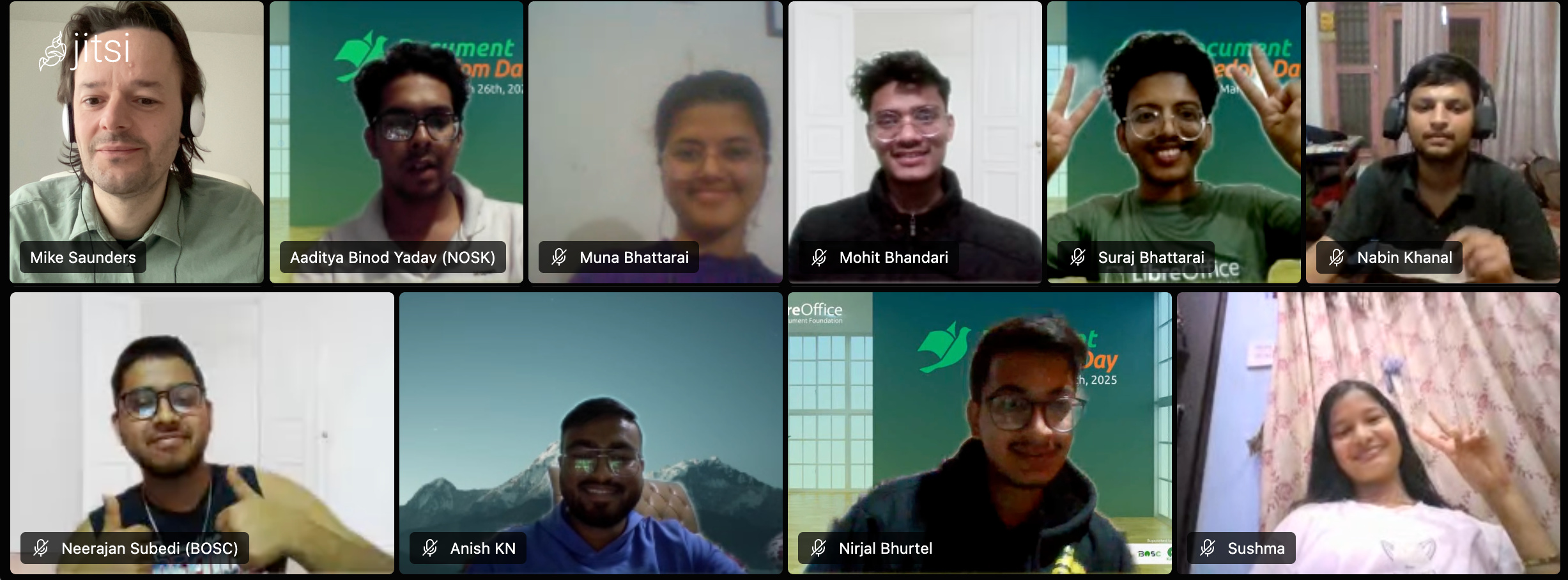
We started the month by posting a video from Document Freedom Day celebrations with the Nepalese LibreOffice community. Here it is:
Please confirm that you want to play a YouTube video. By accepting, you will be accessing content from YouTube, a service provided by an external third party.