Hispanic LibreOffice community at esLibre Conference 2023

Xisco Fauli from The Document Foundation (the non-profit entity behind LibreOffice) writes:

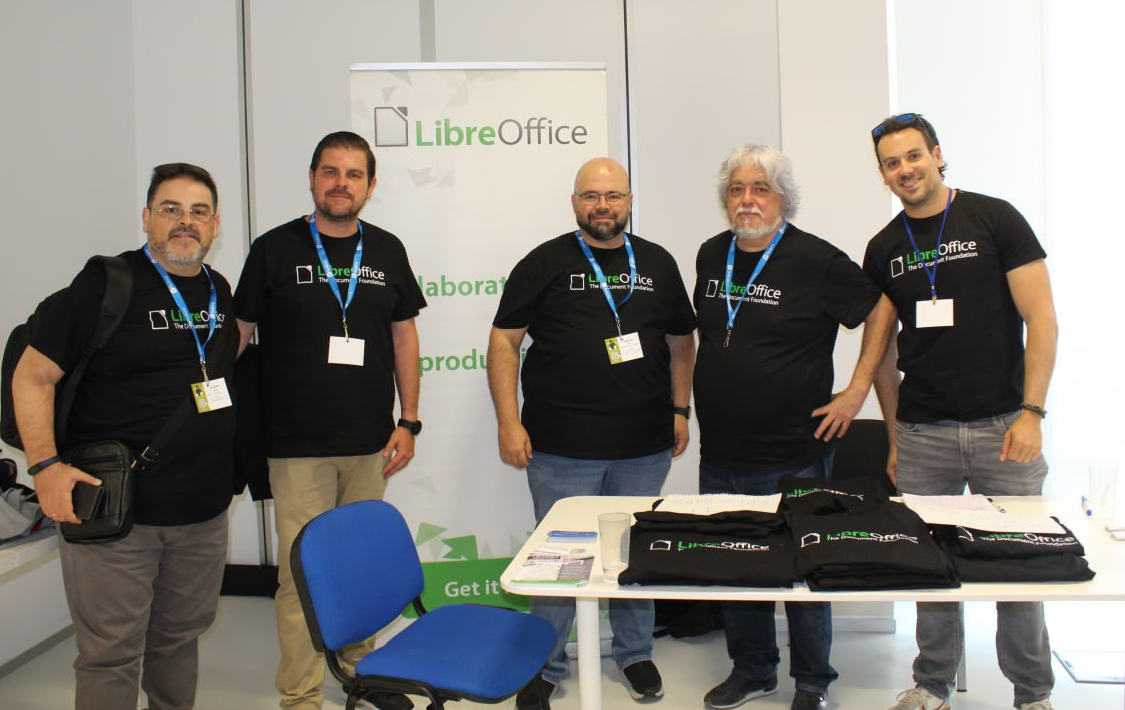
On May 12 and 13, the esLibre Conference took place in Zaragoza, Spain and the Spanish-speaking LibreOffice community took the opportunity to meet in person and talk about the project.

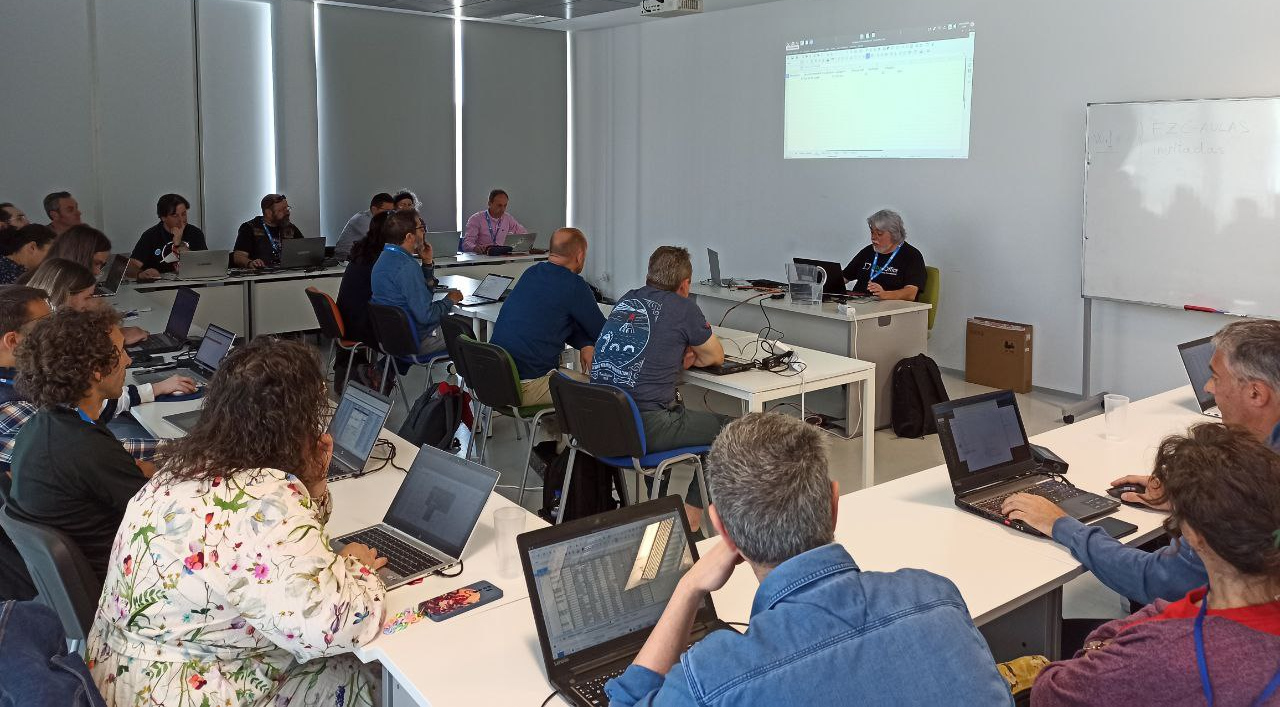
Ismael Fanlo presented a workshop about pivot tables

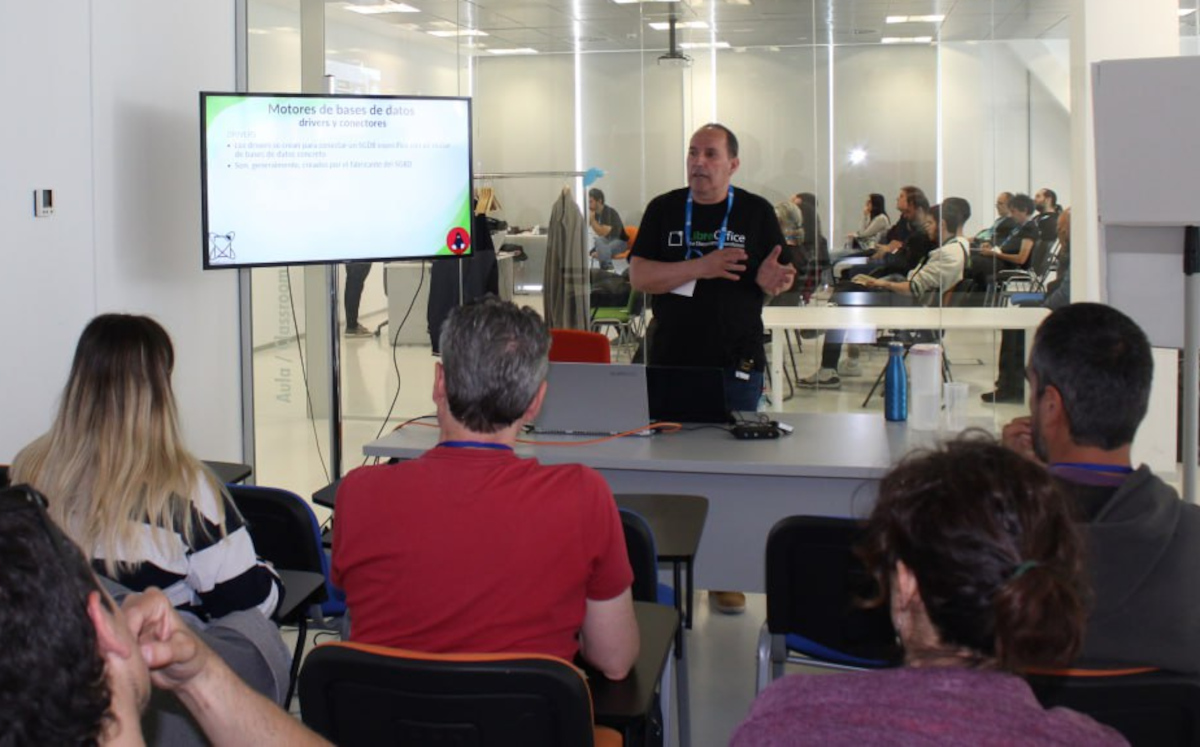
…while Juan Carlos Sanz first gave a talk about LibreOffice Base, and later presented a workshop about how to use LibreOffice Base along with MySQL or MariaDB:

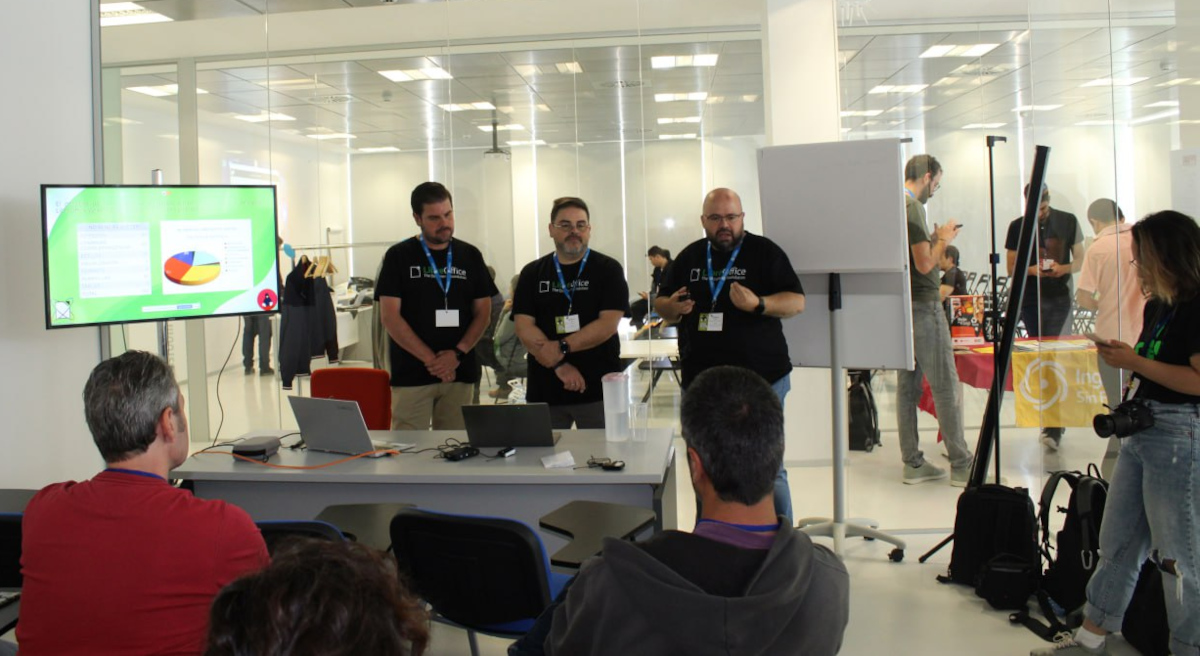
Next, Fran Ruedas, Rafael Espinar and Antonio J. Caba talked about the experience of migrating to LibreOffice the Ministry of Finance in Andalucia, Spain:

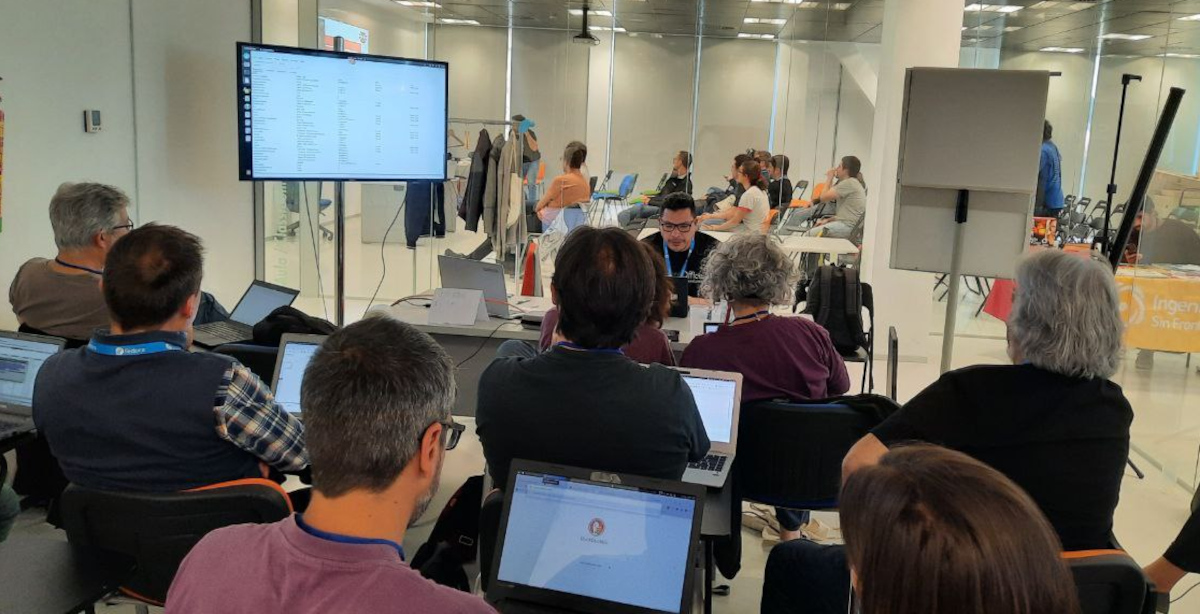
Mauricio Baeza presented a workshop on writing your first macro with Python:

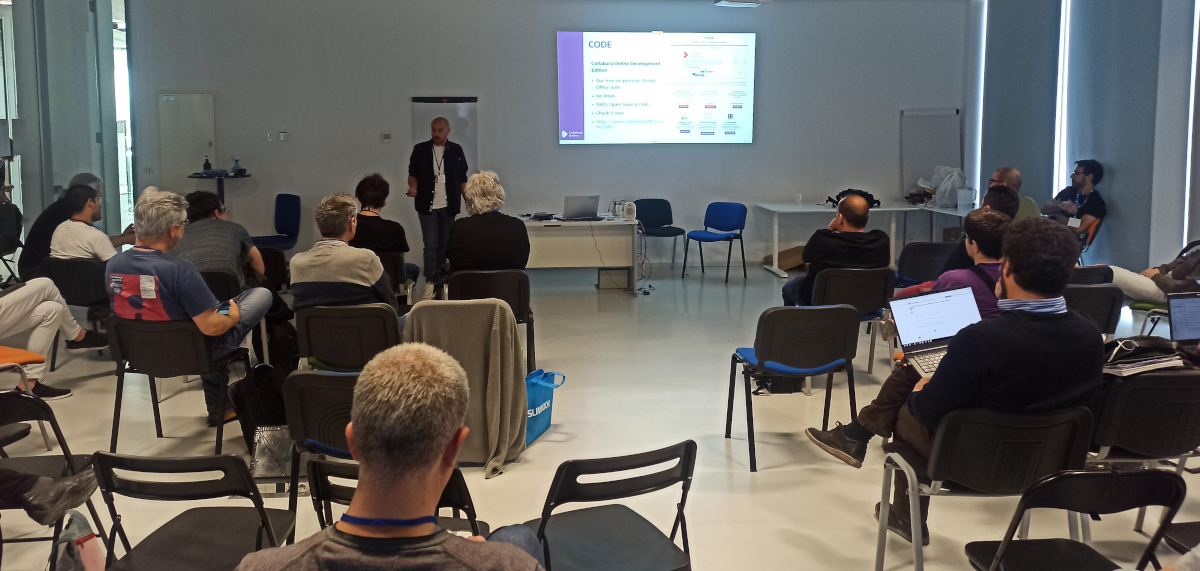
And finally, Eloy Crespo talked about protecting your privacy with Collabora Online:

Overall, it was a great experience to be able to finally meet in person, spend some time together, get to know people involved in other open source projects, and share experiences and knowledge. See you next year!

Follow the Spanish-speaking LibreOffice community on their blog here

Attracting New Contributors: TDF’s Annual Report 2022

Annual Report banner

Bringing new community members on board and helping them get started is an essential part of our work. Here’s what we did in 2022

(This is part of The Document Foundation’s Annual Report for 2022 – we’ll post the full version here soon.)

Onboarding tools and sites

Joining a large and established project like LibreOffice can be daunting for many. The software has a large codebase, and sub-projects use a wide array of tools. In recent years, we’ve made efforts to simplify the onboarding process by linking more services together with SSO (single sign-on), thereby reducing some of the complexity. In addition, we’ve created Easy Hacks and similar “bite size” projects in other areas, so that newcomers can get involved quickly and achieve something without months of work.

Screenshot of What Can I Do For LibreOffice website

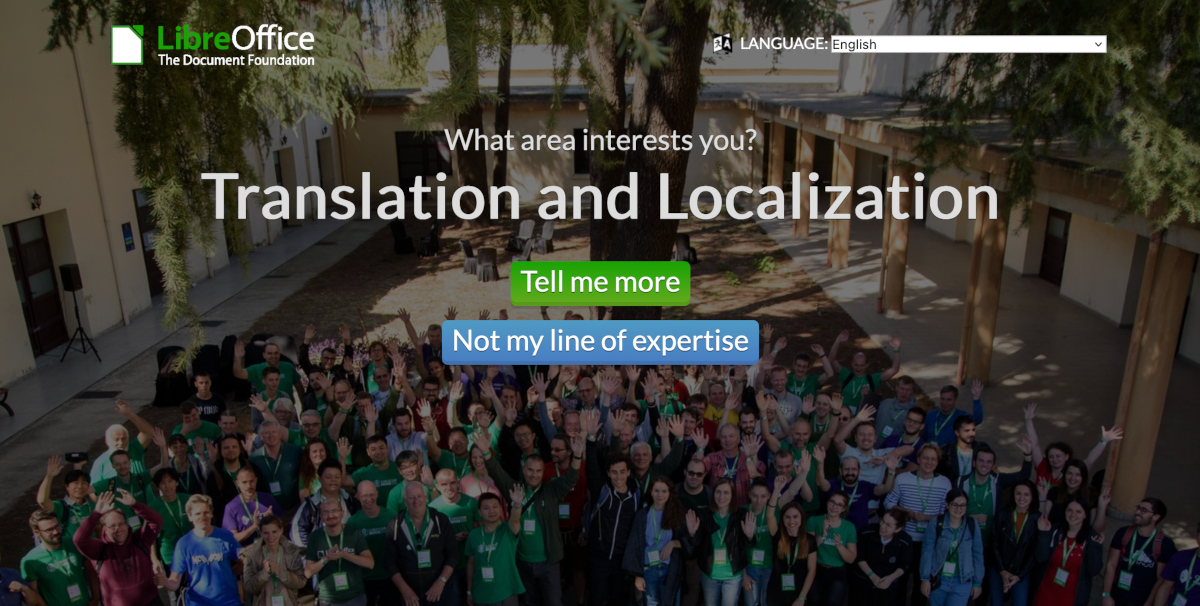
Currently, we have two websites that function as starting points for new contributors: “What can I do for LibreOffice” and the get involved page. The former was set up by LibreOffice’s Albanian community, and lets users click through topics of interest, until they find something they want to do. The latter is a regular page, with a list of sub-projects inside LibreOffice, and quick steps to make initial contact.

Throughout 2022, we posted regular “Community Member Monday” interviews on this blog. In many cases, we emphasised how these contributors started off as regular LibreOffice users, but wanted to “scratch an itch” and start to make changes to the software. We highlighted the ways in which other community members helped newcomers to start working on projects, and used these as “success stories” on our social media accounts, encouraging others to make the step-up from being a user to an active contributor.

In addition, we have accounts and projects listed on various volunteering platforms, including VolunteerMatch and Idealist (English), Vostel (German), Vapaaehtoistyo (Finnish), TuDu (Polish) and HeroClan, Um sem um tam and Zapojim se (Czech).

Mentors at The Document Foundation

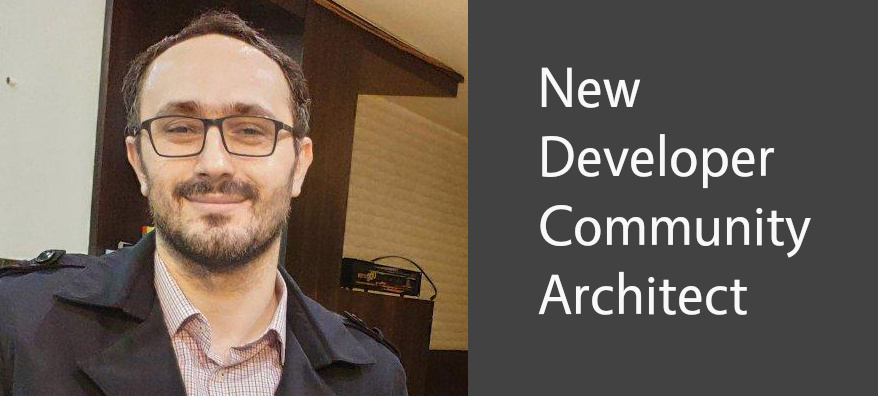
Thanks to donations, TDF has a team of mentors who help newcomers in the project to get started. Throughout 2022, Hossein Nourikhah (Developer Community Architect) and Ilmari Laukahangas (Development Marketing) interviewed and assisted interested newcomers, explaining how our projects and communities work, and showing them areas where they might like to get involved. We at TDF find this more “personal” approach to be more effective than just telling people to sign up to a mailing list, or read a wiki page.

Hossein Nourikhah

To assist new volunteer programmers, Hossein wrote blog posts and guides for modifying and building LibreOffice’s source code. This is a daunting task for many new developers, especially given the size of LibreOffice’s codebase, but the guides illustrated some basic ways to get started and make changes that can benefit all users of the suite.

Month of LibreOffice

In May and November 2022, we ran “Month of LibreOffice” social media and blog campaigns specifically targeted at new contributors – ie LibreOffice users who found the software useful, but weren’t yet contributing to the project itself. We showed them how to get involved in LibreOffice (in simple steps), highlighted their contributions, and rewarded them with some merchandise, such as stickers and T-shirts.

LibreOffice merchandise

Like what we do? Support the LibreOffice project and The Document Foundation – get involved and help our volunteers, or consider making a donation. Thank you!

Month of LibreOffice, May 2023 – Half-way point!

Month of LibreOffice banner

So far, 202 sticker packs have been awarded in the Month of LibreOffice, May 2023. But we’re only half of the way through – so if your name (or username) isn’t on the list, join in, help to make LibreOffice even better, and get some cool swag! We’ll have 10 bonus pieces of merchandise to give away, to 10 lucky people…

LibreOffice merchandise

How to take part

So, let’s get started! There are many ways you can help out – and as mentioned, you don’t need to be a developer. For instance, you can be a…

  • Handy Helper, answering questions from users on Ask LibreOffice. We’re keeping an eye on that site so if you give someone useful advice, you can claim your shiny stickers.
  • First Responder, helping to confirm new bug reports: go to our Bugzilla page and look for new bugs. If you can recreate one, add a comment like “CONFIRMED on Windows 11 and LibreOffice 7.5.3”.
  • Drum Beater, spreading the word: tell everyone about LibreOffice on Twitter or Mastodon! Just say why you love it or what you’re using it for, add the #libreoffice hashtag, and at the end of the month you can claim your stickers.
  • Globetrotter, translating the user interface: LibreOffice is available in a wide range of languages, but its interface translations need to be kept up-to-date. Or maybe you want to translate the suite to a whole new language? Get involved here.
  • Docs Doctor, writing documentation: Whether you want to update the online help or add chapters to the handbooks, here’s where to start.

Join in, learn new things, and have fun! We’ll post the final results in early June…

Live streaming LibreOffice bug triaging – your experiences (part 2)

Ilmari Lauhakangas

LibreOffice’s QA (Quality Assurance) community helps to identify and fix bugs in the software. Every week, Ilmari Lauhakangas from The Document Foundation (the non-profit entity behind LibreOffice) live-streams bug triaging sessions, so that others can see how he works on bug reports, and ask him questions.

Last week, we talked to Tammy Lawson and “bunk3m” about their experiences with the live streams. Today, let’s hear from two more participants!

First up is Andy Hengst:

I joined a long time ago (a year?) and was probably invited by Ilmari to one of his triage sessions, or to an intro video call meeting with him – I don’t remember. I’m embarrassed to say I have not been active in triaging, but that should change! I feel like I have everything I need. Without live-triage, that would probably not be true. I attend sessions sporadically when my wake-up time matches your “afternoon” sessions. Having worked in IT for decades* but never really seriously using any cool tools like Linux, Git, or virtualization, I found watching Ilmari do bug triage to be a really interesting general learning experience as well.

For someone like me I think a play-by-play of one or two bug triages could have been helpful – more focus on tools and tricks, less on what makes great triage. I took recordings of a few sessions (for personal use!) so this is an idea in my mind to do.

I enjoy the relaxed and focused approach. No politics, no chit chat, just triage. Nothing to get upset about 😄 I don’t know if this is personal style or Good European Work Ethic – stuff just gets done. I used spreadsheets for many years, so another side-benefit of watching Ilmari work is to see features that I generally never use or know about.

*retired, with plans to learn. Sudden lack of structure is a challenge.

Then we talked to sockseight:

I learnt about the streams using the community mailer, and I find the spontaneity in triaging the bugs very enthralling. The highlight: for those bugs which we find it difficult to test, Ilmari is kind enough to accommodate requests for such bug retests. This would be a great learning experience in many ways – different ways to understand the issue, nuances about the product, the next steps for that bug, whom to report about what needs to be looked into, it goes on and on…

Many thanks to Tammy, bunk3m, Andy and sockseight for taking part! Everyone is welcome to join our QA community and help keep LibreOffice rock-solid for all users.

We are looking for tender ideas and proposals to improve LibreOffice

One of the goals of The Document Foundation and the community it represents is to improve LibreOffice to make it even more competitive with other office suites. One of the tools to achieve this goal are tenders for the development of specific features, such as the implementation of OpenDocument Format version 1.3, the standard format used by LibreOffice and other applications.

Until now, tenders have followed internally developed rules, which have had the merit of getting us where we have got, i.e. very high – but for the reason that we got very high, they were no longer adequate to guarantee a further step forward, given the current size of The Document Foundation and the tender projects. Also, with the arrival of two developers, our possibilities wrt. running and overseeing tenders have emerged.

As of today, the tenders will follow new rules defined by legal experts that will allow us to be aligned with the best practices of not-for-profit foundations, and to further grow LibreOffice and LibreOffice Technology, which is already the most flexible and high-performance platform for individual productivity, and can thus evolve further for the benefit of users.

To grow, we need the ideas and proposals of community members and users. Everyone is invited to send in their ideas! Beware, however, because we need contributions that allow us to further evolve LibreOffice in the area of office suites, an extremely competitive market that today is worth nearly 30 billion dollars.

So, we ask you to make an effort and avoid submitting ideas and proposals that you, individually, would like to see implemented because they fit your idea of an office suite, but to engage with other members of the community and other users and to think big, because LibreOffice is big and needs to grow even bigger.

Talk to the community, and especially to developers, because they can help you structure your ideas and proposals in such a way that they are first accepted, then evaluated and finally voted on by the members of the Engineering Steering Committee, who will be decisive from a technical point of view, before being approved by the Board of Directors.

Also, because the proposals must respect the following structure:

Cost Estimate: x week(s)
Contact: Anakin Skywalker
Reviewers: Luke Skywalker
Short Description: …

It is clear that only the contribution of one or more developers makes it possible to calculate the cost in terms of development weeks, and to describe the functionality in such a way that it is comprehensible to those who must assess its feasibility, place it in the context of a complex development process such as that of LibreOffice, and prioritise it. Cost estimates can also be added by other parties at a later stage of the process, but proposals without a cost estimate cannot be accepted for final consideration.

Before you make your proposal, you can consult the existing ones on the wiki to get an idea of what the Engineering Steering Committee expects from all of you: https://wiki.documentfoundation.org/Development/Budget2023

The deadline for proposals is Sunday, May 28, at 1800 (UTC+2, Berlin time). Any proposals made after this date will as a general rule not be considered in this round of evaluation, unless very exceptional circumstances exist.

As soon as the evaluation and ranking of proposals by the Engineering Steering Commitee begins, we will announce the details, including the “live” ranking spreadsheet, in a follow-up blogpost.

When you are ready, register and add your text. We look forward to your contributions! Again, everyone is welcome to contribute, and we look forward to your ideas!

LibreOffice user interface improvements: Annual Report 2022

Colibre icons

Design (UI and UX) has been one of the major focus points of LibreOffice in the last few years, and the Design community has produced new icon sets and a number of incremental updates to the user interface – menus, toolbars and the SideBar – along with improvements to the NotebookBar

(This is part of The Document Foundation’s Annual Report for 2022 – we’ll post the full version here soon.)

Improvements in LibreOffice 7.3

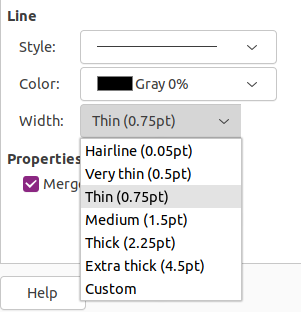
Several updates were done by LibreOffice’s design team. For instance, a larger change was implemented by Samuel Mehrbrodt and Vasily Melenchuk regarding the border style. The previously random line thickness options became organized with clearly defined names and reasonable steps.

Line widths in LibreOffice 7.3

Improvements in LibreOffice 7.4

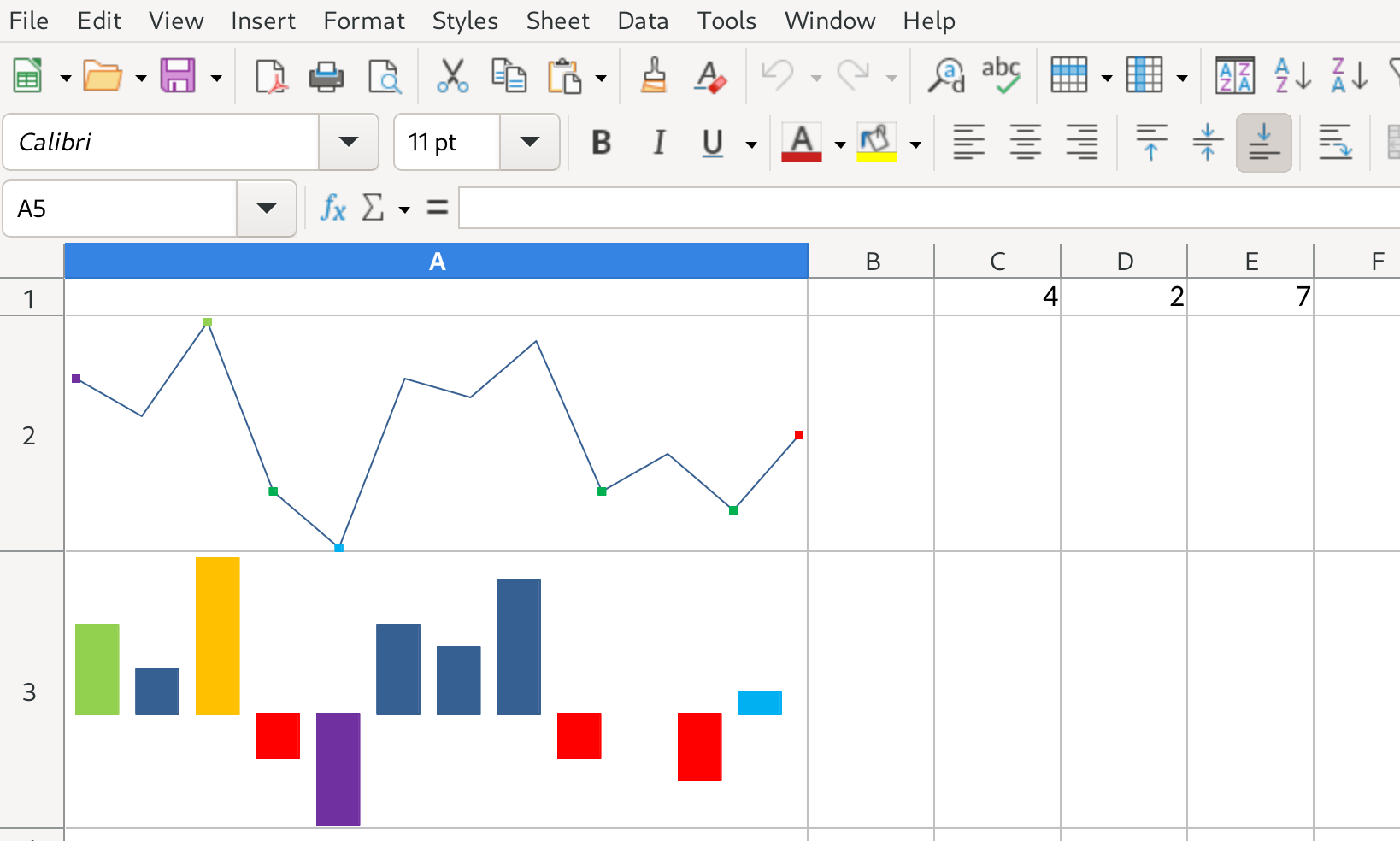
A large number of improvements were implemented in LibreOffice Calc. First of all, “sparklines” mini-charts were introduced by Tomaž Vajngerl, which allow users to place a diagram-like image in cells that visually shows numerical content. In addition, hidden columns/rows can now have an indicator: if enabled, a dotted line will be drawn next to the hidden content.

Sparklines in LibreOffice 7.4

The sort options and sort items were made easier to access. While previously it was necessary to go to the sort options to change the sort direction and whether headers should be taken into account, these most frequently changed options are placed on the primary tab now.

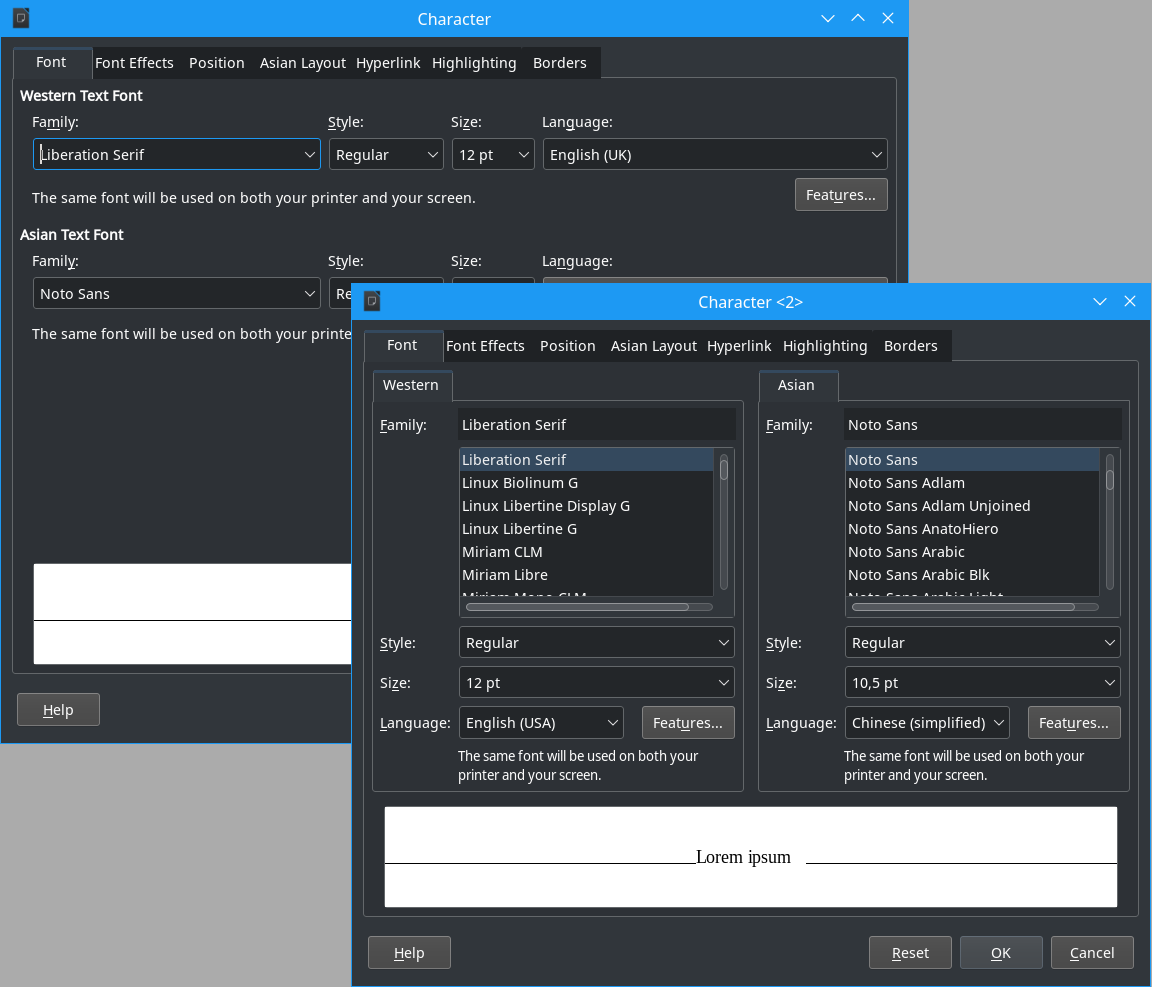
The font dialog was reworked to remain compact when Asian and/or complex languages are enabled. The design community aims for dialogs that work on very small screens too, and the font dialog was violating this rule. With the change, it now fits into the screen real estate, and allows to comfortably manipulate fonts for all language families.

Font dialog

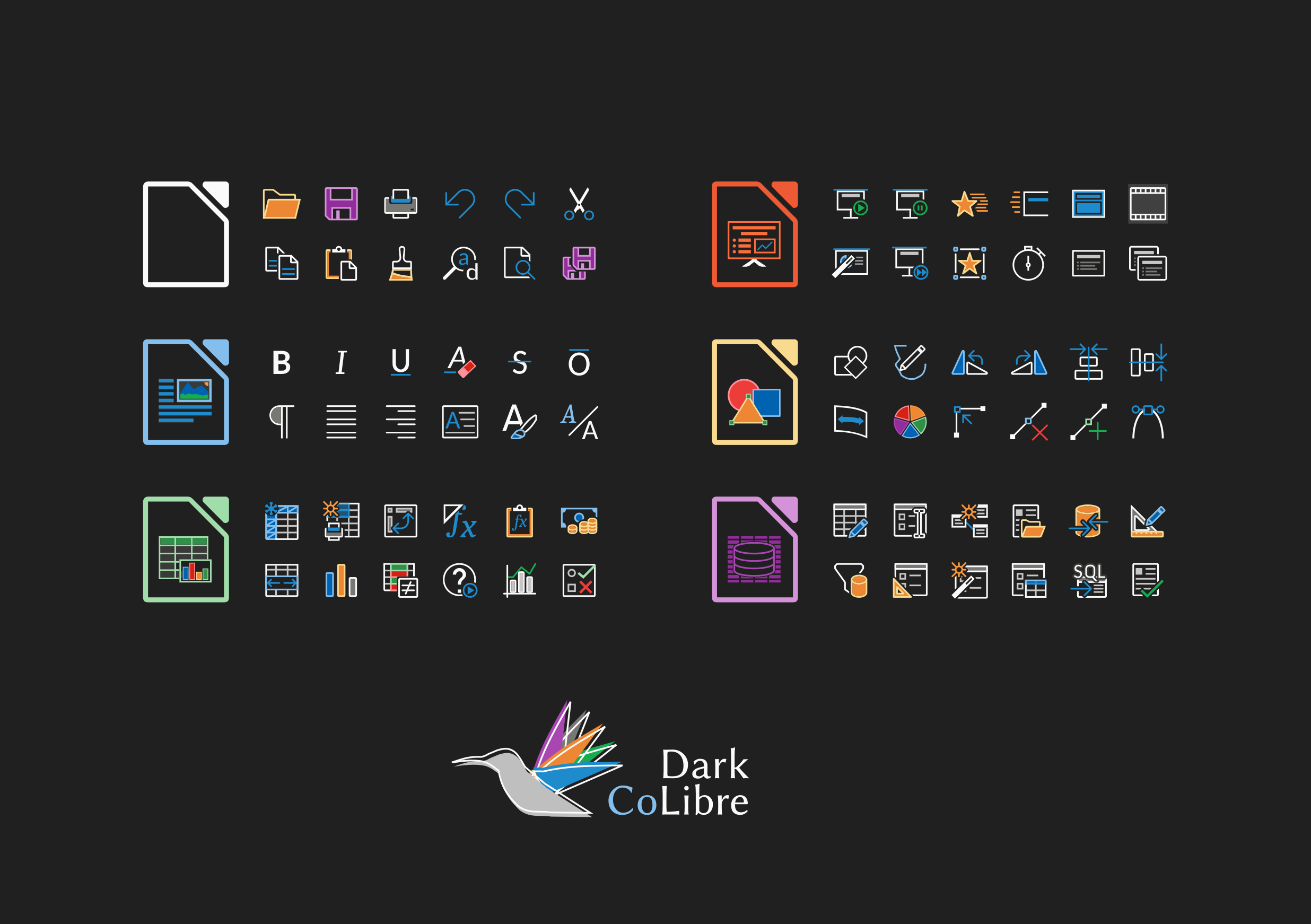
Finally, Rizal Muttaqin improved the Colibre icon theme, which is the default theme in Windows. It has now a dark variant working much better on dark system themes, while maintaining the monochrome color composition from Microsoft.

Like what we do? Support the LibreOffice project and The Document Foundation – get involved and help our volunteers, or consider making a donation. Thank you!