First LibreOffice 5.3 BugHunting Session

noun_83830_ccLibreOffice is approaching the 5.3 release season with the first bug hunting session, on Friday, October 21, 2016. Tests will be performed on the Alpha version of LibreOffice 5.3, which will be available on the pre-releases server (http://dev-builds.libreoffice.org/pre-releases/) a few days before the event. Builds will be available for Linux (DEB and RPM), MacOS and Windows, and will run in parallel with the actual installation.

Mentors will be available on October 21, 2016, from 8AM UTC to 10PM UTC. Of course, hunting bugs will be possible also on other days, as the builds of this particular Alpha release (LibreOffice 5.3.0 Alpha) will be available until the end of November.

During the day there will be two dedicated sessions: the first to chase bugs on the four main LibreOffice modules – Writer, Calc, Impress and Draw – between 3PM UTC and 5PM UTC, and the second to test the top 10 features between 5PM UTC and 7PM UTC. The list of the top 10 features will be decided during the week before the session, and will be added to the wiki page.

During the dedicated sessions, we will concentrate all efforts to chase and reproduce the bugs, in order to confirm and file them in a more comprehensive way. Of course, the more comprehensive will be the bug report, the easier will be for the developers to solve the bugs in time for the final release.

As usual, there is a page on the wiki (https://wiki.documentfoundation.org/QA/BugHuntingSession/5.3.0Alpha) with all the details about the bug hunting session. You should visit the page before October 21, 2016, as further details will be added while getting closer to the date of the event.

Community Week: Documentation – who’s who, the tools used, and how to get involved

Earlier in the week we talked to Olivier Hallot who’s heading up the documentation team in LibreOffice. But other people are contributing as well, so if you want to help out, here are some names to look out for:

  • Jean Weber is the author and original producer of the LibreOffice guides
  • Stan Horacek, Gabor Kelemen, Adolfo Jaime Barrientos and others are contributors to the help contents
  • Dennis Roczek and Lera Goncharuk work mostly on the wiki
  • Andrea Mussap just joined and under Olivier’s advice produced a help page for LibreOffice

The team communicates via the documentation mailing list (see the archives here), where you can post suggestions for updates or ask for areas that need help. Another alternative is to use the IRC channel (#libreoffice-doc on Freenode), which is better for more immediate discussion – but can be quiet at times, if it’s night-time where many of the participants are based.

Tools of the trade

LibreOffice’s documentation content is split into two main categories: online help, and the guidebooks. They are both fundamentally important to the office suite, but differ in the style of content and who it’s aimed at.

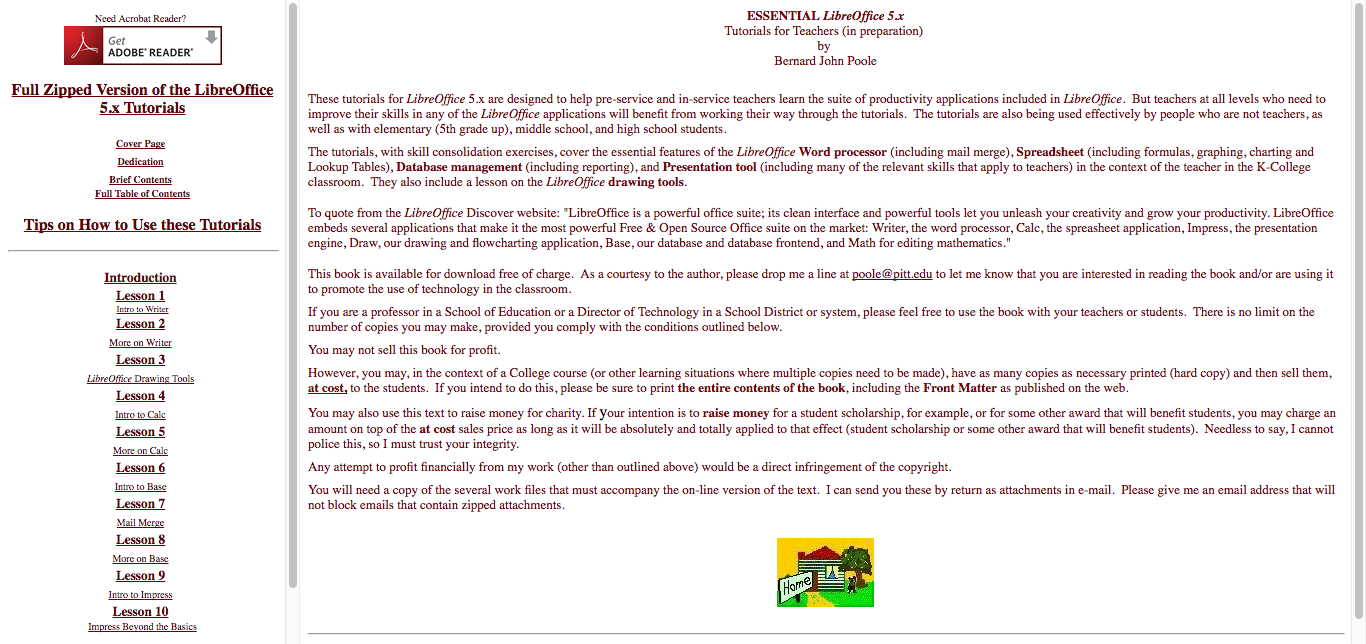
The user guides are available on the LibreOffice website, in ODT (for Writer) and PDF formats, and printed copies can be bought as well. You can see that the Getting Started guide for LibreOffice 5.x is the most up-to-date – so a good way to help out is to edit the other guides (eg for Writer and Calc) to bring them in line with the LibreOffice 5.x series as well.

In addition, there’s the help that’s built in to LibreOffice (usually accessible by pressing F1). Unlike the user guides, which provide detailed explanations of how to do tasks in LibreOffice, the built-in help focuses on answering questions about specific features. This is usually the first resource that users of the software consult if they have a problem, before looking in the user guides or searching the internet.

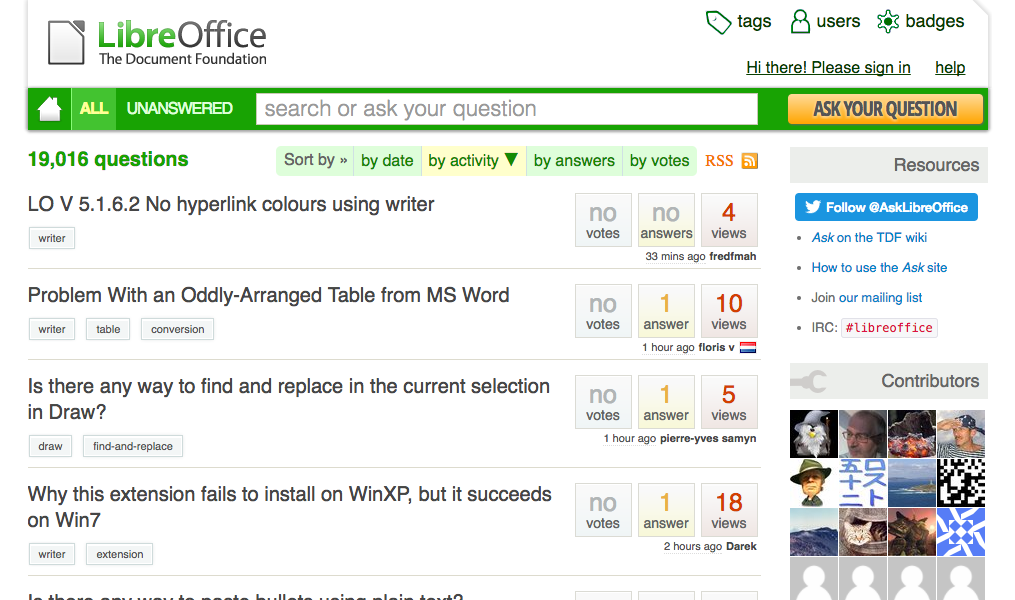
A list of frequently asked questions (FAQ) is available on the wiki, but some of the answers are dated. A better resource is the Ask LibreOffice site which lets people post and answer questions.

Get involved!

So you’ve seen what the documentation project does, who’s in the team, and what they’re working on. Why not help out yourself? If you’re interested in a career in technical writing, this is a great way to build up some experience. Or if you’re already familiar with such work, you can really make a difference to a major free and open source software project!

Getting started is easy:

  • Send a blank email to documentation+subscribe@global.libreoffice.org and follow the instructions to sign up to the mailing list
  • Introduce yourself – you don’t need to include a CV, but just provide a few lines of who you are and how you want to help
  • Someone on the docs team will answer and help you out

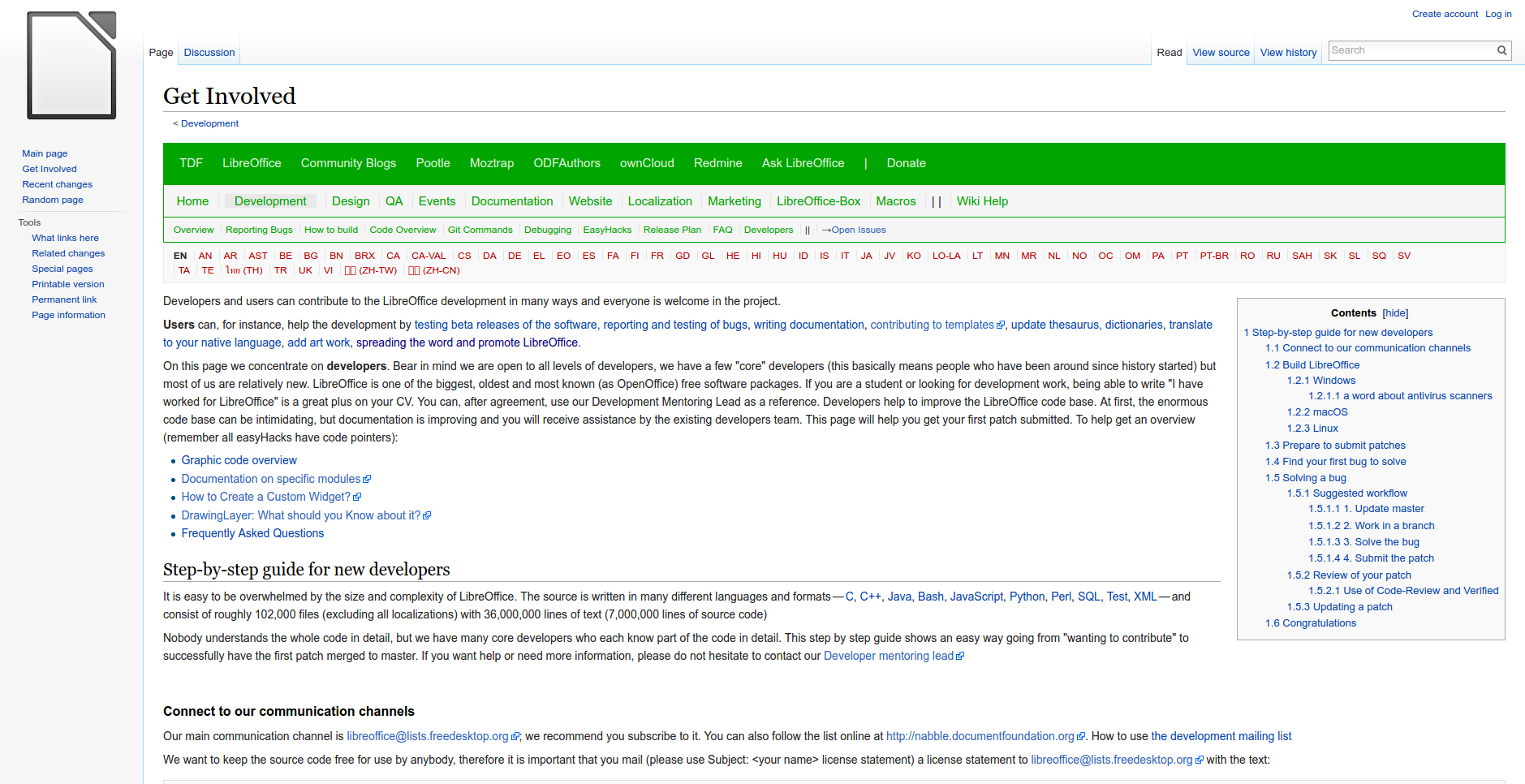
For newcomers, there is a meta bug in bugzilla bringing together various “easy hacks” – small tasks that you can do easily without much experience or long-term committment. Even the smallest fixes and tweaks can make all the difference.

Then there is the ODFAuthors site which has information on producing LibreOffice user guides, and is where a lot of the writing work takes place.

So that’s a summary of how the documentation project works, and we hope you will join us on the team soon! Drop by our IRC channel at any time for a chat:

LibreOffice Community Week: Documentation

LibreOffice Community Weeks

The LibreOffice project is made up of many communities working on different aspects of the software: source code, documentation, quality assurance, design and other matters. Some people are working full time, many others are volunteers, and we always try to make new contributors feel welcome.

So throughout October we’ll be running LibreOffice Community Weeks, looking at the different sub-projects in LibreOffice, what they do, and how to get involved. We start off this week by looking at the documentation project, and chat to Olivier Hallot, who is leading the effort to improve LibreOffice’s guide books and online help…

Olivier HallotWhat is your role in the documentation project?

My role in the documentation project is to elaborate plans, coordinate and increase the collaboration of the community and improve the contents of the documentation of LibreOffice.

How did you get involved in LibreOffice?

I am involved in LibreOffice since its beginning, and even before during the OpenOffice.org times in 2001. In the last decade I had an active position in the Brazilian community as member of the BrOffice NGO, and also because I coordinated and translated OpenOffice.org’s User Interface and Help Content to Brazilian Portuguese, a task I carry on to date with LibreOffice. I also took job on OpenOffice.org migration consulting in very large companies in Brazil and later I participated in the creation of The Document Foundation (TDF) in 2010, being member of its Board of Directors from 2010 to early 2014.

Having an experience in the corporate arena, I was concerned that gap between the documentation and Help Content of LibreOffice with respect to its features was dangerously growing, and that has to be reverted so the software and its collateral documentation has to go ideally hand on hand. On presenting the issue in our LibOConf in Aarhus (Quo Vadis HelpContent?), TDF understood that it was necessary to take action and here I am.

What does your typical workday look like?

Since I live in Rio de Janeiro, Brazil, I must admit that when I wake up, people in Europe are already working full steam ahead and I have a feeling that I am always late and sleepy (laugh) in the job. Anyway, usually I check my mails just after my breakfast, and I get ready for the online meetings that for me are in the morning.

Then with the list of task from the meetings, which I cross-check with the off-line mails, I start at least one task to get it done in the day. That includes support in chats, answering e-mails in lists and off-list, and also updating a document, a wiki page or a web page.

You see, writing documentation on LibreOffice is a task that requires several hours or days of concentration and we must be focused all the time. To be able to write or review a specific feature, you must test the feature in your installation, understand the implication of the feature and even add some of your personal knowledge to give the reader a quality text and content.

How many people are involved in the doc project?

The doc project has two main lines: The literature and the Help content. The Help content is itself divided into contents and technology modernization.

On the literature, we are about three to five people contributing once in a while and this is an exposure. We need to update our books in timely fashion because they are considered as the official TDF books for LibreOffice and are translated into several languages. Since the license is Creative Commons, these books are also sources for other books on LibreOffice in many languages and communities.

On the help content, we have the valuable contribution of many individuals (from 10 to 20 persons), from translators to developers that help us to correct the contents and adjust the help pages to the new features and UI changes. The accuracy of the help pages is also an exposure we carry and our task is to close the gap. It must be noted that the correct description of a new feature is important for legacy purposes: if later on in the LibreOffice project, the feature does not work anymore, we still have a description of its existence and normal behavior.

Finally we consider that the current Help system, which is based on XML files transformed into HTML3.2 pages displayed as Writer/web documents can evolve to a modern browser-based technology. There are some tech issues yet to solve, especially because the Help system translation process is consolidated, works satisfactorily and its content must be preserved.

What’s been the biggest success so far, and the biggest challenge?

We updated the Getting Started Book to version 5.1 of LibreOffice, and we managed to put the help pages directly into a web server, at least as proof of concept, showing that we can evolve and achieve a better, richer help content.

My personal challenge is to produce the TDF LibreOffice Guides as a genuine companion product of the software, where the LibreOffice brand provides not only the software but also the collateral products for those migration or training professionals that support the deployment of LibreOffice in organizations.

I also pretend to close the distance between the user and the documentation. The usual way for the user is to hit F1 to get help but if the help is not enough, users go to Google and try a search for contents he is looking for. This is a time consuming task and we have already put entries in the software Help menu to link the software to the documentation website and to community forums. We expect an increase of visits to these services in benefit for our installed base.

But then the challenge is to get more contributors to help with documentation of LibreOffice, in all areas above. Authoring, reviewing and updating a book is a task that can be carried by non-developers, provided they have good knowledge in the software as advance user and have time do dedicate to the LibreOffice literature. The same is for the local communities if they want to translate LibreOffice books.

On the technology of the Help, the challenge is to select a viable technology to replace the current Help system.

What sort of help are you looking for?

We look for more contributors, people that can write, review, advanced contents on LibreOffice. It is important that we see the TDF LibeOffice Guides as a genuine companion product of the sofware, where TDF provides not only the software but also the collateral products for those professionals that support the deployment of LibreOffice in organizations.

Stay tuned to the blog for more about the documentation team this week – including a list of who’s who in the project, the tools being used, and how to get involved yourself! See here for more information on the docs team.

TDF Presentation Gallery

downloadWe have created a number of slide decks which can be re-used by community members as a basis for their presentations at events. For the time being, slide decks are based on the old 4:3 format, as this is still the most common, but in the future will also be available in the new 16:9 format. Needless to say, the file format is ODP, and fonts are those installed by LibreOffice.

Slide decks will be updated regularly, and the date will be featured on the wiki page (at the moment, the date is September 30, 2016 for all slide decks). If you plan to use a slide deck and you feel that some slides are outdated (or should be updated), please ask on LibreOffice marketing mailing list with the subject “Slide Decks” (marketing@global.libreoffice.org).

The gallery is available on TDF wiki at the following address: https://wiki.documentfoundation.org/Gallery_Presentations.

LibreOffice 5.2.2 available for download

birthday_banner_smallBerlin, September 29, 2016 – Just one day after the project 6th anniversary (https://blog.documentfoundation.org/blog/2016/09/28/happy-6th-birthday-libreoffice/), The Document Foundation (TDF) announces the availability of LibreOffice 5.2.2, the second minor release of the LibreOffice 5.2 family.

LibreOffice 5.2.2, targeted at technology enthusiasts, early adopters and power users, provides a number of fixes over the major release announced in August. For all other users and enterprise deployments, TDF suggests LibreOffice 5.1.5 “still”, with the backing of professional support by certified people (a list is available at: http://www.libreoffice.org/get-help/professional-support/).

A summary of the most significant new features of the LibreOffice 5.2 family is available on the website: http://www.libreoffice.org/discover/new-features/.

People interested in technical details about the release can access the change log here: https://wiki.documentfoundation.org/Releases/5.2.2/RC1 (fixed in RC1) and https://wiki.documentfoundation.org/Releases/5.2.2/RC2 (fixed in RC2).

Download LibreOffice

LibreOffice 5.2.2 is immediately available for download from the following link: http://www.libreoffice.org/download/libreoffice-fresh/.

LibreOffice users, free software advocates and community members can support The Document Foundation with a donation at http://donate.libreoffice.org.

Several companies sitting in TDF Advisory Board (http://www.documentfoundation.org/governance/advisory-board/) are providing either value added Long Term Supported versions of LibreOffice or consultancy services for migrations and trainings, based on best practices distilled by The Document Foundation.