#IDAD, International Day Against DRM

Today we are celebrating the International Day Against DRM.

DRM, or Digital Rights Management, is a set of access control technologies for restricting the use of proprietary hardware and copyrighted works, by controlling the use, modification, and distribution of copyrighted works. Instead of educating users, companies prefer to restrict them from exercising their legal rights under the copyright law, such as backing up copies of CDs or DVDs, lending materials out through a library, accessing works in the public domain, or using copyrighted materials for research and education under the fair use doctrine.

DRM is an epidemic spreading across the Web, infiltrating homes, classrooms, workplaces, and just about everywhere else users can go. Tools, technologies, books, games, movies, and music are coming to us locked down with DRM, whether they are streaming or claim to be locally hosted.

DRM can be associated to document lock in by means of pseudo-standards. They are both hidden to users and reduce their freedom as they make sharing contents – even when fully legitimate – completely or partially impossible.

The Document Foundation supports the International Day Against DRM as part of its daily fight to make content sharing available to all individuals, and to educate them to adopt open standards to foster innovation.
Documentation: Getting Started Guide 6.0 released

LibreOffice’s Documentation Team releases the Getting Started Guide 6.0, the introductory text for all LibreOffice applications and more.

Cover

Covering spreadsheets, presentations, texts, drawings, databases and the equations editor, as well as other important concepts in LibreOffice, the guide updates the previous book for LibreOffice 5.2 with the features implemented up to the 6.0 release. As it’s an introductory text, some advanced topics were left out, and are to be addressed in the other specialized modules guides, such as the Writer Guide 6.0. This turns the Getting Started Guide into a light reading on all of LibreOffice’s most important features and concepts.

“We are pleased to announce the release the new Getting Started Guide 6.0, bringing the contents closer to the latest version of the software. With this effort we also want to improve the documentation development process, and deliver the next update in much shorter time frame” said Dave Barton, member of the Documentation team. “We will begin the Getting Started 6.1 Guide project shortly” he added.

“The Guides update has been a very long process and revealed issues especially with revision, which is a very time consuming task and hard to carry out. A delicate balance is necessary between contribution and revision. We would like to try a time-based release of the next guide” said Olivier Hallot, Documentation Team Coordinator. “We will announce new methods and tools to speed up the authoring and release of the Guides”, he added.

The Guide was assembled using the techniques of the LibreOffice master document, a container of linked individual chapters, allowing the update of the chapters to be carried out automatically for the final document. The master document was then the source for exporting the Guide in PDF,Β  EPUB and ODT formats for download.

The Getting Started Guide 6.0 is available for download in the documentation website at https://documentation.libreoffice.org/en/english-documentation/getting-started-guide/ and the individual chapters and master document are in the TDF wiki at https://wiki.documentfoundation.org/Documentation/Publications#Getting_Started_with_LibreOffice .

LibreOffice 6.0’s Getting Started Guide is also available as a printed book from Lulu, by Friends of Open Document Inc.,Β an Australia-based volunteer organization with members around the world, which will be using profits from the sale to benefit the LibreOffice community.

LibreOffice 6.1.1 released, for early adopters, technology enthusiasts and power users

Berlin, September 13, 2018 – The Document Foundation announces LibreOffice 6.1.1, targeted at early adopters, technology enthusiasts and power users, which provides over 120 bug and regression fixes for the recently announced LibreOffice 6.1.

LibreOffice users can benefit from some of the interesting new features introduced in August:

  • Colibre, the new icon theme for Windows based on Microsoft’s icon design guidelines;
  • The reworked image handling feature, which is significantly faster and smoother thanks to a new graphic manager and an improved image lifecycle;
  • The reorganization of Draw menus with the addition of a new Page menu;
  • The new Online Help pages enriched with text and example files to guide the users through features;
  • Several improvements to all modules of LibreOffice Online, with changes to the user interface to make it more appealing.

Enterprise deployments

LibreOffice 6.1.1 represents the bleeding edge in term of features for open source office suites, and as such is targeted at technology enthusiasts, early adopters and power users.

For any enterprise class deployment, TDF maintains the more mature LibreOffice 6.0.6, which should be sourced from a company providing a Long Term Supported version of the suite (they are all members of TDF Advisory Board, and are listed here: https://www.documentfoundation.org/governance/advisory-board/).

Also, value-added services for migrations and trainings, to support enterprise class deployments in large organizations, should be sourced from certified professionals (list available here: https://www.libreoffice.org/get-help/professional-support/).

LibreOffice is deployed by large organizations in every continent. A list of some large or significant migrations announced in the media is available on the TDF wiki: https://wiki.documentfoundation.org/LibreOffice_Migrations.

Availability of LibreOffice 6.1.1

LibreOffice 6.1.1 is immediately available from the following link: https://www.libreoffice.org/download/. Minimum requirements for proprietary operating systems are Microsoft Windows 7 SP1 and Apple macOS 10.9. Builds of the latest LibreOffice Online source code are available as Docker images: https://hub.docker.com/r/libreoffice/online/.

LibreOffice Online is fundamentally a server service, and should be installed and configured by adding cloud storage and an SSL certificate. It might be considered an enabling technology for the cloud services offered by ISPs or the private cloud of enterprises and large organizations.

LibreOffice users, free software advocates and community members can support The Document Foundation with a donation at https://www.libreoffice.org/donate.

LibreOffice 6.1.1 is built with document conversion libraries from the Document Liberation Project: https://www.documentliberation.org.

LibreOffice Conference 2018 – over 100 attendees already registered!

Yes, the LibreOffice Conference takes place later this month in Tirana, Albania – and over 100 people have already registered! It’s going to be a great event, with talks about new technologies in LibreOffice, community discussions, plans for the future of the project… And fun evening events as well!

Come join us – if you haven’t registered yet, you can still do so here. The website has additional information about the venue, accommodation and transport.

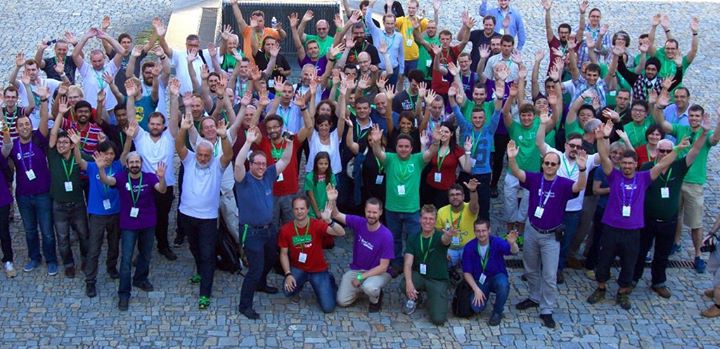
Oh, and if you’ve never been to a LibreOffice Conference before, we’re a friendly bunch – here we are at the 2016 conference in Brno, for instance:

See you there!

Community Member Monday: Battsengel Ichinnorov

It’s time for another LibreOffice contributor interview! Today we speak to Battsengel Ichinnorov, a new TDF member, who helps to localise LibreOffice for Mongolian users…

Where do you live, and are you active on any social media?

I live in Munich, Germany, and I follow The Document Foundation and LibreOffice on Telegram. You can find some of my work on GitHub.

In which areas of the LibreOffice project are you active?

I am translating the wiki and LibreOffice itself into Mongolian (for instance, I made the keyboard layout for Mongolian for Windows: German and English. After this, I will create them for Linux.)

How did you get involved with LibreOffice?

A friend of mine, Dennis Roczeck is a helper and admin on the wiki.

What was your initial experience of contributing to LibreOffice like? What else do you plan to work on?

Everybody has a goal to reach, and mine is a free office for Mongolian people! Firstly I want to build a team and finish the user interface translation, then maybe get involved in development and/or ops and/or devops πŸ™‚

What tools do you use for your work?

So I know many tools, but the best is for me for programming, to save time and be productive, is IntelliJ IDEA. Other tools which I use: Atom, Notepad++, ConEmu for WSL in Windows.

What do you do when you’re not working on LibreOffice?

Meet my friends and go hiking in the Alps, and study programming languages or test new technologies. At the moment I’m looking at Docker, Kubernetes and Terraform in the cloud.

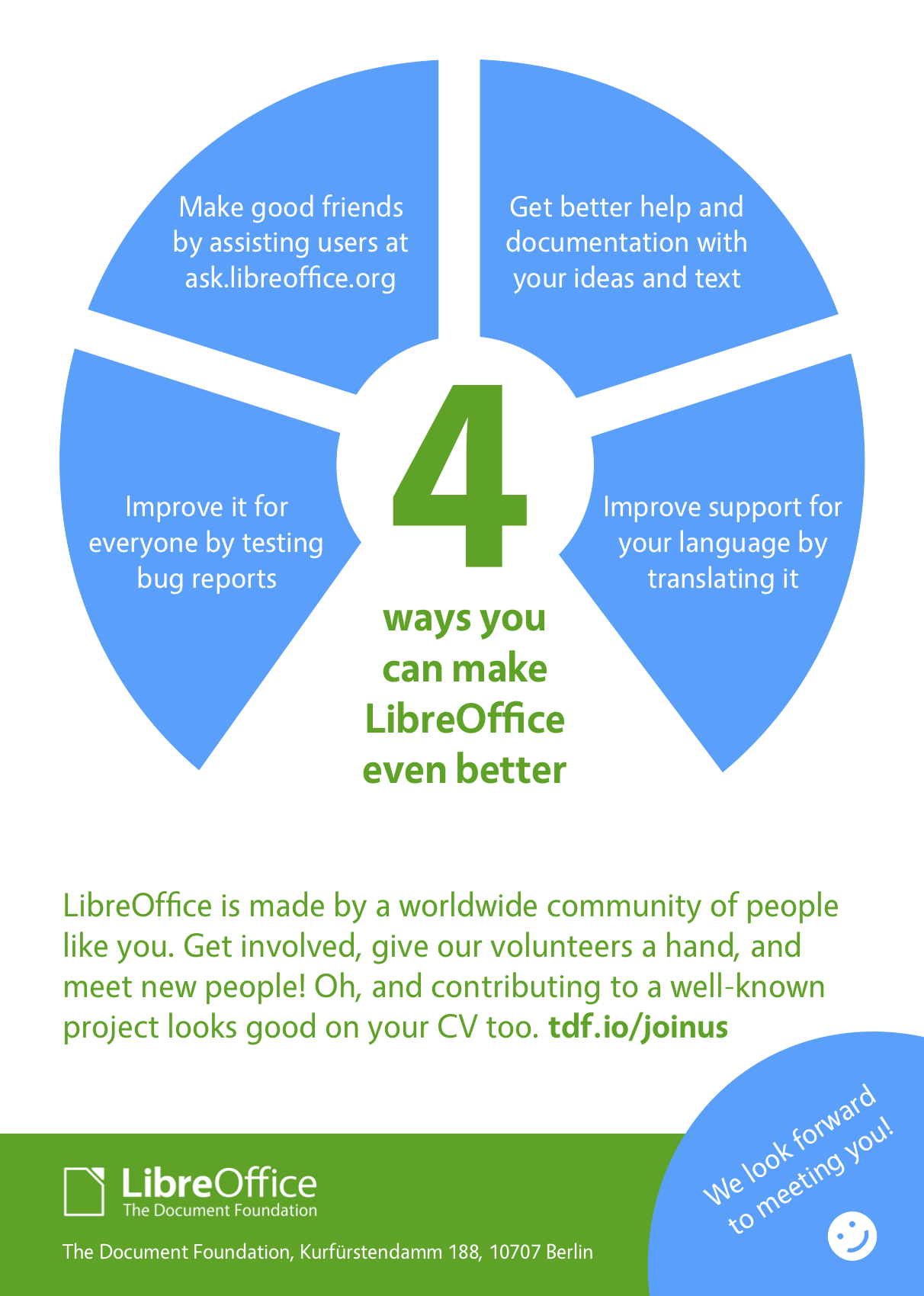
Thanks to Battsengel for all his contributions! If you’re reading this and also want to join our friendly community, and help to make LibreOffice even better, we’ve made a page just for you. There are lots of ways to get involved – we look forward to meeting you!