LibreOffice at LinuxDays 2024 in Prague

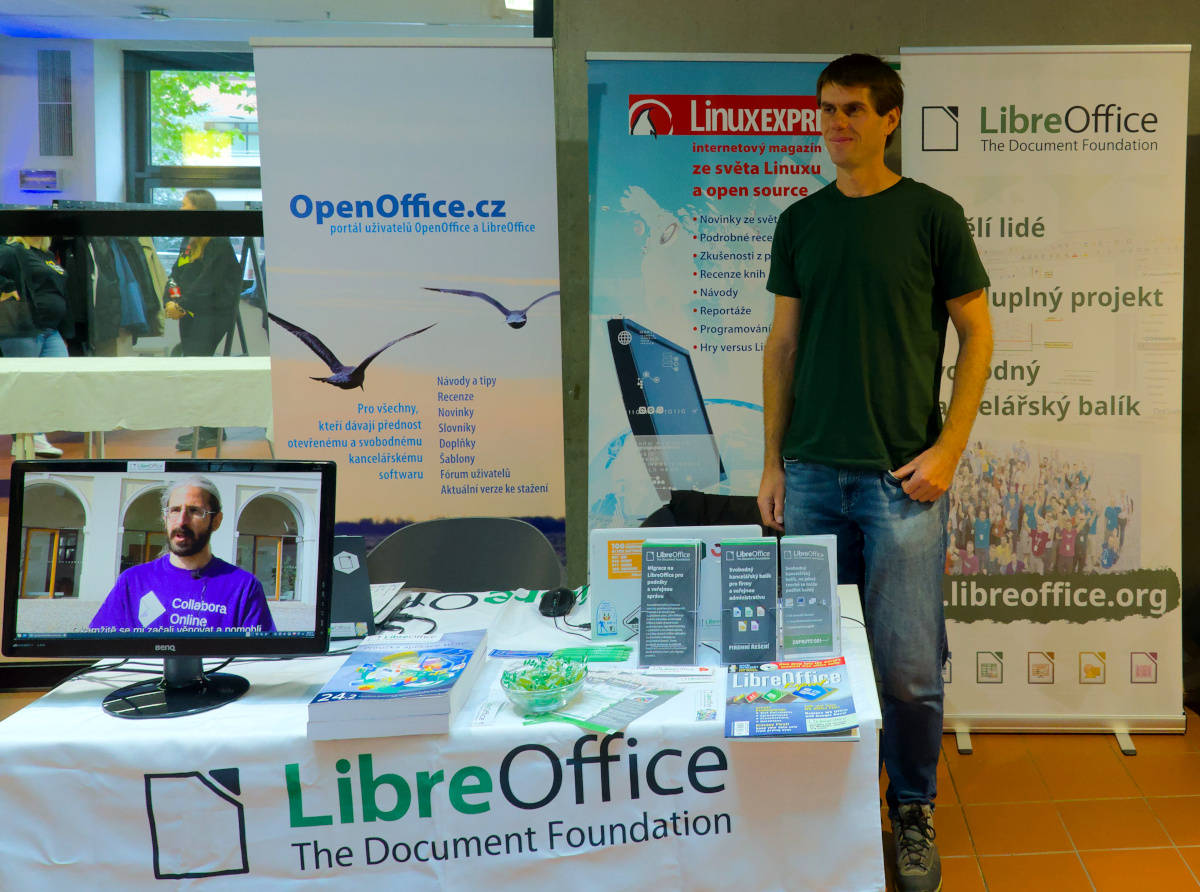
LibreOffice booth at LinuxDays 2024 in Prague

Our Czech community provides insights from the LinuxDays 2024 conference, which took place over the weekend of 12 – 13 October in Prague:

At the LibreOffice booth, there was a very large group of people (with a few exceptions) of satisfied LibreOffice users, of which young people (primary and secondary school students) were represented in surprisingly large numbers. This means that even the youngest generation, who prefer a different approach to data processing than office software, can be reached by LibreOffice.

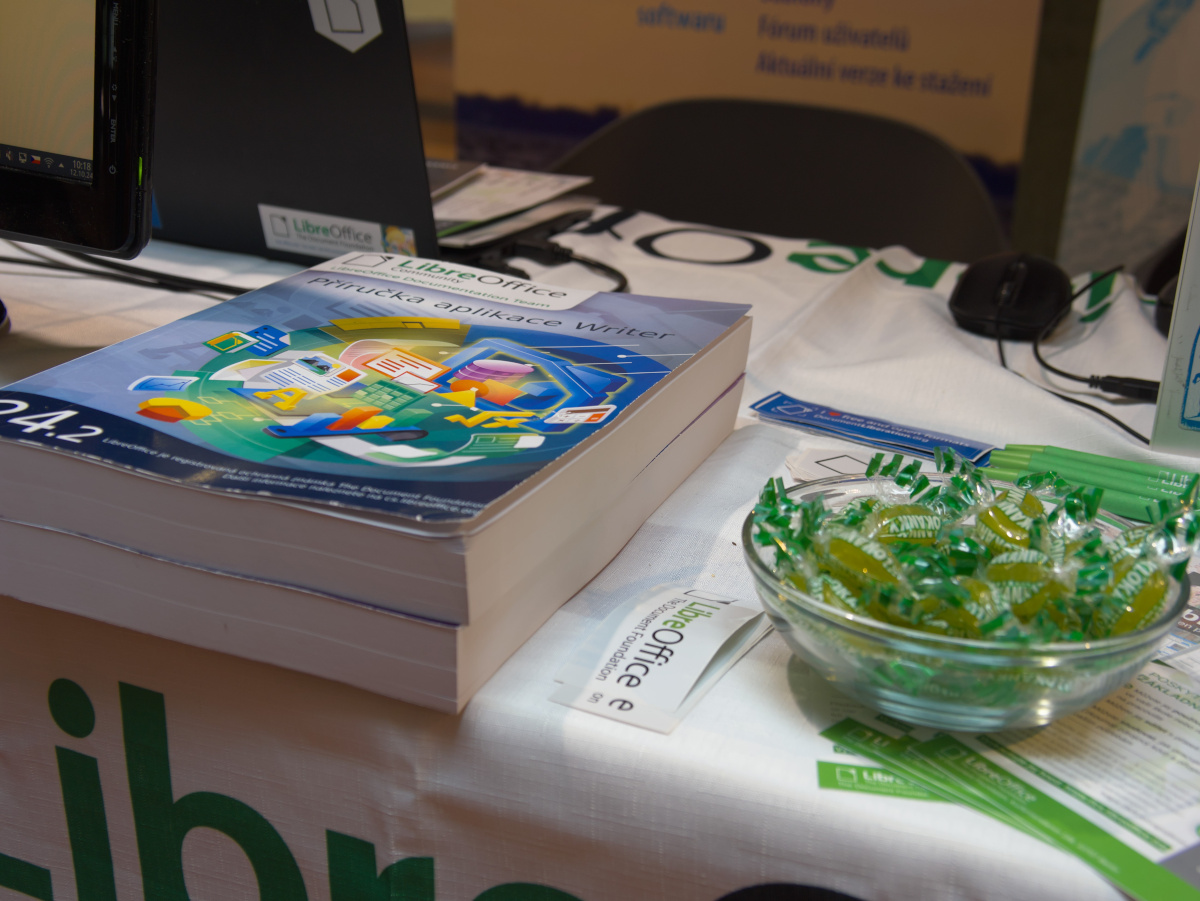
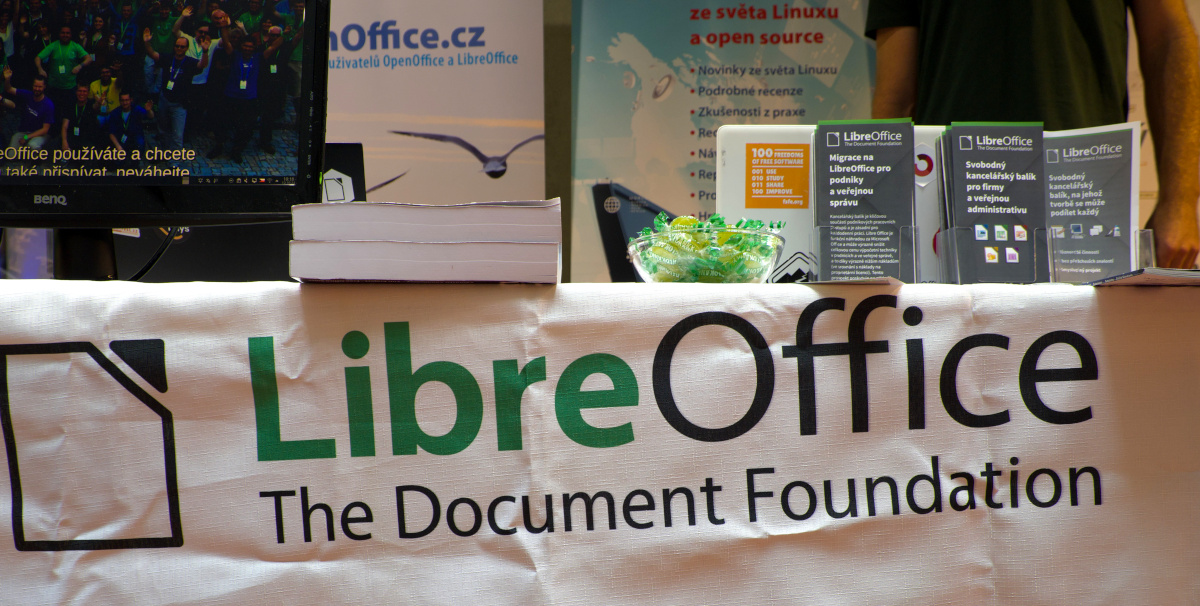
This year we had a special treat for conference visitors: printed manuals for LibreOffice Base and Writer. The printing of these manuals was provided by Zdeněk Crhonek. They are printed in colour on high quality paper and probably attracted the most interest – they caught the eye at first sight.

The look of LibreOffice

Users overwhelmingly expressed satisfaction with LibreOffice. The features are sufficient, the user interface is easy to get used to, and so is the way of working. For some users, the interface is seen as “old school” – but one such good thing is the implementation of alternative layours. It’s fair to say that few users know about the option to change the user interface layout, despite the fact that this option is offered in the very first dialog after installing the package.

This means that users don’t read these tips (which is a big mistake – they contain very useful and practical advice), and furthermore that LibreOffice lacks a wizard to guide the user through the various setup options. There are a lot of them, but they are hidden, so “nobody” knows about them. Such a guide would be a very useful addition indeed.
LibreOffice booth at LinuxDays 2024 in Prague

Using LibreOffice modules

Most users use LibreOffice to write text, create spreadsheets, and some even make presentations. In this regard, it should be noted that LibreOffice is a really extensive package; it is not a better typewriter. A word processor is not Notepad. So it is a pity that LibreOffice’s features remain unused. Users often create texts that require formatting in, for example, TeX, Markdown and so on. This is also a possible way to go, but they can equally (and better) take advantage of Writer’s extensive range of features. The same applies to Calc: this application is not just for creating spreadsheets, but also for computational operations and visualizations.

Insights on individual modules:

  • Of particular interest was the discovery that you can add content as automatic text in Writer.
  • One user would appreciate a significant improvement in the usability of bulk correspondence by allowing the source data used for this purpose to be imported into Writer, but then independent of the source database (as is reportedly the case in Microsoft Word).
  • Writer supports LaTeX via the TexMaths add-on, which converts the content to PNG or SVG but preserves the source syntax.
  • Users confirmed a known fact, that there is no video compatibility between Impress and PowerPoint. However, exporting from Impress to PDF works – then the videos are preserved.
  • Users are not familiar with Impress Remote. This allows you to control the presentation remotely using your mobile phone. The phone needs to be paired with the computer on which the presentation is running (communication is via Bluetooth or Wi-Fi). One person was very interested in this possibility, but unfortunately we had a problem with pairing devices – so the process could be simplified more.
  • One booth visitor uses Impress very often, but not always on her own laptop. The advantage is to use a portable version of LibreOffice (or the AppImage on Linux).

LibreOffice online or on mobile is no longer a secret

A surprisingly large number of users know and even use the mobile version of LibreOffice from Collabora. When we presented this application three years ago, at the InstallFest 2020 conference, it attracted a lot of interest. Now it seems that awareness is much better, although it is still surprising how few people know about the online version of LibreOffice.

However, there is even more interest in Collabora’s online LibreOffice solution, which is already quite widely used, or at least of interest, by conference visitors. Some users have problems with installation, so they would welcome more easily accessible tutorials on how to install (in different ways).
LibreOffice booth at LinuxDays 2024 in Prague

Microsoft Office/365 in education

The necessity or obligation to use Microsoft Office/365 for school purposes is a major frustration, especially for young users (school children). This applies both to school work itself and to the creation of homework. We think this practice is totally unacceptable: schools are not supposed to function as Microsoft training facilities (the worst in this case is the combination of a teacher and a certified Microsoft Insider).

Teachers should be aware of the negative impact they are having on children by requiring Microsoft Office; they are creating more users of one commercial company’s products, regardless of the existing and available open source alternatives. Even primary school students can be more aware than their teachers in this respect, as they demonstrated at this event. Yet the number of schools using and subscribing to LibreOffice is not small.

The fact that Microsoft 365 has been found to violate EU data regulations also speaks against the use of the cloud version; for this reason, its use in education is banned in the German state of Hesse, and the state of Schleswig-Holstein will switch to LibreOffice in 2025.

At the conference, the use of LibreOffice in public administration resonated more than ever. It seems that users are really interested in this topic. This is a good sign, subjectively it seemed that this topic is already outdated, but this is not the case.


LibreOffice 24.8.2 is available for download

An office suite optimised for the privacy-conscious office suite user who wants full control over the information they share

Berlin, 27 September 2024 – LibreOffice 24.8.2, the second minor release of the LibreOffice 24.8 family of the free, volunteer-supported office suite for Windows (Intel, AMD and ARM), MacOS (Apple and Intel) and Linux, is available at https://www.libreoffice.org/download.

The release includes over 80 bug and regression fixes over LibreOffice 24.8.1 [1] to improve the stability and robustness of the software, as well as interoperability with legacy and proprietary document formats.
LibreOffice is the only office suite that respects the privacy of the user – ensuring that the user is able to decide if and with whom to share the content they create. As such, LibreOffice is the best option for the privacy-conscious office suite user, and offers a feature set comparable to the leading product on the market.

In addition, LibreOffice offers a range of interface options to suit different user habits, from traditional to modern, and makes the most of different screen sizes by optimising the space available on the desktop to put the maximum number of features just a click or two away.

The biggest advantage over competing products is the LibreOffice Technology Engine, the single software platform on which desktop, mobile and cloud versions of LibreOffice – including those from ecosystem companies – are based.

This allows LibreOffice to produce identical and fully interoperable documents based on the two ISO standards: the Open Document Format (ODT, ODS, ODP) and the proprietary Microsoft OOXML (DOCX, XLSX, PPTX). The latter hides a great deal of artificial complexity, which can cause problems for users who are confident that they are using a true open standard.

End users looking for support can download the LibreOffice 24.8 Getting Started Guide from the following link: https://books.libreoffice.org/. In addition, they will be able to get first-level technical support from volunteers on the user mailing lists and the Ask LibreOffice website: https://ask.libreoffice.org.

LibreOffice for Enterprise

For enterprise-class deployments, TDF strongly recommends the LibreOffice Enterprise family of applications from ecosystem partners with dedicated value-added features and SLAs: https://www.libreoffice.org/download/libreoffice-in-business/.

Every line of code developed by ecosystem companies for enterprise customers is shared with the community on the master code repository and improves the LibreOffice Technology platform. Products based on LibreOffice Technology are available for all major desktop operating systems (Windows, macOS, Linux and ChromeOS), mobile platforms (Android and iOS) and the cloud.

The Document Foundation’s migration protocol helps companies move from proprietary office suites to LibreOffice, by installing the LTS (long-term support) enterprise-optimised version of LibreOffice, plus consulting and training provided by certified professionals: https://www.libreoffice.org/get-help/professional-support/.

In fact, LibreOffice’s mature code base, rich feature set, strong support for open standards, excellent compatibility and LTS options make it the ideal solution for organisations looking to regain control of their data and break free from vendor lock-in.

LibreOffice 24.8.2 availability

LibreOffice 24.8.2 is available from https://www.libreoffice.org/download/. Minimum requirements for proprietary operating systems are Microsoft Windows 7 SP1 (no longer supported by Microsoft) and Apple MacOS 10.15. Products based on LibreOffice technology for Android and iOS are listed at https://www.libreoffice.org/download/android-and-ios/.

LibreOffice users, free software advocates and community members can support The Document Foundation by making a donation at https://www.libreoffice.org/donate.

[1] Fixes in RC1: https://wiki.documentfoundation.org/Releases/24.8.2/RC1.

Community Member Monday: Jackson Cavalcanti Junior

Today we’re talking to Jackson Cavalcanti Junior, who’s active in the LibreOffice documentation community and was recently awarded a custom badge for his work

Tell us a bit about yourself!

I am Brazilian, from the city of Olinda, Pernambuco. I am 62 years old, and work as a public servant in the municipality of Olinda. I am one of the creators of the Municipal Public Archive of Olinda. I am also a human rights activist, especially for LGBT people. I am a proofreader and I also write for my blog.

In my work, in the city of Olinda, since 2001 I have been working with free office software, having started with OpenOffice.org, then with BrOffice and LibreOffice Writer, with which I created several models of documents to be used by the agencies that are part of the administrative structure of the Municipality of Olinda. These models remained on the City Hall’s intranet until 2016, when in that year’s elections another political party was elected, and that project was discontinued.

As a citizen, I am an activist in the LGBT movement, in which I have worked since 1980, when I helped found the Homosexual Action Group (GATHO), which was the first group in Pernambuco to fight in defense of citizenship for homosexual people. This group no longer exists, but I am a member of the LGBT Forum of Pernambuco, where I work as an independent activist, to which I was invited by my history as an activist for the LGBT cause in the state where I reside.

I also advertise LibreOffice among my friends, in the institutions where I work, and also in the WhatsApp and Telegram groups.

I like to photograph my city, my animals and nature.

What are you working on in the LibreOffice project right now?

I am currently working on the team of proofreaders for Brazilian translations of LibreOffice documentation.

Why did you decide to become a member of The Document Foundation, the non-profit behind LibreOffice?

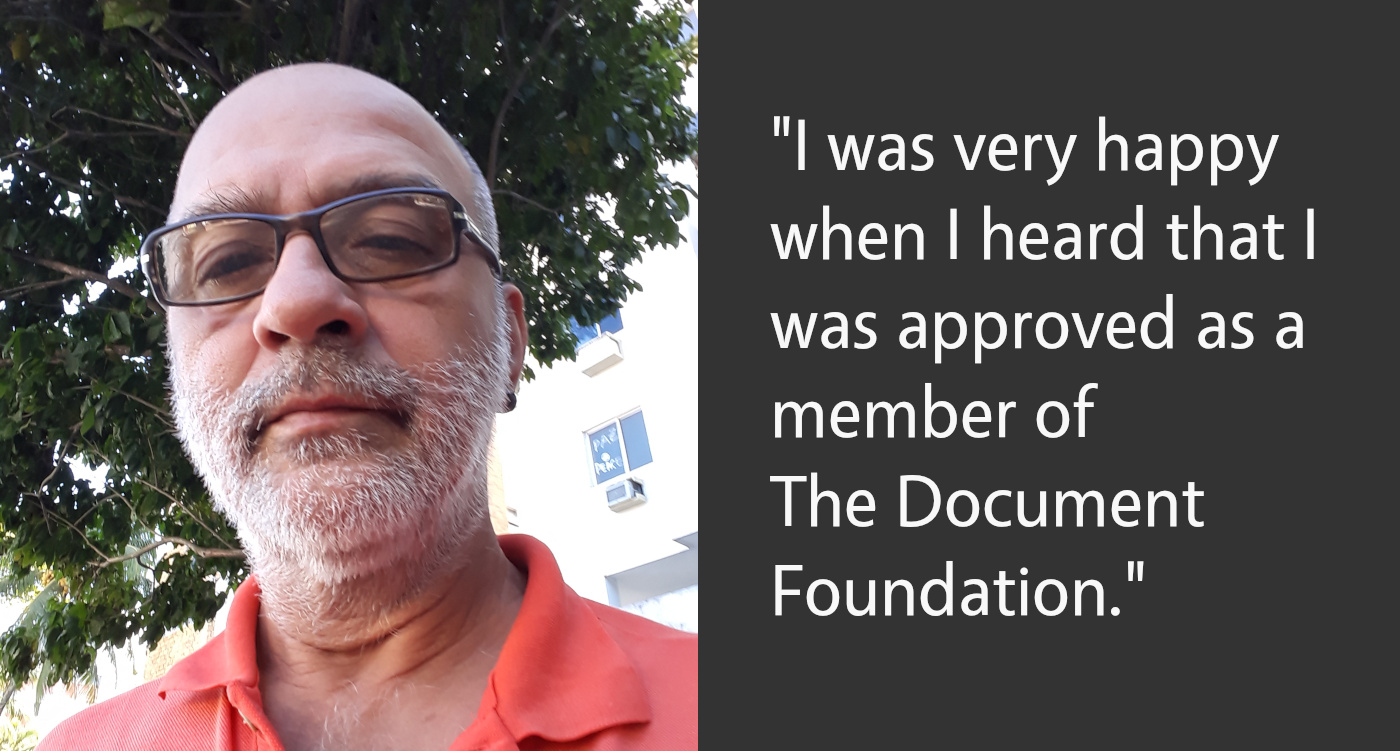
Because, still at the time of BrOffice, I was the creator of the User Group for the software in my state. After I joined the team of Brazilian reviewers for the LibreOffice documentation, I felt it was time to request my entry as a member of TDF. I was very happy when I heard that I was approved as a member of the foundation.

Anything else you plan to do in the future? What does LibreOffice
really need?

For the future, in addition to continuing to revise the new LibreOffice guides, I will further encourage the use of this software.

Thanks a lot to Jackson for his contributions and help in our projects! All LibreOffice users are welcome to find out what they can do for LibreOffice, and build up useful skills at the same time…

Annual Report 2019: Social media and video channel

(Note: this is a section from The Document Foundation’s Annual Report 2019, which will be published in full very soon.)

Social media

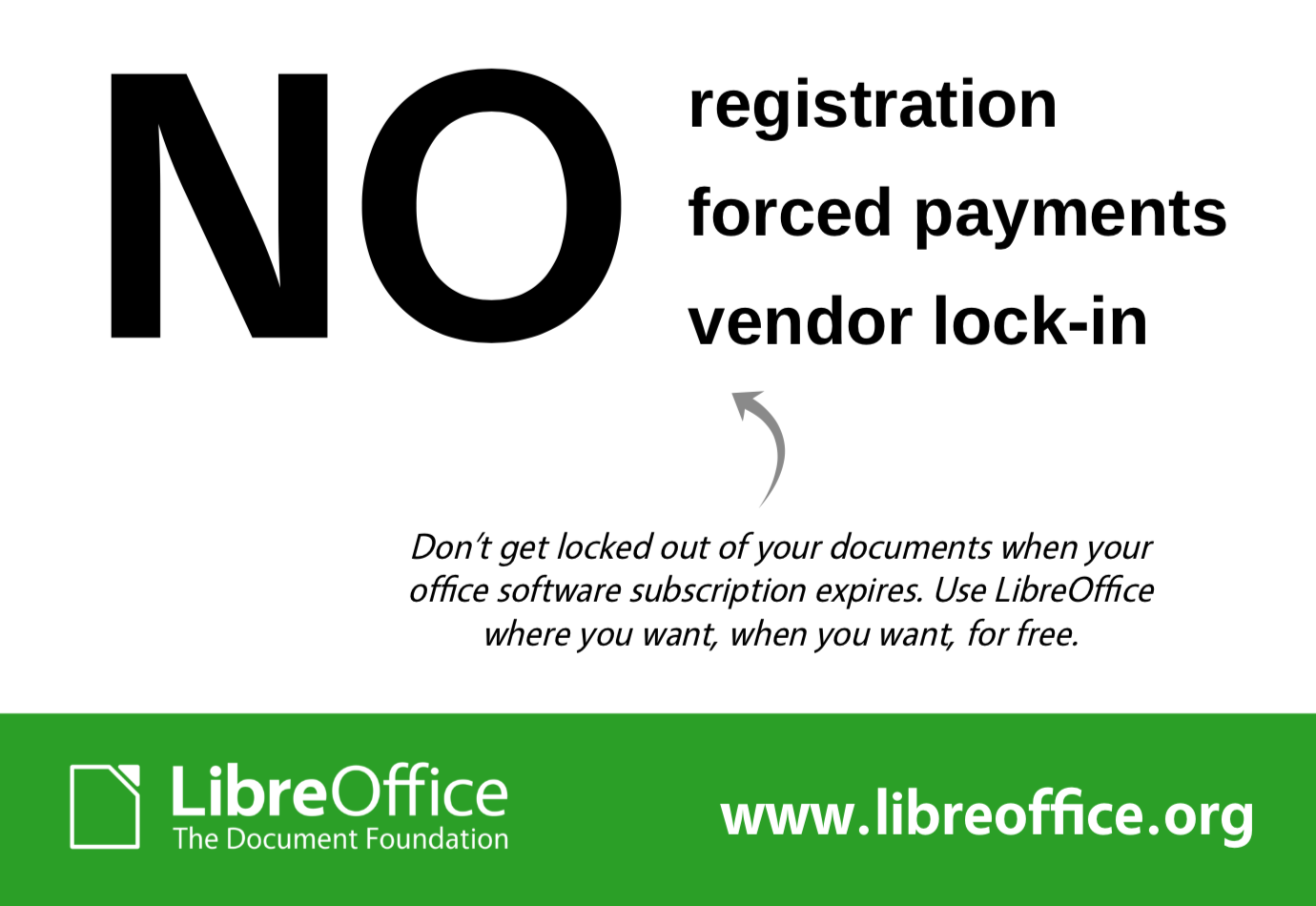
In January 2019, our Twitter account had 22,907 followers; by the end of the year, we had grown this to 28,775. Our most popular tweets were for major releases, but we also produced some campaigns, such as “NO” in August. Accompanying the text “Don’t get trapped by your office suite”, this tweet included an image with a striking “NO” next to “registration, forced payments and vendor lock-in”. The tweet gained over 80,000 impressions, thanks to likes and retweets, while our community translated the graphic.

In April, we joined Mastodon, a Twitter-like open source, federated and self-hosted microblogging service. Fosstodon – a Mastodon server set up specifically for free software projects – kindly accepted our request for an account, so we set up this account and started posting content, often more focused on technical users, compared to our tweets and Facebook posts. By the end of the year, we had over 3,100 followers, and have been engaging with other users who have questions and suggestions.

Our Facebook page growth was smaller, from 54,045 page likes to 55,985, and on April 2, Google officially discontinued its Google+ service. We had over 16,000 followers at the time, but that number had gradually been reducing, as most users had been aware for many months that Google was closing the service for personal accounts.

Throughout the year, we investigated tools to automate and enhance our use of social media. For instance, we set up PostPickr to automatically tweet prepared messages and graphics at regular intervals.

YouTube channel

Our YouTube channel grew from 7,231 subscribers and 1,147,772 video views in January 2019 to 9,351 subscribers and 1,544,818 video views by the end of the year. The “LibreOffice 6.2: New Features” video amassed over 100,000 views:

Please confirm that you want to play a YouTube video. By accepting, you will be accessing content from YouTube, a service provided by an external third party.

YouTube privacy policy

If you accept this notice, your choice will be saved and the page will refresh.

…while the video for LibreOffice 6.3 had over 70,000:

Please confirm that you want to play a YouTube video. By accepting, you will be accessing content from YouTube, a service provided by an external third party.

YouTube privacy policy

If you accept this notice, your choice will be saved and the page will refresh.

Meanwhile, our community helped out with tutorial videos – in particular Harald Berger of the German community, who produced a series of professional-looking step-by-step guides to installing and using Libreoffice.

Thank you

TDF would like to say thank you to the many native language social media groups, organised by local communities that support LibreOffice. They are really helping to spread the word around the globe.

If you find LibreOffice useful, support us with a donation so that we can continue to build our community, share knowledge, and improve LibreOffice for everyone!

LibreOffice Conference 2020 – it could be in your city

The LibreOffice Conference 2020 will be an event to remember, for a couple of reasons: it will be the 10th in a series of successful conferences, and it will celebrate the 10th anniversary of the LibreOffice project and the 20th of the FOSS office suite. In 2020, The Document Foundation will be on stage at many FOSS events around the world, and the LibreOffice Conference will be the most important of the year. Organizing this conference is a unique opportunity for FOSS communities, because the event will make the history of free open source software.

So far, LibreOffice Conferences have been organized in Paris, October 2011; Berlin, October 2012; Milan, September 2013; Bern, September 2014; Aarhus, September 2015; Brno, September 2016; Rome, October 2017; Tirana, September 2018, and Almeria, September 2019.

The Call for Location for LibreOffice Conference 2020 is open until June 30, 2019. TDF’s Board of Directors wants to to give next year’s event organizers the opportunity to attend this year’s conference in Almeria, Spain, September 11 to 13, 2019, to familiarize with the community and the structure of the event. For historical and practical reasons, the LibreOffice Conference takes place between September and November, with a preference for September.

More details about LibOCon 2020 Call for Locations are available on the original blog post.

Month of LibreOffice, November 2018: The winners!

At the beginning of this month, we began a new Month of LibreOffice, celebrating contributions all across the project. Well, November has come to a close now, so how many people got stickers throughout the month? Here we go:

This is the best Month of LibreOffice we’ve ever had, reflecting our lively and growing community. A big thanks to everyone who took part – click the number above to see the full details, showing usernames of the contributors who gave a hand in various parts of the project.

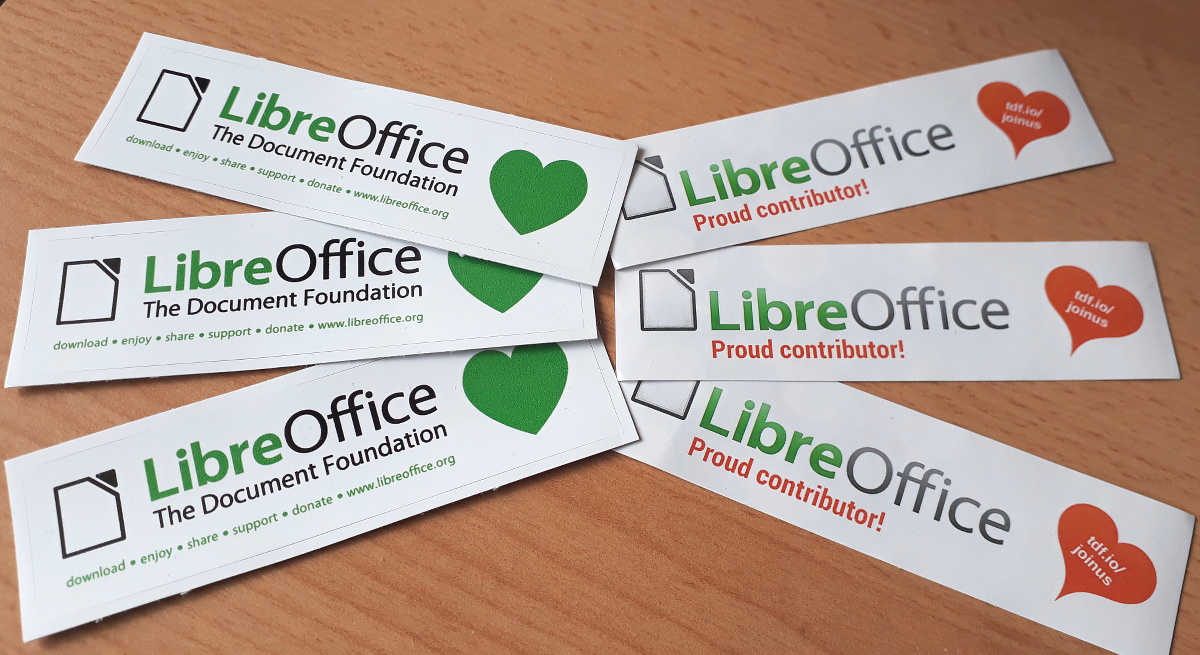
Now, if you see your name (or username) on that page, we want to send you a cool sticker pack! Email mike.saunders@documentfoundation.org with your name (or username) from the wiki page so that we can check, along with your postal address, and we’ll send you these:

(Note: we will only use your postal address to send the stickers. No data will be transferred to third parties, and your address will be deleted as soon as the stickers are posted.)

If you contributed to the LibreOffice project in November but your name (or username) isn’t on the list, let us know! Just end us an email stating what you did and with your address, and we’ll make sure you get your stickers too…

So, to wrap up, a big cheers to everyone who helped out! LibreOffice is going from strength to strength, thanks to you… (And if you didn’t get a sticker this time, we plan to do another Month of LibreOffice in May!)