Advent Resource #4: ODF Guidance by UK Cabinet Office (2)

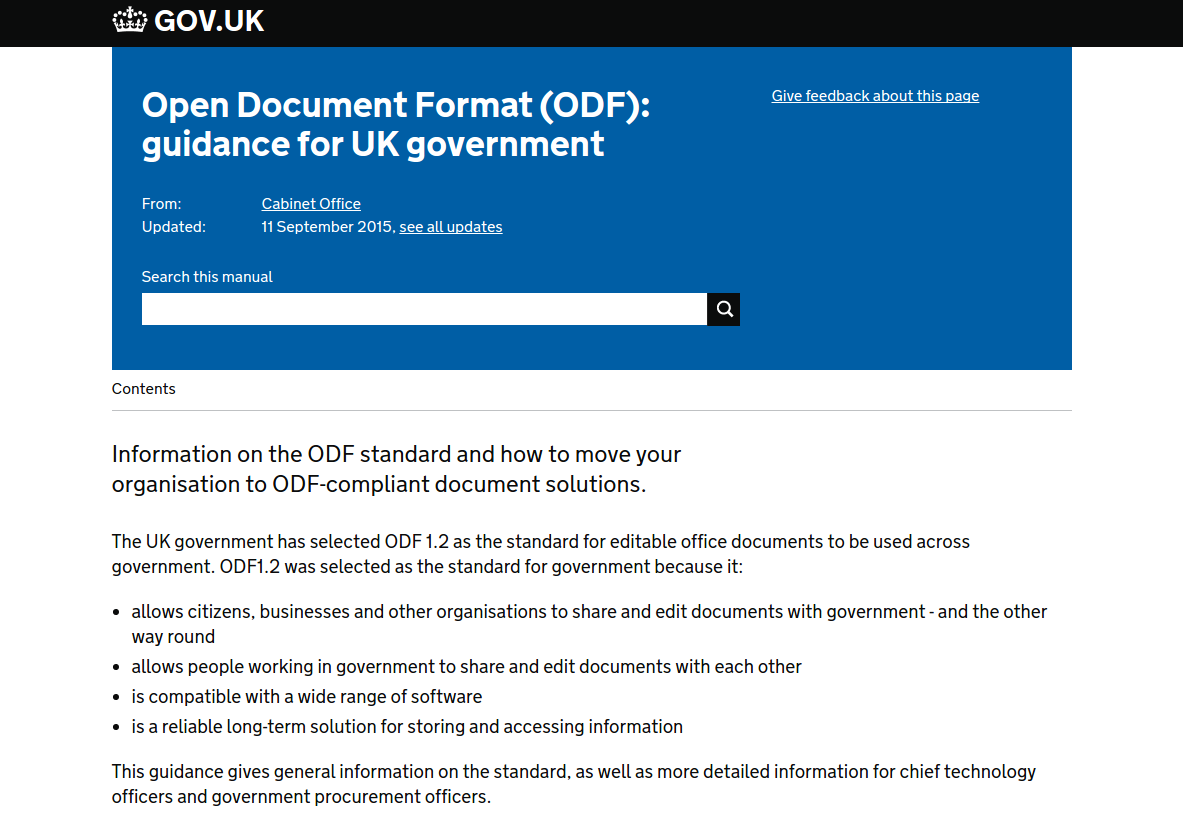
downloadInformation on the ODF standard and how to move your organization to ODF-compliant document solutions

The document has been forked in a textual format (Pandoc’s Markdown) by Paolo Dongilli, to keep track of versions and changes, correct typos, add new content and easily fork it for localization purposes. It is available on GitHub: https://github.com/paolodongilli/ODF-Guidance.

This guidance gives general information on the standard, as well as more detailed information for chief technology officers and government procurement officers.

Table of Contents:

  1. Introduction to Open Document Format (ODF)
  2. Procure ODF solutions
  3. Base ODF solutions on user needs
  4. Validators and compliance testing
  5. Platforms and devices
  6. Accessibility
  7. Privacy and security
  8. Avoid macros in documents
  9. Integrate ODF with enterprise tools
  10. Extensions, plugins and custom solutions
  11. Collaborate on documents
  12. Change tracking in ODF
  13. Embed fonts in ODF documents
  14. Corporate styles and templates
  15. ODF spreadsheets and formulas
  16. Support and training
  17. Overview of productivity software
  18. Costs and benefits of ODF

Advent Resource #3: ODF Guidance by UK Cabinet Office (1)

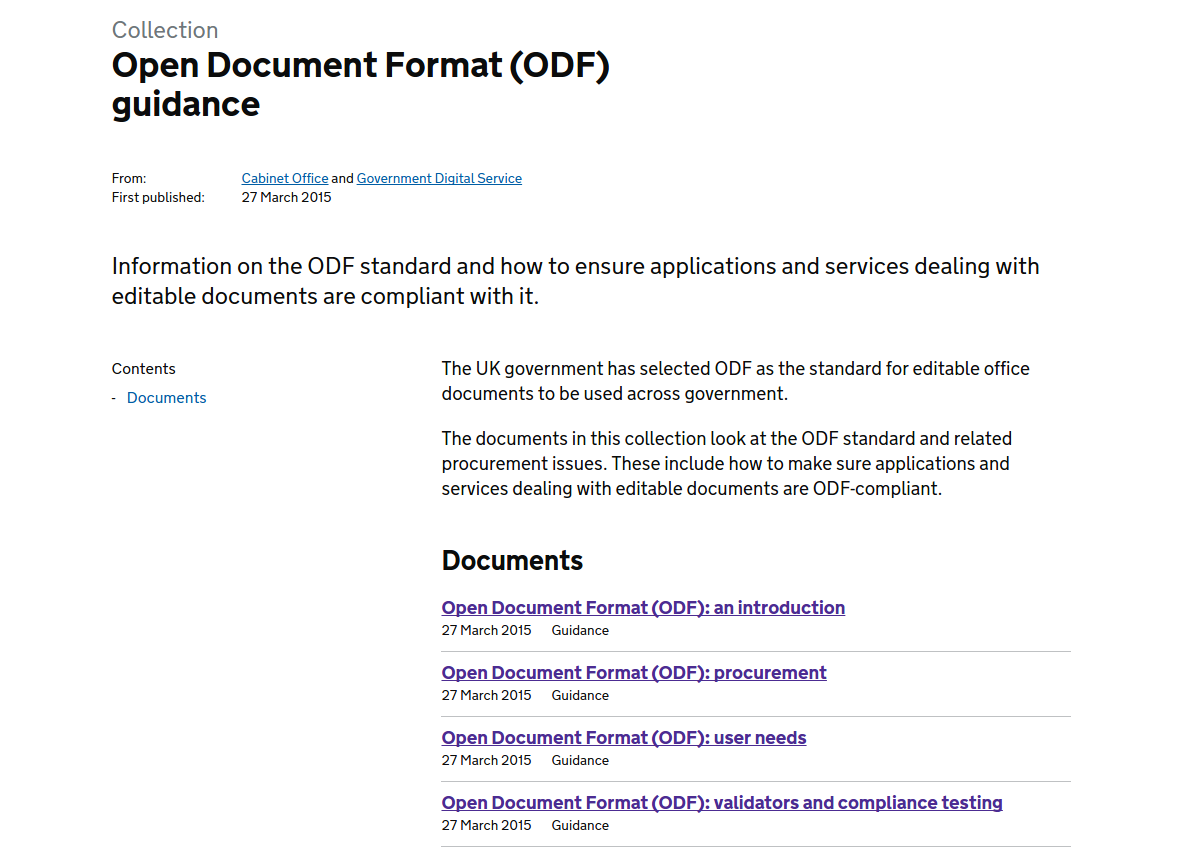
downloadIn July 2014, the UK government has selected Open Document Format (ODF) – LibreOffice native document format, officially published as international ISO/IEC standard 26300 on November 30, 2006 – as the standard for editable office documents to be used across all government offices.

The documents in this collection (https://www.gov.uk/government/collections/open-document-format-odf-guidance) look at the ODF standard and related procurement issues. These include how to make sure applications and services dealing with editable documents are ODF-compliant.

There are four documents in the collection: 1. Open Document Format (ODF): an introduction; 2. Open Document Format (ODF): procurement; 3. Open Document Format (ODF): user needs; and 4. Open Document Format (ODF): validators and compliance testing. They are a useful resource for all LibreOffice advocates.

Advent Resource #2: TDF/LibreOffice Press Releases

downloadThe Document Foundation issues a press release in English – and in other languages, according to the availability of volunteer translators – for major and minor software releases, and for other significant announcements such as new Advisory Board members. Press releases are key to get media coverage, and have been instrumental for the growth of LibreOffice awareness around the world (although we have had to overtake the brand awareness of another product).

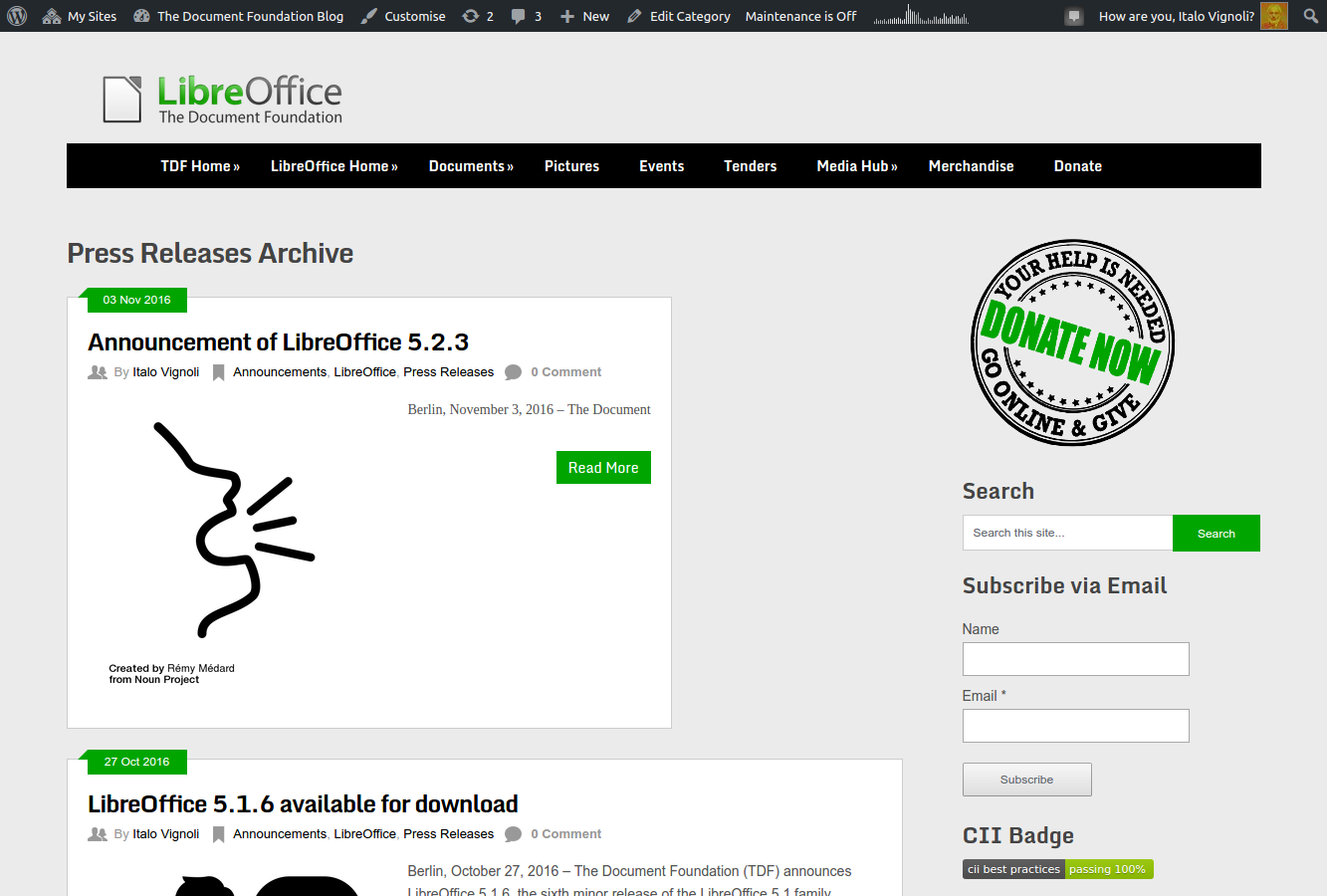
Press Releases are regularly published on this blog, and are categorized under Press Releases in order to make them easy to find. On the main menu (top black bar) under Media Hub it is possible to access the category page: https://blog.documentfoundation.org/blog/category/press-releases/ (screenshot on the left), to get the history of announcements.

Advent Resource #1: TDF/LibreOffice Press Clippings

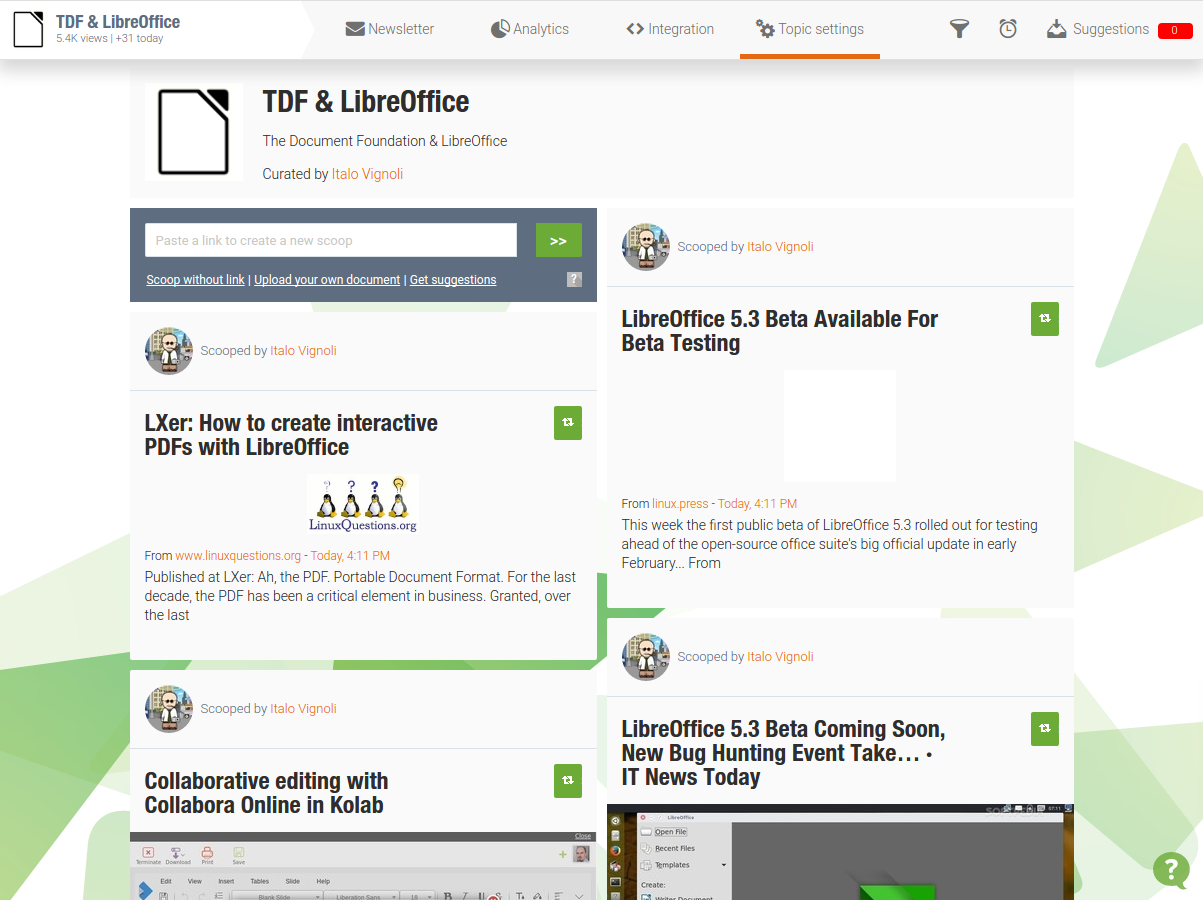
downloadThe Document Foundation and LibreOffice produce a large number of articles in every kind of media, especially online: from dailies to tech magazines and blogs in every possible language. Keeping track of every publication is a real challenge, but there is a resource accessible from this blog under Media Hub > Press Clippings on the main menu (top black bar): http://www.scoop.it/t/tdf (screenshot on the left). It is a list of articles in magazines and blogs, mostly in English, updated at the end of each week (on Sunday).

Articles are spotted by search engines, but it is possible to add links manually. So, if you spot a nice article about The Document Foundation or LibreOffice, please send the link to italo@libreoffice.org. The article will be added at the end of the week, and will be available to all readers.

LibreOffice: Advent Tip #24

Bugzilla Main PageLibreOffice last tip of the series (a huge success, according to the numbers) is slightly different from the previous ones, because is not a real tip but an invitation to help the project by submitting bugs and regressions.

In fact, only with the help of our large user community (stay tuned for the numbers…) we will be able to improve the quality of LibreOffice, release after release.

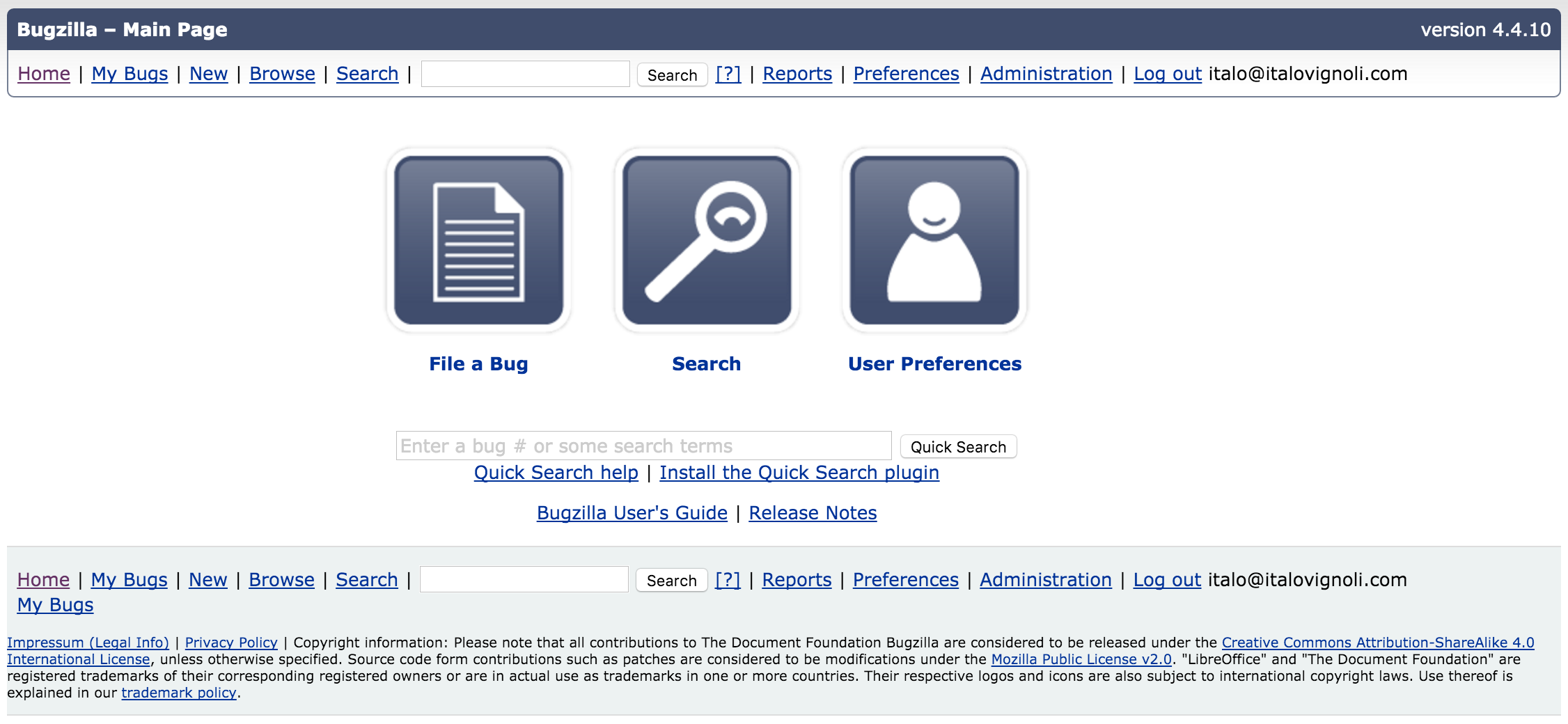
To file a bug or a regression, there is a specific resource: Bugzilla (the image on the left is a thumbnail of the home page). The process might look difficult for a first time user, but there is a nice tutorial (download PDF) which explains the different steps in detail.

Increasing and improving the number of bugs and regressions filled correctly would be the best gift that users could do to the project in 2016 and beyond.

LibreOffice: Advent Tip #23

zoom

LibreOffice provides a Zoom & View Layout dialog which makes it easier to set the size of the document inside the software window. The feature can be accessed either with the menu View > Zoom > Zoom… or by double clicking on the zooming percentage in the lower right corner. The dialog allows to set both the Zoom Factor and the View Layout, with a number of different option for each choice.