
Category: Community
2024 – The Documentation Team Made LibreOffice Shine
2024 was a prolific year for the LibreOffice documentation.
With many guides updated and the application Help tracking closely the latest LibreOffice release, the team made all efforts to keep the pace of the development, bringing the new features to the public in the set of books, Help online and more.
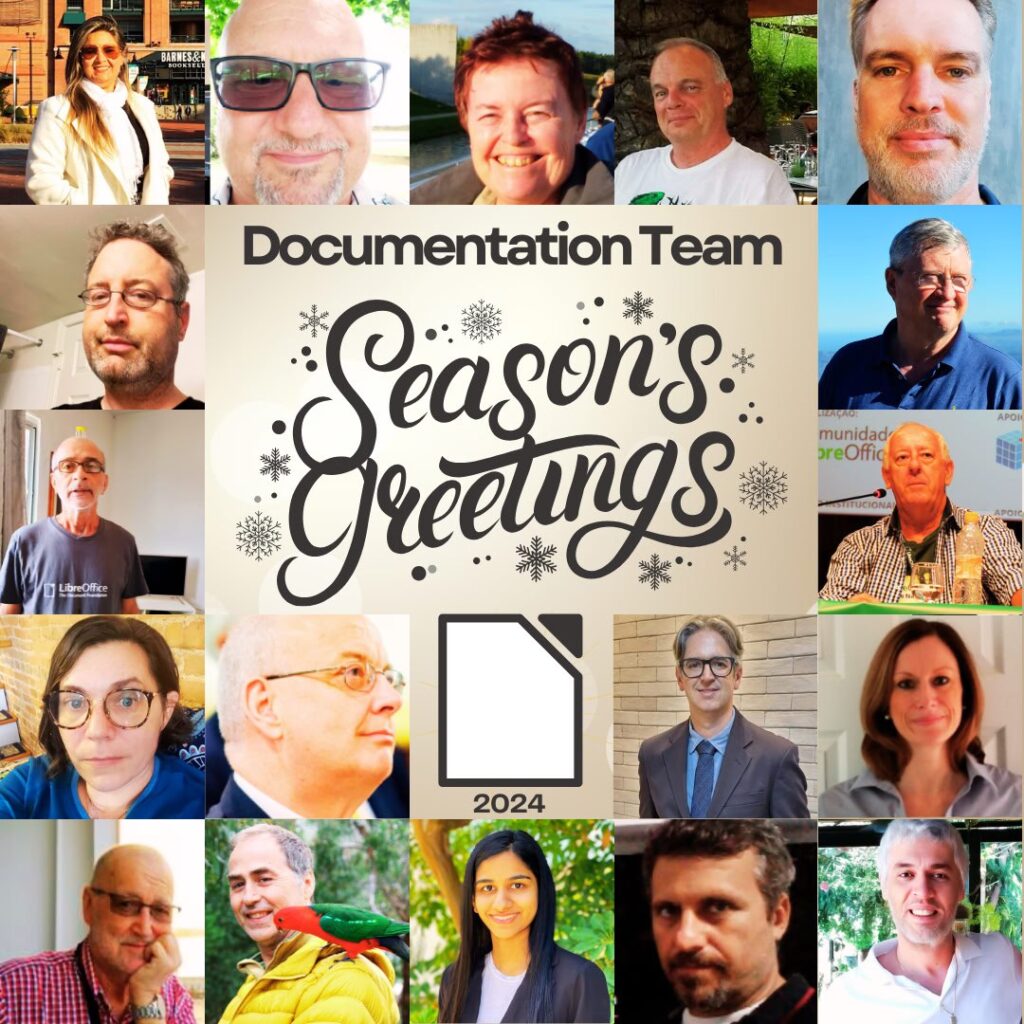
To all the nice team, our Big Thank you!
Season’s Greetings! Three new LibreOffice Guides released
Our team member Peter Schofield just updated the Impress, Draw and Math guides to the latest LibreOffice 24.8 release.
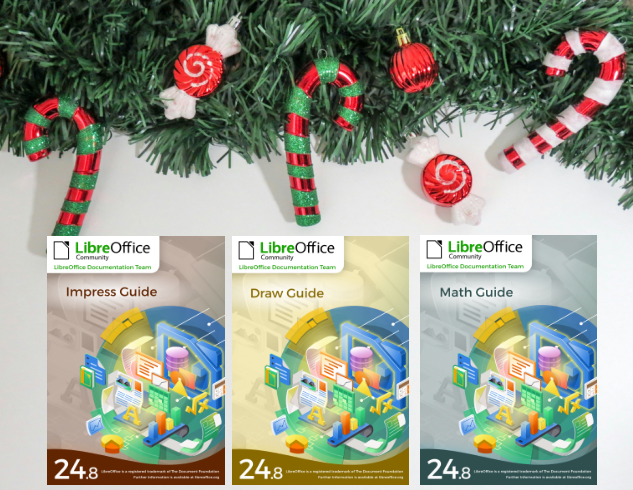
The Impress, Draw and Math guides are the authoritative guides for the end user. They cover presentation, drawings and equation documents. These guides are part of the LibreOffice community offering for the public in general that needs to close the knowledge gap in using LibreOffice.

The guides can be downloaded from the LibreOffice Bookshelf as well as from the Documentation website.
A big thank you to dear Peter!
LibreOffice project and community recap: November 2024

Here’s our summary of updates, events and activities in the LibreOffice project in the last four weeks – click the links to learn more…
- The main theme of November was the Month of LibreOffice, saying thanks for community contributions all across the LibreOffice project – coding, documentation, QA, design and more. At the end of the month we announced the results with 301 contributors eligible to receive sticker packs! Thanks to everyone who took part 😊
- Meanwhile, we started editing and uploading videos from the recent LibreOffice Conference 2024 in Luxembourg. So far there are 35 videos to watch, covering various aspects of the suite and development – with some more still to come! Here’s the playlist:
Please confirm that you want to play a YouTube video. By accepting, you will be accessing content from YouTube, a service provided by an external third party.
If you accept this notice, your choice will be saved and the page will refresh.
- In documentation news, the docs team announced the LibreOffice Writer Guide 24.8, updated for the latest major release of the suite.
- New features are coming to LibreOffice thanks to participants in the Google Summer of Code 2024, including comments in the sidebar, native support for histogram charts and cross-platform .NET bindings for the UNO API.

- In the middle of November, we announced LibreOffice 24.8.3, the third bugfix update to the latest stable branch. All users are recommended to get it.

- We have a new podcast! In episode 1, Italo Vignoli and Mike Saunders (both at The Document Foundation) discuss marketing LibreOffice and free software – the challenges and opportunities. (It’s also available on PeerTube.)
Please confirm that you want to play a YouTube video. By accepting, you will be accessing content from YouTube, a service provided by an external third party.
If you accept this notice, your choice will be saved and the page will refresh.
- Then we talked to Moritz Duge who is working on the WebAssembly port of LibreOffice, among other things.

- And finally, we showcased one particular talk from the LibreOffice Conference 2024, which explains how the northern German state of Schleswig-Holstein will move 30,000 PCs from Microsoft Office to LibreOffice (and Linux). (This video is also available on PeerTube.)
Please confirm that you want to play a YouTube video. By accepting, you will be accessing content from YouTube, a service provided by an external third party.
If you accept this notice, your choice will be saved and the page will refresh.
Keep in touch – follow us on Mastodon, X (formerly Twitter), Bluesky, Reddit and Facebook. Like what we do? Support our community with a donation – or join our community and help to make LibreOffice even better!
Winners in the Month of LibreOffice, November 2024 – Get your free sticker pack!
At the beginning of November, we began a new Month of LibreOffice campaign, celebrating community contributions all across the project. We do these every six months – so how many people got sticker packs this time? Check it out…
Fantastic work, everyone! Hundreds of people, all across the globe, have helped out in our projects and communities. And those are just community contributions, not including the hundreds more from our ecosystem and certified developers!
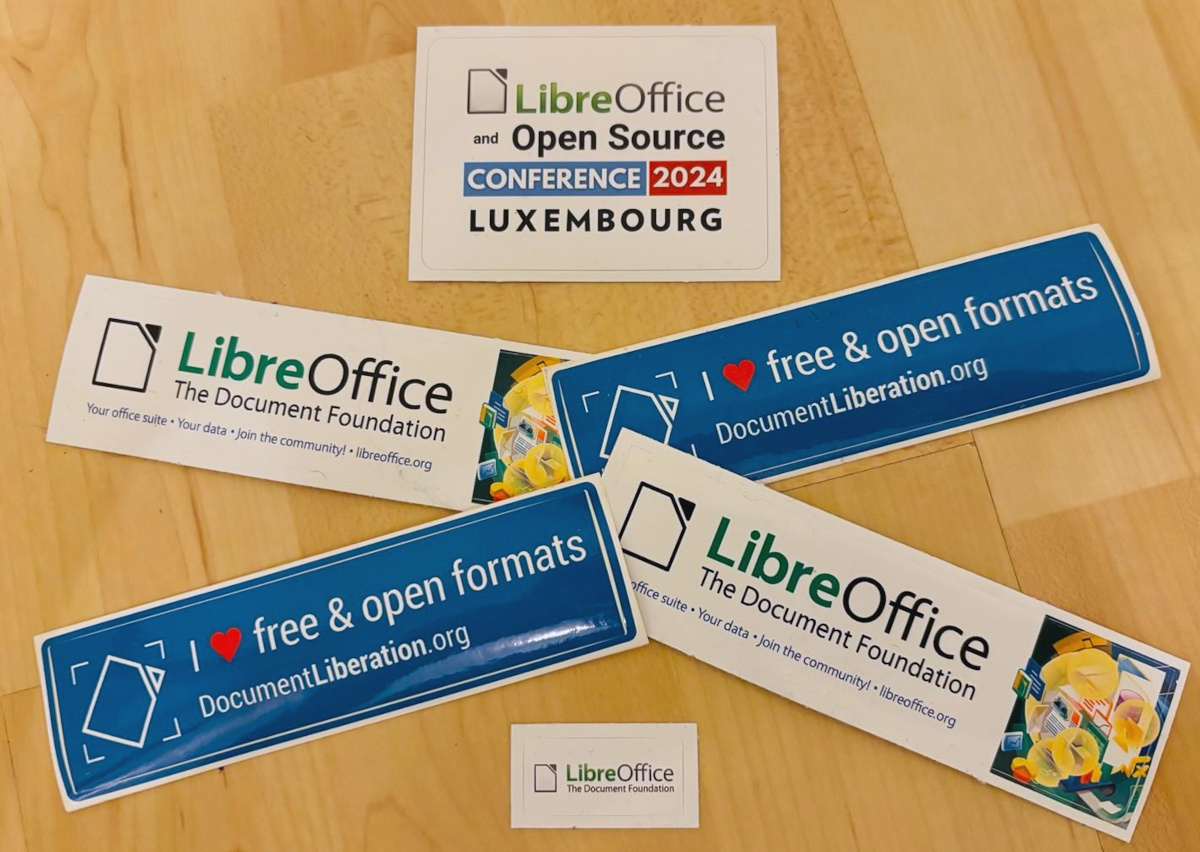
We’re hugely thankful for the work – and, of course, everyone who’s listed on the wiki page can get a sticker pack, with the stickers shown above.
How to claim
If you see your name (or username) on this page, get in touch! Email mike.saunders@documentfoundation.org with:
- your name (or username) from the wiki page
- along with your postal address
…and we’ll send you a bunch of stickers for your PC, laptop and other kit. (Note: your address will only be used to post the stickers, and will be deleted immediately afterwards.) If you contributed to the project in November but you’re not on the wiki page, please let us know what you did, so that we can add you!
There is one more thing…
And we have an extra bonus: ten contributors have also been selected at random to get an extra piece of merchandise – a LibreOffice hoodie, T-shirt, rucksack or snazzy glass mug. Here are the winners (names or usernames) – we’ll get in touch personally with the details:
- Richard England
- Ashleigh Sinclair
- @OhWeh@climatejustice.social
- UnklDonald
- Henner Drewes
- mkt
- Ekaterine Papava
- @pdunn@twit.social
- Chika
- Bryan Zanoli