(Note: this is a section from The Document Foundation’s Annual Report 2019, which will be published in full in the coming weeks.)
By helping to translate and market LibreOffice around the world, native language projects bring enthusiasm and passion to the global community. Here’s what they did in 2019…
Albania – Localisation sprint
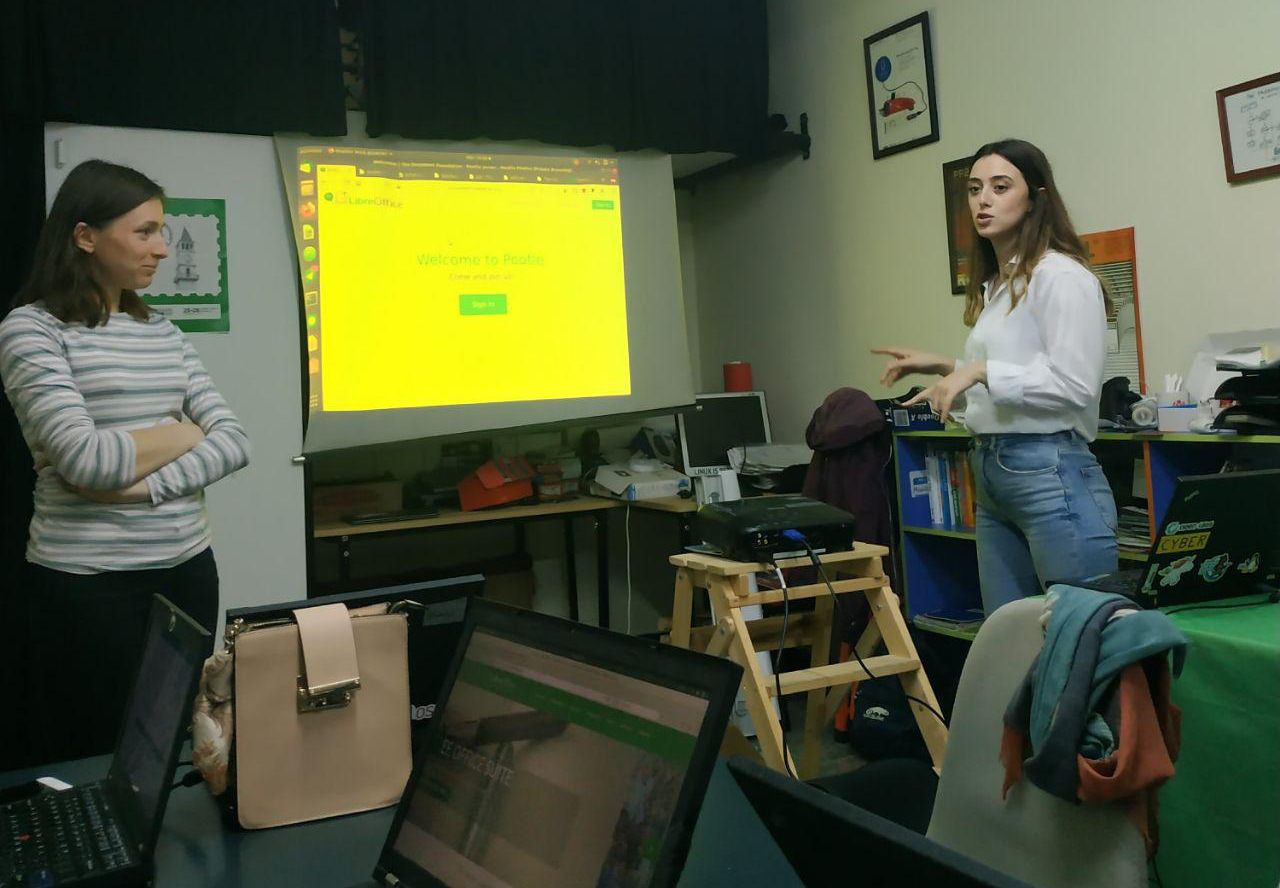
Tirana, Albania’s capital city, was the host of the LibreOffice Conference 2018. Since then, the local community has been active in the design, marketing and localisation projects within LibreOffice. In November, the community had a localisation sprint, and one of the organisers, Sidorela Uku, described it so:
This was the first event I organized for LibreOffice, in collaboration with a friend of mine, Marcela Korreshi (our new contributor). The presentation included an introduction to LibreOffice and how people can contribute to the project in in various ways, while the second part was focused on translations. (In addition, I talked about whatcanidoforlibreoffice.org.) We had 14 people participating at the event, and as far as I can see from the translations, there are around 460 strings translated to review – and around 200 strings translated and reviewed.
Bulgaria – OpenFest
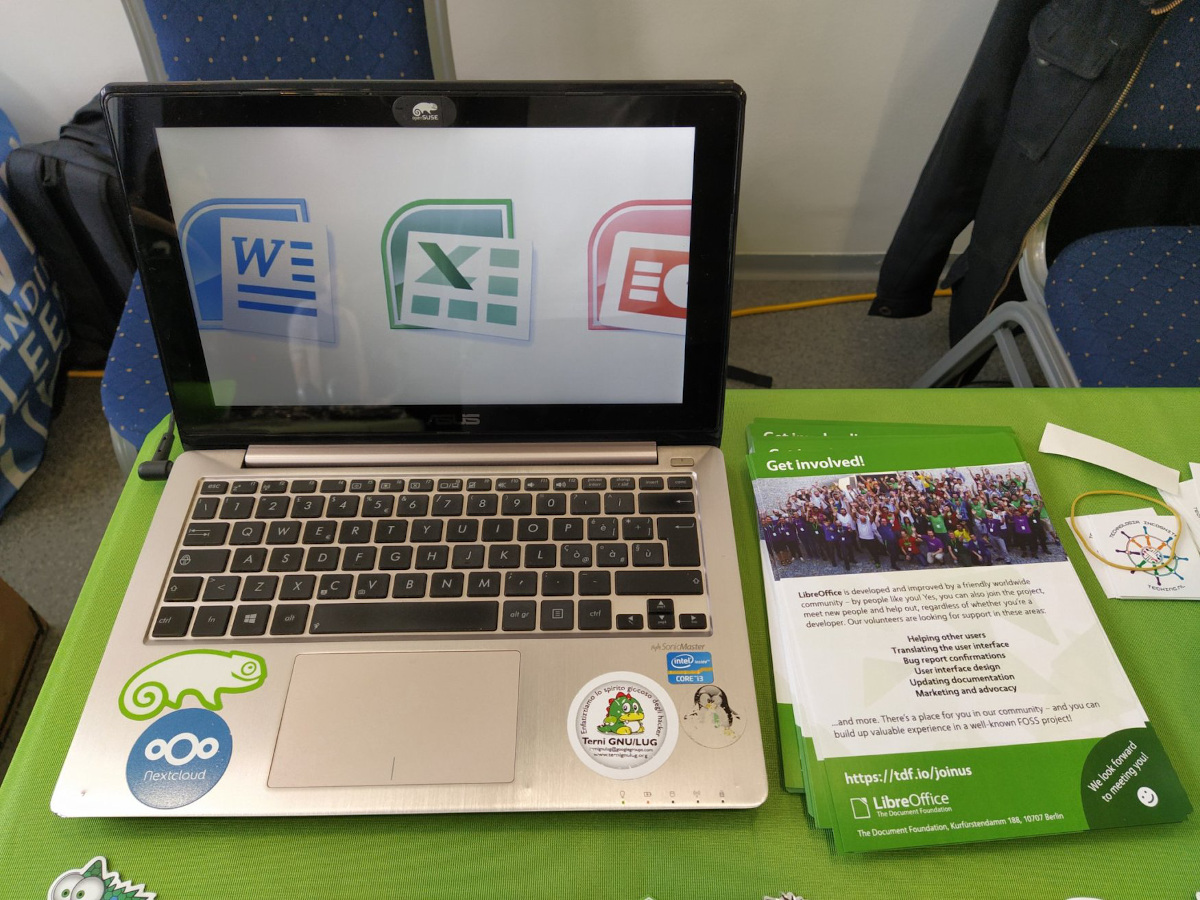
On November 2 and 3, the OpenFest 2019 took place in Sofia, Bulgaria, and Gabriele Ponzo from TDF’s Membership Committee was there. He said:
The goal of my mission was to create a local LibreOffice community, and possibly increase the membership base of TDF, having this country better represented. I’ve seen many people that were interested – so we’ll see if they will become active in our community. Also, I had the opportunity to share a booth with the wonderful guys from the openSUSE community. They were really kind and warm with me and helped in many ways, from coming to the airport to pick me, to talking about LibreOffice in Bulgarian to attendees of the booth, side-by-side with me who was doing it in English.
Canada – Building up the community
Canadian LibreOffice supporter Marc Paré set up LibreWaterloo, to “have a local presence on the Canadian scene with respect to the LibreOffice project and software. We would like to connect with local LibreOffice coders and users, and “to have fun” should be one of the pillars and principles we strive for.”
He continues: “I spoke at a meeting of the KW Non-Profit Sys Admin (KWNPSA) where I am a co-coordinator, and I announced the creation of the new LibreWaterloo community group. There, I did a two hour presentation on the status of The Document Foundation, along with LibreOffice and the benefits of starting a group. There were approximately 15 people at the meeting, and a couple of people came to trouble-shoot their software; however, the meeting was not to trouble-shoot issues, but to discuss if there was an interest from the Sys Admin group.”
Marc set up an organizing committee of three people to start with, and has plans for more events and localisation in Canada’s indigenous languages.
Czech Republic – Free software events
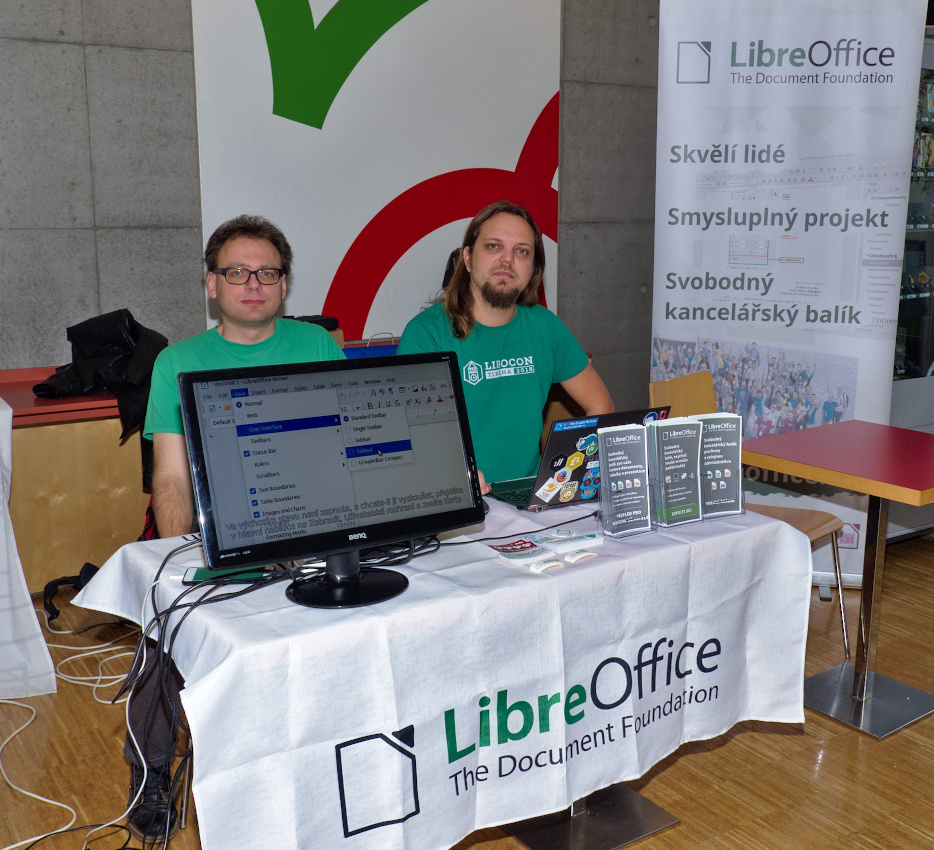
Members of the Czech LibreOffice community, including Stanislav Horáček, Zdeněk Crhonek and Petr valach, attended two conferences in autumn: LinuxDays in October, and OpenAlt in November. They had a booth with flyers, stickers and laptops demonstrating the latest version of LibreOffice, and answered questions from visitors.
Topics that visitors brought up included LibreOffice Online, macros, automatic updates, handwriting recognition and the Czech dictionary. Stanislav summarised his experiences: “We can really recommend these types of events, as you get feedback from both end users of our software, and developers/enthusiasts of another communities. Don’t hesitate to attend if there is a similar event in your country!”
France – Workshop and hackfests
Several events in France took place through the year – and all were hosted by Inno3 in Paris, a company thats specialises in open source licenses and supporting the French LibreOffice community.
There was a workshop in the middle of February, on a Saturday. Most of the attendees didn’t know each other in person, so the group decided to met at a restaurant near the corner to socialize a bit before working.
Then as an introduction, Sophie Gautier from TDF presented the different parts of the foundation, along with various projects relating to LibreOffice development. The group discussed localisation, quality assurance and programming. During the workshop, part of the group worked on localization and the other part on QA, confirming bugs and learning how to bibisect.
Germany – events and meetups
Germany and LibreOffice have a strong connection. StarOffice, the precursor to OpenOffice.org (which in turn was the precursor to LibreOffice), was first developed in Hamburg in the 1980s. Over the years, many other developers joined the team, in and around Hamburg and other parts of Germany. Even today, many years later, the German community is active, attending events and holding regular community calls.
One such event was the Chemnitzer Linux-Tage (Linux days) in Saxony, on March 16 and 17. While this event focused on the GNU/Linux operating system, community members from various FOSS projects were present. Stefan Unverricht, Thorsten Behrens and Mike Saunders had a stand with LibreOffice flyers, stickers, books and other merchandise – along with a PC to demonstrate the latest version of the suite.
Of course, most Linux users are well aware of LibreOffice, but there were still various questions on topics such as LibreOffice Online, document compatibility, translations, extensions and documentation. In addition, Stefan, Thorsten, Mike and Katarina Behrens gave talks about LibreOffice, The Document Foundation, and EGroupware integration with LibreOffice Online. Thorsten summarised the event: “It was very nice, with excellent talks, and a good spirit like the Paris Open Source Summit. The venue was lovely, while the talks were well attended. We should definitely go again next year!”
In May, members of the German community met at the Linuxhotel near Essen. 15 people took part, from across the LibreOffice project: developers, event organisers, infrastructure maintainers, documentation editors, and TDF team and board members. They discussed many topics, including: the structure of the German project; the various tools that we use (and how to consolidate them); and which events we should attend in the future. In addition, they created a list of tasks to focus on in the coming weeks and months, assigned to various members of the community.
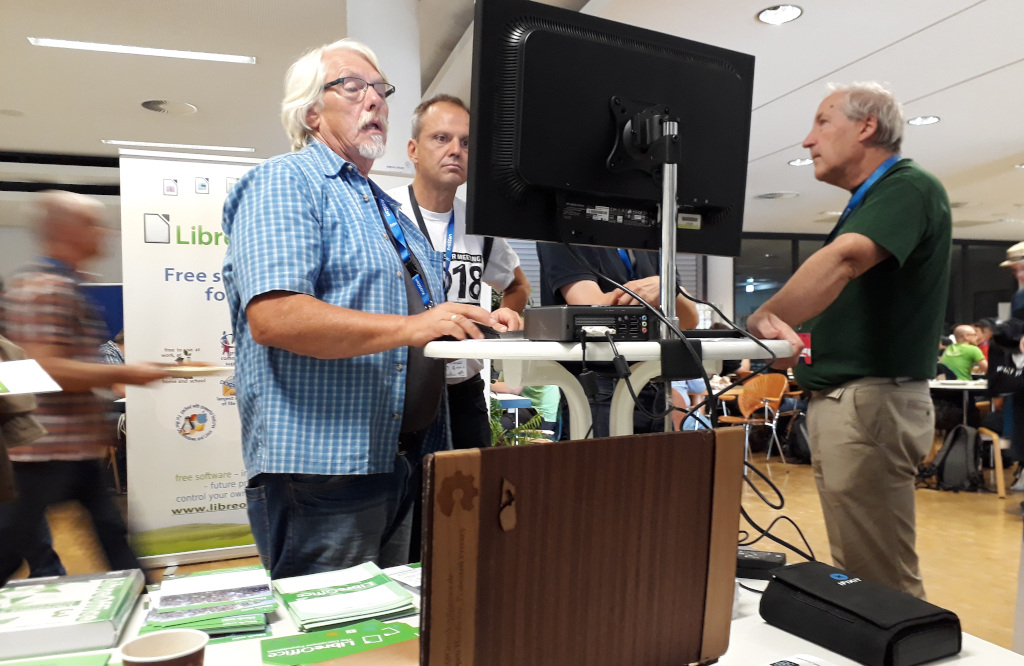
Later in the year, on August 10 and 11, we attended FrOSCon 2019 in Sankt Augustin, a town just outside of Bonn. FrOSCon is one of the largest free and open source software (FOSS) conferences in the country, with around 2,000 attendees. Most of the visitors know about FOSS already, but some had only learnt about it recently, and were eager to discover more. Gerrit Großkopf, Uwe Altmann, Stefan Unverricht and Mike Saunders had a stand with flyers, stickers and a computer demonstrating LibreOffice 6.3 and LibreOffice Online. Indeed, many visitors to the stand had no idea that LibreOffice Online existed, and were eager to try it out on their own infrastructure.
Other common topics at the stand included LibreLogo, macros, mail merge and other features in the suite. We even had a couple of visitors who demonstrated minor bugs that they’d found in the software, which have been useful for creating bug reports. In addition to helping with the stand, Stefan gave a lecture about “LibreOffice Online in EGroupware”.
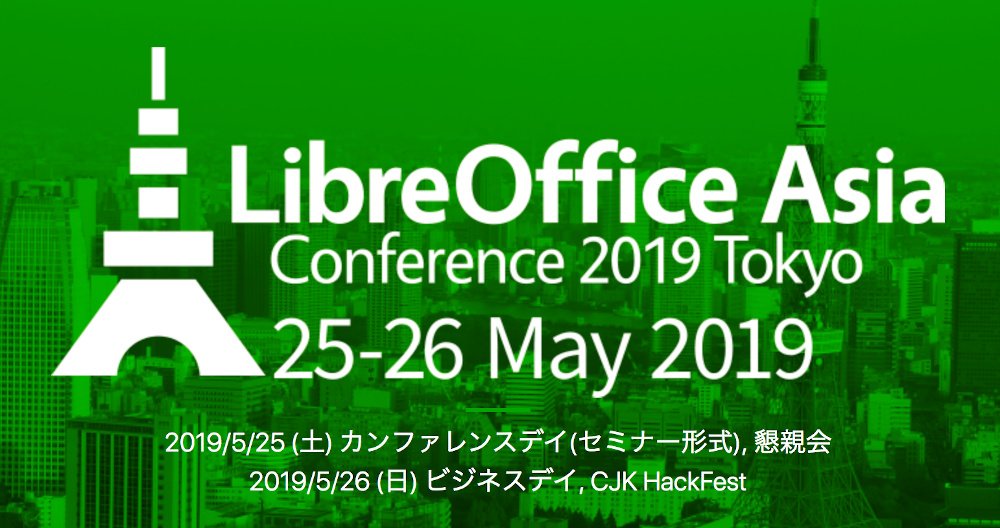
Japan – LibreOffice Asia Conference 2019
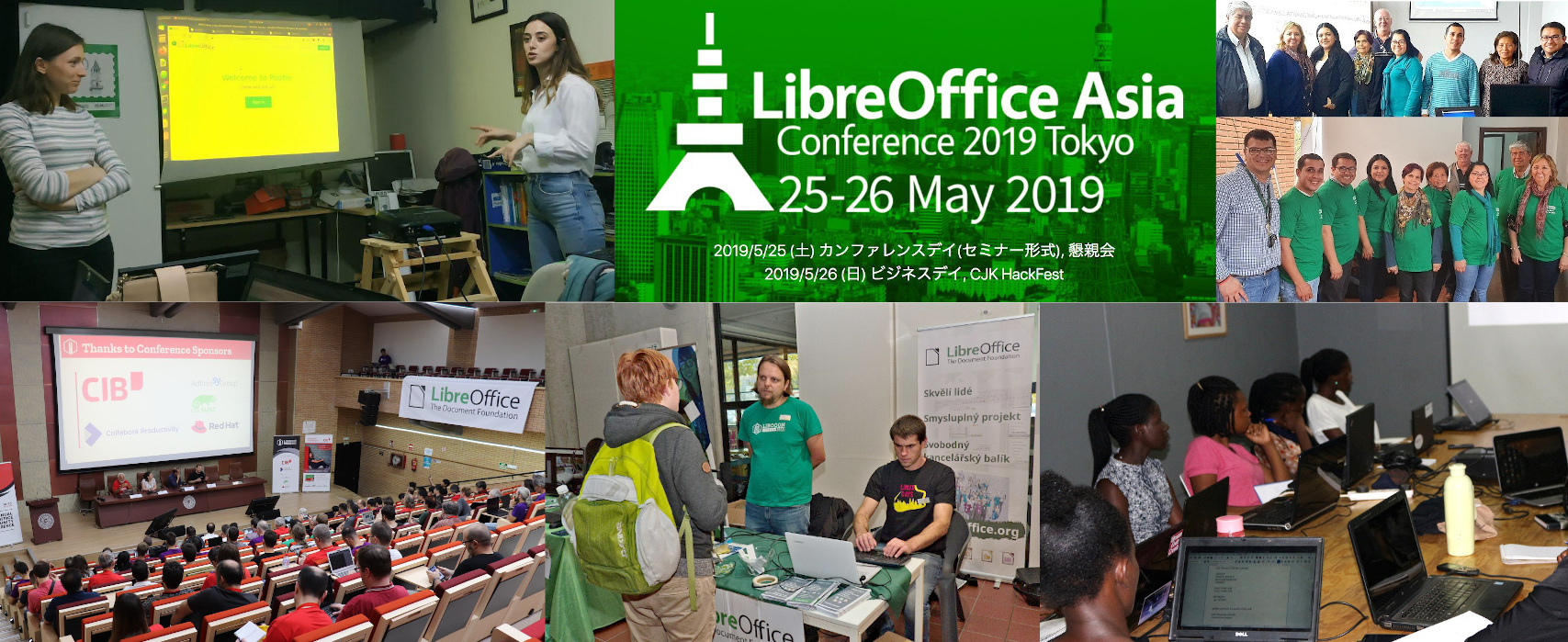
The LibreOffice Asia Conference 2019 was held on May 25 and 26 in at the Cyboze Office in Tokyo. Attendees from several Asian countries were present – including Japan, Taiwan and Indonesia – while some LibreOffice supporters made the trip over from Europe.
On the first day, Mark Hung from Taiwan gave the opening keynote, talking about bugs, fixes and success stories with LibreOffice in Asian languages. This was followed by talks in three tracks, one of which was in Japanese, and the other two in English. Talks included: educational practices in China; organising translation sprints for local languages; running LibreOffice in a factory; Collabora Online; and the new ODF toolkit from TDF.
On the second day, participants took part in a hackfest, business workshop, and certification reviews. Eric Sun, a TDF member and a candidate in the certification interview this time, won unanimous approvals from the committee and became a certified migration professional and professional trainer.
Nepal – Localisation event
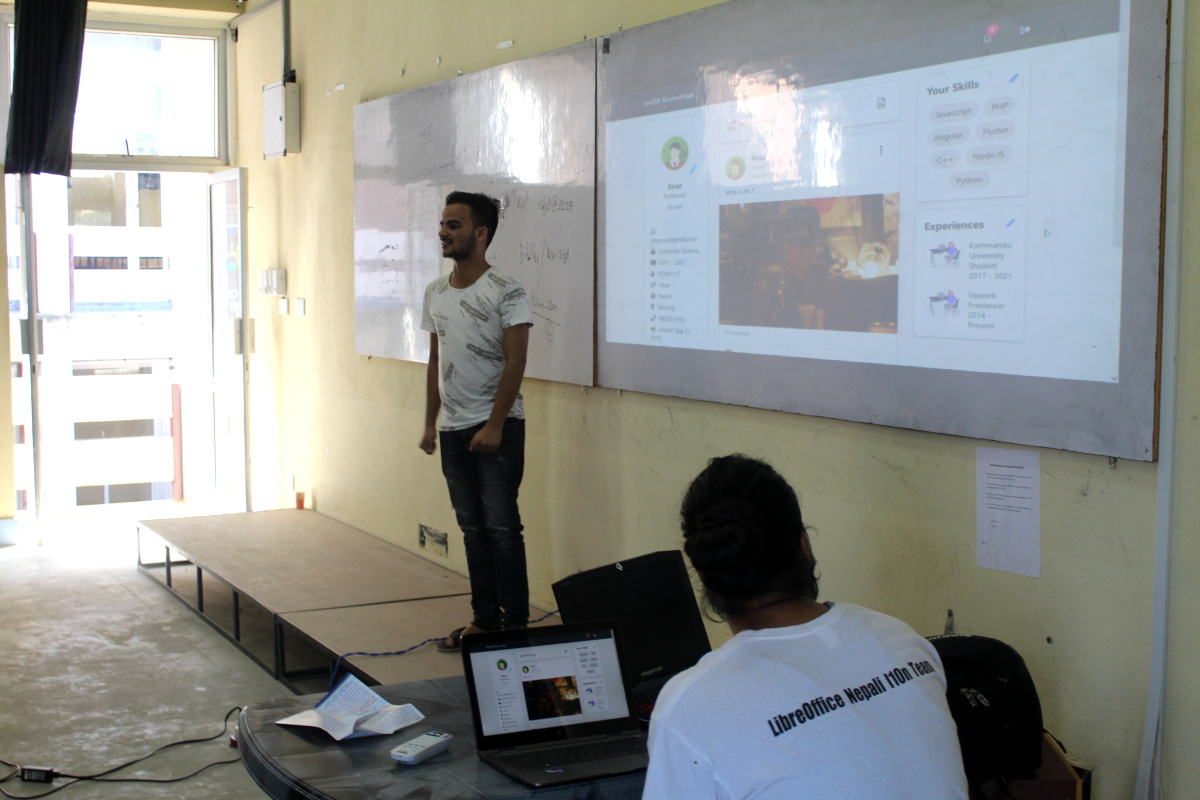
On September 21, Software Freedom Day, the Nepalese LibreOffice community organised a localisation sprint at Kathmandu University. Sanjog Sigdel and Saroj Dhakal organised the event, and reported back: “14 new volunteers signed up. We presented the guidelines for doing the translations, and together we translated around 376 text strings into the Nepali language in an hour.”
Paraguay – First LibreOffice Latin America Conference
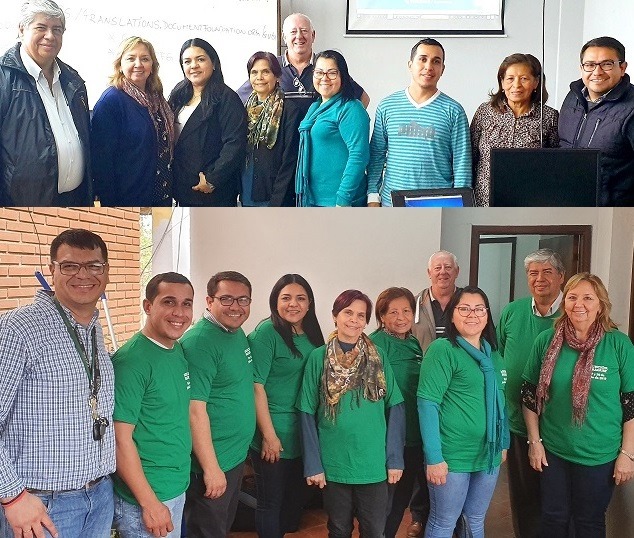
The LibreOffice Latin America Conference was the first event gathering LibreOffice users, advocates and contributors (not only in development, but also localization, PR/marketing, documentation, quality assurance, etc.) from different countries in Latin America, to exchange and share experiences and knowledge. It took place at the Facultad Politécnica de Universidad Nactional de Assunción (FPUNA) in Asunción, Paraguay, from July 18 – 20.
Linguistic challenges, women’s participation in FOSS, interoperability, professional training, migration, scripting and much more were hot topics in the conference. The event started internally on Thursday 18 with a translation sprint of the LibreOffice Guarani team. Then the event opened to the public on Friday 19, in a ceremony that gathered the Minister of the Secretariat of Linguistic Policies (SPL), Ladislaa Alcaraz de Silvero, Prof. Limpia Ferreira Ortiz, FP-UNA Vice-Dean, members of the Guaraní Culture Atheneum, Prof. Mag. Alcides Torres Gutt, Coordinator of the Translation Team together with Italo Vignoli and Gustavo Pacheco representing The Document Foundation and the LibreOffice Community.
Talks and workshops were held by speakers, members of the LibreOffice community, from Italy, Spain, Mexico, Costa Rica, Bolivia, Chile, Brazil, Argentina and Paraguay, from Thursday 18 to Saturday 20 of July at the Polytechnic Faculty of the National University of Asuncion in San Lorenzo campus.
Starting the afternoon, Henry Castro (Bolivia) talked on the development and technical challenges of LibreOffice Online. He was followed by José Gattica (Chile) talk on “Migration to LibreOffice in a vulnerable school”. Simultaneously, Mauricio Baeza (Mexico) gave the workshop on macros in the computer lab. Then Xiomara Céspedes talked about the migration to LibreOffice and open document formats at the University of Costa Rica. She was followed by Renato Barsotti (Argentina) experience of the Faculty of Economics of the National University of Misiones (UnaM).
The next morning, Olivier Hallot (Brazil) shared with the attendees the details about the importance of documenting the software. Simultaneously, Klaibson Ribeiro (Brazil) conducted the Calc workshop. The conference ended with feedback from the participating students and the general public about the knowledge presented at the conference and, in particular, the individual commitment to create a genuinely Paraguayan LibreOffice community and focus on translating the software into Guarani.
Spain – LibreOffice Conference 2019
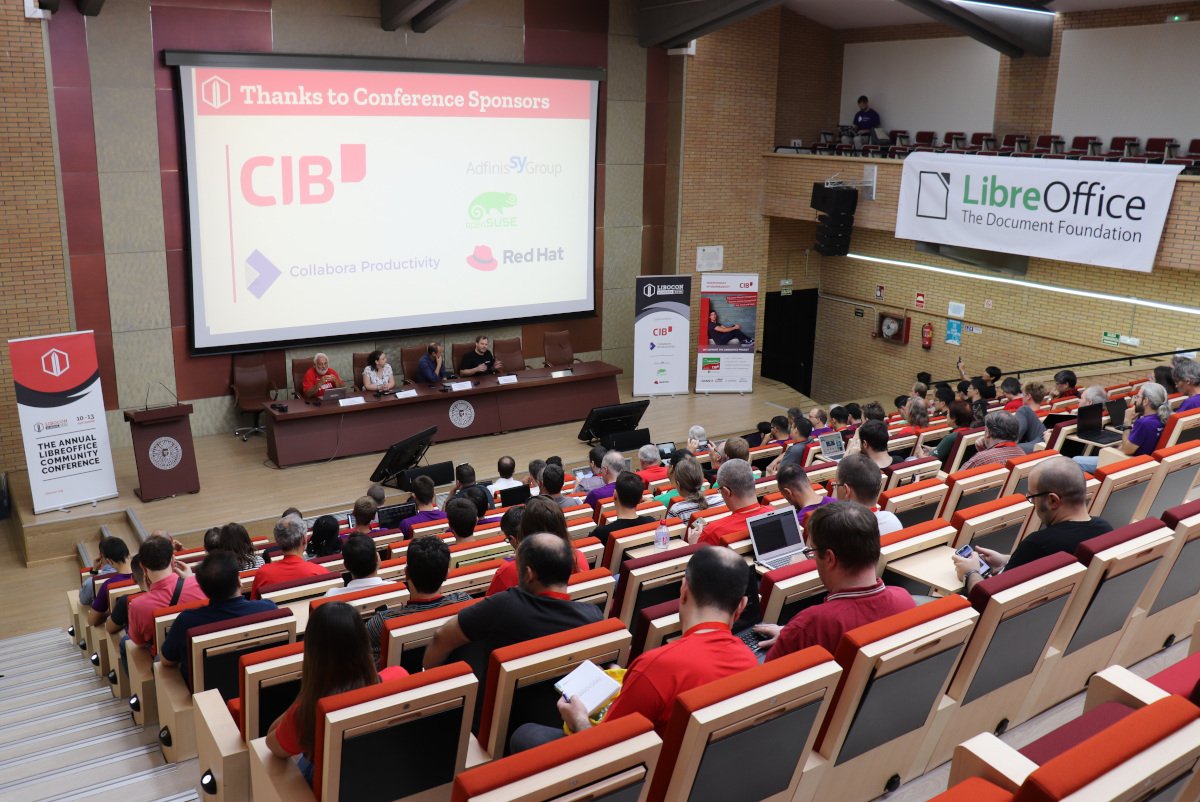
Almeria in Spain was the host of the LibreOffice Conference 2019, which took place from September 10 – 13. Please see the separate Conference section of the report for all the details.
Turkey – Google Summer of Code presentation
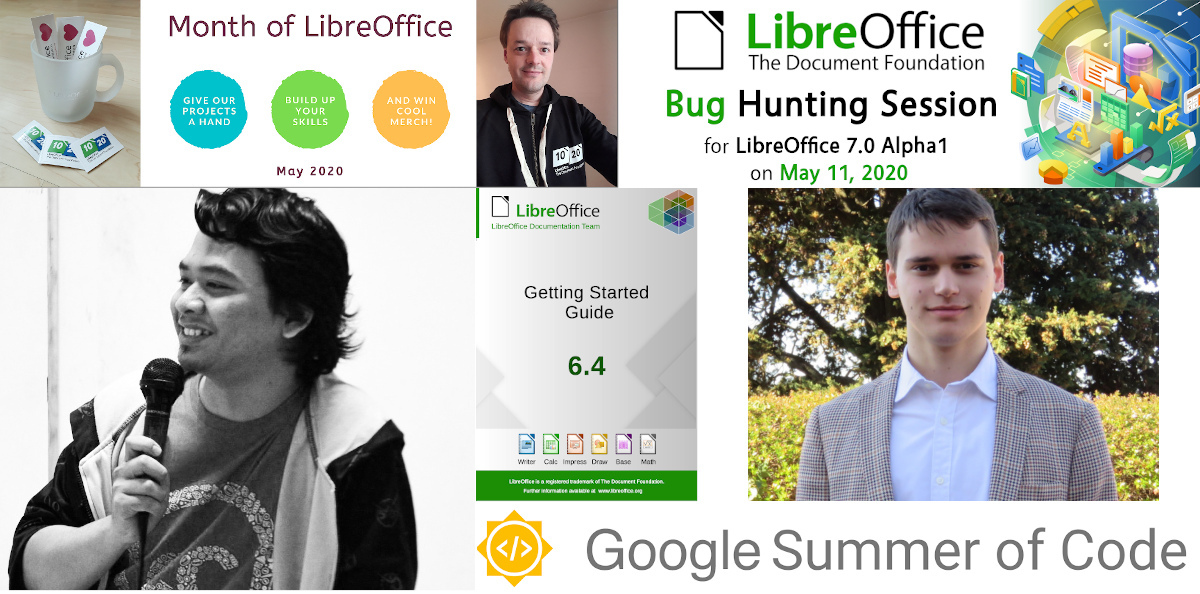
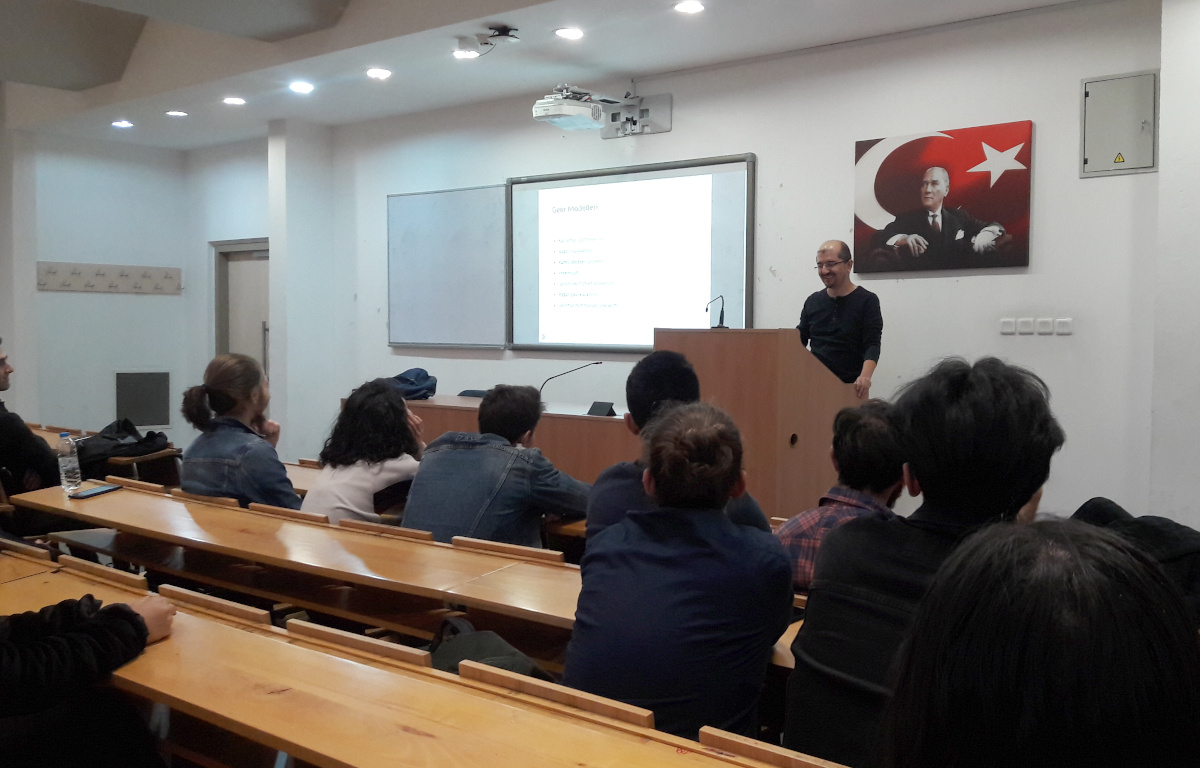
The Google Summer of Code – aka GSoC – is a global programme focused on bringing more student developers into free and open source software development. In 2019, LibreOffice was once again a participating project. Muhammet Kara from the Turkish LibreOffice community gave a presentation about GSoC on November 8 at YILDIZ Amphitheater M2, Hacettepe University (Beytepe Campus), Ankara. He said:
There were around 40 attendees, mostly from the Computer Science department. The best part was that they were very excited, and asked many questions – and the event took almost two hours instead of the planned 40 minutes. Many of them seemed ‘sold’ at the idea of spending the next summer (or at least one summer, sometime) working on LibreOffice or another free/libre open source software (FLOSS) project, through GSoC. I also tried to share my adventure as a FLOSS enthusiast, from a volunteer translator to a professional developer working as part of Collabora’s LibreOffice development team. And I am glad to say that they seemed inspired by the story.
Uganda – LibreOffice promotion and training
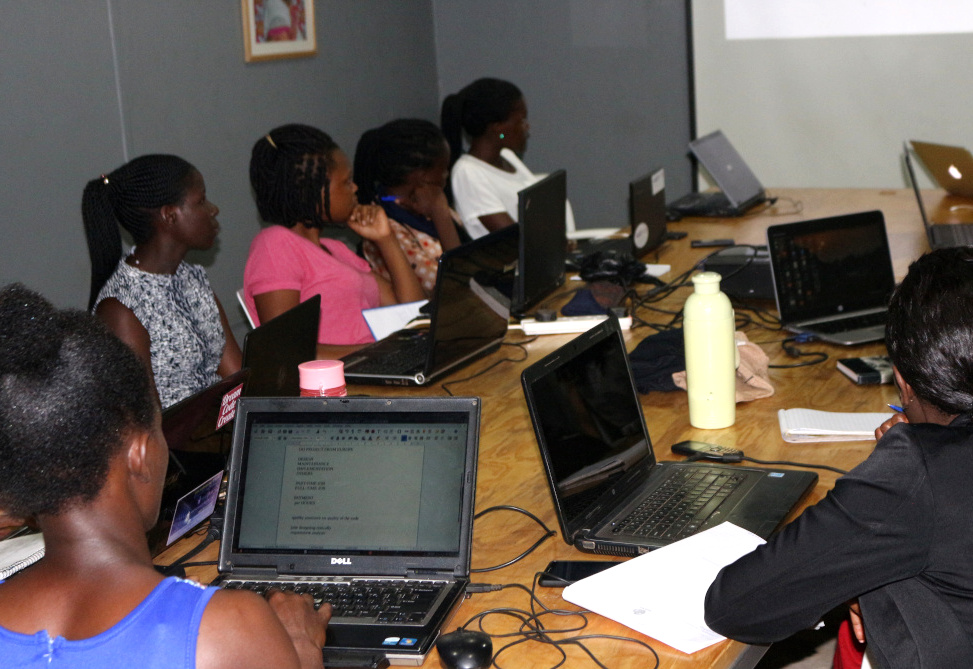
In September, Emmanuel Semutenga described his activities in Kampala for an interview on the TDF blog. He is a Project Manager at Kampabits, “a youth-based organization founded in 2010 that uses ICT multimedia creatively to improve the lives of less privileged youth from the non-formal settlements. It also creates safe spaces for persons with disabilities to freely express themselves while learning these in-demand skills.”
Kampabits also runs a “Women in Tech” project that trains 15 women in advanced coding skills, to make them employable, in a period of six months. This project focuses on women who have prior knowledge of computer basics.
Emmanuel uses free and open source software for all of the training, including LibreOffice, Gimp and various GNU/Linux distributions.
A big thanks to everyone in our worldwide community who helped to organise events, share knowledge and promote LibreOffice last year. Thanks to you, we’re reaching out to more people than ever before! If you’re reading this and want to help promote LibreOffice in your country or language see this page to get started.