LibreOffice Calc Guide 7.4 is updated

The Documentation Team has released an updated edition of the LibreOffice Calc Guide 7.4 (revision 1) with new contents on sparklines and conditional formatting. Typos and last minute mistakes and formatting were also fixed in this release.
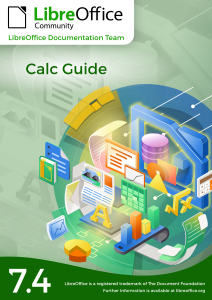
The guide is now available for download in PDF and ODF format and an online version is also available in the Bookshelf project.

The LibreOffice community is grateful of the volunteer work of Skip Masonsmith, flywire and Roman Kuznetsov for their contributions. The job for the next release of the Calc Guide is ready to start.

Download the latest LibreOffice Calc Guide 7.4 at the documentation website or the bookshelf page.

Reference: https://blog.documentfoundation.org/blog/2022/08/31/libreoffice-calc-guide-7-4-is-released/
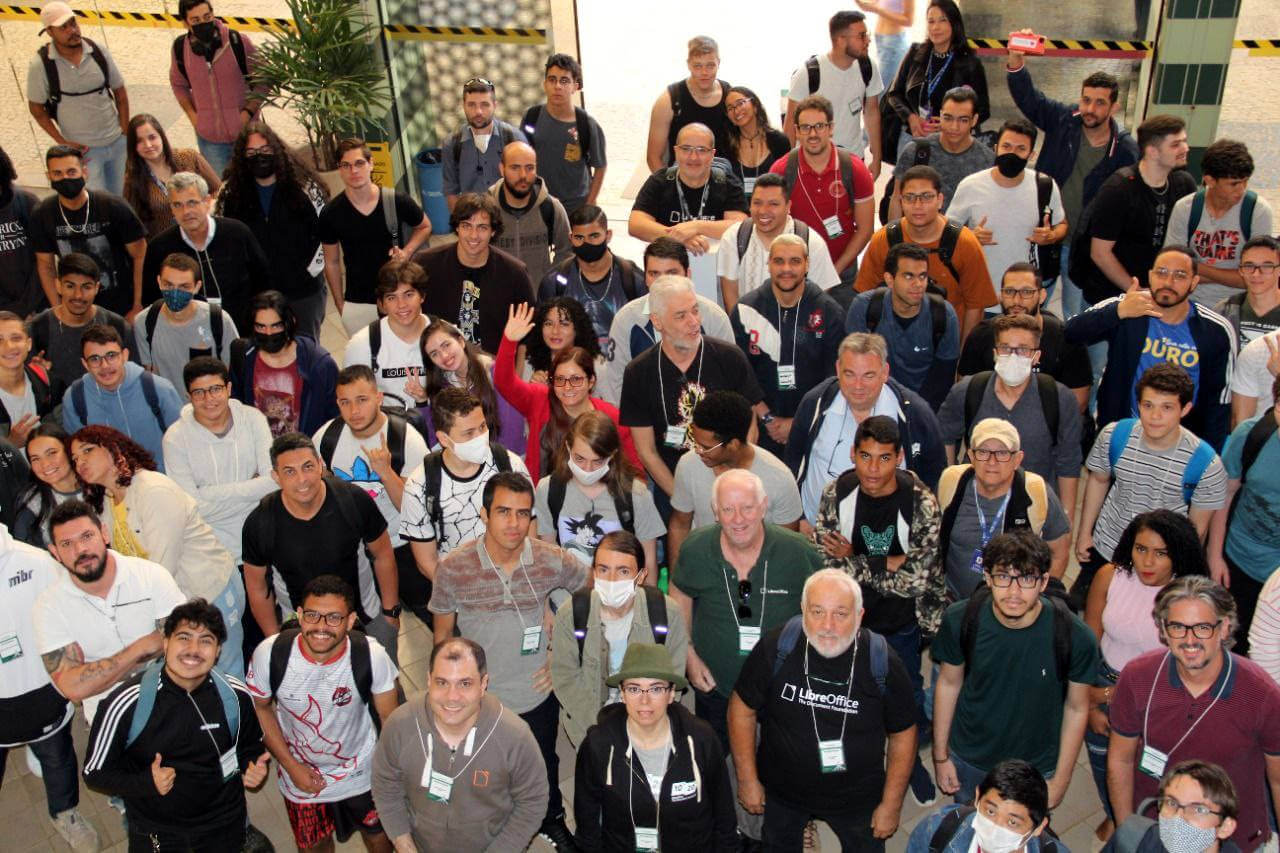
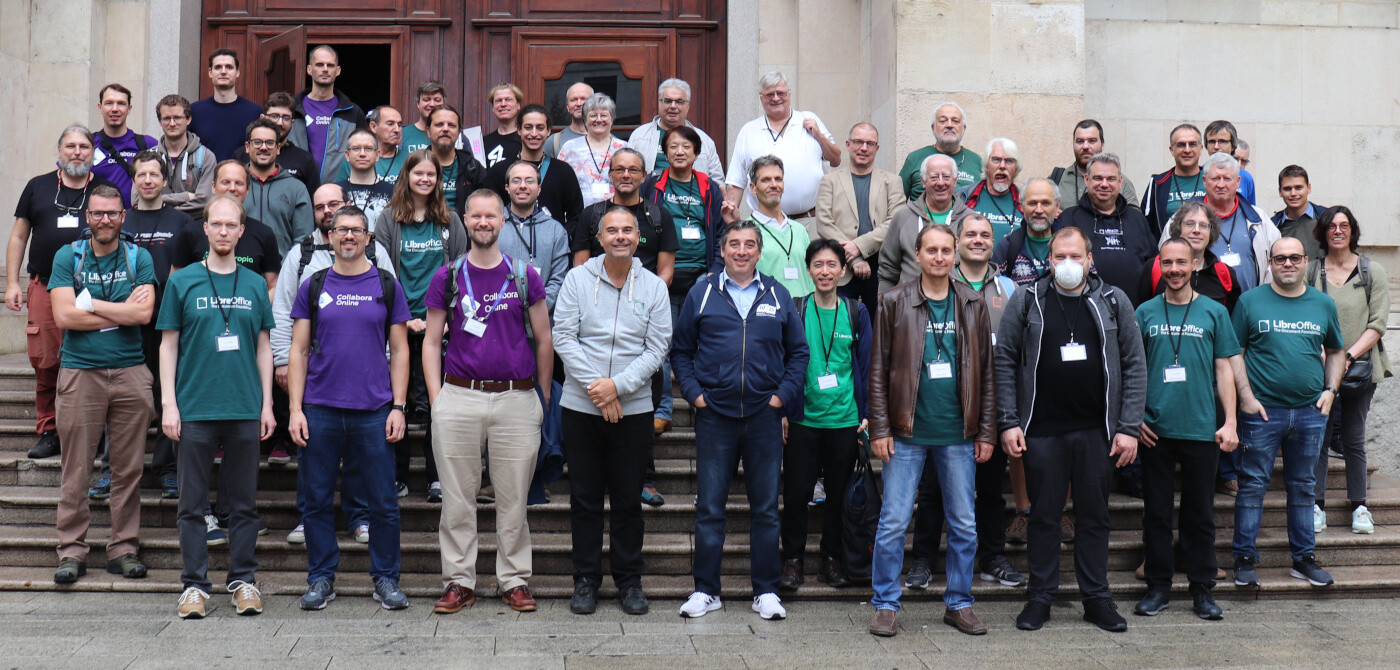
Video: Opening session from the LibreOffice Conference 2022

We’re starting to upload videos from our recent LibreOffice Conference 2022! Here’s the opening session on our YouTube channel – or if you’d prefer to watch it on PeerTube, click here.

Please confirm that you want to play a YouTube video. By accepting, you will be accessing content from YouTube, a service provided by an external third party.

YouTube privacy policy

If you accept this notice, your choice will be saved and the page will refresh.

LibreOffice project and community recap: September 2022

Here’s our summary of updates, events and activities in the LibreOffice project in the last four weeks – click the links to learn more…

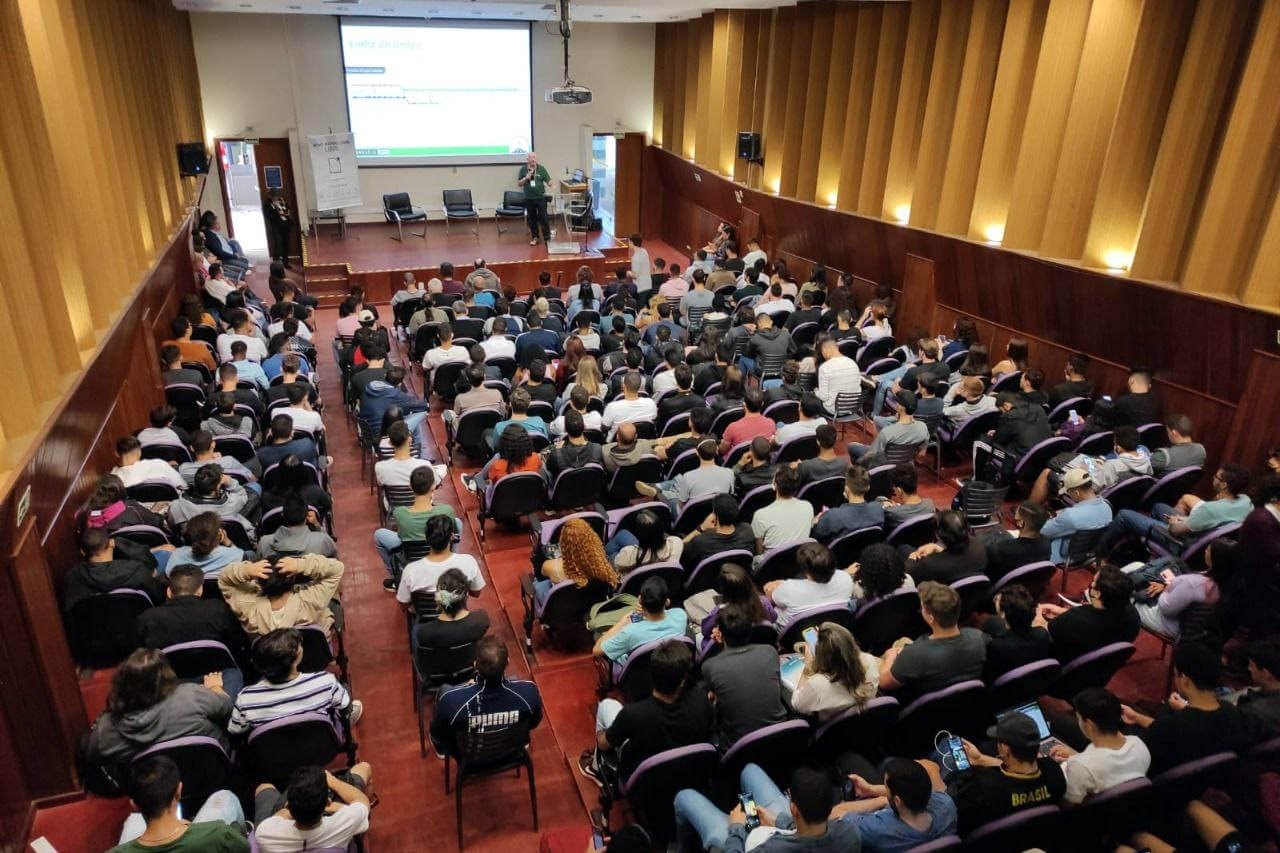
  • Our biggest event in September was the LibreOffice Conference 2022! This was the first in-person conference since 2019, due to the pandemic, and it was a great opportunity to meet face-to-face, share ideas and make plans for the future of our projects. We live-streamed presentations – and will be uploading the videos next week. Stay tuned!

  • In September, we released two new updates for LibreOffice: 7.3.6 and 7.4.1. All users are recommended to upgrade 👍

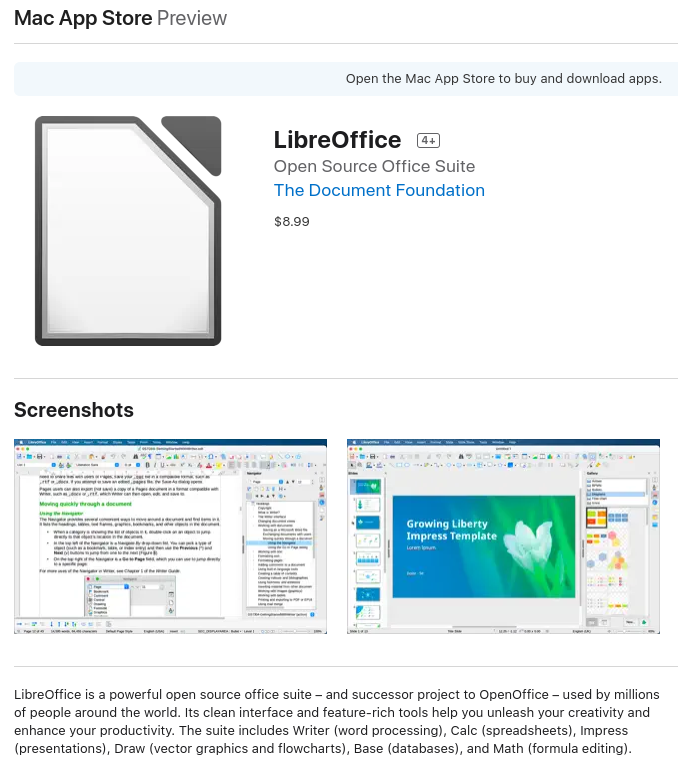
  • LibreOffice is, as always, free of charge to download from our website. But now we’re offering it in the Mac App Store for a small price, to cover the costs of placing it there, and helping to fund future development on macOS-specific improvements. So if you want to get regular updates via the App Store and help to fund future development, you can get it there. (But it will remain totally free on the LibreOffice website, as mentioned.)

  • Help tocCrowdfund audio recording and playback in LibreOffice presentations! LibreOffice’s presentation tool, Impress, includes a bunch of features for home and office use. But one thing that’s missing is recording and playback for audio comments in presentations. This project aims to crowdfund the feature.

Keep in touch – follow us on Twitter, Facebook and Mastodon. Like what we do? Support our community with a donation – or join us and help to make LibreOffice even better!

Lox365 extension: XLOOKUP (and more) for LibreOffice Calc

More news from the LibreOffice subreddit! User goose_pirate posted about an extension:

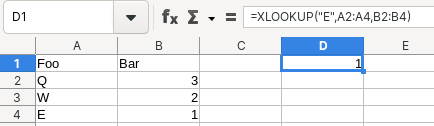
Hi everyone, I made this little extension for LibreOffice Calc which adds a few functions, currently FILTER, SORT, and XLOOKUP. I hope others will find this as useful as I do.

XLOOKUP is a function for finding things in a table by range or row. We asked goose_pirate for a bit of background on the extension:

I’ve been using both Excel and LibreOffice for many years and found the new(er) Excel functions like XLOOKUP to be really nice compared to the old VLOOKUP or INDEX MATCH. I wanted to use it in LibreOffice too, so I wrote this extension.

How I made it: I researched information about LibreOffice extensions, dissected a few such extensions made by others, and finally started my own. It wasn’t too bad, I was surprised no one has made something similar yet.

Great work, goose! 😊

Learn more and download here (in the “build” folder)