Love ❤️ for the LibreOffice community

Enio Gemmo

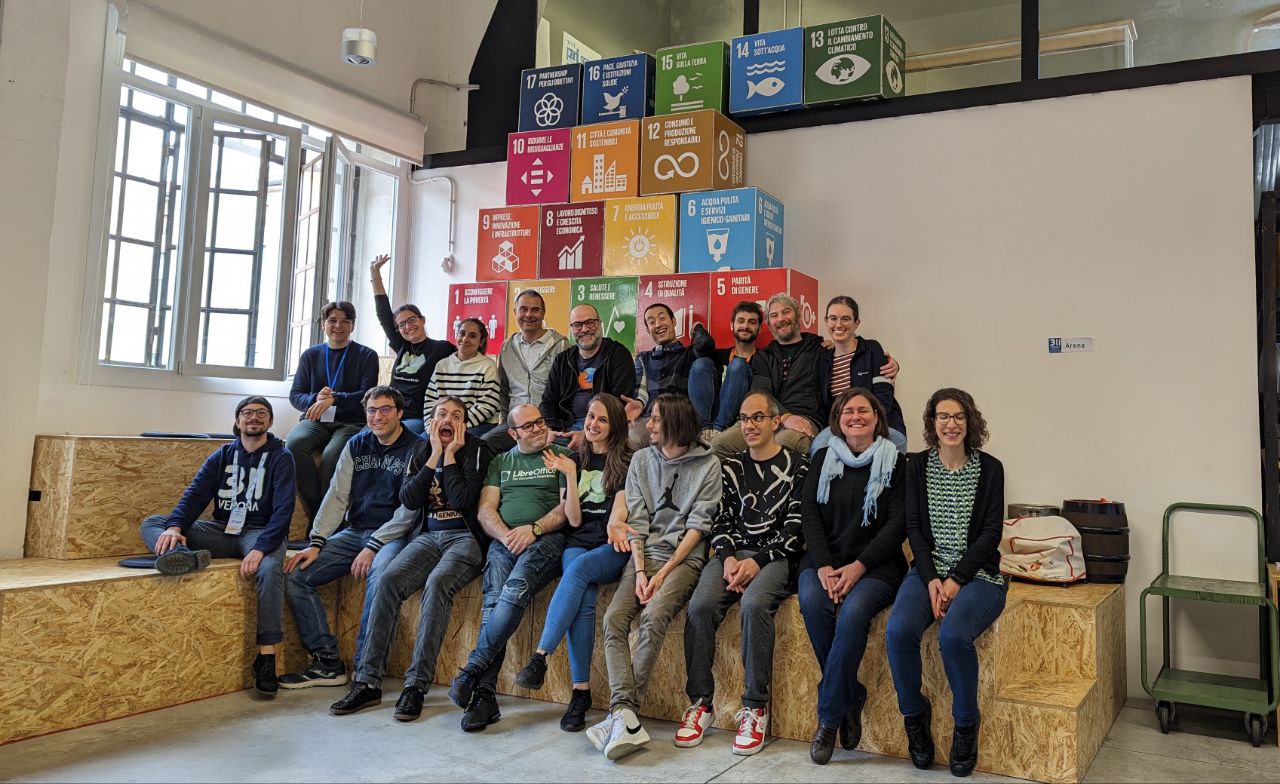
Today is I love Free Software Day, and we at The Document Foundation would like to say a huge thank you to everyone in the LibreOffice community! Whether you’re involved in development, QA, design, translations, marketing, infrastructure or any other projects – we ❤️ your support. Let’s keep doing awesome things together!

Sophie Gautier

LibreOffice at FOSDEM

Mike Saunders

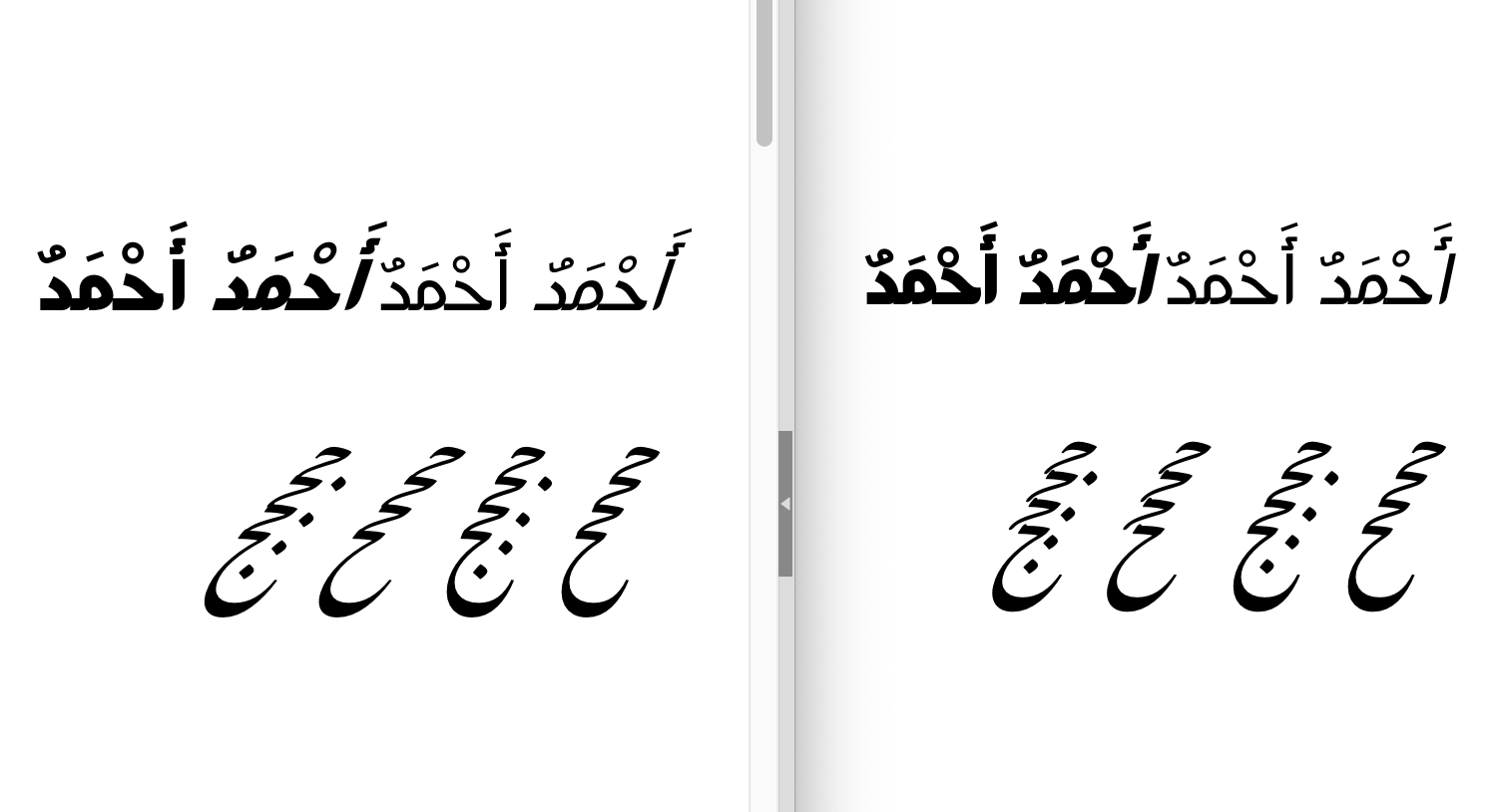
Help to translate LibreOffice into Saraiki!

Parvez Qadir

LibreOffice is available in over 100 languages thanks to the great work of our localisation communities. And there’s always room for more! Recently, one LibreOffice user offered to translate into Saraiki, so let’s hear from him, to learn a bit more about the language:

Hello! I am Parvez Qadir, a native of Pakistan, and a Saraiki language translator in WordPress, Mozilla and other projects. I’m also an admin on the Saraiki Wikipedia and Saraiki Wiktionary.

Saraiki is a common language in the central region of Pakistan, and the number of speakers is 30 million. Millions of Saraiki people migrated to India in 1947, in the partition of India.

Thanks to Parvez for getting this translation project started! Everyone who knows Saraiki is welcome to join our localisation mailing list and drop us a line – we’d love to hear from you 😊

Writer and Calc Guides updated to new LibreOffice 7.5 release

The Documentation Team is proud to announce the immediate availability of the Writer Guide and Calc Guide release 7.5, narrowing the time gap between the software release date and the Guides’ release date.

Writer Guide 7.5
Writer Guide 7.5
Calc Guide 7.5
Calc Guide 7.5

The Writer Guide 7.5 update was coordinated by Jean Weber with the support of Kees Kriek, Tsvetelina Georgieva, Antonio Fernández and Olivier Hallot. The Guide contains topics on Additional hyphenation settings (Chapter 2), Language Tool, a remote grammar checker (Chapters 2 and 20), Additional change tracking features (Chapter 3) Outline folding (Chapter 3), Page line-spacing for printed documents (Chapter 6), Gutter margins in page styles (Chapters 8 and 9), Revised and additional information about using styles (Chapter 8), Additional information about using master documents (Chapter 16), New features for bookmarks (Chapter 17) and Content controls (Chapter 18)

The Calc Guide 7.5 update was coordinated by Olivier Hallot, based on the Calc Guide 7.4. The guide contains topics on document properties (Chapter 1), AutoFilter with color filtering and more (Chapter 2), Chart data table (Chapter 3) and notes on AutoFormat of ranges and themes (Chapter 4 and 5).

The Guides are available for immediate download in PDF format as well as in source format (OpenDocument Format). Soon they will be available as printed books by LuLu inc. and in HTML format for online reading

Download the Writer and Calc guides 7.5 from the documentation websites at: documentation.libreoffice.org and the bookshelf at books.libreoffice.org.

Olivier Hallot
Olivier Hallot
Jean Weber
Jean Weber

Video: New Features in LibreOffice 7.5

A quick look at some of the new features in LibreOffice 7.5, which we announced yesterday!

(Click here to see this video on PeerTube.)

Please confirm that you want to play a YouTube video. By accepting, you will be accessing content from YouTube, a service provided by an external third party.

YouTube privacy policy

If you accept this notice, your choice will be saved and the page will refresh.

Thanks to Nugroho Dwi Hartawan, Rania Amina and Ahmad Haris for the video. Original audio track: KOBT025 – Backing Track by Korochin Music JP.

The Document Foundation announces LibreOffice 7.5 Community

LibreOffice 7.5 banner

Berlin, February 2, 2023 – LibreOffice 7.5 Community, the new major release of the volunteer-supported free office suite for desktop productivity, is immediately available for download for Windows (Intel/AMD and ARM processors), macOS (Apple Silicon and Intel processors), and Linux.

Most Significant New Features

GENERAL

  • Major improvements to dark mode support
  • New application and MIME-type icons, more colorful and vibrant
  • The Start Centre can filter documents by type
  • An improved version of the Single Toolbar UI has been implemented
  • PDF Export improved with several fixes, and new options and features
  • Support for font embedding on macOS
  • Improvements to the Font Features dialog with several new options
  • Addition of a zoom slider at the bottom right of the macro editor

WRITER

  • Bookmarks have been significantly improved, and are also much more visible
  • Objects can be marked as decorative, for better accessibility
  • New types added to content controls, which also improve the quality of PDF forms
  • A new automatic accessibility checker option has been added to the Tools menu
  • Initial machine translation is available, based on DeepL translate APIs
  • Several spell checking improvements

CALC

  • Data tables are now supported in charts
  • The Function Wizard now lets you search by descriptions
  • “Spell out” number formats have been added
  • Conditional formatting conditions are now case insensitive
  • Correct behavior when entering numbers with a single prefix quote (‘)

IMPRESS & DRAW

  • New set of default table styles, and creation of table styles
  • Table styles can be customized, saved as master elements and exported
  • Objects can be drag-and-dropped in the navigator
  • It is now possible to crop inserted videos in the slide and still play them
  • The presenter console can also run as a normal window instead of fullscreen

A video summarizing the top new features in LibreOffice 7.5 Community is available on YouTube and PeerTube. A description of all new features is available in the Release Notes.

Interoperability with Microsoft Office

Based on the distinctive features of the LibreOffice Technology platform for personal productivity on desktop, mobile and cloud, LibreOffice 7.5 provides a large number of improvements and new features targeted at users sharing documents with MS Office or migrating from MS Office. These users should check new releases of LibreOffice on a regular basis, as the progress is so fast, that each new version improves dramatically over the previous one.

LibreOffice offers the highest level of compatibility in the office suite market segment, with native support for the OpenDocument Format (ODF) – beating proprietary formats for security and robustness – to superior support for MS Office files, along with filters for a large number of legacy document formats, to return ownership and control to users.

Microsoft files are still based on the proprietary format deprecated by ISO in 2008, and not on the ISO approved standard, so they hide a large amount of artificial complexity. This causes handling issues with LibreOffice, which defaults to a true open standard format (the OpenDocument Format).

Contributors to LibreOffice 7.5 Community

LibreOffice 7.5 Community’s new features have been developed by 144 contributors: 63% of code commits are from the 47 developers employed by three companies sitting in TDF’s Advisory Board – Collabora, Red Hat and allotropia – or other organizations, 12% are from 6 developers at The Document Foundation, and the remaining 25% are from 91 individual volunteers.

Other 112 volunteers – representing hundreds of other people providing translations – have committed localizations in 158 languages. LibreOffice 7.5 Community is released in 120 different language versions, more than any other free or proprietary software, and as such can be used in the native language (L1) by over 5.4 billion people worldwide. In addition, over 2.3 billion people speak one of those 120 languages as their second language (L2).

LibreOffice for Enterprises

For enterprise-class deployments, TDF strongly recommends the LibreOffice Enterprise family of applications from ecosystem partners – for desktop, mobile and cloud – with a large number of dedicated value-added features and other benefits such as SLA (Service Level Agreements): www.libreoffice.org/download/libreoffice-in-business/.

Every line of code developed by ecosystem companies for their enterprise customers is shared with the community on the master code repository, and improves the LibreOffice Technology platform.

Products based on LibreOffice Technology are available for major desktop operating systems (Windows, macOS, Linux and Chrome OS), for mobile platforms (Android and iOS), and for the cloud.

Migrations to LibreOffice

The Document Foundation has developed a Migration Protocol to support enterprises moving from proprietary office suites to LibreOffice, which is based on the deployment of an LTS version from the LibreOffice Enterprise family, plus migration consultancy and training sourced from certified professionals who offer value-added solutions and services in line with proprietary offerings. Reference: www.libreoffice.org/get-help/professional-support/.

In fact, LibreOffice – thanks to its mature codebase, rich feature set, strong support for open standards, excellent compatibility and LTS options from certified partners – is the ideal solution for businesses that want to regain control of their data and free themselves from vendor lock-in.

Availability of LibreOffice 7.5 Community

Donate bannerLibreOffice 7.5 Community is available from: www.libreoffice.org/download/. Minimum requirements for proprietary operating systems are Microsoft Windows 7 SP1 and Apple macOS 10.14. LibreOffice Technology-based products for Android and iOS are listed here: www.libreoffice.org/download/android-and-ios/.

For users who don’t need the latest features, and prefer a release that has undergone more testing and bug fixing, The Document Foundation maintains the LibreOffice 7.4 family, which includes some months of back-ported fixes. The current version is LibreOffice 7.4.5.

The Document Foundation does not provide technical support for users, although they can get it from volunteers on user mailing lists and the Ask LibreOffice website: ask.libreoffice.org

LibreOffice users, free software advocates and community members can support The Document Foundation with a donation at www.libreoffice.org/donate.

Press Kit

Download link

LibreOffice project and community recap: January 2023

Montage of images from this post

Here’s our summary of updates, events and activities in the LibreOffice project in the last four weeks – click the links to learn more…

  • We started the year back looking back at the previous one – 2022! Here’s a quick recap of what we did in the LibreOffice community. Well, just a few of the many things 😉 Thanks to everyone who contributed last year! (PeerTube version of this video here.)

Please confirm that you want to play a YouTube video. By accepting, you will be accessing content from YouTube, a service provided by an external third party.

YouTube privacy policy

If you accept this notice, your choice will be saved and the page will refresh.

LibreOffice 7.4 banner

Calc Guide cover

  • Some sad news: we heard that Carlos Parra Zaldivar, a long-time collaborator in the community, member of The Document Foundation and advocate for Free Software, passed away on November 20th. Rest in peace, Carlos.

Carlos Parra Zaldivar

Draw Guide cover

  • Then we talked to Afshin Falatooni from the Persian-speaking LibreOffice community, about his work on the blog and in the QA project.

Afshin Falatooni

  • Later in the month, we at The Document Foundation stated our position on the EU’s proposed Cyber Resilience Act. If the Cyber Resilience Act becomes EU law without clarification, the impact on several European-based open source projects, such as products based on LibreOffice technology, could have devastating (unintended) consequences.
  • TDF has many websites and services: this blog, the LibreOffice website, our wiki, the extensions website, Weblate and many more. To improve them and keep them up-to-date, TDF now has a new Web Technology Engineer, Juan José González! We had a chat with him, to learn more…

Juan José González

FOSDEM logo

Keep in touch – follow us on Twitter, Facebook and Mastodon. Like what we do? Support our community with a donation – or join us and help to make LibreOffice even better!