Announcing the Impress Guide 24.2

The Documentation Team is proud to announce the immediate availability of the Impress Guide 24.2.

The Impress Guide 24.2 update was coordinated by Peter Schofield, with assistance of Olivier Hallot and B. Antonio Fernandez, and is based on the Impress Guide 7.6.

Peter Schofield
Peter Schofield


LibreOffice 24.2 Community also includes many other changes, including improvements in accessibility, change tracking, spell checking, and interoperability with Microsoft’s proprietary file formats. Notably, Impress now allows small caps in text and secured slide show remote control with bluetooth, as well as enhancements to supplied templates.

Release Notes are here: https://wiki.documentfoundation.org/ReleaseNotes/24.2

The guide is available for immediate download in PDF format, and in HTML format for online reading, as well as in source format (OpenDocument Format). Soon it will be available as printed book by LuLu inc.

Download the Impress Guide 24.2 from the documentation websites at: documentation.libreoffice.org and the bookshelf at books.libreoffice.org.

Annual Report 2023: LibreOffice Conference in Bucharest

LibreOffice Conference 2023 group photo

The LibreOffice Conference is the annual gathering of the community, our end-users, developers, and everyone interested in free office software. In 2023, it took place in Bucharest, Romania

(This is part of The Document Foundation’s Annual Report for 2023 – we’ll post the full version here soon.)

This was our second in-person conference after the COVID pandemic, following on from the Milan conference in 2022, but we also lived-streamed sessions and made recordings so that participants could watch remotely (and ask questions in our chat channels too).

The conference took place from September 20 – 23, at the Universitatea Națională de Știință și Tehnologie Politehnica București – Facultatea de Automatică și Calculatoare – PRECIS. The organisers produced a very handy “Essential guide to Bucharest” with information on transportation in the city, exchanging money, and joining the social events.

Conference Tracks and extra sessions

Following the opening session, presentations and talks were given across various “tracks”, or categories: Development, Advocacy, Open Document Format, Quality Assurance, Localisation and Business. There were highly technical talks focused on specific areas of the software and source code, along with more open discussions about community building and recent updates from The Document Foundation.

In addition to the talks, there was also a community dinner at Hanu’ lui Manuc, a restaurant with outdoor seating that served traditional Romanian food, accompanied by live folk music and dancing. There was also a hackfest where developers could work together on the codebase while sharing pizza.

LibreOffice Conference 2023 hackfest

A workshop for new developers was held in parallel with the main tracks over the three days of the conference, and many different things around LibreOffice development were discussed, including: effective communication in free and open source projects; bug reporting and triaging; building LibreOffice from its source code; and using Gerrit for code reviews.

Sponsoring and merchandise

The event was sponsored by Collabora, allotropia, dveloper.io and 1&1, with support from itgenetics, rosedu, Tech Lounge, Web.de, GMX and Mail.com Thanks to the sponsors, attendees could get merchandise at the event, including T-shirts with the conference logo.

LibreOffice Conference 2023 merchandise

Full Programme

Full details about the event are available on the conference website. For a quick overview of all the talks, including links to PDF versions of the presentations, see the schedule. Videos from most of the talks are available as a playlist on our YouTube channel – or on PeerTube.

Please confirm that you want to play a YouTube video. By accepting, you will be accessing content from YouTube, a service provided by an external third party.

YouTube privacy policy

If you accept this notice, your choice will be saved and the page will refresh.

Conference in 2024

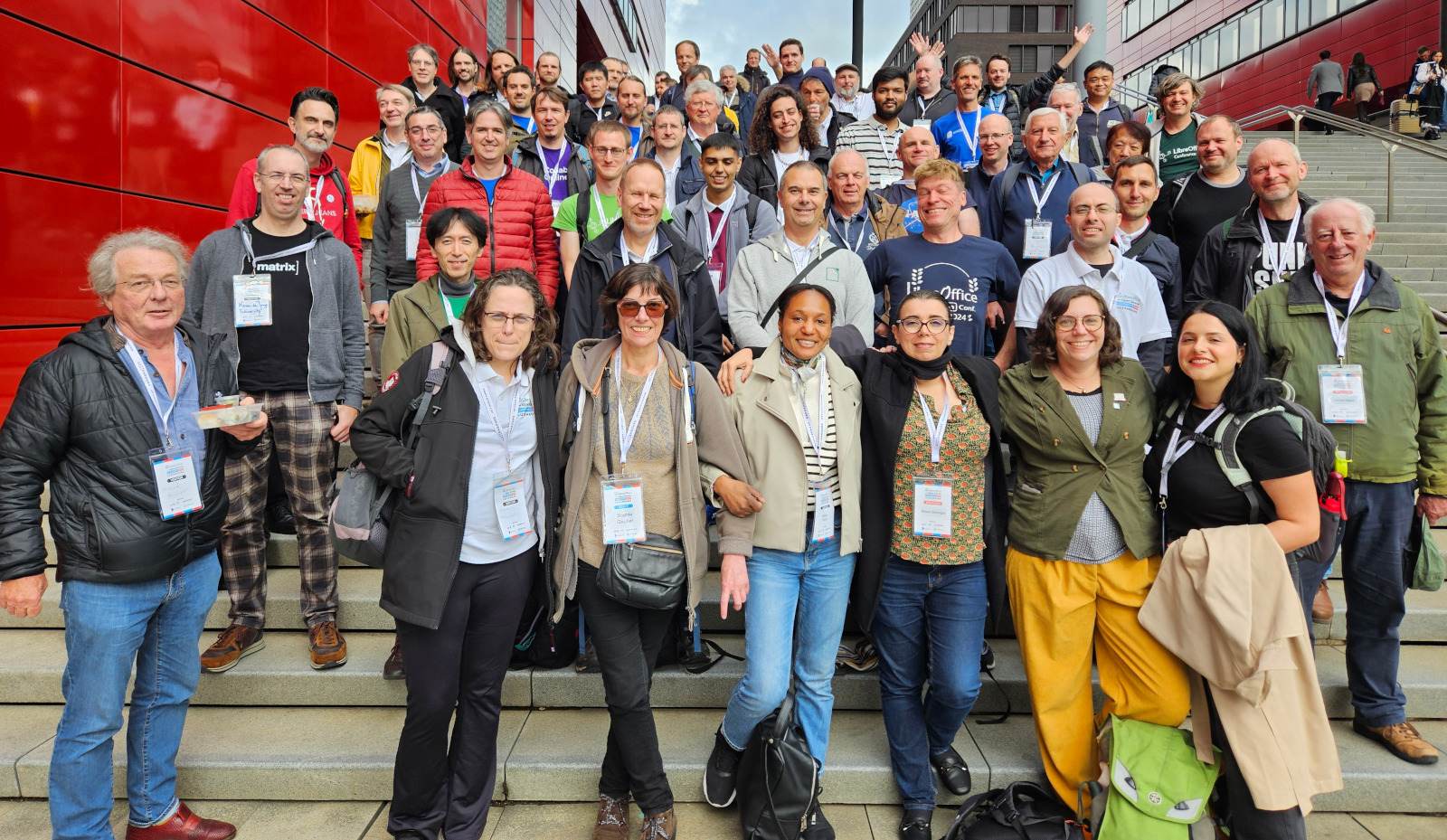
This year’s conference is coming up! And will take place from the 10 to the 12 October 2024 in Belval, Esch-sur-Alzette, Luxembourg. Visit the conference website to find out more.

Like what we do? Support the LibreOffice project and The Document Foundation – get involved and help our volunteers, or consider making a donation. Thank you!

LibreOffice in 2023 – TDF’s Annual Report

TDF Annual Report 2023 banner

In 2023, LibreOffice celebrated its thirteenth birthday. Two new major versions of the suite introduced a variety of new features, while minor releases helped to improve stability as well

(This is part of The Document Foundation’s Annual Report for 2023 – we’ll post the full version here soon.)

LibreOffice 7.5

On February 2, LibreOffice 7.5 was officially released after six months of work. Developers at Collabora, allotropia, CIB, Red Hat, NISZ, The Document Foundation (TDF) and other companies and organisations – along with volunteers – worked on many new features.

For instance, there were huge improvements to the dark mode thanks to Caolán McNamara (Red Hat), Rafael Lima, Michael Weghorn, Rizal Muttaqin and others. The single toolbar was updated by Maxim Monastirsky, while Michael Stahl (allotropia) added code so that images, embedded objects and text frames could be marked as decorative, which allows assistive technology to ignore them in exported PDFs. On top of the new features, there were many other general improvements to performance, compatibility and stability.

With the help of the Indonesian community, TDF produced a video to explain and demonstrate many of the new features in LibreOffice 7.5. This was linked to in the announcement, and embedded into various news websites that covered the release. The video is also available on PeerTube.

Please confirm that you want to play a YouTube video. By accepting, you will be accessing content from YouTube, a service provided by an external third party.

YouTube privacy policy

If you accept this notice, your choice will be saved and the page will refresh.

LibreOffice 7.6

Later in the year, on August 21, TDF released LibreOffice 7.6. Based on the LibreOffice Technology platform for personal productivity on desktop, mobile and cloud, it provided a large number of interoperability improvements with Microsoft’s proprietary file formats.

In terms of features, this release added support for document themes thanks to Tomaž Vajngerl at Collabora, while Jim Raykowski implemented highlighting for used Paragraph and Character styles along with highlighting for used Direct Formatting in text. Paris Oplopoios and Justin Luth (both Collabora) worked on a new page number wizard, and Samuel Mehrbrodt (allotropia) made sorting by colour possible in AutoFilter.

Many other features were added as well, and there were a large number of compatibility improvements. As with the previous release, TDF staff worked with the Indonesian LibreOffice community to make a video (PeerTube version) to demonstrate the new features:

Please confirm that you want to play a YouTube video. By accepting, you will be accessing content from YouTube, a service provided by an external third party.

YouTube privacy policy

If you accept this notice, your choice will be saved and the page will refresh.

Regular improvements

We also released 16 minor updates with bug and security fixes:

  • LibreOffice 7.4.4 – January 12
  • LibreOffice 7.4.5 – January 26
  • LibreOffice 7.5.1 – March 2
  • LibreOffice 7.4.6 – March 9
  • LibreOffice 7.5.2 – March 30
  • LibreOffice 7.5.3 – May 4
  • LibreOffice 7.4.7 – May 11
  • LibreOffice 7.5.4 – June 8
  • LibreOffice 7.5.5 – July 20
  • LibreOffice 7.5.6 – September 7
  • LibreOffice 7.6.2 and 7.5.7 – September 26
  • LibreOffice 7.5.8 – November 2
  • LibreOffice 7.6.3 – November 23
  • LibreOffice 7.6.4 and 7.5.9 – December 7

Like what we do? Support the LibreOffice project and The Document Foundation – get involved and help our volunteers, or consider making a donation. Thank you!

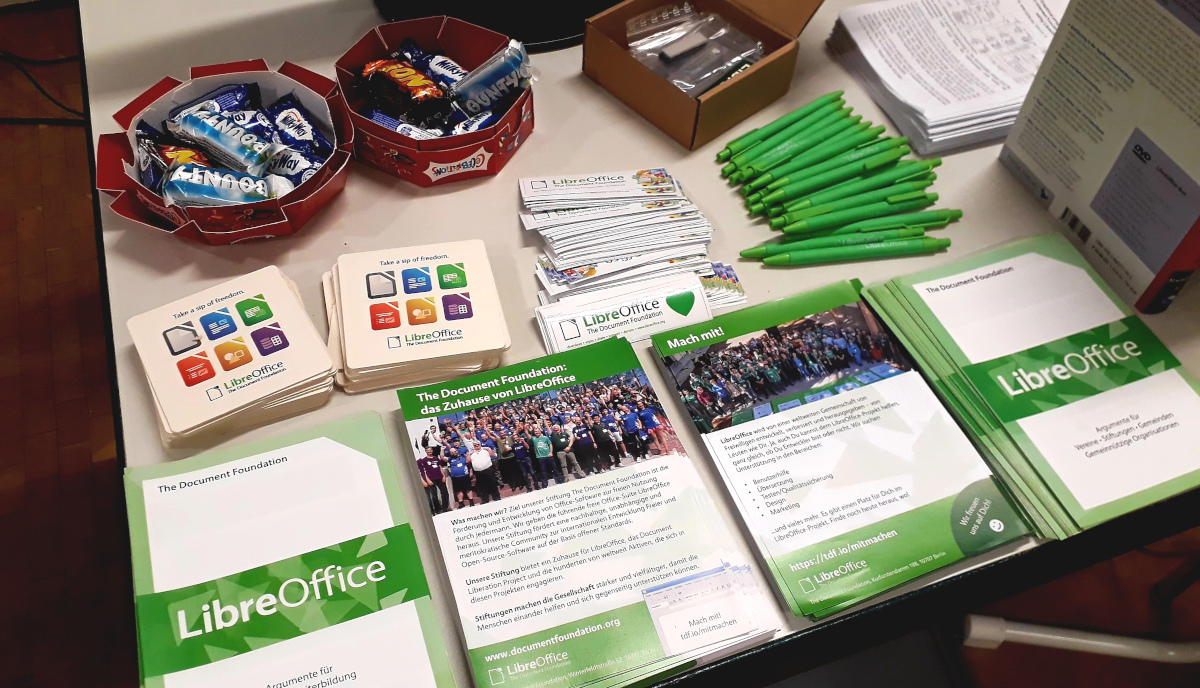
Winners in the Month of LibreOffice, May 2024 – Get your free sticker pack!

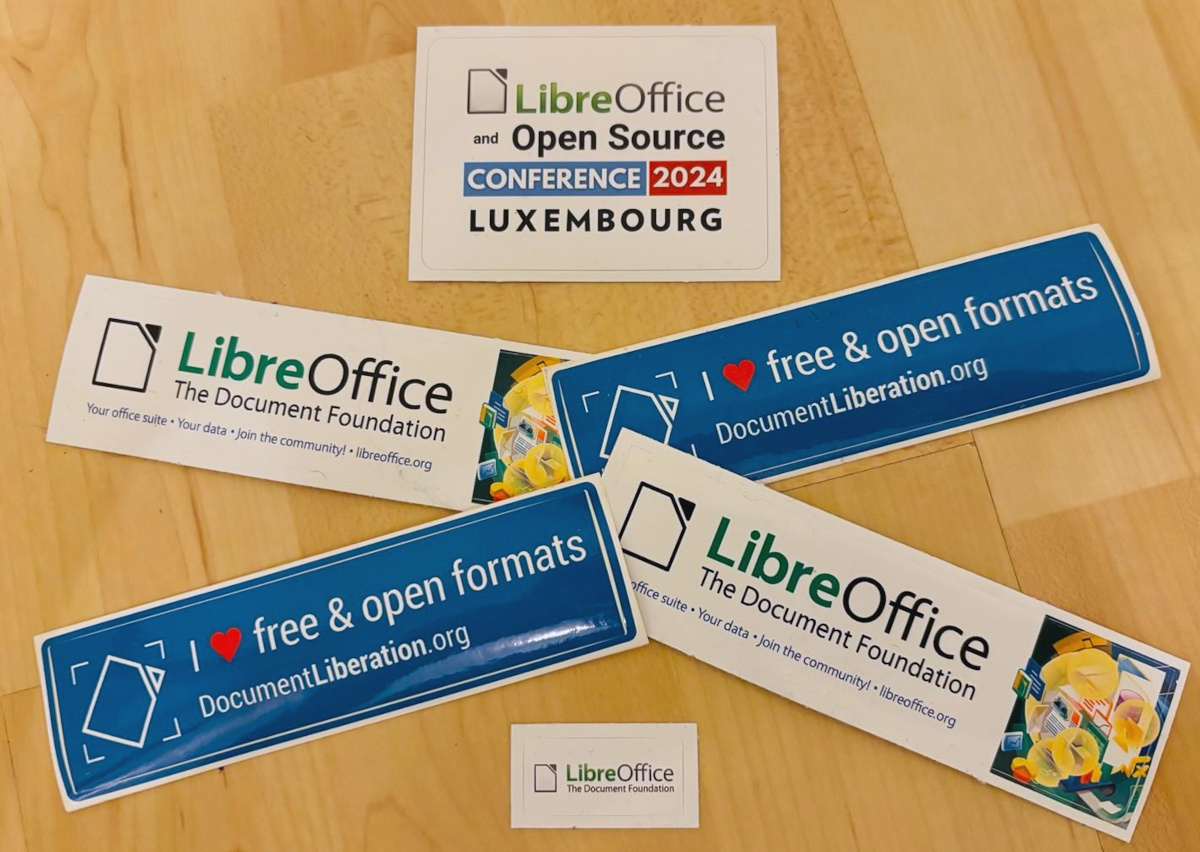
Month of LibreOffice stickers

At the beginning of May, we began a new Month of LibreOffice campaign, celebrating community contributions all across the project. We do these every six months – so how many people got sticker packs this time? Check it out…

Awesome work, everyone! Hundreds of people, all across the globe, have helped out in our projects and communities. We’re hugely thankful for your contributions – and, of course, everyone who’s listed on the wiki page can get a sticker pack, with the stickers shown above.

How to claim

If you see your name (or username) on this page, get in touch! Email mike.saunders@documentfoundation.org with:

  • your name (or username) from the wiki page
  • along with your postal address

and we’ll send you a bunch of stickers for your PC, laptop and other kit. (Note: your address will only be used to post the stickers, and will be deleted immediately afterwards.) If you contributed to the project in May but you’re not on the wiki page, please let us know what you did, so that we can add you!

There is one more thing…

And we have an extra bonus: ten contributors have also been selected at random to get an extra piece of merchandise – a LibreOffice hoodie, T-shirt, rucksack or snazzy glass mug. Here are the winners (names or usernames) – we’ll get in touch personally with the details:

  • Abduqadir Abliz
  • p.wibberley
  • Huanyu Liu
  • @johkra@mastodon.social
  • Rafał Dobrakowski
  • ms777
  • Zainab Abbasi
  • Andy Flagg
  • @jake4480@c.im
  • Yoshida Saburo

Congratulations to all the winners, and a big thanks once again to everyone who took part – your contributions keep the LibreOffice project strong. We plan to have another Month of LibreOffice in November, but everyone is welcome to see what they can do for LibreOffice at any time!

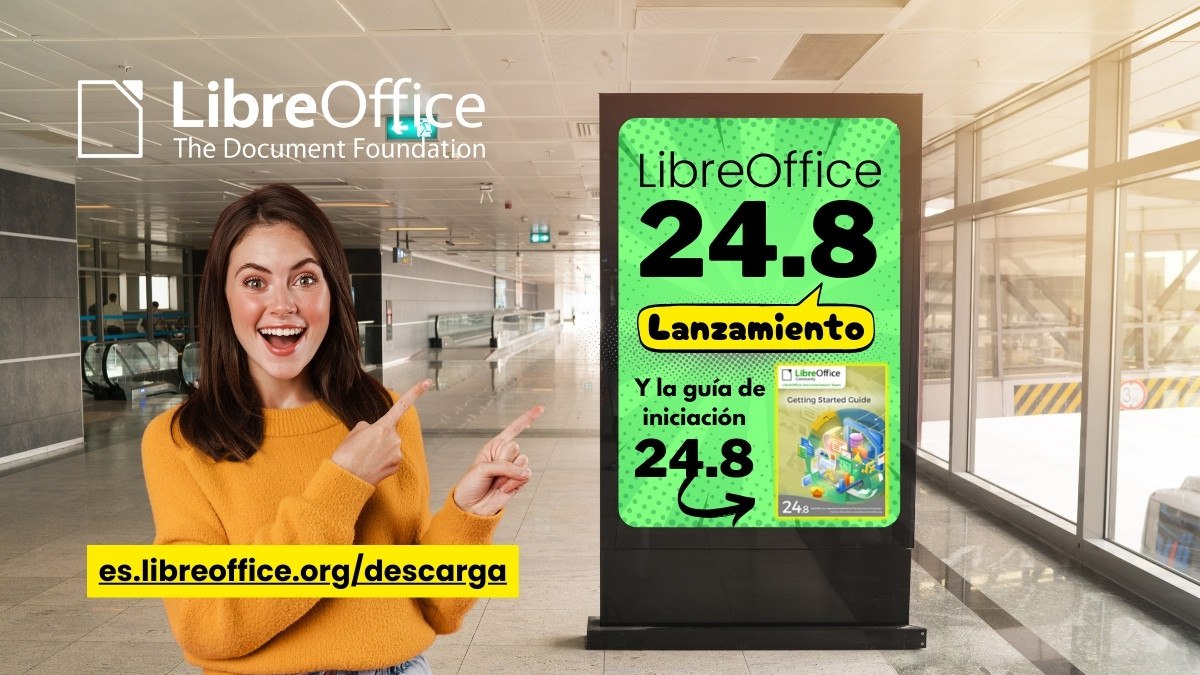
LibreOffice 24.2.4 Community available for download

Berlin, 6 June 2024 – LibreOffice 24.2.4 Community, the fourth minor release of the free, volunteer-supported office suite for personal productivity in office environments, is now available at https://www.libreoffice.org/download for Windows, MacOS and Linux.

The release includes over 70 bug and regression fixes over LibreOffice 24.2.3 [1] to improve the stability and robustness of the software. LibreOffice 24.2.4 Community is the most advanced version of the office suite, offering the best features and interoperability with Microsoft Office proprietary formats.

LibreOffice is the only office suite with a feature set comparable to the market leader. It also offers a range of interface options to suit all user habits, from traditional to modern, and makes the most of different screen form factors by optimising the space available on the desktop to put the maximum number of features just a click or two away.

LibreOffice for Enterprises

For enterprise-class deployments, TDF strongly recommends the LibreOffice Enterprise family of applications from ecosystem partners – for desktop, mobile and cloud – with a wide range of dedicated value-added features and other benefits such as SLAs: https://www.libreoffice.org/download/libreoffice-in-business/

Every line of code developed by ecosystem companies for enterprise customers is shared with the community on the master code repository and contributes to the improvement of the LibreOffice Technology platform.

Availability of LibreOffice 24.2.4 Community

LibreOffice 24.2.4 Community is available at https://www.libreoffice.org/download/. Minimum requirements for proprietary operating systems are Microsoft Windows 7 SP1 and Apple MacOS 10.15. Products based on LibreOffice Technology for Android and iOS are listed here: https://www.libreoffice.org/download/android-and-ios/

For users who don’t need the latest features and prefer a version that has undergone more testing and bug fixing, The Document Foundation maintains the LibreOffice 7.6 family, which includes several months of back-ported fixes. The current release is LibreOffice 7.6.7 Community, but it will soon be replaced exactly by LibreOffice 24.2.4 when the new major release LibreOffice 24.8 becomes available.

The Document Foundation does not provide technical support for users, although they can get it from volunteers on user mailing lists and the Ask LibreOffice website: https://ask.libreoffice.org

LibreOffice users, free software advocates and community members can support the Document Foundation by making a donation at https://www.libreoffice.org/donate.

[1] Fixes in RC1: https://wiki.documentfoundation.org/Releases/24.2.4/RC1. Fixes in RC2: https://wiki.documentfoundation.org/Releases/24.2.4/RC2.

Community Member Monday: Isabelle Dutailly

Today we’re talking to Isabelle Dutailly, who’s creating and updating templates for LibreOffice…

Tell us a bit about yourself!

I live in Paris, France, not that it really matters, and I am a writer. My favourite tool to write with is absolutely LibreOffice Writer. I also used to training adults on office software. So I think I can say why Writer is the best word processing software I know.

And I am a knitter which led me to make some tools for knitters with Calc. That was surprisingly easy, knowing my absolute lack of abilities in maths. These tools are online and free to download. I designed and made this little guy:

Isabelle Dutailly's knitted avatar

My computer runs Linux (Mageia) and only with free software, not because they are free of charge (and considering how much money and time I put on them, they certainly are not 😊) but because they give me freedom. I did things with LibreOffice that I never did with a proprietary office suite.

For example, in 2017, because I needed (and still need) to organize the colours I use, I looked at the code (which was not difficult but I am not a developer, just a writer) and I wrote a tutorial for me and for my website. What was rewarding was to learn that the extension PaletteMaker, which I use and recommend, was made using this tutorial. I will never even think about doing the same using proprietary software. The empowerment free software gives us is huge.

What else? I write tutorials on LibreOffice on my website and I also write some articles on LibreOffice (and other subjects) on the French website LinuxFr.org.

What are you working on in the LibreOffice project right now?

I often hear that LibreOffice lacks templates or that they are ugly. Which is not necessarily false. Also some templates are pretty old and do not give justice to the qualities and features of the software.

Not having good templates is bad for LibreOffice. It gives the office suite a bad image: “It’s ugly, you can’t do this or that etc.”. This is detrimental to a tool as powerful and well-designed as LibreOffice. I do think that one of the best ways to communicate on LibreOffice (or any other free software) consists in talking on their qualities and features. One good way, beside making tutorials, is having templates that use and show these features.

So I make templates. The last I did were some fun things like invitation for parties and so on: somebody asked me if there were nice templates for a birthday party. I saw this was something that the Extensions repository really lacked. Well, I did some.

Invitation template for LibreOffice.

And sometimes I answer on the French mailing-list for users of LibreOffice.

Why did you choose to join the project, and how was the experience?

LibreOffice is a very good application. It has wonderful features that are not promoted enough. And yes, as I said, LibreOffice gives the opportunity to learn more and more things, which I find awesome. Even when it may have some annoying bugs sometimes (the risk of choosing the very latest release of LibreOffice Community).

Anything else you plan to do in the future? What does LibreOffice really need?

In the past, I was a bit active on the wiki. I may work on it again.

LibreOffice probably needs to be better promoted, not only as a free office suite but on its features and per se, without any comparison with any other same kind of software. The choice and the customization of the interface for example. It is unique and far from being just a gadget. Having a tool exactly made for one’s needs is more than great. It is like having made-to-measure clothes or shoes instead of ready-to-wear. And there are many other features than can be better promoted I think.

Also I think that the websites of The Document Foundation should be available in more languages. For example the blog. They do not need to be identical; that is the case for the blog of my Linux distribution Mageia for example. The announcements of releases are translated into various languages. But some posts might only be in one language. Also the Extensions repository should be readable in various languages. Not all end-users are familiar with English.

And, maybe, LibreOffice could have a page “Contribute and Promote” like the vector graphics editor Inkscape has.

Many thanks to Isabelle for all her contributions! Everyone is welcome to discover what they can do for LibreOffice – and learn new things along the way 😊