Welcome gla11y, the user interface accessibility checker!

LibreOffice is designed with great attention to accessibility, to make the suite convenient and comfortable to use, and to cater to users with special needs. Last year The Document Foundation published a Tender to Implement Accessibility Improvements regarding user interface widgets that are added to the suite but which have accessibility shortcomings.

French company Hypra, which works on accessibility improvements in free and open source software, was awarded the tender. Today they are announcing the tool that they have developed – note that this tool is not targeted at end users of LibreOffice, but rather at developers. Of course, all users who have experienced accessibility issues in LibreOffice can benefit from it. Let’s hear what Hypra has to say…


Making LibreOffice usable by everybody, including disabled people, is a must so that anyone can work on documents for their own uses or their daily job. Accessibility concerns happen to be very diverse, and fixing or even just detecting them can be complex. Some of them can actually be detected automatically, and this is the goal of the “gla11y” tool, which is the result of the tender.

Gla11y (Glade accessibility) is a Python script which takes .ui files (Glade graphical interface description files), and reports the accessibility issues which can be found with static analysis. This includes mostly the missing labelling relations, which happens to be a very frequent accessibility issue. If, for instance, a dialog box contains several GtkEntry widgets to be filled in by the user, and several GtkLabel widgets to describe them, but with no relations between the two series, a blind user would have to remember the different parts, thus considerably reducing usability. This will show up in gla11y warnings as:

     myfile.ui:5 WARNING: 'GtkLabel' 'label1' does not specify what it labels within 'GtkFrame' 'frame1'
     myfile.ui:9 WARNING: 'GtkLabel' 'label2' does not specify what it labels within 'GtkFrame' 'frame1'
     myfile.ui:12 WARNING: 'GtkEntry' 'entry1' has no accessibility label while there are orphan labels within 'GtkFrame' 'frame1'
     myfile.ui:14 WARNING: 'GtkEntry' 'entry2' has no accessibility label while there are orphan labels within 'GtkFrame' 'frame1'
     4 new warnings 

Adding relations between each widget and its label will allow screen readers to tell users exactly when to type what.

Running a basic version of gla11y alongside compilation of LibreOffice was integrated on February 21; It only checked for broken relation links. It turns out that there is currently no such bug, so it didn’t raise any warning, but now we are sure that no such bug will be introduced in the future (as happened in the past).

Gla11y runs in all compilation cases, except when using the old version 2.6 of Python and python-lxml is not available, so it will be running in mostly all development scenarios, thus catching issues as early as possible. It is useful to have the python-lxml library installed, or make sure that it is built automatically by LibreOffice, so that the analysis can be done faster and warnings get displayed better.

An initial version of more advanced analysis, which actually finds some existing issues, was merged on February 28.

As of today, the tool reports a total of 2155 warnings in 434 .ui files (out of the existing 981 .ui files). Of course, we do not want to overwhelm developers with all of these existing issues, so a suppression mechanism has been implemented, so that only warnings for new issues will be emitted; warnings for existing issues will be silenced by rules in suppression files.

In this way, to start with we will prevent the introduction new accessibility issues, while existing issues are progressively fixed. Also, for now only very basic warnings are enabled, and we will enable the complete set progressively. That will allow us to observe how developers react to some warnings, and fix heuristics and documentation on the
wiki
for them, before enabling more warnings.

Regarding fixes for existing issues, gla11y reports both labels and widgets which don’t have relations (“orphaned” labels and widgets). Very often, it is very easy to find which relation is missing and remove the warnings (actually, remove the suppression rules) with a few lines of .ui files. Working on this could thus be part of “Easy Hacks” for new contributors.

Fixing warnings raised by gla11y will hopefully greatly improve usability in LibreOffice for disabled people. Of course, there remain many other accessibility issues which can not be detected by static analysis, but gla11y will helps to cover a fair bit of the work, and leave time to concentrate on the more difficult issues.


Thanks to Hypra for their work on this tool! Learn more about how TDF uses its tendering process to improve LibreOffice and share knowledge with the community.

Having fun together: The Nepalese LibreOffice Community

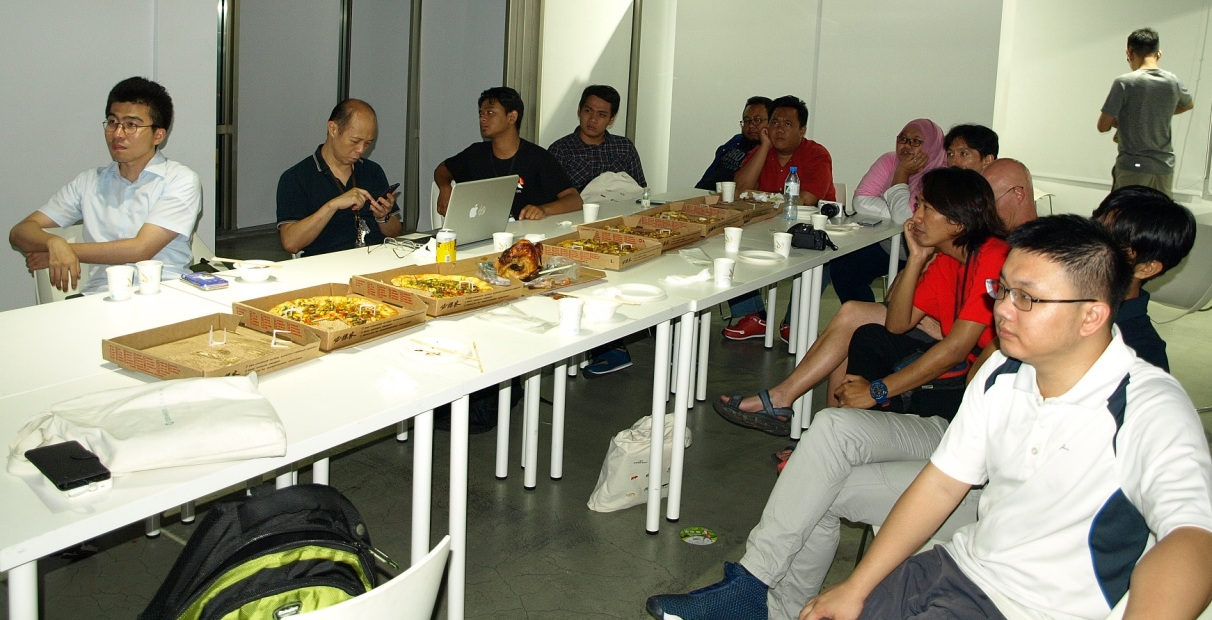
Who makes LibreOffice? And who can get involved to make it even better? The answer is – everyone! For instance, the Nepalese LibreOffice community spent much of April 2018 localising the software, and at the end of the month, they had a fun meetup:

Saroj Dhakal summarised what they did:

  • The FOSS Nepal Community and Kathmandu University Open Source Club participated in and co-organised the event
  • For translations of LibreOffice, participants reduced the number of critical error strings from over 9000 down to 3808
  • LibreOffice Online was completely localised during this event
  • The number of active contributors increased from 2 to 35

At the end of the event, participants received a certificate, thanking them for their help:

So, great work by the Nepalese community! One of the main goals of LibreOffice is to make the software available in as many languages as possible, bridging digital divides across the globe. So all help from translators and localisers is really appreciated.

And as you can see, joining an open source community like LibreOffice is a great way to meet new people and have fun! There are many things you can help out with, from translations and marketing through to design and documentation: see here for more.

The May 2018 Month of LibreOffice begins!

Please confirm that you want to play a YouTube video. By accepting, you will be accessing content from YouTube, a service provided by an external third party.

YouTube privacy policy

If you accept this notice, your choice will be saved and the page will refresh.

LibreOffice is made by hundreds of people around the world. And throughout May, we want to say a big thank you to everyone involved! Now is a great time to get involved with our friendly community and help out in many areas, from translations and documentation through to user support and marketing.

Over the next four weeks, we’ll be keeping track of contributions to the project, and add your name to this wiki page if you help out. The page will be updated daily, and everyone listed there can claim a sticker, as shown in the video above! Here’s how you can get involved…

How to get a sticker

There are many ways you can help the LibreOffice project and claim a sticker:

  • Help to confirm bugs: go to our Bugzilla page and look for new bugs. If you can recreate one, add a comment like “CONFIRMED on Windows 10 and LibreOffice 5.4.2”. (Make sure you’re using the latest version of LibreOffice.)
  • Contribute code: The codebase is big, but there are lots of places to get involved with small jobs. See our Developers page on the website and this page on the wiki to get started. Once you’ve submitted a patch, if it gets merged we’ll send you a sticker!
  • Translate the interface: LibreOffice is available in a wide range of languages, but its interface translations need to be kept up-to-date. Or maybe you want to translate the suite to a whole new language? Get involved here.
  • Write documentation: Another way to earn a badge is to help the LibreOffice documentation team. Whether you want to update the online help or add chapters to the handbooks, here’s where to start.
  • Answer questions from users: Over on Ask LibreOffice there are many users looking for help with the suite. We’re keeping an eye on that site so if you give someone useful advice, you can claim a shiny sticker.
  • Spread the word: Tell everyone about LibreOffice on Twitter! Just say why you love it or what you’re using it for, add the #libreoffice hashtag, and at the end of the month you can claim a sticker. (We have a maximum of 100 stickers for this category, in case the whole internet starts tweeting!)

So there’s plenty to do! Dive in, get involved and help make LibreOffice better for millions of people around the world – and enjoy your sticker as thanks from us. We’ll be posting regular updates on this blog and our Twitter account over the next four weeks!

LibreOffice monthly recap: April 2018

Lots of things are happening in the LibreOffice community – in development, documentation, design, QA, translations and much more. Here’s a summary of news and updates in April…

  • LibreOffice 6.0.3 was released on April 3. It includes over 70 bug and regression fixes – see the release announcement for more details.
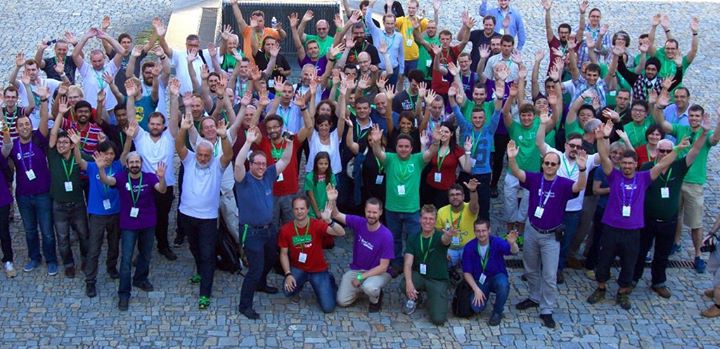
  • From April 6 – 8, we had a LibreOffice community meeting and Hackfest in Hamburg. There were around 45 participants, who split into two groups. One group focused on a hackfest – a joint coding session. At the same time, a meeting of the German-speaking LibreOffice community took place. See here for the results of the hackfest, and what we discussed.

  • We talked to Edmund Laugasson from the Estonian LibreOffice community about his efforts to promote free and open source software in his country. “ODF is quite widely used in Estonia – for instance, educational institutions usually have LibreOffice installed, along with some local authorities.”Full interview here.
  • Preparation began for the Month of LibreOffice, May 2018 – crediting contributions all across the project. If you’re a proud user of LibreOffice and would like to join our community, get involved! (We’ll even send you a cool sticker pack.)

  • The next LibreOffice Conference will take place from September 26 – 28 in Tirana, Albania, and TDF put out a call for papers. All members and contributors are invited to submit talks, lectures and workshops for the conference – see here for more info.

  • Finally, we gave a warm welcome to our new Google Summer of Code 2018 students. We have a record off 11 students this year, and they will help to improve LibreOffice in many areas: the LOEclipse Plugin, Notebookbar, LibreOffice Viewer for Android and more. So a big hello to Daniel Silva, Ekansh Jha, Hrishabh Rajput, Kshitij Pathania, Manuj Vashist, Muammer Mert Tümer, Nickson Thanda, Raghav Lalvani, Saurav Chirania, Shobhan Mandal and Vikas Mahato!

Keep in touch – follow us on Twitter, Facebook and Google+. Like what we do? Support our community with a donation – or join us and get involved!

Welcome, Google Summer of Code ’18 students!

The Google Summer of Code (GSoC) is a global program focused on bringing more student developers into open source software development. The Document Foundation and LibreOffice participate every year, and today we are happy to announce a new record of 11 accepted students!

Projects are widespread and include Python support in the LOEclipse Plugin, domain specific language in UI testing, several improvements to the LibreOffice Viewer for Android, better usability for the Notebookbar, and fixing some of the most-annoying issues in the “100 paper cuts” project. Students will introduce an interface for external data source import into Calc, revamp the print dialog, and provide SmartArt editing capabilities in Impress.

Now the community bonding period starts, which intends to get students ready to start contributing on May 14th. So welcome Daniel Silva, Ekansh Jha, Hrishabh Rajput, Kshitij Pathania, Manuj Vashist, Muammer Mert Tümer, Nickson Thanda, Raghav Lalvani, Saurav Chirania, Shobhan Mandal and Vikas Mahato. We hope you will have as much fun with LibreOffice as Jaskaran Singh did in 2016:

Please confirm that you want to play a YouTube video. By accepting, you will be accessing content from YouTube, a service provided by an external third party.

YouTube privacy policy

If you accept this notice, your choice will be saved and the page will refresh.

LibreOffice @ 17th Linux-Infotag in Augsburg, Germany

LibreOffice is the default office suite in almost every desktop Linux distribution, and the Linux community has done a lot to help support, develop and promote LibreOffice over the years. So we like to meet up with Linux users and free software enthusiasts face-to-face – and on April 21 we were at the 17. Augsburger Linux-Infotag in southern Germany.

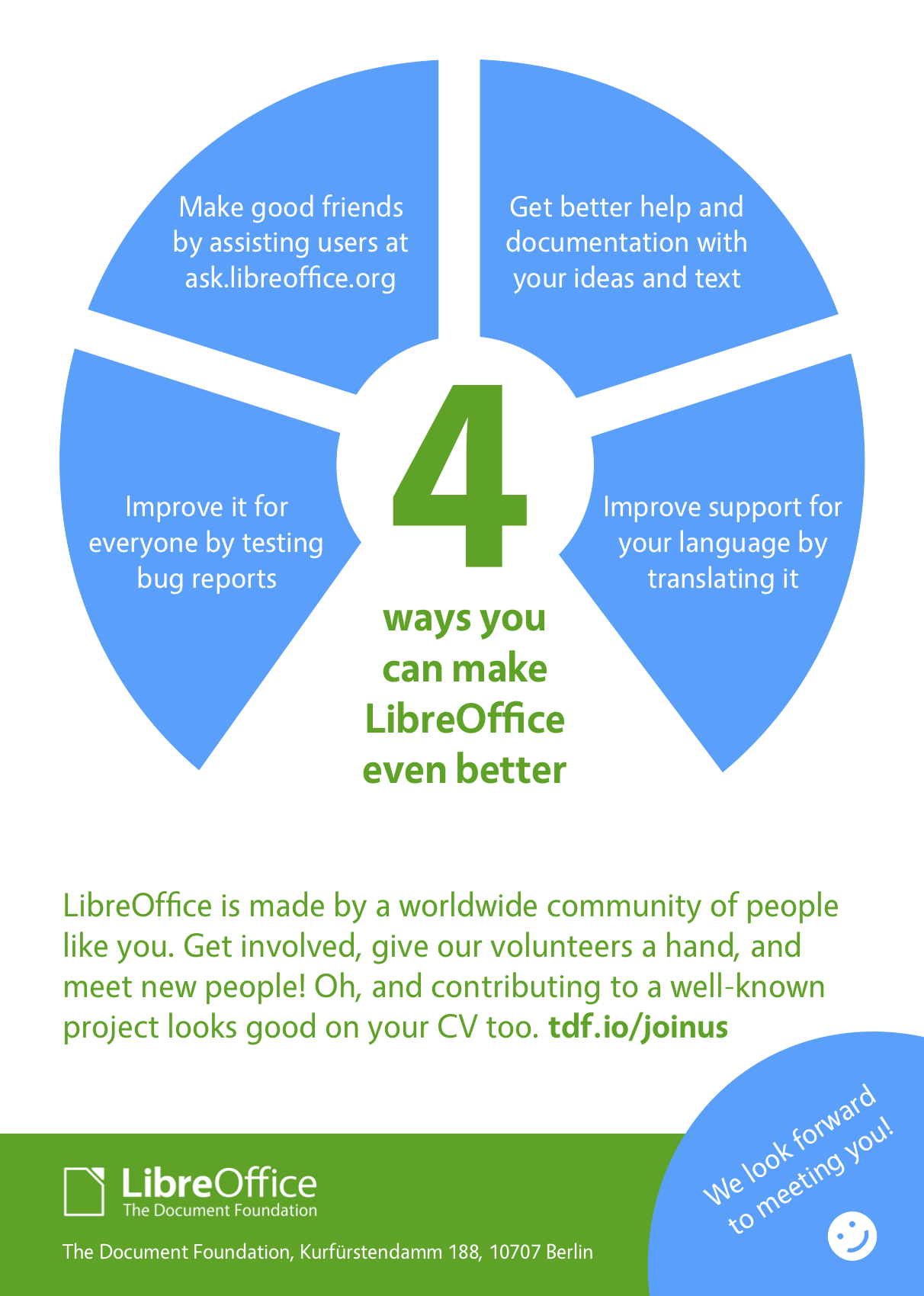
This yearly event has been running since 2001, and is described as being “one of the oldest and biggest Linux-related events in the area”, with around 350 visitors. Christian Lohmeier and Mike Saunders from the LibreOffice community set up a booth which had a screen showing a video of LibreOffice 6.0, along with stickers and (most importantly) flyers encouraging people to get involved with the project:

Virtually every Linux user has heard of LibreOffice, so we didn’t have to explain what the software does. But we talked about what the community is doing, some things we’re working on, and how people can help. One especially hot topic was LibreOffice Online – so we demonstrated the latest version, showing its collaborative editing features.

Many other Linux and free software-related communities were present, and there were talks on security, programming, networks and containers (eg Docker). In the afternoon, Mike gave a talk in German called “LibreOffice: where we’re from, where we’re going, and how to get involved”. On the whole, it was great to meet so many passionate FOSS fans, and we look forward to going again next year. Thanks to everyone who stopped by and said hello!