
Our post-FOSDEM hackfest is underway!
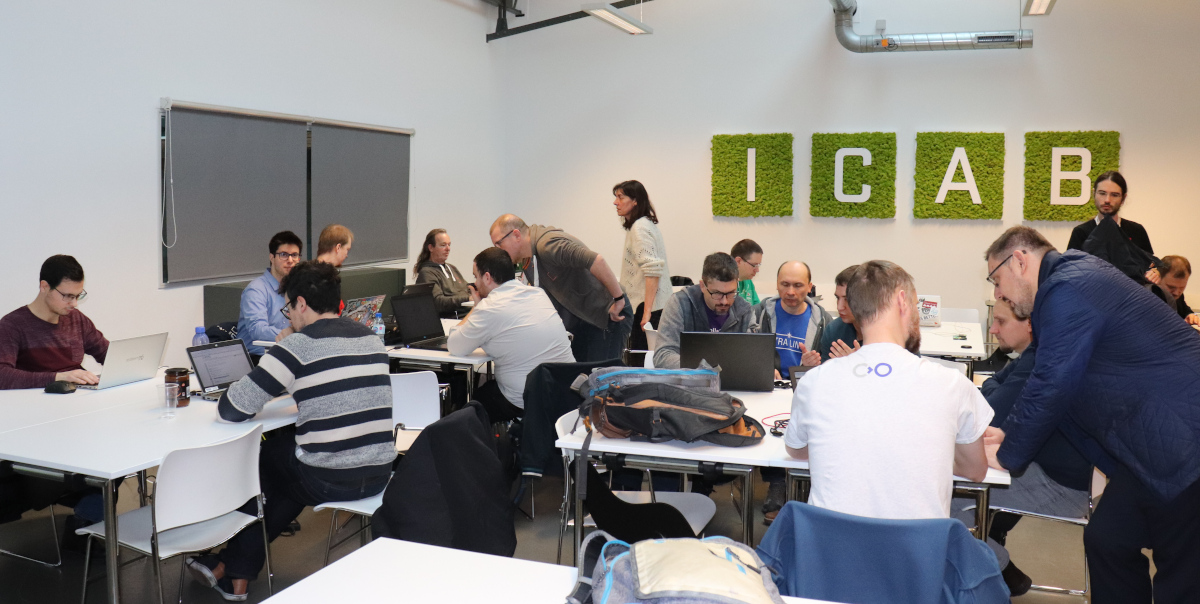
Our post-FOSDEM hackfest is underway!
LibreOffice 6.4 is being developed by our worldwide community and certified developers, and is due to be released at the end of January 2020 – see the release notes describing the new features here.
In order to find, report and triage bugs, the LibreOffice QA team is organizing the second Bug Hunting Session for LibreOffice 6.4 on Monday December 23, 2019.
Tests will be performed on the first Release Candidate version, which will be available on the pre-releases server the same day of the event. Builds will be available for Linux (DEB and RPM) with GTK3 and KDE5 support, macOS and Windows. (Note that it will replace your current installation.)
Mentors will be available from 07:00 UTC to 19:00 UTC for questions or help in the IRC channel #libreoffice-qa and the Telegram QA Channel. Of course, hunting bugs will be possible also on other days, as the builds of this particular Release Candidate (LibreOffice 6.4.0 RC1) will be available until mid January, 2020, when LibreOffice 6.4 RC2 will be released. Check the Release Plan.
All details regarding the bug hunting session are available on the wiki. We look forward to – and appreciate – your help!
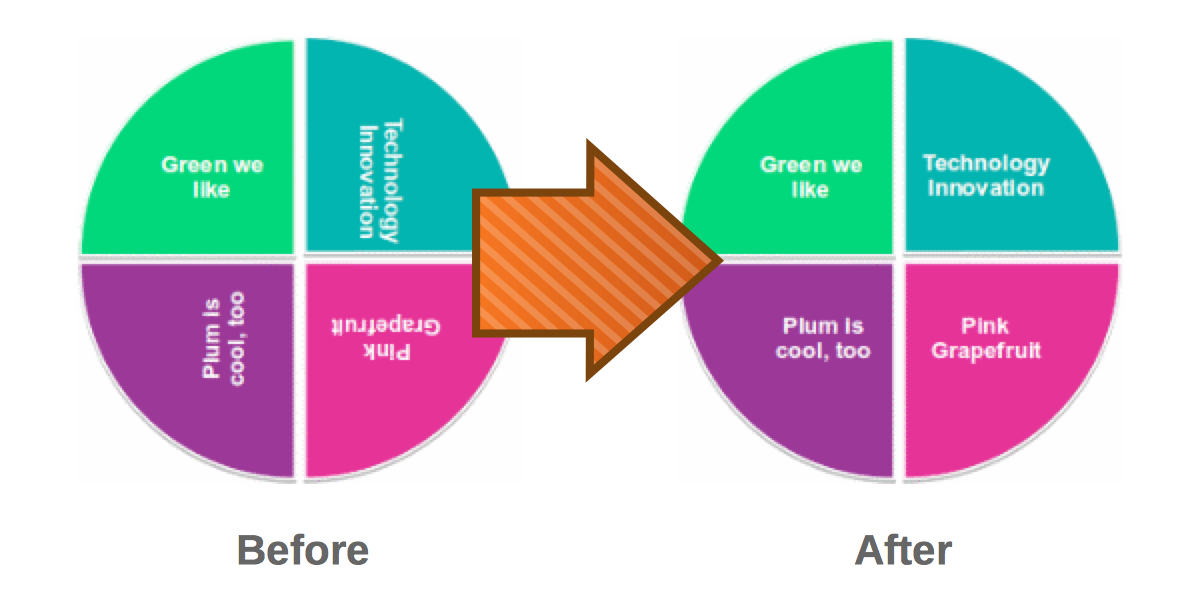
LibreOffice’s native file format is OpenDocument, a fully open and standardised format that’s great for sharing documents and long-term data storage. Of course, LibreOffice does its best to open files made by other office software as well, even if they’re stored in pseudo-“standards” with cryptic and obfuscated contents. Compatibility with PowerPoint PPT(X) presentations is therefore a challenge, but developers are working hard on improvements…
A few months ago, we announced an initiative to improve the support of PPT and PPTX files in LibreOffice. Lots of great work happened since then and the results are collected below!
Everyone is invited to participate in the PowerPoint support initiative, either in development or testing. If you are interested in joining, please send an email to ilmari.lauhakangas@libreoffice.org.
Stephan Bergmann (Red Hat):
Speed up loading a PPT file with equation objects
Noel Grandin (Collabora):
Speed up loading a PPT file with equation objects
Miklos Vajna (Collabora):
Add PPTX import/export for semi-transparent shape text
PPTX import: don’t set shape fill from the style in case the background fill is already set
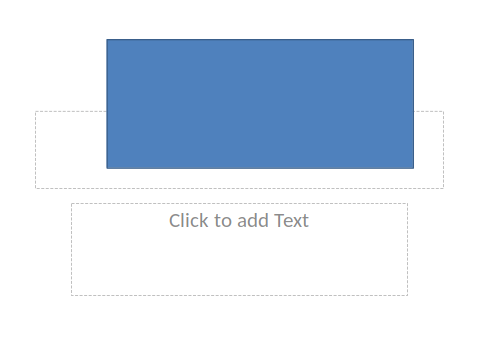
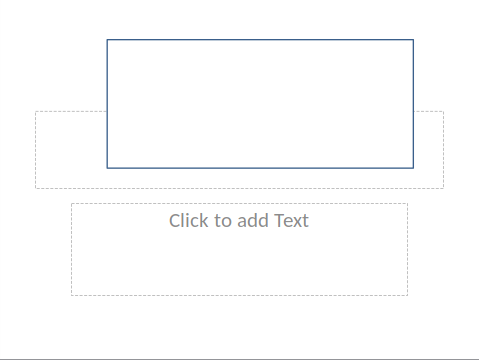
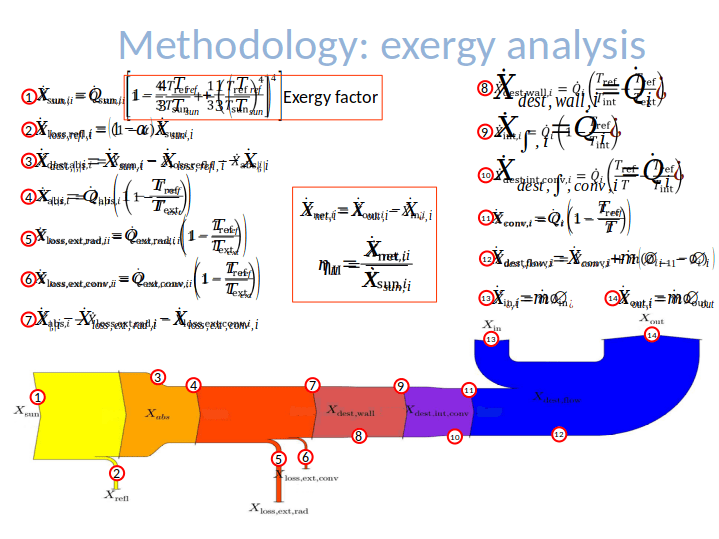
PPTX import: fixed duplication of math objects
Tamás Zolnai (Collabora):
PPTX export: don’t change shape’s background transparency


PPTX export: don’t lose the gradient background fill of a slide

Xisco Faulí (TDF):
PPTX import: display shapes with washout mode
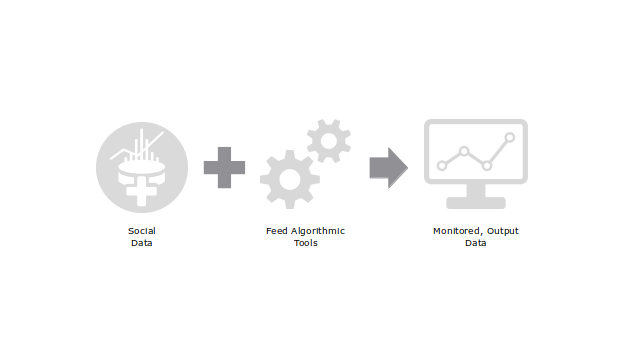
PPTX export: handle image colour/graphics modes correctly
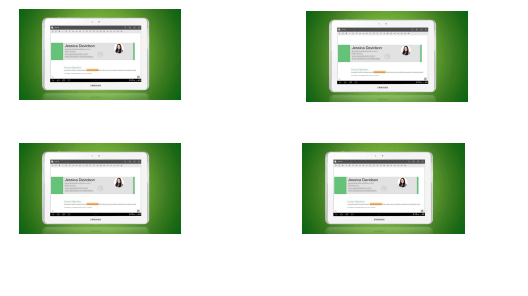
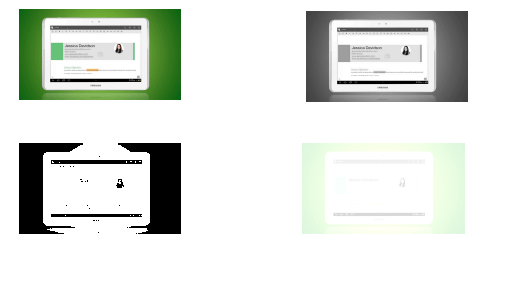
PPTX import: don’t lose text highlighting in table cells


PPTX export: save text highlighting


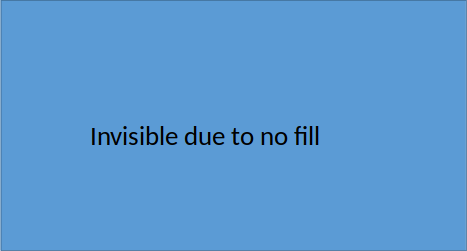
PPTX import: respect no fill colour for text

Gülşah Köse (Collabora):
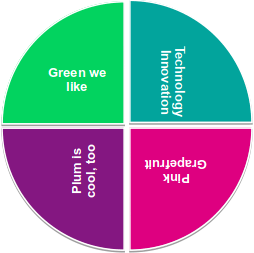
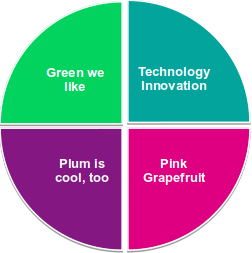
PPTX import: implement z-rotation of 3D text transformation
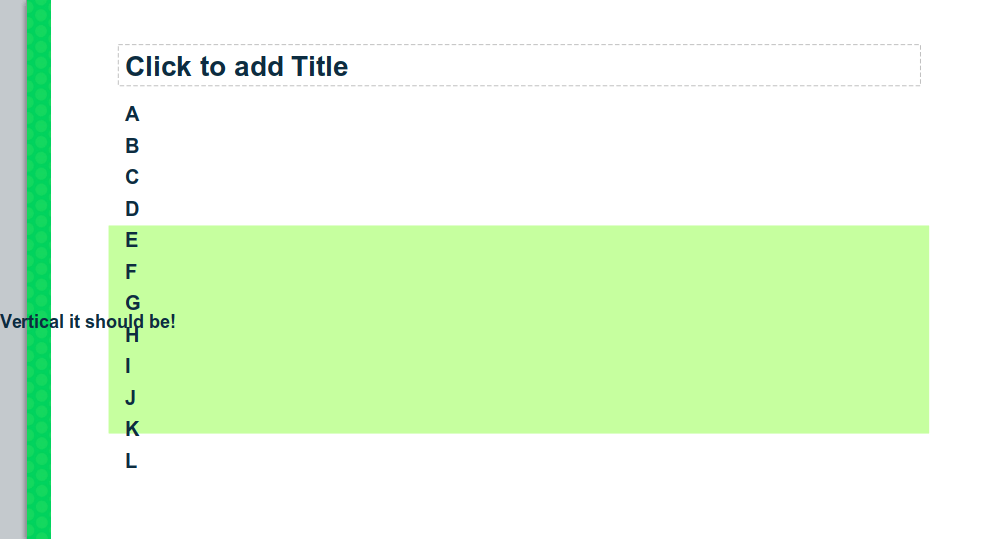
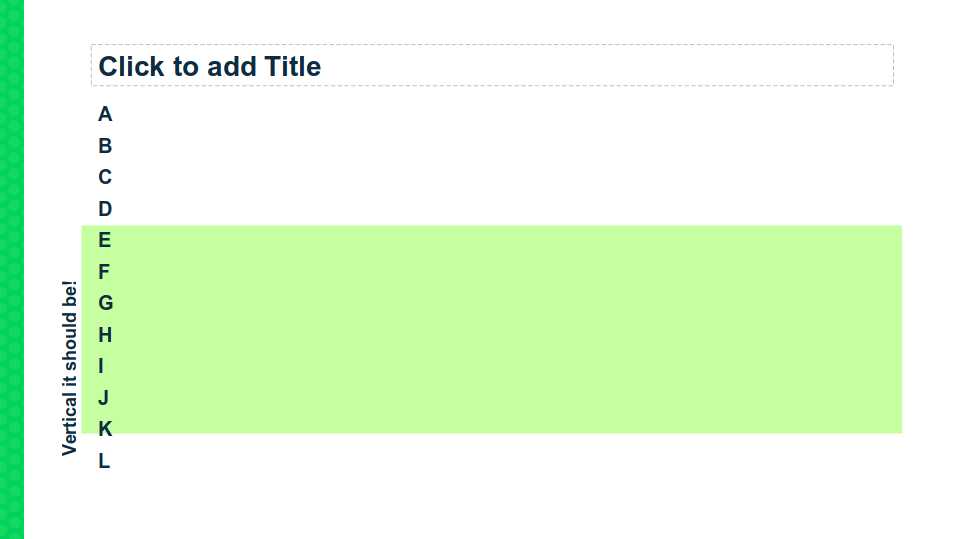
PPTX export: preserve textbox rotation attribute
Tamás Bunth (Collabora):
PPTX import: custom date as custom XTextField


Mark Hung (PPT/X team):
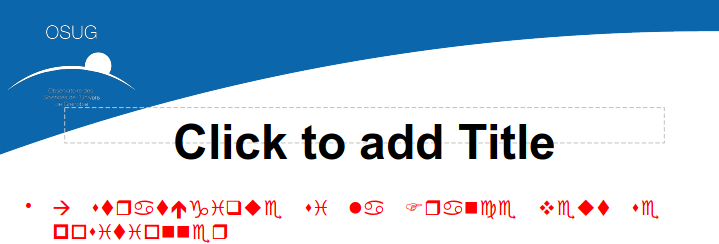
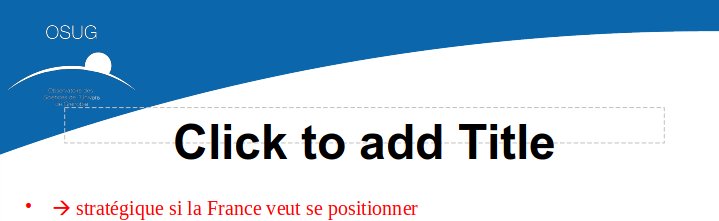
PPTX import/export: handle complex text properly
PPTX import: reset font settings, if necessary
Luke Deller (PPT/X team):
PPTX import: Fix IsTransparent() for unloaded graphics


Julien Nabet:
Save/restore locking properly in ImplSdPPTImport::Import
sd: prefix members of SdrPowerPointImport
cppcheck: fix 2 funcArgOrderDifferent
Mike Kaganski (Collabora):
PPTX export: disable undo during save
Thanks to everyone for their great work!
 Macros help users to automate common tasks in LibreOffice, and in September, we announced a new team in our community to work on macro support.
So, what has happened in the meantime? This article is a collection of the work done by the LibreOffice Macro Team in the past few months, as well as any other macro-related things in the project. If you are interested in contributing to the macro team (development, testing or documentation), we’d love to hear from you – please send an email to ilmari.lauhakangas@libreoffice.org and we’ll get in touch.
Tomoyuki Kubota and Alain Romedenne reorganised the macro meta bug, creating several subcategories for macro issues and feature requests.
Soon after the announcement of the macro team in early September, we were contacted by Nathan Ullberg, who promptly started contributing to the wiki documentation. Nathan is keeping notes on the progress of his work on his wiki user page. Alain is collaborating with Nathan on the wiki effort, which includes creating new articles with example macros, reviewing old ones and translating them from French to English.
Tomoyuki Kubota:
Andreas Heinisch:
Alain Romedenne:
Mike Kaganski (Collabora):
Stephan Bergmann (Red Hat):
Samuel Mehrbrodt (CIB):
Improved by Alain Romedenne:
Improved by Olivier Hallot (TDF):
Added by Olivier Hallot (TDF):
Finally, we have to highlight Alain’s presentation from the LibreOffice Conference 2019: Scripting LibreOffice Python macros, aka “Macros Well Kept Secrets”:
Please confirm that you want to play a YouTube video. By accepting, you will be accessing content from YouTube, a service provided by an external third party.
If you accept this notice, your choice will be saved and the page will refresh.
Big thanks to everyone for their contributions and special thanks to Alain for coordinating things and being a tireless macro educator! As mentioned, everyone is welcome to join our efforts to improve macro support in LibreOffice – you don’t need to be a developer. Help us with documentation, bug reports and more – and gain valuable experience on the way!
The Google Summer of Code – aka GSoC – is a global programme focused on bringing more student developers into free and open source software development. In 2019, LibreOffice was once again a participating project, and we describe the results here.
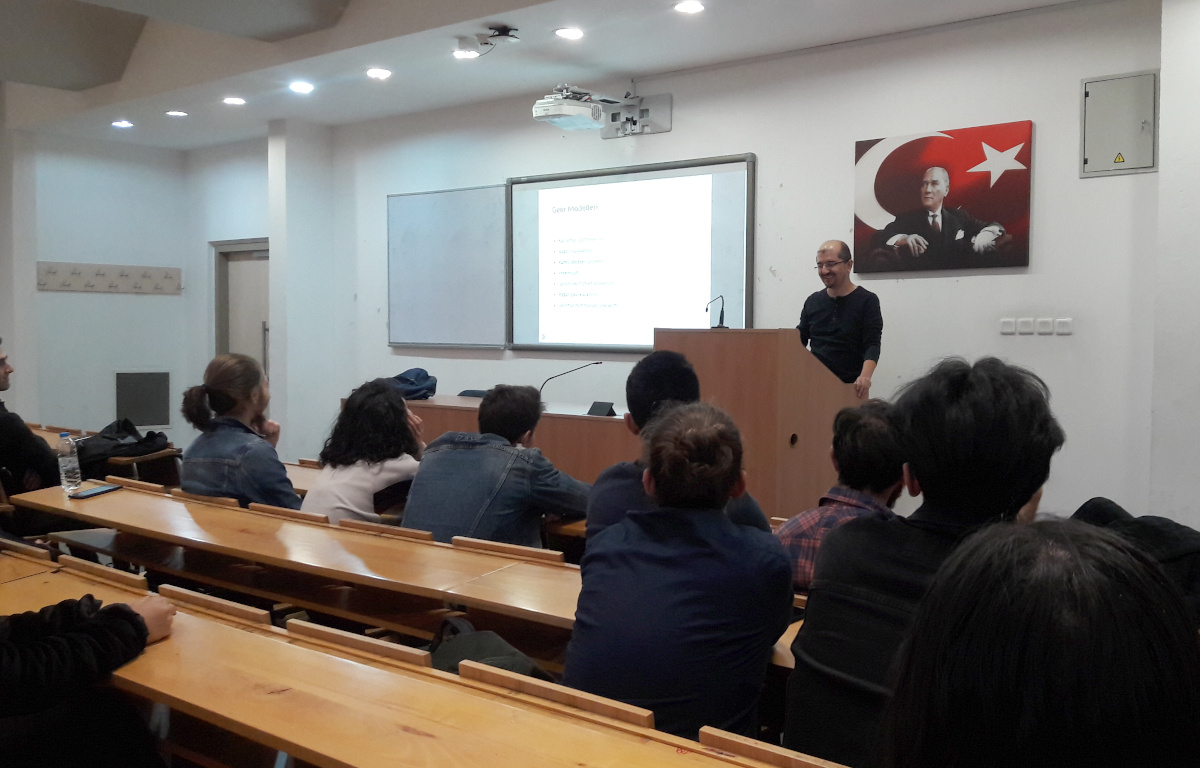
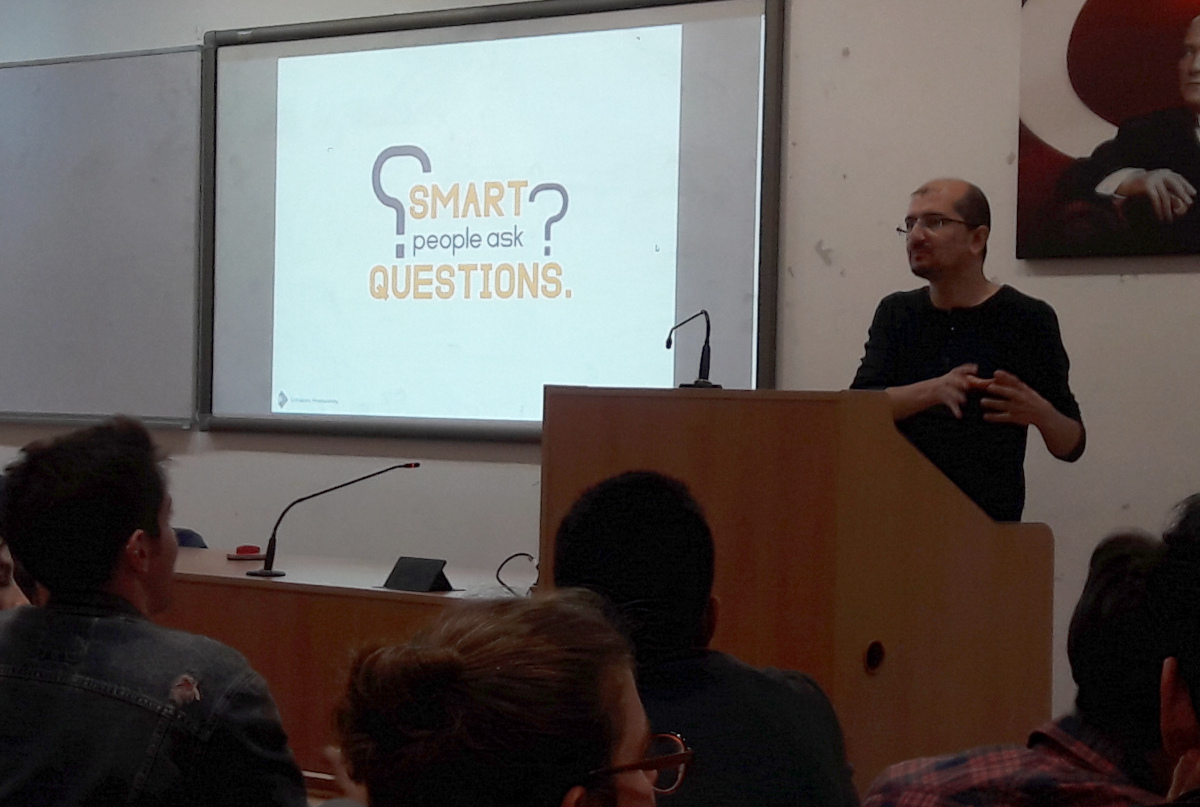
Meanwhile, Muhammet Kara from the Turkish LibreOffice community gave a presentation about GSoC on November 8 at YILDIZ Amphitheater M2, Hacettepe University (Beytepe Campus), Ankara – here’s what he had to say:
There were around 40 attendees, mostly from the Computer Science department. The best part was that they were very excited, and asked many questions – and the event took almost two hours instead of the planned 40 minutes. Many of them seemed ‘sold’ at the idea of spending the next summer (or at least one summer, sometime) working on LibreOffice or another free/libre open source software (FLOSS) project, through GSoC.
I also tried to share my adventure as a FLOSS enthusiast, from a volunteer translator to a professional developer working as part of Collabora’s LibreOffice development team. And I am glad to say that they seemed inspired of the story. 🙂
This is an after-event tweet by Hacettepe University ACM Student Chapter, with photos. Oh, and be prepared to hear more from around here regarding LibreOffice/FLOSS activities in the upcoming days. We have more activities in the planning, and hope to share soon. 😉
Thanks to Muhammet and all the participants for their work! Everyone is welcome to join our community and help to improve LibreOffice – see what you can do to make a difference.

This year, LibreOffice was once again a mentoring organization in the Google Summer of Code (GSoC) a global programme focused on bringing more student developers into free and open source software development. We ran six projects – and all were finished successfully. Both students and mentors enjoyed the time, and here we present some of the achievements, which should make their way into LibreOffice 6.4 in early February!
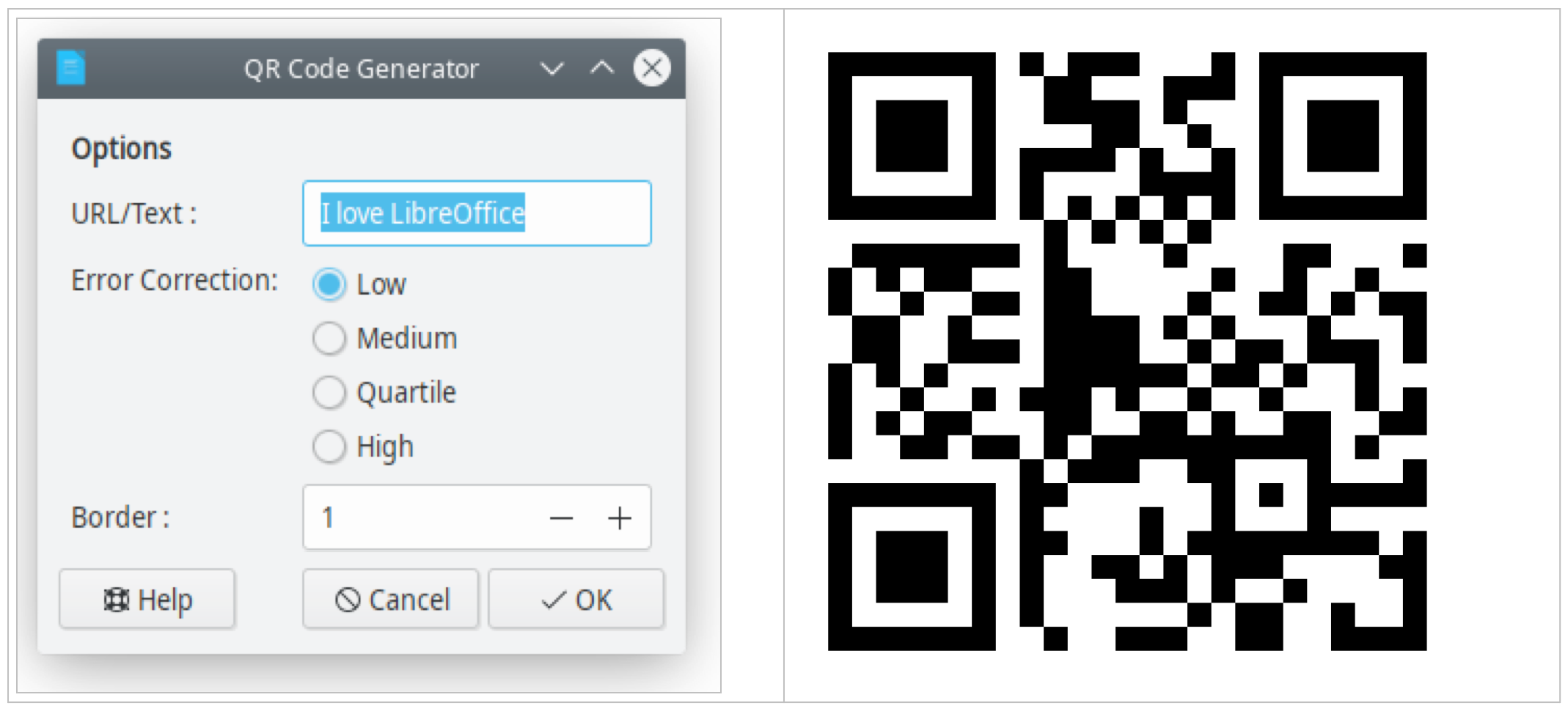
The ability to print and display hyperlinks as quick response (QR) codes has been requested for many years (bug 62168), and eventually Shubham Goyal implemented this feature. You can insert a QR code at the current cursor position or the table cell per Insert > Object > QR Code… or edit the inserted object with the context menu. Learn more in the final report.
LibreOffice introduced the optional NotebookBar user interface in version 6.2. Now, thanks to Sumit, users can customise the NotebookBar by changing the visibility of buttons, as shown here:
Please confirm that you want to play a YouTube video. By accepting, you will be accessing content from YouTube, a service provided by an external third party.
If you accept this notice, your choice will be saved and the page will refresh.
Users will be able to access this dialog from the menu: Tools > Customize, then go to the NotebookBar tab. Sumit explains some of the technical work behind this on his blog.
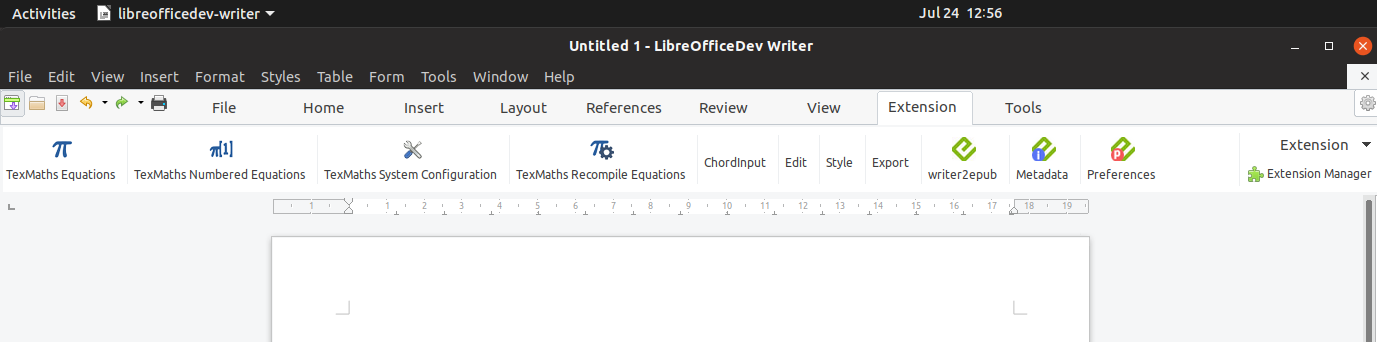
Another project Sumit worked on is extension support, which allows users to add extensions in the NotebookBar. There is an extension tab in all the NotebookBar interfaces where the added extension will be available (technical details here).
In the last few years, LibreOffice for Android was lagging behind development of LibreOffice Online, because all the new features had to be re-implemented in Java. This year, a new approach to the LibreOffice Android app took place, reusing the Online work directly in the app. Kaishu Sahu’s code was important part of this effort – he has implemented features like inserting images, slideshows, save as, printing, sharing a document, dimming when inactive, and more.
Previously, all chart formatting was directly applied. Chart styles allow users to quickly apply the same formatting presets to different charts and therefore make it easier to change them.
Many thanks to all students who spent their summer time improving LibreOffice. You are awesome! And special thanks also to the mentors who always put some much love and energy into these tasks. That‘s what makes LibreOffice rock.
Now we are looking forward to next year’s GsoC. If you are interested, why not prepare early? Learn more at out wiki page where some ideas are listed.