Document Freedom Day is planned for March 28, 2018. If you are organizing an event to celebrate it, please remember to register it on the website.
Document Freedom Day is planned for March 28, 2018. If you are organizing an event to celebrate it, please remember to register it on the website.

Google Summer of Code (GSoC) is a yearly programme in which Google funds university students to work on free and open source software projects. LibreOffice has benefited from this – last year 10 students were accepted into GSoC to do various programming jobs, helping to improve the software.
GSoC students are assisted by experienced “mentors” in the LibreOffice community, as 2016 student Jaskaran Veer Singh explains:
Please confirm that you want to play a YouTube video. By accepting, you will be accessing content from YouTube, a service provided by an external third party.
If you accept this notice, your choice will be saved and the page will refresh.
For 2018, LibreOffice is again an organisation in the GSoC programme, so if you’re a university student and want to get experience working on a well-known free software project, while also being paid for your efforts, get involved! But don’t delay: the application period runs until March 27, so it’s not far off.
To get started, check out some ideas for projects you can work on. Each project describes what’s involved, the skills required, and the mentor you can contact to get help. If you see something you’d like to work on, contact the mentor as soon as possible! Then you can discuss how to proceed.
After that, read the general GSoC 2018 page on our wiki, which provides more information on the GSoC programme and tells you how to apply. So, check out the ideas, talk to the mentors, and good luck with your projects!
Free and open source software (FOSS) is all about sharing and working together. And while LibreOffice focuses on being the best open source office suite, our community also helps out with other related FOSS projects (just like many other projects help us!). We’ve made an infographic showing “upstream” contributions from LibreOffice developers and The Document Foundation – click to see a bigger version…
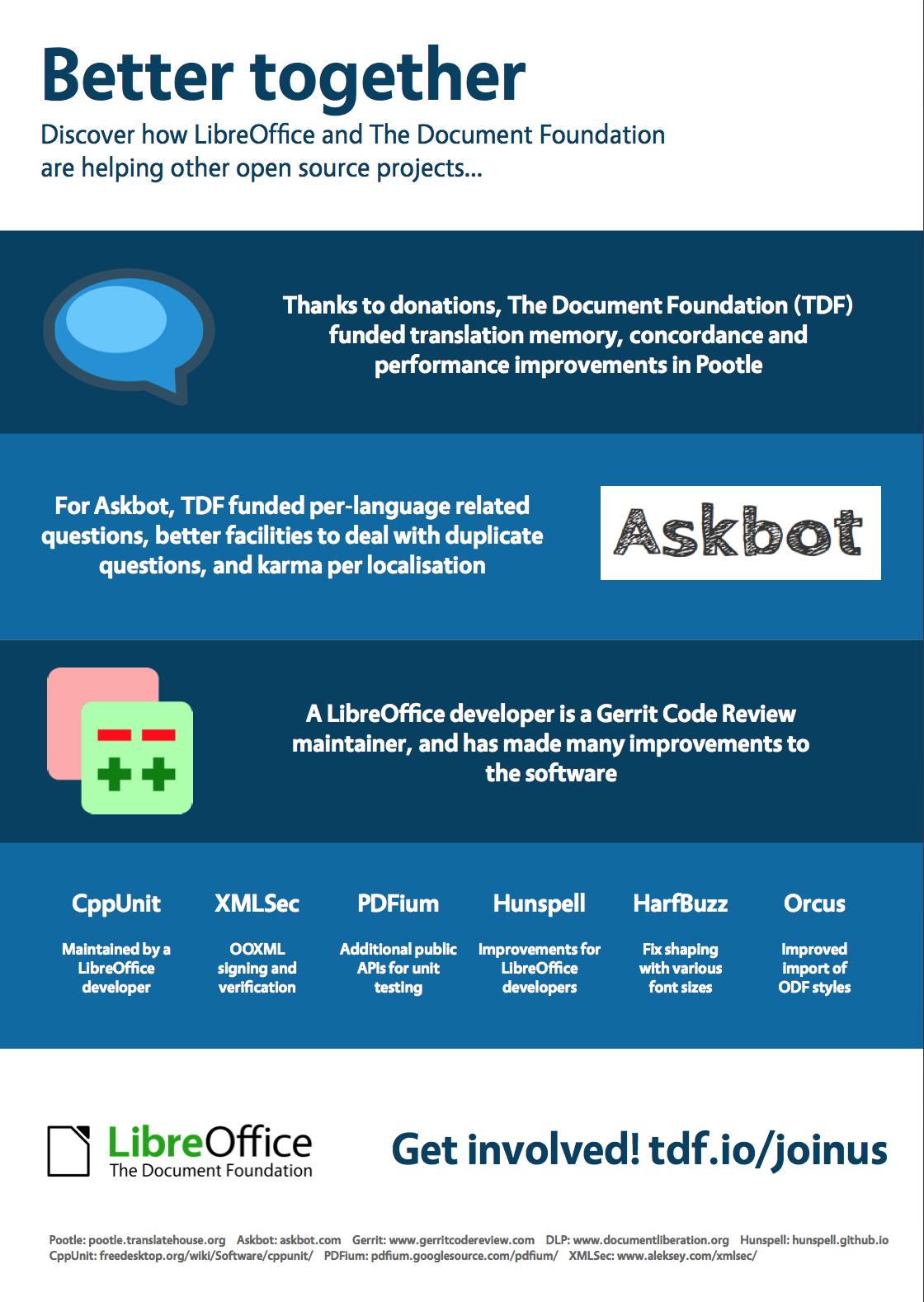
Your donations have helped us to achieve much of this – so a big thank you to everyone who has donated to our project and community!
This year’s LibreOffice Conference will take place in late September in Albania. One of the organisers is Anxhelo Lushka, a member of the Albanian LibreOffice community – we caught up with him at the last conference to talk about his experiences of building a community, how developers and designers can work together, and what we can look forward to in Tirana…
Please confirm that you want to play a YouTube video. By accepting, you will be accessing content from YouTube, a service provided by an external third party.
If you accept this notice, your choice will be saved and the page will refresh.
 Bjoern Michaelsen has just announced the LibreOffice Hackfest Hamburg 2018 on April 7th and 8th, which will be the first of The New Generation. Details about the LibreOffice Hackfest Hamburg 2018 are kept on the TDF wiki page and will be continuously updated. If you are interested in joining the event please start adding your name there (especially if you are looking for TDF travel and accommodation sponsorship).
The German LibreOffice community will join the Hackfest in Hamburg, to discuss non-coding topics like localization, documentation, quality assurance and marketing in the German context. This represents a very good opportunity to meet those active in German-speaking countries, and plan and coordinate how to push the project, the product and the brand in the German context.
The LibreOffice Hackfest Hamburg 2018 will be hosted by Freiheit Technologies.
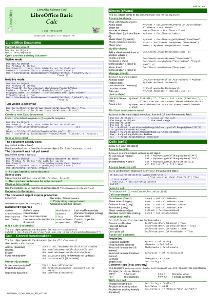
Update: Reference card for runtime library is now available.
One of the recurring issue when using LibreOffice as a replacement of other office applications is the migration of macros to the LibreOffice BASIC dialect and objects. While the LibreOffice BASIC programming language is almost standard, the objects inside a document have different names, methods and properties, and a rework on the macro is necessary in most cases to make it operational again, when imported from other suites.