Community Member Monday: Moritz Duge

Moritz Duge

Tell us a bit about yourself!

I live in the north of Germany, in the city of Hamburg. Probably not so far away from where the first lines of what was called StarWriter where written, just a year before I was born.

I remember downloading StarOffice over a 64 kbit/sec line around the year 1997. And since it turned into OpenOffice.org I used it for a lot of home work in high school, student jobs and finally my bachelor thesis in computer science. For StarOffice and OpenOffice I mainly used Windows. But around the time LibreOffice started I had shifted to Linux as a daily driver.

My first contact with the LibreOffice community was when I got into a conversation with a few people at the Chaos Computer Club Congress around 2013. And as most of the last 15 years I’ll be around at the CCC too this year. As a hobby I’m engaged in politics, pushing Open Source, data protection, privacy as well as environmental protection topics. And to calm down I’m cycling, pursuing my interest for astrophysics and recently started doing Yoga.

What are you working on in the LibreOffice project right now?

In summer I’ve reworked some parts of the GPG / OpenPGP and X.509 integration in LibreOffice. Drastically improving the performance for users with large GPG keyrings like me. But also making the GPG and X.509 workflows in the LibreOffice UI more user friendly. Knowing there’s still much work left to do.

Beside I’m mostly working on the web integration of LibreOffice. I’m spending a lot of time with LOWA (LibreOffice Web Assembly) builds, improving them with my colleague Stephan Bergmann, and even committed my first patch to Emscripten to improve LOWA debugging.

My top priority is currently to work on ZetaJS, which wraps UNO into a native JavaScript API.
It’s being used to integrate LibreOffice into web apps without the need for a huge server running server side LibreOffice processes. I’ve also written some nice example use cases like this one.

Why did you choose to join the project, and how was the experience?

I’ve worked with Linux for many years. Mainly as Ruby developer and web administrator. But I’ve always had a big interest into more classical technical environments. I really like strong typing. And I’ve collected some experience with big C code bases. Like when bisecting Wine to keep old Star Trek games running, or when debugging the amdgpu Linux driver for my notebook. Although not without great help from the AMD guys!

So when looking for new tasks, I remembered the LibreOffice guys I met at the CCC and I had some talks with Thorsten Behrens who kindly offered me a job at allotropia. For me LibreOffice is one of the flagship projects of Open Source beside the Linux kernel and Firefox. And I’m enthusiastically absorbing all the C++ insider knowledge I can get from my colleague Stephan 🙂

Surely I’m a little bit of a uncommon guy. In my old job I was usually the one who had an eye for what code did, which was written by people who left the company years ago. Maybe I should say something like “you can’t improve a software if you’re unwilling to understand the existing code base”. And I like to call LibreOffice “your friendly code base from the 90s” 😉

So there’s much archaeology I can do in LibreOffice. But I also love, that because of the code base being Open Source, many developers from 10, 20 or even more years ago are still in the community. So they might still remember what some code line was for.

I’ve always preferred decentralized solutions. And I know quite well how to get around with IRC, mailinglist and Bugzilla. So I’m probably not the regular guy of today, who’s conveniently doing everything via GitHub. Nevertheless, I hope I’m forgiven when stumbling over a few conventions I didn’t know before 🙂

Beside I very much enjoyed all the nice conversations at my first LibreOffice Conference this year. And I’ve held a few conference talks about my work with ZetaJS and the LibreOffice-GPG improvements in the recent months.

Please confirm that you want to play a YouTube video. By accepting, you will be accessing content from YouTube, a service provided by an external third party.

YouTube privacy policy

If you accept this notice, your choice will be saved and the page will refresh.

Anything else you plan to do in the future? What does LibreOffice really need?

Surely web, mobile and collaborative editing are important topics. I’m myself using Collabora Online even outside IT communities since years. But I like to see it work even better with low end servers like a Raspberry Pi, to enable everyone with a small home server to serve a LibreOffice-Online instance. So moving the actual LibreOffice binary from the server into the browser’s WASM engine and enabling P2P collaborative editing is definitely a long-term goal.

Besides that, I also see that machine learning, some call it AI, can help with a lot of simple tasks. Knowing that more difficult tasks like programming often end in quite disastrous results, machine learning might be a good opportunity to help beginners to create great documents quickly with LibreOffice. And free software like SpeechNote shows me, that there’s no need to run stuff through a questionable online service. But instead only the proper training models need to be provided.

Beside I always cherish rock-solid software. Nobody will continue to use an app which constantly crashes or stores data in a broken file, resulting in many hours of writing being lost. So as in many software projects, a big priority is always to just keep things running as well as they ran before.

Month of LibreOffice, November 2024 – Half-way point!

Month of LibreOffice banner

Yes, we’re half-way through the Month of LibreOffice, November 2024. And already, 206 contributors have won cool LibreOffice sticker packs! Details on how to claim them will be provided at the end of the month, but if you don’t see your name (or username) on that page, it’s not too late to join…

How to take part

There are many ways you can help out – and you don’t need to be a developer. For instance, you can be a:

  • Handy Helper, answering questions from users on Ask LibreOffice. We’re keeping an eye on that site so if you give someone useful advice, you can claim your shiny stickers.
  • First Responder, helping to confirm new bug reports: Go to our Bugzilla page and look for new bugs. If you can recreate one, add a comment like “CONFIRMED on Windows 11 and LibreOffice 24.8.3”.
  • Drum Beater, spreading the word: Tell everyone about LibreOffice on Mastodon, Bluesky or X (Twitter)! Just say why you love it or what you’re using it for, add the #libreoffice hashtag, and at the end of the month you can claim your stickers.
  • Globetrotter, translating the user interface: LibreOffice is available in a wide range of languages, but its interface translations need to be kept up-to-date. Or maybe you want to translate the suite to a whole new language? Get involved here.
  • Docs Doctor, writing documentation: Whether you want to update the online help or add chapters to the handbooks, here’s where to start.

So, two more weeks to go! We’ll be posting more updates on this blog and our Mastodon, Bluesky and X (Twitter) accounts…

Writer Guide 24.8 Released

Writer Guide 24.8

Jean H. Weber (photo) and the Documentation Team are happy to announce the immediate availability of the Writer Guide 24.8, the latest update based on the recently released LibreOffice 24.8.

Writer is the word-processing application. It is compatible with a wide range of document formats including Microsoft Word (.doc, .docx), and you can export your work in several formats including PDF. Anyone who wants to get up to speed quickly with Writer will find this book valuable. You may be new to word processing software, or you may be familiar with another office suite.

What’s new in LibreOffice Writer 24.8 Community?

This book has been updated from LibreOffice 24.2 Writer Guide. It covers some of the changes that are visible in the LibreOffice Writer user interface, including:

  • Width of Comment pane can now be adjusted.
  • Bullets used in the document can be selected in the Unordered List dropdown.
  • New features in the Navigator.
  • New hyphenation features.
  • Hyperlink tab was removed from character properties; use the Hyperlink dialog instead.
  • Formatting aid: to enclose selected text with parentheses, square brackets, curly braces
    or quotation marks, press the opening character.
  • Table Alignment and Left/Right spacing can be changed via the Sidebar.
  • New Find deck in Sidebar lists results of a quick search along with their context.
  • Improved support for multi-page floating tables.
  • Organizer page in style dialogs now named General page.
  • And more; see the Release Notes.
    LibreOffice 24.8 Community also includes many other changes, including:
  • Improved support for multi-page floating tables.
  • Accessibility improvements.
  • Improvements in interoperability with Microsoft’s proprietary file formats.
  • “Legal” ordered list numbering: DOC and RTF support.

Release Notes are here: https://wiki.documentfoundation.org/ReleaseNotes/24.8

The Writer Guide 24.8 is available in the Documentation Website as well as in the LibreOffice Bookshelf website and it includes the guides in HTML format for web navigation, as well as the traditional PDF, ODT and the printed version from LuLu Inc.

LibreOffice project and community recap: October 2024

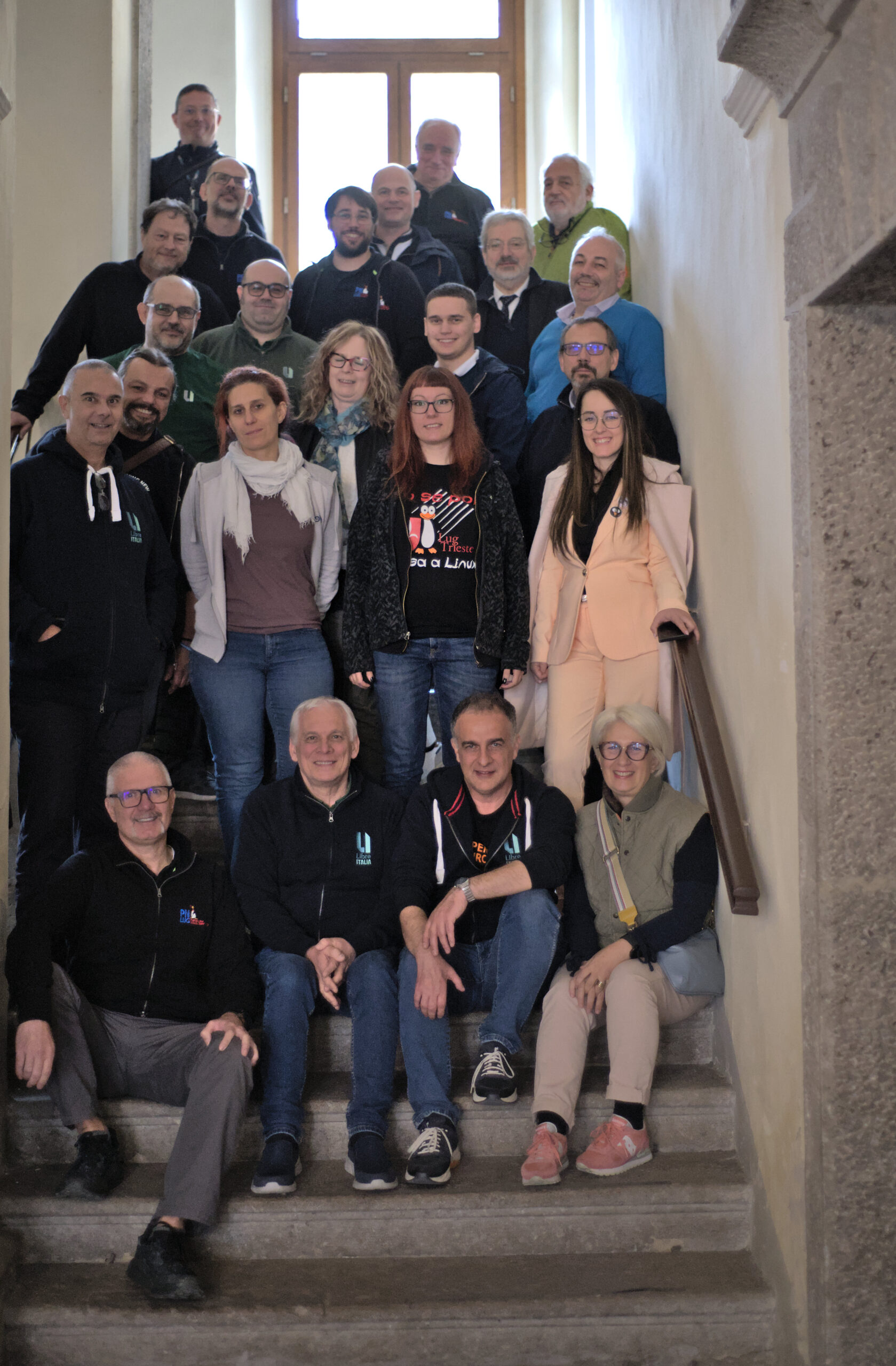
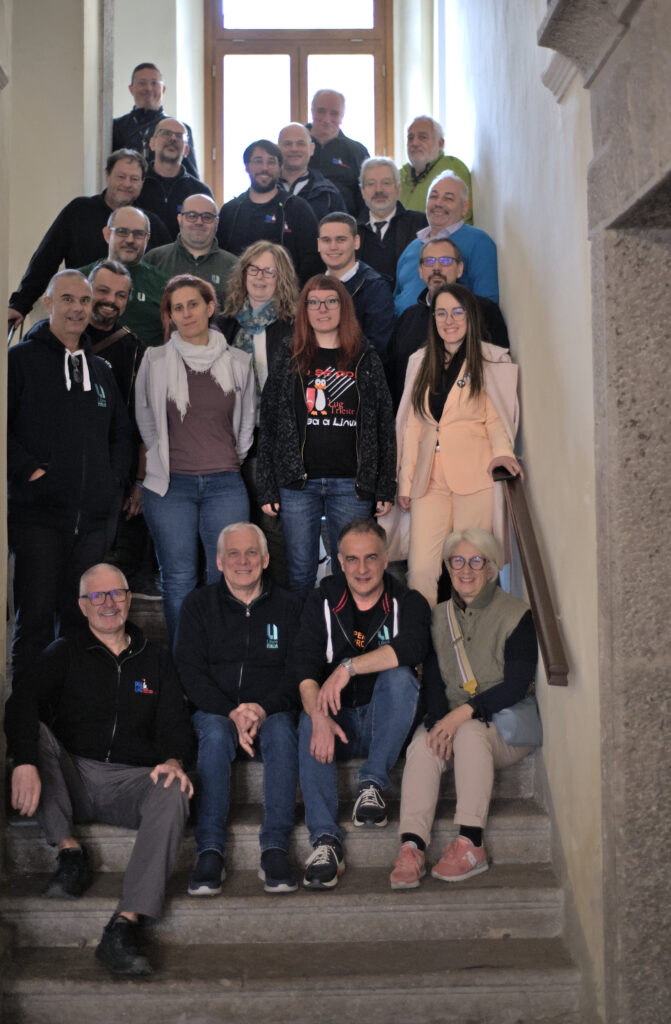
LibreOffice Conference 2024 group photo

Here’s our summary of updates, events and activities in the LibreOffice project in the last four weeks – click the links to learn more…

Please confirm that you want to play a YouTube video. By accepting, you will be accessing content from YouTube, a service provided by an external third party.

YouTube privacy policy

If you accept this notice, your choice will be saved and the page will refresh.

  • In addition, we’ve started editing and uploading videos from the talks. Here’s the first batch – but there are many more to come, and we’ll put them on PeerTube too. (Apologies for the occasional video stutter in some places.)

Please confirm that you want to play a YouTube video. By accepting, you will be accessing content from YouTube, a service provided by an external third party.

YouTube privacy policy

If you accept this notice, your choice will be saved and the page will refresh.

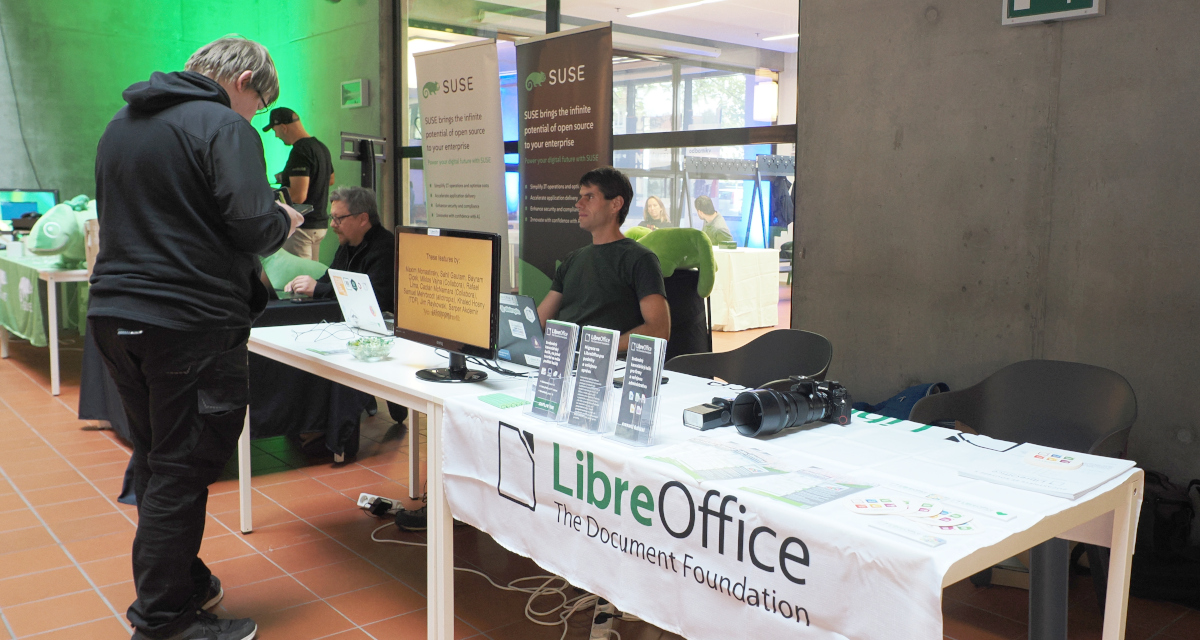
LibreOffice at Software Freedom Day celebrations in Nepal

  • We talked to Ritobroto Mukherjee about the work he’s doing to improve LibreOffice, as part of the Google Summer of Code. He also tells us about his experiences joining our community.

Ritobroto Mukherjee<

  • Then we caught up with Jonathan Clark, who recently joined the small team at The Document Foundation to work on improving LibreOffice’s language support, especially for RTL / CTL / CJK.

Jonathan Clark

  • On the release side, we had one update to LibreOffice in October – version 24.2.7, planned to be the last in the 24.2 branch. Then all users are strongly recommended to upgrade to the latest stable branch, LibreOffice 24.8.

LibreOffice 24.2 banner

Rafael Lima

  • And finally, we looked ahead to some upcoming and future events. The LibreOffice project will be at FOSDEM 2025 in Brussels at the start of February, for instance. And thinking further ahead: we’re looking for people to host the LibreOffice Conference 2025!

Keep in touch – follow us on Mastodon, X (formerly Twitter), Bluesky, Reddit and Facebook. Like what we do? Support our community with a donation – or join our community and help to make LibreOffice even better!

Starting today: The Month of LibreOffice, November 2024! 🎉

Month of LibreOffice banner

Here’s your chance to learn new skills for a potential future career change, or expand your knowledge and have fun on the way: get involved in the Month of LibreOffice, November 2024! Over the next four weeks, hundreds of people around the world will collaborate to improve the software – and you can help them. There are many ways to get involved, as you’ll see in a second.

And best of all: everyone who contributes to LibreOffice in November can claim a cool sticker pack, and has the chance to win extra LibreOffice merchandise such as mugs, hoodies, T-shirts, rucksacks and more (we’ll choose 10 participants at random at the end):

How to take part

There are many ways you can help out – and you don’t need to be a developer. For instance, you can be a…

  • Handy Helper, answering questions from users on Ask LibreOffice. We’re keeping an eye on that site so if you give someone useful advice, you can claim your shiny stickers.
  • First Responder, helping to confirm new bug reports: Go to our Bugzilla page and look for new bugs. If you can recreate one, add a comment like “CONFIRMED on Windows 11 and LibreOffice 24.8.2”.
  • Drum Beater, spreading the word: Tell everyone about LibreOffice on Mastodon, Bluesky or X (Twitter)! Just say why you love it or what you’re using it for, add the #libreoffice hashtag, and at the end of the month you can claim your stickers.
  • Globetrotter, translating the user interface: LibreOffice is available in a wide range of languages, but its interface translations need to be kept up-to-date. Or maybe you want to translate the suite to a whole new language? Get involved here.
  • Docs Doctor, writing documentation: Whether you want to update the online help or add chapters to the handbooks, here’s where to start.

We’ll be updating this page every few days with usernames across our various services, as people contribute. So dive in, get involved and help make LibreOffice better for millions of people around the world – and enjoy your sticker pack at the end as thanks from us! And who knows, maybe you’ll be lucky enough to win bonus merch as well…

So let’s get going! We’ll be posting regular updates on this blog and our Mastodon, Bluesky and X (Twitter) accounts over the next four weeks – stay tuned…

Interview with Newly Certified LibreOffice Developer Rafael Lima

The LibreOffice Engineering Steering Committee (ESC) has appointed Prof. Rafael Henrique Palma Lima, from Federal Technological University of Paraná (UTFPr) as the newest certified LibreOffice developer.

Prof. Lima has been contributing new code to LibreOffice since 2020, and the committee has attested to the quality and value of his contributions to LibreOffice for this certification. We interviewed Prof. Lima, who tells us about the process and what areas of the code he works on.
(more…)