LibreOffice project and community recap: June 2025

LibreOffice project and community recap banner

Here’s our summary of updates, events and activities in the LibreOffice project in the last four weeks – click the links to learn more…

  • We started the month with Episode 3 of the LibreOffice Podcast – this time looking at Quality Assurance (QA) in Free and Open Source Software. Watch it below – or on PeerTube.

Please confirm that you want to play a YouTube video. By accepting, you will be accessing content from YouTube, a service provided by an external third party.

YouTube privacy policy

If you accept this notice, your choice will be saved and the page will refresh.

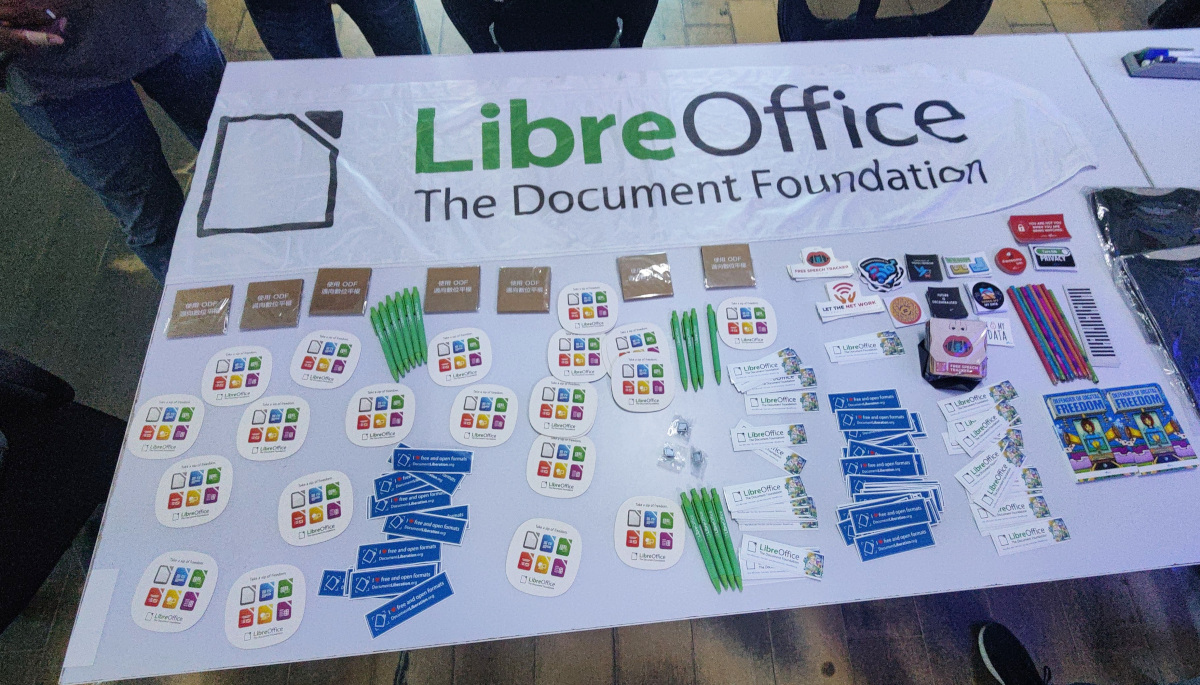
Month of LibreOffice stickers

Donate button

Annual Report banner

  • The end of Windows 10 is approaching, so it’s time to consider Linux and LibreOffice! That’s the message behind the “End of 10” campaign, which we’re supporting.

Old laptop with new software

Colour wheel being created in LibreOffice Calc

ODF logo

LibreOffice booth at the Linux Arena event in Pordenone, Italy

  • Before LibreOffice there was OpenOffice, and before OpenOffice there was StarOffice. And how was StarOffice developed? We talked to Stefan Soyka, who worked on the suite in the early ’90s, and has some entertaining stories to tell 😊

Stefan Soyka

  • New LibreOffice merchandise is here! We updated our Spreadshirt shop with new designs and many extra items. Buy something and support LibreOffice – some of the proceeds go back to the project!

LibreOffice T-shirts, bags and more

  • Registration is now open for the LibreOffice Conference 2025. Join us from 4 – 6 September in Budapest – we’ll have technical talks, workshops, social events and more…

LibreOffice Conference 2025 logo

Guidebook covers

Keep in touch – follow us on Mastodon, X (formerly Twitter), Bluesky, Reddit and Facebook. Like what we do? Support our community with a donation – or join our community and help to make LibreOffice even better!

LibreOffice at the Linux Arena in Pordenone, Italy

LibreOffice at the Linux Arena in Pordenone

Marco Marega writes:

Hi, I’m Marco, an Italian translator and Member of The Document Foundation. Twice a year I take part in an event in Pordenone to promote LibreOffice within the stand “Linux Arena” of the PNLUG Linux User Group. It’s inside a local fair, part of which is dedicated to technology, makers, electronics and so on.

For the event from April 25 – 27 we had a LibreOffice stand with a 32″ monitor, showing an Impress presentation about LibreOffice on a loop. At the stand I met different interested people – some of whom I already know since they visit the fair regularly, while others I saw for the first time.

There is always curiosity about LibreOffice, and this time I noticed an increasing demand about AI integration and related plugins. The LibreOffice coffee/beer mats were very much appreciated by visitors to the stand.

LibreOffice at the Linux Arena in Pordenone

The Pordenone Linux User Group invited other associations to share the stand, so there were also:

  • Trieste Linux Users Group, with a nice game to learn bash commands while trying to deactivate a bomb
  • Odoo group, presenting the ERP/CRM/…
  • Bergamo Linux Users group presenting OpenWRT and some other projects (Emiliano Vavassori is one of them)
  • A Blender expert
  • Another member who uses openSUSE for multimedia production
  • A corner where volunteers helped visitors to install Linux on their PCs, or to solve little problems

The next edition of the event will be on 22 – 23 November.

LibreOffice at the Linux Arena in Pordenone

The end of Windows 10 is approaching, so it’s time to consider Linux and LibreOffice

The Document Foundation and LibreOffice support the international campaign @endof10 https://endof10.org/

The countdown has begun. On 14 October 2025, Microsoft will end support for Windows 10. This will leave millions of users and organisations with a difficult choice: should they upgrade to Windows 11, or completely rethink their work environment?

The good news? You don’t have to follow Microsoft’s upgrade path. There is a better option that puts control back in the hands of users, institutions, and public bodies: Linux and LibreOffice. Together, these two programmes offer a powerful, privacy-friendly and future-proof alternative to the Windows + Microsoft 365 ecosystem.

The real costs of switching to Windows 11

The move to Windows 11 isn’t just about security updates. It increases dependence on Microsoft through aggressive cloud integration, forcing users to adopt Microsoft accounts and services. It also leads to higher costs due to subscription and licensing models, and reduces control over how your computer works and how your data is managed. Furthermore, new hardware requirements will render millions of perfectly good PCs obsolete.

This is a turning point. It is not just a milestone in a product’s life cycle. It is a crossroads.

The new path: Linux + LibreOffice

These two programmes form the backbone of a free and open computing environment based on open standards. For individual users, public administrations, schools and businesses, this combination offers more than enough: it is mature and secure, and is already in use worldwide for mission-critical workloads. Furthermore, using open standards protects users against any attempts by software developers to control them.

Here’s what this alternative offers:

  1. A modern, stable and unrestricted operating system, accessible to all users thanks to intuitive distributions that allow each user to choose the configuration that best suits their needs. It also offers regular updates, long-term support versions and communities where people can help each other and develop their digital knowledge together.
    Unlike Windows 11, Linux works with all personal computers that ran Windows 10, meaning there is no need to replace your old PC. Those with even older computers can also find a suitable version of Linux, extending their useful life and reducing electronic waste.
  2. LibreOffice is a complete office suite offering word processing, spreadsheets, presentations, drawing and database tools. It respects freedom and data because it is based on an open, standard document format (ODF), and is compatible with Microsoft’s proprietary formats (DOCX, XLSX and PPTX). This gives users control, as Microsoft cannot decide to end support at any time, as it is doing with Windows 10.
    LibreOffice is supported by a global community of volunteers, consultants, and companies who provide free and paid professional support, ensuring the ongoing development of the software and the prompt resolution of security and operational issues. There are no licence fees, telemetry or vendor lock-in.
  3. Both Linux and LibreOffice are based on transparency. This means that all documents saved in the standard format will always be available because the format is open, and all documentation is available online. They also do not require a user licence subscription that protects the software vendor more than the user, and which contains incomprehensible legal clauses.
    Both the operating system and the software are managed by foundations, not companies. All activities, including development, quality assurance, problem-solving and the release of new versions, take place in public because users have the right to control the quality of the digital tools they use and entrust with their content.

What does migration look like?

Replacing Windows and Microsoft Office is not as difficult as it seems, either at an individual or corporate level. Many organisations around the world have already done so, and many others are planning to do so right now, precisely because they no longer want to be subject to the commercial strategies of Microsoft and its partners.

These are the key steps:

  1. Start by testing Linux and LibreOffice on a second partition of your PC (for individuals) or in less critical departments (for companies).
  2. Check the compatibility of your software configuration with Linux and LibreOffice; most office tasks can easily be transferred or adapted with minimal effort.
  3. Build documentation to learn how Linux and LibreOffice work and organise training if necessary.
  4. Find a consultant who can help with the migration process, such as someone certified by the Linux Professional Institute or The Document Foundation (for LibreOffice).

This is not a radical change, but rather a gradual, tailor-made transition depending on user needs.

It is important to start immediately

Microsoft is forcing users’ hands, but it is also opening a door. Now is the time to challenge your assumptions and take back control of how your personal computers work, how long they last, and most importantly, how your content is managed.

Linux and LibreOffice are not just alternatives; they are superior choices that most users have not considered until now because they trusted Microsoft — perhaps too much. This trust has been betrayed by the decision to abandon a functioning operating system such as Windows 10, purely to sell more products and lock users in further, which cannot be justified by any technological assessment.

Here’s how to get started:

The end of Windows 10 does not mark the end of choice, but the beginning of a new era. If you are tired of mandatory updates, invasive changes, and being bound by the commercial choices of a single supplier, it is time for a change. Linux and LibreOffice are ready — 2025 is the right year to choose digital freedom!

The Document Foundation and LibreOffice support the international campaign @endof10 https://endof10.org/

LibreOffice project and community recap: May 2025

Brazilian LibreOffice Community at FLISOL Brasilia 2025

Here’s our summary of updates, events and activities in the LibreOffice project in the last four weeks – click the links to learn more…

  • We started May with a new Month of LibreOffice campaign! This is something we do every six months, to say thank you to contributors and encourage more people to join our project. We’ll post the final results here very soon…

Month of LibreOffice banner

LibreOffice guidebook covers

Brazilian LibreOffice Community at FLISOL Brasilia 2025

  • This year’s LibreOffice Conference will take place in Budapest from 4 – 6 September, and the call for papers is now open. Submit a talk, and we hope to seeing you there!

Photo of Budapest at night

  • On May 8, we announced LibreOffice 24.8.7, the seventh and last minor release of the LibreOffice 24.8 family. After this, all users are strongly recommended to upgrade to the LibreOffice 25.2 branch.

LibreOffice 24.8 banner

Open Document Format logo

GSoC logo

Keep in touch – follow us on Mastodon, Bluesky, X (formerly Twitter), Reddit and Facebook. Like what we do? Support our community with a donation – or join our community and help to make LibreOffice even better!

LibreOffice Native Language Projects – TDF’s Annual Report 2024

TDF Annual Report 2024 banner

By helping to translate and market LibreOffice around the world, native language projects bring enthusiasm and passion to the global community. Here’s what they did in 2024…

(This is part of The Document Foundation’s Annual Report for 2024 – we’ll post the full version here soon.)

Armenian

In 2024, the Armenian translation of LibreOffice reached 100% thanks to the efforts of Tigran Zargaryan. The suite was offered in Armenian for the first time. In addition, he ensured that the strings in the LibreOffice UI-master, website, Android Viewer and Help also reached 100% translated.

In appreciation for Tigran’s work, TDF invited him to join the LibreOffice Conference 2024 in Luxembourg using the foundation’s travel support programme.

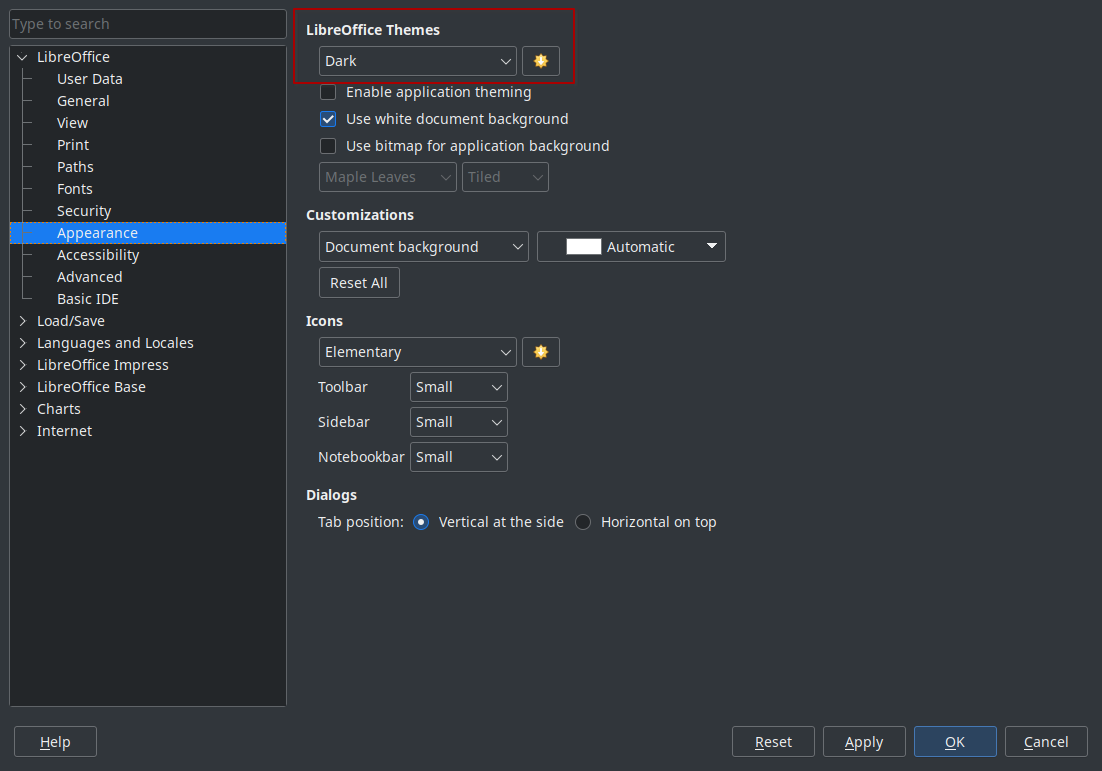
LibreOffice user interface in Armenian

Czech

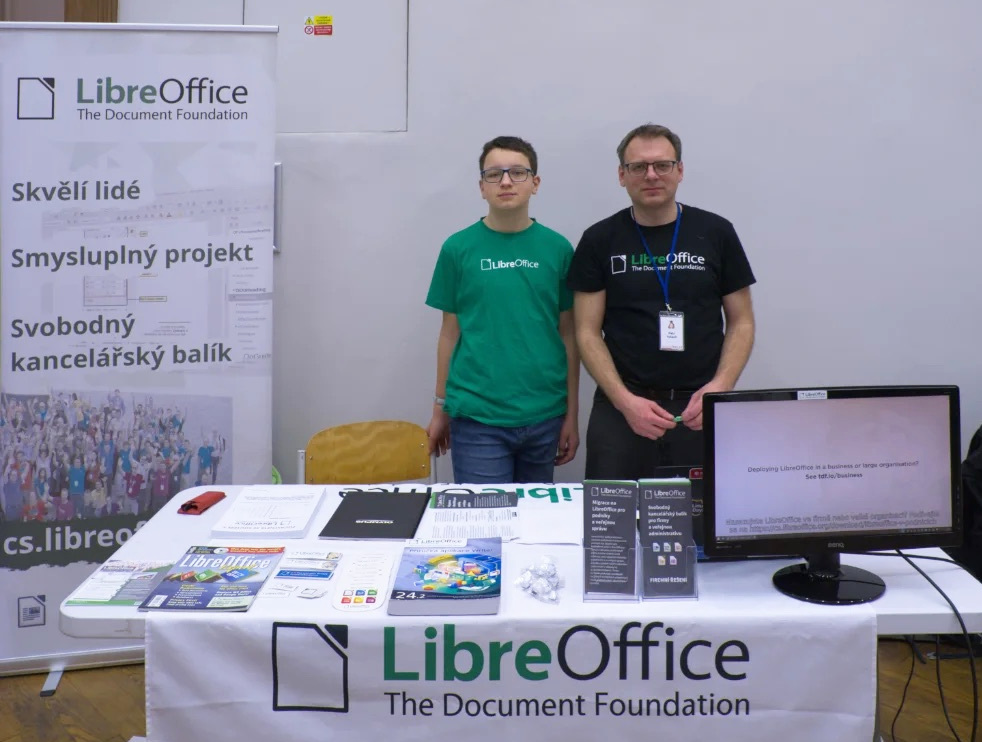
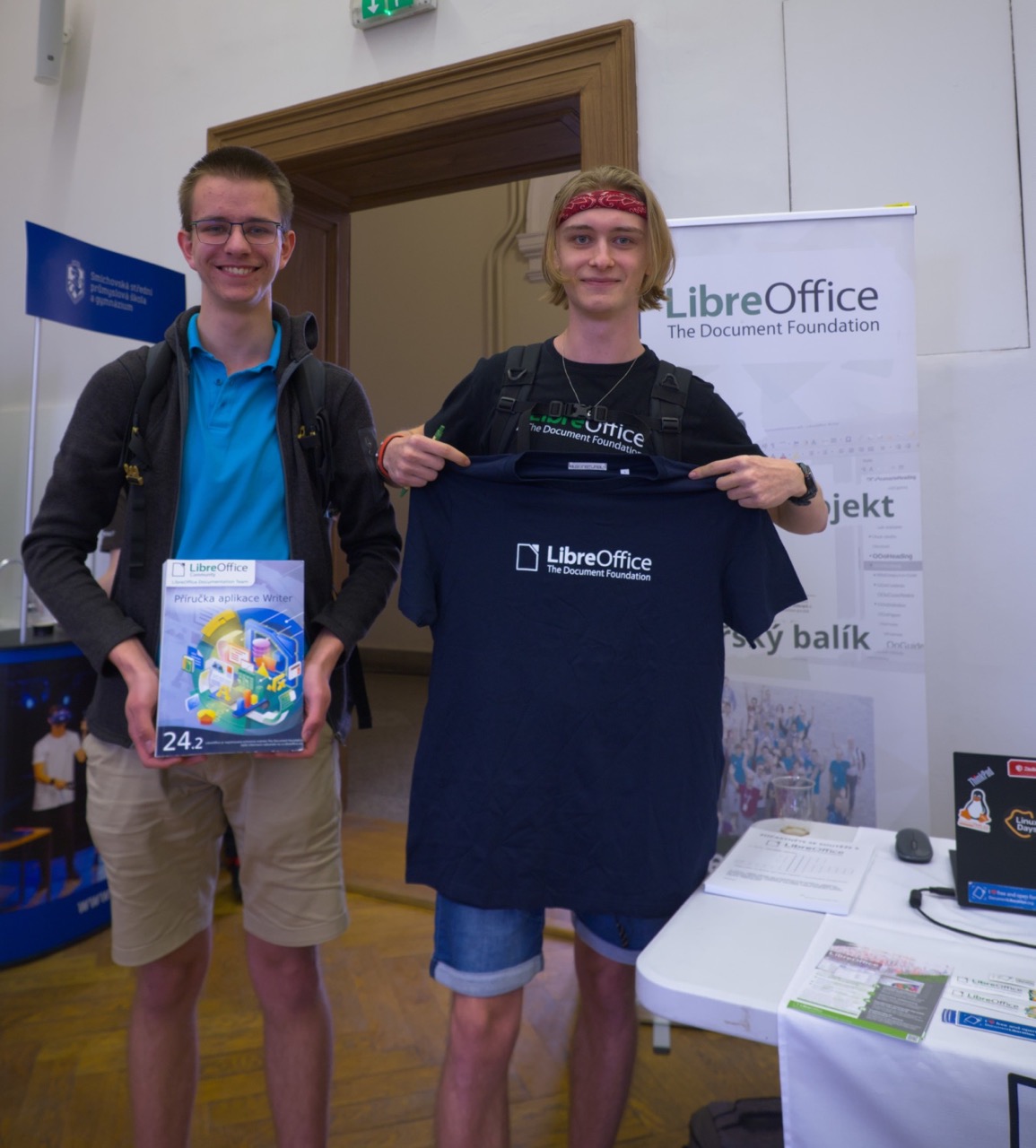
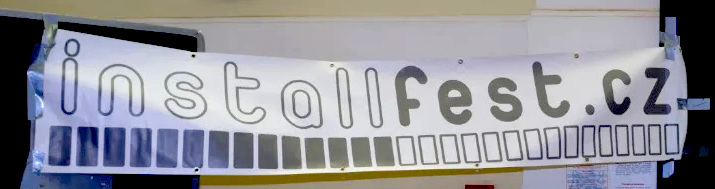
Throughout the year, Czech speakers worked on keeping the translation of LibreOffice’s UI complete, and the Help content around 95%. They presented the software at booths at two events: InstallFest in Prague in April, and LinuxDays in Prague in October.

They supported LibreOffice users on the Czech Ask site, and maintained social media accounts including X (Twitter), Facebook and Instagram. They also introduced a new Mastodon account.

Czech speakers produced many translated user guides in 2024, including the Getting Started Guide 24.8, Writer Guide 24.2 and Impress guide 7.5. And throughout the year they maintained the Czech LibreOffice website.

LibreOffice booth at LinuxDays 2024 in Prague

Danish

Speakers of Danish brought the user interface translation of LibreOffice up to 100%, while the Help content approached 100% (that goal was finally reached two months into 2025). They also translated the subtitles for LibreOffice videos covering features in new major releases.

Dutch

Dutch-speaking community members supported users by answering questions on the Ask LibreOffice website and mailing lists. They also translated the following guidebooks: the Calc Guide for LibreOffice 7.6 (translated and published in January); the Writer Guide for LibreOffice 24.2 (March); the Calc Guide for LibreOffice 24.2 (June); the Draw guide for LibreOffice 24.2 (July); the Impress Guide for LibreOffice 24.2 (July); the Getting Started Guide for LibreOffice 24.2 (August); the Impress Guide for LibreOffice 24.8 (October); the Draw Guide for LibreOffice 24.8 (December); the Writer Guide for LibreOffice 24.8 (December); and the Math Guide for LibreOffice 24.8 (December).

On Weblate, the community managed to keep up with the changes of the UI, maintaining it at 100% translated. Although the Help content kept growing they were able to maintain it at 100% translated.

Community members also set up a stand at the NLLGG in May 2024 – a conference of the Dutch Linux community. There, LibreOffice users could obtain information and ask questions about LibreOffice, whether or not in conjunction with a Linux operating system.

They also had a stand at the LocHal open source event in November 2024 – another conference of the Dutch Linux community.

Finnish

There was ongoing translation of the LibreOffice user interface and (to a lesser extent) Help, along with ongoing recruitment of volunteers on the vapaaehtoistyo.fi online platform. In addition, there was translation of the upcoming LibreOffice website redesign.

LibreOffice on vapaaehtoistyo

French

Thanks to the French-speaking community, translations on Weblate were maintained at 100% for all versions of LibreOffice. There were also other translations: the new website (based on Hugo); Calc functions on the wiki; press releases and video subtitles for LibreOffice “New Features” videos; and release notes for all versions.

In terms of events, community members were present at Capitole du Libre (Toulouse) and Open Source Experience (Paris). There was also coordination with UBO University for LibreOffice guidebook translations by translator students.

German

In terms of translations and documentation, the German-speaking community continued their work on Weblate by translating LibreOffice’s user interface and Help content. They also translated the release notes for major updates of the software, blog posts from TDF’s English blog, and published videos in German showing and explaining various features in LibreOffice. In addition the German community updated the Base Guide for versions 24.2 and 24.8.

Development continued on the XRechnungs-Extension for the new German legal requirements (which became effective in January 2025).

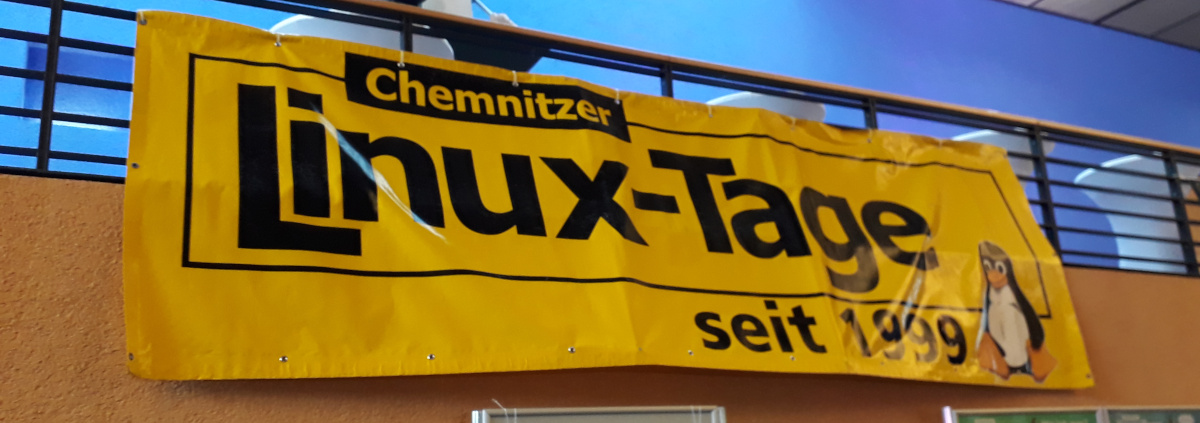
Members of the German-speaking community attended various events throughout the year to promote LibreOffice and encourage more people to join the project, such as the Univention Summit 2024 in January, Chemnitz Linux Days 2024 in March, FrOSCon in August and 38c3 in December.

Finally, the community helped to raise awareness of the ongoing migration of 30,000 PCs to LibreOffice in the northern German state of Schleswig-Holstein.

LibreOffice at FrOSCon

Japanese

The Japanese community had its local annual conference, LibreOffice Kaigi 2024 Online – which they reported about on their blog.

There were also Online Study Parties, held twice, where users shared knowledge and interacted with each other. And then there were 44 online hackfests throughout the year, where participants worked together in the community to make progress on tasks and transfer skills. They mainly checked the Japanese Ask LibreOffice website and tried to answer questions, but also did some UI translation, and occasionally bug triaging and bug reporting. All online events were held on Jitsi and streamed live on YouTube.

Meanwhile, there were in-person events every month in Awaji, Osaka City. They were held jointly with Open Awaji, an event themed around open data and the movement to open cities. Other activities at events included having booths and open source conferences (Osaka, Tokyo, Nagoya, Hiroshima, Tokyo, and Fukuoka). There was also the Kansai Open Forum 2024, an event for open source and IT communities in the Kansai region that has been held annually since 2002. Attendees talked about LibreOffice.

Japanese community members participated in the LibreOffice Asia Conference 2024 and COSCUP (Taiwan), along with the openSUSE.Asia Summit 2024 (Tokyo).

Six people from Japan participated in the LibreOffice Asia Conference 2024 in Taipei, two of whom gave joint presentations. Many members of the FLOSS community outside of the LibreOffice project who participated in COSCUP also attended the LibreOffice Community Party.

In terms of translations into Japanese, the user interface was 93% complete, and Help content 48% complete. There were also guidebook translations (Writer, Calc etc.) – Meguro-san translated using TexTra, a machine translation service provided by NICT, a Japanese government research institute.

On Japanese Ask LibreOffice, 101 questions or comments were added in 2024, while on the blog, community members posted 19 articles; these mainly consisted of translating the English TDF blog, especially the release announcements. And finally, on social media, the Japanese LibreOffice X (Twitter) account had: 2936 followers and 65 posts, while on Facebook there were: 624 followers and 23 posts. The Japanese community has created a Bluesky account but has not yet started using it fully.

LibreOffice Kaigi 2024 - Screenshot of online session

Norwegian – Nynorsk

The Nyorsk project is led by one translator (Kolbjørn Stuestøl) who has maintained the user interface and Help content translations for LibreOffice at 100%.

Portuguese (Brazil)

One of the community’s key achievements was the publication of the Guia do Writer 7.6, a fully revised Portuguese translation of the Writer Guide 7.6, initially generated through machine translation and then carefully edited for linguistic accuracy and style. To streamline future translation efforts, the community launched a GitHub project utilizing the OmegaT computer-assisted translation tool, which integrates machine translation to reduce rework and improve quality control.

The local team — Tim Brennan, Tulio Macedo, and Olivier Hallot — successfully completed the full translation of both the user interface and Help content into Brazilian Portuguese. Rafael Lima contributed significantly by enhancing the Operations Research tools, commonly known as “Solver,” making them fully functional.

Weekly community meetings were held every Wednesday at 21:00 local time, providing a space to discuss all aspects of the LibreOffice environment and stay updated on developments from TDF.

The community also revamped the announcements for LibreOffice versions 24.2 and 24.8 with multimedia content tailored for Brazilian social media platforms, greatly expanding their reach — an effort led by Eliane Domingos.

Support and engagement remained strong across multiple channels, including active participation in the Brazilian Portuguese section of the Ask LibreOffice forum, two dedicated Telegram groups, Facebook and Instagram communities, and the ongoing translation of wiki pages, with notable contributions from Diego.

LibreOffice social media image in Brazilian Portuguese

Spanish

Spanish speakers worked on updating their translation of the LibreOffice Base tutorial book (by Mariano Casanova), reaching 80% translation status. 31 articles were published on the Spanish blog, and community members worked on updating the LibreOffice UI translation (99%) and Help content (around 80%). They also published various guidebooks: Draw Guide 7.6 (in ODT, PDF and HTML formats); Calc Guide 7.5 (in ODT, PDF and HTML formats); and the Math Guide 7.3 (in HTML format).

Tagalog

The LibreOffice Tagalog localization project was relaunched in April 2024 after it was discovered that a previous effort had been abandoned years earlier. Motivated by the opportunity to complete the project for the benefit of both the global and local community, a new initiative was launched with the goal of finishing the translation within a year.

Working closely with the LibreOffice localisation support community, the project followed a consistent schedule of weekly and monthly progress updates. A key focus was integrating and automating translations using three different AI language tools, which included implementing verification processes, suggestions, and comments to ensure quality.

Technical workflows were developed to compile developer edition translations on a bi-weekly basis using Linux Mint, with results verified and shared through best practices posts on a US-based technology blog. The project also drew on the support of Filipino relatives to better understand and incorporate the nuances of various Filipino dialects, enhancing translation accuracy and cultural relevance.

The translation work was completed ahead of schedule in January 2025 – four months earlier than planned. Fine-tuning continued with the help of the l10n support team to correct inaccuracies, particularly in the LibreOffice menus. (The screenshot below shows TDF’s Weblate instance being used to translate LibreOffice into Tagalog.)

In a further step toward community impact, the project began outreach to local contacts in Manila to share tools and methods used in the localization process, aiming to support similar efforts in K–12 education and non-profit business software across the Philippines.

Weblate interface showing LibreOffice being translated into Tagalog

Thank you to everyone

These are just some of the native language projects in the LibreOffice community, who provided summaries for the Annual Report. But there are many more – so we at The Document Foundation would like to say a huge thank you to everyone who in the native language communities. Your work makes LibreOffice accessible to hundreds of millions of people around the world, and your passion is wonderful. Thank you so much!

Like what we do? Support the LibreOffice project and The Document Foundation – get involved and help our volunteers, or make a donation. Thank you!

Month of LibreOffice, May 2025 – Half-way point!

Month of LibreOffice banner

So we’re half-way through the Month of LibreOffice, May 2025. And already, 216 contributors have won cool LibreOffice sticker packs! Details on how to claim them will be provided at the end of the month, but if you don’t see your name (or username) on that page, it’s not too late to join…

How to take part

There are many ways you can help out – and you don’t need to be a developer. For instance, you can be a:

  • Handy Helper, answering questions from users on Ask LibreOffice. We’re keeping an eye on that site so if you give someone useful advice, you can claim your shiny stickers.
  • First Responder, helping to confirm new bug reports: Go to our Bugzilla page and look for new bugs. If you can recreate one, add a comment like “CONFIRMED on Windows 11 and LibreOffice 25.2.3”.
  • Drum Beater, spreading the word: Tell everyone about LibreOffice on Mastodon, Bluesky or X (Twitter)! Just say why you love it or what you’re using it for, add the #libreoffice hashtag, and at the end of the month you can claim your stickers.
  • Globetrotter, translating the user interface: LibreOffice is available in a wide range of languages, but its interface translations need to be kept up-to-date. Or maybe you want to translate the suite to a whole new language? Get involved here.
  • Docs Doctor, writing documentation: Whether you want to update the online help or add chapters to the handbooks, here’s where to start.

So, two more weeks to go! We’ll be posting more updates on this blog and our Mastodon, Bluesky and X (Twitter) accounts…