LibreOffice in Guarani

lopy

By Prof. Alcides Torres
Translation: Huber Melli

LibreOffice would be the first office suite translated to Guaraní, a native language from South America spoken by more than 6 million people in this sub-continent. Language is a fundamental tool though which we not only structure, process and understand the world around us, but also communicate and pass information from one generation to the next.

The access to technological tools is a highly significant implement for the development of the peoples. To be able to access information and tools in your mother tongue has a great impact in people’s lives and growth because it facilitates a more profound understanding of them, all of which open a way to a better appropriation and usage.
There is no language unable to grow along with its speakers, in order to express the constantly changing world and the progress of science and technology. What does exist is the prejudice and exclusion.

In a country with a vast majority of Guaraní speakers suffering the existent diglossia, by which Spanish is preferred by the Public administration, service providers, even for the State’s education policies, the translation of LibreOffice to Guaraní represents a turning point. First, because it shatters the bias that Native American languages cannot access areas of technology and Internet. And second, because it will contribute to the Guaraní´s reassessment, to raise the self-esteem of populations that for decades were limited in their capacity to grow and self-develop, as a consequence of a deficient education, using a language that were not even theirs, providing information irrelevant and disconnected to their reality.
 

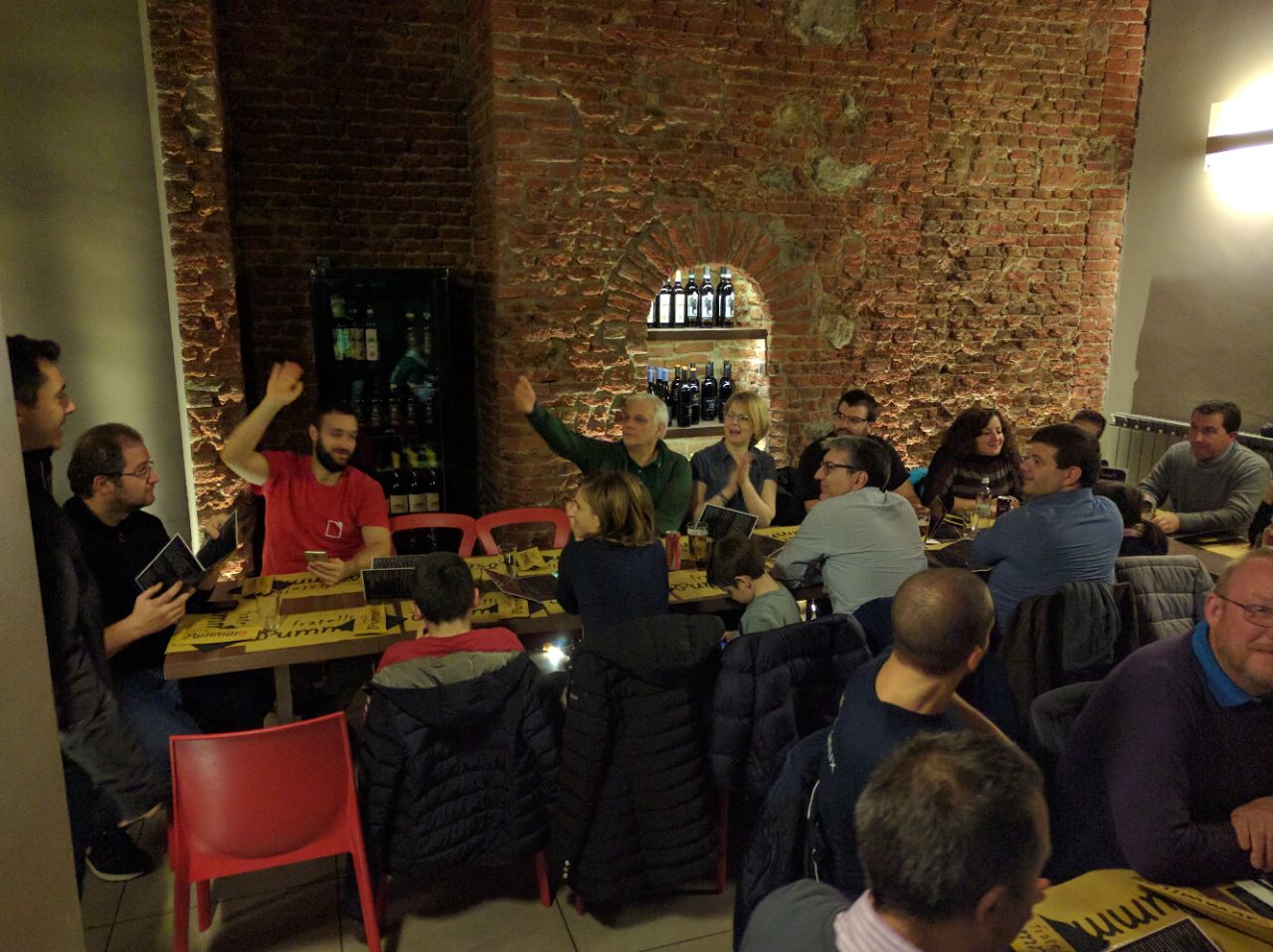
Second ever LibreOffice Hackfest in Italy, with 15 participants

Development mentor Jan Iversen writes:

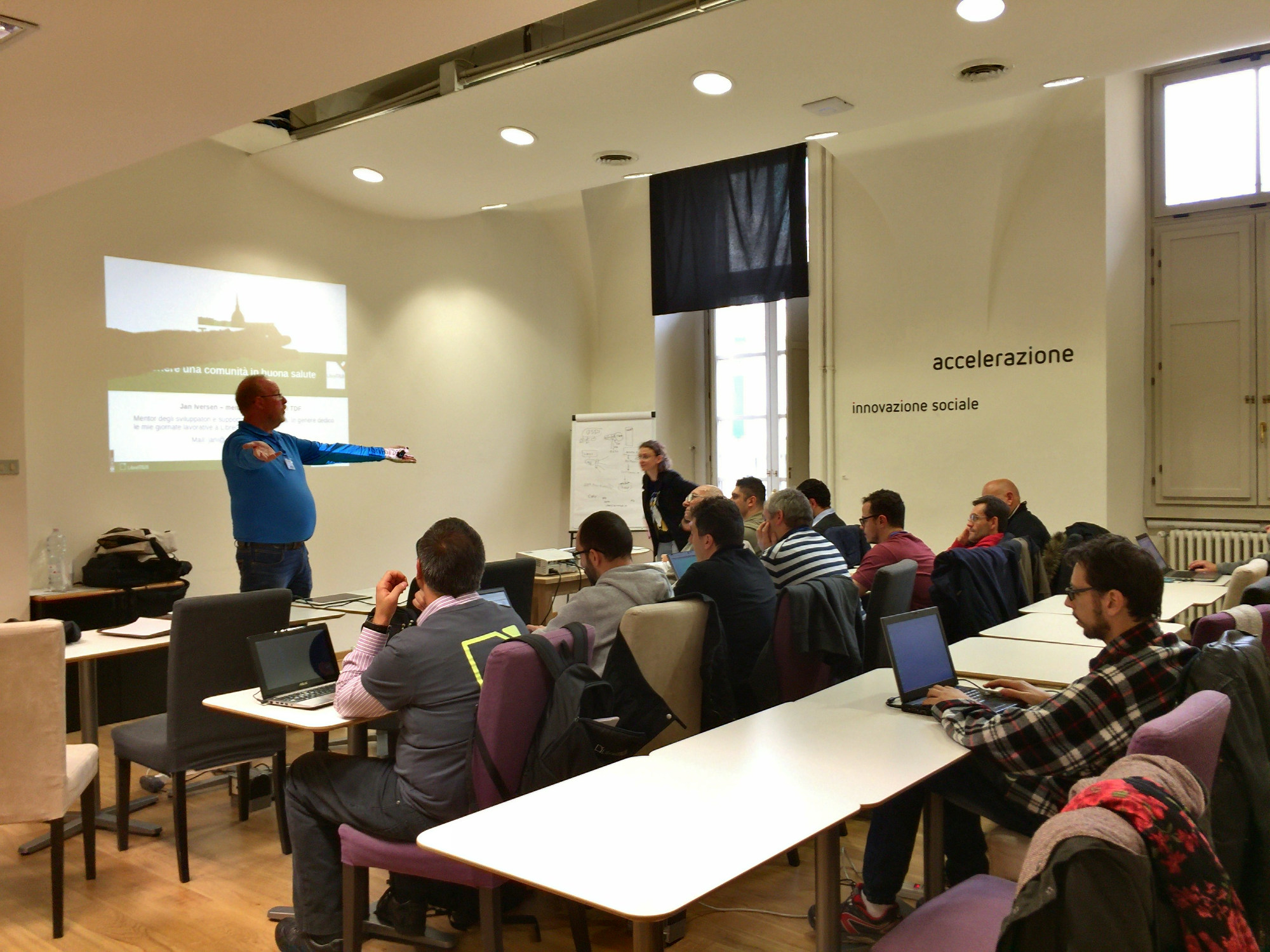
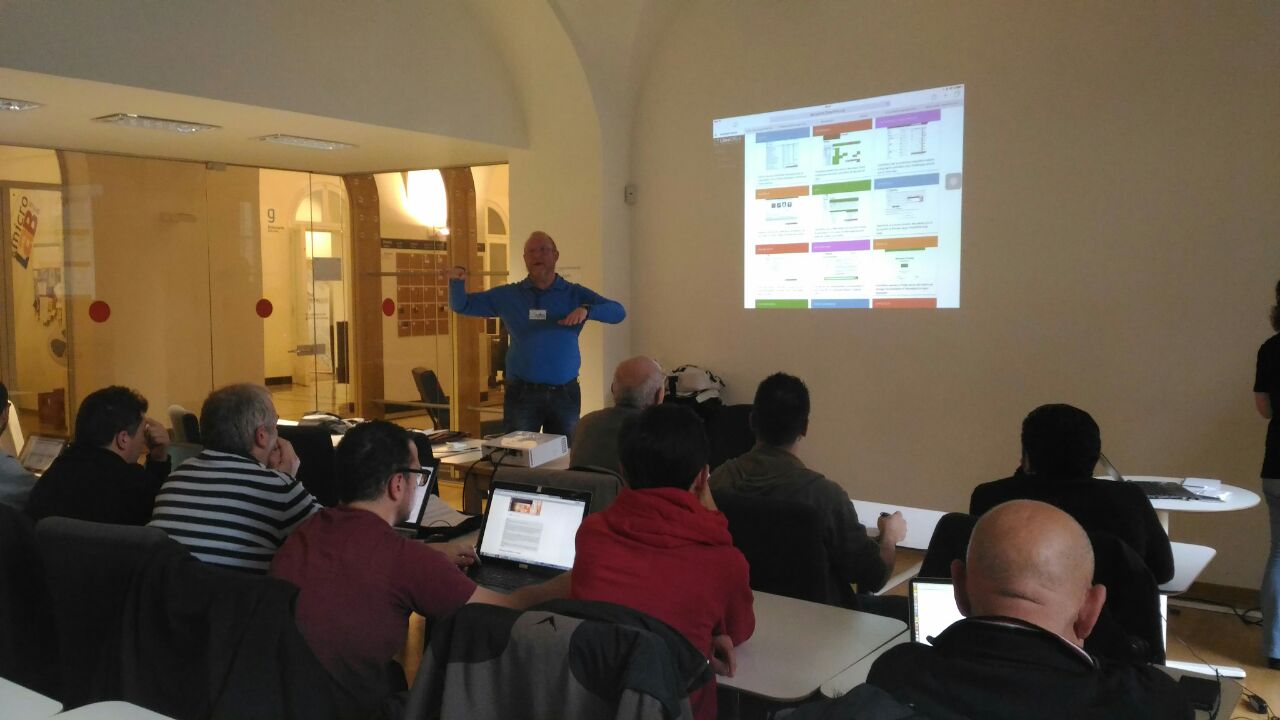
“Italy has a very big LibreOffice community but with only a few developers, so when LibreItalia had its yearly conference this weekend, we tried to start changing the situation. The second hackfest in Italy was only around four hours – but the time was well spent.

After a short introduction from Marina (Chairwoman of The Document Foundation) our development mentor gave a presentation, explaining how everybody can help LibreOffice. Slides were in Italian, the talk was in English, and comments were in Spanish.

There were in total 15 people including power users, contributors, source code committers and certified developers – a broad range to address. There was less interest in getting a build done, and much more interest in two other aspects:

  • How can we grow a local development community, ranging from people helping QA to “hard-core” developers?
  • The ladder to enter development is too high, so what can we do do make development attractive for new people?

Jan presented our toolbox, which is actually quite extensive. Opengrok surprised everybody. None of the fast developer notebooks could match the fast search times. A search for “jani” took 15ms and was called cheating, so we did another search for “Ponzo” which took just 16ms.

The online editing feature in Gerrit made even the skilled developers look up. We had a longer discussion about when not to use this feature, but everybody saw the clear advantage.

In the end, there was only one question: when do we have a full two-day Hackfest? Osvaldo promised to arrange one in his University during the first quarter of 2017.

No visit to Italy is complete without pizza. LibreItalia arranged dinner in a nice pizza restaurant (sorry, not the typical European style, but real pizza!). It was amazing to feel and see, how big the hospitality is there, and how eager people were to learn.

So in all, a big thank you to LibreItalia for giving me this chance to promote developers. I am sure it will not be last time I visit Italy.”

The Month of LibreOffice, November 2016: One week in

Last week we started a new Month of LibreOffice, where contributors to the project can win badges for their work. Every bit of help, whether in coding, documentation, QA, translations or user support, is really appreciated! So far we’ve awarded 89 badges across various teams.

Want to get one for yourself? Just see this page for how to get involved, and then have your name alongside a badge you can use on your blog, social media, or indeed anywhere else you want to show it off!

Meanwhile, at the moment only two barnstars have been awarded – so let’s bump that number up! If there’s anyone in the LibreOffice community you want to thank for their efforts, just email barnstars@libreoffice.org with their name and what they did, and we’ll add them to the page. So get in touch!

LibreOffice Community Weeks: Wrapping up

LibreOffice Community Weeks

We’re already in to a new Month of LibreOffice, but in October we ran a series of Community Weeks, looking at what different teams in the LibreOffice project do, and how you can help them. So firstly, here’s a reminder of the articles, and then we’ll find out what effect they had…

Documentation

Development

Quality Assurance (QA)

Design


Feedback from the teams

So what effect did the Community Weeks have on the projects? Here’s what each team had to say:

Olivier Hallot (documentation): “The Community Weeks brought more people to the realm we are working in, and I had 3 new people showing up. One is a PhD professor from a university in India, who wrote a page on a set of Calc functions, and asked for more work. Another is a New Zealand national, involved in migrations and support, who is updating our books. I also got someone on IRC, but he did not came back. So overall, the week is positive, but we need people to return after their first contributions.”

Jan Iversen (development): “The week worked well – during the last period 15 people have got their first patch merged, and will appear by name in the 5.4 release notes. I often hear “but I cannot work full-time”, so it is important to realize that while roughly 50% of the changes are done by 20-30 people, the other 50% is done by hundreds of people making 1-10 patches a year. Every change counts and is very welcome! We arrange developers days, when a group wants help, so please contact us at mentor@documentfoundation.org if you need help.”

Xisco Fauli (QA): “There were 4-5 new users who showed up on IRC during the Bug Hunting Session, who may have joined from reading the Community Week posts. Also, we hope both posts from that week will help readers to report better bugs in the future (attaching simpler samples, adding clearer steps, and so forth).”

Heiko Tietze (design): “The campaign was interesting and encouraged readers to follow links to the Design Team Blog. Even if we didn’t get more active people showing up in the design project, comments are always welcome.”

Thanks to everyone who took part. We’ll do more Community Weeks next year, so if there’s something you want us to focus on, just let us know!

The November 2016 Month of LibreOffice begins!

Back in May we had a Month of LibreOffice, crediting contributions to the software across the entire project. It was fantastic, with hundreds of badges and barnstars awarded to developers, translators, bug reporters, and also to people who help with documentation, the Ask.LibreOffice site and social media.

Well, it’s time to do it again! Read on and learn how to award barnstars and collect badges…

Barnstars

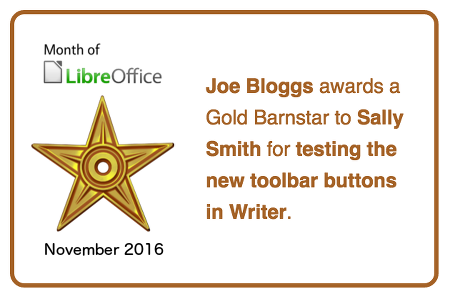
If you’re involved in the LibreOffice community and want to show your appreciation for someone’s efforts, award them a barnstar on our special wiki page. This is a bronze, silver or gold icon that shows your thanks for that person’s help or contribution, like so:

To award a barnstar, just email barnstars@libreoffice.org, say who should get it and what they did. We’ll then add it to the page.

Badges

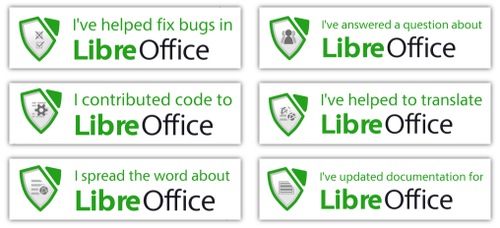
Meanwhile, LibreOffice contributors can earn badges throughout the month. They look like this:

We’ll add every contributor to the list of badges on our wiki. Everyone who earns a badge can proudly show it off on their blog or social media accounts! At the end of the campaign we’ll make a high-score list for the contributors who earned the most badges.

How do I get a badge?

There are six badges covering many aspects of LibreOffice:

  • Help to confirm bugs: go to our Bugzilla page and look for new bugs. If you can recreate one, add a comment like “CONFIRMED on Windows 10 and LibreOffice 5.2.2”. (Make sure you’re using the latest version of LibreOffice.)
  • Contribute code: The codebase is big, but there are lots of places to get involved with small jobs. See our Developers page on the website and this page on the wiki to get started. Once you’ve submitted a patch, if it gets merged we’ll award you a badge!
  • Translate the interface: LibreOffice is available in a wide range of languages, but its interface translations need to be kept up-to-date. Or maybe you want to translate the suite to a whole new language? Get involved here.
  • Write documentation: Another way to earn a badge is to help the LibreOffice documentation team. Whether you want to update the online help or add chapters to the handbooks, here’s where to start.
  • Answer questions from users: Over on Ask LibreOffice there are many users looking for help with the suite. We’re keeping an eye on that site so if you give someone useful advice, you’ll get a shiny badge to add to your collection.
  • Spread the word: Tell everyone about LibreOffice on Twitter! Just say why you love it or what you’re using it for, add the #libreoffice hashtag, and we’ll award you with a badge.

Can you get all six badges? Good luck!

So let’s go

The campaigns run until the end of the month, so you have around four weeks to award barnstars (or earn them!) and pick up badges for your contributions. We’ll be posting regular updates on our Twitter account, and of course keep an eye on the wiki pages to see the progress. Stay tuned!

Coming up: a new Month of LibreOffice

Back in May we had a Month of LibreOffice, celebrating contributions from the community across many different teams – development, documentation, translations, QA, marketing and more. Well, six months have almost passed so it’s time for another! We’ll be running a new Month of LibreOffice throughout November, crediting contributors for their work.

As with May’s campaign, you’ll be able to win badges for submitting patches, translating strings, confirming bugs and doing other tasks that help the LibreOffice project. In addition, other contributors can award you barnstars for your work. Collect badges and barnstars and proudly show them on your blog and social media – or even your CV if you’re looking for a new career!

So stay tuned, and we’ll explain more in the next few days. In the meantime, see here for the 341 badges awarded in May, and this page for the barnstars.