LibreOffice monthly recap: August 2019

Here’s our summary of updates, events and activities in the LibreOffice project in the last four weeks – click the links to learn more!

  • On August 8, we announced LibreOffice 6.3, a new major release with better performance, a large number of new and improved features, and enhanced interoperability with proprietary document formats. 10 days later, we followed this up with a look at some statistics – there had been 430,000 downloads of the new version, and 54,000 views of the press release. Check out some of the new features in this short video:

Please confirm that you want to play a YouTube video. By accepting, you will be accessing content from YouTube, a service provided by an external third party.

YouTube privacy policy

If you accept this notice, your choice will be saved and the page will refresh.
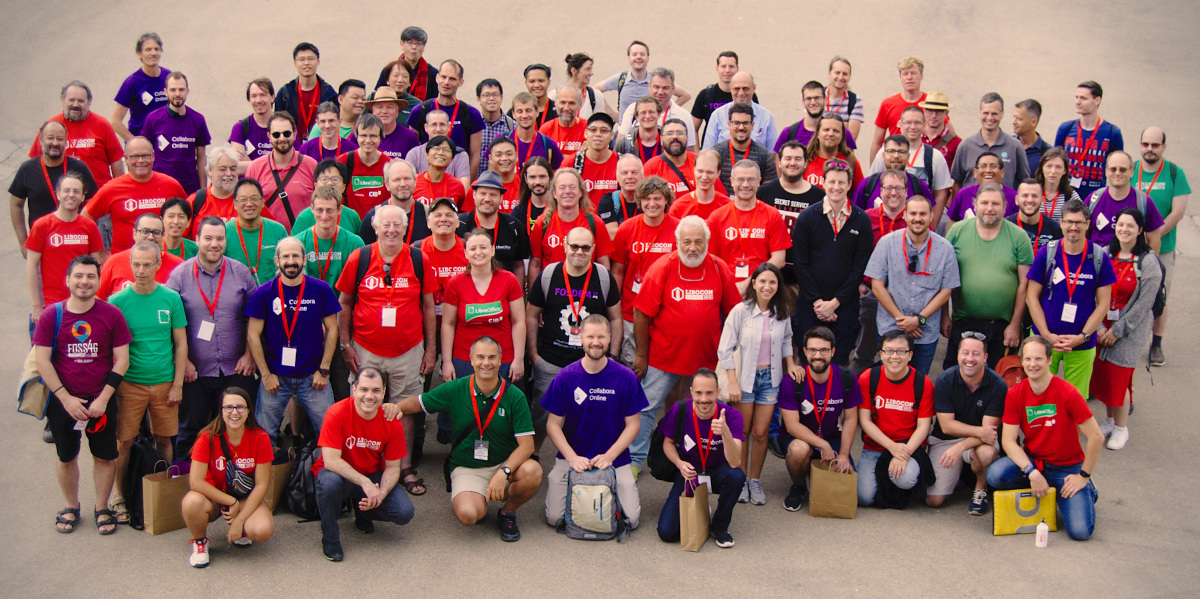
  • While we’re gearing up for the aforementioned LibreOffice Conference 2019, we’re also looking ahead to proposals for the 2020 event. The Document Foundation received two different proposals for the organisation of LibOCon 2020, from the Turkish and German communities. TDF members are voting to decide on exactly where it will take place, so stay tuned for the announcement…

  • In recent months, we’ve been putting content from our Annual Report 2018 on the blog, and this month we looked back at hackfests last year. These were opportunities for developers to meet face-to-face, work on new ideas, and enjoy good food and drink! In 2018, we had hackfests in Brussels, Hamburg, Tirana and Munich.

  • The Document Liberation Project (DLP) is a sister project to LibreOffice, which develops software to read and write data from proprietary and legacy document formats. This helps LibreOffice and other apps to access archives of data, freeing users from vendor lock-in. On August 21, we posted about updates from the DLP. If you have some old documents from legacy office software that you’d like to open in LibreOffice, give the developers a hand!

  • Finally, we started a new marketing campaign highlighting the fact that LibreOffice has no forced registration, subscriptions, payments or vendor lock-in. As many software vendors are pushing users towards online subscription models, the LibreOffice community is proud to offer a fully free, no-strings-attached office suite that people can use any time, any place, without worrying about subscriptions or “authentication” servers not working.

Keep in touch – follow us on Twitter, Facebook and Mastodon. Like what we do? Support our community with a donation – or join us and help to make LibreOffice even better!

Don’t get trapped by your office suite

The new trend among software vendors is to push towards online subscription models, even when the customer would rather stick to desktop software. Users need to keep paying in order to access the software – and therefore their documents. Their very own documents!

As we’ve seen, this can be disastrous for end users. If you can’t make a payment, or the “authentication server” doesn’t work, you lose access to your data. The Document Foundation, started to fight for digital freedoms, rejects this kind of model. We think powerful office tools should be free to use, share and modify.

LibreOffice, which is free, open source and developed by a worldwide community, doesn’t have subscriptions, or registrations, or yearly license fees, or anything like that. You can use it as you please (subject to the Mozilla Public License 2.0). You install LibreOffice on your own computer, and run it whenever and wherever you want. Even offline.

So if you’re a home or small business user, and your current office suite is trapping you into subscriptions and regular payments to access your documents, try LibreOffice today. (And if you’re interested in deploying LibreOffice in a larger business, check out this page.)

LibreOffice: giving control back to you. Since 2010.

Annual Report 2018: LibreOffice Hackfests

Most LibreOffice developers are working from their home offices, so hackfests provide a unique opportunity to spend some time working shoulder-to-shoulder with their peers. In 2018, LibreOffice developers and community members met at four hackfests in Brussels, Hamburg, Tirana and Munich.

Brussels (Belgium), February 5-6

The first hackfest of the year was organized at ICAB in Brussels immediately after FOSDEM, the largest European gathering of FOSS developers and advocates, which is organized every year at ULB (Brussels Free University) during the coldest weekend of the winter season. The hackfest was attended by over 30 people, equally split between those focused on development and those taking care of non technical tasks such as localization, documentation, certification and marketing. In term of development, there were achievements in various areas of the office suite and in quality assurance.

Hamburg (Germany), April 6-8

The community gathering started with a walk through the fascinating Hanseatic city of Hamburg, with its river, canals and lake in the centre (Binnenalster), and a sample of local food at the Groeninger Privatbrauerei.

On Saturday, around 45 people attended the hackfest, divided in two groups: the first focused on coding for fixing bugs and working on new features, and the second on the meeting of the German-speaking LibreOffice community. Developers worked on different topics, like making drawing layers ODF conformant, migrating old database to HSQLDB, speeding up VLOOKUP, and improving LibreOffice Viewer on Android, plus other random bits related to bugs, regressions and new features.

German community members discussed about bringing in potential new contributors, developing materials for courses (both online and in schools) about LibreOffice, and creating a new “Get Involved” flyer and page on the website, both in German. And at the end, we relaxed with drinks and food!

Tirana (Albania), September 27

As part of the LibreOffice Conference in Tirana, Albania, this “hacknight” was held at the Destil from 7:30PM to 11PM with over 100 participants, which have covered tasks such as development, localization, documentation, quality assurance, certification and marketing. In fact, the conference brings together a large number of community members from around the globe, and the hackfest is for many contributors the very first opportunity to meet face-to-face after months or even years of interaction on mailing lists and IRC.

Munich (Germany), October 26-28

In late October, CIB hosted a hackfest at modulE in Munich, Germany, with 25 participants over the three days. The meeting started with a few presentations on Friday evening, with Andreas Kainz showing the amazing progress on the NotebookBar design. During the event developers were able to fix several bugs and polish some new features for the upcoming LibreOffice 6.2 major release, while German community members discussed non-technical topics such as marketing and local events. Of course, there was Italian pasta, like in every hackfest in Munich. The meeting ended with a quick city tour and beer at the world-famous Hofbräuhaus.

Updates from the Document Liberation Project

We mostly focus on LibreOffice on this blog, but The Document Foundation also oversees the Document Liberation Project (DLP), which develops software libraries to import and export many different file formats. If you have some old documents or spreadsheets from legacy office software, for instance, the DLP can help you to access that data – giving control back to you.

Many well-known free and open source programs use DLP libraries, such as Inkscape, Scribus, Calligra and of course LibreOffice. A few days ago, there were some DLP updates, so here’s a quick summary:

libvisio 0.1.7

libvisio is a library that helps software to import documents from the Microsoft Visio diagramming and vector graphics application. It turns this:

Into this:

In libvisio 0.1.7, various conversion fixes were made, and a few memory leaks were plugged thanks to OSS-Fuzz. Check out the full release notes here.

libabw 0.1.3

Meanwhile, libabw was also updated. This is a library to import documents from AbiWord, a free software word processing tool. In libabw 0.1.3, a memory access error was fixed thanks to OSS-Fuzz, while expanding entities by the XML parser were disabled as well as a preventative measure.

Learn more and get involved!

The Document Liberation community is always looking for help: if you have old documents or files in legacy formats that you can’t open (or which don’t look right when opened in free software tools), let the project know! You can help the community to better understand file formats by submitting examples, and test new releases.

To learn more about DLP, check out this short video:

Please confirm that you want to play a YouTube video. By accepting, you will be accessing content from YouTube, a service provided by an external third party.

YouTube privacy policy

If you accept this notice, your choice will be saved and the page will refresh.
Community Member Monday: Sanjog Sigdel

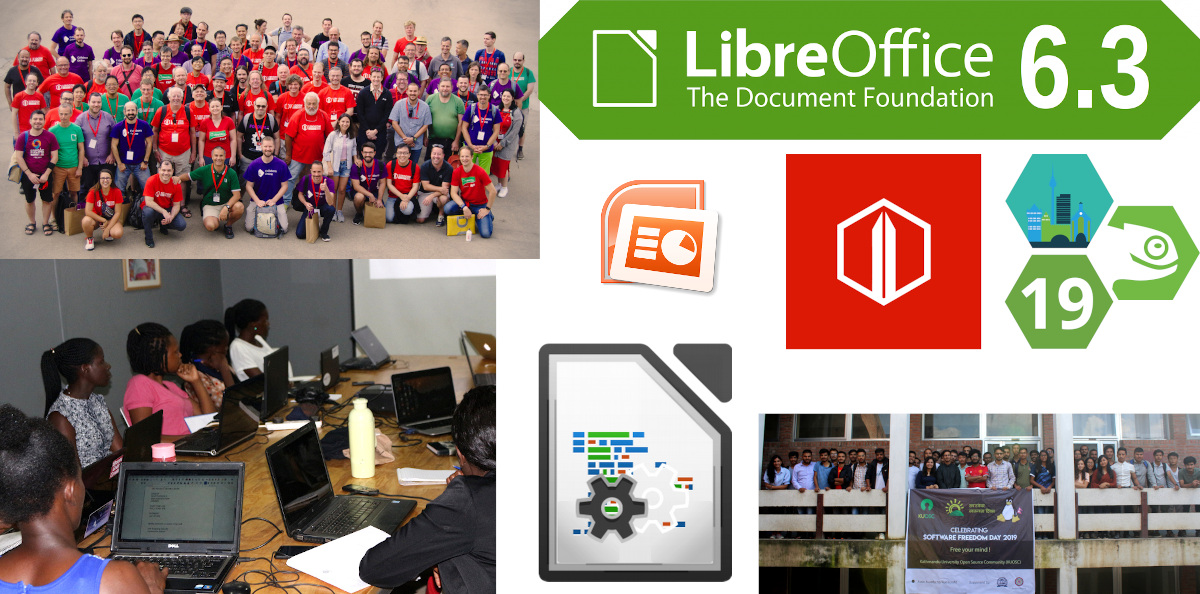
Members of The Document Foundation – more formally known as the “Board of Trustees” – are a crucial part of our community. They are people from across the globe who contribute time, effort and skills to the LibreOffice and Document Liberation projects, whether on a voluntary or paid basis. Today we’re talking to Sanjog Sigdel, a new TDF Member from our Nepalese community…

To start off, tell us a bit about yourself!

I’m currently a Graduate Student pursuing my MTech. in IT degree here in Kathmandu University, Dhulikhel, Nepal. Besides that, I am also a part-time instructor in a private college near the University: NIST College Banepa.

I love knowing how new technologies work and also love exploring new places. Unitil now I have traveled almost 30 districts of Nepal via trekking, project monitoring and tours. I’ve been using Linux-based operating systems (mainly Ubuntu) since 2012. And I am also a FOSS activist/volunteer. I teach my students to use open source software and most of them are using Linux, LibreOffice, and Python programming in the Nano text editor 🙂

Why did you decide to become a member of TDF?

Language translation is something I believe helps a large number of people in using all kinds of software. It breaks the digital divide created by language differences. Since 2017, with the guidance from my mentor, Mr Saroj Dhakal, I I have been contributing to LibreOffice localisation (L10N). I am currently the Project Reviewer for the Nepali language translation in the LibreOffice project.

Since I am already part of The Document Foundation, being a member and presenting myself as a formal representative of TDF in open source communities in Nepal could help other open source volunteers to join the FOSS Movement. Also, I will be working as a resource person for Kathmandu University Computer Club, an undergraduate computer club in the Department of Computer Science and Engineering, in case they want to conduct any FOSS Activities. There I can pitch ideas around translating LibreOffice and hacking on the source code.

Anything else you plan to do in the future?

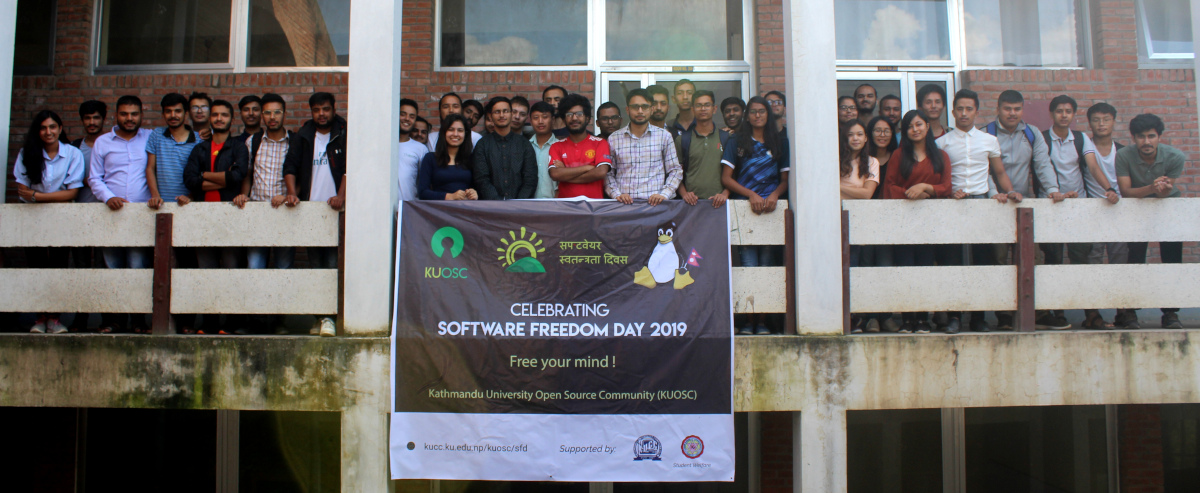
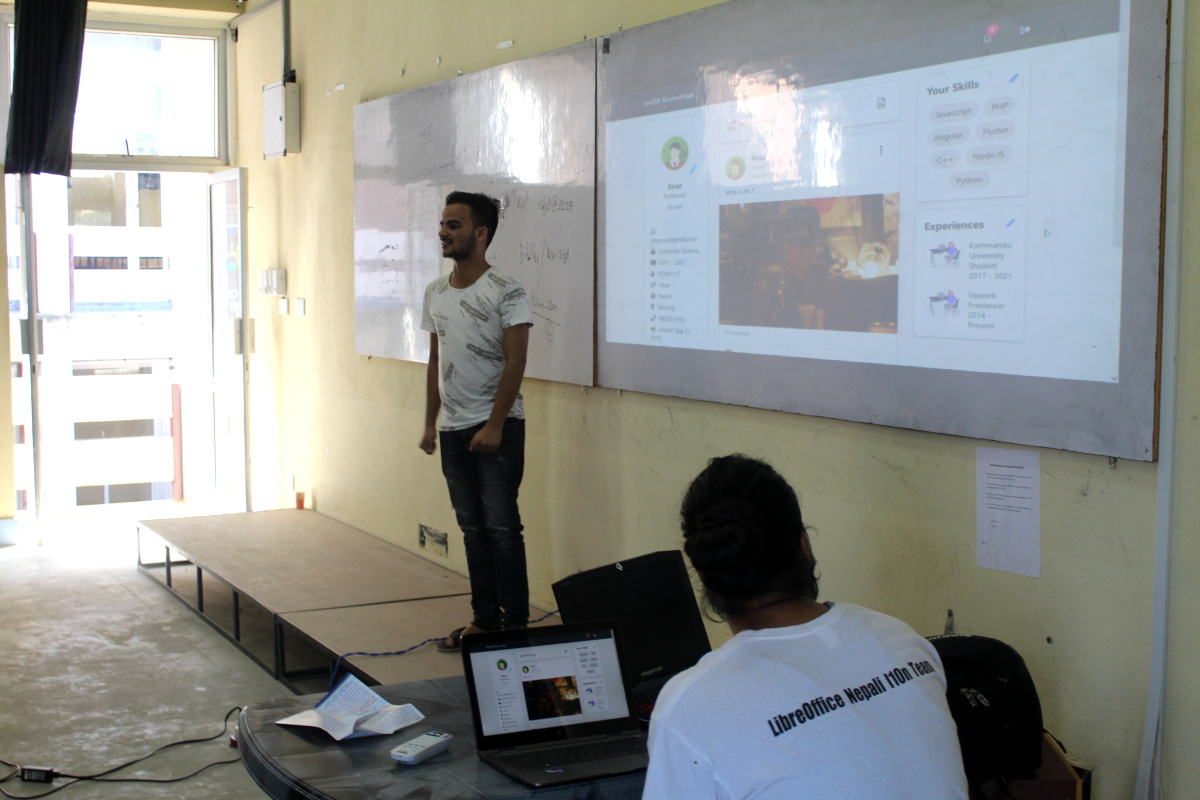
I am planning to conduct a LibreOffice localization event for the Nepali Langauge on Software Freedom Day, working together with Kathmandu University’s Open Source Community. I will update other TDF members on the mailing list soon.

Cheers to Sanjog for his contributions! And to everyone reading this who’s involved in the LibreOffice community, check out this short video and consider becoming a TDF Member too…

Please confirm that you want to play a YouTube video. By accepting, you will be accessing content from YouTube, a service provided by an external third party.

YouTube privacy policy

If you accept this notice, your choice will be saved and the page will refresh.
LibreOffice 6.3: 10 days of stats

On August 8, The Document Foundation announced the release of LibreOffice 6.3 with new features, performance boosts and compatibility improvements. A big thanks to our volunteer community and certified developers for making this release happen!

So, ten days later, let’s check out some stats…

429,848 downloads of LibreOffice 6.3

These are just stats for our official download page, of course – some Linux users will have acquired the new release via their distribution’s package repositories. And we still maintain the LibreOffice 6.2 branch, which has been tested for longer.

416,396 visits to our website

Our main website is the central resource for all things LibreOffice, including downloads, release notes, help, community assistance and more. On release day, we updated the New Features page, system requirements and other details.

54,059 views of the press release

Our announcement on the TDF blog got a lot of hits – but of course, it was also posted on our mailing lists and translated into other languages as well.

34,001 video views

We made a video highlighting some of the big changes in this release, and it has been viewed over 34,000 times. In large part, this is thanks to articles on technology websites that embedded it. Also, the video has subtitles in eight languages, thanks to our awesome community!

25,151 Twitter impressions

Our announcement tweet was also liked by 243 people, and retweeted 139 times. We also announced the release on Mastodon, with 85 boosts.

But it doesn’t stop here – our community is already working on the next release, LibreOffice 6.4! Join in and help with design, marketing, documentation, QA and many other tasks, pick up some valuable experience contributing to a well-known FOSS project, and let’s make it the best release ever!