
The Document Foundation announces LibreOffice 25.8.7
Berlin, 12 May 2026 - The Document Foundation announces the release of LibreOffice 25.8.7, the final maintenance release of the…
LibreOffice Writer was born – as StarWriter – to produce lengthy documents, such as thesis and relations, and as such offers a number of specific features in this area. Two of the most important are Templates and Styles, which facilitate the creation of good looking documents, and make it easier to reproduce a standard document once the layout – including Styles – has been defined and consolidated. LibreOffice offers an almost hidden feature to produce a Template, which can be accessed from the menu File > Send > Create Master Document. This opens a “save as…” dialog window, which allows to save the open document as a Template.
FOSDEM 16 will be held at the ULB Campus Solbosch on Saturday, January 30, and Sunday, January 31, 2016. Open document editors are coming again to FOSDEM with a shared devroom which gives every project in this area a chance to present ODF related developments and innovations. The devroom is jointly organized by Apache OpenOffice and LibreOffice. We invite submission of talks for the Open Document Editors devroom, to be held on Saturday, January 30, from 10:30AM to 6;30PM. Length of talks should be limited to 20 minutes, as we would like to have questions after each presentation, and to fit as many presenters as possible in the schedule. Exceptions must be explicitly requested and justified. Technical talks (code, extensions, localization, QA, tools and adoption related cases) about open document editors or the ODF document format are welcome. Submissions must be done by the speakers using the Pentabarf system: https://penta.fosdem.org/submission/FOSDEM16/ While filing your proposal, please provide the title of your talk, a short abstract (one or two paragraphs), some information about yourself (name, bio and photo, but please do remember that your profile might be already stored at Pentabarf) and specify what topic (Apache OpenOffice, LibreOffice, other ODF editors, ODF in general…) your talk is about. You do not need to create a new
The months between April and the first half of August have been rather busy, as I have been working – together with the other members of TDF staff and several volunteers – at different projects: the first TDF Annual Report, the final development stage of LibreOffice 5.0, including two bug hunting sessions, the announcement of the publication of ODF 1.2 by ISO, and the launch of LibreOffice 5.0. In addition, I have worked at smaller tasks such a announcements of minor releases. The bigger task, as everyone can imagine, has been the launch of LibreOffice 5.0, as we wanted to make a real impact with this new major release. First of all, I started to update the mailing lists for the distribution of press releases, which are a fundamental tool for the success of the launch. Since January, TDF is using a dedicated open source tool – phpList – which is saving a lot of work, especially when keeping mailing lists updated. In fact, phpList keeps track of all bounces, which are stored in each record, making it easier to spot old or wrong email addresses. Journalists move around quite frequently, and only a small percentage remembers to update their record. For
LibreOffice 5.0 will be announced next Wednesday – August 5, 2015 – at noon UTC. It is our tenth major release, and the first of the third stage of LibreOffice development. To show the impressive amount of new features added to LibreOffice since version 3.3, released in January 2011, we have compiled a summary of all previous announcements. LibreOffice 5.0 will add 64bit Windows builds to already available 32bit Windows, 64bit MacOS and 32/64bit Linux builds, and will be compatible with Windows 10. A pre-release of LibreOffice 5.0 is available on the download page at the following address: http://www.libreoffice.org/download/pre-releases/. LibreOffice 3.3, January 25, 2011 – LibreOffice 3.3 was the first stable release of the FOSS office suite developed by the community. In less than four months, the number of developers hacking LibreOffice has grown from less than twenty in late September 2010 to well over one hundred in January 2011. This has allowed to release LibreOffice 3.3 ahead of the aggressive schedule set by the project. LibreOffice 3.3 highlights: The developer community has been able to build their own and independent process, and get up and running in a very short time (with respect to the size of the code base and
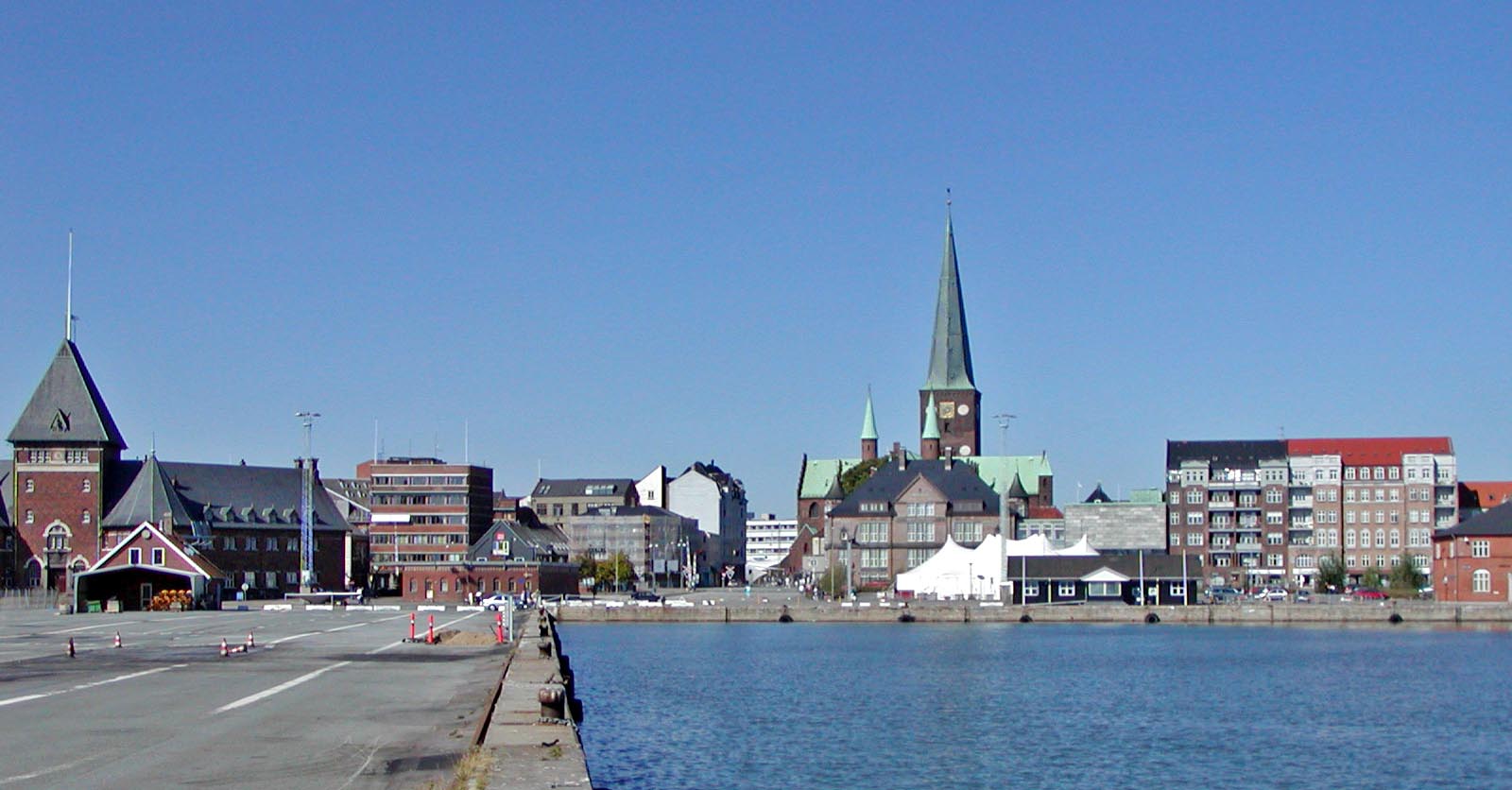
Berlin, Juli 1st, 2015 – Registration for the LibreOffice Conference, which will be hosted by the Danish city of Aarhus from September 23 to September 25, 2015, is now open at: http://conference.libreoffice.org/2015/registration/. Call for Papers is still open until July 15, 2015. Details on the tracks and the call for papers are available at: http://conference.libreoffice.org/2015/call-for-papers/. Tracks are about Development, Quality Assurance, Localization, Documentation and Native Language Projects, Ease of Use, Design and Accessibility, Migrations and Deployments, Certifications and Best Practices, ODF, Document Liberation and Interoperability, and Building a Business around LibreOffice. The conference website (http://conference.libreoffice.org/) is also including some practical info (http://conference.libreoffice.org/2015/practical-info/) about VISA, transportation and accommodation. Of course, do not forget to pay a visit to the sponsors who have made the event possible with their generous support: CIB, Collabora, Google, Magenta and RedHat (http://conference.libreoffice.org/2015/our-sponsors/).
Berlin, May 28, 2015 – LibreOffice, the best free office suite on the desktop, is available on Android as a native application for viewing ODF documents. The app can be installed from Google Play Store at http://tdf.io/androidviewer. Direct download of the APK and download from other app stores will be made available at http://www.libreoffice.org/download/android-viewer. LibreOffice Viewer also offers basic editing capabilities, like modifying words in existing paragraphs and changing font styles such as bold and italics. Editing is still an experimental feature which has to be enabled separately in the settings, and is not stable enough for mission critical tasks. It will be enhanced to a fully fledged editing solution in the future, with the help of our steadily growing developer community. The editing features provided in the current release have been developed thanks to donations to The Document Foundation. Feedback and bug reports are very welcome, to help developers improve the quality of the application on its way to a fully-fledged editor. Users are invited to report problems, using the bug tracker and attaching files that have triggered the issue at https://bugs.documentfoundation.org. LibreOffice Viewer is using the same engine as LibreOffice for Windows, OS X and Linux. This, combined