Projects selected for LibreOffice in the Google Summer of Code 2024

The LibreOffice Google Summer of Code projects have been selected for 2024.

  • Adam Seskunas – More and better tests: the project aims to add automated tests for fixes related to document export as well as converting tests written in Java to C++.
  • Ahmed Hamed – Improvement to the Functions Deck in LibreOffice Calc: the functions deck in the Sidebar will get a better search, an editor area with syntax highlighting and debugging capabilities among other enhancements.
  • Aung Khant – Improving user experience around windows: remembering the size and position of windows will be made consistent and Start Center will be enhanced.
  • Devansh Varshney – Adding native support for histogram chart and its variations: this project will bring support for multiple chart types introduced in Microsoft Office 2016.
  • Mohit Marathe – Comments in Sidebar: after this project is completed, comments can be viewed and edited in the Sidebar in addition to the document margin.
  • Printf Debugging – LibreOffice Theme: the goal of this project is to increase flexibility in colouring the LibreOffice interface.
  • Ritobroto Mukherjee – Cross platform .NET bindings for UNO API: LibreOffice will get support for .NET 8 and an additional API that will feel more natural to .NET developers.
  • Venetia Furtado – LUA UNO Language Binding in Libreoffice: after this project is completed, you will be able to control LibreOffice using the LUA programming language.
  • Bonus project under Linux Foundation: Biswadeep Purkayastha – Desktop integration: CPDB support for the LibreOffice print dialog: Common Print Dialog Backends allow the separation of the user interface from printing technologies. The idea in this project is to bring CPDB support up to date.

Good luck to the contributors – we appreciate their work on these important features and improvements! And thanks to our mentors for assisting them: Tomaž Vajngerl (Collabora); Thorsten Behrens, Stephan Bergmann and Sarper Akdemir (allotropia); Rafael Lima; Andreas Heinisch; Heiko Tietze, Xisco Faulí, Michael Weghorn and Hossein Nourikhah (TDF).

Between August 19 and 26, contributors will submit their code, project summaries, and final evaluations of their mentors. Find out more about the timeline here, and check out more details about the projects on this page.

Announcement of LibreOffice 24.2.3 Community

Berlin, 2 May 2024 – LibreOffice 24.2.3 Community, the third minor release of the free, volunteer-supported office suite for personal productivity in office environments, is now available at https://www.libreoffice.org/download for Windows, macOS and Linux.

The release includes around 80 bug and regression fixes over LibreOffice 24.2.2 [1] to improve the stability and robustness of the software. LibreOffice 24.2.3 Community is the most advanced version of the office suite, offering the best features and interoperability with Microsoft Office proprietary formats.

LibreOffice is the only office suite with a feature set comparable to the market leader. It also offers a range of interface options to suit all user habits, from traditional to modern, and makes the most of different screen form factors by optimising the space available on the desktop to put the maximum number of features just a click or two away.

The most significant advantage of LibreOffice over other office suites is the LibreOffice Technology engine, a single software platform for all environments: desktop, cloud and mobile. This allows LibreOffice to provide a better user experience and produce identical, and interoperable, documents based on both ISO standards: Open Document Format (ODT, ODS and ODP) for users concerned about compatibility, resilience and digital sovereignty, and the proprietary Microsoft format(DOCX, XLSX and PPTX).

A full description of all the new features of the LibreOffice 24.2 major release line can be found in the release notes [2].

LibreOffice for Enterprises

For enterprise-class deployments, TDF strongly recommends the LibreOffice Enterprise family of applications from ecosystem partners – for desktop, mobile and cloud – with a wide range of dedicated value-added features and other benefits such as SLAs: https://www.libreoffice.org/download/libreoffice-in-business/

Every line of code developed by ecosystem companies for enterprise customers is shared with the community on the master code repository and contributes to the improvement of the LibreOffice Technology platform.

Availability of LibreOffice 24.2.3 Community

LibreOffice 24.2.3 Community is available at https://www.libreoffice.org/download/. Minimum requirements for proprietary operating systems are Microsoft Windows 7 SP1 and Apple macOS 10.15. Products based on LibreOffice Technology for Android and iOS are listed here: https://www.libreoffice.org/download/android-and-ios/

For users who don’t need the latest features and prefer a version that has undergone more testing and bug fixing, The Document Foundation maintains the LibreOffice 7.6 family, which includes several months of back-ported fixes. The current release is LibreOffice 7.6.6 Community.

The Document Foundation does not provide technical support for users, although they can get it from volunteers on user mailing lists and the Ask LibreOffice website: https://ask.libreoffice.org

LibreOffice users, free software advocates and community members can support the Document Foundation by making a donation at https://www.libreoffice.org/donate

[1] Fixes in RC1: https://wiki.documentfoundation.org/Releases/24.2.3/RC1. Fixes in RC2: https://wiki.documentfoundation.org/Releases/24.2.3/RC2.

[2] Release Notes: https://wiki.documentfoundation.org/ReleaseNotes/24.2

Do something awesome – Join the Month of LibreOffice, May 2024!

Month of LibreOffice banner

Want to learn new skills, for a potential future career change? Or just expand your knowledge and have fun on the way? Get involved in the Month of LibreOffice, May 2024! Over the next four weeks, hundreds of people around the world will collaborate to improve the software – and you can help them. There are many ways to get involved, as you’ll see in a second.

And best of all: everyone who contributes to LibreOffice in May can claim a cool sticker pack, and has the chance to win extra LibreOffice merchandise such as mugs, hoodies, T-shirts, rucksacks and more (we’ll choose 10 participants at random at the end):

How to take part

There are many ways you can help out – and you don’t need to be a developer. For instance, you can be a…

  • Handy Helper, answering questions from users on Ask LibreOffice. We’re keeping an eye on that site so if you give someone useful advice, you can claim your shiny stickers.
  • First Responder, helping to confirm new bug reports: Go to our Bugzilla page and look for new bugs. If you can recreate one, add a comment like “CONFIRMED on Windows 11 and LibreOffice 24.2.2”.
  • Drum Beater, spreading the word: Tell everyone about LibreOffice on Mastodon, Bluesky or X (Twitter)! Just say why you love it or what you’re using it for, add the #libreoffice hashtag, and at the end of the month you can claim your stickers.
  • Globetrotter, translating the user interface: LibreOffice is available in a wide range of languages, but its interface translations need to be kept up-to-date. Or maybe you want to translate the suite to a whole new language? Get involved here.
  • Docs Doctor, writing documentation: Whether you want to update the online help or add chapters to the handbooks, here’s where to start.

We’ll be updating this page every few days with usernames across our various services, as people contribute. So dive in, get involved and help make LibreOffice better for millions of people around the world – and enjoy your sticker pack at the end as thanks from us! And who knows, maybe you’ll be lucky enough to win bonus merch as well…

So let’s get going! We’ll be posting regular updates on this blog and our Mastodon, Bluesky and X (Twitter) accounts over the next four weeks – stay tuned…

LibreOffice project and community recap: April 2024

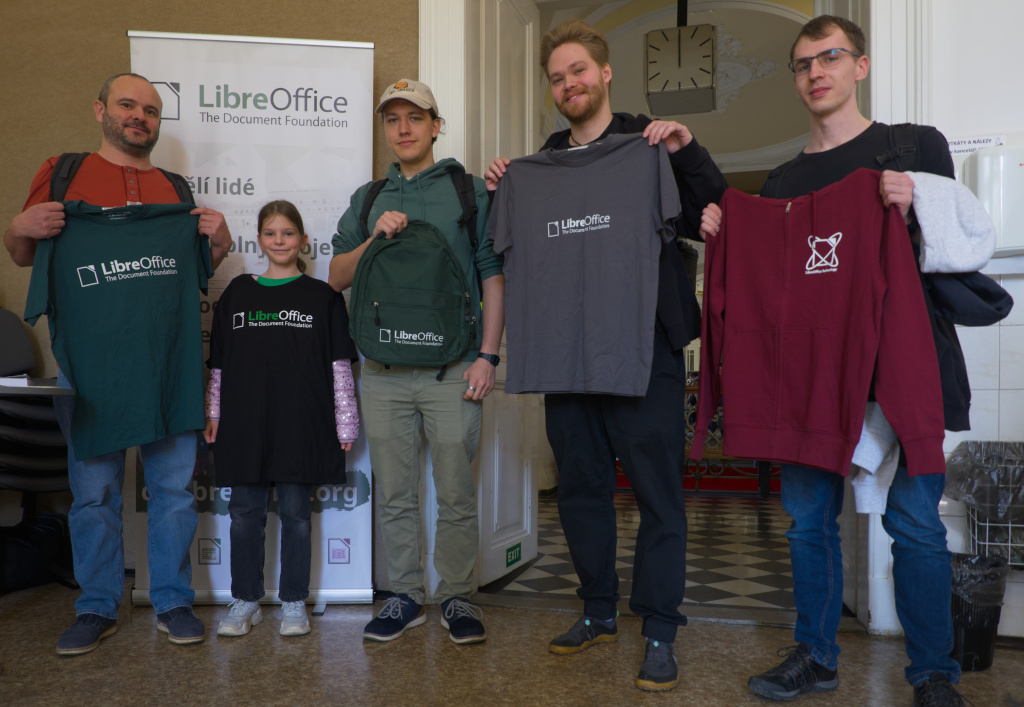
InstallFest 2024 Prague

Here’s our summary of updates, events and activities in the LibreOffice project in the last four weeks – click the links to learn more…

Schleswig-Holstein banner

Adam Seskunas

InstallFest 2024 Prague

Screenshot of PDF export dialog box

Kira Tubo

LibreOffice Bookshelf

Keep in touch – follow us on Mastodon, X (formerly Twitter), Bluesky, Reddit and Facebook. Like what we do? Support our community with a donation – or join our community and help to make LibreOffice even better!

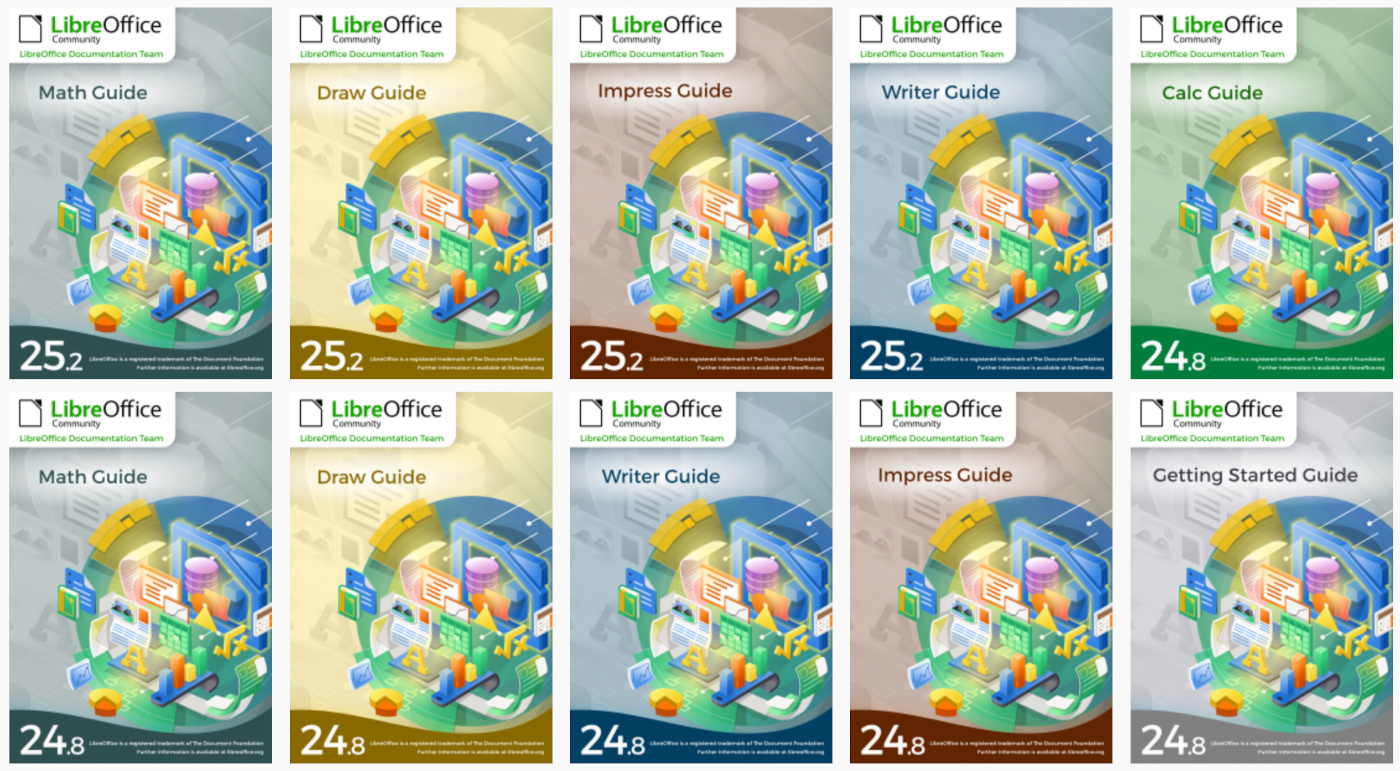
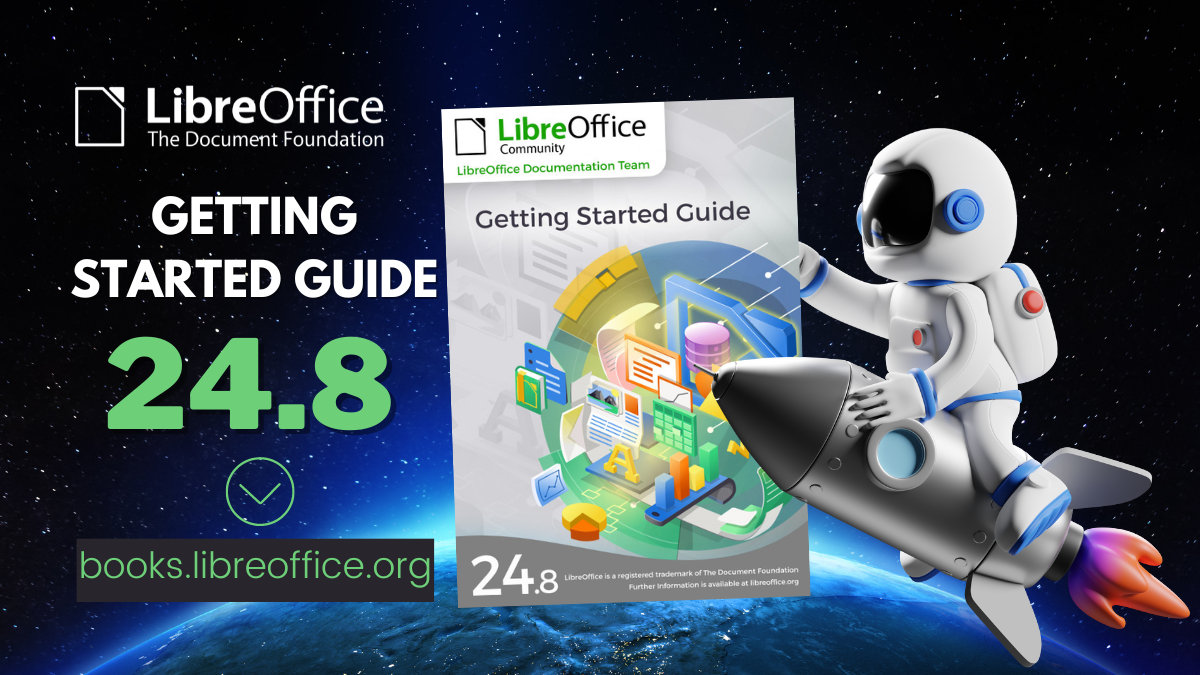
Calc Guide and Writer Guides available for browsing

LibreOffice Guides in HTML

The Documentation team just published the Calc Guide and Writer Guide as on-line pages in the Bookshelf at https://books.libreoffice.org

Presented as web pages, the guides contents can now be accessed with your favorite browser and use the browser resources to navigate, bookmark and reference pages.

Together with the PDF versions, the guides web pages can be downloaded and installed in local networks using a simple web server.

Happy reading!

Community Member Monday: Kira Tubo

Kira Tubo

Tell us a bit about yourself!

I live in San Jose, California, USA. I’ve lived around the Bay Area my whole life, after my parents moved away from the Philippines when I was about a year old.

I have had experience as a CRM (customer relations management) administrator, which partially functioned sort of like an internal tech support position, and I’ve also done crowdsourced testing and a11y (accessibility) testing as a side hustle. So I’ve had a lot of experience with troubleshooting and manually testing software.

My hobbies/interests are: reading, walking, video games/board games, and my dog.

What are you working on in the LibreOffice project right now?

Right now, I am attempting to write C++ unit tests in LibreOffice. As someone with rudimentary coding skills, it is quite challenging but interesting to learn.

Why did you choose to join the project, and how was the experience?

For the longest time, I’ve been wanting to contribute my technical skills to an open source project and learn about test automation. I saw some forums that suggested LibreOffice, and I thought it may be a good fit because I have also used the product (albeit lightly) in the past. What I like about the LibreOffice project is that there is a dedicated wiki for those interested in QA (not just development). Because of this, it is fairly easy to get started with contributing.

Since I’ve joined the project, I’ve helped the QA team with bug triaging, regression testing, bibisecting, etc. I’ve also submitted patches to Gerrit for some easy code fixes and updated the LibreOffice help documentation. I’ve learned so much and picked up a lot of new skills along the way. But there is definitely a lot more to learn, which is exciting!

I’d also like to say that the people working on the LibreOffice project are fantastic. They acknowledge the work that you do and are more than happy to help you when needed (shoutout to Ilmari Lauhakangas for taking the time to explain how things work to me). So for anyone feeling overwhelmed or hesitant about joining, don’t be! We are all friendly here 🙂

Anything else you plan to do in the future? What does LibreOffice really need?

One of these days, I’d like to look into writing UI unit tests with Python, and maybe also unit tests for a11y (accessibility). As for improvements, I think perhaps it would be great if the wiki would be a little more beginner-friendly for those who want to get into writing unit tests, especially if they don’t have much development experience yet.

Many thanks to Kira for all her contributions! Every LibreOffice user is welcome to get involved, find out what they can do in our community, and learn new skills along the way 👍