Gustavo Pacheco send us this report on the activities of the sixth edition of the Latin American LibreOffice Congress, held in Habana, Cuba, from October 6 to 9, 2025:
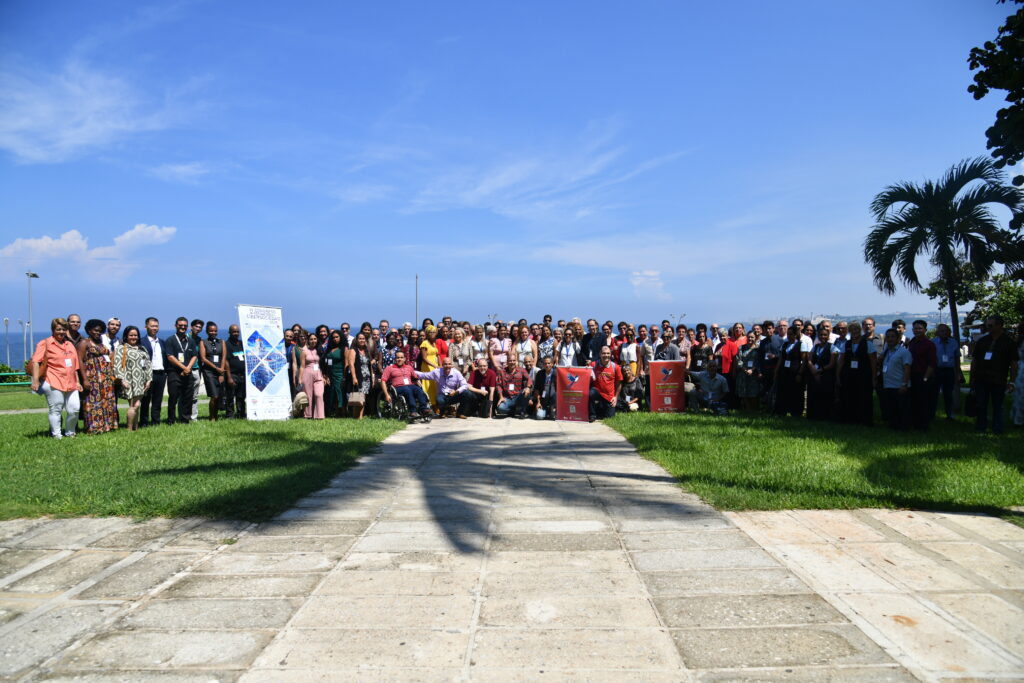
Official photo Cibersociedad 2025 + Latin American LibreOffice Congress
With a completely different organizational model than in previous years, our conference was held as a prominent section within another broader event: the Cibersociedad 2025 congress.
Held every two years by the Union of Computer Scientists of Cuba, Cibersociedad aims to be a space for innovation and proposals for the construction of a more sustainable and equitable digital future.
For the events in 2019 in Asunción, 2022 in Brasília and 2023 in Mexico City, we had the support of universities, and in 2024 in Montevide, support local communities. But 2025 marked a new moment for the Latin American organizing committee. On this occasion, our relationship was established with an organization of professionals, the UIC, which contributed all its knowledge and structure to the planning of a joint event.
The idea arose from the proposal of the president of the UIC in 2023, Ailyn Febles, who, in contact with Gustavo Pacheco, presented the invitation to hold the conference in Cuba, motivated by the legacy left by Carlos Parra (1961-2022), an active member of both the UIC and theTDF.
As in 2023 we already had our congress confirmed for Mexico City, we would talk again during that year to align the possibilities.
In addition to the excellent event in Mexico City, at that time we also had the Montevideo congress. That one was an atypical event, as it was carried out as a contingency to the originally planned place, the state of Rio Grande do Sul, in Brazil, affected by the largest flood of the century in May 2024. The event was only saved from being canceled thanks to the support of the Uruguayan community. Thus, for the first time, the congress was held in a public space outside a university: a challenge also for local volunteers.
We did not reach the expected face-to-face audience, but we had a meeting with exceptionally high-quality participations. With the participation of Gastón Hannay in the graphic design activities, we achieved the objective of the congress to always bring, as a minimum, a new permanent volunteer for the project, in addition to interesting results from the participation among the members, such as the development of new formulas for Calc, by Xisco Fauli, based on the presentation of the practical experience of Ismael Fanlo with spreadsheet users.
With the results of 2024, we began planning for 2025 based on the premise of taking advantage of our participation in the event to visit universities, public institutions, third sector entities, local communities, etc., in their own organizational spaces. This idea was very well received by the then new president of the UIC, Omar Correa.
The initiative would also fit the way the event would be carried out. By incorporating our event into a larger one, we obtained the benefit of reducing the workload, however, we no longer had total autonomy in defining the programming. This year, we had a smaller number of speakers, none of them from Asia, which, as far as possible, we intend to improve in future editions.
In fact, since Cibersociedad is a broad event, the LibreOffice project programming was concentrated on the opening day, October 6, and in the special session “LibreOffice Congress and Technological Sovereignty”, on the 8th. With the remaining days available, we articulated a parallel agenda of activities, with visits and strategic meetings with managers and professionals from governmental and community areas.
Opening Session
We started Cibersociedad 2025 with Gustavo Pacheco representing the LibreOffice project in the Opening Session, together with the Minister of Communications of Cuba, Mayra Arevich, the president of the UIC, Omar Correa, the representative of the Central Committee of the PCC, Omar Pérez Salomón, and the president of the Scientific Committee, Tatiana Delgado.
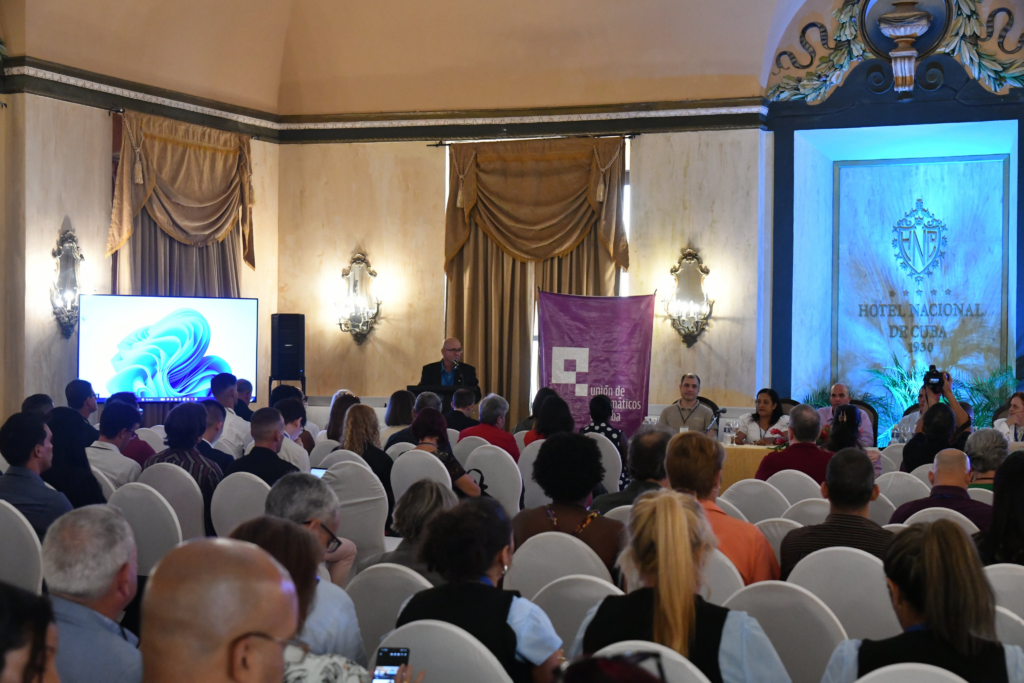
Opening Session Cibersociedad 2025
Immediately after the opening session, we had our first strategic meetings.
In addition to welcoming, the Minister of Communications of Cuba, Mayra Arevich, showed interest in the implementation process of LibreOffice by the Government of Mexico, presented by Adlair Cerecedo. Subsequently, the importance of the participation of the LibreOffice project in Cuba became even more evident with the publication of the minister in her profile after the conference of Olivier Hallot on LibreOffice and the most important aspects of the migration process. Through the minister, we were also received by the general director of the Joven Club project, Maidelys Pupo, on October 9.
It was also the moment to personally meet Professor Joaquín Pina, from the UIC of Havana. Professor Pina will be the focal point of contact for the Cuban community. On the initiative of Pina, Hanoi Calvo and Liber Luis González, an online group was formed with students and professionals linked to the UIC. This working group will aim to study and develop extensions for LibreOffice, with possible results for the next FLISOL, the most important decentralized Free Software event in Latin America, in April 2026.
We also had long conversations with the LPI representative in Latin America, Juan Ibarra. Ibarra is Paraguayan and already participated in a LibreOffice Conference in 2021. Through Juan, we were able to learn about LPI’s strategy for the Cuban market, which involves both the UIC and the universities.
Finally, the rector of the University of Computer Sciences (UCI), Raydel Montesino, informed us about the itinerary prepared for the visit to the UCI the following day.
Visit to the UCI
On October 7, our agenda was completely focused on the visit to the University of Computer Sciences (UCI).
To make the meeting possible, our request was:
- to know the University, its courses, the profile of its faculty and students, and its relationship with Free Software projects;
- hold a meeting with the members of the University’s board of directors, to assess the possibility of a joint long-term collaboration;
- present LibreOffice to the students, preferably to those who had some relationship with free software projects.
After a 30 km journey from Havana, we arrived at the UCI, where we were received by the director of International Relations, Delly Lien González. The university has an infrastructure of more than 150 buildings, distributed in 268 hectares. Over 21 years, it has trained more than 16,800 engineers and technicians. The UCI is also the headquarters of Nova Linux, the reference Linux distribution in Cuba.
After the detailed presentation, we were invited to a meeting with the administration professors and the Nova Linux developers. In our presentation, we highlighted our interest in spreading LibreOffice in universities through the exchange of our knowledge and, in the case of the UCI, stimulating the formation of a study group focused on LibreOffice that can meet the needs of local users, based on the Nova Linux team. For its part, the UCI highlighted the technical training of the university and that yes, there is interest in this type of collaborative action, which we should detail in the coming weeks.
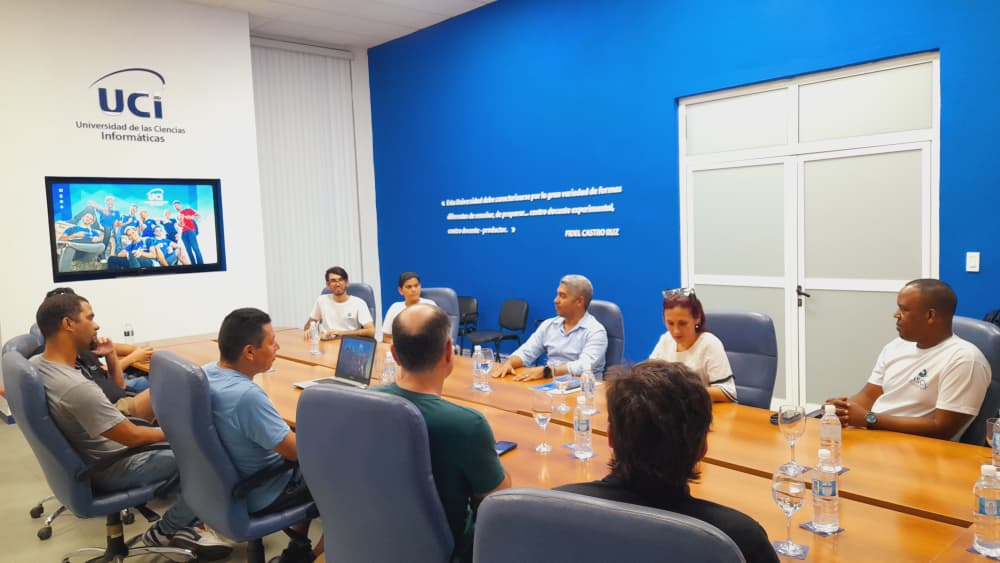
Meeting LibreOffice Latin America, UCI Board of Directors and Nova Linux.
Our next activity was a technical presentation for the UCI students. Xisco, Olivier, Mauricio and Adlair gave a presentation and then Gustavo spoke about the main topics of the Latin American LibreOffice Congress held in Cuba and the reasons for the visit to the UCI.
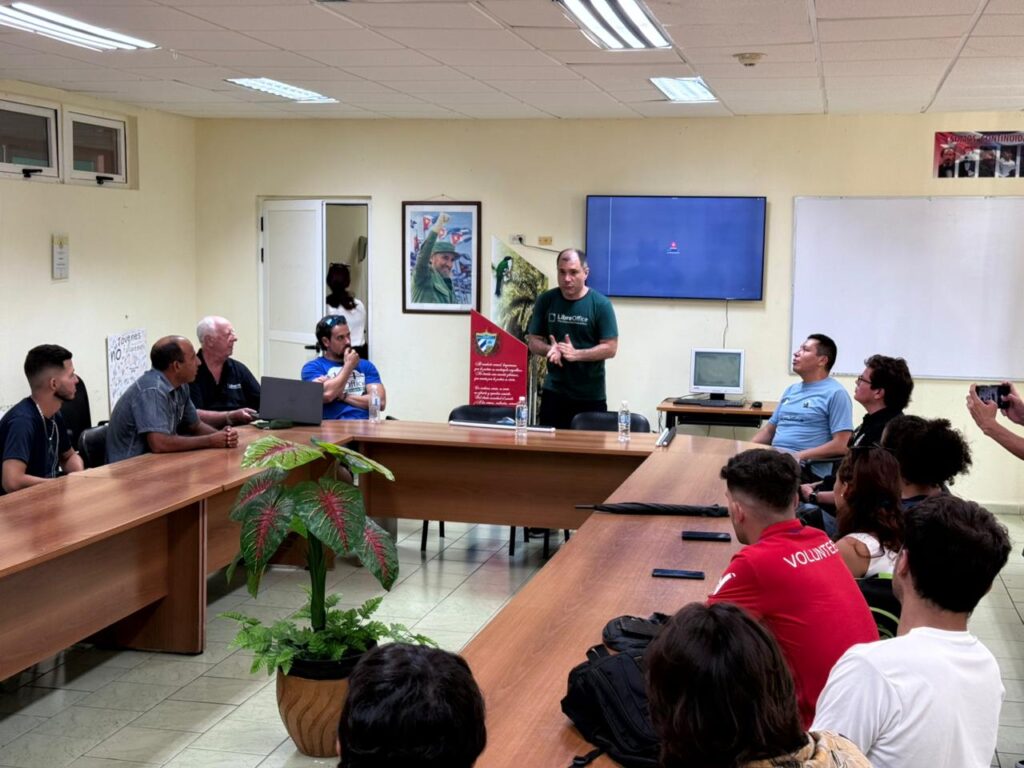
Gustavo Pacheco in the presentation for UCI students.
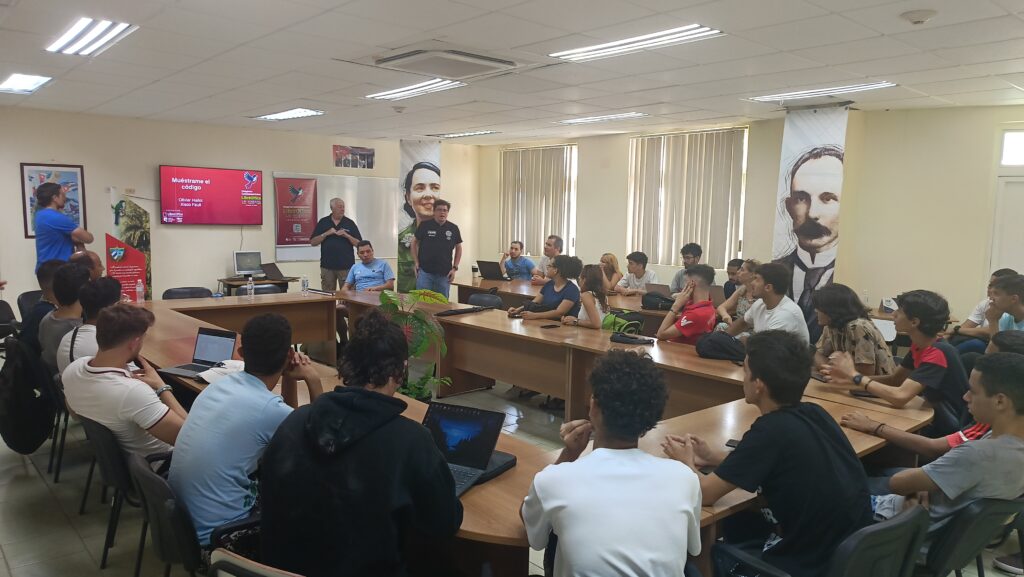
Xisco Fauli and Olivier Hallot present Show me the Code! for UCI students
Next, Olivier and Xisco presented the talk Show me the Code!, a technical introduction to LibreOffice with the main aspects of the development process.
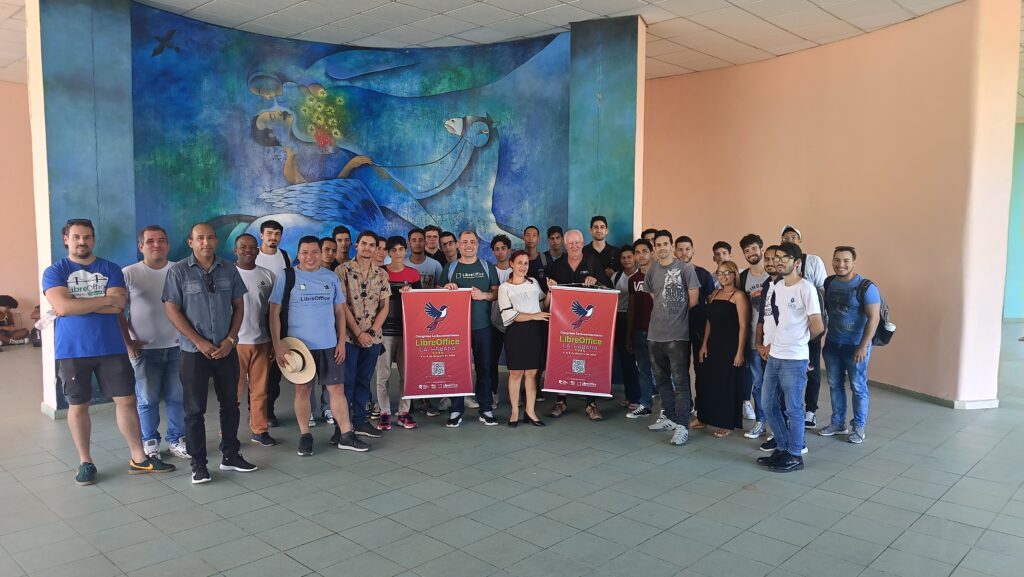
Photo of the meeting of the LibreOffice project with the UCI students in front of the panel in tribute to José Martí.
At the end of the visit, after the photo with the group, professors Ailyn Estrada and Serguey González presented us with copies of the book Good Practices for Migration to Open Source, a UCI publication that very well illustrates the history and importance of open technologies in the institution.
Special Session – LibreOffice Congress and Technological Sovereignty
The third day of the event was dedicated to our programming with additional panels related to Free Software and Technological Sovereignty.
Within our space in the programming, we organized the presentations differently than in other years. On this occasion, apart from the initial introductory conference by Olivier, the topics were divided into panels with two speakers each. In this way, despite the breadth of the content, the dynamics of the activities were attractive to the participants:
Conference LibreOffice and the liberation of digital imperialism, Olivier Hallot
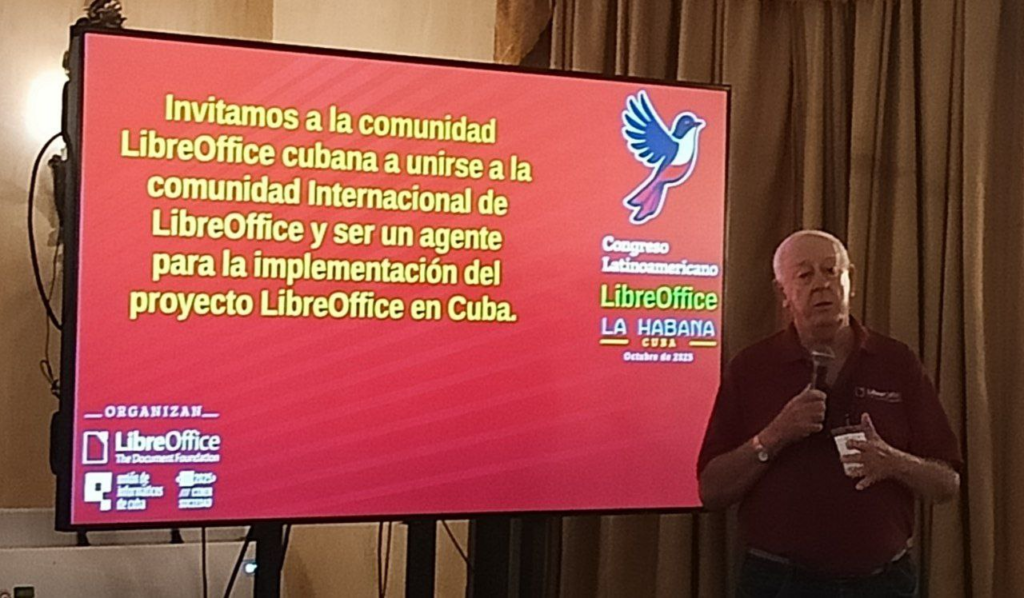
Olivier Hallot opens the special session of the LibreOffice project in Cibersociedad 2025
The first conference, proposed and presented by Olivier, was very important to update the knowledge of the public present. Through a clear presentation, Olivier mentioned the main characteristics of the product and the project, highlighting important topics related to the event, such as technological sovereignty and access to knowledge.
Panel Migration of the LibreOffice suite and the project of the Government of Mexico, Olivier Hallot and Adlair Cerecedo-Méndez
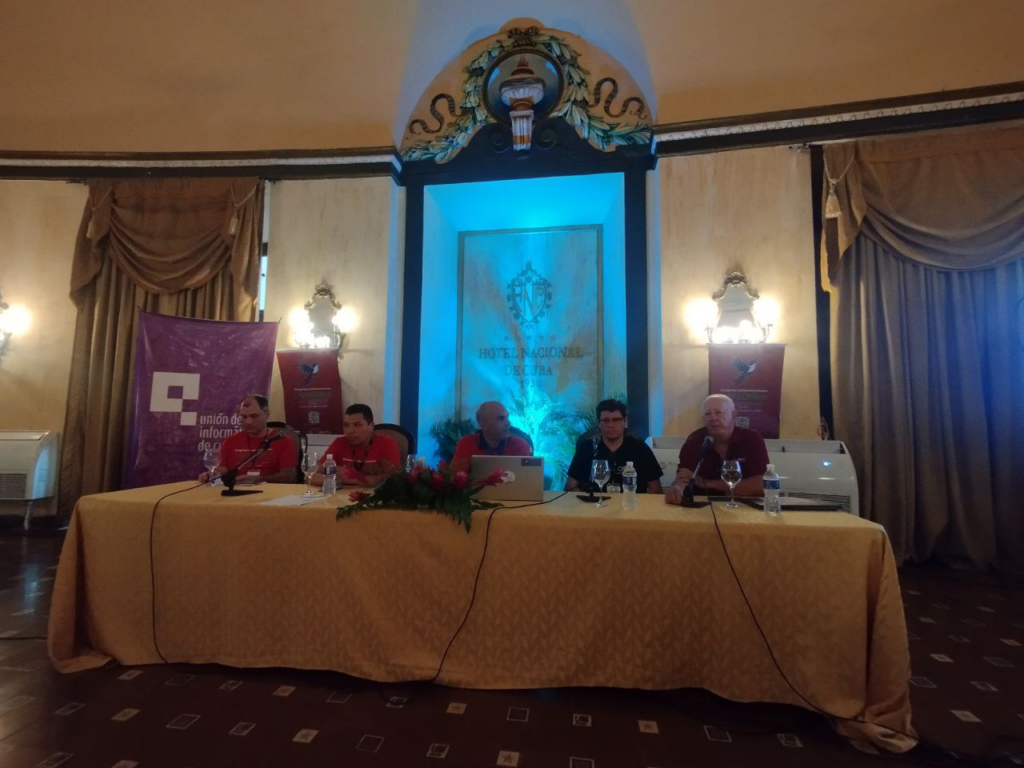
Gustavo Pacheco, Mauricio Baeza, Omar Correa, Adlair Cerecedo and Olivier Hallot.
Next, Olivier led the transition of the topic to the migration process to LibreOffice, where Adlair presented the details that, today, qualify the Mexican project as one of the most important projects in progress, not only in Latin America, but throughout the world.
Panel “Opportunities and Connections for the rebirth of the Cuban LibreOffice community”, Gustavo Pacheco and Mauricio Baeza
This panel originally had a propositional structure in which ideas for the reorganization of the Cuban community would be presented. However, the first days of activities in Havana were so intense that Gustavo and Mauricio decided to modify the focus of the panel and mention the results already achieved, among which are:
- the work agenda proposed by Joaquín Pina focused on Flisol 2026;
- the visit to the UCI and the possibility of collaborative projects with LibreOffice and Nova Linux;
- the common interest between the technological projects of Cuba and Mexico with the support of the community;
- the surprises related to the interactions of the event, such as the interest in the LibreOffice Training Certification, motivated by the presentation of Professor Yusniel Valdés, from Pinar del Río, on the use of LibreOffice for the teaching of computer science in primary and secondary schools in Cuba.
The example of the Brazilian community was also mentioned, through the four basic aspects to stimulate volunteer work: regular online meetings, friendly environment, clear and objective tasks and tutoring of the most experienced. Mauricio contributed the Mexican experience, detailing the importance of the 2023 conference and the LibreOffice project in the Social Service: the period in which young Mexicans carry out volunteer work with mentoring for a few months for the benefit of society in general.
Panel “Technical visions of the LibreOffice project: Quality Control and Extensions”, Xisco Fauli and Mauricio Baeza
Xisco Fauli began his presentation with an introduction to quality control, highlighting the collaborative tasks that provide the new volunteer with a quick technical understanding of the project.
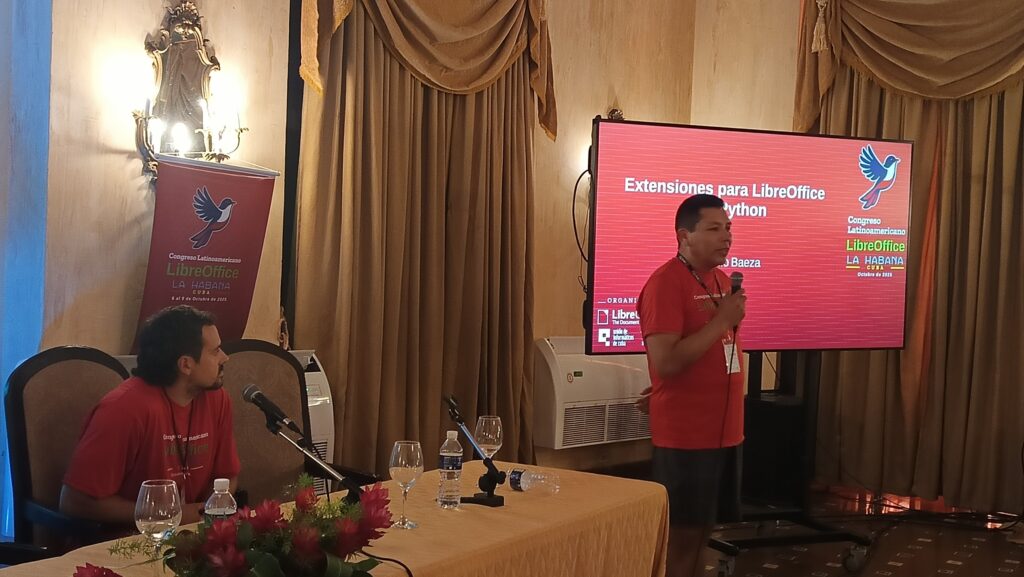
Xisco Fauli and Mauricio Baeza.
Mauricio Baeza presented the development of extensions in LibreOffice with Python. This was a strategically important presentation for our event due to the interest shown in the group that Professor Joaquín Pina will coordinate.
Practical workshop: Show me code!, Olivier Hallot and Xisco Fauli
Olivier and Xisco finished the day repeating the technical presentation they had made the day before at the UCI. A technical introduction to LibreOffice with the main aspects of the development process, talking about the knowledge requirements, the infrastructure and the support resources of the project.
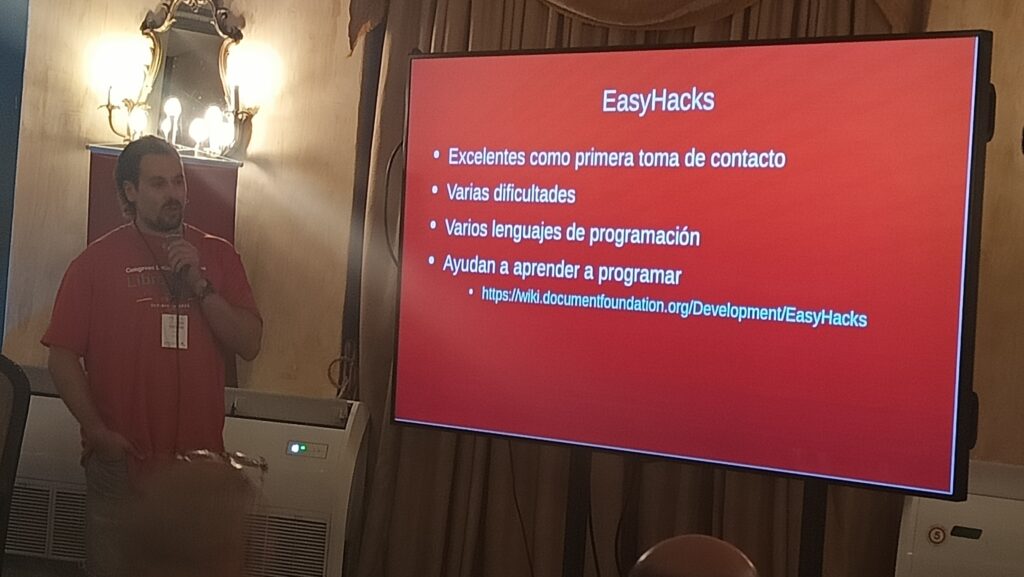
Explanation of Xisco Fauli about the Easy Hacks of LibreOffice.
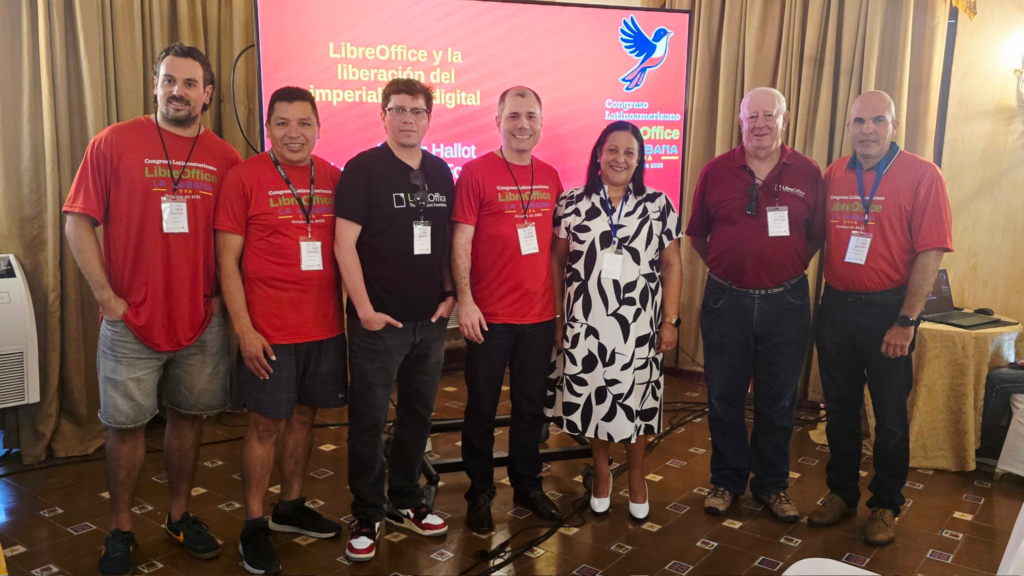
Xisco Fauli, Mauricio Baeza, Adlair Cerecedo, Gustavo Pacheco, Mayra Arevich, Minister of Communications of Cuba, Olivier Hallot and Omar Correa, President of the UIC.
Joven Club
Taking advantage of the proximity, we visited the central headquarters of the Joven Club, in the central area of Havana. The general director of the project, Maidelys Pupo, explained to us that the Joven Club is a public organization with its own financing, created by Fidel Castro with the aim of implementing teaching centers in the areas of robotics, electronics and computer science for young people. In total, the Joven Club has more than 600 facilities in hundreds of Cuban cities. The biggest challenge today, according to Maidelys, is the infrastructure. There are difficulties in updating the equipment park. Even the simplest maintenance tasks take longer than expected.
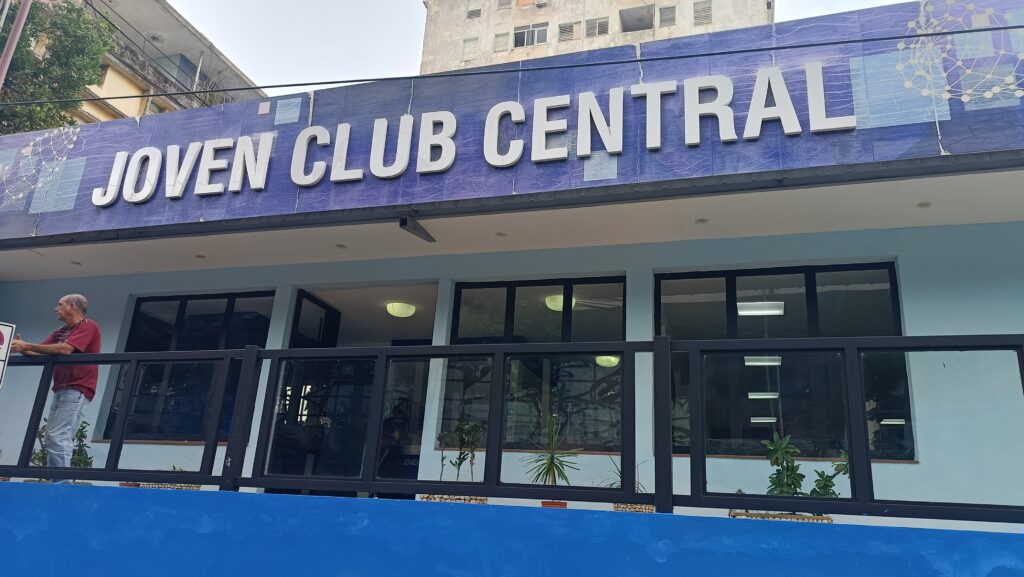
Central Headquarters of the Joven Club project in Havana.
Under the local coordination of Niurbelis Maturell, the students of the Adalberto Gómez Núñez School presented scientific initiation projects in the areas of robotics and augmented reality.
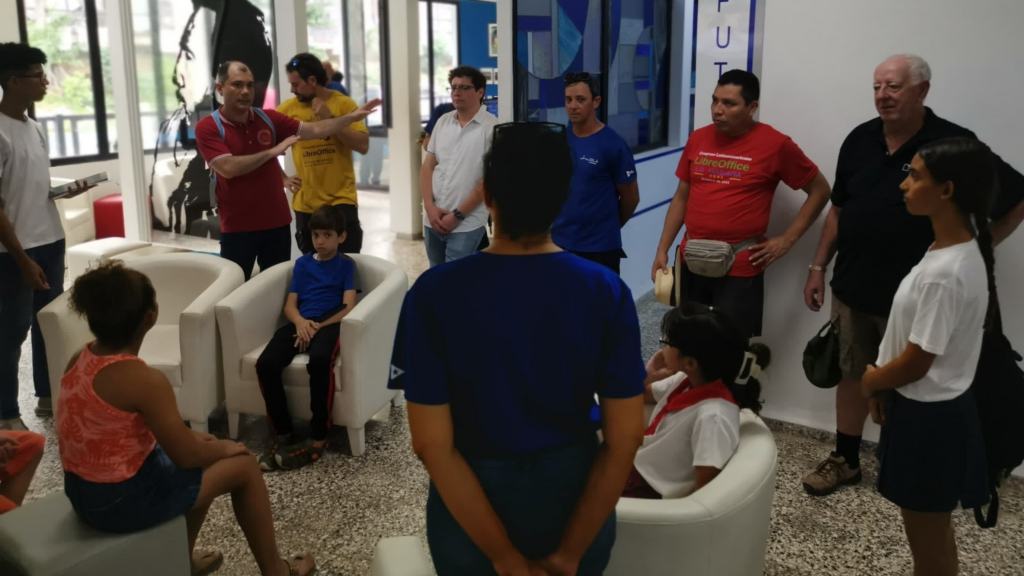
Meeting with teachers and students of the Joven Club project
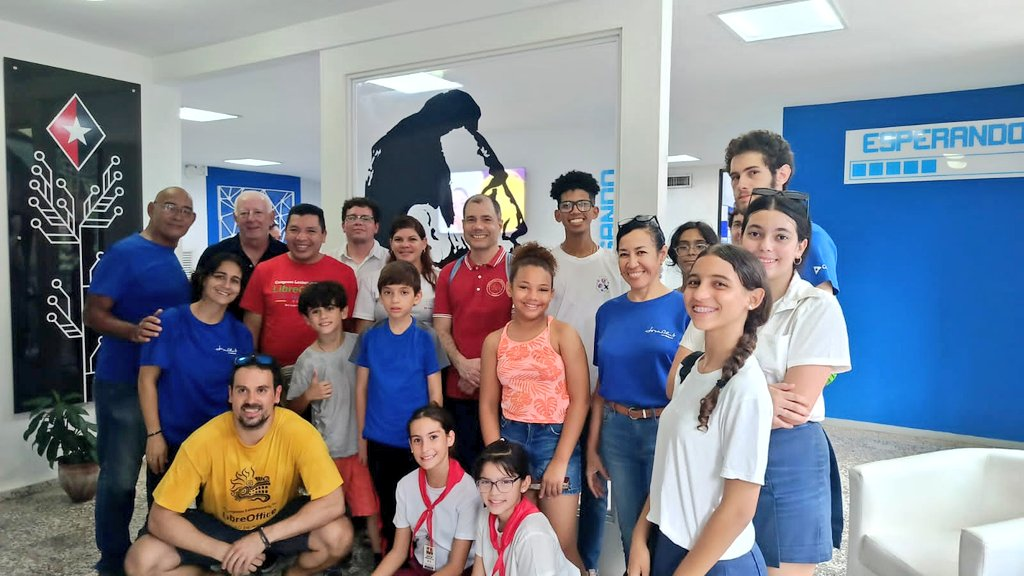
Meeting with teachers and students of the Joven Club project
Later, the director of national computerization, Lexy Gaspar, joined us, who detailed the projects in progress, despite all the difficulties derived from the current economic situation in Cuba. Due to its capillarity throughout the country and for being a technical training center, the structure of the Joven Club is used by companies and government agencies for teaching and support in the area of technology.
Final outcome
The day after the closing of the congress was dedicated to evaluating the results, before the participants began the return trip. In general terms, the experience was very positive. After months of organization and planning work, we can affirm that the Latin American LibreOffice Congress has fulfilled its objectives. We spread the knowledge of the project, consolidated institutional relations and recovered the legacy of our member Carlos. We have excellent possibilities to continue with the growth of the local community of the LibreOffice project in Cuba, either by individual or institutional initiatives.
As a secondary result, the importance of the Mexico migration project became evident. This was one of the motivations why we received the invitation from Manuel Haro, from the Gnome Latam project, to participate in the CCOSS + Gnome LATAM Conference, on November 21 and 22 in Aguascalientes, Mexico.
As for the future, for the next editions, the same formula for success this year can be repeated.
Leaving the event space and presenting LibreOffice where users and potential collaborators are was fundamental to our success. We are not yet sure where the next edition will take place, but Bolivia, Chile and Colombia, in that order, emerge as possibilities. Whatever the place and the model, our event will continue with the objective of bringing, in the best possible way, the LibreOffice project to the local communities of Latin America.



 Today, Microsoft is ending official support for Windows 10. This leaves users who want to continue using the operating system with few alternatives — especially if they have an old PC that is not compatible with Windows 11’s demanding hardware requirements — other than buying a new PC.