LibreOffice Conference and External Events – TDF Annual Report 2025

TDF Annual Report 2025 banner

This is part of the Annual Report 2025 from The Document Foundation, the non-profit that coordinates the LibreOffice project and community. More will be posted soon…

LibreOffice Conference

The LibreOffice Conference was the annual get-together of the worldwide LibreOffice community, bringing together developers, contributors, and users. The 2025 event was held in Budapest, Hungary, from September 3 to 5, and was preceded by a community session.

The main conference featured 53 sessions spread over three days. It kicked off with a welcome and housekeeping session, followed by an opening speech from Eliane Domingos from TDF’s Board of Directors, and a welcome speech from the university that hosted the event.

Please confirm that you want to play a YouTube video. By accepting, you will be accessing content from YouTube, a service provided by an external third party.

YouTube privacy policy

If you accept this notice, your choice will be saved and the page will refresh.

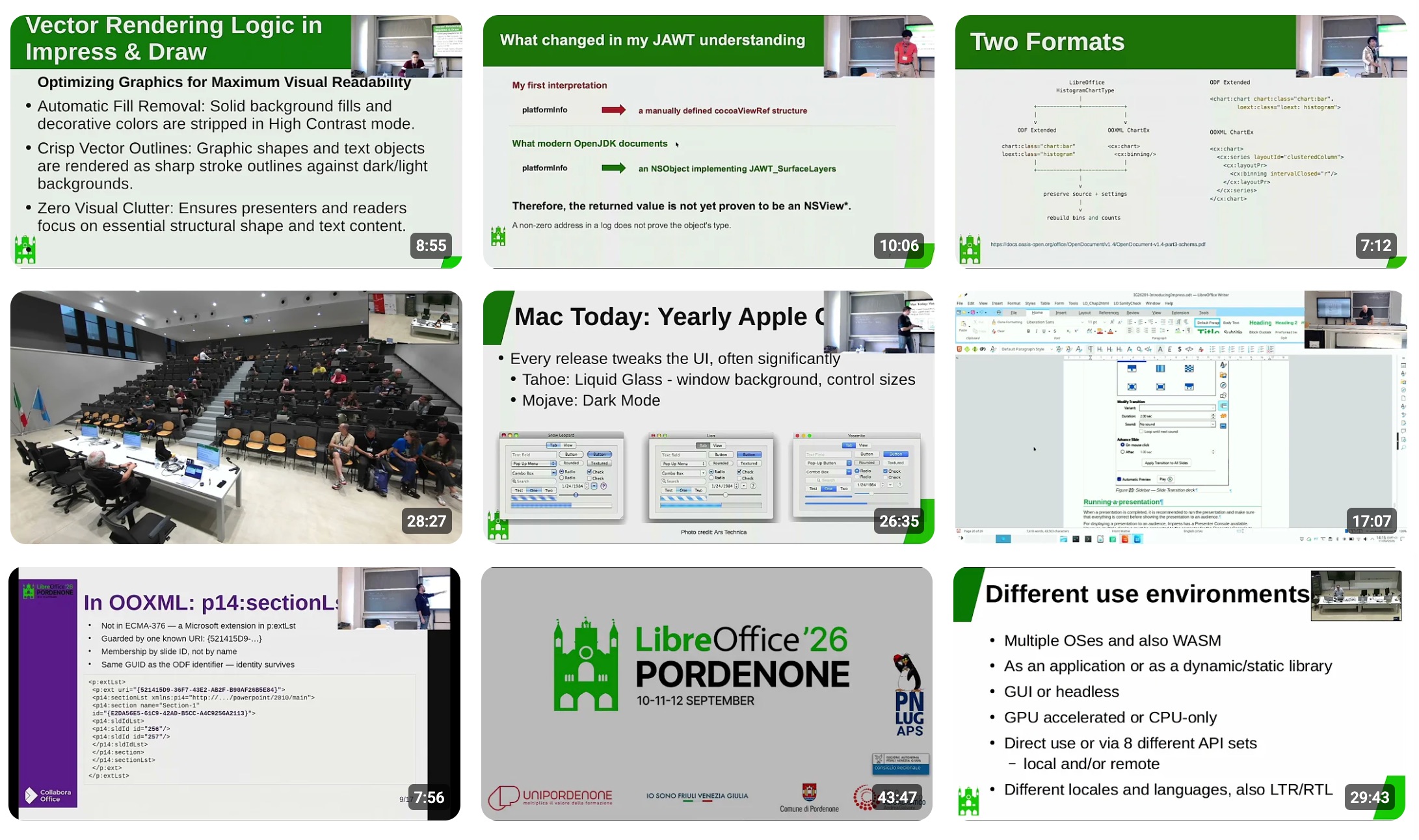
After that, the talks began across several different tracks, including the Open Document Format, advocacy and marketing, development and extensions, UX and design, and more. The full list of talks can be found on https://events.documentfoundation.org/libreoffice-conference-2025/schedule/. There was also a notable talk from the Austrian military (Bundesheer) about their migration to LibreOffice and the new features they funded.

The event finished on Friday with a lightning talks session, followed by the closing address and a celebration for the 15th anniversary of LibreOffice. But the conference was more than just talks: there was a community dinner as well.

Now the community is looking forward to 2026’s LibreOffice Conference. The event will take place in Pordenone, northern Italy, from September 10 to 12, and the Call for Papers is currently open.

LibreOffice Conference 2025 group photo

In addition to the main LibreOffice Conference, there was the LibreOffice Asia Conference 2025, which took place in Tokyo, Japan, from December 13 – 14. Speakers and guests from around the world discussed topics specific to Asian communities, such as complex text layout (CTL) and CJK (Chinese, Japanese, Korean) language support, and marketing LibreOffice in specific countries.

LibreOffice Asia Conference 2025 logo

There was also the sixth edition of the Latin American LibreOffice Congress, held in Habana, Cuba, from October 6 to 9. LibreOffice project activities was concentrated on the opening day, October 6, and in the special session “LibreOffice Congress and Technological Sovereignty”, on the 8th. With the remaining days available, the organisers articulated a parallel agenda of activities, with visits and strategic meetings with managers and professionals from governmental and community areas.

LibreOffice Latin America Conference 2025 logo

TDF at External Events

Throughout 2025, members of The Document Foundation and the LibreOffice community attended many other events around the world. The first big event was FOSDEM, held in Brussels in early February – the biggest meetup of free and open source software developers in Europe. As usual, the LibreOffice community was present with a stand, merchandise, stickers, flyers, clothing and more. Attendees came by to talk about the project, report issues and make suggestions.

In late April, the Augsburger Linux-Infotag 2025 event took place in southern Germany, and LibreOffice was present with a stand and merchandise. Another German event was the Univention Summit 2025: it took place on January 23 and 24 in Bremen, and the LibreOffice project was present and met with the people overseeing the migration to LibreOffice in the northern German state of Schleswig-Holstein.

LibreOffice stand at the Augsburger Linux-Infotag

Italian community members attended the Linux Arena event from April 25 – 27 in Pordenone. They had a LibreOffice stand with a 32″ monitor, showing an Impress presentation about LibreOffice on a loop. At the stand they met different interested people – some of whom they already know since they visit the fair regularly, while others they saw for the first time. There was curiosity about LibreOffice, and this time the stand personal noticed an increasing demand about AI integration and related plugins. The LibreOffice coffee/beer mats were very much appreciated by visitors to the stand.

Later in the year, Community members in Nepal tuned in to an online call and turned Software Freedom Day 2025 into a success. Birendra Open Source Club – one of the student clubs and LibreOffice project contributors in Nepal, with support from Liaison Suraj Bhattarai and other key open source clubs, hopped onto Discord on 20 September.

Photo of Nepalese LibreOffice liaison Suraj Bhattarai

On October 4 and 5, the LinuxDays 2025 event took place at the Faculty of Information Technology (Czech Technical University) in Prague. It combined stands for free and open source software projects with workshops and talks, and the Czech-speaking LibreOffice community was there.

LibreOffice at LinuxDays in Prague

Members of the Indian LibreOffice community celebrated Document Freedom Day in Noida on 29 March. The event featured a few talks on free software such as OpenStreetMap, Prav and KDE, and also a lawyer told attendees how they manage all their clients’ data with free software and keeping their privacy in mind. LibreOffice merchandise was distributed at the sticker table.

LibreOffice at Document Freedom Day in Noida, India

Like what we do? Support the LibreOffice project and The Document Foundation – make a donation, or get involved and help our volunteers. Thank you!

The Document Foundation: the name that pointed at the right thing, 16 years before

When The Document Foundation was announced sixteen years ago, some people found the name a little flat. It didn’t sparkle. It named an object — the document — rather than a product, a movement, or an aspiration. Today, that same name is worth a second look, because it turns out to have pointed at exactly the place the digital sovereignty debate would eventually arrive.

To see why, it helps to ask a simple question: when you are locked into a piece of software, where does the lock actually live?

The intuitive answer is “in the application.” You feel trapped by the program — its menus, its habits, the licence you keep renewing. But the application is replaceable. You can install a different one tomorrow. What you cannot so easily replace is your documents — the years of contracts, records, reports, and correspondence you have produced. And if those documents are saved in a format that only one company’s software can fully read, then the lock was never really in the application at all. It was in the file.

This is the quiet mechanism behind most document lock-in. The format does the trapping. As long as your organisation’s memory is stored in a format controlled by a single vendor, you depend on that vendor to read your own past — and that dependency does not end when you switch programs, because the documents come with you.

This is also why “digital sovereignty” is not, at root, a question about geography or about which company you buy from. It is a question about control: whether you, and not a supplier, hold the keys to your own information over time. An organisation that cannot open its own archives without permission is not sovereign over them, wherever it happens to be located.

The answer is older and simpler than the debate that has grown up around it: open document standards. A document saved in an open, fully published format — one any software can implement, today or in fifty years — belongs to the person who wrote it, not to the company whose program happened to create it. The format stops being a lock and becomes what it should always have been: a neutral container for your own words.

The name said this all along. It put the document at the centre, because the document is where the question is decided. Sixteen years on, the rest of the conversation is catching up — and we have only just begun to scratch the surface.

The Getting Started Guide 26.2 has just arrived

We are pleased to announce the release of the latest Getting Started Guide, updated for LibreOffice 26.2!

The Documentation Team is proud to present this new edition, designed to help users with an introductory guide of LibreOffice, covering all aspects of the best open source free office suite, from word processing to databases as well as settings and configuration common to all modules.

📝 Writer (word processing)
📊 Calc (spreadsheets)
📽️ Impress (presentations)
🎨 Draw (vector graphics)
🧮 Math (formula editor)
📚 Base (database management)

This guide is part of our growing collection of documentation — lovingly written, edited, and reviewed by a global team of dedicated volunteers who are passionate about open-source software and digital freedom.

👏 The 26.2 update was coordinated by Dione Maddern, with valuable contributions from Peter Schofield and Olivier Hallot. A huge thanks to everyone involved!

Dione Maddern
Dione Maddern – Guide Coordinator

📥 Ready to dive in? Download the guide for free from the LibreOffice Bookshelf Project.

LibreOffice releases, features, QA and accessibility – TDF Annual Report 2025

TDF Annual Report 2025 banner

This is part of the Annual Report 2025 from The Document Foundation, the non-profit that coordinates the LibreOffice project and community. More will be posted soon…

Releases of the Year

LibreOffice’s release plan works on a time-based release schedule, with major updates every six months (typically in February and August). So in other words, there are two new versions of LibreOffice per year. Many other FOSS projects adopt a similar time-based approach, and since 2024, LibreOffice has used a “year.month” versioning scheme – so LibreOffice 25.2, for instance, was released in the second month (February) of 2025. This versioning scheme helps users to see how old (or new) their currently installed version of LibreOffice is.

In addition to the major upgrades, there were monthly smaller “point” releases, mainly fixing bugs, compatibility issues and security vulnerabilities.

Major Feature Highlights

LibreOffice 25.2 was released on February 6. It introduced the ability to read and write ODF version 1.4, alongside numerous interoperability improvements with proprietary OOXML documents. It became possible to automatically sign documents after defining a default certificate. Additionally, Windows 7 and 8/8.1 were designated as deprecated platforms, with support scheduled to be removed in version 25.8, and extensions and features relying on Python ceased to work on Windows 7.

In LibreOffice Writer 25.2, improvements were made to Track Changes management to better handle a large number of changes in long documents. Comments were tracked in the Navigator when the focus was moved into them, while resizing the area containing comments showed a visual guide. Options were added to set a default zoom level for opening documents, which overrode the level stored within the documents themselves. It also became possible to delete all content of a specific content type, excluding headings, via the Navigator.

In LibreOffice Calc 25.2, a “Handle Duplicate Records” dialog was added to select or remove duplicate records. Both the Function Wizard dialog and the Functions Sidebar deck received improvements to searching and user experience. Solver models could be saved into spreadsheets, and the Solver became able to provide a sensitivity analysis report. New sheet protection options were also added relating to Pivot Tables, Pivot Charts, and AutoFilters.

Screenshot of Handle Duplicate Records dialog

Furthermore, many improvements were made to all Impress templates, which received visible elements, such as the font colour being set to black, in Master Notes and Handout. Objects could be centred on the Impress slide or Draw page in a single step, and the automatic repeating of slides could be activated in windowed mode. Finally, overflowing text in presenter notes was no longer cut off when printing.

Please confirm that you want to play a YouTube video. By accepting, you will be accessing content from YouTube, a service provided by an external third party.

YouTube privacy policy

If you accept this notice, your choice will be saved and the page will refresh.

Meanwhile, LibreOffice 25.8 was released on August 20. It brought new performance and features to the suite. In the User Interface, the Welcome/What’s New dialog began offering access to the user interface picker and appearance options, which allowed new users to leverage LibreOffice’s flexible UI and personalise the look and feel according to their preferences. The release also provided better interoperability with Microsoft Office files, offering more accurate handling of DOCX, XLSX, and PPTX files with fewer formatting issues, thanks to changes such as:

  • A complete overhaul of word hyphenation and spacing
  • Font management in Impress updated to be compatible with PowerPoint files
  • The addition of new functions in Calc: CHOOSECOLS, CHOOSEROWS, DROP, EXPAND, HSTACK, TAKE, TEXTAFTER, TEXTBEFORE, TEXTSPLIT, TOCOL, TOROW, VSTACK, WRAPCOLS, and WRAPROWS

There were, of course, other important new features, such as the ability to export to the PDF 2.0 format, and several new ScriptForge library services.

Please confirm that you want to play a YouTube video. By accepting, you will be accessing content from YouTube, a service provided by an external third party.

YouTube privacy policy

If you accept this notice, your choice will be saved and the page will refresh.

Performance

Throughout 2025, the LibreOffice community continued to work on improved performance in the suite. In LibreOffice 25.2, the speed of font previews in Calc was greatly improved. Additionally, the speed of saving from XLS to ODS was greatly improved after the impact of increasing the supported number of columns to 16k, and saving ODS files with large merged ranges became faster. Spreadsheets with lots of conditional formatting opened and saved much faster, while spreadsheets with lots of comments also saved much faster. Finally, the speed of loading XLS files was greatly improved after the impact of increasing the supported number of columns to 16k.

In LibreOffice 25.8, performance was upgraded so that everything ran faster, from startup to scrolling through large documents, with significant speed improvements delivered on less powerful machines. In benchmark tests, Writer and Calc opened files up to 30% faster. Optimised memory management allowed for smoother operation on virtual desktops and thin clients.

Quality Assurance

For every release, the LibreOffice Quality Assurance community produced Alpha, Beta and Release Candidate versions, giving users the chance to test the software (and report bugs) well in advance of the final release. Throughout the years, thousands of bugs were confirmed, triaged and resolved. The QA team wrote monthly reports about its activity on the QA blog.

Pie chart of fixed bugs

Accessibility

In LibreOffice 25.2, the Accessibility Sidebar featured improved warning and error levels, along with a new option to ignore specific warnings. Additionally, user interface elements were updated to report an accessible identifier that can be utilised by assistive technologies.

Platform-specific enhancements included on Windows, where accessibility was automatically enabled whenever a tool querids information on the accessibility level, and accessible relations were now correctly reported. Meanwhile, on Linux, the positions of UI elements, including those on Wayland, were accurately reported on the accessibility level.

LibreOffice 25.8 added an accessibility check for links and references in header/footer. Menus in the File ▸ Templates ▸ Manage Templates dialog became screen reader accessible on Windows. Support for the IAccessible2 “text-indent” attribute was added, which could be used by assistive technology like screen readers to report the indent of a paragraph’s first line. Additionally, the table design view in Base no longer became unresponsive when a screen reader was active on Windows. Finally, comboboxes and other controls inside toolbars were also represented in the accessibility tree of the application.

Like what we do? Support the LibreOffice project and The Document Foundation – make a donation, or get involved and help our volunteers. Thank you!

Video: Join the LibreOffice community!

LibreOffice is the free, private, open source office suite – and successor to OpenOffice. It’s made by a worldwide community, and you can be part of it! 😊 Boost your skillset, learn new people, and have fun – find out what you can do for LibreOffice.

(This video is also available on PeerTube.)

Please confirm that you want to play a YouTube video. By accepting, you will be accessing content from YouTube, a service provided by an external third party.

YouTube privacy policy

If you accept this notice, your choice will be saved and the page will refresh.

Euro-Office, open standards, and native ODF

A welcome commitment to open standards — and why it should end with ODF as Euro-Office’s native document format.

The Euro-Office pre-announcement has generated considerable coverage across the European press over the past few days. The Document Foundation welcomes the attention that open standards are receiving — and welcomes still more the commitment the announcement makes to them. Before the discussion settles, we would like to clarify one point and state one expectation.

Several reports have described Euro-Office as “the first European open source office suite.” Reading the pre-announcement carefully, we do not find the coalition making that claim, and it is not one we would endorse. Europe has been building free and open source office software for many years: LibreOffice, developed by this Foundation and a worldwide community, is itself European, mature, and far from alone.

The “first” framing appears to have emerged in the speed of a launch day rather than in the text of the announcement. We note it not to claim precedence — precedence is not the point — but because accuracy serves the cause of open standards better than enthusiasm alone.

Read on its merits, the announcement gives a great deal to welcome. The promise to improve support for the OpenDocument Format is precisely what the European free software community has long asked for, and we take it in good faith and with genuine appreciation. We have always held that sovereignty begins with the format, not with the logo on the application — and a coalition that understands this is one worth encouraging.

We would also state an expectation, in the spirit of encouragement rather than demand. Improved support is a beginning, not a destination. A format that is merely supported is one a suite can read and write as a courtesy, while a native format is the one in which its documents are created, stored, and trusted across the years — and that is precisely where digital sovereignty is won or lost.

The only destination consistent with the sovereignty Euro-Office invokes is ODF as its native document format. A genuinely European, genuinely sovereign office suite cannot treat the open standard as a concession to outsiders, it has to speak ODF as its mother tongue. The Document Foundation looks forward to that moment, and will be glad to acknowledge it when it comes.

The Document Foundation 2026
Proudly powered by WordPress | Theme: Refined Magazine Pro by Candid Themes.