How LibreOffice’s quality has improved thanks to automated tools and the volunteer contribution of security specialists
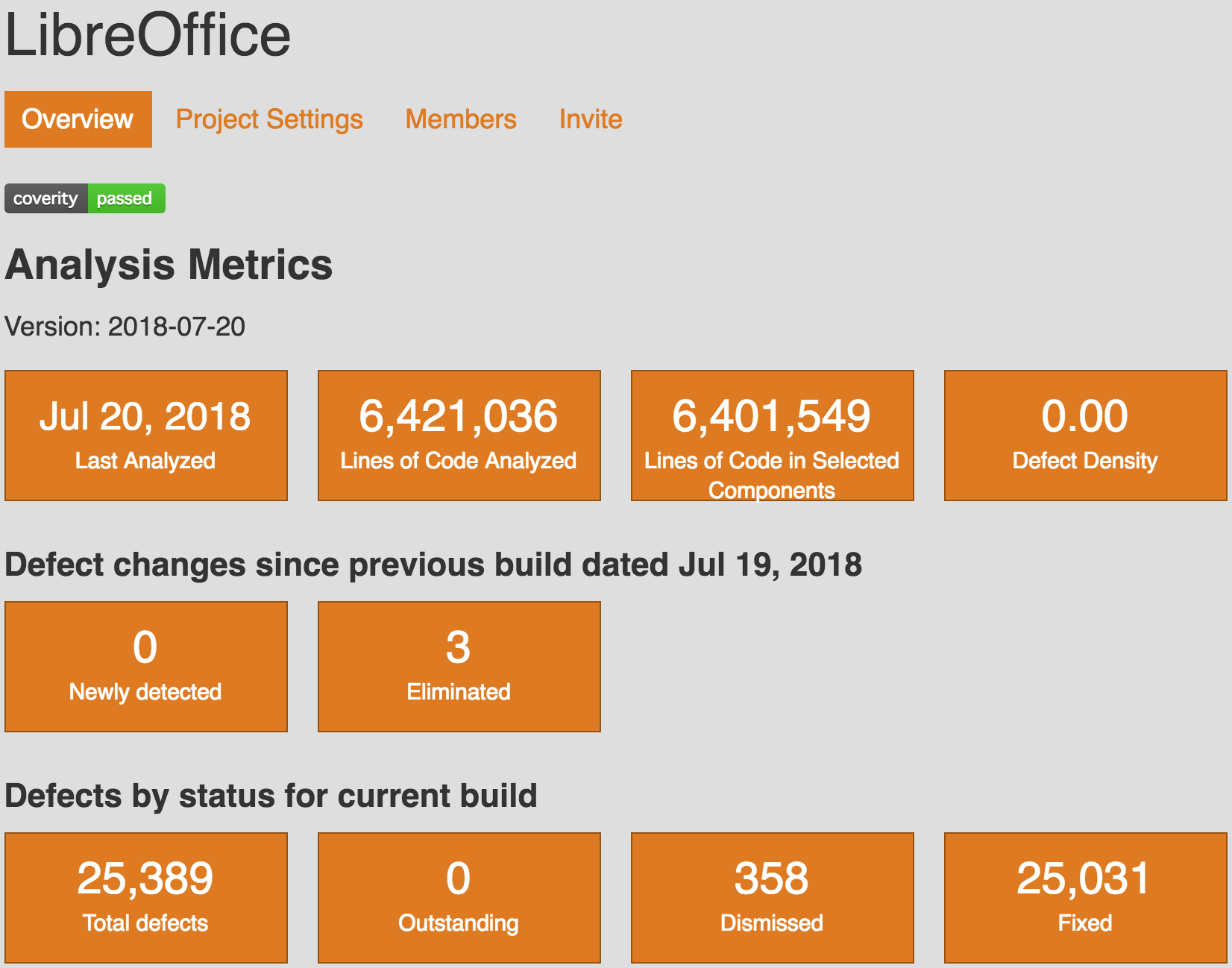
Last Coverity Scan metrics about LibreOffice, with 0 outstanding defects on 6 million lines of code. Kudos to our developers.

Berlin, July 25, 2018 – The Document Foundation celebrates five years of improvements to LibreOffice’s source code under Red Hat’s leadership, thanks to the adoption of automated tools such as Coverity Scan and Google OSS-Fuzz, and to the key contributions in the area of source code fuzzing of security specialists such as Antti Levomäki and Christian Jalio of Forcepoint.

“The combination of Coverity Scan, Google OSS-Fuzz and dedicated fuzzing by security specialists at Forcepoint has allowed us to catch bugs – which could have turned into security issues – before a release,” says Red Hat’s Caolán McNamara, a senior developer and the leader of the security team at LibreOffice.

Since 2013, Coverity Scan has helped to reduce the number of issues by several orders of magnitude (from 0.93 to 0.00093 per 1,000 lines of code). The score is significantly better than the FOSS software average of 0.65 and the proprietary software average of 0.71.

LibreOffice defect density score during the last two years

The Coverity Scan score is related to a static analysis to find source code defects and vulnerabilities. In static analysis, the code under examination is not executed. As such, the score does not represent an absolute value about quality and security of the software when executed on end user desktops.

More recently, developers have implemented fuzzing or fuzz testing, a technique that involves providing invalid, unexpected or random data as inputs to a program, which is then monitored for exceptions such as crashes or failing built-in code assertions, or for potential memory leaks. Fuzzing is able to catch issues just a few hours after they appear in the upstream source code repository, and help to solve bugs and potential security issues before they reach the end user.

#abetterlibreoffice
TDF Annual Report 2017

The Annual Report of The Document Foundation for the year 2017 is now available in PDF format from TDF Nextcloud in two different versions: low resolution (7.4MB) and high resolution (31.5MB). The annual report is based on the German version presented to the authorities in April.

The 48 page document has been entirely created with free open source software: written contents have obviously been developed with LibreOffice Writer (desktop) and collaboratively modified with LibreOffice Writer (online), charts have been created with LibreOffice Calc and prepared for publishing with LibreOffice Draw, drawings and tables have been developed or modified (from legacy PDF originals) with LibreOffice Draw, images have been prepared for publishing with GIMP, and the layout has been created with Scribus based on the existing templates.

Pictures have been kindly provided by members of the LibreOffice community from Albania, Brasil, Germany, Italy, Japan, Taiwan and Turkey.

TDF Annual Report will soon be available on Lulu for print-on-demand. In addition, some printed copies will be available at LibreOffice Conference in Tirana.

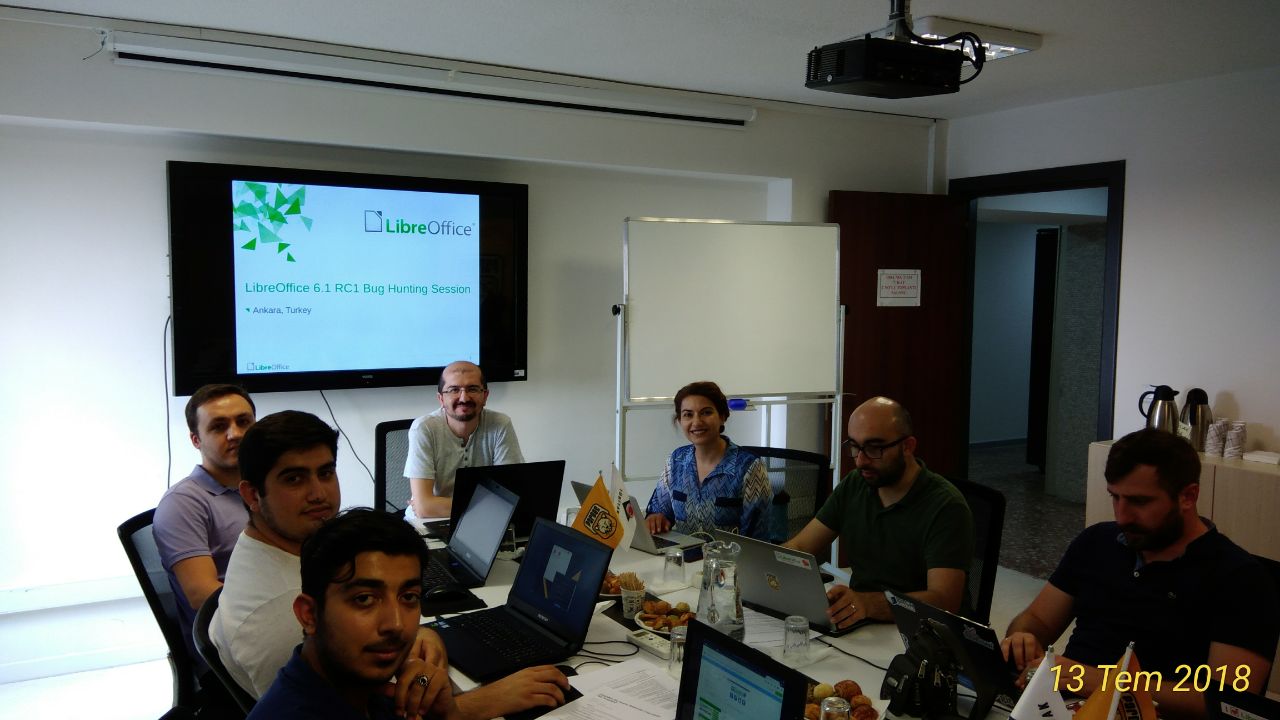
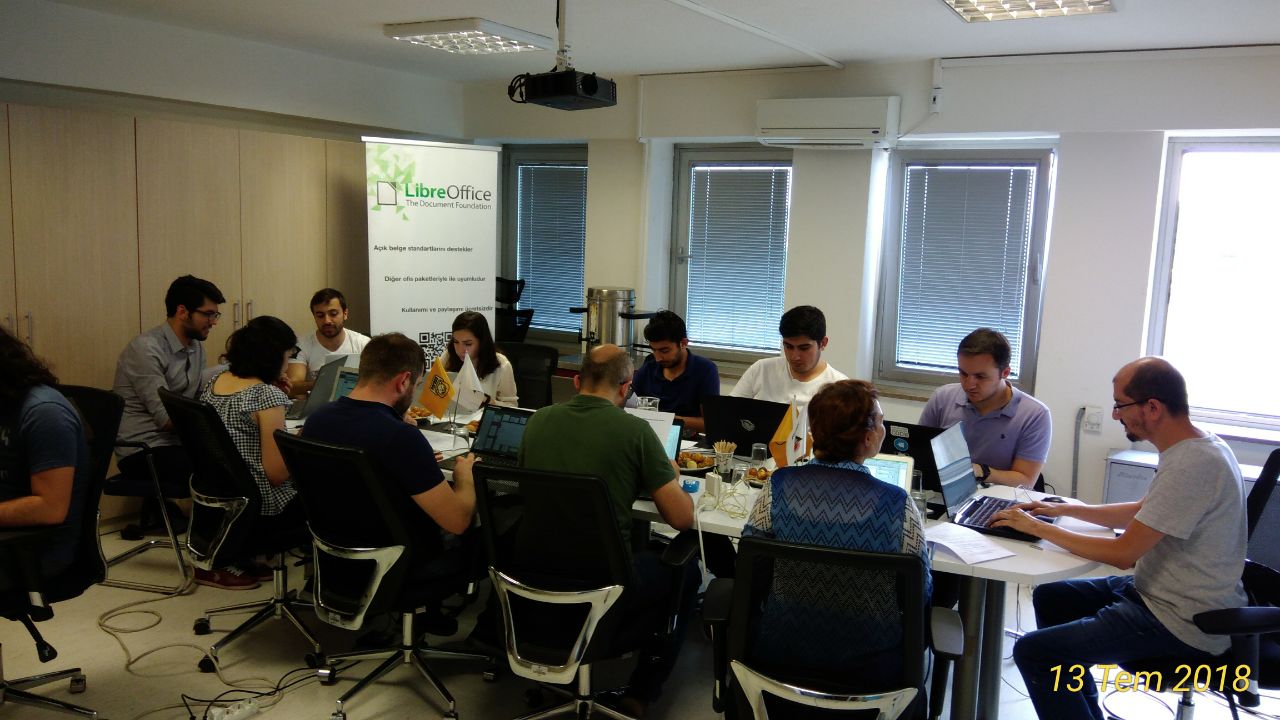
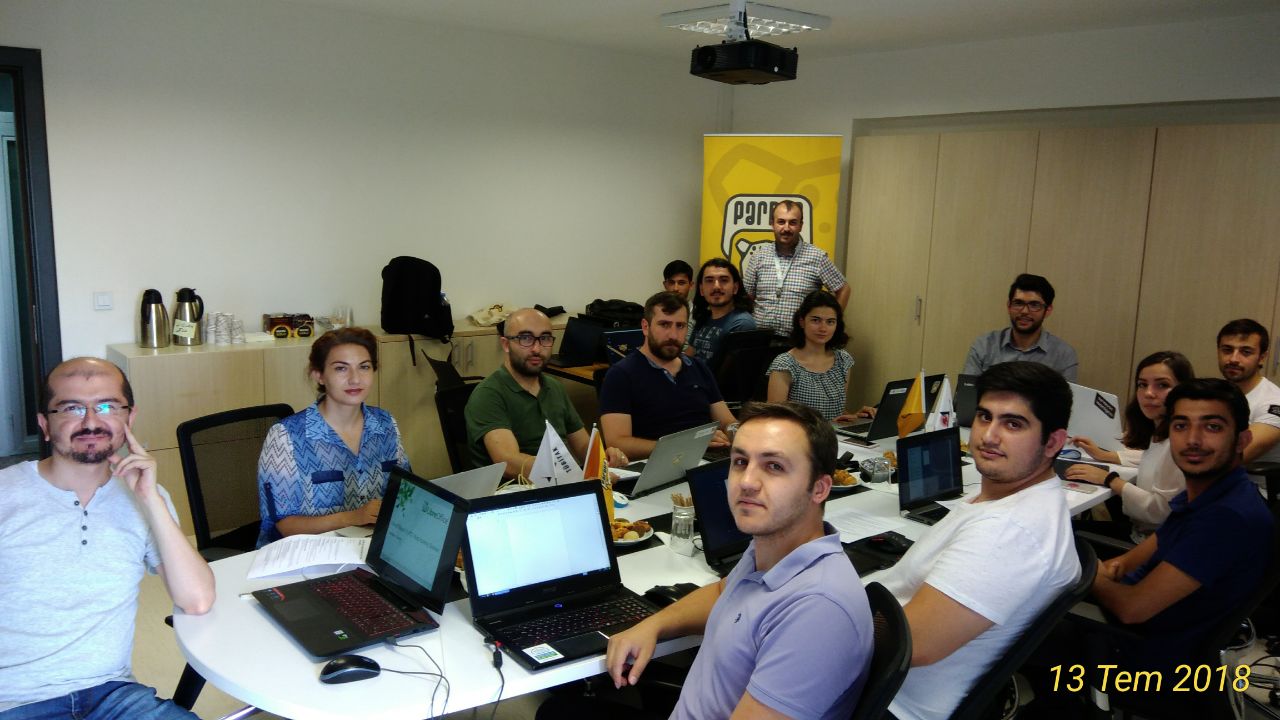
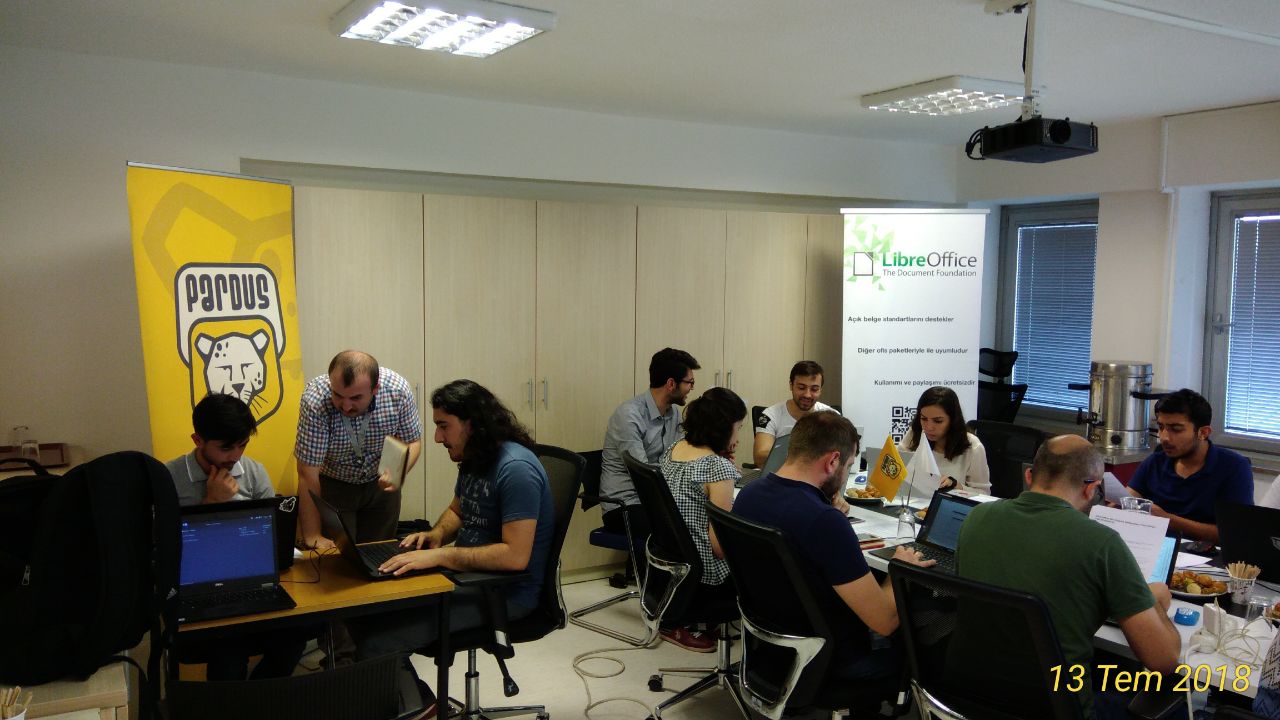
Results from the LibreOffice 6.1 RC1 Bug Hunting Session in Ankara

Question: Who can help to improve LibreOffice for millions of users around the world?
Answer: Anyone!

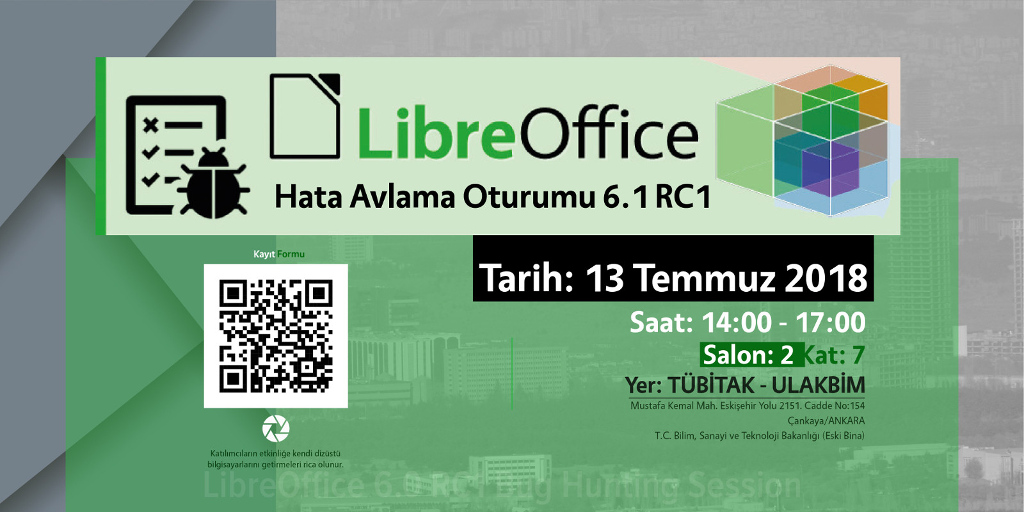
For instance, the Turkish LibreOffice community recently organised a Bug Hunting Session for LibreOffice 6.1 Release Candidate 1, to find and fix issues before the final release in early August.

Muhammet Kara helped to organise the event, and here’s his summary:

  • Around 15 people were present, and they tested LibreOffice for three hours. Multiple bugs were discovered. Some were reported, some were discussed, others were prepared for reports later.
  • Muhammet talked about “how to report bugs” for about 15 minutes, showing the LibreOffice Bugzilla installation.
  • There were Pardus, Debian, Windows and macOS machines (and possibly Fedora). Participants cross-checked issues on multiple platforms simultaneously.
  • After the session, there was a long discussion on community and ecosystem building for LibreOffice in Turkey.

So a big thanks to the Turkish community for their help! Check out some more photos below. And as mentioned, anyone can get involved and help to identify issues in LibreOffice – you don’t need to be a developer. See here to get started, and millions of users around the world appreciate your work!

Join us at the LibreOffice Conference 2018 in Tirana!

Yes, this year’s LibreOffice Conference takes place from September 25 – 28 in Albania. Register today, meet our community, and have fun! Here’s a quick preview:

Please confirm that you want to play a YouTube video. By accepting, you will be accessing content from YouTube, a service provided by an external third party.

YouTube privacy policy

If you accept this notice, your choice will be saved and the page will refresh.

Live LibreOffice 6.1 RC1 Bug Hunting Session in Ankara on July 13

LibreOffice 6.1 is approaching, and the Turkish community is organising an RC1 Bug Hunting Session in Ankara on July 13. Here are the details:

  • Time: 14:00-17:00 (UTC+3)
  • Location: TUBITAK ULAKBIM, 7th Floor, Meeting Room 2
  • Registration form

Attendees will bring their own laptops. Registration until Thursday 17:00 (UTC+3) is required. There will be snacks, tea, and some swag! So if you’re in (or around) Ankara, join our friendly community, and let’s make LibreOffice 6.1 the best release ever!

LibreOffice Viewer for Android: Help us fight for digital freedom!

Did you know that LibreOffice Viewer is available for Android phones and tablets? Check it out:

Please confirm that you want to play a YouTube video. By accepting, you will be accessing content from YouTube, a service provided by an external third party.

YouTube privacy policy

If you accept this notice, your choice will be saved and the page will refresh.

It’s available on the Play Store and on F-Droid, and includes experimental editing support. But we want to go much further! You can help our community to improve it:

  • Report any bugs you find so that our QA volunteers can investigate
  • If you have some technical knowledge, build the latest version and test it out (new features are being added regularly)
  • And if you have some experience developing Android apps, we’d love to have your help! Start with the README to get an overview of the app and source code tree, and see here for information on submitting patches

Together we can make the dream of a full-featured version of LibreOffice for Android a reality. Thanks for your help and support!