LibreOffice for End User Privacy – TDF’s Annual Report 2024
TDF Annual Report 2024 banner

LibreOffice stands out as a privacy-respecting open source office suite. Unlike proprietary alternatives, the software is designed with privacy, user control and transparency in mind.

(This is part of The Document Foundation’s Annual Report for 2024 – we’ll post the full version here soon.)

Introduction

Concerns about end user privacy in the digital world have grown significantly over the past two decades, with increasing awareness of data collection, user tracking and online surveillance. Many proprietary applications, including office productivity tools, often collect vast amounts of user data, in most cases without clear user consent.

All this has been clearly documented by Shoshanna Zuboff in her book: The Age of Surveillance Capitalism, which is defined as a new economic strategy that uses the activities and experience of the individual as a free raw material for hidden commercial practices of extraction, prediction, profiling and selling.

In this context, open source software differs substantially because respect for the user and for privacy are part of the ethical principles that guide the development of all applications. And LibreOffice stands out as the only office suite – open source or not – that respects privacy. Unlike proprietary alternatives, LibreOffice is designed with privacy, transparency, and user control of content in mind. The software does not collect telemetry data by default, does not include intrusive tracking functions, and allows users to work completely offline.

The following is a list of LibreOffice features and settings which help ensure end-user privacy, making the software a preferred choice for individuals, businesses and government institutions that prioritise data security.

No data collection or telemetry by default
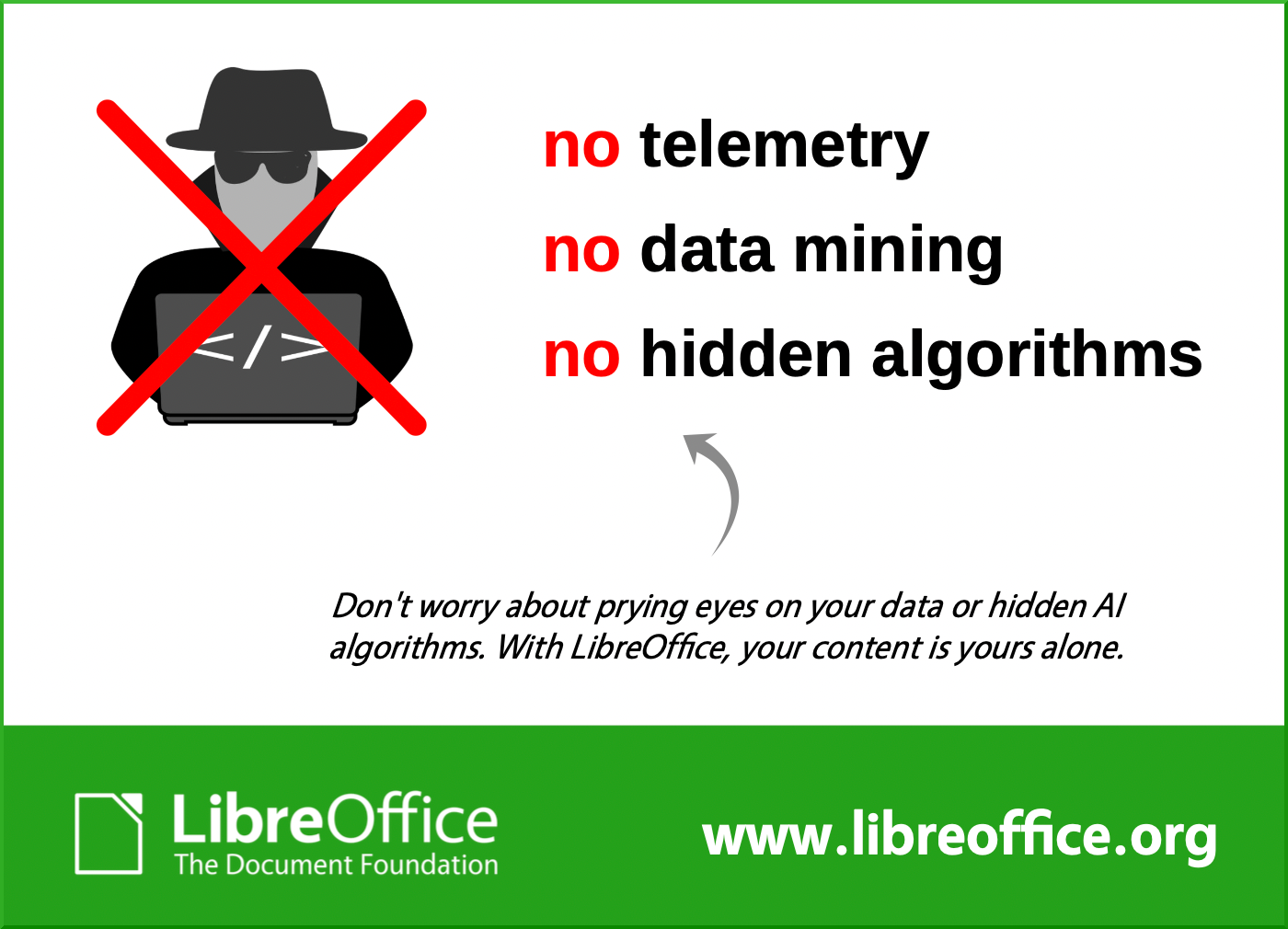
Infographic showing that LibreOffice doesn't mine your data

One of the most significant privacy benefits of LibreOffice is its lack of telemetry by default. Unlike proprietary office suites that constantly send usage data back to their developers, LibreOffice does not collect or send any personal data without the user’s consent.

  1. There are no background processes that track document usage, keystrokes or user activity.
  2. LibreOffice does not create a unique user ID or track document interactions like some proprietary office suites do.
  3. There is no built-in cloud storage requirement, ensuring that files remain on the user’s device unless manually uploaded elsewhere.

Optional telemetry with user consent

LibreOffice offers an optional telemetry feature, but it is entirely opt-in and requires explicit user consent. The collected data will only be used to improve the functionality of the software and will never be shared with third parties.

Full offline functionality

Unlike cloud-based office suites such as Google Docs, Microsoft 365 or Apple iWork, LibreOffice is a fully offline suite.

  1. No forced cloud storage: documents remain on the local computer, reducing the risk of unauthorised access.
  2. No dependence on an Internet connection: users can work in completely isolated environments.
  3. No third-party server involvement: documents are never stored on a corporate server unless explicitly uploaded by the user.

For security-conscious organisations such as government agencies, law firms and healthcare providers, this offline capability ensures that sensitive documents never leave the internal network.

Open Document Format (ODF) for privacy and transparency

ODF logo

LibreOffice uses the Open Document Format (ODF) as its default file format. Unlike proprietary formats such as Microsoft’s DOCX, XLSX and PPTX, ODF is an open standard, which means:

  1. It does not contain hidden tracking elements or embedded metadata that can leak user information.
  2. It guarantees the integrity of the data in the long term because the format is fully documented, and the documentation is publicly available. Furthermore, the documentation corresponds to the format currently used by the software, unlike what happens with Microsoft 365 where the documentation is stuck at 2008.
  3. It does not contain proprietary encryption mechanisms that could be exploited for surveillance or unauthorised access.

Control over metadata

Metadata can contain sensitive information such as: author details, document history, and editing timestamps. LibreOffice allows users to remove all metadata before sharing a document to ensure that private information is not inadvertently shared with external parties.

Strong encryption and password protection

LibreOffice provides robust document encryption to prevent unauthorised access. Users can protect their documents with strong passwords and encryption settings. This prevents unauthorised users from opening or modifying the file.

In addition, LibreOffice supports GNU Privacy Guard (GPG) encryption for users who require public key cryptography to secure their documents.

No cloud lock-in: freedom to choose storage

Unlike Microsoft 365 or Google Workspace, which force all users to store documents in their respective cloud ecosystems, LibreOffice allows full control over file storage. This flexibility ensures that no third party can access user data without explicit permission.

Users can:

  1. Store files locally on their hard drive or external storage.
  2. Use self-hosted cloud services such as Nextcloud or ownCloud for increased privacy.
  3. Store files on USB drives, encrypted partitions or private network servers.

Macro security and malware protection

Macros are often used in office documents for automation, but they can also be exploited to deliver malware. LibreOffice includes robust macro security settings to protect users.

  1. By default, LibreOffice blocks macros from untrusted sources.
  2. Users can only enable macros if they are signed with a trusted certificate.
  3. The security level can be configured to prevents malicious actors from using macros as an attack vector.

Transparency and open source code

One of the biggest privacy benefits of LibreOffice is its open source nature. Unlike proprietary office suites that operate as black boxes, LibreOffice’s source code is publicly available and regularly audited by the security community. This level of transparency and user control makes LibreOffice a trusted alternative to closed-source office suites.

  1. No hidden spyware: because anyone can inspect the code, LibreOffice cannot contain hidden trackers or surveillance tools.
  2. Independent security audits: governments, cybersecurity experts and researchers can verify LibreOffice’s privacy claims.
  3. No forced updates: users have complete control over when and how they update LibreOffice, avoiding unwanted feature changes or telemetry settings.

Conclusion

LibreOffice is the most privacy-conscious office suites available today. With no telemetry by default, full offline functionality, strong encryption, metadata control and open source transparency, it provides users with a secure and private environment for document creation and collaboration.

For individuals, businesses and governments concerned about privacy and digital sovereignty, LibreOffice is a reliable, free and ethical alternative to proprietary office suites.

As privacy concerns continue to grow in the digital age, LibreOffice remains committed to ensuring that users retain full control over their data: a core principle that sets it apart from many commercial alternatives.


Like what we do? Support the LibreOffice project and The Document Foundation – get involved and help our volunteers, or make a donation. Thank you!

The Document Foundation announces LibreOffice 25.2.4

With LibreOffice 24.8 close to end of life, all users are invited to update their free office suite to the latest release

Berlin, 6 June 2025 – The Document Foundation is pleased to announce the release of LibreOffice 25.2.4, the fourth maintenance release of the LibreOffice 25.2 family for Windows (Intel, AMD and ARM), MacOS (Apple Silicon and Intel) and Linux, available for download at https://www.libreoffice.org/download [1].

With LibreOffice 24.8 approaching the end of life, this release – which includes dozens of fixes and enhancements that further improve the suite’s performance, reliability and interoperability – is ready for production environments. We invite all users to update their installation as soon as possible.

LibreOffice 25.2.4 is based on the LibreOffice Technology, which enables the development of desktop, mobile and cloud versions – either from TDF or from the ecosystem – that fully support the two ISO standards for document formats: the open ODF or Open Document Format (ODT, ODS and ODP) and the closed and proprietary Microsoft OOXML (DOCX, XLSX and PPTX).

Products based on the LibreOffice Technology are available for all major desktop operating systems (Windows, macOS, Linux and ChromeOS), mobile platforms (Android and iOS) and the cloud.

For enterprise-class deployments, TDF recommends a LibreOffice Enterprise optimized version from one of the ecosystem companies, with dedicated value-added features and other benefits such as SLAs and security patch backports for three to five years.

English manuals for LibreOffice 25.2 Write, Impress, Draw and Math are available for download at https://books.libreoffice.org/en/. End users can get first-level technical support from volunteers on the user mailing lists and the Ask LibreOffice website: https://ask.libreoffice.org.

Downloading LibreOffice

All available versions of LibreOffice for the desktop can be downloaded from the same website: https://www.libreoffice.org/download/.

LibreOffice users, free software advocates and community members can support The Document Foundation and the LibreOffice project by making a donation: https://www.libreoffice.org/donate.

[1] Fixes in RC1: https://wiki.documentfoundation.org/Releases/25.2.4/RC1. Fixes in RC2: https://wiki.documentfoundation.org/Releases/25.2.4/RC2. Fixes in RC3: https://wiki.documentfoundation.org/Releases/25.2.4/RC3.

Announcing the winners in the Month of LibreOffice, May 2025 – Get your free sticker pack!

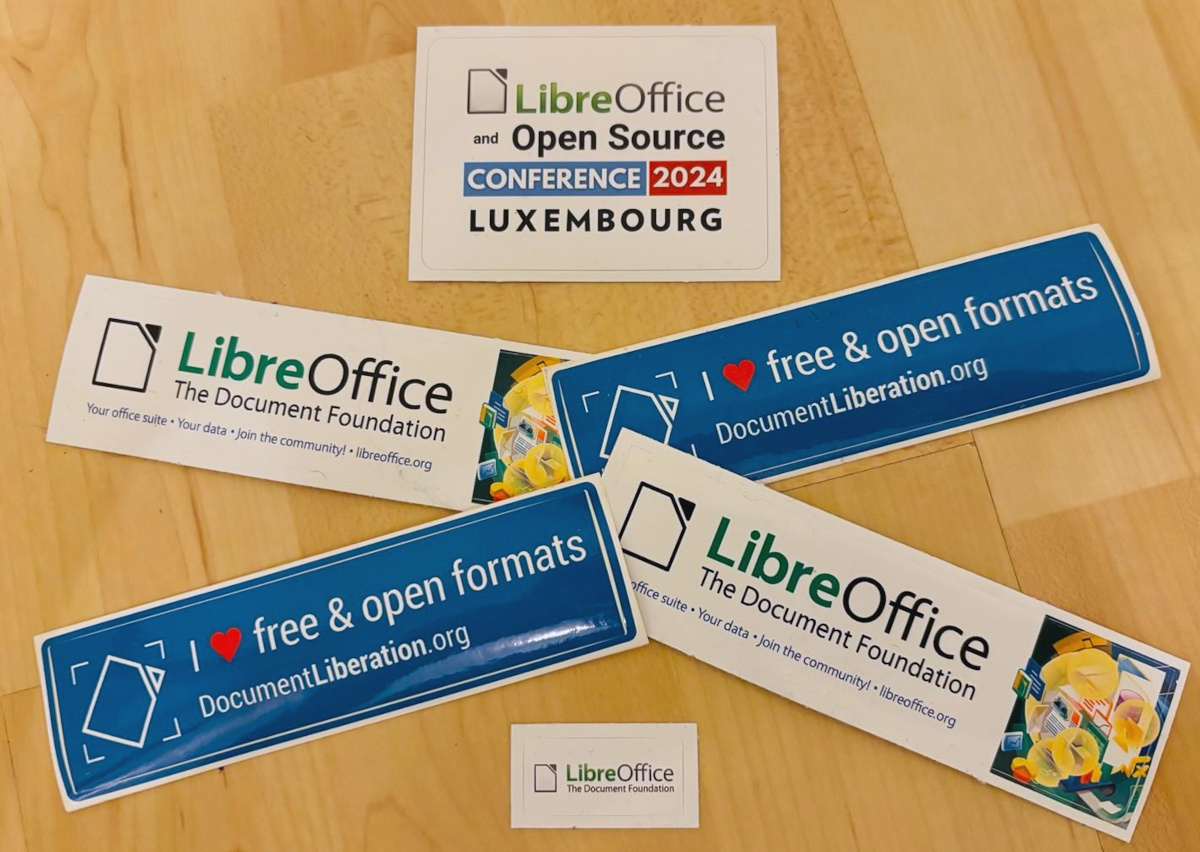
Month of LibreOffice stickers

At the beginning of May, we began a new Month of LibreOffice campaign, celebrating community contributions all across the project. We do these every six months – so how many people got sticker packs this time? Check it out…

This is a huge increase over the last campaign, in November, which had 301 winners. So that’s fantastic work, everyone! Hundreds of people, all across the globe, have helped out in our projects and communities. And those are just community contributions, not including the hundreds more from our ecosystem and certified developers!

We’re hugely thankful for the work – and, of course, everyone who’s listed on the wiki page can get a sticker pack, with the stickers shown above.

How to claim

If you see your name (or username) on this page, get in touch! Email mike.saunders@documentfoundation.org with:

  • your name (or username) from the wiki page
  • and your postal address

…and we’ll send you a bunch of stickers for your PC, laptop and other kit. (Note: your address will only be used to post the stickers, and will be deleted immediately afterwards.) If you contributed to the project in May but you’re not on the wiki page, please let us know what you did, so that we can add you!

There is one more thing…

And we have an extra bonus: ten contributors have also been selected at random to get an extra piece of merchandise – a LibreOffice hoodie, T-shirt, rucksack or snazzy glass mug. Here are the winners (names or usernames) – we’ll get in touch personally with the details:

  • Takenori Yasuda
  • koyotak
  • Andrew Kopf
  • HiTom
  • bantoniof
  • Dominick
  • Jeremy Norvell
  • skyandrews
  • Johan van der Knijff
  • Yashodhan Sawardekar

Congratulations to all the winners, and a big thanks once again to everyone who took part – your contributions keep the LibreOffice project strong. We plan to have another Month of LibreOffice in November, but everyone is welcome to see what they can do for LibreOffice at any time!

LibreOffice Podcast, Episode #3 – Quality Assurance (QA) in Free and Open Source Software

Xisco Fauli, Ilmari Lauhakangas and Mike Saunders from The Document Foundation, the non-profit organisation behind LibreOffice, discuss Quality Assurance (QA) in free and open source software . (This video is also available on PeerTube.)

Please confirm that you want to play a YouTube video. By accepting, you will be accessing content from YouTube, a service provided by an external third party.

YouTube privacy policy

If you accept this notice, your choice will be saved and the page will refresh.

LibreOffice project and community recap: May 2025

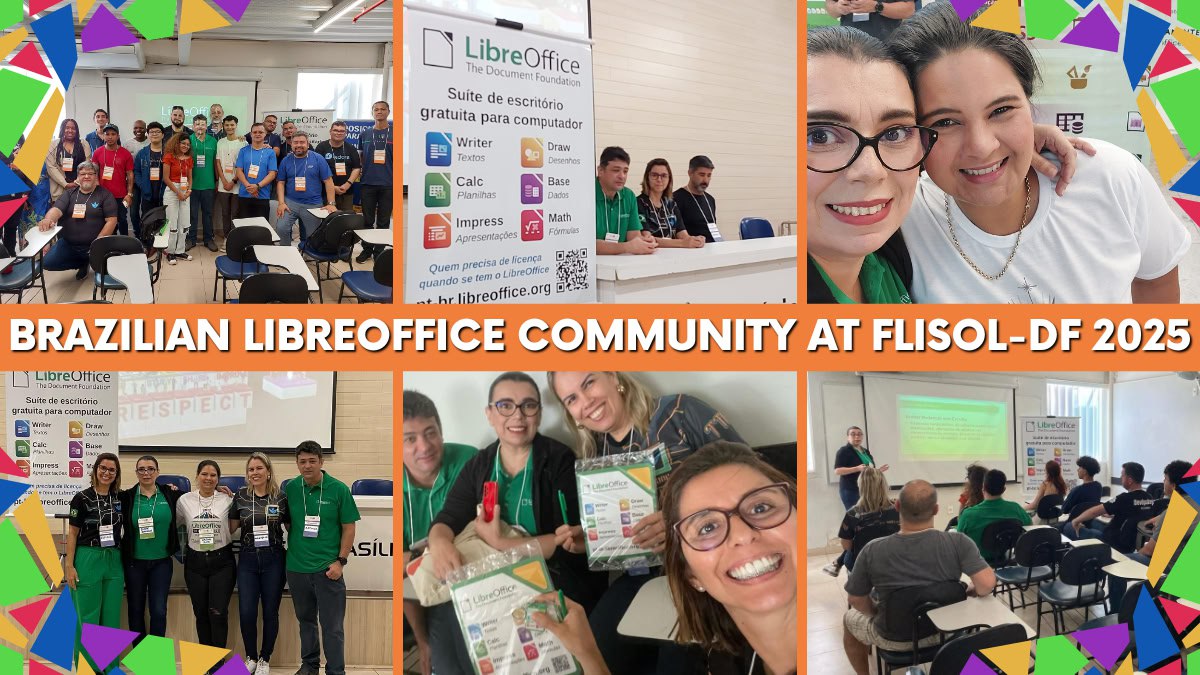
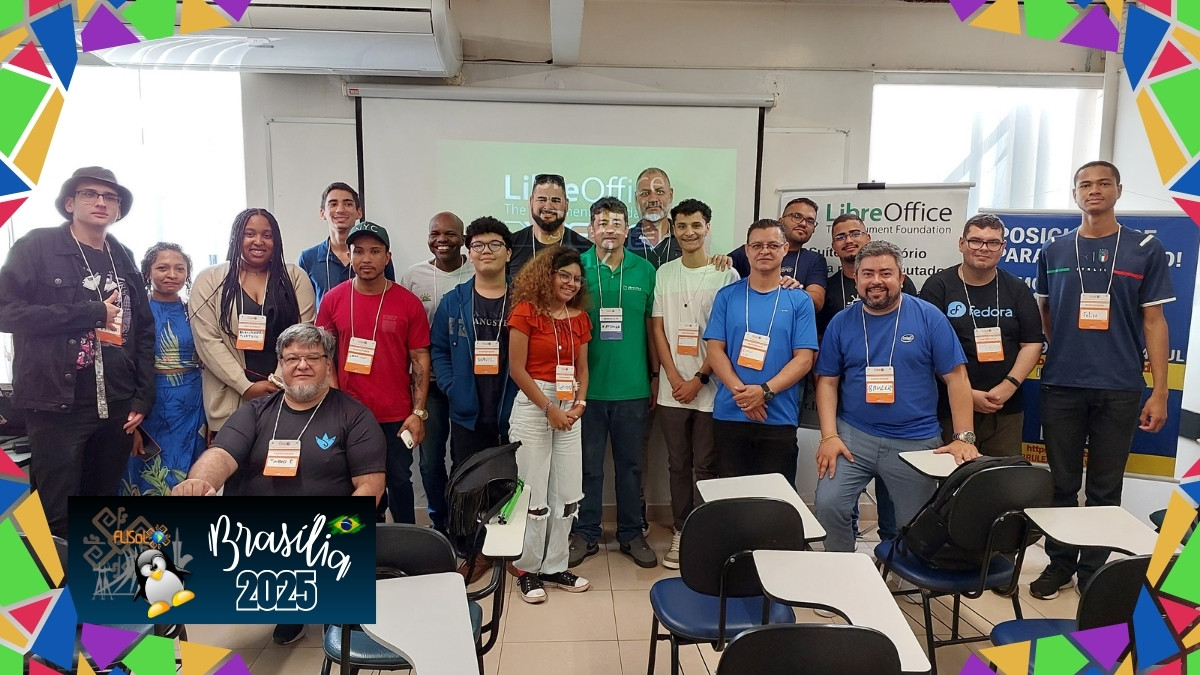
Brazilian LibreOffice Community at FLISOL Brasilia 2025

Here’s our summary of updates, events and activities in the LibreOffice project in the last four weeks – click the links to learn more…

  • We started May with a new Month of LibreOffice campaign! This is something we do every six months, to say thank you to contributors and encourage more people to join our project. We’ll post the final results here very soon…

Month of LibreOffice banner

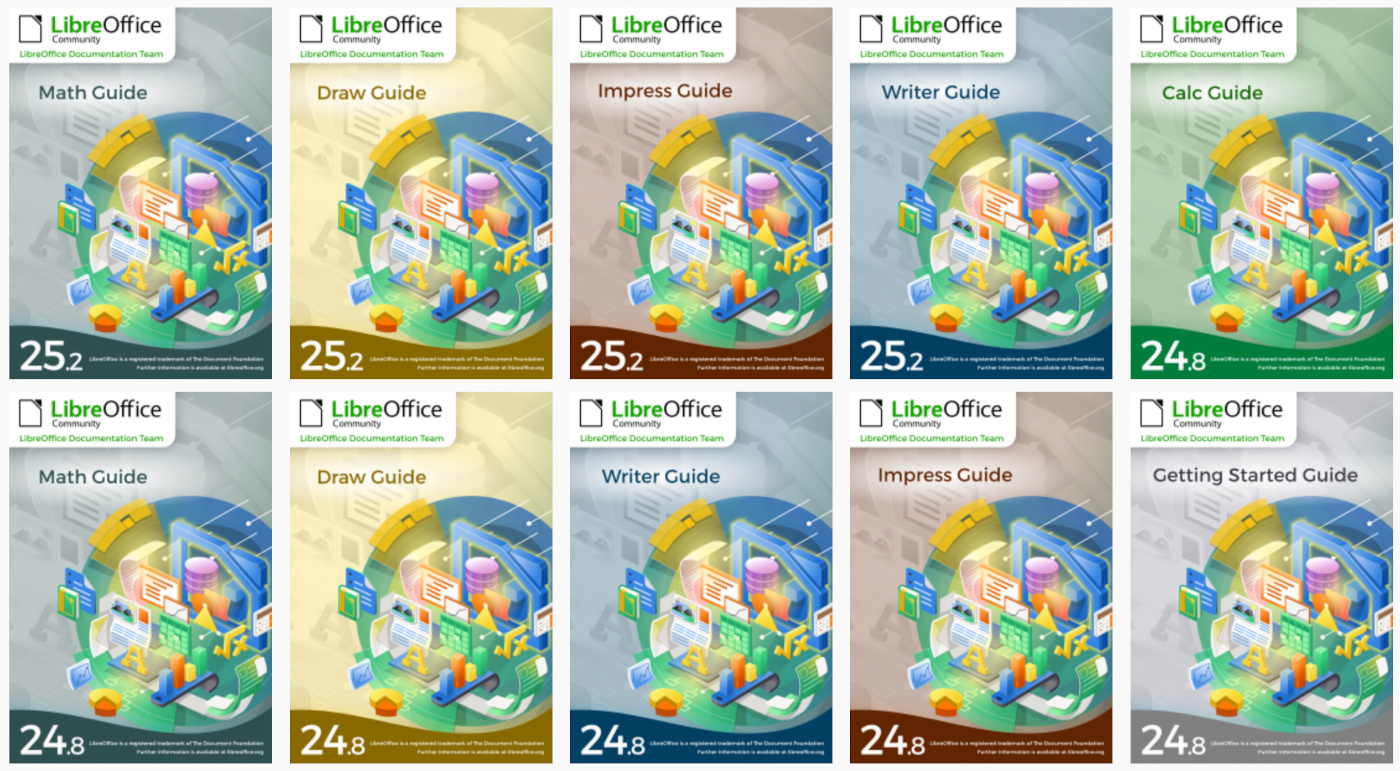
LibreOffice guidebook covers

Brazilian LibreOffice Community at FLISOL Brasilia 2025

  • This year’s LibreOffice Conference will take place in Budapest from 4 – 6 September, and the call for papers is now open. Submit a talk, and we hope to seeing you there!

Photo of Budapest at night

  • On May 8, we announced LibreOffice 24.8.7, the seventh and last minor release of the LibreOffice 24.8 family. After this, all users are strongly recommended to upgrade to the LibreOffice 25.2 branch.

LibreOffice 24.8 banner

Open Document Format logo

GSoC logo

Keep in touch – follow us on Mastodon, Bluesky, X (formerly Twitter), Reddit and Facebook. Like what we do? Support our community with a donation – or join our community and help to make LibreOffice even better!

LibreOffice Design team work in 2024 – TDF’s Annual Report

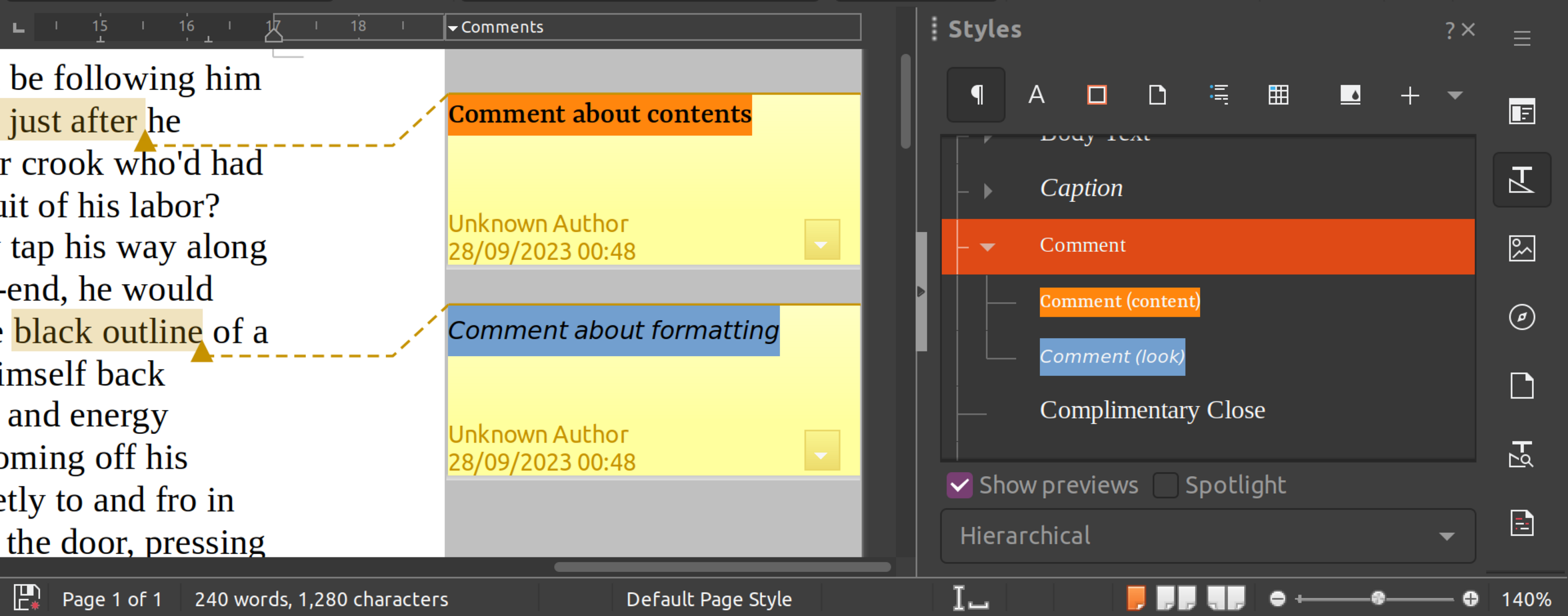
LibreOffice comment styles

Design has been one of the major focus points of LibreOffice in recent years. The design/UX community has continued to support QA by evaluating user reports on Bugzilla, helping development with mockups, and mentoring volunteers and students in different projects.

(This is part of The Document Foundation’s Annual Report for 2024 – we’ll post the full version here soon.)

Besides a large number of fixed issues on macOS thanks to Patrick Luby, and continuous work on the Navigator by Jim Raykowski, we had many more improvements – here is just a small selection:

Improvements in LibreOffice 24.2

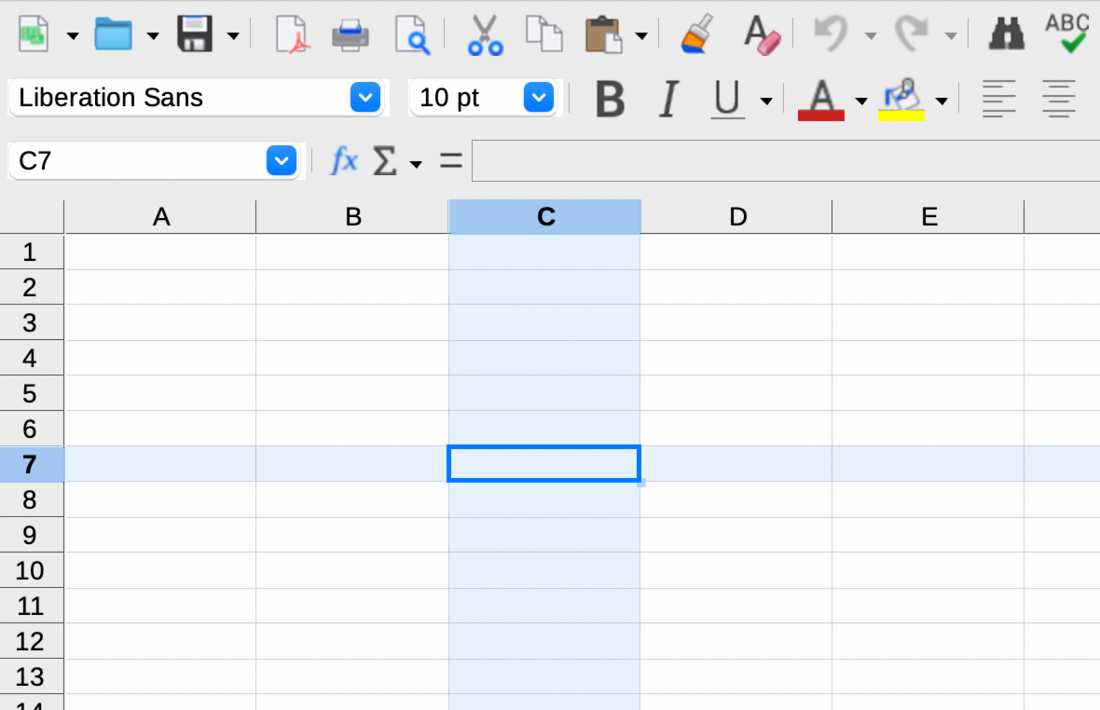
The column/row for active cells can be highlighted in Calc (implemented by Sahil Gautam)

Active cell highlighting in LibreOffice Calc

Tools ▸ Options was complemented by a search feature (Bayram Çiçek)

Comment styles were introduced for quick and consistent formatting of all comments (Maxim Monastirsky) (depicted in the screenshot at the top of this post)

Improvements in LibreOffice 24.8

Bundled templates were refactored with localized placeholders (Laurent Balland)

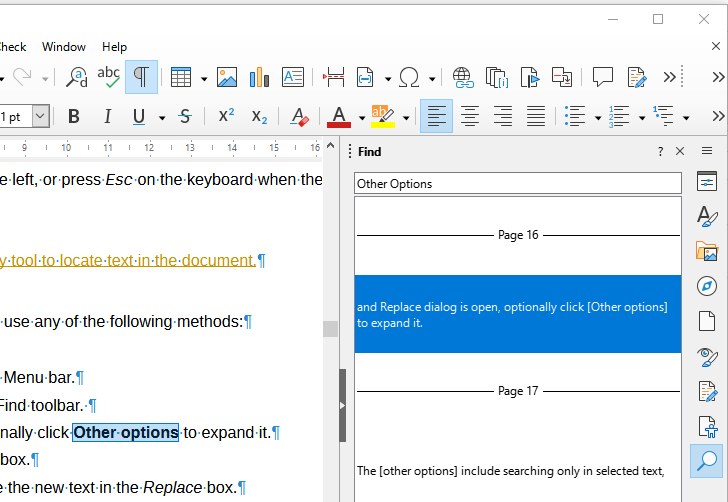
New “Quick Find” deck in the Sidebar, which lists the search results along with their context (Khushi Gautam)

Quick Find deck in LibreOffice Sidebar

Formatting characters are now treated independently from fields and do not toggle with non-printable characters (Heiko Tietze)

“Keep Ratio” settings in the Position and Size dialogs are more intuitive now with a lock symbol and reference lines (Heiko Tietze)

Hovering over a layer’s tab in Draw highlights the objects it contains (Jim Raykowski)

Among many other improvements to the Basic IDE, a dialog was added that allows users to pick one of six syntax highlighting colour schemes (Rafael Lima)

Like what we do? Support the LibreOffice project and The Document Foundation – get involved and help our volunteers, or make a donation. Thank you!