10 great LibreOffice-only features

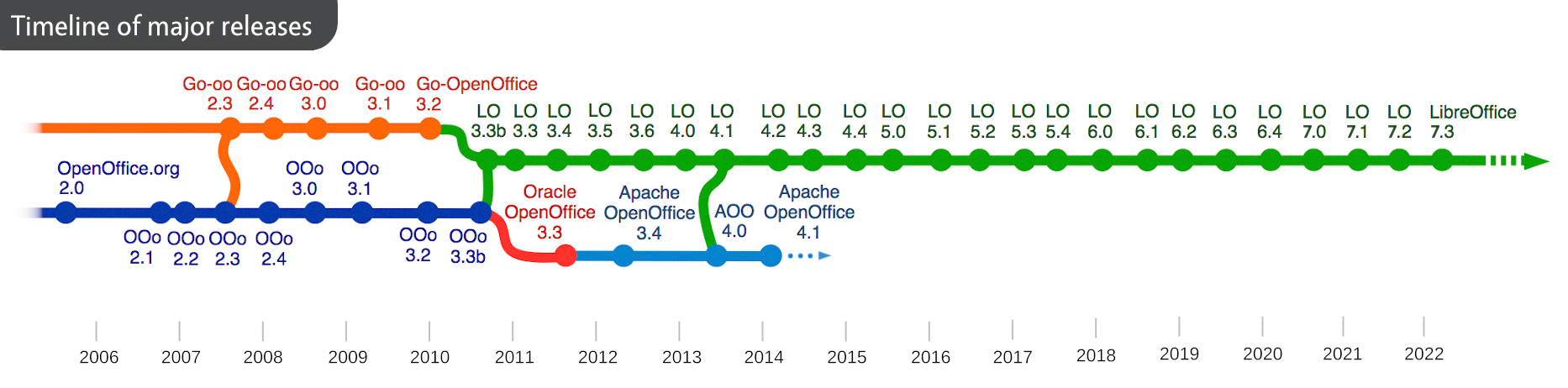
LibreOffice is the successor project to OpenOffice, which had its last major release (4.1) back in 2014, as you can see in this timeline – click to enlarge. And, of course, it’s still free and open source:
We release a new major version every six months – so let’s check out some of the great features our community and certified developers have added in recent years!


1. Improved compatibility – .docx export

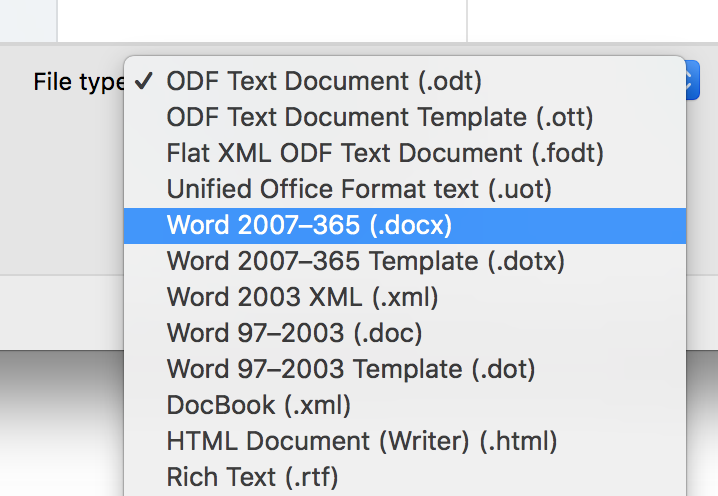
LibreOffice Writer, the word processor, can export documents in .docx format (OOXML), as used by Microsoft Office. Many other compatibility improvements have been added too.

2. NotebookBar user interface

Since LibreOffice 6.2, we have an alternative user interface option called the NotebookBar. To activate it, go to View > User Interface > Tabbed.


3. EPUB export

Want to create e-books from your documents? With LibreOffice, you can! Click File > Export and choose EPUB, which can be read on many e-book devices.


4. Document signing

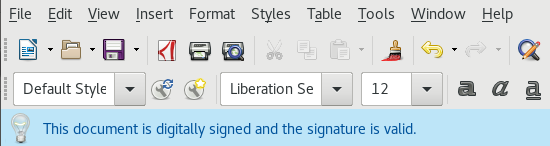
For improved security, you can use OpenPGP keys to sign and encrypt ODF, OOXML and PDF documents. (ODF is the OpenDocument Format, the native format of LibreOffice.)

5. Pivot charts

Calc, LibreOffice’s spreadsheet, lets you create charts from pivot tables. This helps you to summarise data sets in complex spreadsheets.
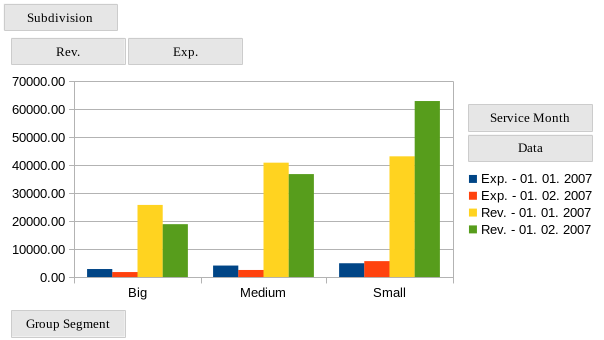

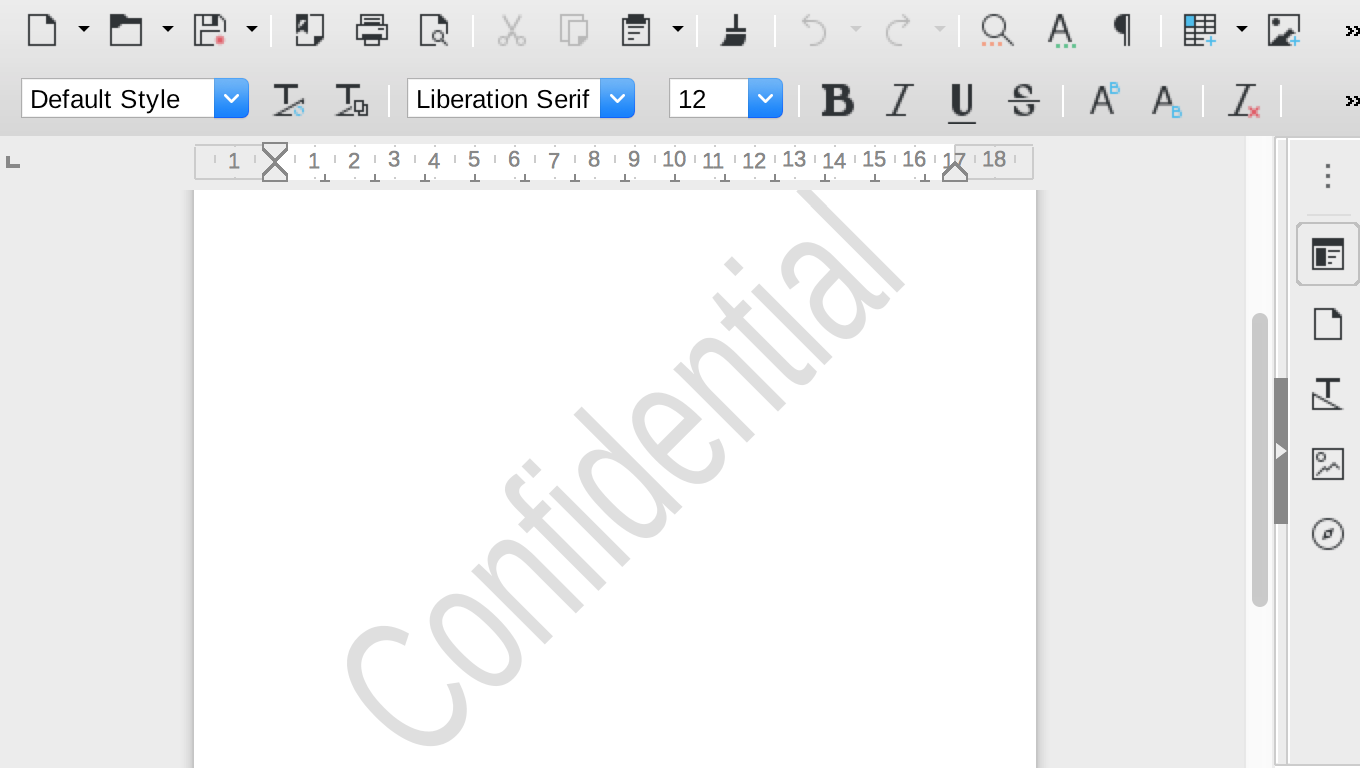
6. Document watermarks

LibreOffice 5.4 introduced custom watermarks, which can be added to page backgrounds.

7. Major spreadsheet performance boosts

Calc has benefited from multi-threading support, dramatically boosting performance on computers with multi-core CPUs.


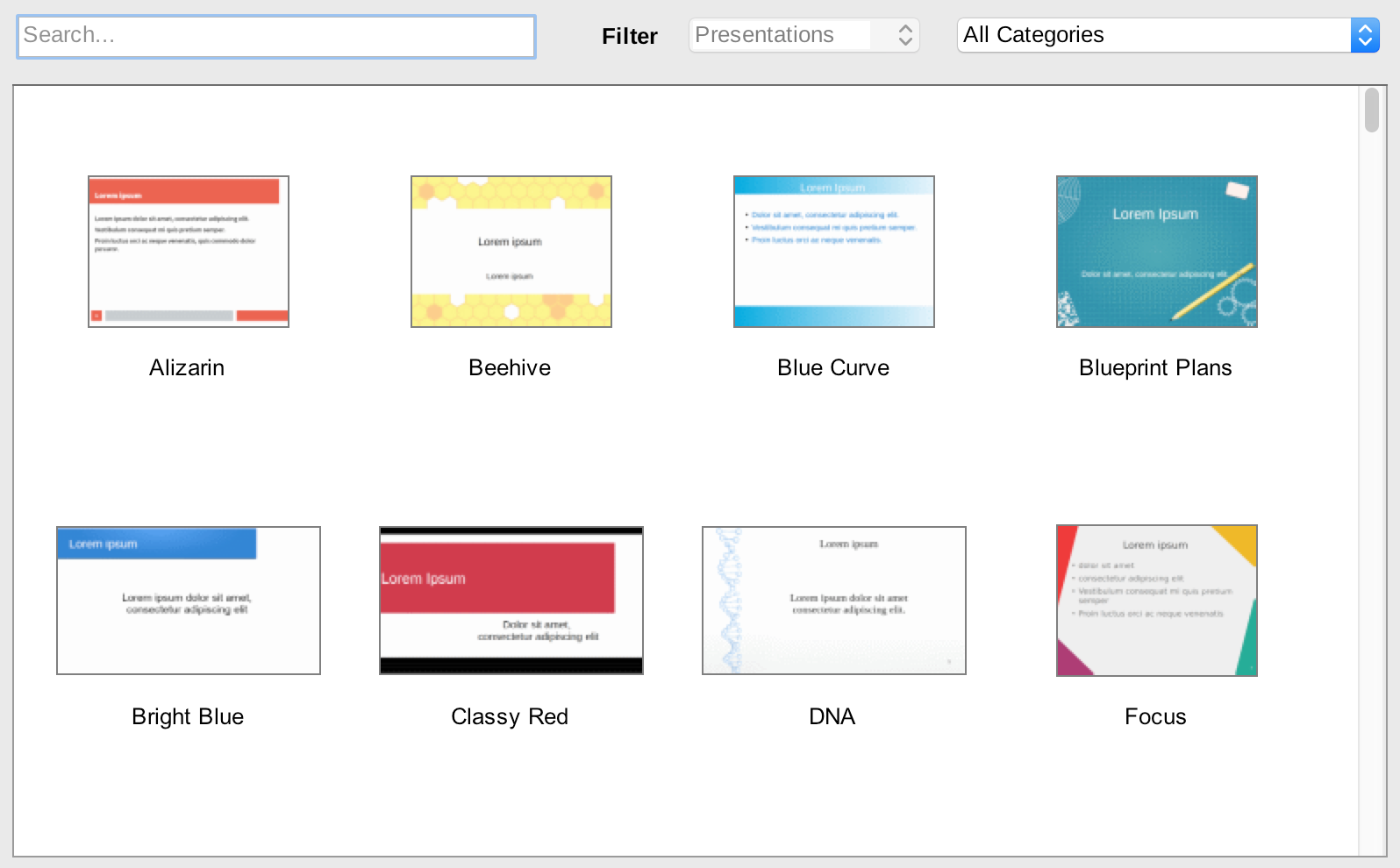
8. Attractive presentation templates

Impress, LibreOffice’s presentation tool, includes a selection of hand-crafted templates, so you can focus on content rather than design.

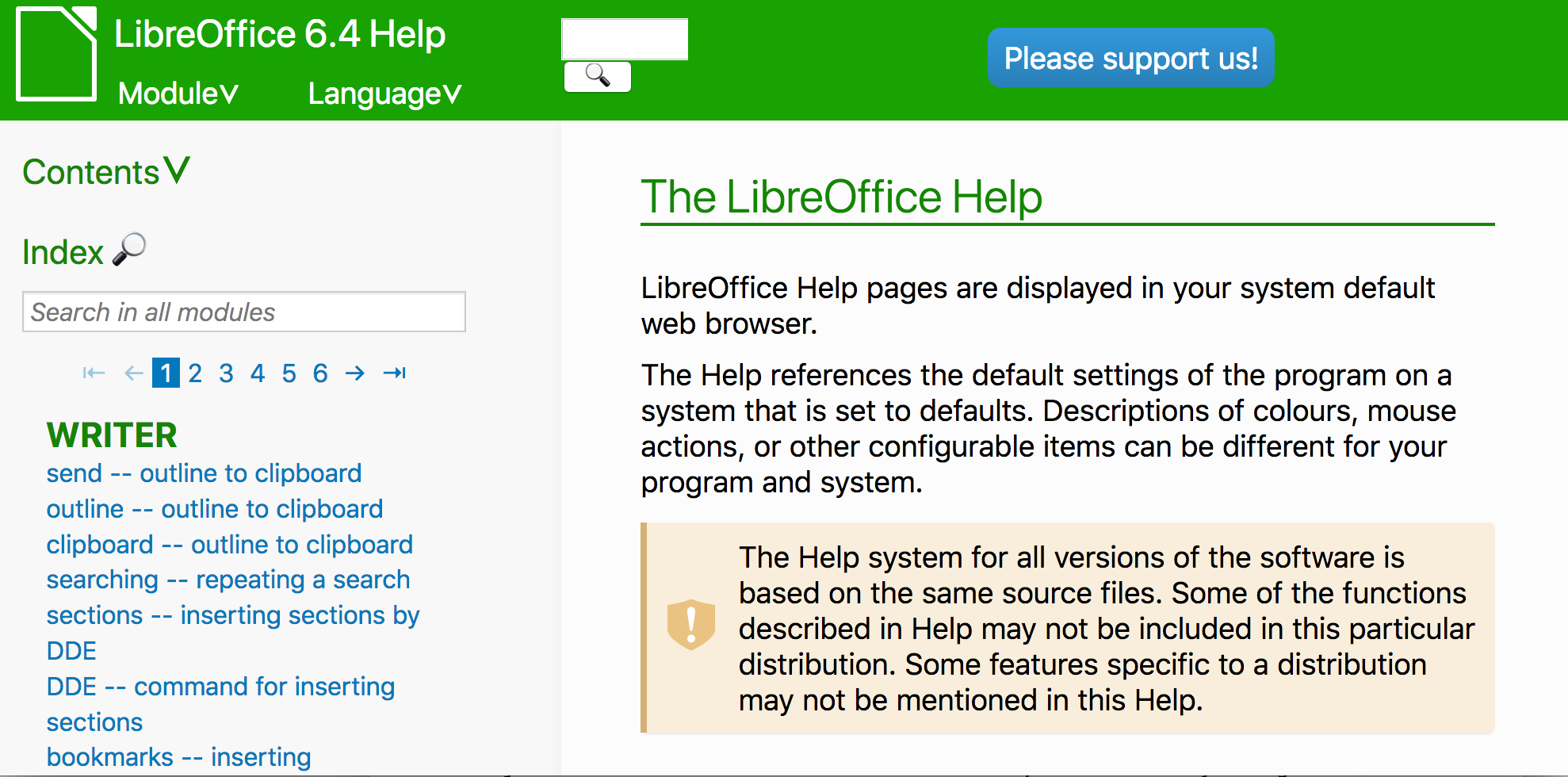
9. Documentation improvements

LibreOffice’s help system has been improved to be more user-friendly, while many guidebooks have been updated too.

10. Safe Mode

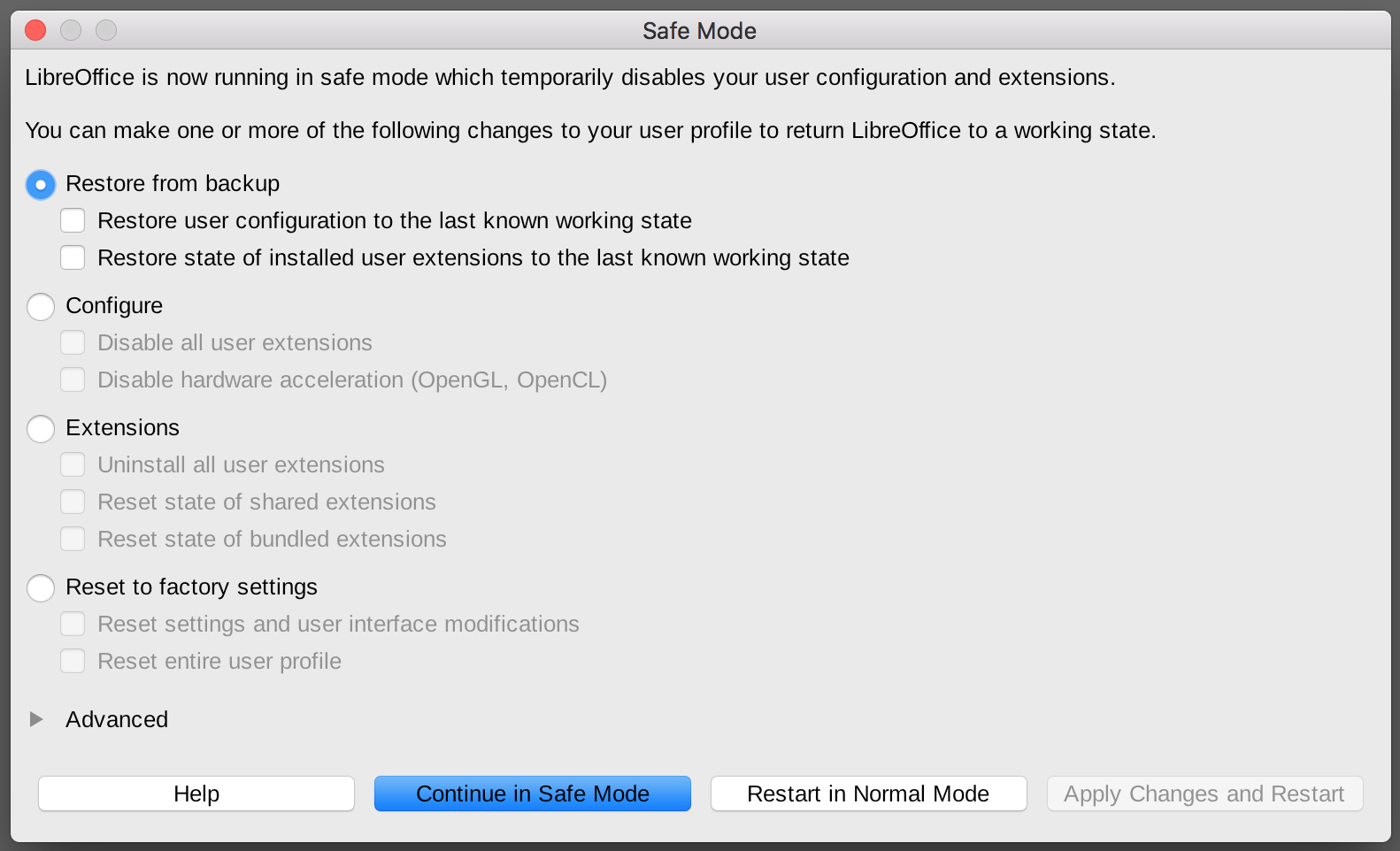
To improve reliability, LibreOffice 5.3 introduced a Safe Mode, which temporarily disables your user configuration and extensions. This helps you to pinpoint any issues which may affect your setup.

Like what you see? Download LibreOffice and try it out – it’s free!


Those are just some of the features – but of course, our community has grown, we’ve started the Document Liberation Project and we have professional support options for using LibreOffice in businesses. And there’s much more still to come – join us!

LibreOffice presentations at FOSDEM 2020 – learn about the technology behind the software

FOSDEM is the biggest European get-together of free and open source software (aka FOSS). And, of course, the LibreOffice community and certified developers were there!

Indeed, many developers and community members gave talks about their recent work – check out these links for the videos and slides…

Main track

Open Document Editors devroom

Collaborative Information and Content Management Applications

Call for Paper for LibOCon 2020 is now open

The openSUSE and LibreOffice Projects are combining their annual conferences together for one year in 2020 to have a joint openSUSE + LibreOffice Conference. This joint conference, which is combined this one year to celebrate 10 years of the LibreOffice Project and 15 years of the openSUSE Project, will take place at the Z-bau in Nuremberg, Germany, from October 13 to 16, 2020. The goal of the openSUSE + LibreOffice Conference, brings together fun, smart and open-source minded community members to discuss and present topics relative to the two projects as well as open-source software development topics.

The Document Foundation invites all members and contributors to submit talks, lectures and workshops for this year’s event. Whether you are a seasoned presenter or have never spoken in public before, if you have something interesting to share about LibreOffice, the Document Liberation Project or the Open Document Format, we want to hear from you!

Proposals should be filed by June 30, 2020, in order to guarantee that they will be considered for inclusion in the conference program.

The conference program will be based on the following tracks:

a) Development, APIs, Extensions, Future Technology
b) Quality Assurance
c) Localization, Documentation and Native Language Projects
d) Appealing Libreoffice: Ease of Use, Design and Accessibility
e) Open Document Format, Document Liberation and Interoperability
f) Advocating, Promoting, Marketing LibreOffice

Presentations, case studies, workshops, and technical talks will discuss a subject in depth and will last 30 minutes (including Q&A). Lightning talks will cover a specific topic and will last 5 minutes (including Q&A). Sessions will be streamed live and recorded for download.

Please send a short description/bio of yourself as well as your talk/workshop proposal(s) to the program committee by registering and completing the form here: https://events.opensuse.org/conferences/oSLO

If you do not agree to provide the data for the talk under the “Creative Commons Attribution-Share Alike 4.0 License”, please explicitly state your terms. In order to make your presentation available on TDF’s YouTube channel, please do not submit talks containing copyrighted material (music, pictures, etc.).

Thanks a lot for your participation!

30,000 followers on Twitter!

Yes, our Twitter account now has over 30,000 followers. A big thanks to everyone in the community for supporting us, sharing and liking our tweets, and helping to spread the word about LibreOffice and free software!

Of course, we understand that not everyone wants to use Twitter, so we’re active on other platforms as well. For instance, our Mastodon account has 3,400 followers and gaining more every week. Check it out!

LibreOffice in Luxembourg: Ready for work

LibreOffice is available in over 100 languages, giving billions of people access to high-quality productivity tools, all across the globe. And now we’re adding Luxembourg to the list, with a new spell-checker extensions for Luxembourgish (Lëtzebuergesch).

The extension is available to download on this page.

Michel Weimerskirch, the extension’s maintainer, explains more: “My goal is to provide good quality spell-checking tools for the Luxembourgish language. LibreOffice is available on all major platforms for free, and also has the necessary programming interfaces I needed to even implement a phonological rule that could now be implemented using standard spell checking libraries. Over the past few years LibreOffice has grown to become a very mature office suite, so nowadays there is definitely no reason to not use it in a professional environment.

Paolo Vecchi, a local LibreOffice supporter – and recently elected as member of the Board of Directors of The Document Foundation – worked with Michel Weimerskirch to publish the new dictionary on the LibreOffice extensions portal, and will coordinate with the local Government and European institutions established in Luxembourg to help them upgrade to the
most complete and professional open source office suite.

Many local governments, organisations and companies around the world use LibreOffice every day – check out a selection here.