The Czech team has completed its translation of the Writer Guide 6.4. Big thanks to all volunteers, especially to Radomír Strnad, who initiated the translation and translated more then half of the chapters. Translators: Petr Kuběj, Zdeněk Crhonek, Petr Valach, Vendula Crhonková, Radomír Strnad, Ludmila Chládková and Zuzana Pitříková; text corrections Petr Valach, Barbora Aydin, Marcela Tomešová, Ludmila Klatovská, Nicole Borkeszová, Alžběta Motlová and Vendula Crhonková; localized pictures Roman Toman and technical support Miloš Šrámek.
The Czech translation of the Writer guide 6.4 is available for download here. The team also updated Math and Calc guides, both are available in actual version 7.0.
The team now continues with translating the Impress guide, and we always looking for new translators. Join us!
Our traditional LibreOffice Conference will be a fully virtual event for the second consecutive year, from September 23 (Thursday) to September 25 (Saturday), 2021. Unfortunately, the uncertainty still surrounding the COVID-19 pandemic and its effect on travel, conference planning, logistics and possibility for attendees to come to the conference – coupled with the unpredictability of the current vaccination campaign – are reasons for shifting the event to online also in 2021.
We all know how important and rewarding is a face-to-face meeting for a large free open source community such as the LibreOffice one, spanning over all continents and representing well over 100 native language communities. For the second year in a row, we will be forced to attend the conference from our houses and offices around the world, trying to make the most out of a virtual event which will be extremely rich in term of contents but not as rich in term of physical interactions.
We will publish the Call for Papers by the end of April. In the meantime, if you have a suggestion for the organizers – something you think we can improve, or a topic that should be covered by the Call for Papers, or just an idea to make the virtual conference more engaging for the attendees – you can send an email to conference@global.libreoffice.org or a message to the Telegram group https://t.me/liboconvirtual.
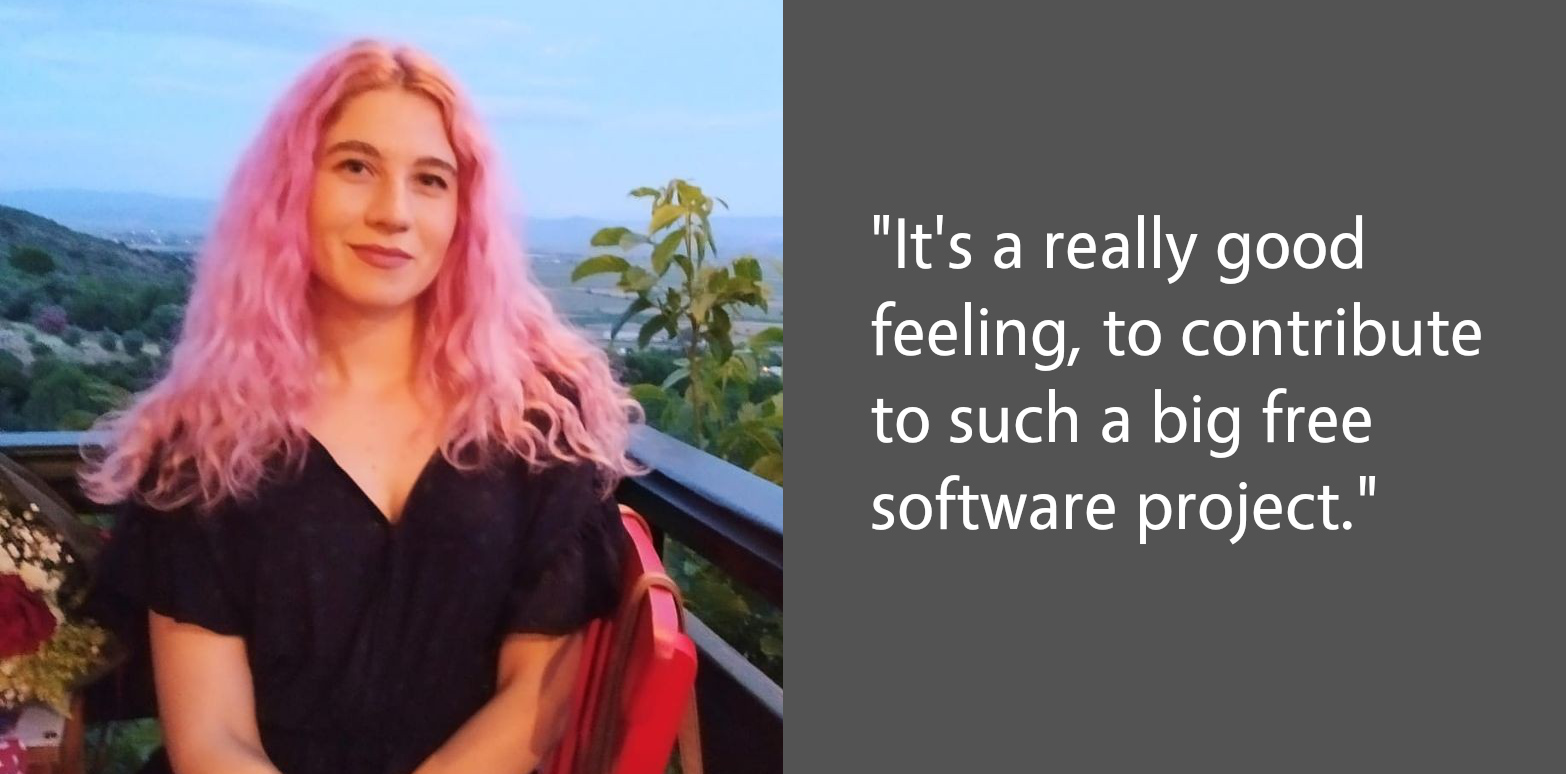
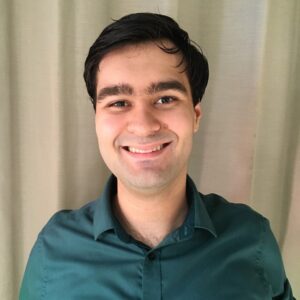
Today we’re talking to Gökçe Kuler from our Turkish LibreOffice community…
Tell us a bit about yourself!
I’m from Aydın, Turkey. Currently I’m studying in my final years at the Computer Engineering department of Çanakkale Onsekiz Mart University. I’m interested in free software – and enjoy working with free software projects and learning new things aboutthemit. I met free software when I started university via my advisor Necdet Yücel.
I like playing the guitar and the kalimba. Also, I recently started painting with acrylic paints. I’m vegetarian, and actively participate in animal protection and gender equality projects.
You recently solved your first bug in LibreOffice. How did that go?
In our final years at the university, we work on a project together with an advisor. My advisor Necdet Yücel offered to work on LibreOffice as a graduation project, and then Gülşah Köse mentored me to get involved.
Firstly, I prepared my working environment – then we decided to work on an unit test instead of a bug. I completed it, and sent it to Gerrit. I was very happy when I got my first “merged” email. After that, we selected a new bug, about a dialog. I solved it too and wrote a blog post. It’s a really good feeling, to contribute to such a big free software project.
Recently, I’ve started working on a new bug in Impress and progressing with it. I will continue contributing to LibreOffice.
Do you have any tips for other people new LibreOffice contributors?
Instead of starting with a complex bug, I suggest starting with small things like a missing unit test, or they can even fix a typo. In this process, we get the opportunity to learn about LibreOffice development tools like Git, Gerrit, Jenkins etc…
In this way, the mechanisms in the project can be better understood, and self-confidence is gained to solve a bug. In addition, LibreOffice is a huge project and I think it is very important to read the project code in detail to understand what we work on.
Thanks to Gökçe for all her contributions to LibreOffice! Anyone with C++ knowledge can dive in and explore our codebase. There’s lots to learn, but we’re making it easier to get involved with Easy Hacks and channels for communication. Join us!
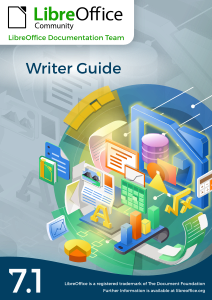
The LibreOffice documentation team is happy to announce the immediate availability of the Writer Guide 7.1
The book is a complete guide for users who want to explore the best resources of LibreOffice Writer, the word processor of the LibreOffice suite. Covering advanced topics such as styles, illustrations, indexes and table of contents, master documents, form design, document automation and more, this guide will bring your word processing skills to a professional level.
The Writer Guide 7.1 is a joint effort of Jean Weber and Kees Kriek, who reviewed and updated The LibreOffice 6.4 Writer Guide with the new features of LibreOffice 7.1, released last February.
“I enjoy writing user documentation for LibreOffice because it gives me an excuse to learn about new and improved features that I might otherwise not know about. The team members are good to work with, friendly and helpful. I especially want to thank Kees Kriek for reviewing all the chapters of this book.”
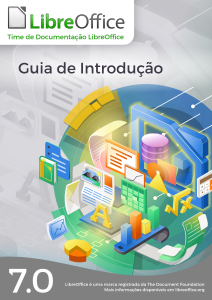
The Brazilian LibreOffice community is pleased to announce availability of the LibreOffice 7.0 Getting Started Guide in Brazilian Portuguese.
Guia de Introdução 7.0
The guide is intended for Portuguese speaking users who wants to begin their first contact with LibreOffice and needs a manual that expounds all the software’s features and allows them to immediately start some sophisticated tasks.
The Getting Started Guide describes the important concepts that guided the development of LibreOffice and presents each of its modules: spreadsheets (Calc), presentations (Impress), vector drawings (Draw), texts (Writer), equations (Math), and databases (Base). In addition to these modules, there are several chapters describing important concepts common to all modules such as styles, printing, electronic signature, macros, exporting in various formats, redacting, and document classification.
Making the Getting Started Guide available is the teamwork of Brazilians LibreOffice enthusiasts who have gone to great lengths to produce a comprehensive and accessible guide. The guide is a translation of the guide from English, this time using automatic translation, but with a thorough review of the result by the team, who put in great effort to confirm the concepts presented, but also to improve the Portuguese generated by the automatic translation. The next editions of the Getting Started Guide will be done without translation, but by writing directly in Portuguese the new information introduced in the new versions of LibreOffice.
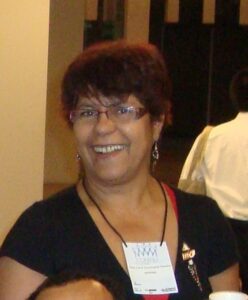
Vera Cavalcante
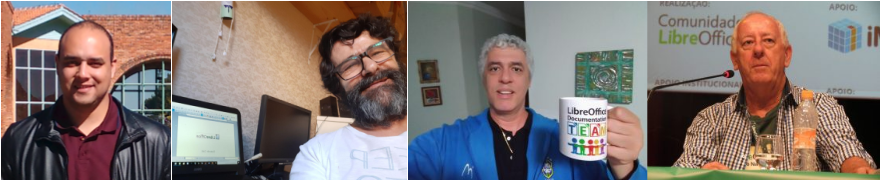
“I have dedicated myself intensely in the LibreOffice community, putting effort into the LibreOffice Magazine project of which I was one of the publishers. This edition of the Getting Started Guide was a great opportunity to get back to interacting with LibreOffice and meet new people with the same interest, in a voluntary work context.”, stated Vera Cavalcante, a member of the Brazilian LibreOffice community. “I am very meticulous, and helped correct some translations and (a few) inconsistencies in the software during the process of revising the Guide. In the end, we have better software ”, she added.
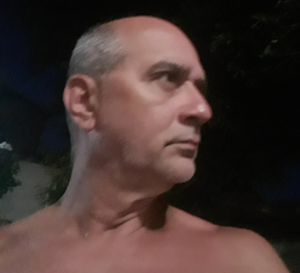
Jackson Cavalcanti Jr.
“Joining the translation and proofreading team for the Getting Started Guide was an opportunity to get back to interacting with the LibreOffice community, returning to my participation I had started years ago. The opportunity was very rewarding, not only for self-improvement in the use of the LibreOffice suite but also to learn a lot about document writing.”, said Jackson Cavalcanti Jr. “I used the opportunity to instigate debates about the terms used and the technical vocabulary in Brazilian Portuguese, which allowed me to review some terms used in the software and improve the translation of the LibreOffice suite.” he added.
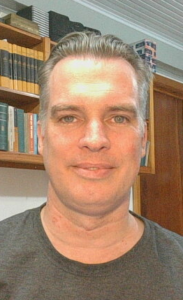
Timothy Brennan Jr.
“I participated as a novice in the effort of the Getting Started Guide and could see the seriousness of the work and the good spirit of collaboration in the Brazilian team. It has been a teamwork lesson where questions were answered promptly and, at the same time, I learned a lot about elaborating complex documents.”, said Timothy Brennan Jr., a team member. “I have dedicated myself to reviewing some chapters of the Getting Started Guide (Chapters 8, Getting Started with Base and, 10, Print, Export, Send, and Sign). Now I consider myself an expert in LibreOffice as well as any other office suite. It has also been an important professional gain”.
Flávio Schefer
“I am also new to free software projects and revieweing the GettingStarted Guide was an opportunity to team up with the Brazilian team and acquire knowledge,” said Flávio Schefer. “I was in a career transition and the knowledge and practices acquired in the team’s work was important during this period”, he added.
Felipe Viggiano, Raul Pacheco da Silva, Túlio Macedo and Olivier Hallot also participated in the effort.
Felipe Viggiano, Raul Pacheco da Silva, Túlio Macedo e Olivier Hallot
LibreOffice is free and open source software, which means that it’s much more than zero-cost. Anyone can study how it works, modify it, and share those modifications with other users. (So the “free” is more about freedom than price.)
There are many other well-known free software projects, such as the GNU/Linux operating system, Firefox web browser, and Thunderbird email client. Free software helps companies, organisations and governments to reduce costs, improve reliability and free themselves from dependence on a single vendor.
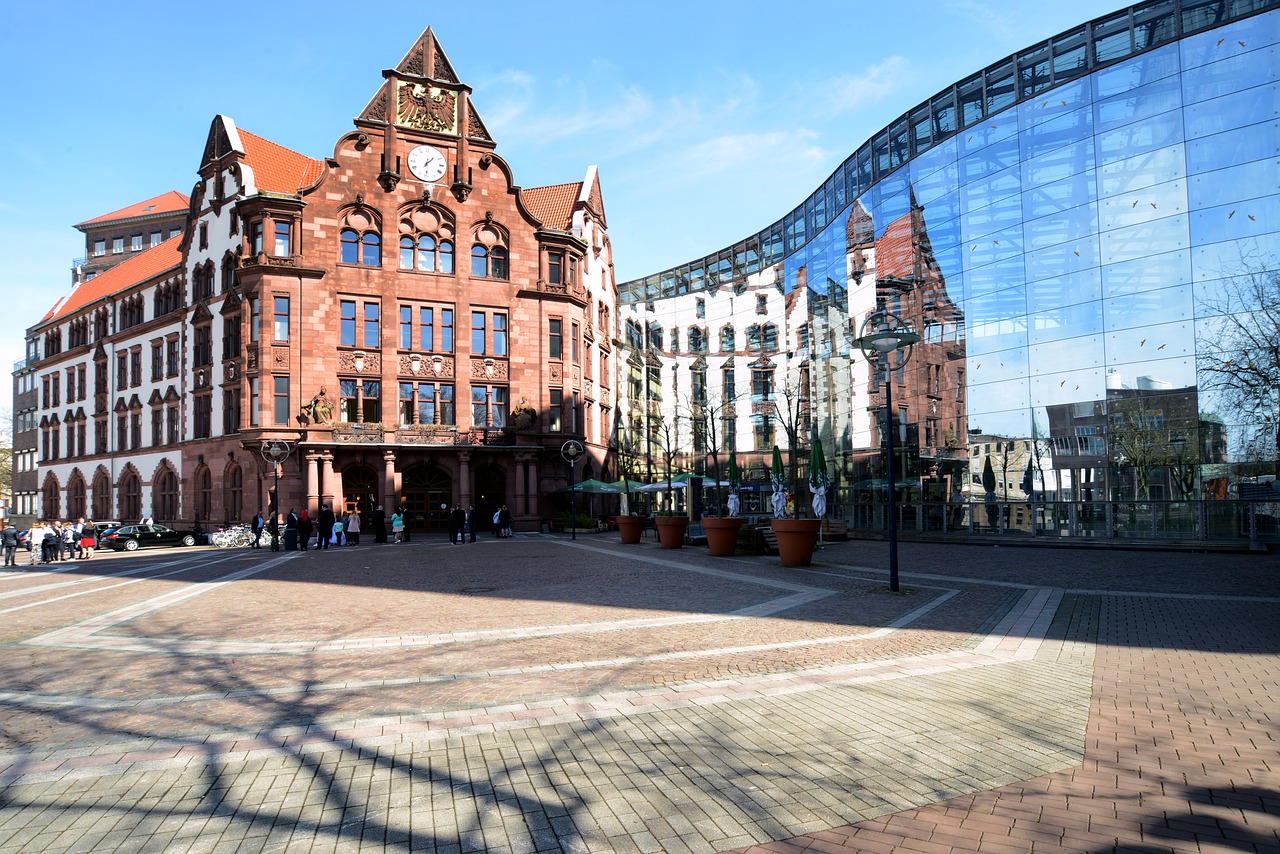
Now, the Council of the German city of Dortmund has announced that it’s moving to free and open source software, where possible. Here’s a translation of the original German blog post:
Memorandum – Digitalisation 2020 to 2025
The Dortmund Council has declared digitalisation to be a political leadership task in its Memorandum 2020 to 2025. In the course of this, two central resolutions for free software were passed on February 11, 2021, for which the minutes were published on March 30:
“Use of open source software where possible.”
“Software developed by the administration or commissioned for development is made available to the general public.”
Open source wherever possible
With this resolution, city policy takes on the shaping of municipal digital sovereignty and digital participation. The resolution means a reversal of the burden of proof in favor of open source software – and at the expense of proprietary software. In the future, the administration will have to justify why open source software cannot be used for every proprietary software application. Based on the report of the Dortmund city administration on the investigation of the potentials of free software and open standards, open source software is understood in the sense of free software.
Public Money? Public Code!
So, the Council’s decision is in line with the concerns of the campaign Public Money, Public Code. What is financed with public money should be available to the general public for use. For software, this is achieved by means of a corresponding free license. With this resolution, local politicians ensure that the city of Dortmund not only draws from the free software community, but also contributes to it. In this way, inter-communal synergies can be achieved true to the motto develop together, use individually.
Support for open standards
Through the Digital Dortmund Charter 2018-2030, among other things, Open Standards were established as a requirement for further digitalisation.
Politically unanimous in favor of Free Software
The resolution for free software is supported by a broad political base. The motion was passed unanimously by the City Council of Dortmund. The digitalisation motion was jointly introduced by the following parliamentary groups: CDU, SPD, Die Grünen (Greens) and Die Linke (The Left).
Conclusion
The city of Dortmund has ushered in the political turning point and begun the exit from the proprietary era. Now it is important that the city finds the appropriate means to implement this process practically, by means of a proprietary exit strategy and to dissolve existing vendor lock-in. For Do-FOSS, the decision of the Memorandum 2020 to 2025 is the result of a functioning democratic local discourse. The practical management work for Free Software has the necessary political backing to succeed.

 Our traditional LibreOffice Conference will be a fully virtual event for the second consecutive year, from September 23 (Thursday) to September 25 (Saturday), 2021. Unfortunately, the uncertainty still surrounding the COVID-19 pandemic and its effect on travel, conference planning, logistics and possibility for attendees to come to the conference – coupled with the unpredictability of the current vaccination campaign – are reasons for shifting the event to online also in 2021.