Czech translation of Impress Guide 7.0 is here!

Zdeněk Crhonek from the Czech LibreOffice community writes:

The Czech team has finished translating the Impress Guide 7.0. As usual, it was a team effort, namely:

Translations by Zdeněk Crhonek, Radomír Strnad, Petr Kuběj, Vendula Crhonková; text corrections Petr Valach, Ludmila Klatovská, Martin Kasper, Marcela Tomešová; localized pictures Roman Roman; and technical support from Miloš Šrámek. Thanks to all the team for their work!

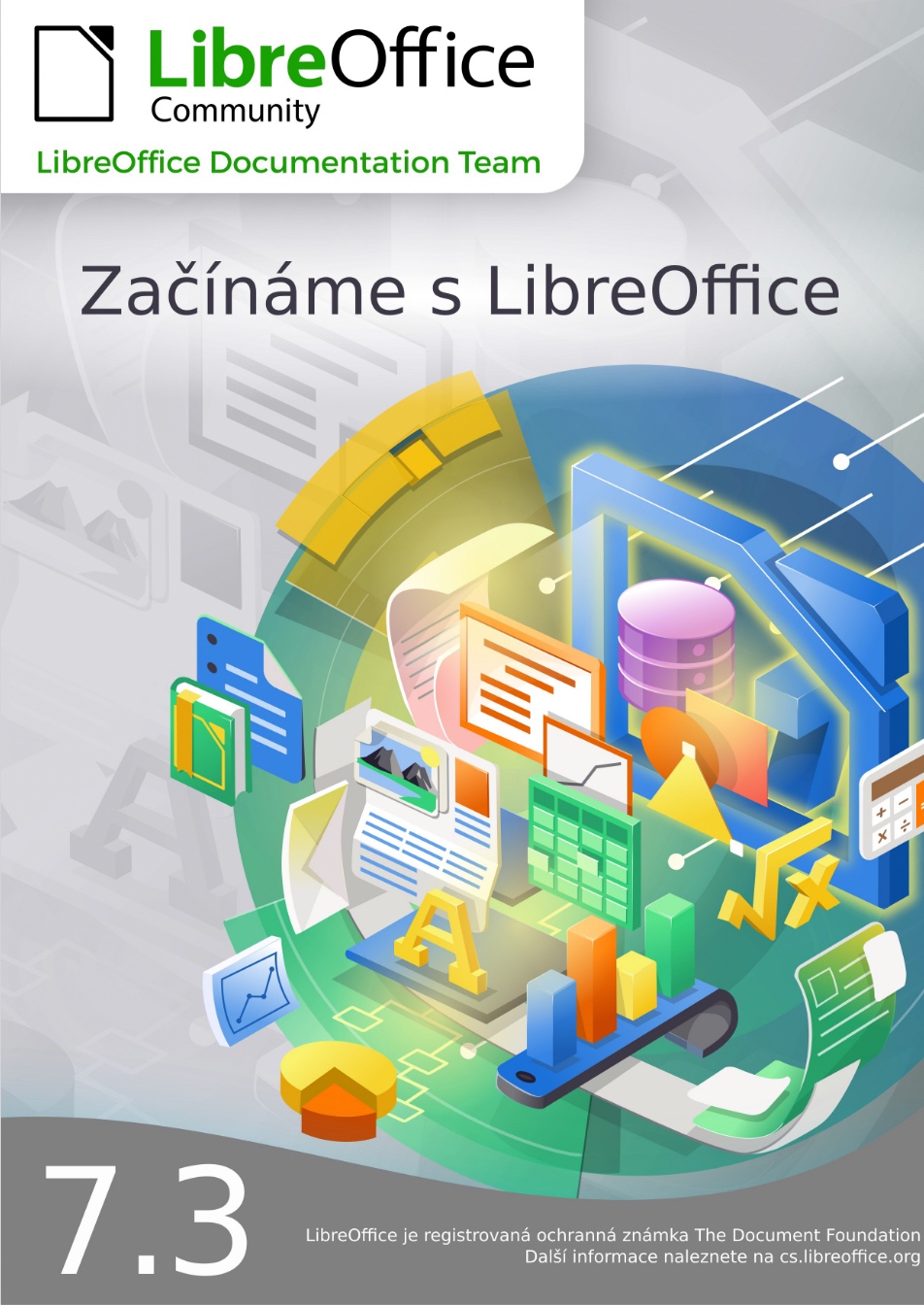
The Czech translation of the Impress Guide 7.0 is available for download here.

The team continue with translations of the Draw Guide and Base Guide. We always looking for new translators. Join us!

Many thanks to everyone in the Czech community for their awesome work!

LibreOffice Getting Started Guide 7.2

The LibreOffice Documentation Team is happy to announce the LibreOffice Getting Started Guide 7.2, covering the latest innovations of the best open source office suite. The new guide is an effort of many volunteers and among them, Jean Hollis Weber, Kees Kriek, Peter Schofield, Vasudev Narayanan, Rafael Lima and Mitchell Camfield.

A big THANK YOU ALL ! YOU ROCK!

(more…)

Announcement of LibreOffice 7.1.6 Community

Berlin, September 9, 2021 – LibreOffice 7.1.6 Community, the sixth minor release of the LibreOffice 7.1 family, targeted to desktop productivity, is available for download from https://www.libreoffice.org/download/.
End user support is provided by volunteers via email and online resources: https://www.libreoffice.org/get-help/community-support/. On the website and the wiki there are guides, manuals, tutorials and HowTos. Donations help us to make all of these resources available.

For enterprise-class deployments, TDF strongly recommends the LibreOffice Enterprise family of applications from ecosystem partners, with long-term support options, professional assistance, custom features and Service Level Agreements: https://www.libreoffice.org/download/libreoffice-in-business/.

LibreOffice 7.1.6 change log pages are available on TDF’s wiki: https://wiki.documentfoundation.org/Releases/7.1.6/RC1 (changed in RC1) and https://wiki.documentfoundation.org/Releases/7.1.6/RC2 (changed in RC2).

LibreOffice Community and the LibreOffice Enterprise family of products are based on the LibreOffice Technology platform, the result of years of development efforts with the objective of providing a state of the art office suite not only for the desktop but also for mobile and the cloud.

LibreOffice Technology based products for Android and iOS are listed here: https://www.libreoffice.org/download/android-and-ios/, while for App Stores and ChromeOS are listed here: https://www.libreoffice.org/download/libreoffice-from-microsoft-and-mac-app-stores/

LibreOffice users, free software advocates and community members can provide financial support to The Document Foundation with a donation via PayPal, credit card or other tools at https://www.libreoffice.org/donate.

LibreOffice 7.1.6 is built with document conversion libraries from the Document Liberation Project: https://www.documentliberation.org.

Interviewing Hypra’s Jean-Philippe Mengual about software accessibility

Accessibility is a key factor for the inclusiveness of digital transformation, but only a few people are really competent in the topic. To learn more about accessibility, we interviewed Hypra’s co-founder, Jean-Philippe Mengual.

Q1. Jean-Philippe, can you tell us about the birth of Hypra?

A1. In 2008 I met Corentin at the Sciences Po higher-learning school in Aix-en-Provence. Through our friendship and the time we spent together studying, he realized how much IT can bring to visually impaired people, but also realized the current limitations.

Together, we understood the revolution it represents: digital technology may erase some inequalities, when one knows how to use it of course. We studied how digital technology can bring equality between visually impaired and sighted people, and then we realized that other people may also benefit from this phenomenon.

We were looking for a solution to this challenge, and we decided to create a computer that was accessible to all, easy to use, adaptable and accompanied by an empowering training.

That is how Hypra was born.

Q2. How challenging is it to work full-time to improve accessibility, and to help seniors and people with disabilities to leverage the opportunities offered by IT?

A2. It is a challenge indeed, and most of us are actually split between several jobs and specialties: psychology, sociology, teaching, but also hacking a distro, patching code, debugging, testing, talking with many communities. The most difficult is to experience regressions and needing of “race” after the accessibility regression to ensure a good end-user experience. And either the upstream project is reactive with our bug reports and/or patches, or it is not, so it may become disappointing.

However, working with people who, because of age or disabilities, are reluctant to use a computer, has allowed us to come to the conclusion that anyone can learn to use a computer fully autonomously, no matter your situation their age, as long as they are well supported at the beginning.

When we see such people progress and succeed, we realize that all of our work is worthwhile.

Q3. How far is free and open source software from offering true accessibility?

A3. Since I started with FOSS in the 2000s, I have seen a lot of real improvements. I, for one, am now able to only use free open source software in my daily activities, with a nice graphical interface.

However, I think reaching actual feature parity would allow users to be fully autonomous with FOSS. At the top of my mind, all features regarding speech synthesis (text to speech) and voice recognition (speech to text) are not quite up to what is achievable with proprietary software. It is the same for OCR (optical character recognition).

Another important dimension is the durability of software environments. Indeed, some programs that used to be perfectly accessible may cease to be so, from one day to another. This may be because some crucial contributors have abandoned that particular project, or it may be due to an update in which accessibility has been put on the back burner.

Q4. Hypra provides hardware solutions both for seniors and for people with disabilities. Can you tell us about these products, and about the software?

A4. We rely on Debian GNU/Linux for our products. We chose it because of its stability and careful update pace, which allows us to guarantee optimal use for our customers including our own layer of customizations in good conditions.

We mainly use free and open source software on our computers. To enable individual support, we provide Mumble, VNC to take control of the system remotely, and we use SSH for maintenance.

Regarding the tools for our visually impaired customers, we have chosen the Orca screen reader and Compiz for visual filters, rely on the MATE desktop (great for its full flexibility from a user point of view). Alongside with the computers, we provide scanners which, together with the screen reader, turn your laptop into a reading machine.

Generally speaking, the fact we produce only free code and use mainly free software enables us to sell, for a standard price, hardware with a high service level.

Q5. Hypra is working with enterprises to integrate people with disabilities in business environments. How difficult is this task?

A5. It’s important to know that the first task when adapting a workstation is to reassure both the user and their company. They have to be reassured that the equipment is compatible with the work environment already in place and that we’ll be there to support them.

In fact, the highest challenge is the diversity of the infrastructures: many solutions, more and more remote, few free software in the workstation (which is not always accessible, by the way, under Windows). It depends on the size of the organization and the flexibility possible in respect with the IT teams and the security needs of the company. The good news comes when the clients are web interfaces, even if some improvements are needed to make everything accessible. But a web interface is potentially easier to make accessible than software, because it is governed by standards, while software is based on various toolkits, not always compatible with any accessibility solution – in particular remotely.

Q6. What kind of integration have you done with LibreOffice?

A6. We only use vanilla LibreOffice versions. We’re generally very happy with these, except for certain aspects such as the stability of certain versions or occasional accessibility regressions in LibreOffice.

As far as Orca users are concerned, we’ve chosen to use an older LibreOffice build, version 4.2, as it gives us full satisfaction – which also applies to all low vision software.

However, we have noticed that accessibility is becoming more and more present in LibreOffice’s development in the recent years; we’re speculating that from version 8.x onwards we’ll hopefully be able to migrate all users to a more recent version.

On our end, we plan to systematize regression testing of the master branch in order to get more actively involved in the development process. This will also allow us to alert contributors immediately if a specific proposed change affects accessibility.

We also want to provide use cases to the community, so that each of its members can concretely test what a user with specific needs expects from the program in their daily use.

LibreOffice Conference 2021

LibreOffice Conference will open on September 23 at noon CEST and will close on September 25 at 5:30PM CEST. The schedule has been finalized, and is available at the following link: https://events.documentfoundation.org/libocon2021/schedule/. Of course, we may have last minute changes until September 12, when the schedule will be frozen. Sometime after that date, the schedule will also be available on Android mobiles (we will announce the availability of the app on Google Play and F-Droid in due time).

People who will attend the LibreOffice Conference via Jitsi are kindly requested to register by filling in the form on the following webpage: https://conference.libreoffice.org/2021/registration-form/. The registration will allow us to manage conference sessions in the best way, to provide a smoother experience than in 2020 (when we had a couple of unwelcome “guests” trying to spoil the event). LibreOffice advocates and conference attendees can support the event by purchasing LibreOffice Conference swag from Freewear, from the following page: https://www.freewear.org/LibreOfficeConference/.

In addition to the blog, we will publish all announcements on the two Telegram groups: LibreOffice Virtual Conference Announcements (https://t.me/LibOcon) and LibreOffice Virtual Conference (https://t.me/liboconvirtual), and on the LibreOffice Conference website: https://conference.libreoffice.org/.


LibreOffice 7.2 Media Coverage

The announcement of LibreOffice 7.2 has got a large media coverage in many geographies. This is a list of some of the most significant articles in English.