Daniel A. Rodriguez from the Hispanic LibreOffice community (and TDF’s Board of Directors) writes:
On Saturday June 26, we held the first virtual meeting of the Hispanic community this year. The activity was attended by several members, who are recognized for their participation and collaboration in the project.
We have opted for a new name for the event, although the same spirit as last year has been maintained. We understand that this modification is in line with what we do every day in the different areas we set up for this purpose: talk about LibreOffice.
In addition, we launched the Spanish channel on Fediverse.tv and the #libreoffice-es room on Libera.Chat. The interaction with the speakers was available through the integrated chat on Fediverse.tv, IRC (either with a client or through the web interface), or from the Hispanic group on Telegram.
As always, it was an open activity, free of charge and aimed at anyone interested in the office suite par excellence of free software. The event could be attended live from 16:00 UTC through the Spanish channel on Fediverse.tv.
Almost immediately after each presentation, the video was made available through the chosen platform. Fediverse.tv is based on PeerTube, which is an open source, decentralized, federated web application that uses peer-to-peer technology to reduce the load on individual servers when viewing videos.
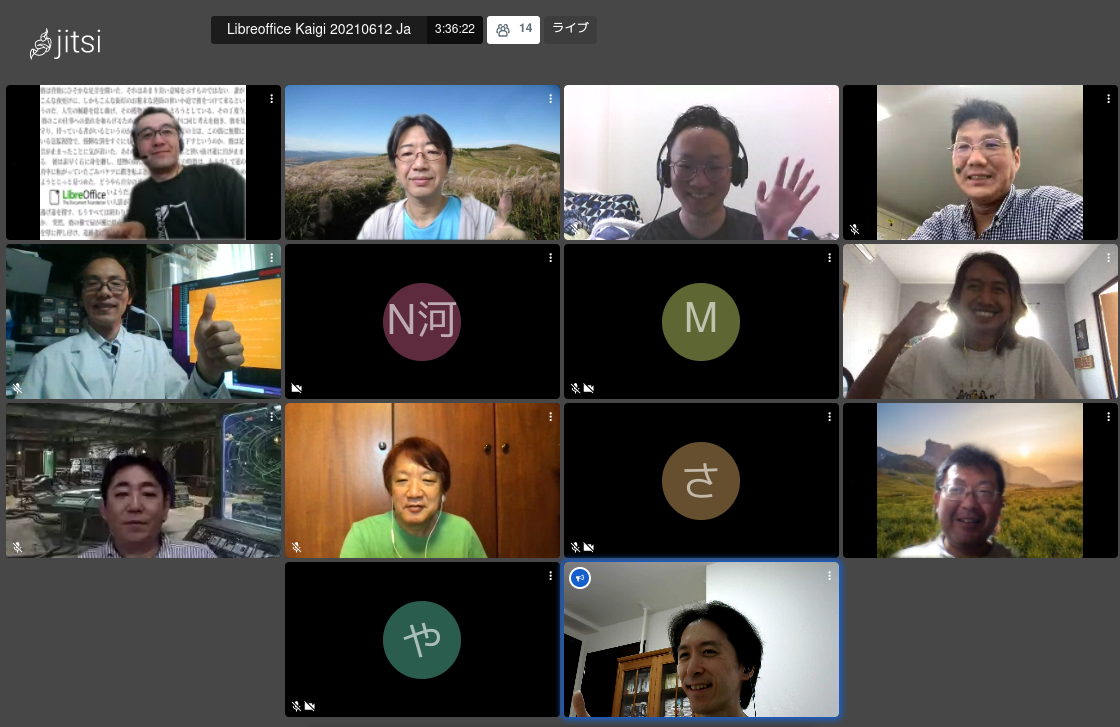
LibreOffice Kaigi 2021 Online was held on Saturday, June 12, 2021. This is normally an annual gathering in Japan, originally scheduled for March 2020 in Osaka – but due to COVID-19 we were unable to hold it. This year, for the first time, the meeting was held online, with speakers and participants joining the Jitsi meet, which was also broadcast live on YouTube. The maximum number of connections was around 27 people for both. We are grateful to The Document Foundation and iCraft for sponsoring the event. Thank you very much!
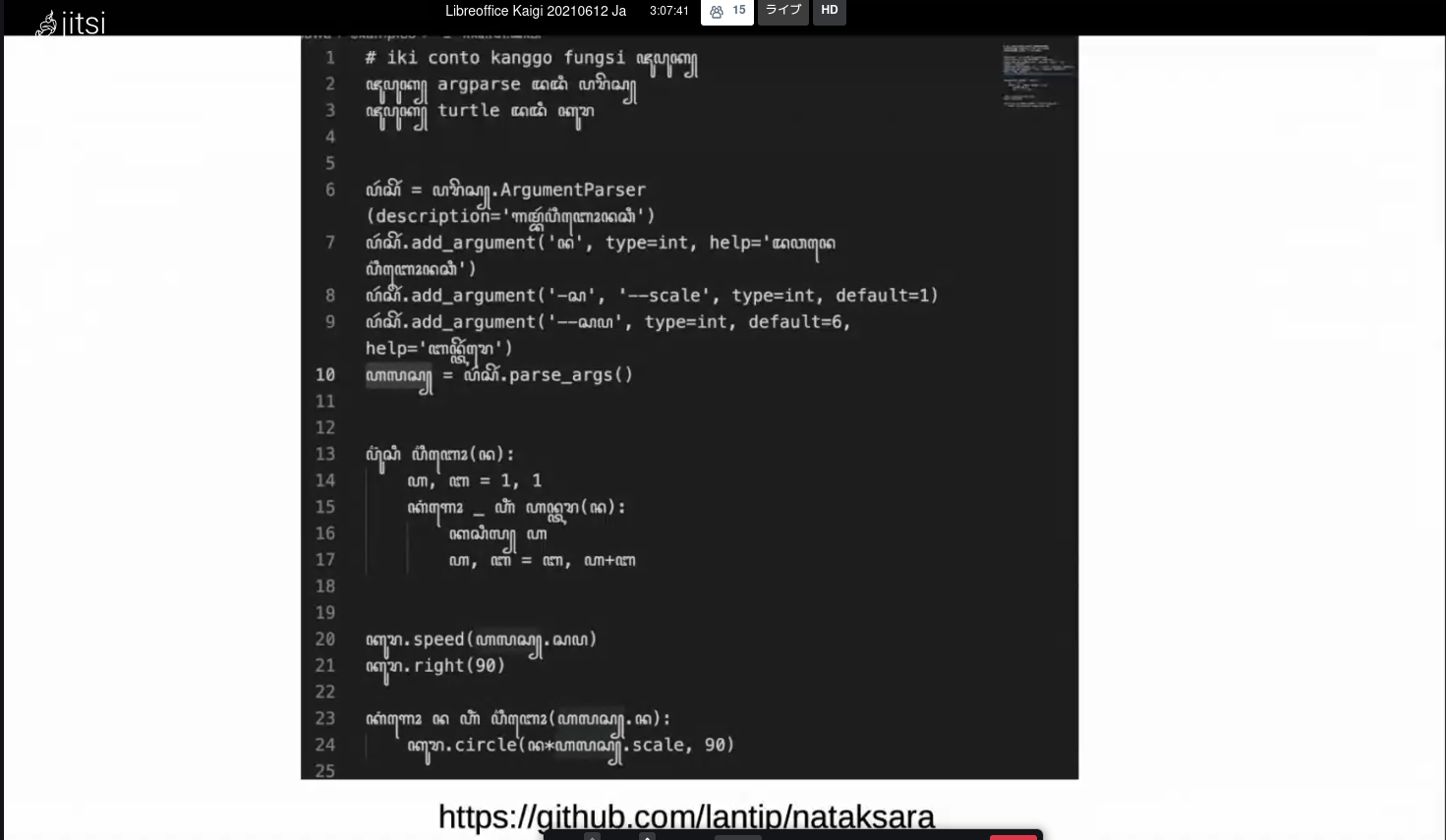
The keynote speaker, Ahmad Haris, who leads the Indonesian community for LibreOffice, gave an introduction to our work in Indonesia. Indonesia is made up of many islands scattered over a wide area, and is the equivalent in distance of London to Baghdad.
The local LibreOffice Conference in Indonesia in 2018 was a success and the community is very active. Currently there are 795 participants in the LibreOffice Indonesia Telegram group. Translation is focused on UI, then Help, while QA events have been held with the help of Ilmari, and workshops have been held at universities. The Indonesian community has also contributed to the splash screen. Recently, they have contributed many templates, some of which are included in LibreOffice.
The well-received LibreOffice 7.0 introduction video was also made by the Indonesian community with music composed by Haris. The screenshot of the slide was retweeted more than 2,600 times, with the story that Indonesia has an island called Java and that Java and JavaScript are not just programming languages, but Javanese words.
Shinj Enoki reviewed the last year’s LibreOffice community with the Annual Report. In the public presentations, Kawano-san talked about “User-customizable web form issuing system using LibreOffice”, Annoura-san talked about “Making Neo4j native driver for LibreOffice”, Watanabe-san talked about “Taiwan’s LibreOffice from light user perspective and Around ODF”, and “Fast translation of LibreOffice Guide” from Meguro-san.
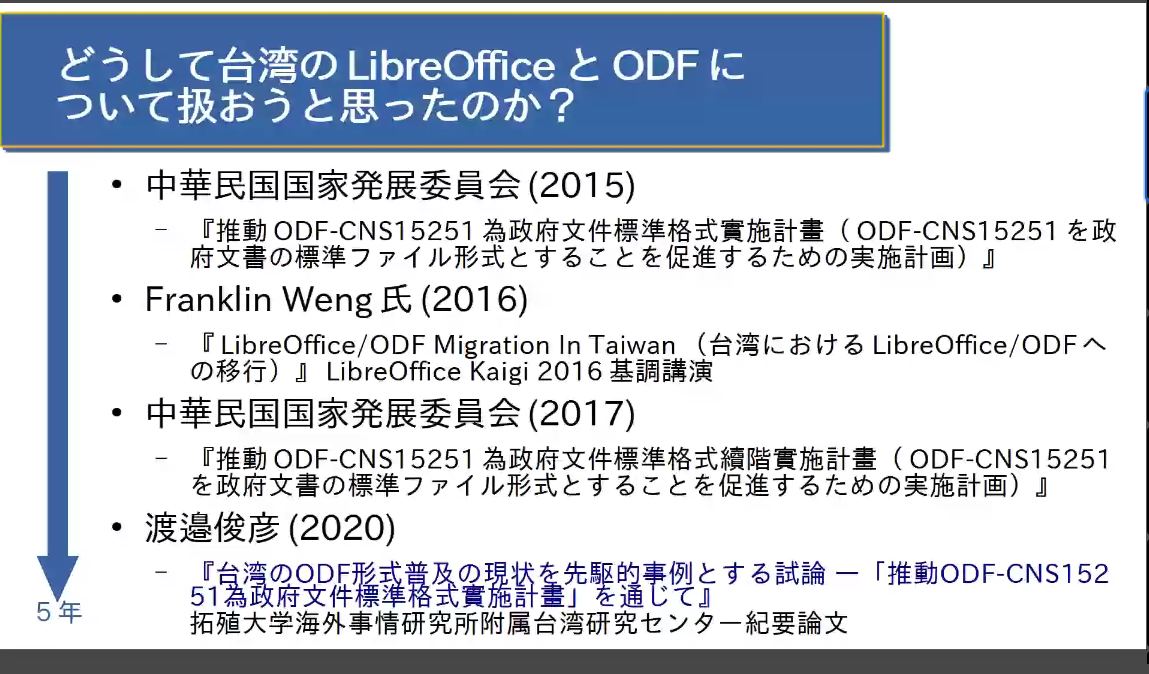
The status of LibreOffice/ODF adoption in Taiwan had been introduced by Franklin Weng, from the Taiwanese community, at LibreOffice Kaigi 2016.12. Mr. Watanabe has researched and written a paper from a different perspective. It was interesting to see how the Taiwanese government is really working on it, and how it actually works in universities, from a different perspective than the Taiwanese community.
There were three lightning talks including jumping in and out, and the general Q&A afterwards was filled with discussions about why and what opportunities are available in Japan to promote open source software and LibreOffice.
The Japanese community holds “LibreOffice Hackfest Online” sessions every Wednesday night, to work on LibreOffice and exchange information, and “Online Study Sessions” (the next one will be on September 4) to exchange know-how among users every three to four months. Check out Connpass and join the events that interest you.
Many thanks to everyone in the Japanese community for all their great work! And to everyone reading this who wants to spread the word about LibreOffice in other areas/languages, drop us a line and let’s work together 👍
While many pandemic restrictions around the world are still in place, some smaller events are finally becoming possible. Sidorela Uku from the Albanian LibreOffice community reports from a recent event in Tirana, which hosted the LibreOffice Conference 2018:
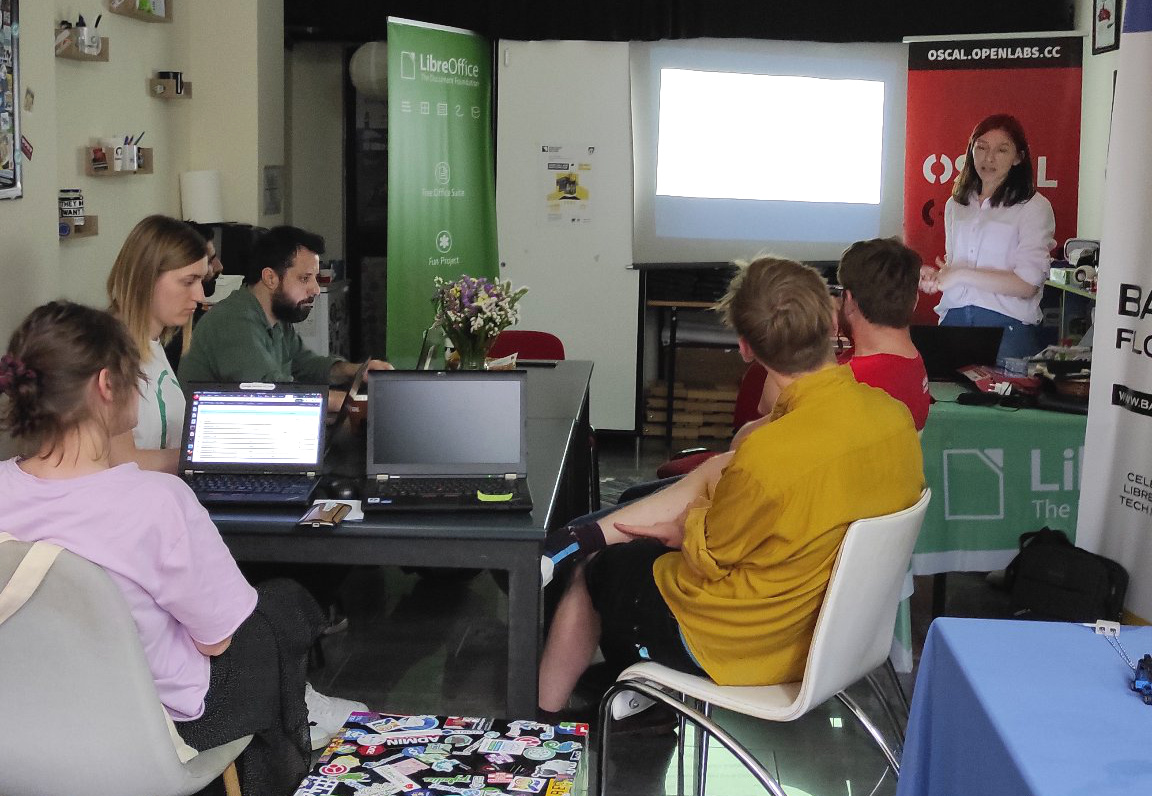
There were eight people present at this meeting. We had a short presentation about LibreOffice – what it includes, and its features. Also, we introduced the various ways how someone can become part of the community. We are planing to have more events in the future, as there are a few people interested in localization, but as well for people who want to switch and use LibreOffice. Also, we translated a few strings on the whatcanIdoforlibreoffice.org website, and pushed the changes to Gerrit.
Thanks to the community in Tirana for their work and support! It’s great to see some in-person events becoming possible again. LibreOffice users around the world are welcome to join our project, and help to build up local communities. If there’s no LibreOffice community in your area, drop us a line and we’ll help you to establish one!
By helping to translate and market LibreOffice around the world, native language projects bring enthusiasm and passion to the global community. Here’s what they did in 2020…
(This is part of The Document Foundation’s Annual Report for 2020 – the full version will be posted here on the blog soon.)
Central Kurdish
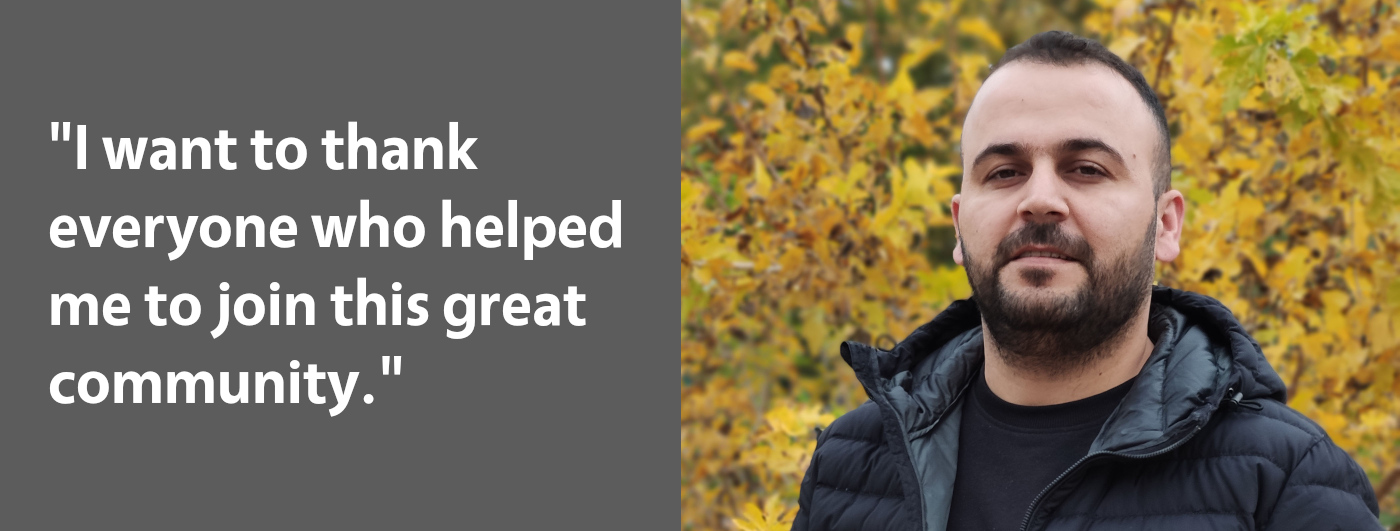
Support for the Central Kurdish language was added to LibreOffice in 2021, and Jwtiyar Ali helped to drive the translation of the suite’s user interface. In addition, a Telegram group was created for community members to talk about upcoming translation projects, and bring new translators on board. Throughout the year, the Central Kurdish team worked on translating strings, with the goal in 2021 being to complete all translations, and also provide a dictionary for the language.
InstallFest, which took place in Prague on 29 February and 1 March 2020, was an event focused on GNU/Linux, helping new users to install the operating system. But it also had lectures and stands for many other free and open source software projects, and the Czech LibreOffice community was there with a booth.
The vast majority of visitors were from younger generations – often high school or even elementary school pupils. The new mobile application from Collabora, which was released just a few days before the event, aroused great interest, as did LibreOffice Online. Other visitors to the booth asked questions was about handling ODF files with embedded fonts, and the status of various bug reports.
Later in the year, the Czech community gave a talk at the OpenAlt conference (online) about maintaining an experimental Czech spellcheck dictionary in LibreOffice.
Outside of events, community members worked on maintaining and updating the Czech language LibreOffice website, supported users by answering questions on the CZ Ask LibreOffice website, and kept social media updated with 600 tweets on the Twitter account (and regular activity on the Facebook page).
On other websites, Czech contributors published articles and news on Czech FOSS portals (openoffice.cz, root.cz, abclinuxu.cz), and ran a small survey (with 20 responses) to collect examples of how LibreOffice is being used in schools, organizations and small companies.
In terms of translations, the Czech community announced their work using platforms for volunteers – which turned out to be a great way to involve of new contributors. Tens of volunteers participated during 2020. Together with long-time community members, they worked on translations for LibreOffice’s user interface and help content (both at 100%), subtitles for videos, FAQ articles and other pages on the wiki.
The Online guide for LibreOffice 6.3 translated and published in March 2020, followed by the Math guide for LibreOffice 6.4 in June, and the Getting Started Guide for LibreOffice 6.4 in July.
Dutch
Throughout 2020, the Dutch-speaking LibreOffice community was involved in various projects and activities. For instance, community members helped to support LibreOffice users by answering questions on the Ask LibreOffice website and mailing lists. In addition, they worked on maintaining the Dutch LibreOffice website, and helped out with the “10 year anniversary” video:
Please confirm that you want to play a YouTube video. By accepting, you will be accessing content from YouTube, a service provided by an external third party.
If you accept this notice, your choice will be saved and the page will refresh.
Another area where the Dutch community was especially active is documentation. The Math guide for LibreOffice 6.4 was translated and published in March 2020, and this was followed by the Getting Started Guide 6.4 in June, Draw Guide 6.4 in July, Writer and Calc Guides 6.4 in August, and finally the Calc Guide 7.0 in December. Other chapters for the Getting Started, Impress and Writer Guides 7.0 were translated as well.
For LibreOffice’s user interface, Dutch community members ensured that the software’s user interface was 100% translated in 2020 – while translations of the help text jumped from 70% to 92% by the end of the year.
Esperanto
Esperanto, a constructed auxiliary language, also received support from the LibreOffice community in 2020. The software’s user interface was almost entirely translated into the language, while LibreOffice Online, Impress Remote and the website reached “100% translated” status. For the help content, 48% of it was translated. Interested users of the Esperanto language can join in and help to further translations – see the website for more information.
Finnish
Thanks to work by the local community in Finland, LibreOffice’s English-Finnish glossary for translators was expanded, and a lot of user interface translations were reviewed with funding from Fuugin Säätiö (from the Finnish Unix Users’ Group foundation). Also, the translations for the LibreOffice Impress Remote were reviewed, while instructions for translators were updated to reflect the current Weblate-based workflow and to make onboarding of new translators easier. Finally, there was ongoing translation work – mainly in the interface.
French
A Writer sprint was organised by the French-speaking community, with 25 participants from West African countries (Congo, Benin, Togo, Cameroun, Ivory Coast) from August to December via a Telegram group. The aim of the sprint was to explore Writer features through various exercises but also how to interact on Telegram. There were difficulties with internet connections in some countries (in Togo particularly), meaning the organisers had to extend the sprint for several weeks. But – all in all – it went well and will be continued with specifics demands from the participants.
The community met twice on Jitsi with some members, and more specifically with the La Mouette association to explore how they could better interact. On the documentation side, they translated the Base, Beginner, Writer and Draw guides.
A group of five students from the Brest University of Translation worked on translating the Math guide. The work is ongoing due to some delays because of the pandemic. In addition, the release notes and the FAQ were translated and maintained. Both the user interface and help for each LibreOffice version were translated into French, and a group began translating the UI in Guadeloupean Creole. Finally, regular support was provided via the mailing lists and Ask LibreOffice.
German
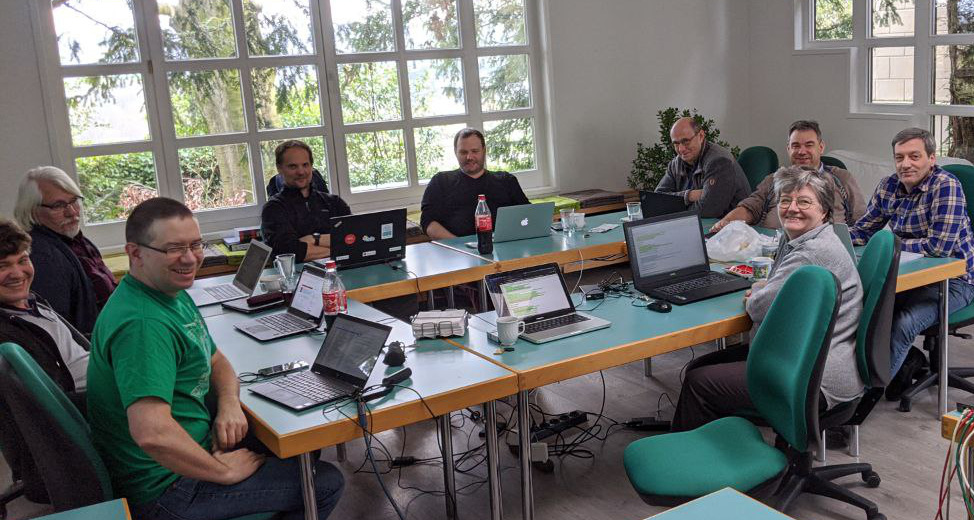
Before the COVID-19 pandemic stopped almost all in-person meetings, the German-speaking LibreOffice community had the opportunity to meet at Linuxhotel in Essen, in early March. There were 15 participants, who discussed many topics including: a potential scholarship programme in memory of Klaus-Jürgen Weghorn, who passed away in 2019; the new TDF Board of Directors; LibreOffice Online; the extensions and templates website; and upcoming events. Saturday evening was a social event, with pizza and drinks.
Throughout the year, German-speaking community members had monthly calls, planned via the pad. These calls provided opportunities for new community members to get familiar with TDF’s projects and tools.
In terms of documentation, the German Base Handbook 7.0 (covering LibreOffice’s database) was published in August 2020.
Inuktitut (and other activities in Canada)
The LibreWaterloo group consists of five committed individuals, and occasional Canadian members. Due to COVID-19 restrictions, all monthly meetings were moved to online videoconferences using the BigBlueButton (BBB) platform.
Over the twelve-month period of 2020, topics of meetings covered: How to build and hack LibreOffice code; An overview of LibreOffice and its main modules; Invited guest from Collabora; Invited guest from CIB; Localization and software – can we help?; Invited guest to discuss LibreLogo; And bug triaging – can we help?
A member of the LibreWaterloo group offered to help facilitate various Canadian indigenous localizations of LibreOffice, with the first efforts going into Inuktitut localization (which is still an ongoing effort). The LibreWaterloo project expects more concrete results in 2021 for this localization initiative.
On social media, some marginal effort to advertise LibreOffice through Facebook was done, but more is planned throughout 2021. Additionally, plans to evangelize ODF to various levels of the Canadian government and Canadian businesses are in the works – more will be reported on the TDF blog and via Twitter when it happens.
Italian
Because of the pandemic, most educational activities throughout 2020 took place online, and unfortunately several planned events had to be postponed. Nonetheless, LibreItalia representatives talked about many topics: LibreOffice’s 10th Anniversary; ODF and Open Standards; LibreOffice 7.0’s New Features; Free Software Tools for Remote Learning; and more.
There was just one face-to-face event, in Como in late summer, with a small attendance. Later in the year, the community organized the annual LibreItalia Conference in December (online), with several talks and a round table with politicians and other experts, to discuss about implementation of LibreOffice in public administrations.
Regarding localisation: the user interface and help content was translated for LibreOffice 6.4, LibreOffice 7.0 and LibreOffice 7.1. In addition, there was localisation of other documents, update of tips and tricks in Italian, and localization and maintenance of the Italian website.
Japanese
Over in Japan, the local native language community organised 32 hackfests throughout the course of the year. Also, they had seminars or other presentations at seven open source software conferences, a study party, four online meetups (including Document Freedom Day, LibreOffice’s ten-year anniversary, and the openSUSE+LibreOffice pre-conference party).
For in-person events, community members organised nine mini-meetups, and attended one free software conference.
Lastly, Japanese project members worked with other countries and regions in East Asia: COSCUP (Taiwan), HKOSCon (Hong Kong), Northeast Asia OSS Promotion Forum (with the Korean community), Korea-Japan LibreOffice Online Seminar (organized by National IT Industry Promotion Agency, part of the South Korean government).
Mongolian
Currently, the Mongolian translation work is done by Battsengel Ichinnorov (aka “bachka”). In 2020, he resumed his work on translations, and got in contact with a Mongolian dictionary plugin developer. His current goal is to complete the translation, add support for the traditional Mongolian script, and bring more people into the project – so anyone with Mongolian knowledge is welcome to help out.
Throughout 2020, the Farsi community wrote 20 blog posts on their website: https://libreoffice.ir. In addition, they completed the translation of LibreOffice’s relaunched templates and extensions website, translated approximately 7000 strings on Weblate, added two new reviewers for translation on Weblate, and fixed some minor problems with right-to-left language pages on TDF’s wiki.
They also started translating development-related pages on the wiki, and began to document the LibreOffice’s software architecture in the Persian language.
(Final note: the community received several complaints about text rendering defects in fully justified Arabic/Persian text, which has lasted for several years without stable fix. Considering the emphasis of many active contributors and users, fixing this bug is the most important goal in 2021 for the Persian team.)
Polish
Marcin Popko led the Polish social media efforts in 2020, launching a new Facebook fanpage one year ago – it has so far reached 210 fans. He also organised two sticker giveaways via the page.
On the topic of community, Marcin wrote an article for a popular Polish techsite. The community also prepared the fully translated Polish LibreOffice website, using the current LibreOffice theme.
Portuguese (Brazilian)
Throughout 2020, the community organised “Papo Libre” – a weekly meeting with the pt-BR community, for any topic related to LibreOffice and The Document Foundation. The meeting bonded the Brazilian community around the publication of the LibreOffice Guides.
They published the Calc Guide 7.0 (coordinated by Felipe Viggiano), and the Math Guide 7.0 (coordinated by Rafael Lima). Much of the communication took place via “LibreOffice Portuguẽs”, the Telegram Channel for the Portuguese speaking community (393 members). There is also “LibreOffice Doc BR”, the Telegram channel for the pt-BR documentation community (17 members).
Russian
Activities in the Russian language community included supporting users on the forum and Russian Telegram group. Community members wrote 67 articles on a Russian blog about LibreOffice.
They also worked on translating wiki articles, the LibreOffice user interface, and guidebooks into Russian – such as the Draw Guide, which was updated to version 6.3.
Over 100 bug reports were filed, a new Russian thesaurus was integrated into LibreOffice, and Russian spellcheck dictionary was converted from KOI-8R to UTF. (Additionally: Belarusian hyphenations were integrated into LibreOffice, and the Belarusian spellcheck dictionary was updated.)
Spanish
Various online events and regional conferences involving people from Latin America and Europe took place, with Spanish and Portuguese speakers. There were four online events, from May to August.
Moreover, they had a regional conference in parallel with the international one. Outside of these events, there were monthly Hispanic meetings on Jitsi. Community members also created a Hispanic YouTube channel.
In terms of user support, they helped out on Ask LibreOffice, and the Spanish-language Telegram group (currently with 1030 members).
For the website and social media, a Mastodon channel was created, while the Hispanic blog featured press release translations and other content produced in-house. A new section was implemented in order to collect tips and tricks coming from the Telegram group, called “Pearls of Wisdom” (coordinated by Celia Palacios).
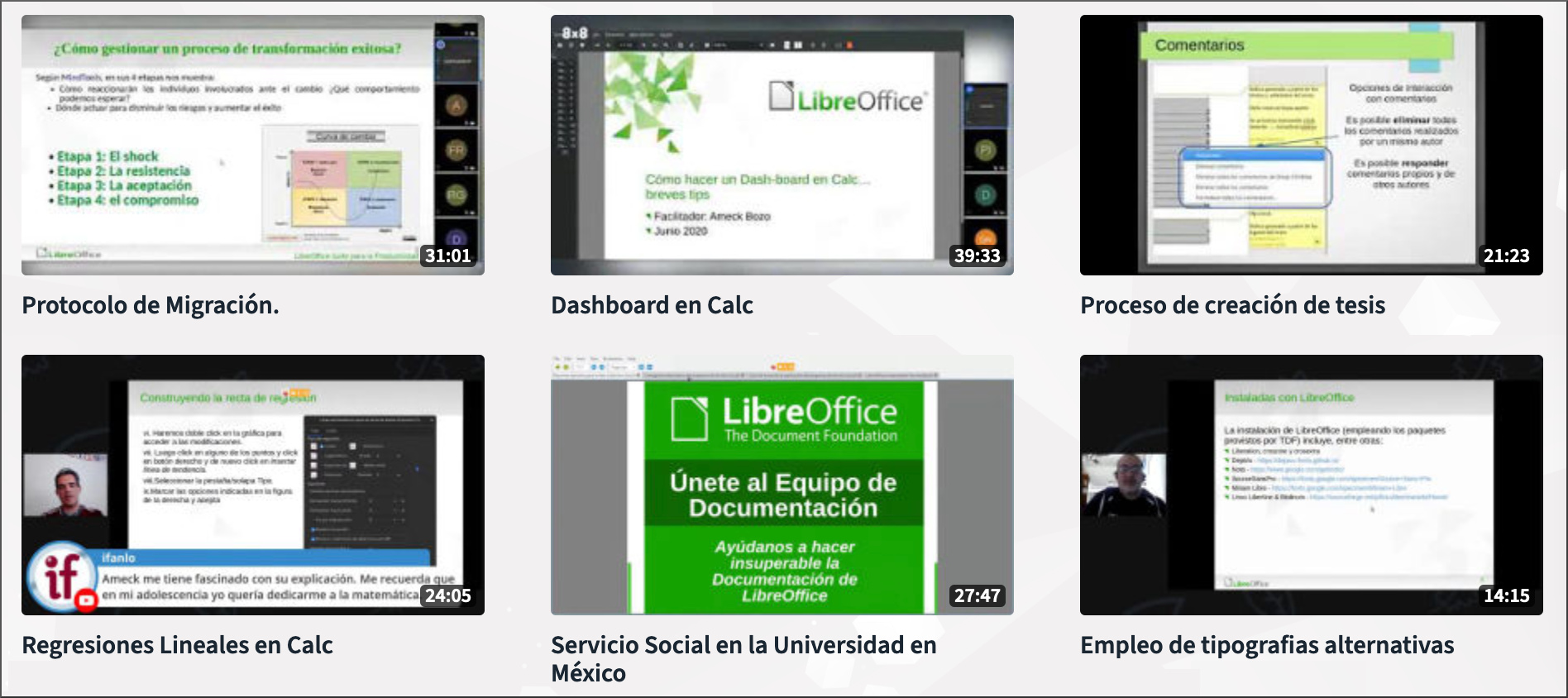
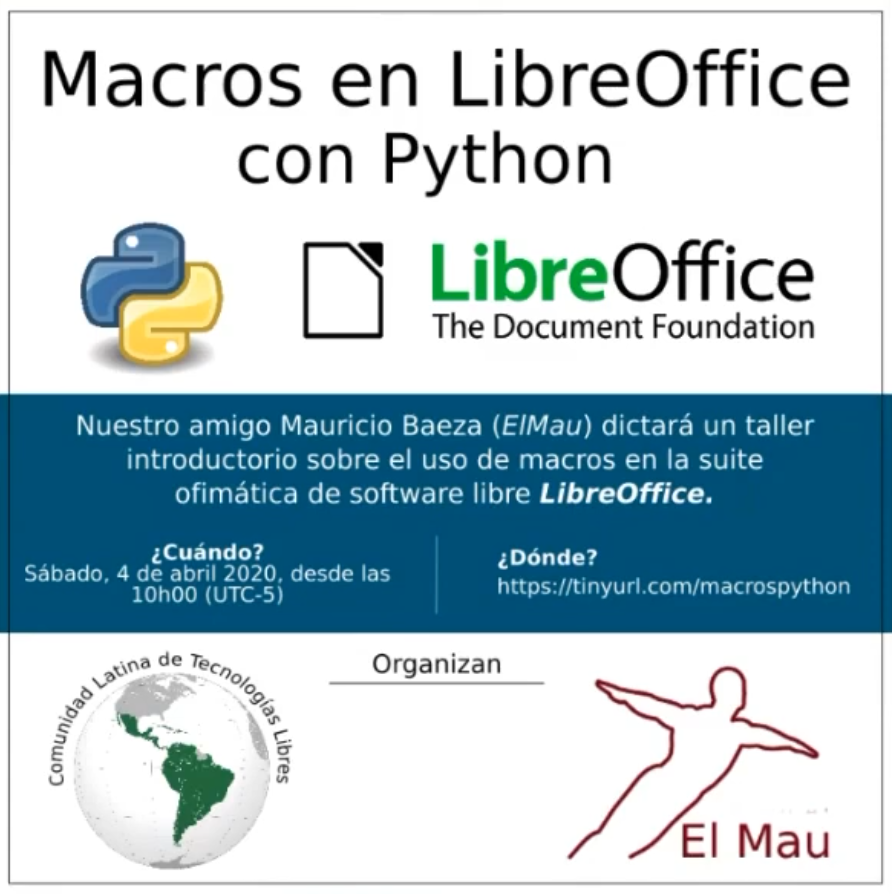
In terms of documentation, a Python scripting course was held by Mauricio Baeza from Mexico (video here).
A documentation programme to involve young students from public universities was set up: “Social service program for Spanish version of LibreOffice documentation”. At the moment there are three students involved (Celia Palacios coordinates this programme).
A LibreOffice Base tutorial was added to https://oficinalibre.net (owned by Ismael Fanlo). Several courses for LibreOffice Calc and Writer are already there – they’re free to use by anyone, and publicly shown in the Telegram Spanish group. Some volunteers are testing the new Base tutorial (Juan Carlos Sanz, Paul G Janzen and Milton Tirado).
Traditional Chinese (Taiwan)
Sadly, the LibreOffice Asia 2020 conference was cancelled due to the pandemic. Still, there was plenty of good news throughout the year: for instance, a new blog for LibreOffice’s Traditional Chinese community was set up, to replace the old Blogspot one. News and important announcements were translated and published there.
Three lecturers passed the certification interview, which was held online during the LibreOffice Conference 2020, and were certified as LibreOffice Trainers: Freddie Chen, Kai-Yuan Hu, and Yu-Tung Hou. Now there are seven certified people in Taiwan, including six LibreOffice Certified Professional Trainers and six LibreOffice Certified Migration Consultants (two of them have both certifications).
In Yi-Lan County, the Police Departments migrated from Microsoft Visio to LibreOffice Draw. Several trainers helped the Police Departments to convert many, many drawing objects like cars and (cross) roads, which were used to describe traffic accidents in Visio, into SVG format and integrated into LibreOffice Draw. Also, Sunjun Information Service Company provided several training courses for LibreOffice Draw to the Police Departments in Yi-Lan County, to teach those officers how to use it in their daily work.
Turkish
In January 2020, a LibreOffice Development Workshop took place at the Free Software Winter Camp. This was a four-day workshop, as a follow-up to the LibreOffice Developer Bootcamp 2019 – and two of LibreOffice’s six Google Summer of Code 2020 students were among the participants. It was hosted by Eskişehir University, and the trainer’s time was sponsored by Collabora.
Then there was the LibreOffice Developer Bootcamp 2020, organized together with Hacettepe University’s ACM Student Chapter and Collabora. It was run at full capacity of 150 students and went on for six weeks. Students were introduced to free and open source software, Google Summer of Code, LibreOffice, Collabora Online, and other FLOSS projects such as GNOME and KDE.
After the foundations of C++ and JavaScript were covered, the students compiled the source code for LibreOffice and Collabora Online, and sent patches to both projects. Then, a Telegram group was formed for the participants, and mentoring is now being provided by volunteers from the community.
Another event was “The Office Suite of the Open-Source World: LibreOffice”. This was a public talk/seminar as part of the “Open Seminars” series organized by Turkey Open Source Platform. With over 1,000 registered attendees, it was also streamed live from the Twitter account of the Science and Technology Minister.
And lastly, there was online basic training of LibreOffice on Pardus GNU/Linux. This was given by one of TDF’s members, Şenol Aldıbaş, live-streamed to the public, and is now available on YouTube:
Please confirm that you want to play a YouTube video. By accepting, you will be accessing content from YouTube, a service provided by an external third party.
If you accept this notice, your choice will be saved and the page will refresh.
Ukrainian
In 2020, the Ukrainian language community translated approximately 9400 strings.
Thank you to everyone
We at The Document Foundation would like to say a huge thank you to everyone who in the native language communities. Your work makes LibreOffice accessible to hundreds of millions of people around the world, and your passion is wonderful. Thank you!
We’ve edited and uploaded the first batch of videos from our recent joint conference. Here’s the playlist – use the button in the top-right corner to switch videos:
Please confirm that you want to play a YouTube video. By accepting, you will be accessing content from YouTube, a service provided by an external third party.
In recent times, the very small LibreOffice Documentation Team has been making real progress in revising and updating the user guides:
Release 6.4
Release 7.0
Calc Guide
Published
Work in progress
Base Guide
Published
Work in progress
Draw Guide
Published
Work in progress
Impress Guide
Skipped
Work in progress
Math Guide
Published
Awaiting volunteer contributors
Writer Guide
Published
Awaiting volunteer contributors
Getting Started Guide
Published
Awaiting volunteer contributors
While this progress in shortened documentation development time is fairly good, it can be substantially improved by having more contributors on the team.
It would be terrific if all contributors were a skilled technical writers, but in reality anyone with a reasonable command of the English language and an eye for detail can make a valuable contribution. No contributor is expected to rewrite entire guide books, although some of our most experienced, long term contributors do exactly that. In fact nothing is expected or demanded of any contributor, other than to let other members of the team know what they what they have chosen to work on.
In some cases, that might be to update a chapter of an existing guide, or reviewing the work of another team member. Reviewing can take the form of proof reading, or researching the accuracy of the guide information in relation to the software’s actual operation. By identifying yourself as a Docs Team contributor does not mean you are making any permanent or long term commitment – many contributors come and go over long periods according to the demands of their “real” life.
It can be seen in the documentation status above there are at least three guides where the input of new contributors would be very welcome. If you are interested in contributing these guides you can see the team guidelines here: