LibreOffice 25.8: The first week, in statistics

LibreOffice 25.8 banner

One week ago, we announced LibreOffice 25.8, our brand new major release. It’s packed with new features, and has many improvements to compatibility and performance too. So, what has happened in the week since then? Let’s check out some stats…

642,564 downloads

These are just stats for our official downloads page, of course – many Linux users will have acquired the new release via their distribution’s package repositories.

23,399 views, shares and likes on social media

Combining our Mastodon, Bluesky, X/Twitter and Facebook posts about the announcement, and all the likes, shares, views and comments, we get 23,999. Thanks to everyone who spread the word on social media! 😊

1,225 upvotes on Reddit

On release day, we posted the announcement on the /r/linux subreddit. There was lots of discussion there about the new update, including things users like and things that could still be improved.

Huge thanks to our worldwide community of volunteers, and certified developers, for all their work on this release!

PyPos3DLO: Python 3D App based on LibreOffice

PyPos3DLO

Today we’re talking to Olivier Dufailly, who’s working on PyPos3DLO, an app based on LibreOffice to create mechanical characters, edit and optimize Poser files, and manipulate WaveFront files:

Tell us a bit about yourself!

I live in Toulouse (France) and for around 30 years I’ve mainly worked in the space and aeronautical domain (from software to system engineering), although I was also a business manager for a few years, and the first CIO of a mid-size engineering company. But now, I’m back in my preferred domain: space systems engineering and development. It’s a so exciting environment.

On a personal side, I like and practice sports (swimming, biking, running) and 3D modeling. I remember, when I bought my first Casio graphic tracer in 1985, I immediately ported some Apple BASIC 3D curves programs to Casio BASIC!

And now, I always like to produce some airplanes models for 3D rendering (unfortunately, the former free site ShareCG.com has disappeared so I need to find a way to publish my work elsewhere). Additionally, I think that we – all of us – are responsible of our children’s planet, and open source software is sustainable and so is vital to help us in the future.

What are you working on right now?

I’ve produced a LibreOffice-based application to help 3D mechanical characters development. I’d would be proud to present it in more detail later, but for now: PoJamas aims to provide a Python library and tools for loading, processing, and producing .cr2, pz3 (crz, pzz) files compatible with the SmithMicro (e-Frontier) Poser character animation application. It includes PyPos3DLO, an app based on LibreOffice to create mechanical characters, and edit and optimize Poser files.

Why did you choose to become a member of The Document Foundation?

LibreOffice is a great project and I’d like to try to contribute to its development. It’s just the beginning, but I feel welcome in the project already.

Anything else you plan to do in the future? What does LibreOffice really need?

I have a strategic approach concerning LibreOffice and general engineering usage.

In my professional and personal domains, engineers, PhD, techs guys produce studies and data for testing and running large and complex systems. To do this, they usually use Microsoft Office with a huge amount of BASIC macros. Moreover, they also use MATLAB and try to integrate or automatize things.

They usually have a lot of “integration” problems and the result is frequently a mess: hard to use, and more or less impossible to maintain or transfer. It’s a lack of experts’ time, when they spend too much time o “silly” development instead of doing their own business.

Our main problems are testing, maintainability and costs.

Finally, I’m convinced that we should promote a new maintainable approach for engineering studies with a better integration of Python (or other, if any languages) in LibreOffice. (Financial studies may be also greatly enhanced with an easy integration between Python libraries and Calc/Excel sheets).

At the end of the journey, BASIC should naturally become extinct.

To achieve this goal, we will need to enhance LibreOffice, ease the development of LibreOffice macros, and teach our users with many tutorials.

I’d be happy to help with testing, writing tutorials, or anything else.

PyPos3DLO

Video: New features in LibreOffice 25.8

Get a quick overview of some of the new features in LibreOffice 25.8, released on Wednesday. (This video is also available on PeerTube).

Please confirm that you want to play a YouTube video. By accepting, you will be accessing content from YouTube, a service provided by an external third party.

YouTube privacy policy

If you accept this notice, your choice will be saved and the page will refresh.

AI extension: Stable Diffusion image generator for LibreOffice

Screenshot of Stable Diffusion extension for LibreOffice

LibreOffice does not include artificial intelligence (AI) out-of-the-box. But many users want AI features in the suite – so we encourage developers to make them available as optional extensions. And that’s what Igor Támara did, creating the “Stable Diffusion for LibreOffice” extension for AI-generated images powered by AI Horde (a volunteer crowd-sourced distributed cluster of image generation workers).

We talked to Igor about the extension – here’s what he had to say:

What does the extension do?

You write some text describing an image, and get an AI image generated from the given text. You can tweak parameters, choose a model and use the best result on written documents, presentations or the place you prefer. The images are generated on volunteer GPUs through AI Horde.

When did you start working on it?

Two weeks ago, starting from a Gimp plugin as a base. I’m brand new to the LibreOffice project, and started it as a macro to get this functionality in the software. One week later I put it on GitHub.

Later on I got help from friendly people on the forum to turn it into an extension. I also joined the the chat and filled some requests in the bug tracker.

What are the current limitations, and what’s coming next?

Be aware that the text you provide is sent to AI Horde and seen by the machines that create the image, so do not send sensitive data. Also, you can get better results if you send the description of the desired image in English. You are encouraged to try different languages to see the results.

You need internet connection to use it. If you wanted to create images locally on your machine, it would take time to configure your environment with local AI models, with gigabytes of memory dedicated to this purpose, and maybe processing for hours to get something useful.

Sometimes the text can be marked as NSFW (“not safe for work”) – in which case you end up with black and white text saying so.

For now, the extension works in Writer and Impress; when invoked from other LibreOffice components, it opens a new text document and inserts the image along with the provided text.

The roadmap includes:

  • Translating the plugin to other languages
  • An option to pre-translate the text to English
  • Better integration with LibreOffice Calc and Draw
  • Earn kudos, rating the images to have more priority when requesting an image

Screenshot of Stable Diffusion extension for LibreOffice

How can others help to improve it?

Report any problems you find, and help to translate into your language. Please do so by filling an issue with your intention saying which language.

If you have a GPU (and good graphics hardware in general), you can volunteer as a worker joining the horde, to add to the computing power – and you can earn kudos to have higher priority when you need it.

If you work with a friendly company that wants to make use of the existing hardware, you can join the horde too.

One of the purposes of AI Horde is to aid education, having a special program for that.

This plugin and AI Horde are all open source, so everyone can learn and be as transparent as possible in this changing and revolutionary world of AI times.

There might be concerns about the use of products and the ownership of work. As I see it, we are always learning by example and reusing what others have invented from thousands of years ago, like how to walk, make fire, communicate, explore, recreate and mix. We can continue to learn and make fair use of resources – and contribute too.

Click here to get the extension

LibreOffice project and community recap: July 2025

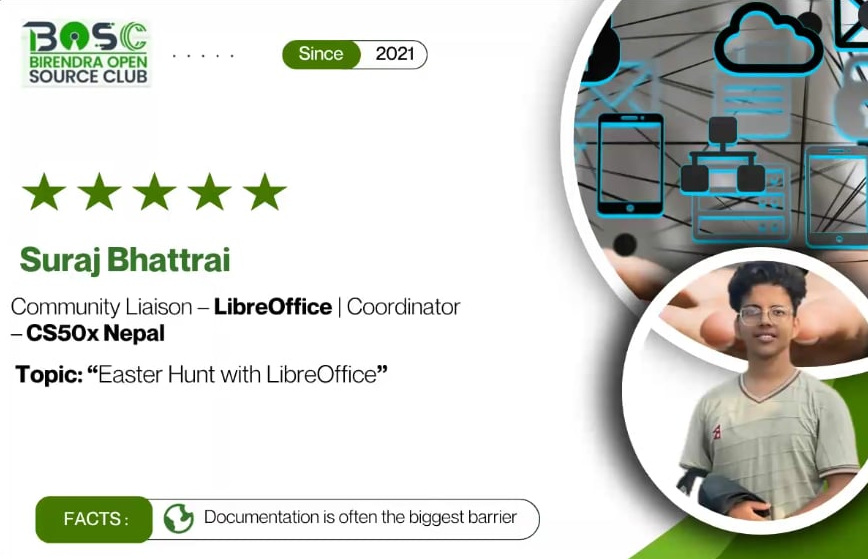
Dione Maddern with quote saying the LibreOffice documentation team are such a great bunch of people to work with

Here’s our summary of updates, events and activities in the LibreOffice project in the last four weeks – click the links to learn more…

Danish Ministry switching from Microsoft Office/365 to LibreOffice

  • Then we posted the LibreOffice Podcast, Episode #4 – Documentation in Free and Open Source Software. What exactly makes “good” documentation? And why is it important today? Watch to learn more (also available on PeerTube).

Please confirm that you want to play a YouTube video. By accepting, you will be accessing content from YouTube, a service provided by an external third party.

YouTube privacy policy

If you accept this notice, your choice will be saved and the page will refresh.

XML logo

  • On July 17, we announced LibreOffice 25.2.5. This is the fifth minor update to the 25.2 branch, with bugfixes and compatibility improvements. All users are recommended to upgrade.

LibreOffice 25.2 banner

  • And while that branch is being updated regularly, we’re also preparing for the next major release. LibreOffice 25.8 RC2 is available for testing – thanks in advance to everyone who helps to report issues, so we can make it a rock-solid final version!

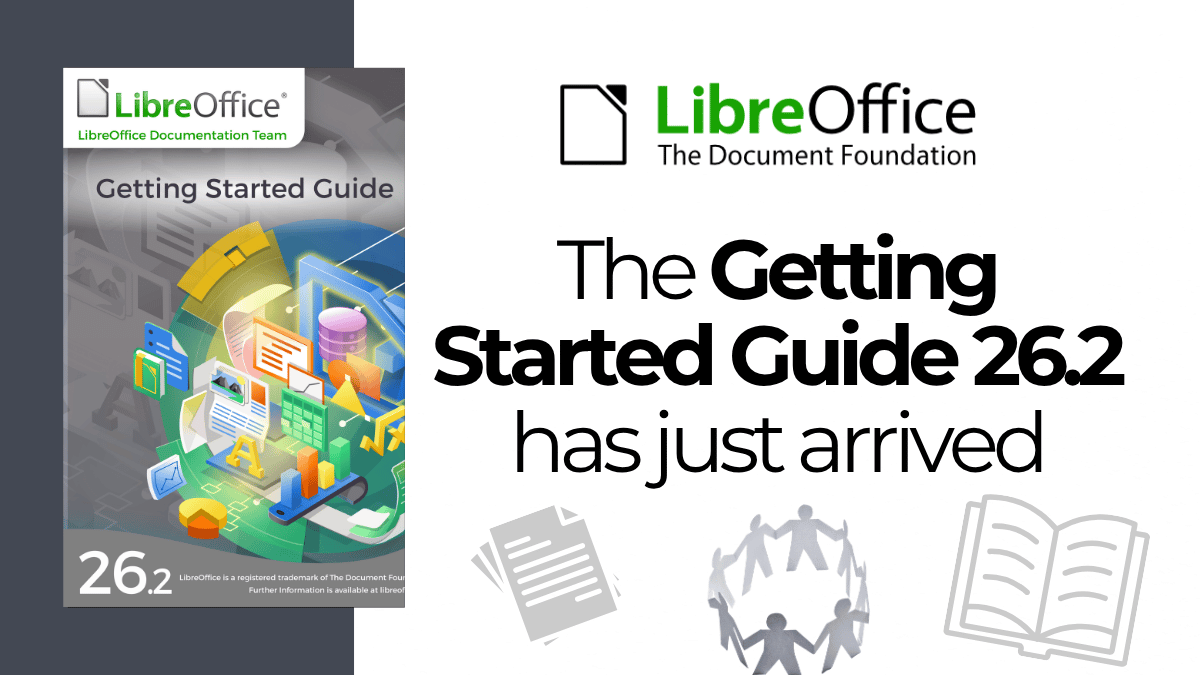
Getting Started Guide 25.2 cover

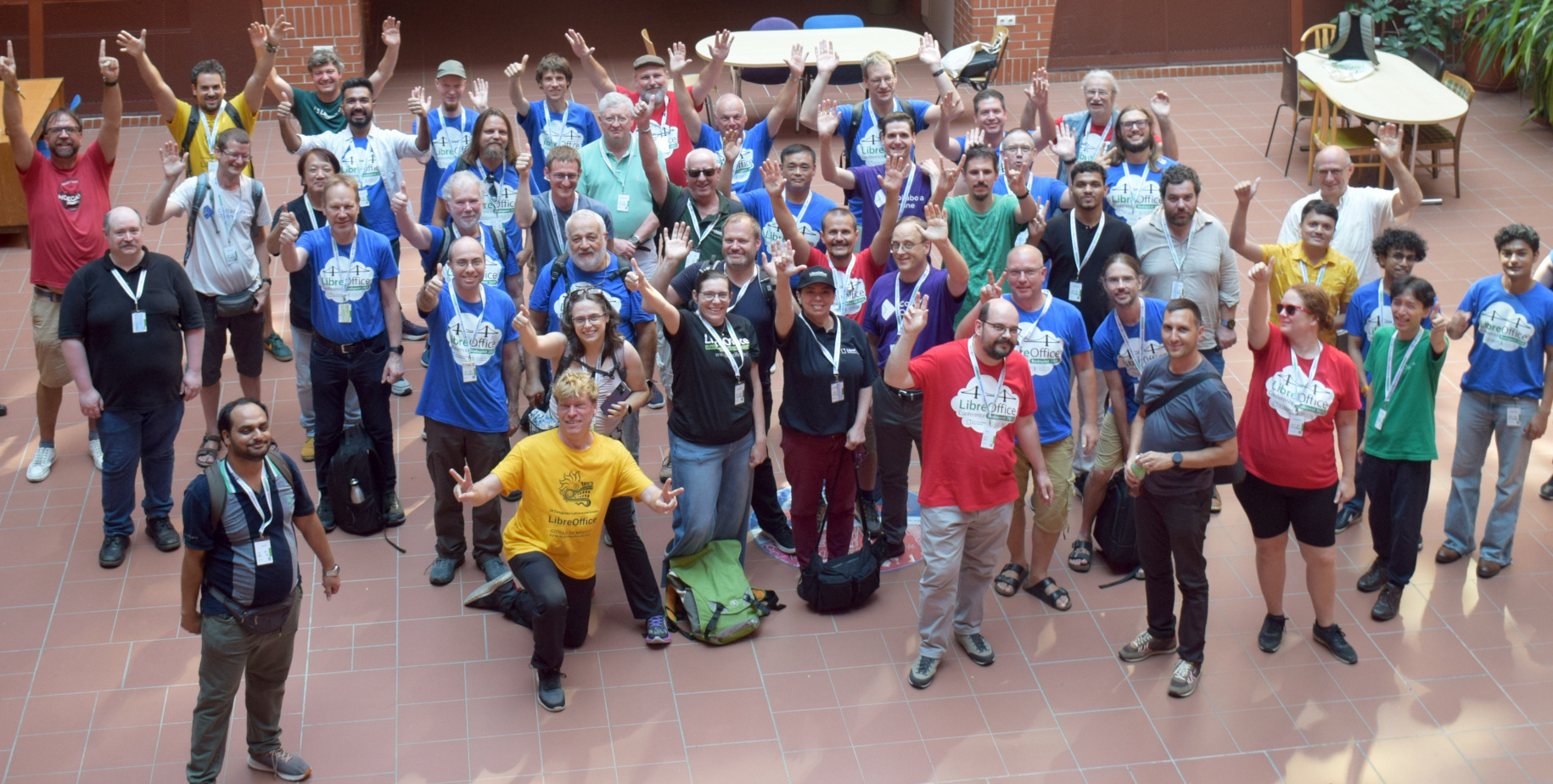
Group photo from LibreOffice Asia Conference 2024

Keep in touch – follow us on Mastodon, X (formerly Twitter), Bluesky, Reddit and Facebook. Like what we do? Support our community with a donation – or join our community and help to make LibreOffice even better!

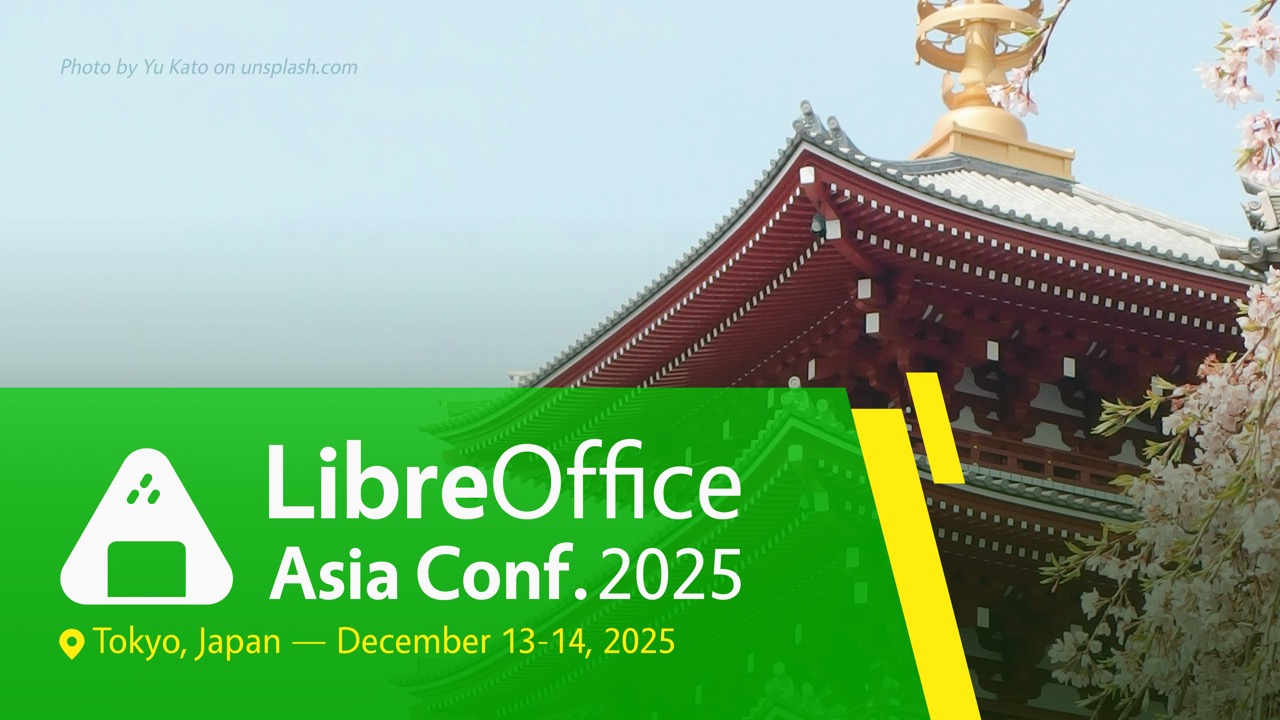
LibreOffice Asia Conference 2025, Tokyo – Call for proposals is open

Photo from the LibreOffice Asia Conference 2024

Photo from the LibreOffice Asia Conference 2024

This is a translation of the Japanese post:


The LibreOffice Asia Conference Committee is pleased to invite proposals for talks at the LibreOffice Asia Conference 2025, which will be held in Tokyo, Japan, on December 13 (Saturday) and 14 (Sunday), at IIJ Head Office (Iidabashi Grand Bloom).

This conference brings together LibreOffice users and contributors across Asia — including developers, translators, QA testers, community organizers, and marketing professionals — to share knowledge, tools, experiences, and challenges. We will welcome international guests, including team members from The Document Foundation, and encourage cross-border exchange and collaboration.

The conference will be held as a single-track event over two days, with most sessions in English. However, talks in Japanese are also welcome. If you plan to give your talk in Japanese, please prepare your slides in English so that non-Japanese-speaking attendees can follow along. We may also organize separate workshops or additional sessions.

Please make sure to check the following for details such as the event schedule.
(The information will be updated as needed.)
wiki.documentfoundation.org/Events/2025/LibreOffice_Asia_Conference

Here are some examples of topics (but not limited to):

  • Case studies of LibreOffice adoption or ODF migration efforts
  • Technical insights into LibreOffice code development
  • Community activities such as translation, quality assurance, outreach, or marketing
  • Tips and techniques for using LibreOffice effectively

Talk duration: 25 minutes including Q&A

  • The presentation will be recorded and made publicly available.
  • Please apply the CC-BY-SA 4.0 license to your presentation slides.
  • Please submit your slides after the event.

Travel support:
We may provide travel support to accepted speakers traveling from outside Tokyo:

  • Airfare or bullet train tickets
  • Hotel accommodation (up to 2 nights; up to 4 nights for those traveling long distances, e.g., from overseas)

How to submit

Please submit your proposal via the following website:
events.documentfoundation.org/libreoffice-asia-conference-2025/
If you have difficulty submitting through the website, please send an email to ja-contact@libreoffice.org with the following information and with the email subject “Proposal Submission for LibreOffice Asia Conference 2025”:

  • Your name
  • Your email address
  • Your profile
  • Talk title
  • Abstract (around 130-250 words)
  • Travel cost approximate estimation (only if you want to request travel support)

Due to limited hotel availability in Tokyo, please make a cancelable hotel reservation at the time of your CFP submission.

Submission deadline: September 16, 2025, 23:59 (JST, UTC+9)

Notification of acceptance: by October 1, 2025