

Following our appearance on the Sustain FOSS podcast, Heiko Tietze from The Document Foundation talked on the sister Sustain Design podcast about mentoring designers in the LibreOffice project, and other UI/UX topics.
Following our appearance on the Sustain FOSS podcast, Heiko Tietze from The Document Foundation talked on the sister Sustain Design podcast about mentoring designers in the LibreOffice project, and other UI/UX topics.
Sustain is a podcast that “brings together practitioners, sustainers, funders, researchers and maintainers of the open source ecosystem – we have conversations about the health and sustainability of the open source community.”
Mike Saunders from The Document Foundation, the non-profit entity behind LibreOffice, appeared on a recent episode of the podcast to talk about the LibreOffice community and long-term sustainable development. He discussed growing the project and ensuring that the work of volunteers and the wider ecosystem is recognised.

Berlin, March 10, 2022 – LibreOffice 7.2.6 Community, the sixth minor release of the LibreOffice 7.2 family, targeted at desktop productivity, is available from from the download page.
End user support is provided by volunteers via email and online resources: community support. On the website and the wiki there are guides, manuals, tutorials and HowTos. Donations help us to make all of these resources available.
For enterprise-class deployments, TDF strongly recommends the LibreOffice Enterprise family of applications from ecosystem partners, with long-term support options, professional assistance, custom features and Service Level Agreements: LibreOffice Business.
LibreOffice 7.2.6’s changelog pages are available on TDF’s wiki: RC1 and RC2.
LibreOffice Community and the LibreOffice Enterprise family of products are based on the LibreOffice Technology platform, the result of years of development efforts with the objective of providing a state of the art office suite not only for the desktop but also for mobile and the cloud.
LibreOffice Technology based products for Android and iOS are listed here, while for App Stores and ChromeOS are listed on this page.
LibreOffice users, free software advocates and community members can provide financial support to The Document Foundation with a donation via PayPal, credit card or other tools on our donate page.
LibreOffice 7.2.6 is built with document conversion libraries from the: Document Liberation Project.
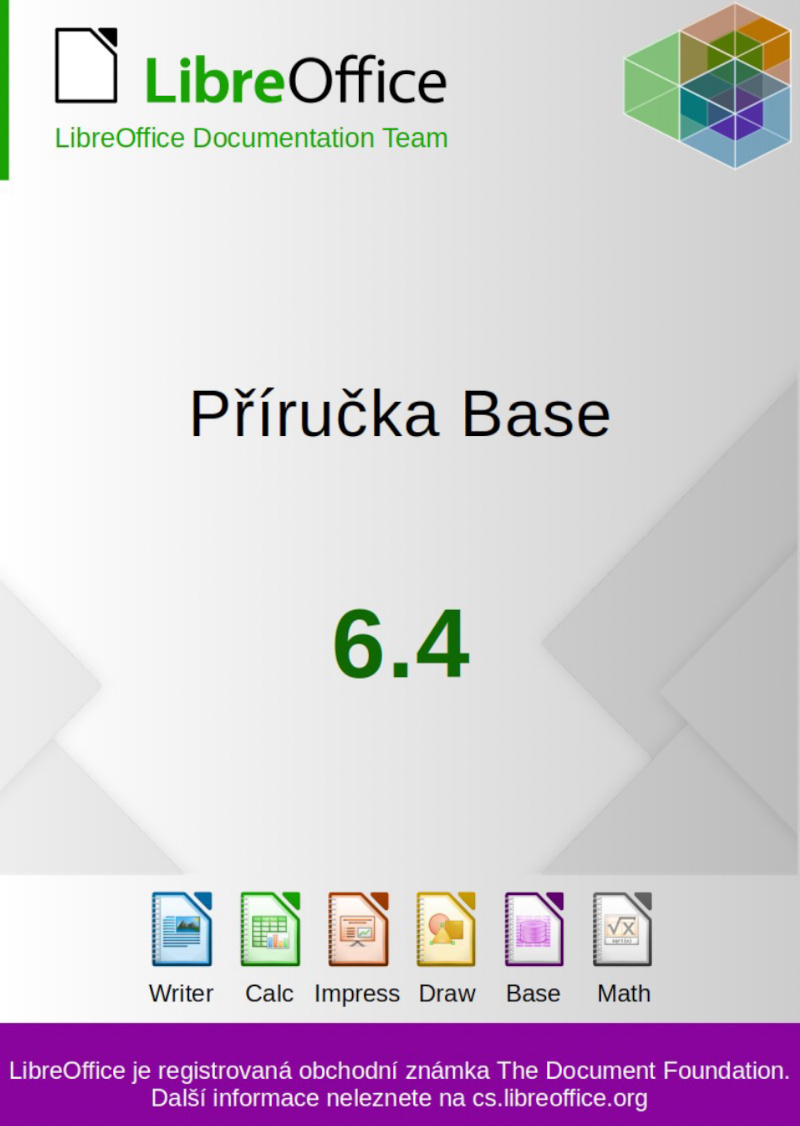
Zdeněk Crhonek (aka “raal”) from the Czech LibreOffice community writes:
The Czech LibreOffice docs team has finished its translation of the Base Guide 6.4. As usual it was a team effort, namely: translations by Petr Kuběj and Zdeněk Crhonek; revisions by Marcela Tomešová, Martin Kasper, Zdeněk Crhonek and Jan Martinovský; localised pictures by Roman Toman; and technical support from Miloš Šrámek. Thanks to all the team for their work and especially thanks to Petr, who translated almost whole book!
The Czech translation of the Base Guide 6.4 is available for download on this page.
The whole set of official guides are now translated to Czech languages, see the old announcements: Writer Guide, Draw Guide, Impress Guide, Calc Guide, and Getting Started Guide.
The team continues with translations of the Getting Started Guide 7.3. We always looking for new translators and correctors – Join us!
Indeed, many thanks to everyone in the Czech community for their work! Learn more about LibreOffice’s documentation project here.
The Document Foundation (TDF) is the charitable entity behind the world’s leading free/libre open source (FLOSS) office suite LibreOffice.
We are looking for an individual or company to clean up and further improve ODF conformance.
The default file format of LibreOffice is ODF, the Open Document Format. We have successfully tendered two projects on the current version 1.3 recently:
The scope of this tender is to further improve the ODF conformance in LibreOffice. Note however that the majority of the items mentioned below are unrelated to ODF version 1.3, and have existed before support of this version was introduced in LibreOffice.
Please propose a subset and prioritization of these bugs, that do not exceed the person days factored in for this tender, see below.
Please propose a subset and prioritization of these bugs, that do not exceed the person days factored in for this tender, see below.
The work has to be developed on LibreOffice master, so that it will be released in the next major version.
A key item of the deliverables for this tender is extensive documentation, about the approach chosen to implement the above items. We expect bidders to provide documentation on both the code and the non-code parts of this tender, e.g. methodology, structure and technical aspects. The Document Foundation will publish this under a free and open source license and make it available to the general public.
We use free, libre and open source (FLOSS) software for development wherever possible, and the resulting work must be licensed under the Mozilla Public License v2.0.
TDF welcomes applications from all suitably qualified persons regardless of their race, sex, disability, religion/belief, sexual orientation or age.
Bidders will get a preference for including a partner or independent developer who has not been involved in a successful tender before.
As always, TDF will give some preference to individuals who have previously shown a commitment to TDF, including but not limited to certified developers and/or members of TDF. Not being a member, or never having contributed before, does not exclude any applicants from consideration.
The task offered is a project-based one-off, with no immediate plans to a mid- or long-term contractual relationship. It is offered on a freelance, project basis. Individuals and companies applying can be located anywhere in the world.
When budgeting, we anticipated that this project (all items combined) to take in the region of 40 days of work. Should bidders’ assessment result in a significantly different number, please reach out to us before sending your bid, so we can clarify upfront.
TDF is looking forward to receiving your applications for one or more of the aforementioned tasks, your financial expectations and the earliest date of your availability, via e-mail to a committee at tender20220201@documentfoundation.org no later than March 31, 2022.
Applicants who have not received feedback by April 29, 2022 should consider that their application, after careful review, was not accepted.
All bidders are invited to ask their questions on this tender until March 24, 2022. Questions and answers will be made public in a collected and anonymized form.
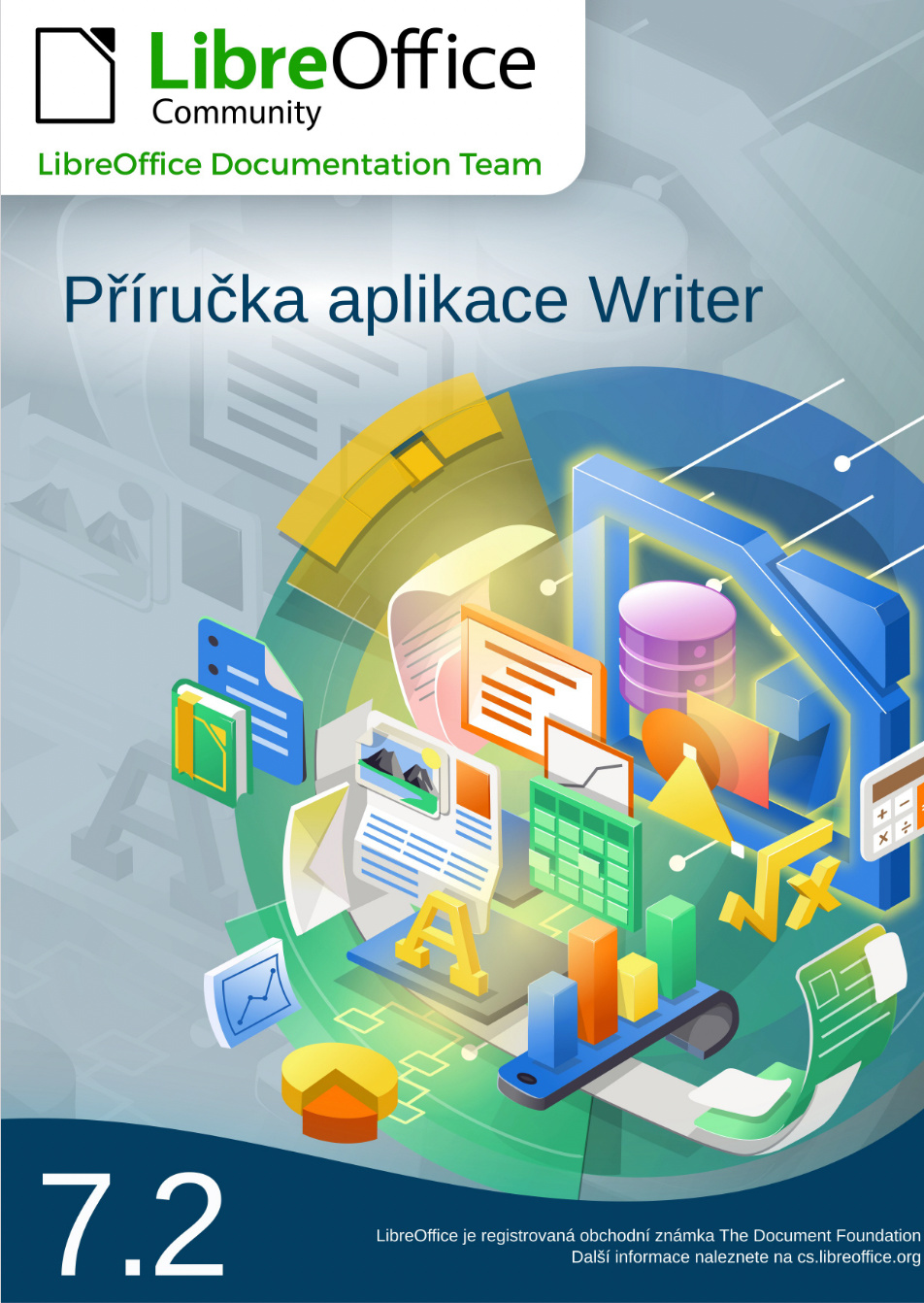
Zdeněk Crhonek (aka “raal”) from the Czech LibreOffice community writes:
The Czech team has finished translating the LibreOffice Writer Guide 7.2. As usual it was a team efort, namely:
Translations: Petr Kuběj, Radomír Strnad, Zdeněk Crhonek
Localized pictures: Roman Toman
Technical support: Miloš ŠrámekThanks to all the team for their work! The Czech translation of the Writer guide 7.2 is available for download on this page.
The team continues with the translation of the Base Guide 6.4 and Getting Started Guide 7.3. We always looking for new translators and correctors. Join us!
Indeed, many thanks to everyone in the Czech community for their work! Learn more about LibreOffice’s documentation project here.