The Document Foundation announces LibreOffice 5.4.3

Berlin, November 9, 2017 – The Document Foundation (TDF) announces LibreOffice 5.4.3, the third minor release of LibreOffice 5.4 family. LibreOffice 5.4.3 continues to represent the bleeding edge in term of features, and as such is targeted at technology enthusiasts and early adopters.

TDF suggests to conservative users and enterprises to deploy LibreOffice 5.3.7 with the backing of certified professionals (an updated list is available at https://www.libreoffice.org/get-help/professional-support/).

LibreOffice 5.4.3 includes approximately 50 bug and regression fixes. Technical details about the release can be found in the changelogs here: https://wiki.documentfoundation.org/Releases/5.4.3/RC1 (fixed in RC1) and https://wiki.documentfoundation.org/Releases/5.4.3/RC2 (fixed in RC2).

Download LibreOffice

LibreOffice 5.4.3 is immediately available for download from the following link: https://www.libreoffice.org/download/.

LibreOffice users, free software advocates and community members can support The Document Foundation with a donation at https://www.libreoffice.org/donate/. Donations help TDF to maintain its infrastructure, share knowledge, and organise events such as the Month of LibreOffice, which has last week and will be active until the end of November (https://blog.documentfoundation.org/).

Several companies sitting on TDF’s Advisory Board (https://www.documentfoundation.org/governance/advisory-board/) provide either value-added LTS versions of LibreOffice or consultancy services for migrations and training, based on best practices distilled by The Document Foundation.

LibreOffice 5.3.7 available for download

Berlin, November 2, 2017 – The Document Foundation (TDF) announces LibreOffice 5.3.7, the seventh and last minor release of the LibreOffice 5.3 family, targeted at enterprises, government bodies and individual users in production environments.

TDF suggests deploying LibreOffice in production environments with the backing of professional support by certified developers, migrators and trainers (a list is available at: https://www.libreoffice.org/get-help/professional-support/).

LibreOffice 5.3.7 includes around fifty bug fixes. Technical details can be found here: https://wiki.documentfoundation.org/Releases/5.3.7/RC1 and here: https://wiki.documentfoundation.org/Releases/5.3.7/RC2.

Download LibreOffice

LibreOffice 5.3.7 is immediately available for download from the following link: https://www.libreoffice.org/download/.

LibreOffice users, free software advocates and community members can support The Document Foundation with a donation at https://www.libreoffice.org/donate/. Donations help TDF to maintain its infrastructure, share knowledge, and organise events such as the Month of LibreOffice, which has started yesterday and will be active until the end of November (https://blog.documentfoundation.org/).

Several companies sitting in TDF’s Advisory Board (https://www.documentfoundation.org/governance/advisory-board/) provide either value-added LTS versions of LibreOffice or consultancy services for migrations and training, based on best practices distilled by The Document Foundation.

Call for Papers Open Document Editors DevRoom at FOSDEM 2018

FOSDEM is one of the largest gatherings of Free Software contributors in the world and happens each year in Brussels (Belgium) at the ULB Campus Solbosch. In 2018, it will be held on Saturday, February 3, and Sunday, February 4.

As usual, the Open Document Editors DevRoom will be jointly organized by Apache OpenOffice and LibreOffice, on Saturday, February 3 (from 10:30AM to 6:30PM, room AW1.120). The shared devroom gives every project in this area a chance to present ODF related developments and innovations.

We are now inviting proposals for talks about Open Document Editors or the ODF standard document format, on topics such as code, localization, QA, UX, extensions, tools and adoption related cases. This is a unique opportunity to show new ideas and developments to a wide technical audience. Please do keep in mind, though, that product pitches are not allowed at FOSDEM.

Length of talks should be limited to a maximum of 30 minutes, as we would like to have questions after each presentation and to fit as many presenters as possible in the schedule. Exceptions must be explicitly requested and justified. You may be assigned LESS time than you request.

All submissions have to be made in the Pentabarf event planning tool: https://penta.fosdem.org/submission/FOSDEM18.

While filing your proposal, please provide the title of your talk, a short abstract (one or two paragraphs), some information about yourself (name, bio and photo, but please do remember that your profile might be already stored at Pentabarf).

To submit your talk, click on “Create Event”, then make sure to select the “Open Document Editors” devroom as the “Track”. Otherwise, your talk will not be even considered for any devroom at all.

If you already have a Pentabarf account from a previous year, even if your talk was not accepted, please reuse it. Create an account if, and only if, you don’t have one from a previous year. If you have any issues with Pentabarf, please contact ode-devroom-manager@fosdem.org.

The deadline is Monday, December 4th, 2017. Accepted speakers will be notified by Monday, December 11th, 2017. The schedule will be published by Friday, December 15, 2017.

Recording Permission

The talks in the Open Document Editors DevRoom will be audio and video recorded, and possibly streamed live too.

In the “Submission notes” field, please indicate that you agree to have your presentation recorded and published under the same license as all FOSDEM content (CC-BY). For example: “If my speech is accepted for FOSDEM, I hereby agree to be recorded and to have recordings – including slides and other presentation-related documents – published under the Creative Commons Attribution (CC-BY) 4.0 International License. Sincerely, Name”.

The Document Foundation welcomes Kopano to the project’s Advisory Board

Berlin, September 26, 2017 – The Document Foundation (TDF) announced today that Kopano, the leading European provider of open source groupware and collaboration software, has joined the project’s Advisory Board. Kopano wants to contribute to the project in areas of its expertise, for example in user experience.

Kopano is a continuation of Zarafa. It offers a platform for communication, content sharing and self-organization, is entirely modular, and provides third party software vendors with simple integration options (e.g. via widgets).

Most features and integrations are available via a browser, thanks to Kopano WebApp, while smartphones, tablets and Outlook can be connected through Z-Push – the open source implementation of the Exchange ActiveSync Protocol (EAS). Kopano’s desktop client DeskApp is available for Windows, macOS and Linux.

Solutions like Kopano, combined with LibreOffice, help users to free themselves from the dependency of Microsoft and other cloud software, and enable companies to retain freedom and ownership of their data and software stack.

“Kopano is a welcome addition to the LibreOffice community, as they are extending the reach of LibreOffice in self-hosted Enterprise-environments by integrating LibreOffice Online with their collaboration solution. By becoming a member of the project’s Advisory Board, Kopano will provide experiences and insights necessary to improve the presence of LibreOffice Online”, says Simon Phipps, TDF Board Member.

“With our collaboration-products for messaging, ChatOps, Video Meetings, e-mail and groupware we offer the benefits of cloud-software in a self-hosted open source-stack. A powerful LibreOffice Online is the missing puzzle-piece for Enterprise-customers to keep their whole stack of modern collaboration under their own control”, says Brian Joseph, CEO of Kopano.

TDF Advisory Board’s (AB) primary function is to represent sponsors of the project, and to provide the Board of Directors (BoD) with advice, guidance and proposals. In addition, the AB is at the kernel of the LibreOffice ecosystem, and as such is key to the further development of the project.

About Kopano

Kopano is a leading European provider of open source groupware and collaboration software serving thousands of customers ranging from European governments to larger organizations. As a continuation of Zarafa, Kopano puts messaging, collaborative editing, video meetings, email and calendaring in one single interface. Website: https://kopano.com


LibreOffice Certification is now available to FSF Members

Yesterday, the Free Software Foundation (FSF) announced that the opportunity to apply for LibreOffice certification for migrations and training is now available to FSF Associate Members. In 2015, TDF began offering LibreOffice certification to certify “individuals actively promoting LibreOffice deployments, thanks to their competence in specific areas” including development and L3 support, migrations to LibreOffice, and LibreOffice training. In 2017, TDF Certification Committee decided to open the certification process to members of other FLOSS projects, starting from those sitting in TDF Advisory Board.

People certified in LibreOffice migrations and training are able to help companies and government offices make the switch away from proprietary office suites, and that raises the value of a deep understanding of LibreOffice. Italo Vignoli, Chair of the LibreOffice Certification Committee, said: “By extending LibreOffice certification to FSF members, we are widening the reach of our program to foster migrations to LibreOffice. In several geographies, the availability of certified professionals has triggered a number of large deployments in public administrations and enterprises.”

Call to Action: Hackfests “The New Generation”

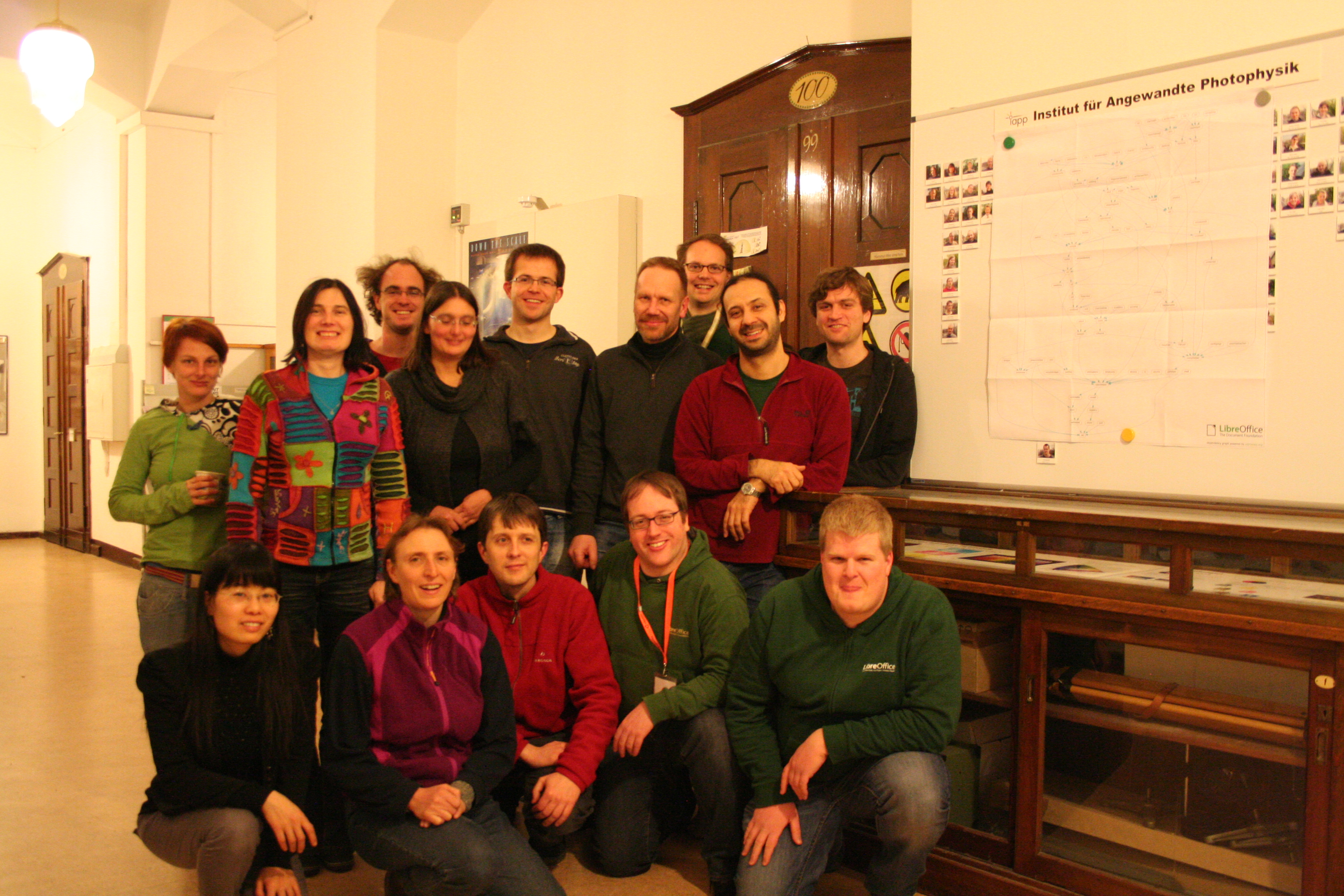
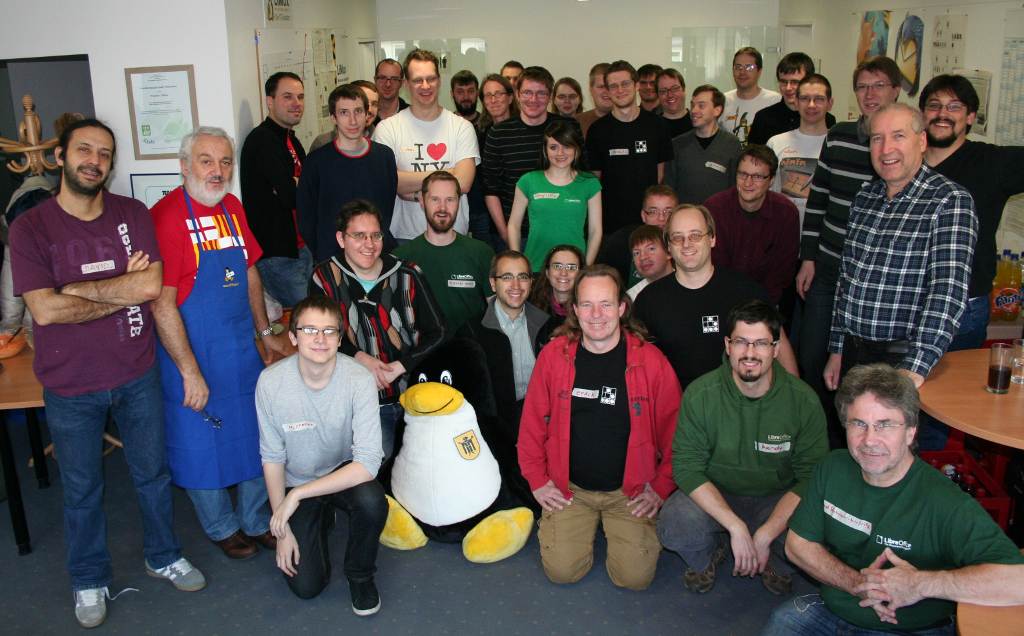
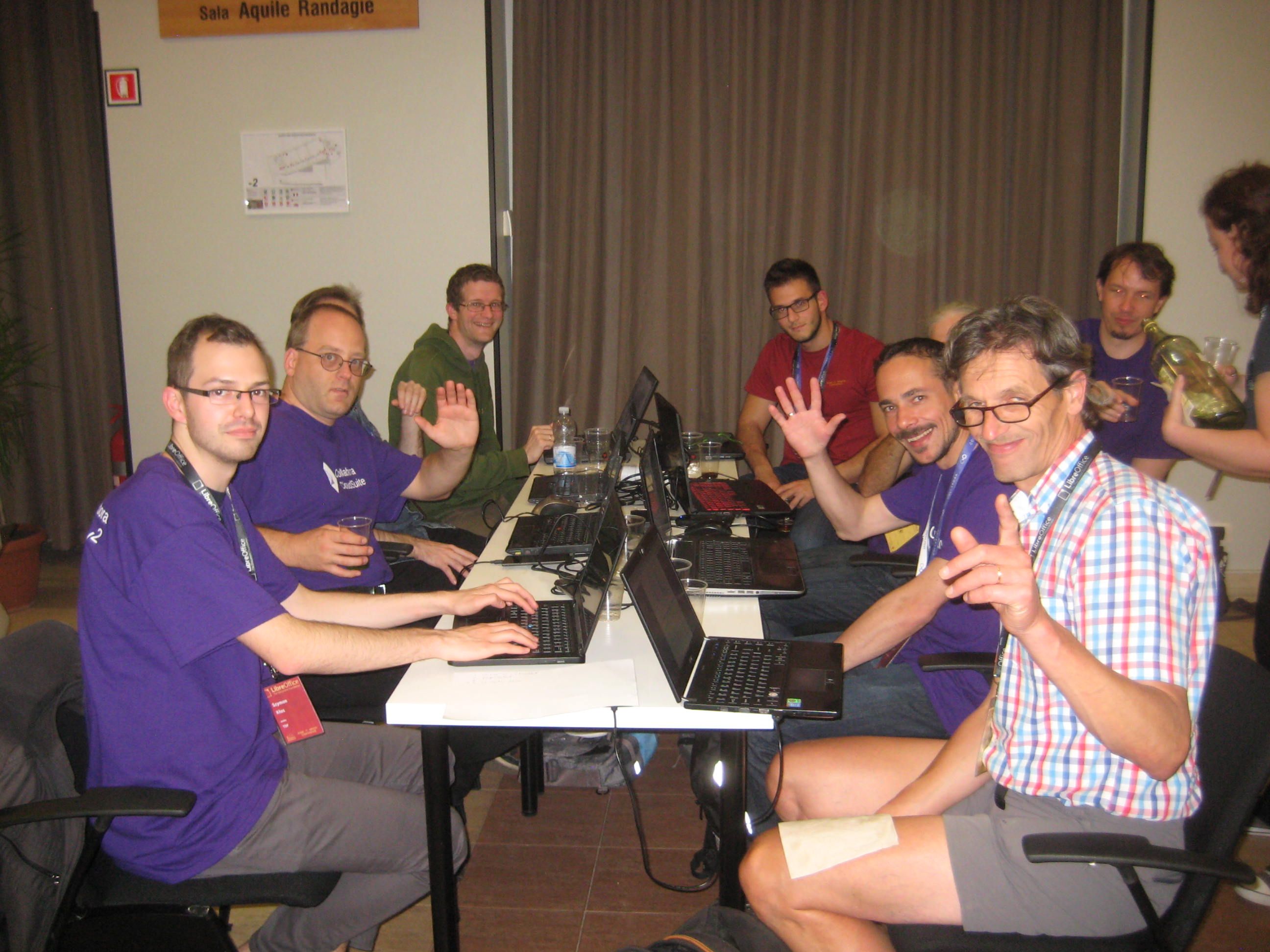
LibreOffice’s development community has been growing steadily for seven years, thanks to the great enthusiasm demonstrated by several core members. They have mentored an entirely new generation of LibreOffice developers, also thanks to Hackfests and other face-to-face meeting opportunities such as FOSDEM and the LibreOffice Conference.

After seven years is now the right time to start thinking about the new generation of Hackfests. For several reasons, their number has decreased over the last couple of years, and they have never really gone beyond European borders (even with core developers flying over the Atlantic to attract potential new developers).

Bjoern Michaelsen will be hosting a conference call to discuss HackFests “The New Generation” on Sunday, September 17, at 4:30PM CEST (Berlin time, or UTC +2). Everyone interested is warmly invited to participate, especially from LibreOffice native language communities around the world.

If you cannot connect, make your voice heard by sending a couple of ideas by email to the Projects mailing list: projects@global.libreoffice.org.