
Update about Font Replacement

Last Saturday, November 8, I have managed a workshop at SFScon on Font management for document interoperability in LibreOffice. The workshop aimed to demonstrate how to configure and manage the LibreOffice font replacement feature, one of the key elements of document interoperability. Although font replacement on the fly is a long-standing LibreOffice feature, it is rather unknown and must be configured and managed properly in order to substitute proprietary fonts, which are standard on Windows and macOS and have been used as a lock-in tool for years, with metrically compatible free fonts.

In September 2020, I wrote the blog post LibreOffice Tips & Tricks: Replacing Microsoft Fonts, which explained how to create a Font Replacement Table (available in Tools > Options > LibreOffice > Fonts) to instantly replace Microsoft’s proprietary fonts with metrically equivalent free fonts, available from Google Fonts and other websites. However, I recommend using Google Fonts for legal compliance, as they provide the font, licence and all other documents from the font designer. This post prompted several responses and inspired Jean-François Nifenecker, a volunteer contributor, to develop the FontsSubstTableExporter extension, which creates an extension embedding the font’s replacement table for easy duplication or backup, as well as the resulting FontSubstTable, which sets the font’s substitution table values.

During the webinar, I used a short LibreOffice Impress presentation to help the audience follow my talk more easily:

SFScon Font Management 2025 Download the Slide Deck


I opened the webinar by showing the 2020 blog post and its associated font replacement table. I then presented the updated table, as Spartan — one of the free fonts — has evolved into League Spartan. I also explained how the situation has changed radically since 2020, as Microsoft has deprecated ClearType fonts (Calibri, Candida, Candara, Consolas, Constantia, Corbel and Segoe for Western languages) and now uses Aptos as the default font for Western languages. Although Aptos is Microsoft proprietary, it has a weaker licence which only prohibits redistribution. As such, it can be downloaded and installed by all users (including Linux users) provided the download is from the official Microsoft Aptos Page.

I also announced that, ideally before the release of LibreOffice 26.2 in February 2026, I will update the FontSubstTable extension to include all Microsoft proprietary fonts with restrictive licences. These are fonts that require replacement as they cannot be installed by Linux users or those without a Microsoft Windows or Microsoft 365 licence. I will also try to generate additional FontSubstTable extensions for the most commonly used fonts in DOCX, XLSX and PPTX files. Thanks to AI, I now have access to a list of these fonts in just a few seconds, which would have taken me weeks to compile manually. These extensions will be available for general use and for specific verticals, such as visual design.
Long-term archiving with ODF: a future-proof strategy

Digital documents in proprietary formats often become inaccessible within a few years due to undocumented changes to the XML schema that are intentionally employed for lock-in purposes. To avoid this problem, it is advisable to use the Open Document Format (ODF) not only for everyday tasks, but also for long-term storage. This ensures that documents remain accessible for years or even generations.
Without this approach, government documents, academic research, legal documents and corporate archives risk becoming true digital orphans — files that exist, but cannot be read. This is not so much because the software that created them is obsolete, but because the XML schema has been modified to make the files readable by a specific version of a single software program. However, the layering of changes makes them unreadable by any software in the long term.

Why is ODF suitable for archiving?

ODF (ISO/IEC 26300 and subsequent versions) is an open standard, managed transparently by OASIS. Its development process and specifications are documented and publicly accessible, unlike proprietary formats, where the process is undocumented and the ISO/IEC specifications do not reflect the reality of the format. This means that even if the current software disappeared, developers could create new programmes compatible with the standard to handle the files and access their content.

Furthermore, ODF files are compressed archives (ZIP) containing XML files based on a schema that can be easily read by non-technical users, enabling anyone to extract and interpret the content. This transparency of format is a fundamental element of its archival value. In contrast, the XML schema of proprietary files is intentionally designed to be unreadable. In this sense, it is a perfect example of how a language created for simplification, such as XML, can become a subtle lock-in tool if used contrary to its nature.

Finally, ODF maintains strong backwards compatibility between versions. This means that all files created with ODF 1.0 in 2005 — immediately after standardisation by OASIS — can be opened without issue by applications released in 2025. This stability is intentional; the format was designed with long-term preservation in mind.

Best practices for archiving in the ODF format

Although newer versions add functionality, the best option for long-term archiving is to use a version recognised by ISO/IEC, such as ODF 1.2 (ISO/IEC 26300-1:2015) or, in the near future, ODF 1.3 (ISO/IEC 26300:2025). This is because it is mature and well documented, and will remain compatible for decades, offering an excellent balance between functionality and breadth of support.

For documents where faithful visual reproduction is important, it is advisable to embed fonts in ODF files to avoid font substitution issues when files are opened years later in a different environment to the one used to create them.

Additionally, all resources related to the documents (images, graphics, etc.) should be embedded in the ODF file rather than linked externally because external links are at risk of breaking over time if the original file is moved, which could render the documents incomplete.

Finally, to enable recognition of the file years later, take advantage of rich metadata support by adding the creation date, author, subject, and any other contextual information that could help understand the document’s purpose and origin. In any case, even when using an open standard format such as ODF for long-term archiving, it is advisable to plan for the periodic migration of archives to the most recent version of the format, and to check the accessibility of files every few years.

ODF, though, cannot be used to archive documents which have to maintain their original format, without the risk of being inadvertently edited. For these documents, a different approach based on PDF/A should be considered. PDF/A is specifically designed for archiving and complements ODF perfectly in a comprehensive archiving strategy, so is ideal for final documents that are not expected to be modified over time.

Since no format can protect against media failure, it is best to keep multiple copies of each file on different storage media and in different locations, following the 3-2-1 backup rule: three copies on two types of media, with one copy off-site. In addition, the archiving processes should be documented and the documentation should be easily accessible, so that people taking on different roles within the company can reproduce and update the process in a manner consistent with the software tools used, as well as with decisions on strategy and formats.

Looking to the future

The digital preservation landscape continues to evolve, but ODF’s commitment to open standards, transparency and vendor independence positions it as the best long-term choice, thanks to its dedication to ensuring information accessibility extends beyond the lifespan of a single organisation.

In a world where planned obsolescence is an increasingly common strategy and is sometimes imposed, as with the end of support for Windows 10 forcing the abandonment of perfectly functioning hardware despite any talk of sustainability and reducing digital waste, this commitment is rare and valuable.

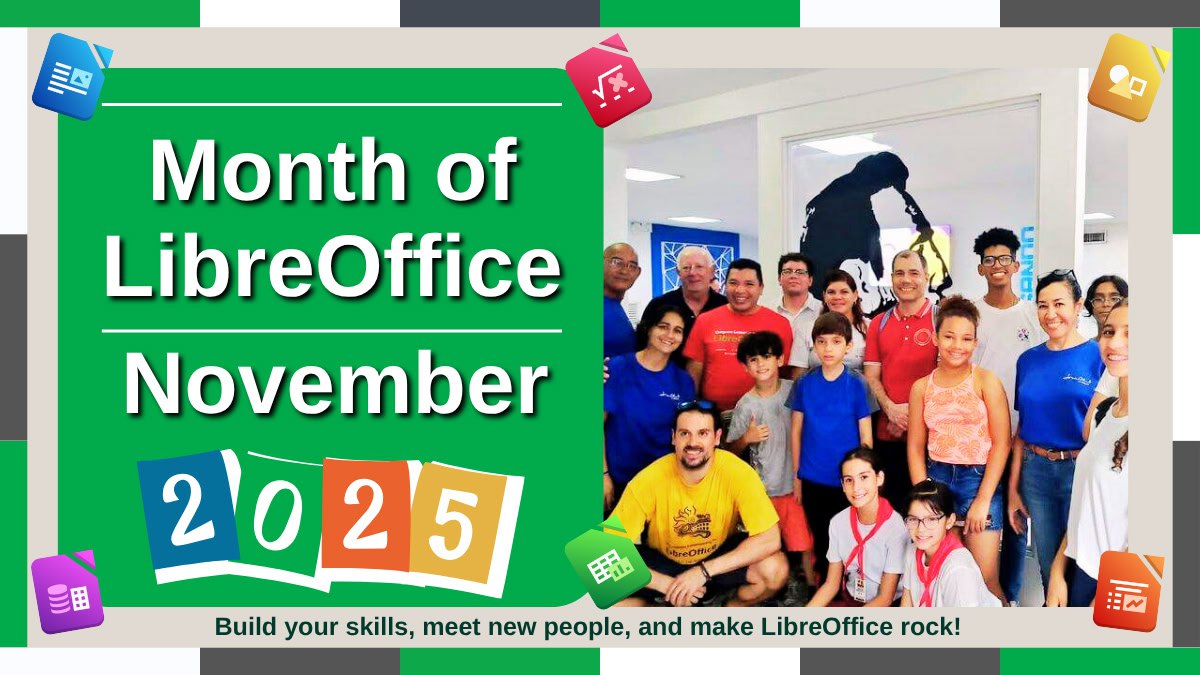
Do something awesome! Join the Month of LibreOffice, November 2025

Month of LibreOffice banner, showing community members at events

Love LibreOffice? Join the project and help to make it even better – get involved in the Month of LibreOffice, November 2025! Over the next four weeks, hundreds of people around the world will collaborate to improve the software – and you can help them. There are many ways to get involved, as you’ll see in a second.

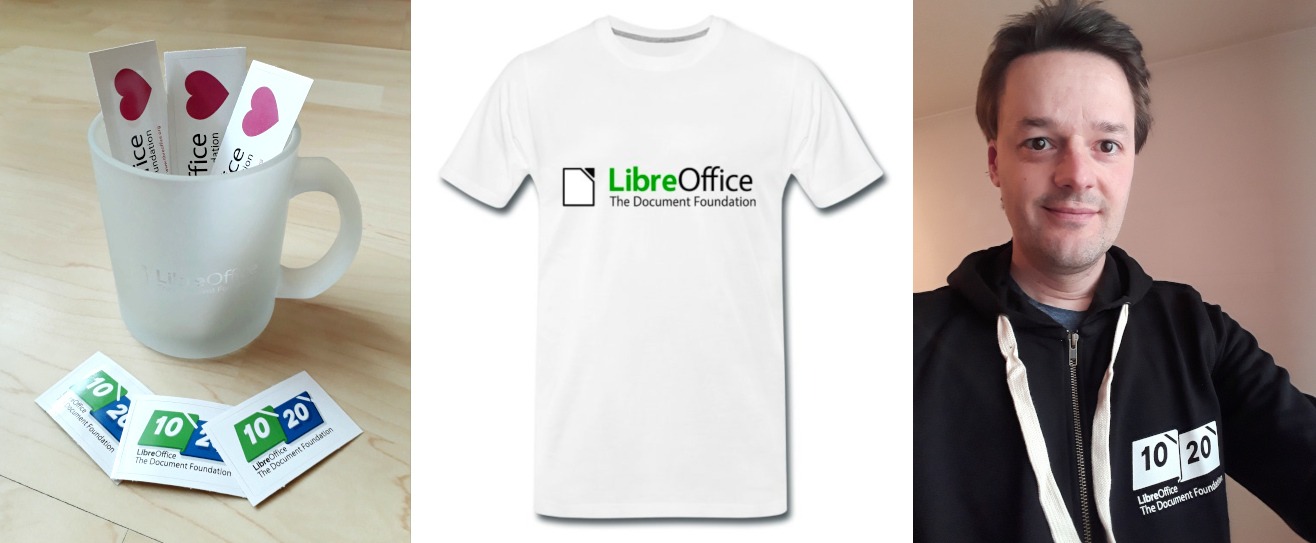
And best of all: everyone who contributes to LibreOffice in November can claim a cool sticker pack, and has the chance to win extra LibreOffice merchandise such as mugs, hoodies, T-shirts, rucksacks and more (we’ll choose 10 participants at random at the end):

How to take part

There are many ways you can help out – and you don’t need to be a developer. For instance, you can be a…

  • Handy Helper, answering questions from users on Ask LibreOffice. We’re keeping an eye on that site so if you give someone useful advice, you can claim your shiny stickers. We also monitor the users@ mailing list.
  • First Responder, helping to confirm new bug reports: Go to our Bugzilla page and look for new bugs. If you can recreate one, add a comment like “CONFIRMED on Windows 11 and LibreOffice 25.8.2”.
  • Drum Beater, spreading the word: Tell everyone about LibreOffice on Mastodon, Bluesky or X (Twitter)! Just say why you love it or what you’re using it for, add the #libreoffice hashtag, and at the end of the month you can claim your stickers.
  • Globetrotter, translating the user interface: LibreOffice is available in a wide range of languages, but its interface translations need to be kept up-to-date. Or maybe you want to translate the suite to a whole new language? Get involved here.
  • Docs Doctor, writing documentation: Whether you want to update the online help or add chapters to the handbooks, here’s where to start.

We’ll be updating this page every few days with usernames across our various services, as people contribute. So dive in, get involved and help make LibreOffice better for millions of people around the world – and enjoy your sticker pack at the end as thanks from us! And who knows, maybe you’ll be lucky enough to win bonus merch as well…

So let’s get going! We’ll be posting regular updates on this blog and our Mastodon, Bluesky and X (Twitter) accounts over the next four weeks – stay tuned…