
International Woman’s Day

Picture by Elisa Riva from Pixabay
Picture by Elisa Riva from Pixabay

Everyone loves having shiny new features in LibreOffice. But how do we get them? Many are developed by volunteers and people in the ecosystem.
But another great source of new features is the Google Summer of Code (GSoC), a global, online program focused on bringing new contributors into open source software development. GSoC Contributors work with open source organisations on a 12+ week programming project under the guidance of mentors.
And we’re happy to announce that for 2025’s GSoC, LibreOffice is once again taking part!
The LibreOffice Conference 2024, held in Luxembourg, welcomed also many speakers that are involved in creating, supporting and promoting Free and Open Source Software (FOSS) in several countries.
Extending our annual conference and opening it to intervention from international organisations and institutions was appreciated change, which provided our community with additional insights as well as creating more opportunities for cooperation between the many stakeholders involved with FOSS.
The following videos represent a selection from the several tracks dedicated to topics that are complementary to LibreOffice and the ecosystem of organisations and communities that use it and support it.
Use the icon in the top-right to navigate the playlist – or see the direct links to individual videos underneath.
Please confirm that you want to play a YouTube video. By accepting, you will be accessing content from YouTube, a service provided by an external third party.
If you accept this notice, your choice will be saved and the page will refresh.
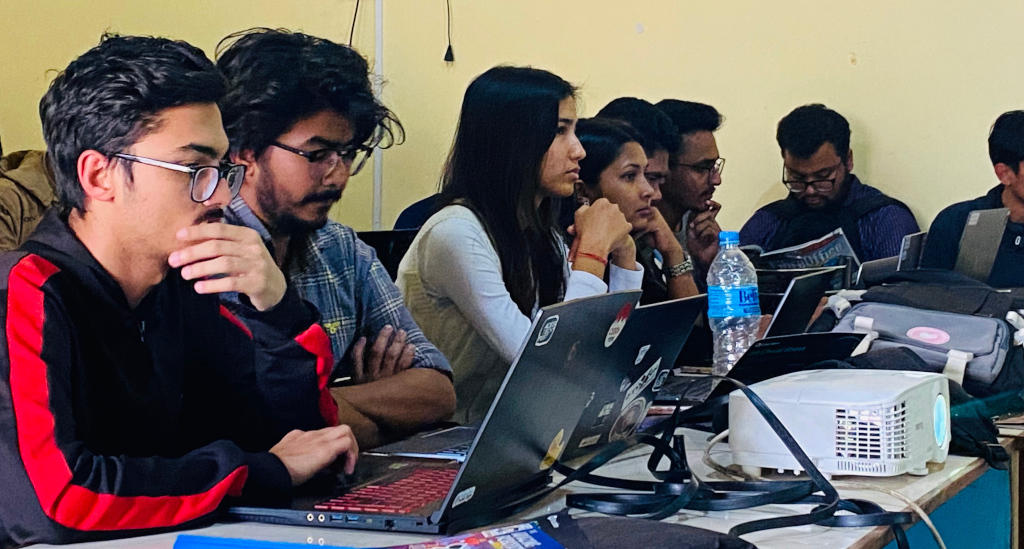
Our Nepalese community writes…
LibreOffice is a powerful open source office suite for many users worldwide. One of the major components is the word processing software, LibreOffice Writer, which is a highly effective tool for all levels of users.
We in the Nepalese community recently conducted a CV writing session titled “LibreOffice Writer – Creating Reusable CVs”, delivered by our Liaison for the Nepalese community, Mr Suraj Bhattarai. This session was one of the guest sessions for the first and second year CS50 students at IOE Purwanchal Campus, who went through the CS50 AI course this time. The purpose of the session was to help them articulate their learning from the CS50x and CS50 AI timeline into a presentable resume, together with their other strengths, to get their very first internship into the tech industry.
Suraj shared key insights when writing resume/CVs; he mentioned that the fact that fancy CVs or Canva templates are not yet a trend among hiring managers who happen to be millennials. What sells for a peak career or a first internship is a standard resume template. Apart from online options that generate downloadable CVs after the user simply fills out major details, the offline space has no significant help rather than making one in friendly software like LibreOffice Writer.
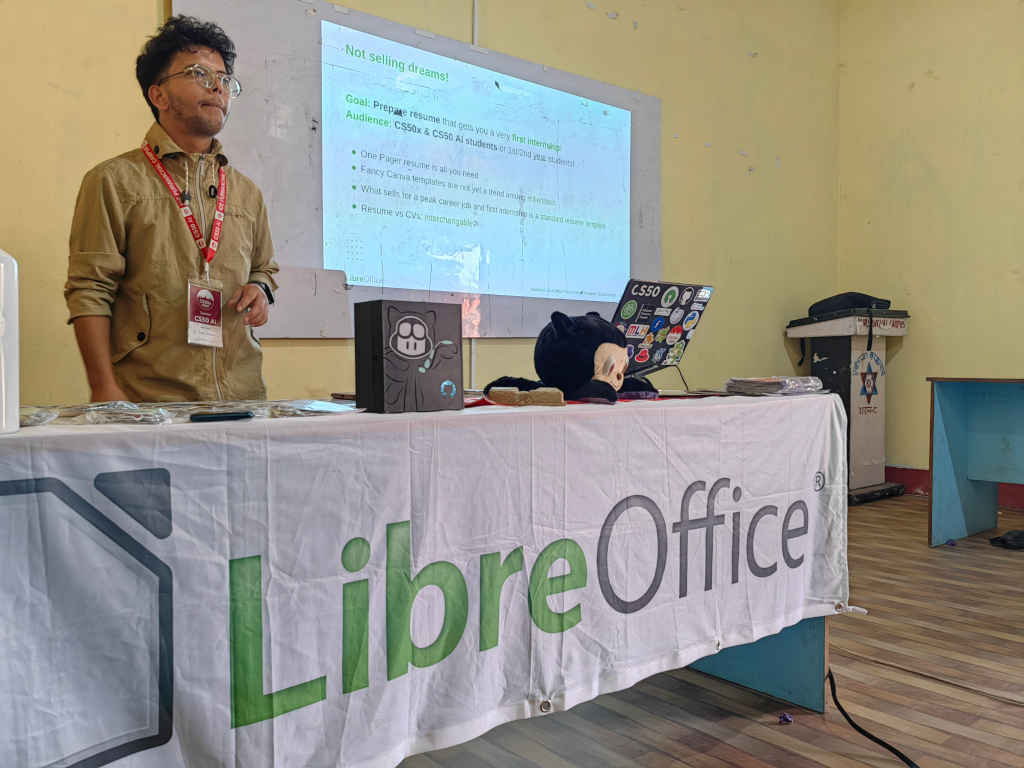
Suraj additionally shared that professional CVs/resumes for the purpose of very first internships are always simple, includes no crazy pictures, do not summarise in two or more columns, and mainly focus on experience and education – that’s it! This is equally true at every other level of careers. And for the very specific Applicant Tracking System (ATS), friendly resumes are always the best choice to go with!
He concluded that LibreOffice Writer is a powerful word processing software program that ships with many offline resume/CV templates. Also, more variations and template options could be downloaded from the official extensions site or this third-party one – the best one that resembles your very CV/resume preference. With this powerful word processing program, you can even create your very own template and publish it for millions of other LibreOffice Writer users online or offline.
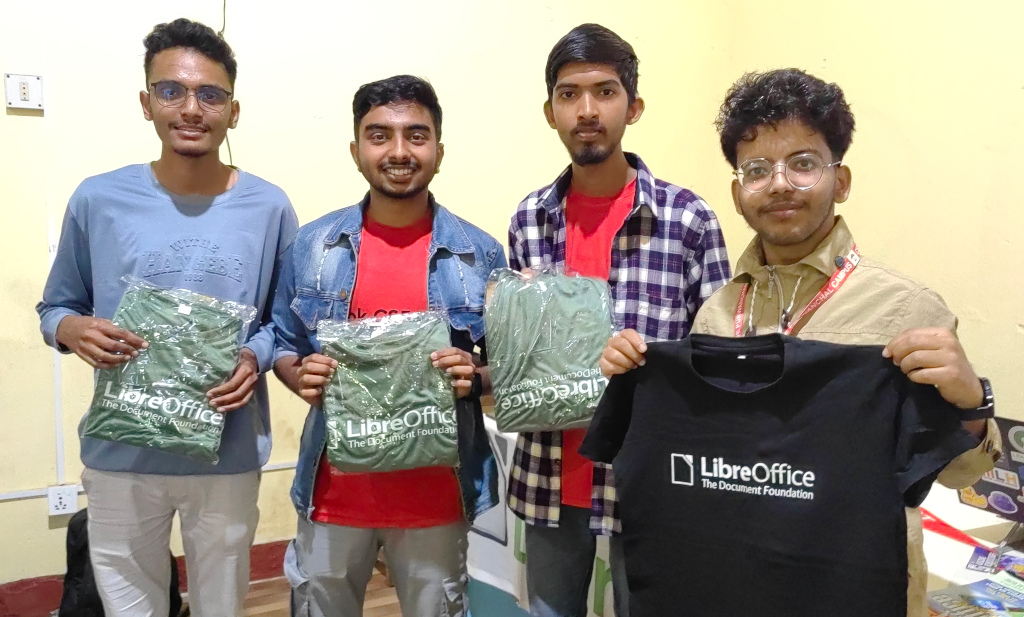
In the final minutes of the session, Suraj hosted a CV/resume building competition using LibreOffice Writer. The 10 minute-challenge was hands-on for the students to experience LibreOffice Writer and get comfortable with it. A total of 38 students showcased their resumes/CVs following tips from the session. Among them, based on the writing style, formatting, and tone of language, the top three were awarded LibreOffice T-shirts as a gesture.

With videos describing new features on YouTube and PeerTube
Berlin, 27 February 2025 – LibreOffice 25.2.1, the first minor release of the new LibreOffice 25.2 volunteer-supported office suite for Windows (Intel, AMD and ARM), macOS (Apple Silicon and Intel) and Linux is available for download from our website [1]. LibreOffice is the best office suite for users who want to retain control over their individual software and documents, thereby protecting their privacy and digital life from the commercial interference and the lock-in strategies of Big Tech.
LibreOffice is the only office suite designed to meet the actual needs of the user – not just their eyes. It offers a range of interface options to suit different user habits, from traditional to modern, and makes the most of different screen sizes, optimising the space available to put the maximum number of features just a click or two away. It is also the only software for creating documents (that may contain personal or confidential information) that respects the user’s privacy, ensuring that the user can decide if and with whom to share the content they create, thanks to the standard and open format that is not used as a lock-in tool, forcing periodic software updates. All this with a feature set that is comparable to the leading software on the market and far superior to that of any competitor.
What makes LibreOffice unique is the LibreOffice Technology Platform, the only one on the market that allows the consistent development of desktop, mobile and cloud versions – including those provided by companies in the ecosystem – capable of producing identical and fully interoperable documents based on the two available ISO standards: the open ODF or Open Document Format (ODT, ODS and ODP) and the proprietary Microsoft OOXML (DOCX, XLSX and PPTX). The latter hides a huge number of artificial (and unnecessary) lock-in complexities that create problems for users convinced they are using a standard format. Products based on LibreOffice Technology are available for all major desktop operating systems (Windows, macOS, Linux and ChromeOS), mobile platforms (Android and iOS) and the cloud.
For enterprise-class deployments, TDF strongly recommends the LibreOffice Enterprise family of applications from ecosystem partners – for desktop, mobile and cloud – with a wide range of dedicated value-added features and other benefits such as SLAs and backports of security patches for several years: www.libreoffice.org/download/libreoffice-in-business/.
English manuals for LibreOffice 25.2 Writer and Impress can be downloaded from books.libreoffice.org/en/. End users can get first-level technical support from volunteers on the user mailing lists and the Ask LibreOffice website: ask.libreoffice.org.
Videos describing the new features of the LibreOffice 25.2 family are available on PeerTube and YouTube.
Please confirm that you want to play a YouTube video. By accepting, you will be accessing content from YouTube, a service provided by an external third party.
If you accept this notice, your choice will be saved and the page will refresh.
Availability of LibreOffice 25.2.1
 LibreOffice 25.2.1 is available at www.libreoffice.org/download/. Users who don’t need the latest features and prefer a version that has undergone more testing and bug fixing can download LibreOffice 24.8.5, which includes several months of back-ported fixes.
LibreOffice users, free software advocates and community members can support The Document Foundation and the LibreOffice project with a donation at www.libreoffice.org/donate.
[1] Fixes in RC1: wiki.documentfoundation.org/Releases/25.2.1/RC1. Fixes in RC2: wiki.documentfoundation.org/Releases/25.2.1/RC2.
 In one month, on March 26, we will celebrate Document Freedom Day 2025. For the first time in a while, the LibreOffice project will play a major role in organizing the event.
During the day, we will mainly talk about the ISO Open Document Format, which was approved in 2005 by OASIS and in 2006 by ISO. Due to the global scale of the LibreOffice project, our events will be online.
There will be three webinars at 10:30 CET, 15:30 CET and 20:30 CET, with a presentation on the history of ODF and the great importance of the standard document format for digital sovereignty.
In addition, we will be connected for question and answer sessions at 1 p.m. CET and 6 p.m. CET, to delve deeper into the topics of the webinar and to satisfy the curiosity of users, most of whom use a proprietary format without being aware of it, and are therefore victims of Microsoft’s lock-in strategies.
In addition to online events, there will also be physical events organized by local open source communities. All events should be registered on the Document Freedom Day web page.
If you are planning to organize one of these events, please contact us at media@documentfoundation.org. We can help you by sending you LibreOffice and Open Document Format leaflets/flyers and stickers.