Results from our survey of LibreOffice localisation tooling and workflows

Globe

LibreOffice’s localisation community translates the software’s user interface, along with its documentation and websites.

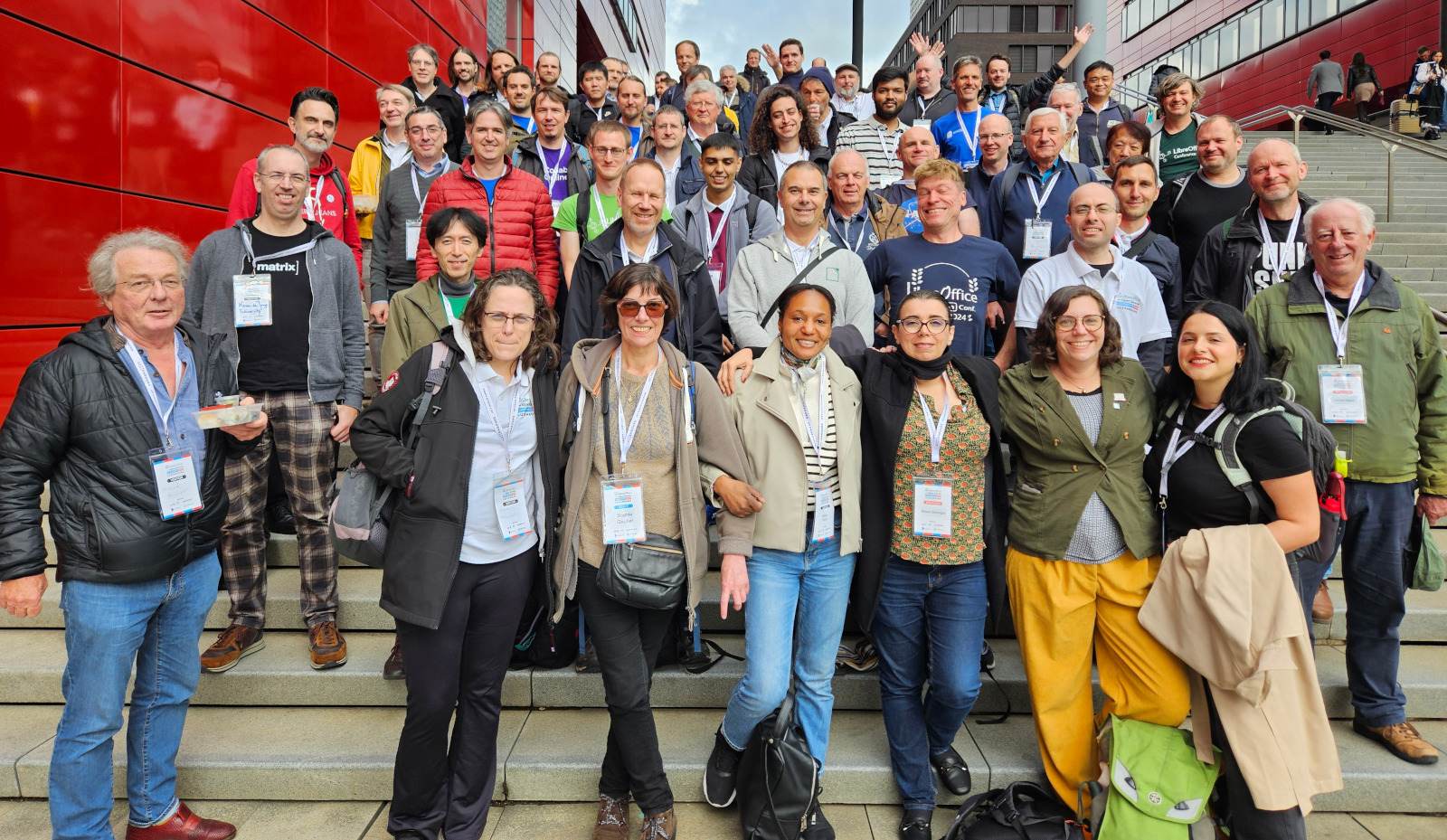
Julia Spitters, Heiko Tietze and Sophie Gautier ran a survey among members of the localisation teams to learn what tools are used, how they engage in workflows, and what future developments they might expect.

Demographics

The survey had a total of 29 participants and 18 complete entries of quantitative data. When asked to rate their experience on a scale from (1) Beginner to (5) Expert, most of our participants had intermediate to advanced translation experience (M = 3.75, Min = 1.00, Max = 5.00), and worked on an average of 5.56 localisation projects besides LibreOffice (SD = 7.31, Min = 0, Max = 30). Our results may capture more experienced members of the localisation community who are working on quite a few projects at once, so we want to thank everyone for their work!

Tooling

We were particularly interested in what tools participants use besides Weblate, which is likely the most common translation tool used among LibreOffice translators. We allowed participants to rate their satisfaction with additional tools they use on a scale from (1) Very Dissatisfied to (5) Very Satisfied, and rate the importance of potential changes. Participants who did not leave any response were excluded.

LibreOffice localisation survey results - tools used

Among the different Localization tools available, most participants felt neutral towards the most commonly used tools, which include POEditor, TextEditor, Transifex, Crowdin, and OmegaT. However, the few participants who use OmegaT seemed to be relatively satisfied with the tool.

Q: Do you download strings and translate locally?

When asked if they download strings and translate locally, most participants reported that they either partially did so, or not at all.

Q: Do you want to receive notifications on updates related to translation tasks?

LibreOffice localisation survey results - notifications

The majority of participants were interested in receiving notifications for translation task updates.

Q: How satisfied are you with the translation memory?

When asked about their satisfaction with translation memory from (1) Very Dissatisfied to (5) Very Satisfied, there were very mixed reviews, which did not allow us to capture where the majority opinion lies.

Q: If Weblate were able to auto-accept string matches, how important would this function be for you?

When asked to rate the importance of auto-accepting string matches on a scale from (1) Not at all important to (5) Extremely important, 10 out of 16 total participants rated this as at least (3) Moderately important. This might suggest that this could be a useful feature to add, but our qualitative responses will also show some potential issues that might arise if it is enabled for all translators.

Is the dashboard too complex?

LibreOffice localisation survey results - dashboard complexity

Although most participants who responded did not seem to have a problem with the Weblate dashboard, more than half of our responses were empty, making it difficult for us to understand the team’s opinion.

Q: What parts of the dashboard contribute to your satisfaction or dissatisfaction?

The few participants who assessed their satisfaction with the dashboard in the open-ended format touched on a number of topics, suggesting that the Weblate dashboard might be too complex or chaotic. They mentioned that they would like it if less projects were displayed, or if they were able to view only what they were working on.

However, another participant was interested in being able to view more projects on the dashboard so that they could more easily receive recommendations for a new project to start. Despite this valued feedback, only four participants left complete open-ended responses, making it a challenge to generalise these results across the whole team.

Q: Would you like to have machine translation such as LibreTranslate available in Weblate?

When asked to rate the importance of access to machine translation in Weblate on a scale from (1) Not at all important to (5) Extremely important, the reviews for this question were rather mixed. Though out of our 16 responses, slightly more than half (10/16) of our participants rated this as at least (3) Moderately important. Nonetheless, there may be need for a follow-up or additional data collected before a decision should be made, but this preliminary data suggests some support for the LibreTranslate project.

Q: How do you feel about the current separation between Weblate, the wiki, and user guides for translation memory?

  • Support for centralisation: Those who hoped for centralisation of these tools believe it would help to save work and maintain consistency, and help projects if there is more overlap in all instances, while another participant specifically mentioned that they would appreciate having LibreOffice user guides available on Weblate.
  • Thoughts on the current separation: A few participants reported that this centralisation would be inconvenient, while a few others who primarily used Weblate anyway felt neutral about the topic or liked the current separation as it is.

Are there any other problems that need attention?

  • Add Machine Translation: Feedback from one participant included support for a good machine translation service, but that it is not a priority. However, our close-ended data indicate that more than half of participants find having machine translation at least moderately important.
  • Increase access to translator publishing status: One participant reported that in the French section, there is limited mobility for translators to publish as there are only two authorised publishers. This prevents contributors from receiving credit for their work.
  • Satisfaction and difficulties translating in Weblate: One participant particularly liked Weblate, especially compared to competing products, while another reported an issue relating to not finding which words are used in which functions in Weblate. Two participants found difficulties in adding existing translations to re-occurring words and that some single words require approval before they do not have to be translated over and over again.
  • Individual translation issues: One participant wrote that auto-accepting string matches is not helpful in languages such as Japanese, where one word can have multiple meanings across contexts. One participant also reported difficulties in accessing information for specific releases (ie how many new strings to translate, who did translations, and how good translation has been for certain languages)
  • Individual issues – needing updates: One participant also had trouble with publishing updates to translations after previously uploading an entire glossary. They found difficulty with making changes to whole glossary entries, and currently can only make changes one by one, thus slowing down the pace of updates.

Looking to the future

Although Weblate is a very popular and effective translation tool, a number of pain points were shared. These issues generally related to auto-accepting string matches, status hierarchies in publishing translations, and needing updates on translations and translation information.

One participant focused on the need for future changes and felt limited by the current pace of progress in the development of Weblate under the support of The Document Foundation and the community. There seems to be quite some room for improvement, but we thank you for your participation in helping us refine our vision in supporting the localisation community.

Joint release of LibreOffice 24.2.2 Community and LibreOffice 7.6.6 Community

Berlin, 28 March 2024 – Today the Document Foundation releases LibreOffice 24.2.2 Community [1] and LibreOffice 7.6.6 Community [2], both minor releases that fix bugs and regressions to improve quality and interoperability for individual productivity.

Both versions are immediately available from https://www.libreoffice.org/download. All LibreOffice users are encouraged to update their current version as soon as possible to take advantage of improvements. Minimum requirements for proprietary operating systems are Microsoft Windows 7 SP1 and Apple MacOS 10.15.

For enterprise-class deployments, TDF strongly recommends the LibreOffice Enterprise family of applications from ecosystem partners – for desktop, mobile and cloud – with a wide range of dedicated value-added features and other benefits such as SLAs: https://www.libreoffice.org/download/libreoffice-in-business/.

The Document Foundation does not provide technical support to users, although it is available from volunteers on user mailing lists and the Ask LibreOffice website: https://ask.libreoffice.org.

LibreOffice users, free software advocates and community members can support the Document Foundation by making a donation at https://www.libreoffice.org/donate.

[1] Change logs for LibreOffice 24.2.2 Community: https://wiki.documentfoundation.org/Releases/24.2.2/RC1 (release candidate 1) and https://wiki.documentfoundation.org/Releases/24.2.2/RC2 (release candidate 2).

[2] Change logs for LibreOffice 7.6.6 Community: https://wiki.documentfoundation.org/Releases/7.6.6/RC1 (release candidate 1) and https://wiki.documentfoundation.org/Releases/7.6.6/RC2 (release candidate 2).

Celebrating Document Freedom Day 2024!

Document Freedom Day banner

Today is Document Freedom Day, which raises awareness of how open standards and open document formats provide us with the freedom to read and write as we wish:

Remember when you were sent an important file that your computer couldn’t read properly? Remember having to buy or download a new application just so you could open an attachment that you needed for work? The same thing happens tens of thousands of times each day. Can you imagine how much knowledge exchange doesn’t happen just because sender and receiver (intentionally or not) are using different data formats? Incompatibilities like this are usually caused by ways of storing information that are secret (‘closed’), and privately owned (‘proprietary’).

Document Freedom Day is an opportunity to tell the world about open standards, which are crucial to ensure our ability to exchange information, remain independent of software vendors, and keep our data accessible in the long term. LibreOffice uses the Open Document Format, for example, which is also used in many other apps.

Learn more and spread the word here!

Czech translation of LibreOffice Writer Guide 24.2

Czech LibreOffice Writer Guide cover

Zdeněk Crhonek (aka “raal”) from the Czech LibreOffice community writes:

The Czech team has finished translating the LibreOffice Writer Guide 24.2. As usual it was a team effort, with translations by Petr Kuběj, Radomír Strnad and Zdeněk Crhonek. Then Roman Toman contributed localised pictures, and Miloš Šrámek provided technical support. Thanks to everyone in the team for their work!

The Czech translation of the Writer Guide 24.2 is available for download on this page.

We’ve not yet decided which guide we’ll translate next, but we’re always looking for new translators and correctors. Join us!

Awesome work everyone! 😊

Community Member Monday: Dione Maddern, LibreOffice docs team

Dione Maddern

Today we’re talking to Dione Maddern, who helps out in LibreOffice’s documentation team…

Tell us a bit about yourself!

I’m 44. Originally from Brisbane, Australia but I currently live in Baltimore, on the East Coast of the USA. I’ve worked in a variety of administration, document production roles in the engineering and insurance industries.

Most of my technical writing experience has been writing procedures, instructions, and other documentation for Health Safety Environment and Quality (HSEQ) systems. This is my first software project.

In my spare time, I like to bake, draw, and play video games and tabletop RPGs.

What are you doing in the LibreOffice community at the moment?

I’m working on the Offline Help (F1) function of LibreOffice, fixing broken links and updating instructions and terminology.

How did you join the community, and what was it like?

I saw the banner on the user guide page asking for volunteers to work on Documentation Team. I’d been looking for a volunteer opportunity where I could use my skills in document production for a while and this seemed perfect. So I followed the link and posted my bio on the Documentation forum.

Banner to join the Docs team

I felt a bit daunted at first because a lot people had more experience than me, or were from a software development background. Everyone has been very welcoming and I feel like I’ve been able to make a contribution to the project. I’ve learned a lot too, including a crash course in XML and Gerrit.

What advice would you give to others who want to join the documentation team?

Dive in! It can seem a bit daunting at first, but it’s easier to get started than you think.

Thanks so much to Dione for all the help! Indeed, everyone is welcome to dive in, help out, and pick up valuable experience along the way. Who knows – perhaps it could lead to a career in technical writing…

LibreOffice 24.2 Shines Again! Writer 24.2 and Calc 24.2 Guides Published

The LibreOffice Community Documentation Team is happy to announce the immediate release of the latest Writer and Calc guides for the new LibreOffice 24.2 office suite.

The two books are updates of the respective LibreOffice 7.6 guides, and describe the new features available in LibreOffice 24.2.

Jean Weber and Steve Fanning leaded the update of the Guides and provided valuable inputs to the contents.

The Writer Guide

Jean Weber

Updated and review by Jean Weber, the Writer Guide is the authoritative guide for using Writer to edit documents, from a single page to a full book. The latest Writer guide includes all these updates:

  • Comments can now use styles
  • New features in the Navigator
  • Save with password dialog now has a password strength meter
  • Insert Special Characters dropdown now shows a character description
  • Improved support for multi-page floating tables
  • “Legal” ordered list numbering: make a given list level use Arabic numbering for all its numeric portions
  • Miscellaneous changes in the names of some fields and buttons
  • And more; see the Release Notes


The Calc Guide

Steve Fanning
Steve Fanning

Updated by Steve Fanning, the guide contains description of the new features of Calc 24.2, the spreadsheet program of LibreOffice:

  • Live font preview when using the Font Name menus on the Properties deck of the Sidebar and on the Formatting toolbar.
  • Interactions to switch between sheets operate cyclically.
  • Option to view or hide column/row highlighting.
  • Additional metadata fields on the Description tab of the Properties dialog.
  • On Windows platforms, support for Alt+NumPad codes covering full Unicode range.
  • Text description of highlighted character on drop-down from Insert Special Characters toolbar icon.
  • Password strength meters on several dialogs.
  • Search field on Functions deck of Sidebar.
  • Support for FTP protocol removed from Hyperlink dialog.
  • Changes to auto-recovery and backup options.
  • Search function on Tools – Options dialogs.
  • Security warnings converted from dialogs to infobars.
  • Modify button renamed Assign on Customize dialog.
  • Language Settings menu of Tools – Options dialogs renamed to Languages and Locales.

More…

LibreOffice Community 24.2 also includes many other changes, including:

  • New password-based ODF encryption that hides metadata better and is more resistant to tampering
  • Clarification of macro security options to make it clear exactly what is allowed and what is not
  • Accessibility improvements
  • Improvements in interoperability with Microsoft’s proprietary file formats

The Guides are available in PDF, in source OpenDocument Format and printed versions from the bookshelf and documentation web pages.