
Merry Christmas from The Document Foundation!
Click for a bigger version…

Click for a bigger version…
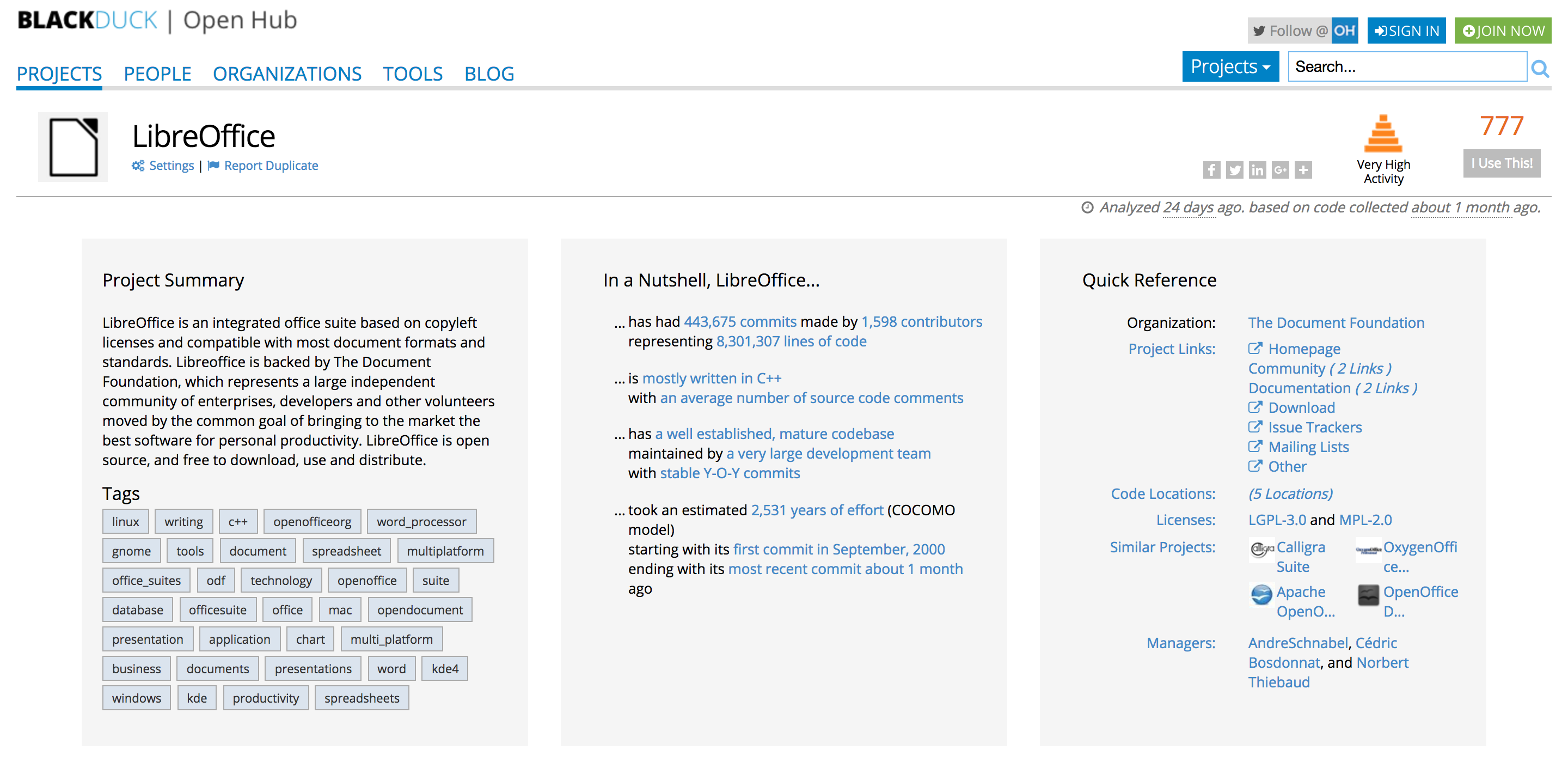 OpenHub is a project sponsored by Black Duck, which provides an overview of open source software projects by parsing their repositories and transforming the results in numbers and/or charts. Although we have our own numbers, we have extensively used OpenHub as an independent source of information.
The LibreOffice page is here: https://www.openhub.net/p/libreoffice.
The Leading English Education and Resource Network (LEARN) is a non-profit organization that primarily serves the public and private Anglophone, and Aboriginal, Youth and Adult Education sectors of Québec.
LEARN has developed a short guide for creating a PDF Form using LibreOffice, which has been originally published for version 4.0.5.2 [download PDF], and has been updated a first time for version 4.2.8.2 [download PDF] and a second time for version 5.0.5.2 [download PDF].
 Berlin, December 22, 2016 – The Document Foundation (TDF) announces the availability of LibreOffice 5.2.4 “still”, the fourth minor release of the LibreOffice 5.2 family. Based on the upcoming announcement of LibreOffice 5.3, all users can start to update to LibreOffice 5.2.4 from LibreOffice 5.1.6 or previous versions.
TDF suggests deploying LibreOffice in large organizations, public administrations and enterprises with the backing of professional support by certified people (a list is available at: http://www.libreoffice.org/get-help/professional-support/).
Road to LibreOffice 5.3
With the availability of LibreOffice 5.3 RC1, the project has entered the last stage of the road to LibreOffice 5.3, which will be announced on February 1st, 2017. In the meantime, we have announced the UI concept: https://blog.documentfoundation.org/blog/2016/12/21/the-document-foundation-announces-the-muffin-a-new-tasty-user-interface-concept-for-libreoffice/.
Users can start learning about the new exciting features on LibreOffice 5.3 Release Notes page (https://wiki.documentfoundation.org/ReleaseNotes/5.3). The page will be updated until the very last minute.
Download LibreOffice
LibreOffice 5.2.4 is immediately available for download from the following link: http://www.libreoffice.org/download/libreoffice-fresh/.
LibreOffice users, free software advocates and community members can support The Document Foundation with a donation at http://donate.libreoffice.org.
Several companies sitting on TDF Advisory Board (http://www.documentfoundation.org/governance/advisory-board/) are providing either value added Long Term Supported versions of LibreOffice or consultancy services for migrations and trainings, based on best practices distilled by The Document Foundation.
Solver Tool has the capability to solve linear (and often nonlinear) programming problems, and is available in Microsoft Excel as well as LibreOffice.
edX, an online learning destination and MOOC provider founded by Harvard University and MIT in 2012 and offering high-quality courses from the world’s best universities and institutions to learners everywhere, has developed a tutorial which shows the user how to (1) load the solver into the spreadsheet, (2) define the problem and write out formulas for the objective and constraints, and (3) solve the problem.
edX tutorial is focused on Microsoft Excel (Mac and PC) and LibreOffice. At the end of the document there is a quick guide on how to debug the Solver.
 Berlin, December 21, 2016 – The Document Foundation announces the MUFFIN, a new tasty user interface concept for LibreOffice, based on the joint efforts of the development and the design teams, supported by the marketing team. MUFFIN is an acronym for My User Friendly & Flexible INterface, and focuses on the three areas suggested by LibreOffice users during the development of the concept:
User Friendly: of course, any UI should be as user friendly as possible, but LibreOffice users have clearly asked for a “modular” UI, where they can set their own level of user friendliness, and not a single UI without options.
Flexible: the increasing number of LibreOffice users deploying the software on different hardware platforms (for instance, a desktop and a laptop), each one with different characteristics and screen size and resolution, have asked for a UI that can be tweaked to leverage the screen real estate, and not a single UI without options.
INterface: The MUFFIN concept is the combination of different UI elements, which are going to be available starting from LibreOffice 5.3 either as a standard or experimental feature: the Default UI (with toolbars), a Single Toolbar UI, the Sidebar with a Single Toolbar, and the new Notebookbar (experimental, and not recommended for production use). Each UI layout has been thought to serve a different cluster of LibreOffice users.
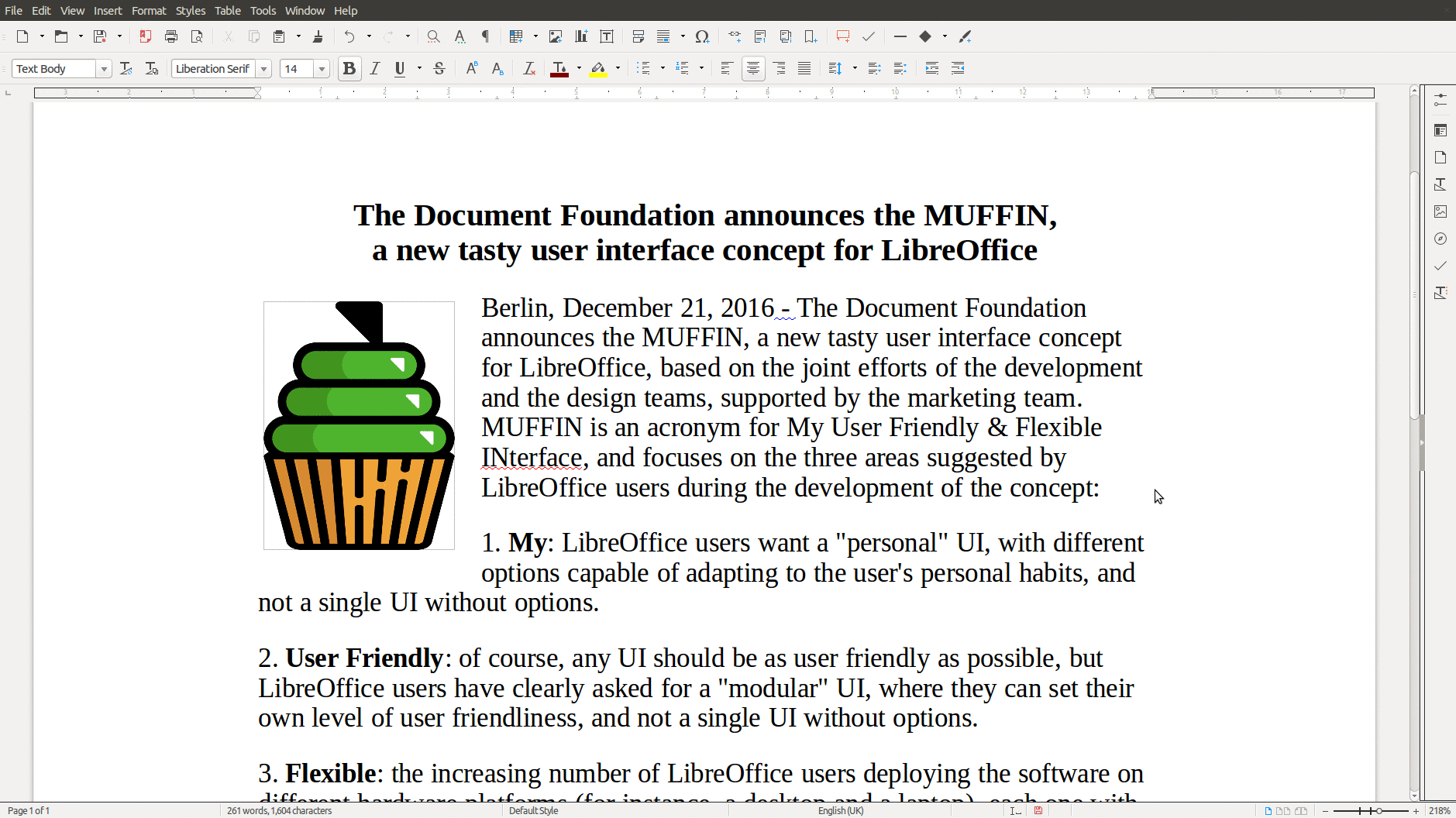
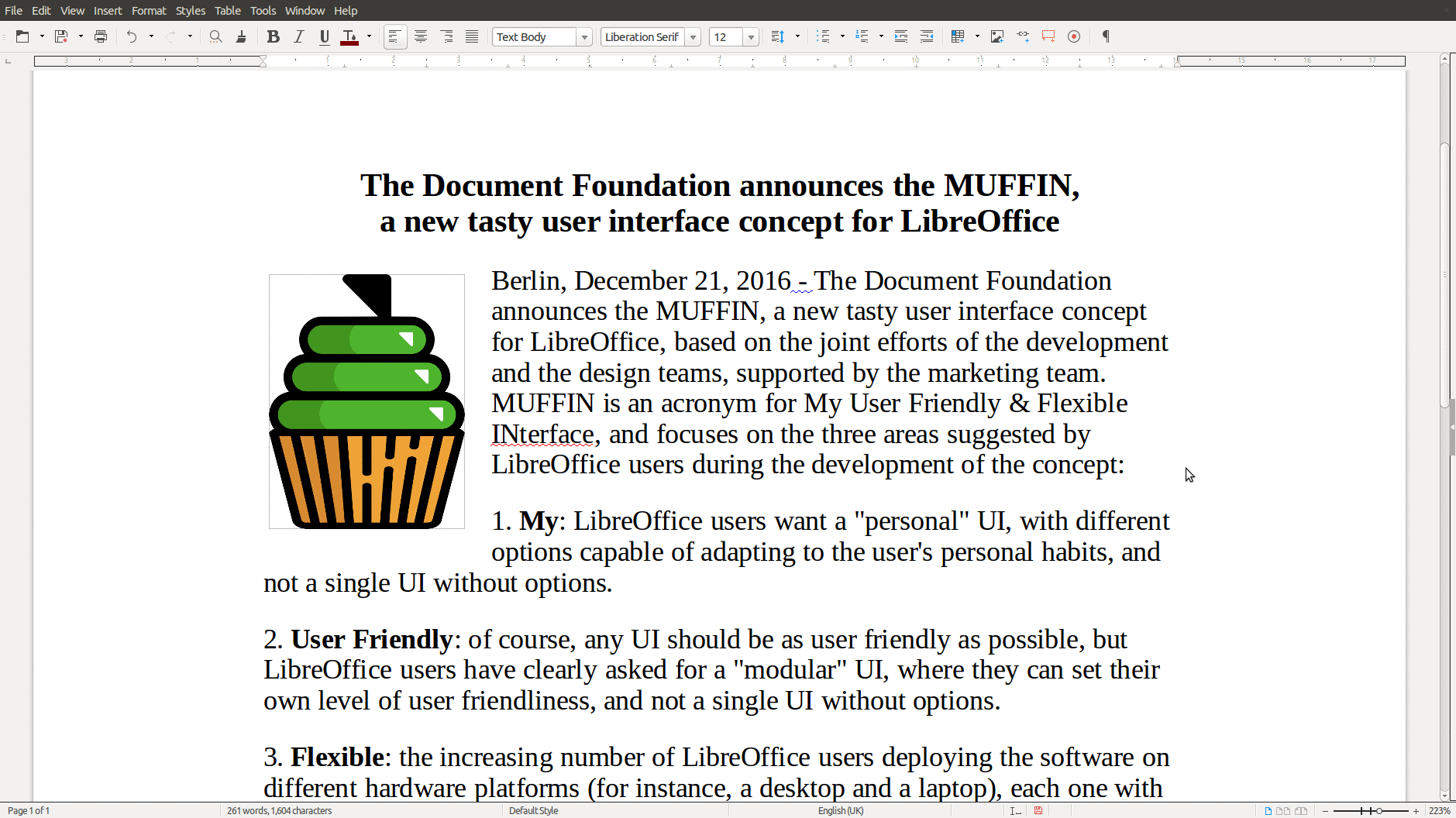
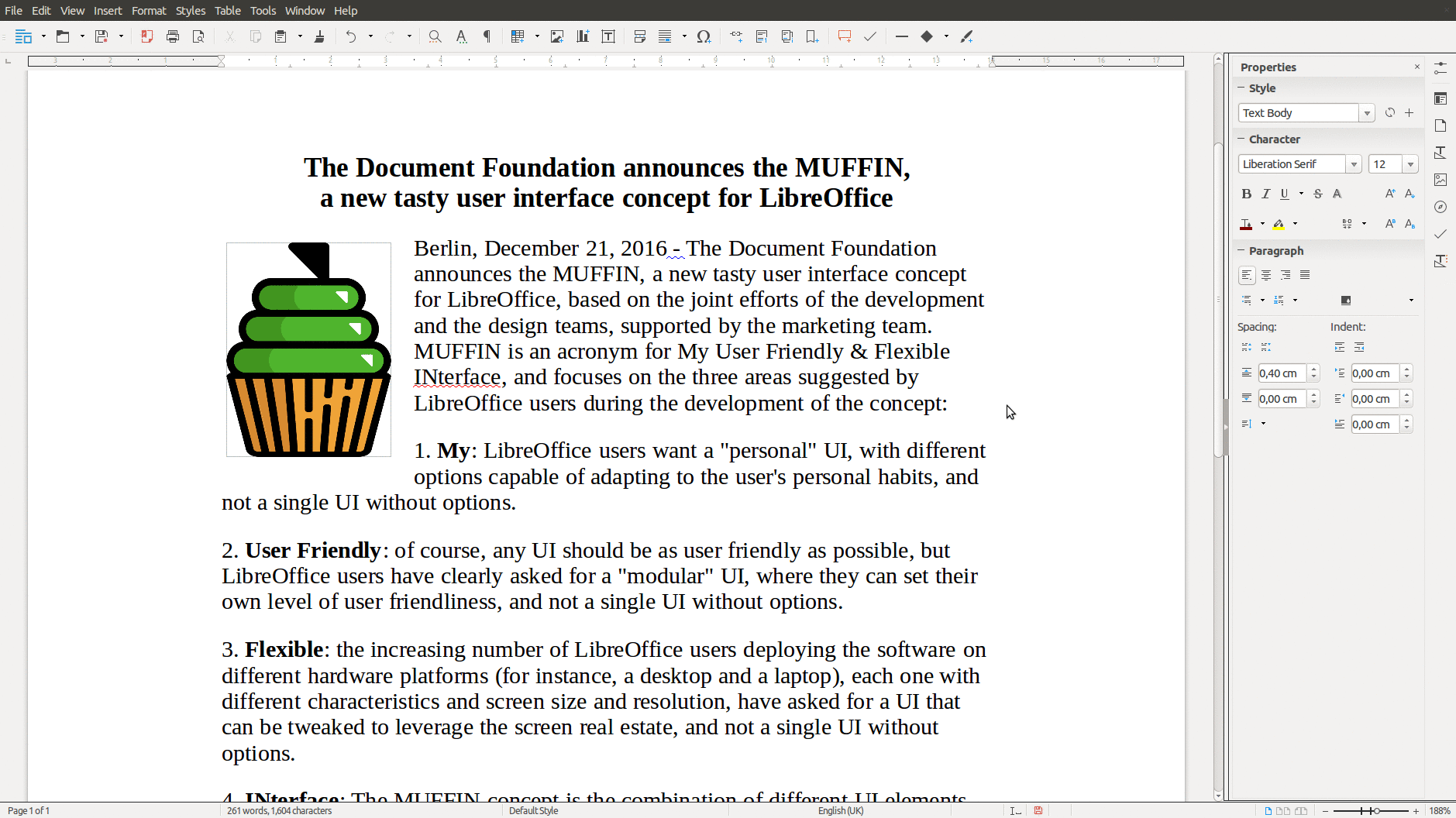
The rationale behind the MUFFIN is further explained in a marketing backgrounder [PDF] and in a specific blog post on TDF Design Blog.