LibreOffice monthly recap: June 2019

Here’s our summary of updates, events and activities in the LibreOffice project last month – click the links to learn more!

  • In LibreOffice 6.3, which is due to be released in August, The Document Foundation won’t be building 32-bit binary packages for GNU/Linux. But! That doesn’t mean that 32-bit compatibility is being removed. We prepared a statement to clarify the position, so if you use LibreOffice on a 32-bit Linux system, make sure to read it.
  • Meanwhile, we announced a cool new website, What Can I Do For LibreOffice! As the name suggests, this site shows ways that people can help our project and community – the goal is to make it user-friendly and appealing, encouraging newcomers to jump on board. Let us know what you think of it – we’re always open for improvements!

  • The LibreOffice Conference Latinoamérica will take place in Asunción from July 19 – 20. You can still register on the website, and here’s a quick preview of what’s to come (English subtitles available):

Please confirm that you want to play a YouTube video. By accepting, you will be accessing content from YouTube, a service provided by an external third party.

YouTube privacy policy

If you accept this notice, your choice will be saved and the page will refresh.

Please confirm that you want to play a YouTube video. By accepting, you will be accessing content from YouTube, a service provided by an external third party.

YouTube privacy policy

If you accept this notice, your choice will be saved and the page will refresh.

Keep in touch – follow us on Twitter, Facebook and Mastodon. Like what we do? Support our community with a donation – or join us and help to make LibreOffice even better!

LibOCon Almeria Call for Papers New Deadline

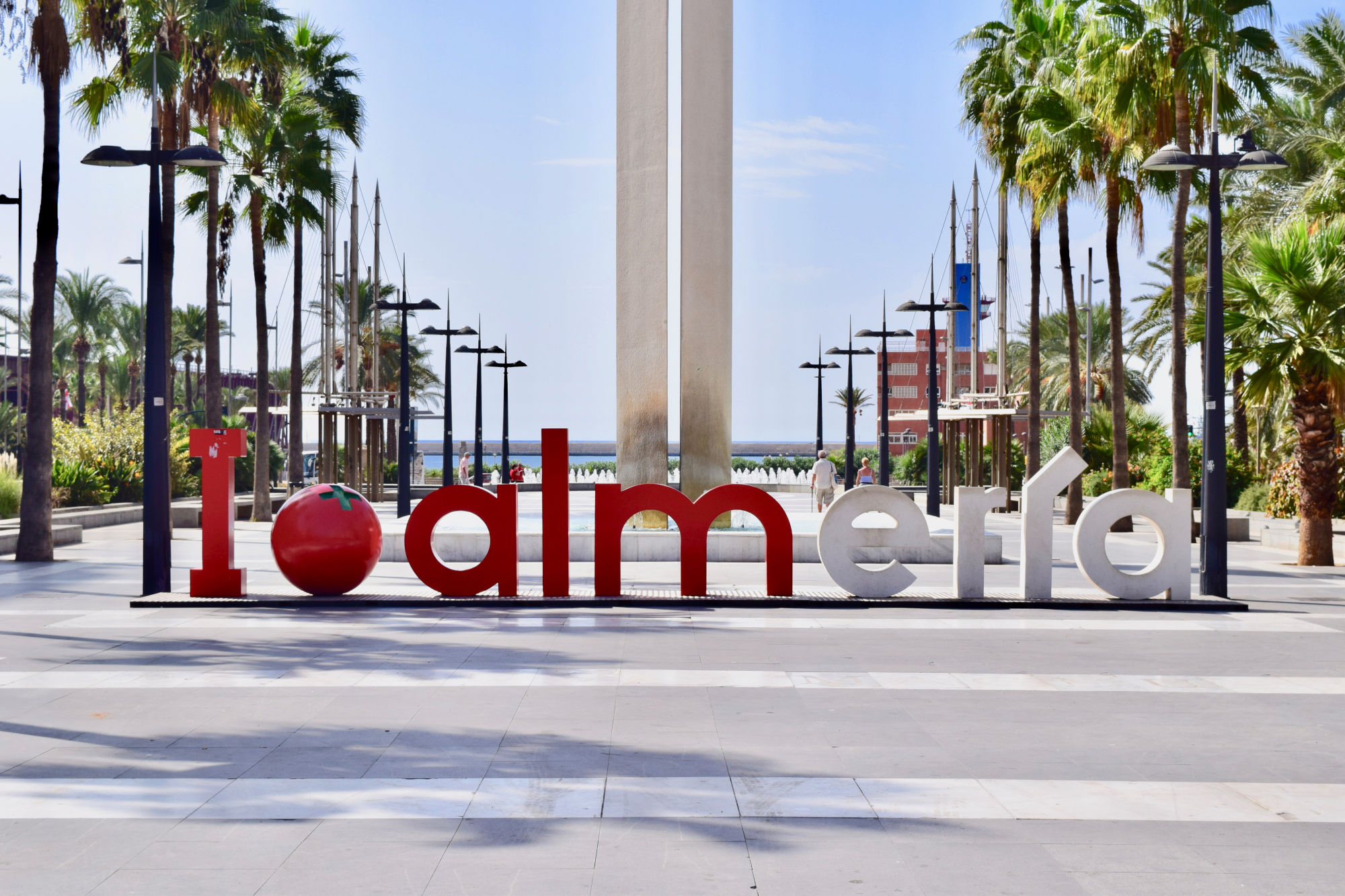
Call for Papers deadline for LibOCon Almeria, in Spain, has been extended to July 15, 2019. The event is scheduled for early September, from Wednesday 11 to Friday 13.

Whether you are a seasoned presenter or have never spoken in public before, we want to hear from you! So, if you have not yet submitted your talk proposal and have something interesting to share about LibreOffice or the Document Liberation Project, you still have time to act!

Proposals should be filed by July 15, 2019, in order to guarantee that they will be considered for inclusion in the conference program, which will be based on the following tracks:

a) Development, APIs, Extensions, Future Technology
b) Quality Assurance
c) Localization, Documentation and Native Language Projects
d) Appealing Libreoffice: Ease of Use, Design and Accessibility
e) Open Document Format, Document Liberation and Interoperability
f) Advocating, Promoting, Marketing LibreOffice

Presentations, case studies, workshops, and technical talks will discuss a subject in depth and will last 30 minutes (including Q&A). Lightning talks will cover a specific topic and will last 5 minutes (including Q&A). Sessions will be streamed live and recorded for download.

Please send a short description/bio of yourself as well as your talk/workshop proposal to the program committee address: conference@libreoffice.org

If you do not agree to provide the data for the talk under the “Creative Commons Attribution-Share Alike 4.0 License”, please explicitly state your terms. In order to make your presentation available on TDF YouTube channel, please do not submit talks containing copyrighted material (music, pictures, etc.).

If you want to give multiple talks, please send a separate email for each.

Thanks a lot for your participation!

(Image credit: José Juan Sánchez, CC-BY-SA, Wikimedia Commons)

Annual Report 2018: LibreOffice Conference

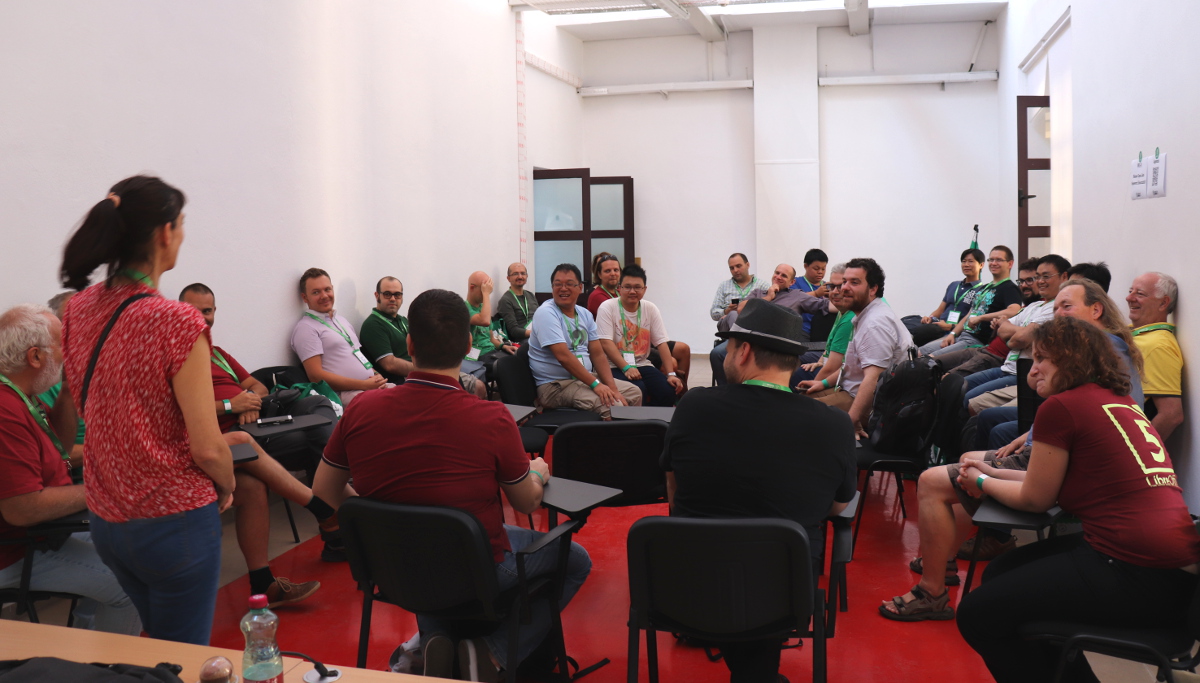
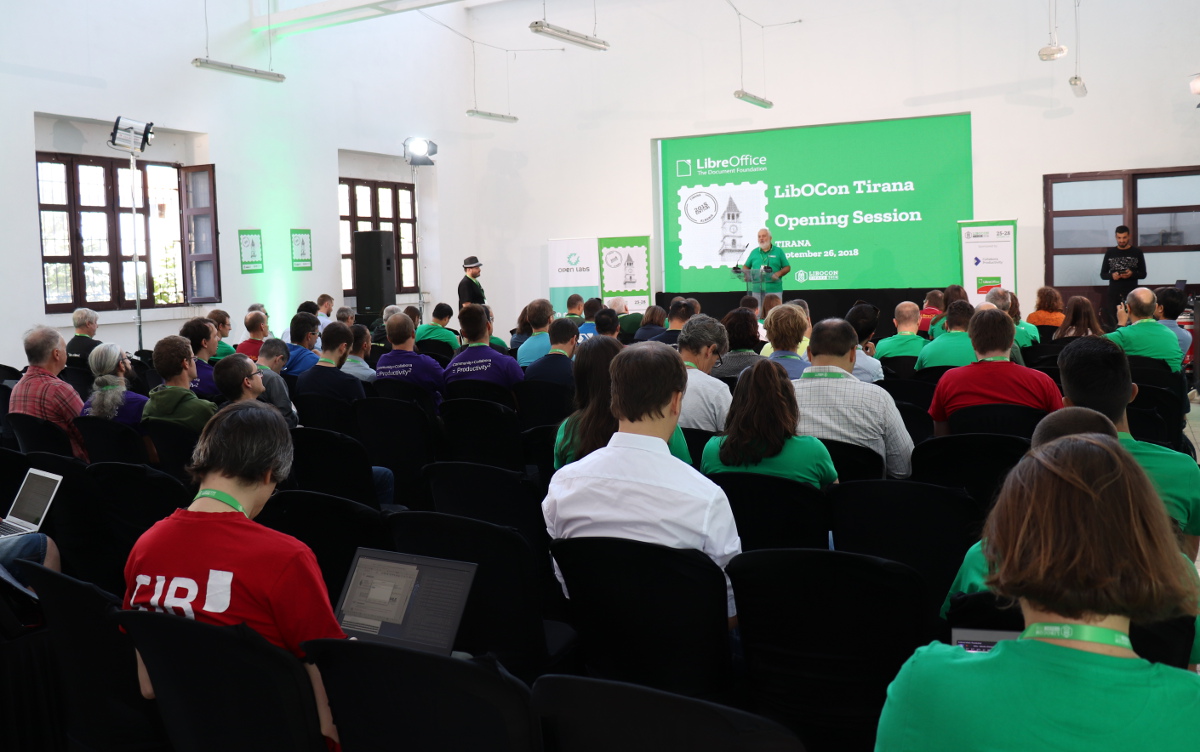
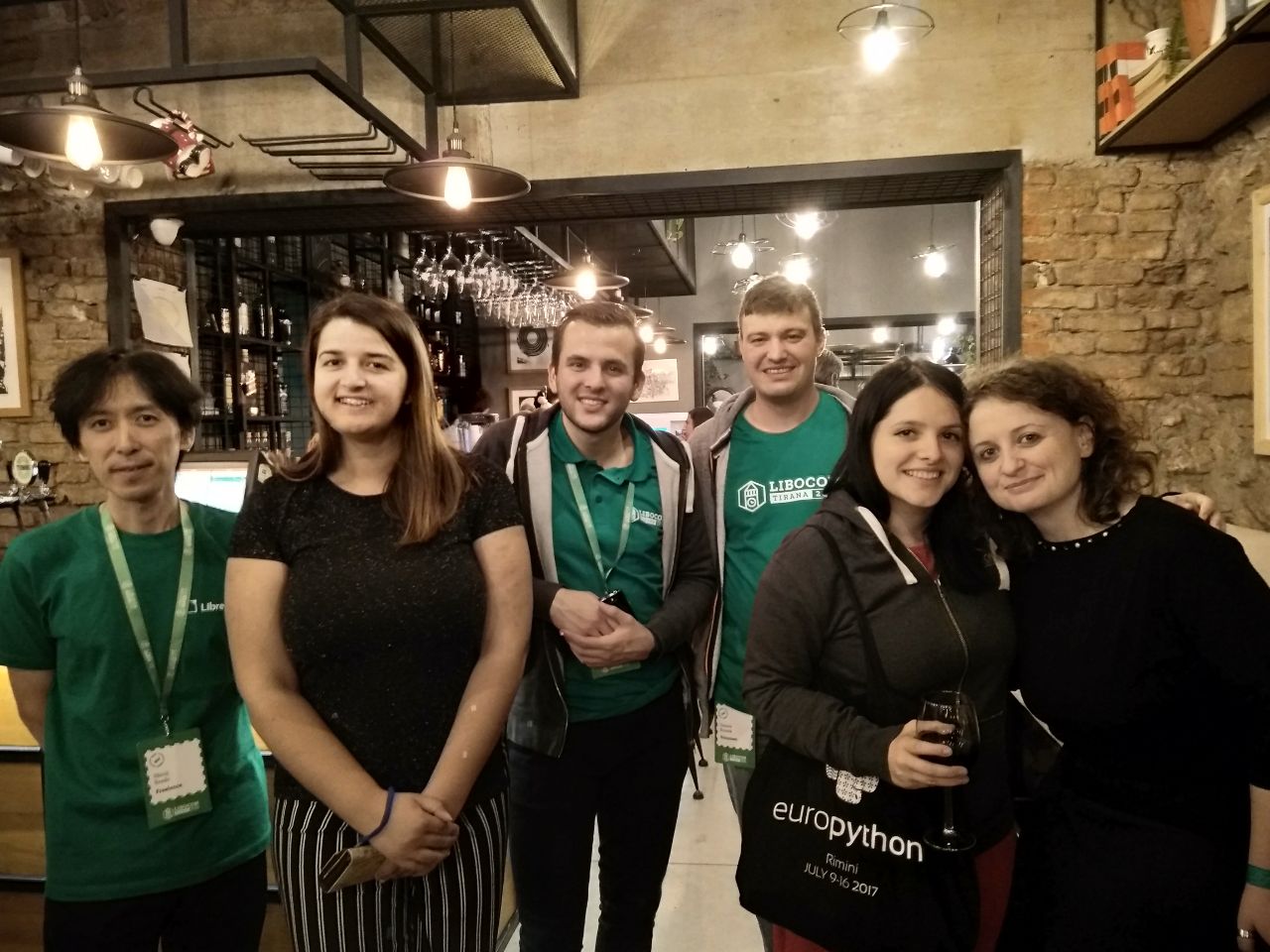
The LibreOffice Conference is the annual gathering of the community, our end-users, and everyone interested in free office software. Every year, it takes place in a different country and is supported by members of the LibreOffice commercial ecosystem. In 2018, the conference was organized by the young and dynamic Albanian community at Oficina in Tirana, from Wednesday, September 26, to Friday, September 28, the eight anniversary of the LibreOffice project. Here’s a quick video recap – read on for more details…

Please confirm that you want to play a YouTube video. By accepting, you will be accessing content from YouTube, a service provided by an external third party.

YouTube privacy policy

If you accept this notice, your choice will be saved and the page will refresh.

On Monday, September 24, there were the internal meetings of TDF’s Board of Directors and Membership Committee, followed on Tuesday, September 25, by a meeting of the TDF Team in the morning and by the traditional community meeting in the afternoon. This is a unique opportunity for representatives of native language projects and community members to meet face-to-face and discuss localization and other topics.

Over 150 people from across the globe attended the conference, including LibreOffice developers, community volunteers and Google Summer of Code students. For several people, it was their first LibreOffice Conference and therefore the first time they had met other community members in-person.

Conference

The conference started officially on the morning of Wednesday, September 26, with an address by Erion Veliaj, Mayor of Tirana, followed by the “State of the Project” – a talk which outlined some project statistics since the Rome conference – and a Q&A session with TDF’s Board of Directors. The morning track ended with sponsors’ keynotes.

In total, there were around 80 presentations, covering all aspects of LibreOffice, from development to QA, from localization to design, from documentation to marketing, and to broader subjects such as building communities and making the LibreOffice project more inclusive.

The Development Track was the richest one in terms of the number of presentations, in two different rooms, and included the usual face-to-face meeting of the Engineering Steering Committee, the Google Summer of Code Panel and a Lightning Talk Session.

In the second room there were talks about ODF, reports about migrations to LibreOffice and the adoption of the Open Document Format in Israel, Hungary, Taiwan and Turkey, and presentations about the community and other specific topics.

In the third room there was a meeting of the Open Source Business Alliance (OSBA) and workshops about inclusiveness, documentation and certification. Finally, the conference wrapped up on the 28th of September with a celebration of the eight anniversary of the LibreOffice project.

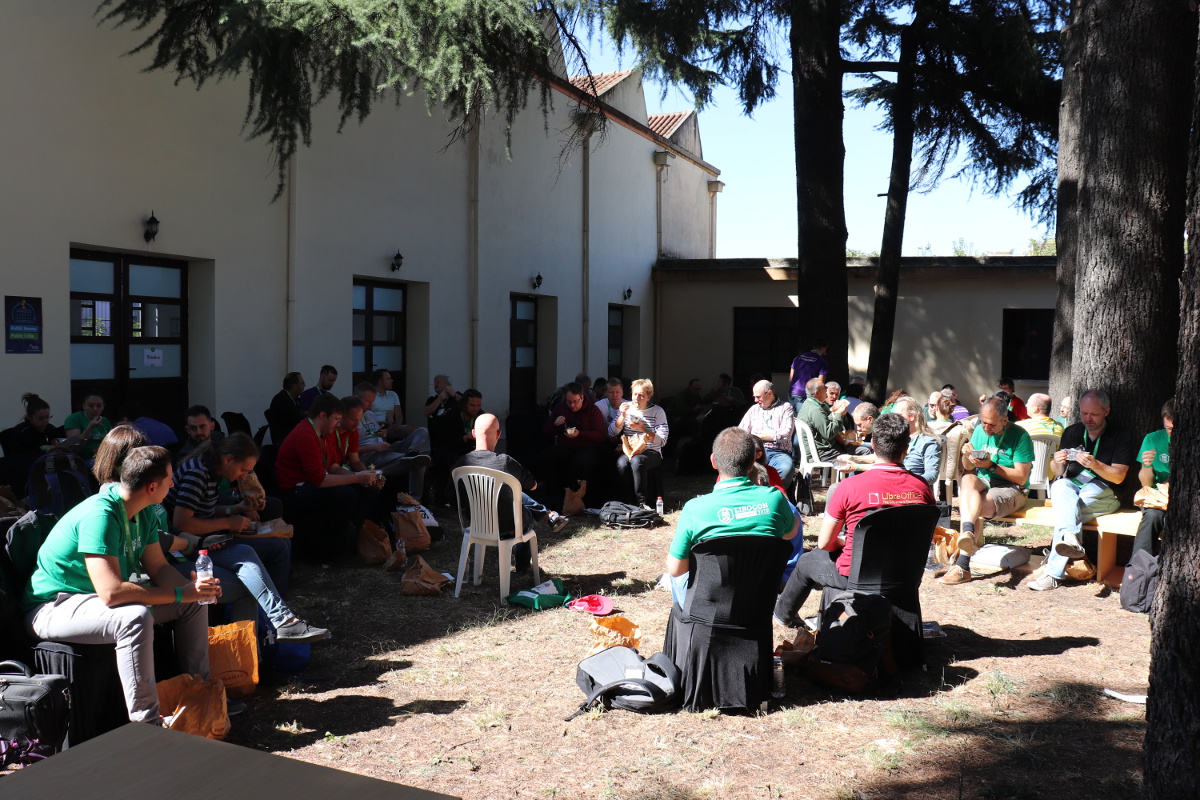
Oficina was a great conference location, thanks to the availability of a large garden where people could relax between talks, enjoy the sunny weather, discuss with other community members about LibreOffice and take a large number of pictures.

Additional Events

In the evening of Wednesday, September 26, all conference participants met for the social dinner to better know each other and discuss – mostly informally – about their activity in the community. The event was also an opportunity to sample some local beer.

During the evening of Thursday, September 27, most conference participants met at Destil for the HackNight, to work and discuss while having some food. This was a good opportunity for people to get to know core developers, and get their opinion about the future development of LibreOffice.

The full program the 2018 LibreOffice Conference in Tirana is still available online. The Document Foundation and the LibreOffice community are now looking forward to the upcoming 2019 event, which is due to take place in Almeria, Spain.

LibOCon Latinoamérica – Asunción 2019, July 19 – 20

A quick video inviting you to the LibreOffice Latin America Conference 2019! (English subtitles are available.) It will be held at the Facultad Politécnica de Universidad Nactional de Asunción (FPUNA) in Asunción, Paraguay on July 19th (Friday) and 20th (Sat). For more information about the conference please visit the website.

Please confirm that you want to play a YouTube video. By accepting, you will be accessing content from YouTube, a service provided by an external third party.

YouTube privacy policy

If you accept this notice, your choice will be saved and the page will refresh.

Start developing LibreOffice! Download the source code, and build on Linux

Please don’t use these instructions in practice – they become obsolete over time. Instead, follow the wiki article for building on Linux as well as the article on Linux Build Dependencies.

(This post was originally written in Hungarian by Adam Kovacs for his blog. Thanks Adam!)

In the previous part of this tutorial series, we showed how to register with Git and Gerrit, to prepare your setup for building LibreOffice and submitting patches.

Today, we describe the steps you need to download and compile the LibreOffice source code on Linux. You can, of course, modify the source code you have downloaded and, if you compile it, you can make sure your changes are working well after the compilation.

In this guide, we are using GNU/Linux distributions (typically Debian and Ubuntu-based distributions) with the apt package management frontend. Those who do not use these distributions need to run apt-get install and similar commands instead.

(Note: an internet connection is required during the compilation, after the build-nocheck command.)


Step 1: Install some required programs and packages

Open a terminal (In Ubuntu, Ctrl+Alt+t) and run this command:

sudo apt-get install git gstreamer1.0-libav libkrb5-dev nasm graphviz ccache

Then enter the password for your username. (If you do not have administrator privileges, you cannot do these steps.)


Step 2: Specify update manager sources

In the file /etc/apt/sources.list, add one of the following lines depending on your distribution:

  • Debian 9:
    deb-src http://http.debian.net/debian/ stretch main
  • Ubuntu 16.04:
    deb-src http://archive.ubuntu.com/ubuntu/ xenial main
  • Ubuntu 18.04:
    deb-src http://archive.ubuntu.com/ubuntu/ bionic main
  • Ubuntu 18.10:
    deb-src http://archive.ubuntu.com/ubuntu/ cosmic main
  • Ubuntu 19.04:
    deb-src http://archive.ubuntu.com/ubuntu/ disco main

You can edit the file using:

sudo nano /etc/apt/sources.list
sudo gedit /etc/apt/sources.list

In Nano, to exit and save: Ctrl+x, then y, then enter. The exact version and codename of the Linux distribution can be found by running the uname -a and lsb_release -a commands.


Step 3: Download available updates and build dependencies

Enter these commands to ensure you get the latest packages, and everything required to build LibreOffice from the source code:

sudo apt-get update
sudo apt-get build-dep libreoffice

Step 4: Download the LibreOffice source code

Create a new directory somewhere for LibreOffice. For example, in your own directory:

cd ~
mkdir libreoffice
cd libreoffice

Go to this directory and run this command there:

git clone git://gerrit.libreoffice.org/core libreoffice

Step 5: Setting up the autogen.input file

Create an autogen.input file in the LibreOffice directory, with this content:

--without-junit
--without-java
--without-help
--without-doxygen
--disable-odk
--enable-debug

You may also need these:

--without-krb5
--without-gssapi

If you still need some settings in autogen.input, you can use the ./autogen.sh –help command to list all possible settings.

Note: if you start compiling and miss any of these options, eg the –enable-debug line, and then add the missing line to autogen.input, the next compilation process will not replace the existing files. If you want the newly inserted line in autogen.input to be valid for the newer compilation, you must delete the results of the old compilation using the make clean command.


Step 6: Build the code

Run these commands:

./autogen.sh
make

If you would like to compile without unit tests (for example, if you don’t want to check that what you have changed in the source code will cause regressions), use the build-nocheck parameter instead:

make build-nocheck

Step 7: Run the new build

When the code is compiled, you can start it from the LibreOffice directory:

./instdir/program/soffice
./instdir/program/soffice --writer
./instdir/program/soffice --calc

At this point, a lot of information is written to the command line while running LibreOffice. We can turn them off like this:

SAL_LOG=-INFO instdir/program/soffice

Now only SAL_DEBUG type values will be written to the command line (if they are already placed in the code somewhere).

If you just want to convert a file (for example, to fix export errors), you can do so. The converted file is then created in the LibreOffice directory (it is therefore advisable not to place the files to be converted in the LibreOffice directory, to avoid confusing them with the files that have already been converted). For instance:

SAL_LOG=-INFO instdir/program/soffice --convert-to docx ../chart_borderline.docx

Additional information

When the compilation is finished, and we modify the contents of one of the source files, we will start the compilation again. But this will not compile the entire codebase from scratch (unless we run the make clean command), but it only compiles the files we modified, which is a significant time saving.

If we forget to include a setting in autogen.input, but the compilation has already been done, then it is not enough to add the setting and start the compilation again – we also need to run make clean before.

For example, if we compiled without –enable-debug, add –enable-debug to the autogen.input file, then run make clean, followed by make or make build-nocheck.

You can also compile specific modules of LibreOffice:

make sw

Or:

make sw.build

These are the names of the modules:

  • sw: Writer (formerly StarWriter)
  • sc: the spreadsheet (Calc)
  • sd: Impress and Draw
  • dbaccess: database manager (Base)
  • starmath: formula editor
  • oox: source code files for importing and exporting Office Open XML files (docx, xlsx, pptx, …)
  • chart2: source code files for managing charts

For more modules, see here.


Keep watching the blog for more guides and tips for LibreOffice development!

Announcing a new website: What can I do for LibreOffice!

Here at The Document Foundation, we’re always encouraging people to join our projects and community. Contributing to a well-known open source project is a great way to meet new people, have fun, build up skills and experience, and help to make the world a better place!

However, large FOSS projects can be daunting too. Our Get involved page aims to make the on-boarding process for newcomers easier, by breaking the process down into smaller steps, and we plan other improvements to that page.

But today, we’re announcing a new website targeted at potential contributors: What can I do for LibreOffice. This is inspired by What can I do for Mozilla, and much of the work was done by our awesome contributors from Albania – read their blog post about it here.

In “What can I do for LibreOffice”, visitors are asked what they’re interested in, and pointed to resources to get started. So instead of large web pages with walls of text, visitors can click around and find something that catches their eyes. The website source is on Gerrit if anyone has suggestions for updates or additions, and the site can be translated too.

Anyway, click here to check it out – and let us know what you think!