Document Freedom in 2020

In the age of the cloud, most people think they don’t have “real” files any more, as these have been replaced by pointers in an online system. They don’t realise they have lost their freedom until they download the file to edit it on their laptop. At that point, they realize that without buying a proprietary office suite they are unable to access their very own contents, as these are hostage of a proprietary file format. Something that wouln’t have happened if they had chosen the standard Open Document Format (ODF), which can be fully implemented by any software vendor without special permission, and without having to reverse engineer an obfuscated pseudo-standard format owned by a single company.

Back in 2012, European Commission Vice President Neelie Kroes said: “Open standards create competition, lead to innovation, and save money,” while announcing the publication of a new policy to help public authorities avoid dependence on a single ICT supplier. At the time, following the recommendations of the new approach against lock-in could save the EU’s public sector more than € 1.1 billion a year.

Working with open standards – rather than specifying a single ICT brand, tool, system, or product – when procuring ICT systems could save taxpayers’ money. However, many organisations were either lacking the expertise to decide which standards are relevant to their ICT needs, or fearing that the initial costs of change would be too costly and might lead to loss of data. As a result, after eight years they still remain locked into their ICT systems or into a relationship with only one provider. How much are we globally losing – in term of end user or taxpayer money – by sticking to the insane decision of using proprietary or pseudo-standard document formats?

Open Document Format is a well designed and flexible open document standard format to store information in a future proof and portable way. Probably its best feature for regular users is that they won’t really notice they are using it, as things just work as expected independently from the specific product used to create the original document. Contents are preserved, and the document has the same visual look even when accessed with a different software running on a different operating system, as with ODF the way you store documents is not related to the software you work with. ODF files are platform independent and do not rely on any specific piece of software whatsoever.

Open Document Format does have a number of obvious advantages which make it unique:

  • ODF documents are smaller in size than their legacy and proprietary equivalents, because they are structurally simpler, and as such are more robust
  • Content as well as media objects (images, movies, etc) are directly accessible and easy to work with from outside the office application, even for non technical users
  • The simple XML syntax is human readable and easy to understand, and this allows to easily recover documents by unzipping the file and access the content directly
  • ODF is more secure, as the light-weight structure makes it easier than ever to enforce even the strictest security policies
  • ODF reuses a large number of existing standards whereever possible, and this makes the standard smaller, more robust, easier and cheaper to implement and support
  • Smart technical users can easily add machine processable data to the content of the document, to create “smart documents” with can be populated automatically
  • The well-defined and concise OpenFormula standard for spreadsheet formulas gets rid of legacy bugs known to spreadsheets, including the 43 year old leap year bug

Key benefits for enterprises and government bodies include:

  • ODF is an open and durable standard, and as such can ensure that a document saved today will not be technologically locked or abandoned tomorrow, and it will be always possible to access contents independently from any vendors’ commercial strategies
  • ODF keeps contents (information) separated from the application used to develop it, so that any document can be processed by any applications seamlessly and with fidelity, without interference of any proprietary code or any other restrictions
  • Because ODF is a truly open standard, it levels the playing field for multiple software providers to compete on functionality and price, and provides greater choice due to competition among vendors, including both proprietary and open source applications
  • ODF provides a platform-independent format on which any company can build and distribute new applications and services, while ensuring that documents will remain accessible even after innovations have been added thanks to the base-line open standard
  • ODF is the only open, XML-based document file format currently on the market that satisfies the basic need of enterprises and governments to access documents of potential historical
    significance, created and stored in digital form, not only today but also for future generations
  • The adoption of ODF is also compelling in the context of emergency situations, to guarantee the possibility of accessing and sharing information essential to the relief efforts without having to worry about the characteristics of the original document
To learn about ODF, you can start from Wikipedia, or read the white paper Open by Design, The Advantages of the OpenDocument Format (ODF), by the OASIS ODF Adoption TC (now replaced by the ODF Advocacy Open Project at OASIS). Here you can find other documents about ODF and its advantages: Open Forum Europe – Dual Standards More Choice or LessItalo Vignoli – Keep it Open, and a comprehensive slide deck about Open Document Format.

The Cabinet Office of the UK Government, who has decided to adopt ODF as the reference standard for all documents, has published an interesting Policy Paper on Open Standard Principles and a Guidance on Using Open Document Formats (ODF) in your organisation, which provide an interesting point of view about the specific advantages of open standards and ODF for governments.

In a week from now, on March 25, we will celebrate the Document Freedom Day, to educate organizations and users about the importance of adopting an open document standard to get back the full ownership of documents and contents that they have developed, and then have – often unconsciously – left in the hands of a proprietary software vendor. This, independently from the fact that documents are in the cloud or on their local hard disk.

In the next few days, we will publish some images for all of us to share on blog posts and social media on March 25. Stay tuned!
Community Member Monday: Tomoyuki Kubota

Today we’re talking to Tomoyuki Kubota (aka himajin100000), who is active in the Japanese LibreOffice community and recently became a member of TDF

To start with, tell us a bit about yourself!

I live in Tsurumi Ward, Yokohama City, Kanagawa Prefecture, Japan. Though it’s not as advanced as central Tokyo, Yokohama is one of the major cities near Tokyo, so it’s relatively easy to reach big stores.

One of my hobbies is, of course, reading the source code of LibreOffice via OpenGrok (for symbol-based searches) or via GitHub (sometimes, for text based search), to try to find out the cause of trouble I sometimes see on someone’s tweets when I search for the term “LibreOffice” on Twitter.

Sometimes I watch videos on www.nicovideo.jp, mainly Voiceroid and CEVIO commedy drama series made by others, and videos on the games I played in my childhood with Super Nintendo, such as Romancing SaGa 2, Kirby’s Dream Course (known as Kirby Bowl in Japan) etc. Sometimes, I enjoy watching videos on Human Resource Machine played by newbies’ to computer programming!

Why did you decide to become a member of TDF?

I was invited by Ilmari Lauhakangas, who is in charge of Development Marketing at TDF.

What are you working on in the LibreOffice project right now?

Honestly speaking, my main focus varies drastically, frequently at a whim, sometimes driven bya bug’s difficulties. I was planning to work on this bug and also this one, but what I did in the end was research on:

  • Ask LibreOffice questions (and this one (copying the content in just one whole cell entails a new line character as the row separator, isn’t this behaviour inconvenient?)
  • this tweet (in what rule, bar graph axis starts with a number other than zero?)
  • Behaviour of ‘Date Acceptance Patterns’
  • ‘Python Macros’ dialog has a ‘Create’ button, but it’s grayed out. (Possibly caused by ‘Creatable’ flags not set? BeanShell and JavaScript relies on the same script providers made in Java.)

Still not tackled enough: this tweet (printing company said they can’t guarantee the output if fonts are embedded in PDF with their encoding being ‘built-in’. Workaround is to use Microsoft Print To PDF, which sets identity-H, but the pseudo-driver does not have a UI for changing page size!)

After doing research on other matters to a certain degree, I want to return to my initial purpose – the bugs I mentioned at the start of this answer.

What does LibreOffice really need?

After meeting with Naruhiko Ogasawara, Shinji Enoki and Jun Nagota of the Japanese LibreOffice community, I noticed that event attendees are often developers, or who already know about LibreOffice to a certain degree, so not very successful in welcoming new end users.

Aside from that, IMHO, people new to LibreOffice are often even newbies to computer science itself, and don’t have concrete ideas on what application software is, how files are managed,
etc, and for those people, I think, before giving inpus on LibreOffice, helping them to get that knowledge first would be easier for them to start using LibreOffice.

Thanks to Tomoyuki for all his help! Stay tune to the blog for more community member interviews…

LibreOffice at InstallFest 2020, Prague, 29 February – 1 March

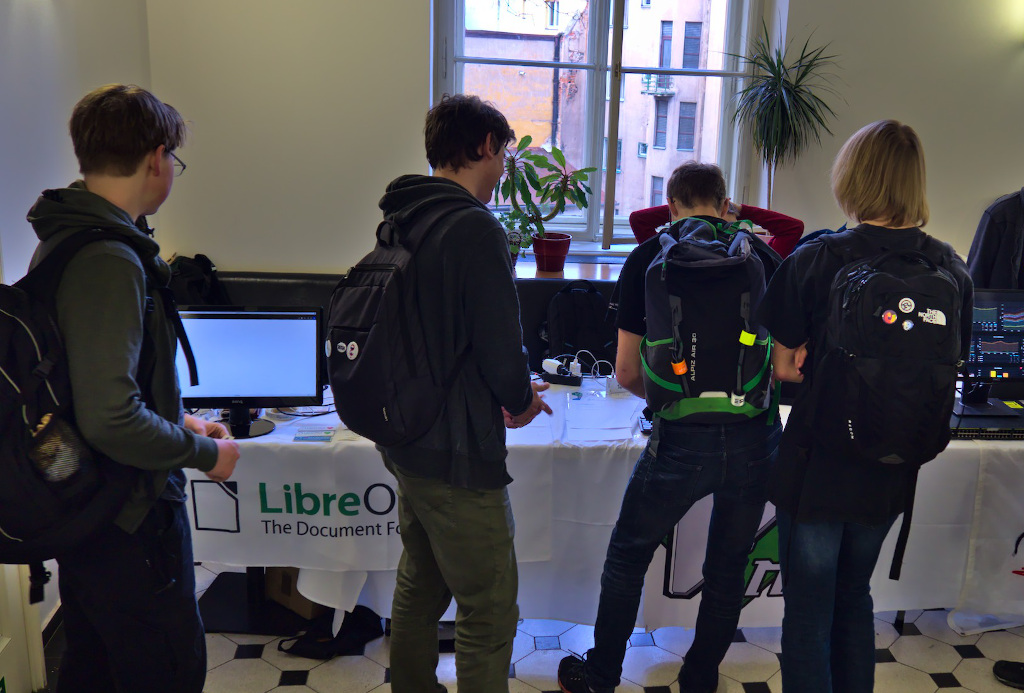
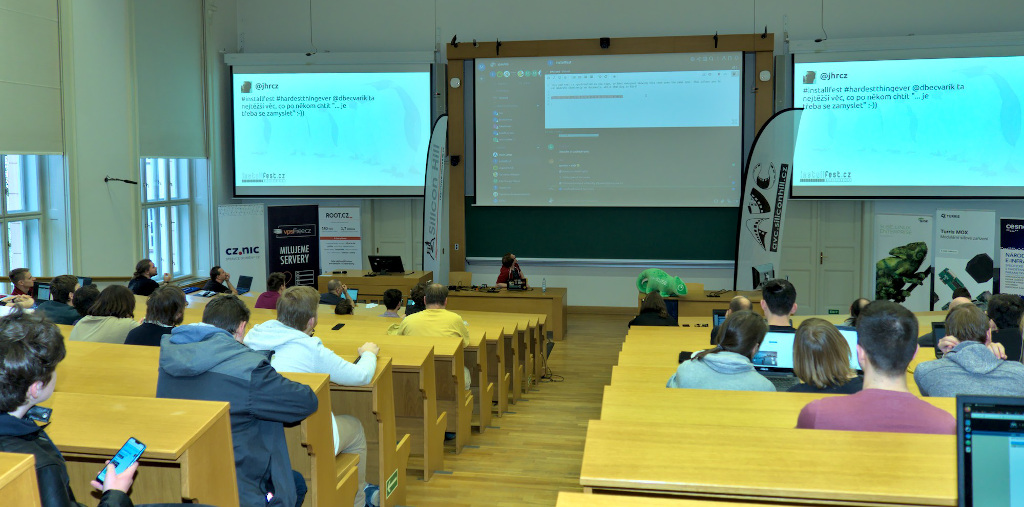
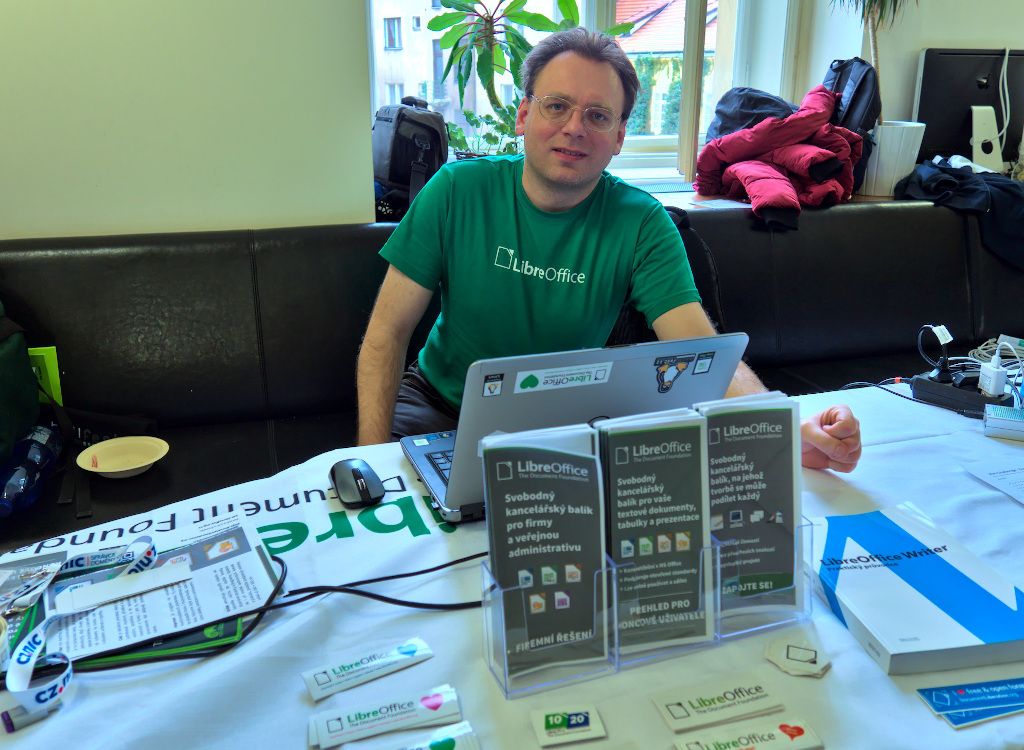
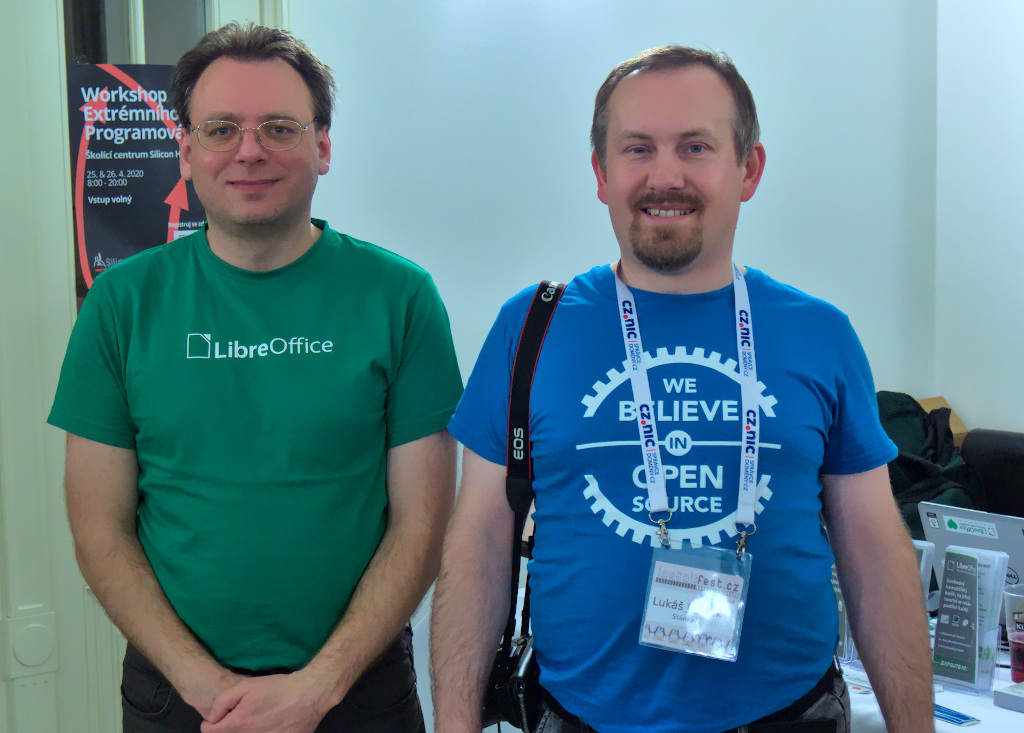
Our Czech LibreOffice community attends events around the country, spreading the word about LibreOffice, free software and open standards. Today, Petr Valach reports back from InstallFest, which took place on 29 February and 1 March. InstallFest focuses on GNU/Linux, helping new users to install the operating system, but also has lectures and stands for many other free and open source software projects…


For the first time this year, the LibreOffice community attended the InstallFest conference. The following is a summary of the knowledge and insights we gained there…

The vast majority of visitors were from younger generations – often high school or even elementary school pupils. The new mobile application from Collabora, released just a few days before – and surprisingly, almost no one knew about it – aroused great interest. Collabora Office Mobile has proven to be a highly featureful and functional alternative for the desktop version – although it has a limited range of features, but its capabilities are surprising.

One of the questions was about handling ODF files with embedded fonts. Experiments have shown that if the file contains text written in non-traditional fonts, and these are inserted into the file, it will display correctly in the mobile application. The only problem is with the file size, because LibreOffice does not allow you to embed font subsets – it embeds whole fonts. On the other hand, it ensures full compatibility when editing a file on another device; all characters defined in the font are inserted in the file.

LibreOffice Online has also gained great interest. It enables collaboration within a corporation, which can have thousands and tens of thousands of users (and it works, as we know from foreign deployments). There is a certain obstacle to the need to install the application as a cloud service – the method of installation is not widely known (solved by the documentation team, as the LibreOffice Online manual is published, and the Czech documentation team completes its Czech version).

Some users complained about several problems, for instance: scrolling doesn’t work on the touch screen, instead of text. It is a bug inherited from OpenOffice.org, not solved under number 85677.

One requirement also involved inserting the name of any worksheet in the Calc list into the selected cell, and dynamically linking it to the worksheet, to change the content of that cell when the worksheet name changes. Currently, only the name of the current worksheet can be inserted into the cell, either by field or by function:

= MID (CELL ("filename"); FIND ("# $"; CELL ("filename")) + 2; LEN (CELL ("filename")))

Now it is not possible to insert the name of any sheet in the list – it is not solved in bug 94975. (This is not possible in Microsoft Excel, by the way.)

Defender Folder Access Control in Windows 10 blocks LibreOffice installation. You must disable this feature before installing LibreOffice. For more information, see the LibreOffice wiki page.

We also learned from other visitors at the event about other schools and companies that use LibreOffice. We will address them shortly.


A big thanks to Petr and the whole Czech community for their work! And to anyone reading this who’d like to attend local events and help to spread the word about LibreOffice, join our marketing mailing list and drop us a line. We’ll point you in the right direction!

Announcing Open Badges for LibreOffice contributors!

LibreOffice is made by volunteers and certified developers across the globe, and today we’re announcing a new system to credit their work and show appreciation: Open Badges. So what are they?

In a nutshell, Open Badges are PNG images that are awarded to contributors for reaching a certain threshold – such as a number of commits to the codebase, or answering questions on Ask LibreOffice. But these images are something special: they contain metadata describing the contributor’s work, which can be verified using an external service. Open Badges are used by other free software projects, such as Fedora.

We at The Document Foundation – the non-profit entity behind LibreOffice – will start issuing customised badges to contributors, who can then proudly display them on websites or social media. And because of the embedded metadata, contributors can use the badges as proof of their work. If you’ve been a long-time contributor to LibreOffice and are in the job market, use your badge to highlight your involvement in a large open source project!

Starting off: Ask LibreOffice contributors

The first set of badges go to the nine people on Ask LibreOffice, our community assistance website, who’ve posted over 100 answers. We’ll be in touch personally with the badges! Their usernames:

  • Ratslinger
  • ajlittoz
  • Mike Kaganski
  • Opaque
  • Lupp
  • erAck
  • RGB-es
  • ebot
  • JohnSUN

Stay tuned to this blog for more Open Badges awards!

TDF new Board of Directors

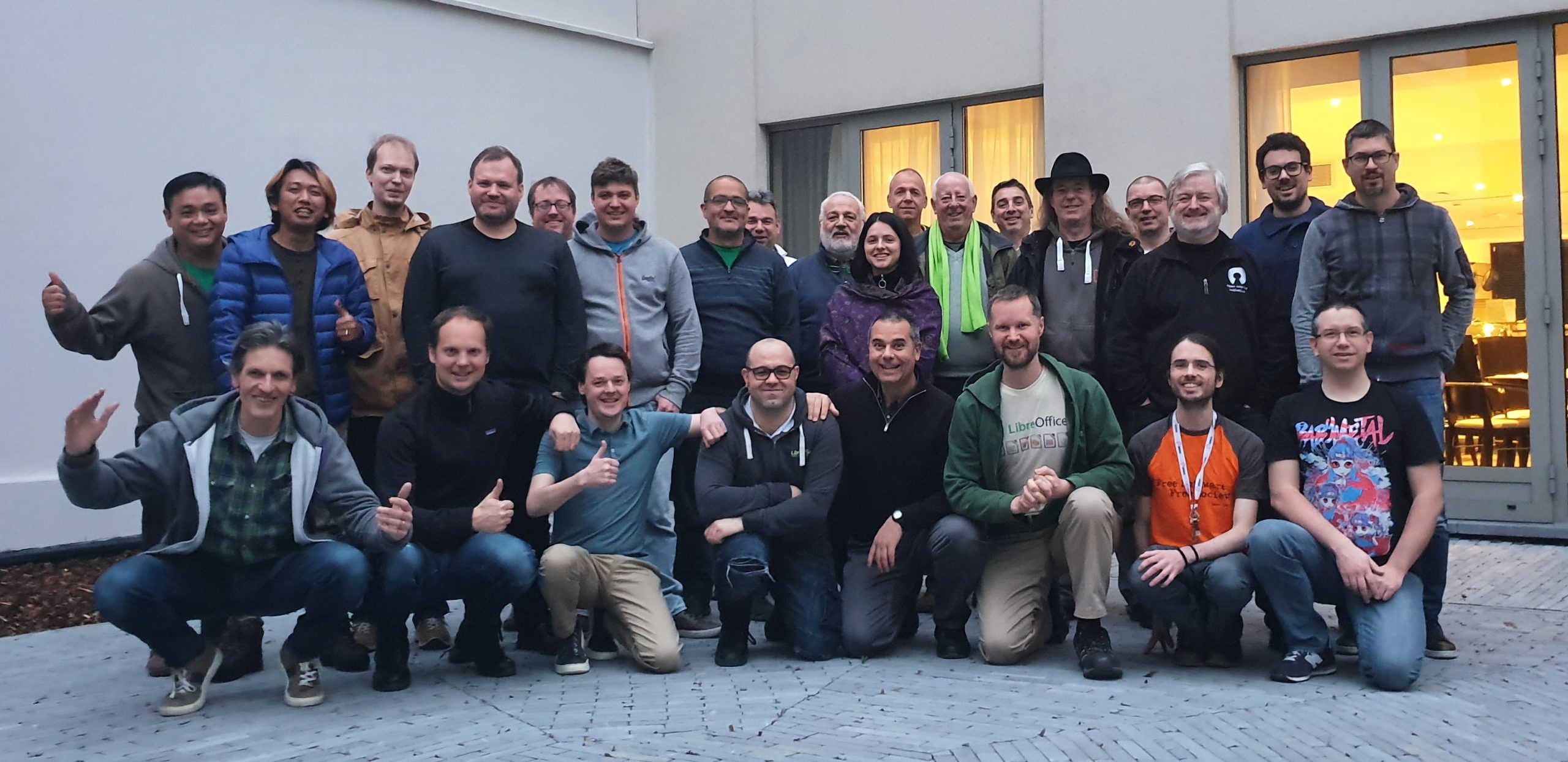
TDF Board of Directors (old and new), Membership Committee and Team members in Brussels, just before FOSDEM 2020 (Marina Latini and Sophie Gautier arrived after the meeting, while Osvaldo Gervasi did not attend FOSDEM, so they are all missing from the picture)

The new Board of Directors of The Document Foundation has just started the two year term on February 18, 2020. Members are: Michael Meeks, Thorsten Behrens, Franklin Weng, Daniel Rodriguez, Cor Nouws, Lothar Becker and Emiliano Vavassori. Deputies are: Nicolas Christener and Paolo Vecchi.

Five people have been elected for the first time to the Board of Directors: Daniel Armando Rodriguez from Posadas in Argentina; Lothar Becker from Karlsruhe in Germany; Emiliano Vavassori from Bergamo in Italy; Nicholas Christener from Bern in Switzerland; and Paolo Vecchi from Luxembourg (in Luxembourg).

During the first meeting of the Board of Directors, the nine members have elected Lothar Becker as Chairman and Franklin Weng as Deputy Chairman. In the meantime, also the responsibilities and areas of oversight have been discussed and decided.

At the same time, six people – who have served as board members and deputies during the previous term(s) – have left the board, but will continue their activity as TDF Members: Marina Latini, Chairwoman; Björn Michaelsen, Deputy Chairman; Eike Rathke, Member; and Jan Holešovský, Simon Phipps and Osvaldo Gervasi, Deputies.

Each one of these six people was responsible for several BoD activities:

  • Marina Latini: QA, Documentation, and Certification (and other business development activities) after four years of service (BoD);
  • Björn Michaelsen: Releases (including schedules), Events, and Affiliations after eight years of service (BoD);
  • Eike Rathke: Development, and Contracts/Legal (hiring, taxes, compliance, GDPR, trademarks and brands) after eight years of service (BoD/MC);
  • Jan Holešovský: Infrastructure, and Documentation after six years of service (BoD/MC);
  • Simon Phipps: License, Affiliations, and Contracts/Legal (hiring, taxes, compliance, GDPR, trademarks and brands) after six years of service (BoD/MC);
  • Osvaldo Gervasi: Documentation, and Native Language Projects (localization, marketing, non-English QA activities, etc) after four years of service (BoD).

Being a Board member means donating each year several weeks of activity to TDF – for full day face-to-face meetings (twice a year, at FOSDEM in Brussels and LibOCon), and for bi-weekly calls (which usually last a couple of hours) – to manage the foundation and administer the budget, mostly based on donations.

We are deeply grateful to all of these for their dedication, contribution to decision making and for all of their volunteer time spent in BoD duties, as well as for their ongoing contribution to the project.

March 8, International Women’s Day

If we must celebrate a day for women, let us celebrate freedom from stereotypes, from expectations, from idolisation, from sacrifice…

Stop congratulating women for being the secret behind a successful man… Start saluting them for being successful.

Stop saying the mother is sacred for all the sacrifices she makes… Try to reduce those sacrifices!

Stop telling women they are beautiful… Try telling them it’s not important to be beautiful!

Stop praising her roles as mother, wife, daughter, sister… Celebrate her as an individual, a person, independent of relationships.

Stop justifying her necessity to multi task… Give her a chance not to!

Stop these constructs which are aimed at making her strive for an impossible balance… Let her be inadequate… And happy!

Stop making her look at herself through a conveniently male viewpoint.

Let her be imperfect, whimsical, irresponsible, boorish, lazy, fierce, opinionated, loud, flabby, ungroomed, adventurous, unpredictable, unprepared, impractical…

LET HER BE

(attribution of these words seem to be impossible, but happy to update it with the original author)