
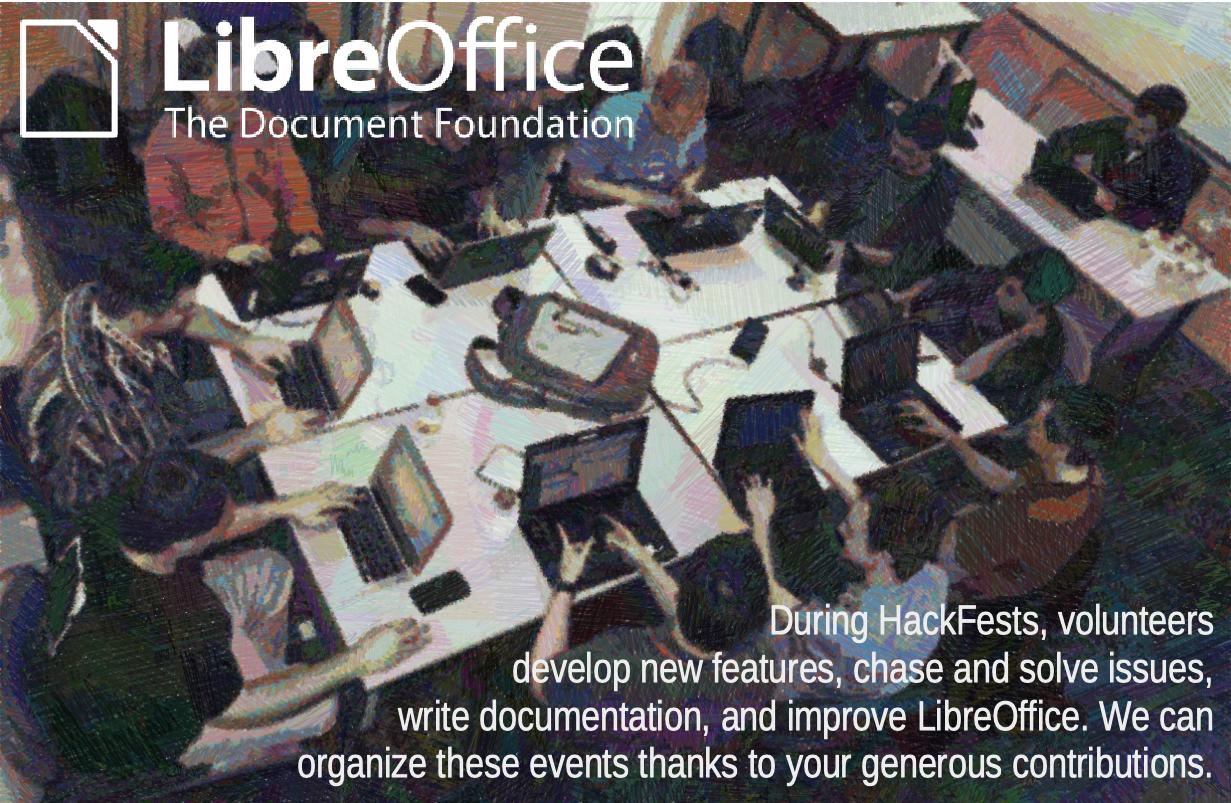
Consider a donation to support activities such as HackFests and other events organized by native language projects, to grow the community and educate about free open source software
Consider a donation to support activities such as HackFests and other events organized by native language projects, to grow the community and educate about free open source software
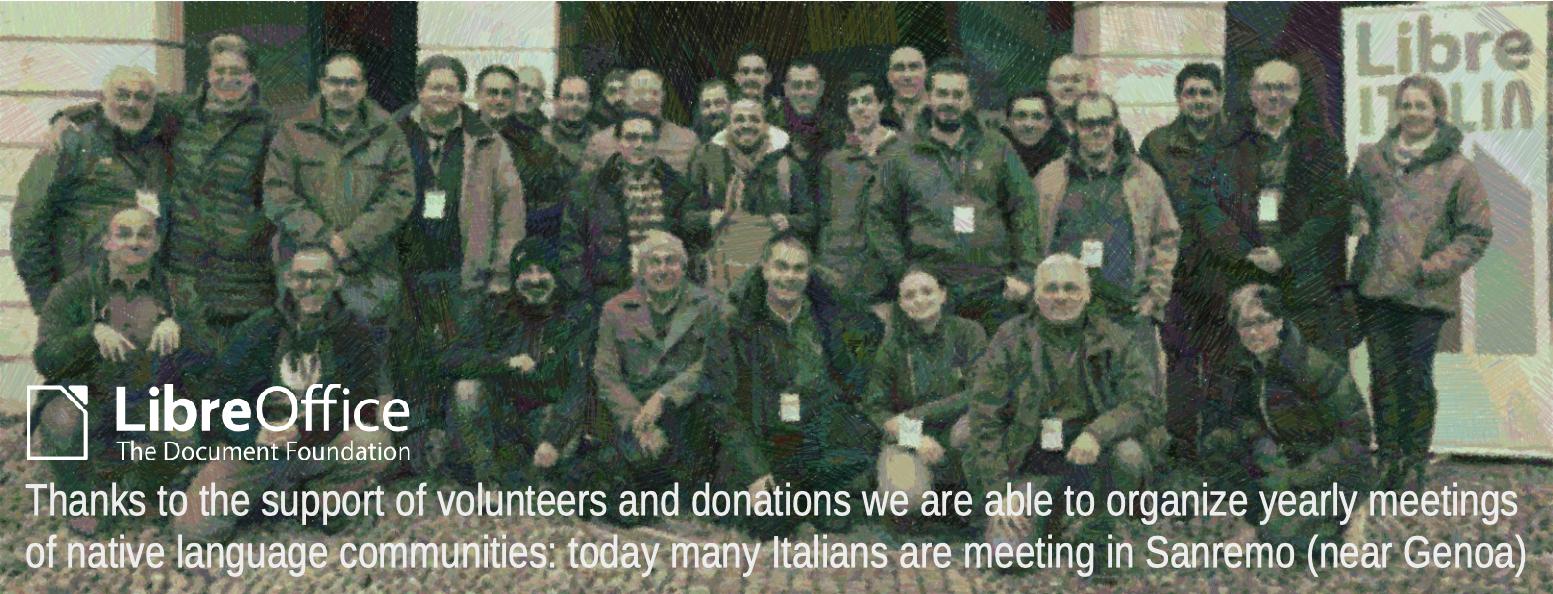
Consider a donation to support activities such as the LibreItalia Conference and other events organized by native language communities https://www.libreoffice.org/donate

Here’s our regular recap of events and updates in the last month!

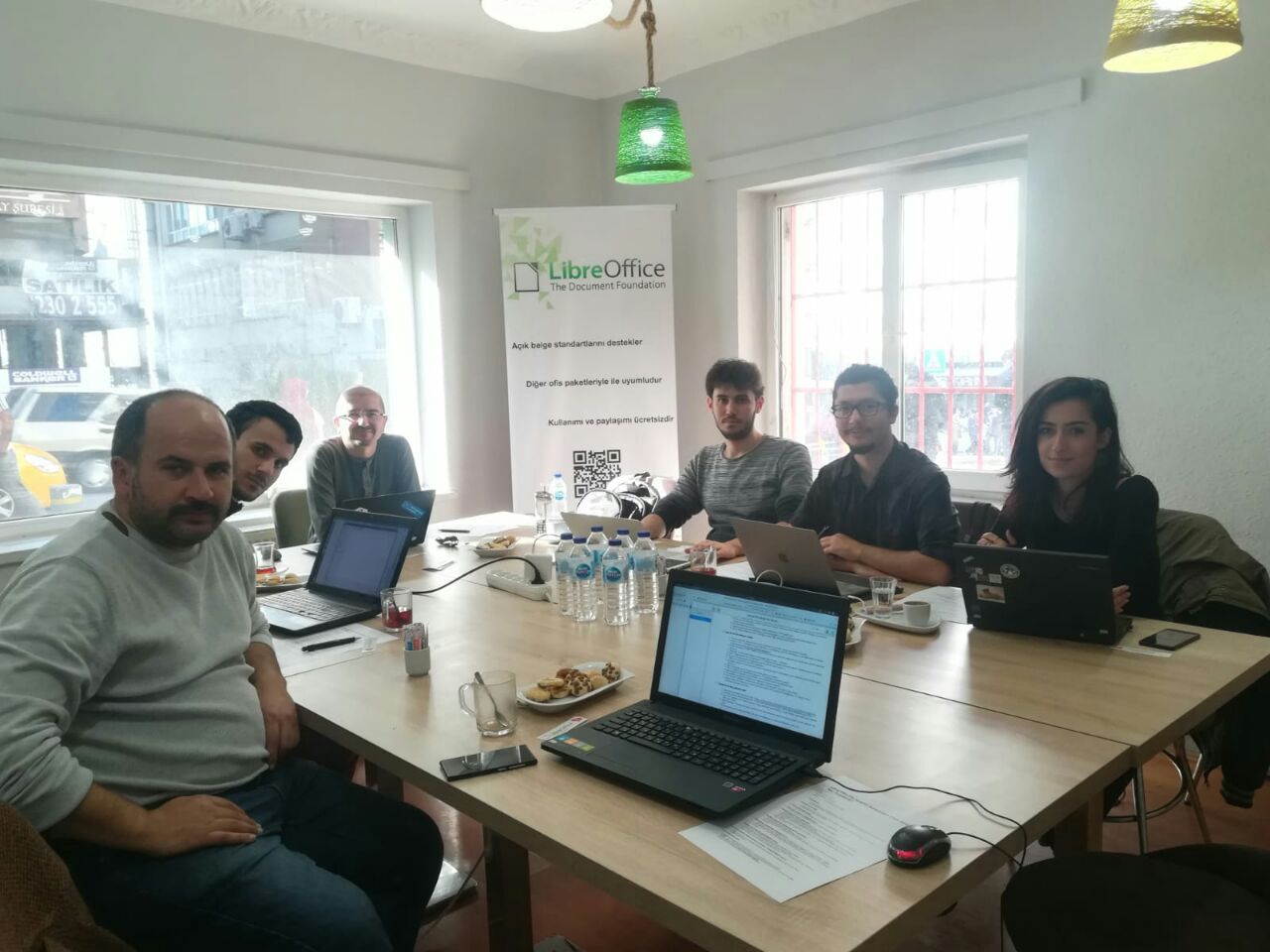
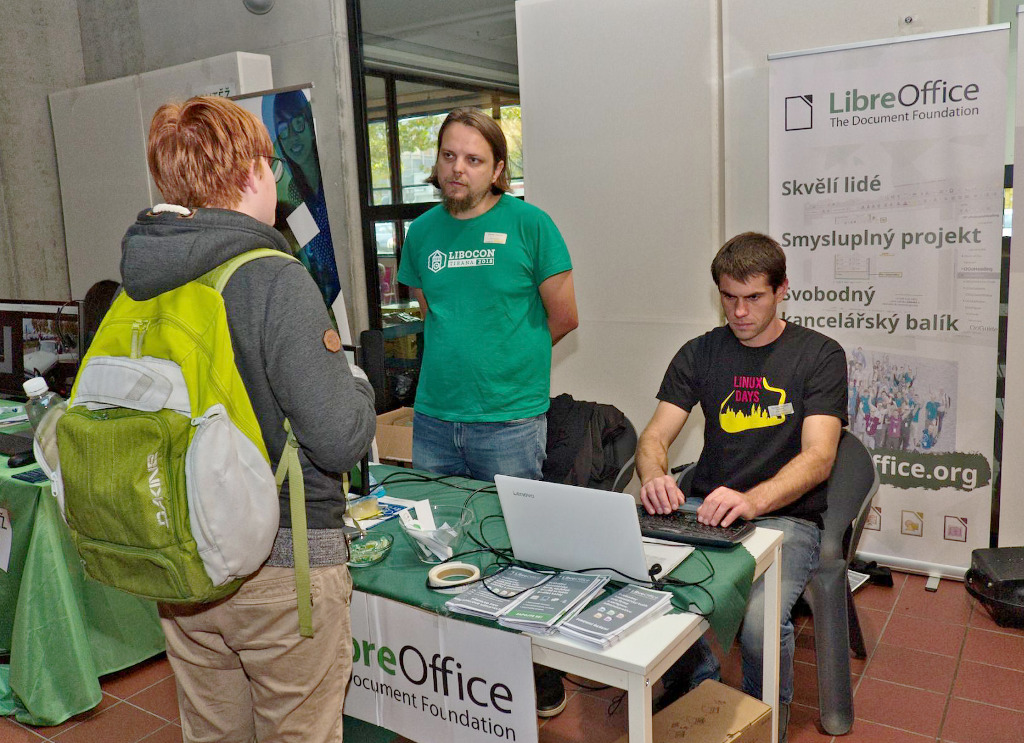

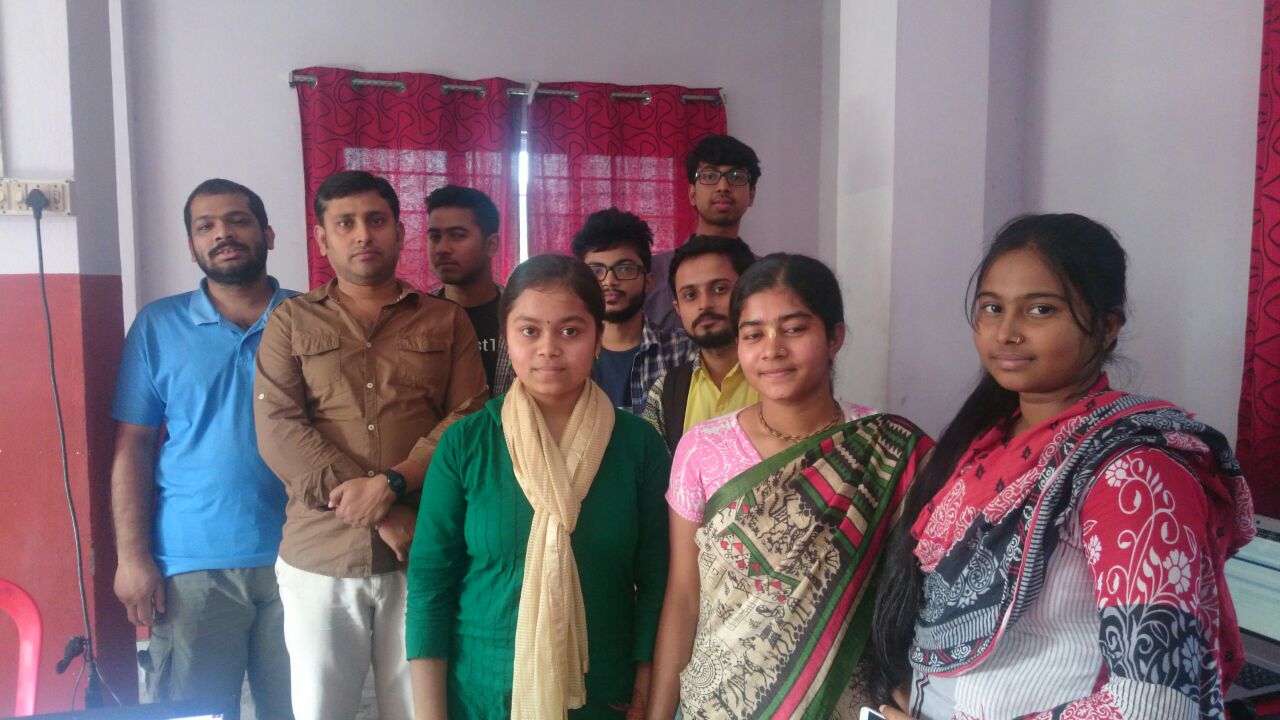
LibreOffice’s localisation communities translate the software’s user interface and documentation. They help to make a powerful office suite available to millions of people around the world, in over 100 languages! Biraj Karkamar reports on a recent localisation event in India:
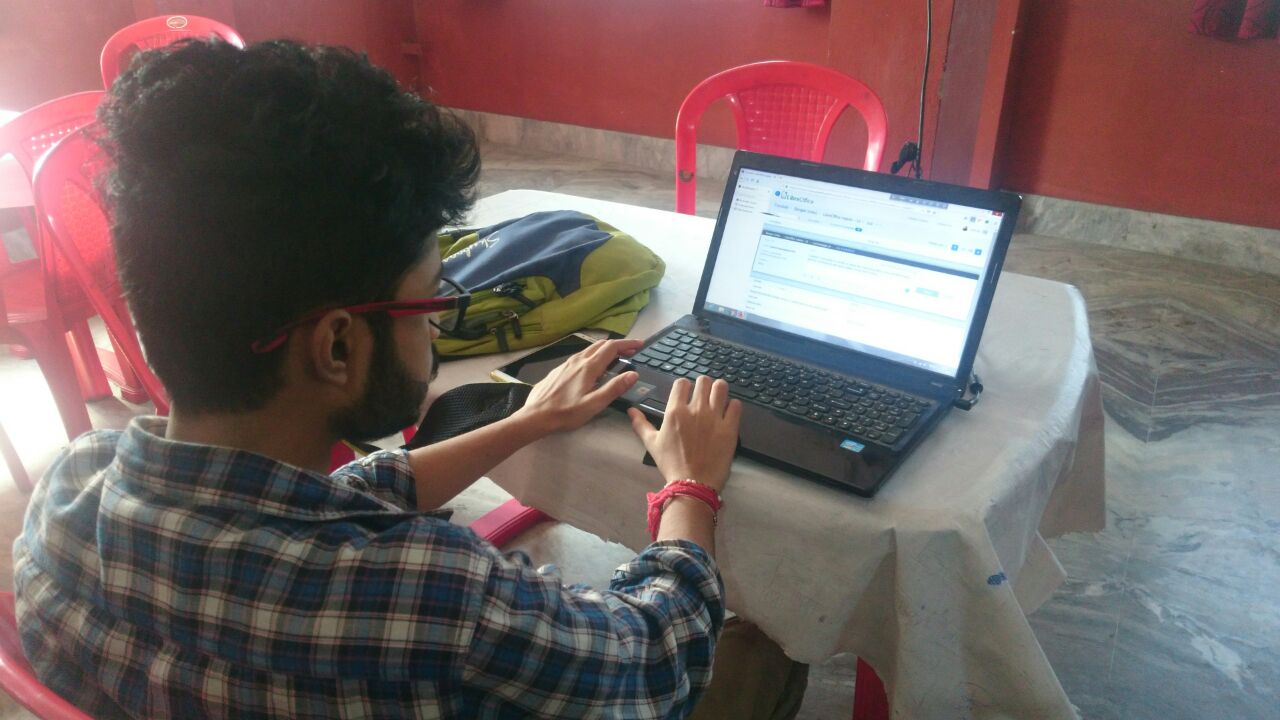
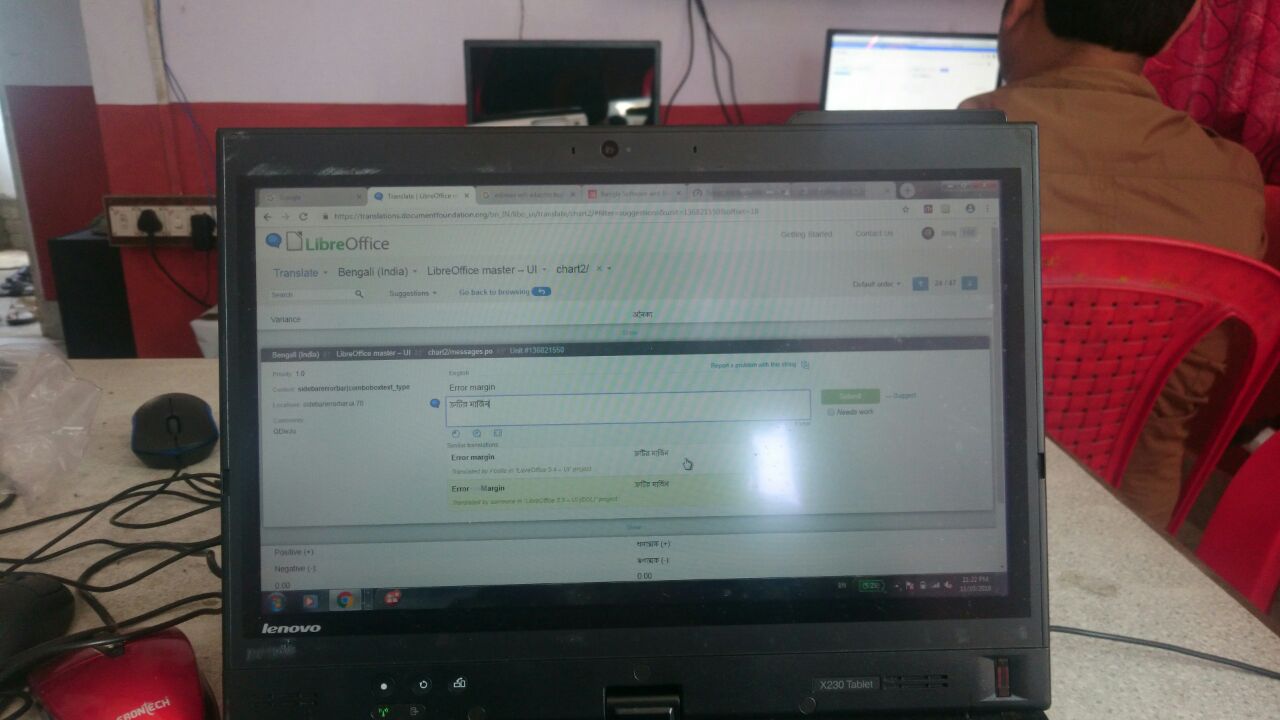
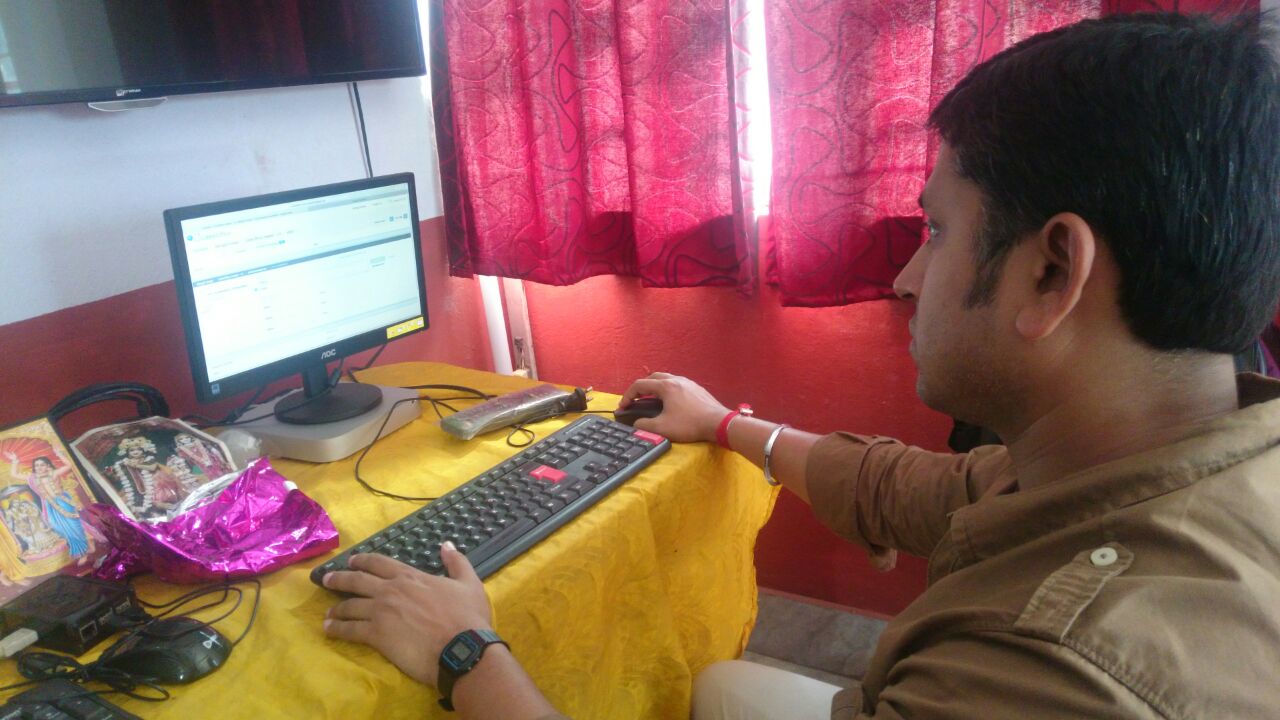
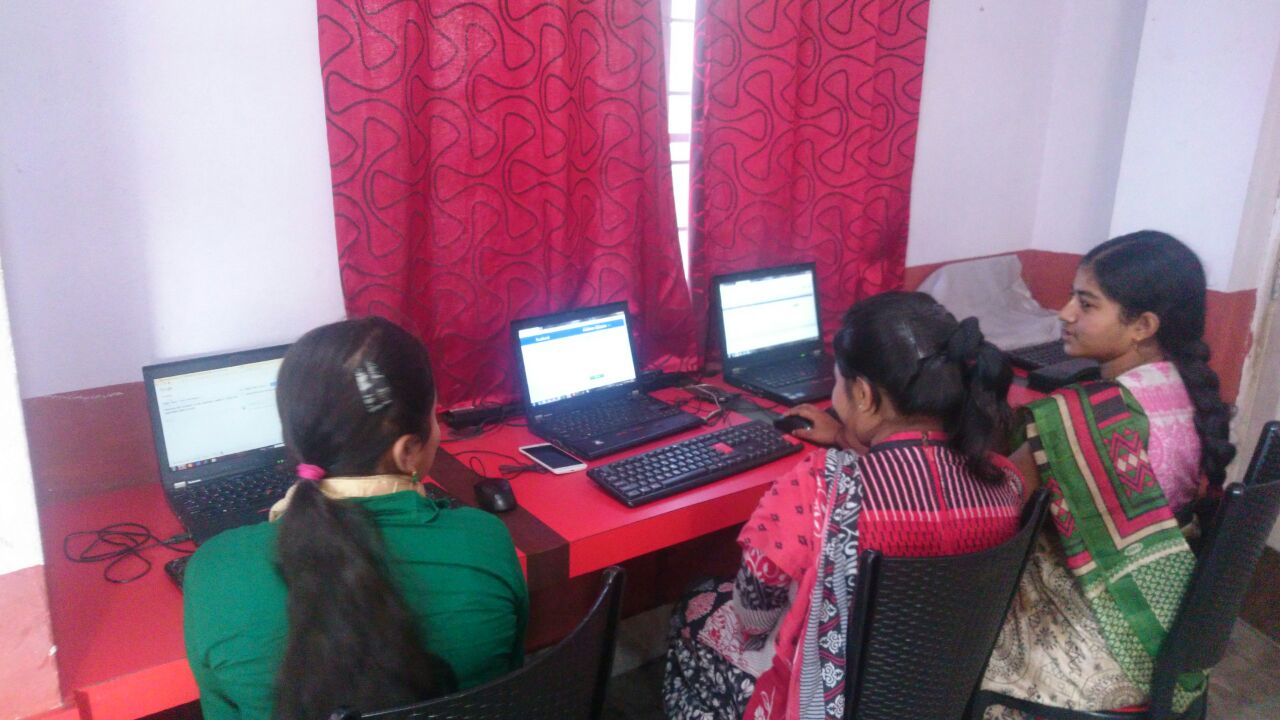
Ten people participated in our sprint in Kolkata, on November 11. We made contributions together for the Bengali-India locale.
On November 4, we had pre-meetup on localisation portal basics. I gave the participants basic details on how to add suggestions and submissions in the portal. Also that day, participants created their profiles on the portal.
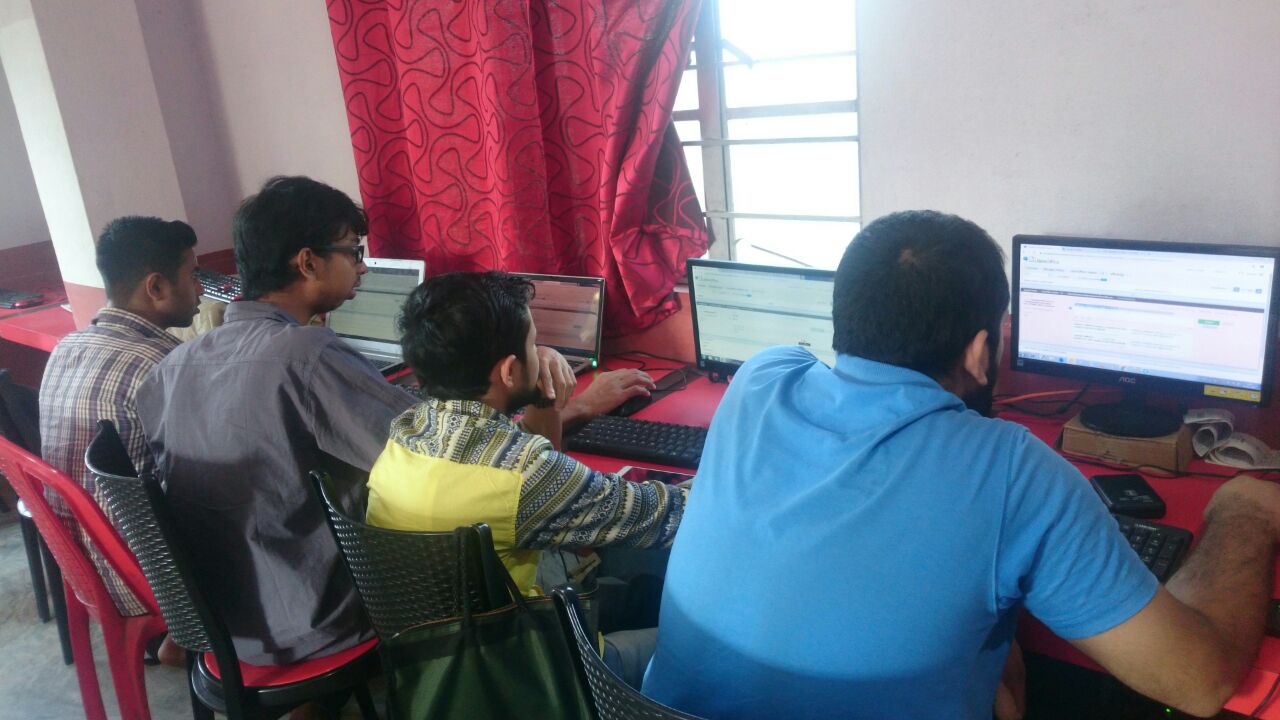
But in main event, we started with introductions, then we had a short recap on the pre-meetup. Then we had a hands-on portal. I showed the style guide of bn-IN locale translation, which we follow in open source localisation. Then the sprint started – which was almost five hours long.
Overall, the event was good and productive. Of course, it was fun too!
Thanks to Biraj and the community for their great work! See which other languages LibreOffice supports, and if your language isn’t on the list, help us to make it happen! Here are a few more photos from the event:
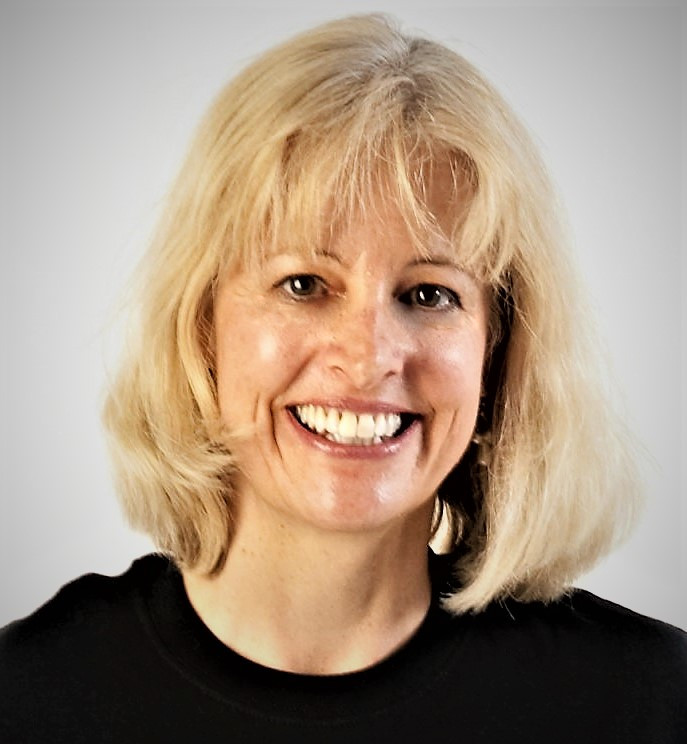
At our recent LibreOffice Conference in Tirana, Albania, we invited community members across the globe to join us. Cathy Crumbley from Massachusetts, USA, has recently been involved in the documentation project, and flew over to meet us. Here’s what she had to say:
I was surprised and grateful to be invited to attend the conference in Tirana. It turned out to be a marvelous experience and I would like to share some of what I learned.
The local organizers of the conference, Open Labs, did a wonderful job. This is an amazingly active group that, even though it is all volunteers and relatively small, manages to organize several large conferences a year in addition to working on various open source projects. It also played a significant role in convincing the city of Tirana to adopt LibreOffice.
On the first day of the conference, Tirana Mayor Erion Veliaj talked about his support for open-source software and his vision for Tirana. Wearing jeans and a Nirvana T-shirt, he said that of all of the cities in Europe, Tirana has the lowest average age (27) and that nine-tenths of young people who come to study in Tirana stay in Tirana. I could see this in the large numbers of young people hanging out in numerous coffee shops. Indeed, Tirana (at least downtown) feels like a vibrant city, but this large influx of young people cannot be good for the hinterlands they have left behind.
The business model for LibreOffice and other open source software has depended on donations, sponsorships, and volunteer time. Most of the donations come from the download section of the LibreOffice website. However, third-party websites increasingly offer LibreOffice downloads without a donation link, reducing the likelihood of donations.
What I had not appreciated before LibOCon was the extent to which the business model depends on contributions from companies that provide technical support services. That is, by improving the software for their clients, they improve the code for everyone. (Shows how little I knew about open source software.) I learned that three companies have been responsible for the majority of contributions to the LibreOffice code: Collabora, Red Hat, and CIB. All three of them were at the conference and are playing a major role in making LibreOffice even better.
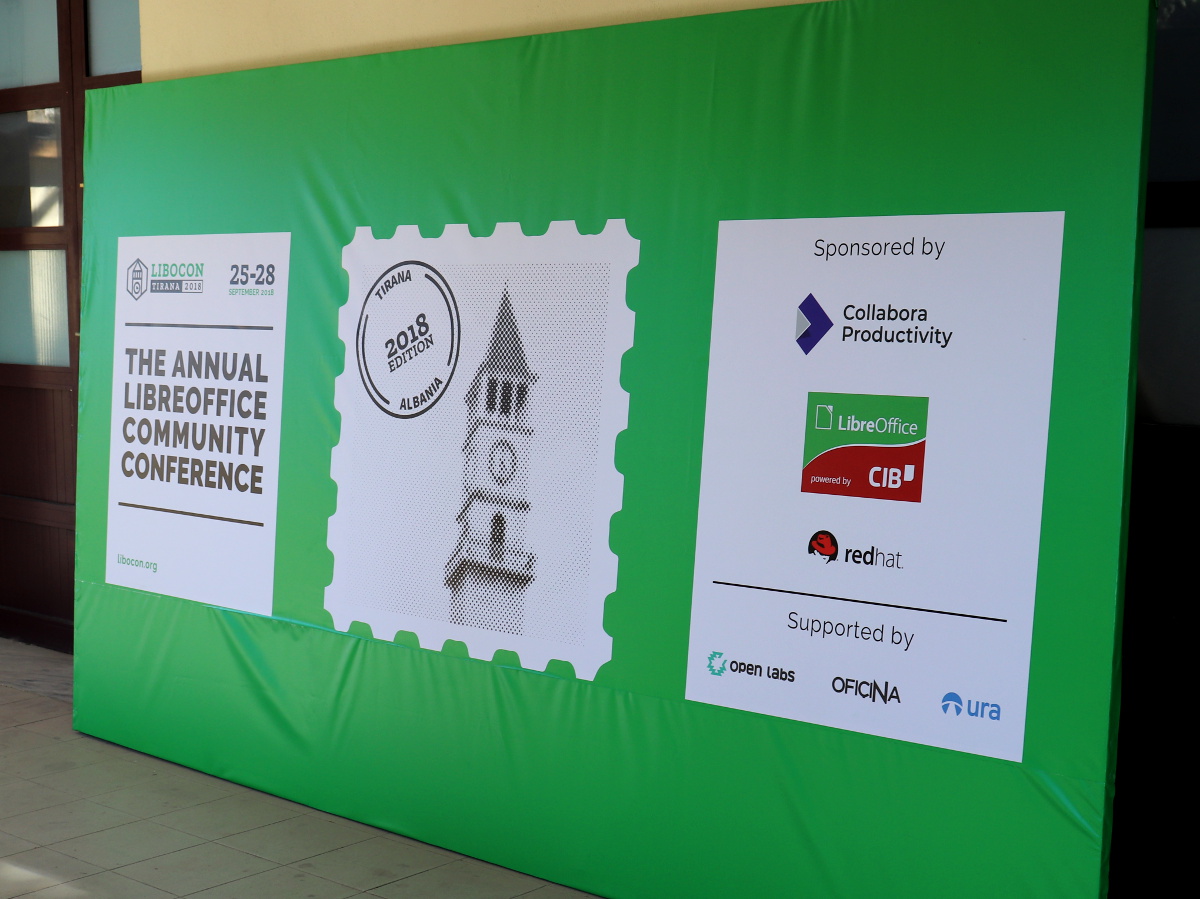
With an estimated 200 million LibreOffice users worldwide, it was surprising that only one other person from the USA was at LibOCon. Before coming, I had a sense that LibreOffice is more common in Europe than in the USA, but had not realized the extent of the difference. In fact, Italo Vignoli, who is responsible for marketing and public relations, identified the USA and India as key markets to develop.
Global marketing is challenging. However, LibreOffice is being framed as not just another office suite but as a community resource. Community support and translation services have enabled it to be available in over 110 languages. It is helping to preserve several languages that are considered endangered – such as Breton, Upper Sorbian, and Scottish Gaelic in Europe. Indeed, the case could be made that UNESCO should deem it a global resource for preserving local communities.
While the LibreOffice business model has been working relatively well till now (although increasing numbers of download sites without a donation link is a threat), the Document Foundation leadership has an ambitious vision for increasing its support for local communities. This will require more funding than currently received through donations.
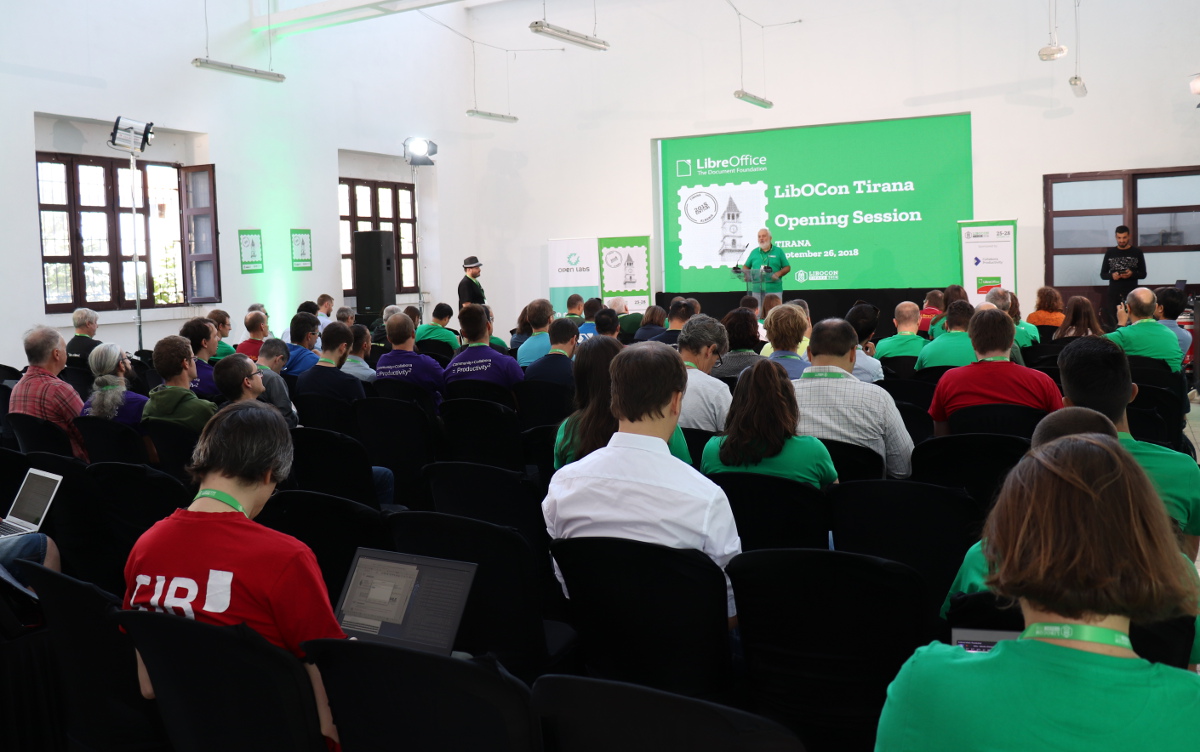
Thus, Italo Vignoli introduced plans for fundraising – that is, actively soliciting donations. As he said, “the project is solid, but not scalable in economic power.” This initiative will focus on three positive values:
Much of the focus will be on not just the LibreOffice program but on the ways it can help communities. It sounds highly unusual for open-source software to make this kind of ethical pitch, much less conduct active fundraising. I am proud to be associated with such a vision.
Attracting larger donations will require more in-person contacts and the vision is that everyone in the LibreOffice community will play a role in fundraising. So, buckle up.
While LibreOffice is otherwise a fabulous program, there is one feature that has sometimes prevented me from using it. When editing longer or more complex documents, track changes can run so slowly that it becomes unwieldy to use.
I understand that there are significant reasons why track changes can run so slowly and that it is not easy to overcome these problems. Thus, I was heartened to learn that Michael Stahl at CIB is undertaking the challenge of improving track changes. Recognizing that he has limited funding and time, I wish him much luck.
One of the biggest challenges for LibreOffice documentation has been the need for more volunteers. The lack of volunteers has meant that user guides have not been able to keep up with new major versions, much less keep up with twice-yearly updates.
This can have cascading effects, since some language communities (but not all) base their translations on the English versions. We talked about some strategies for recruiting and retaining volunteers, and I am hopeful that we can increase the number of active volunteers.
A small group of us in Tirana (Olivier Hallot, documentation coordinator, Leo Moons, Cor Nouws, and I) discussed various strategies to make the process of documentation easier. Olivier presented plans for gradually integrating user guide and help file texts. The results will be greater efficiency and less duplication of efforts. Also, user guides can be available as updates are made (rather than waiting for an entire guide to be updated before releasing it).
At the end of the conference, there was a time for “lightning talks.” These are opportunities for people to give brief (5-minute maximum) presentations about something that they had not already presented. I was encouraged to say something about my approach to documentation and briefly talked about my motto: “ignorance as a strength”. It reflects my belief that for documentation, it is useful to involve people who are not already experts – that is, people like me.
Because I started with little knowledge of LibreOffice, I had few preconceived notions. I had to test and sometimes research every feature to make sure that I understood it and that it worked as described. I was also in a good position to ensure that the text and underlying assumptions were clear to new users. If I already knew the program, I think I would be more likely to focus mainly on updating text and overlook potential problems.
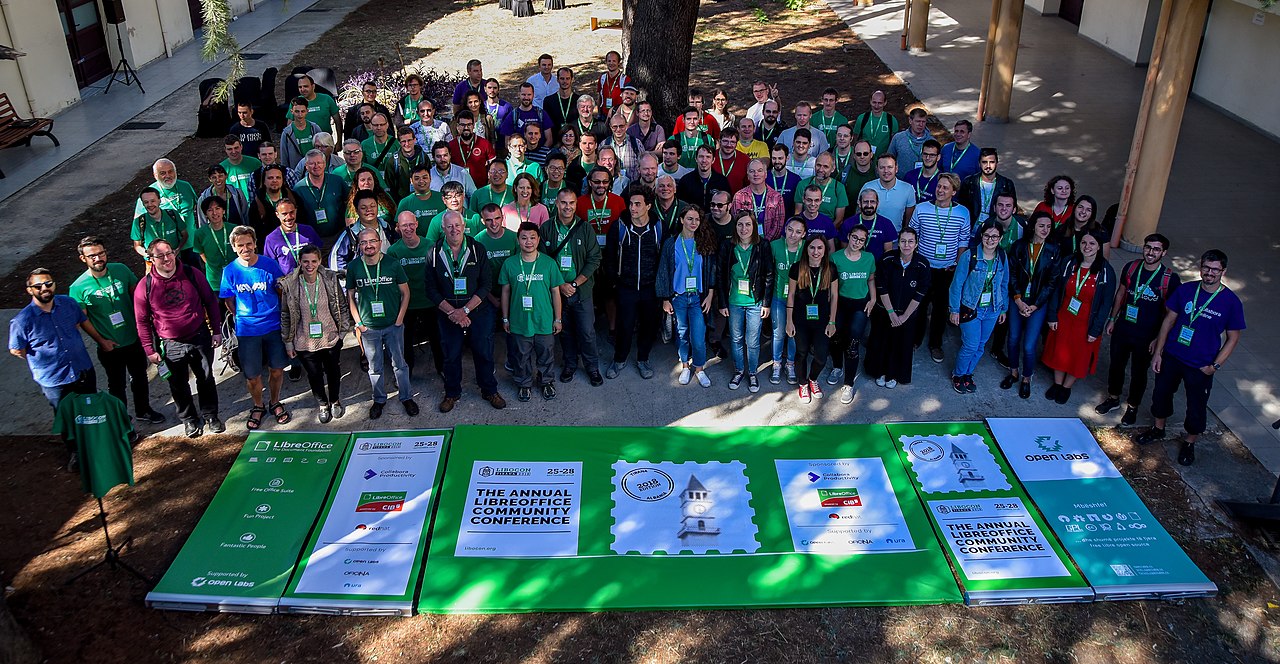
Attending the LibreOffice Conference 2018 gave me the opportunity to meet many interesting, kind, and dedicated people. I was impressed with the number of people actively involved as contributors. The conference helped me understand how The Document Foundation works; appreciate the vital roles of numerous volunteers; hear about the amazing extent to which LibreOffice is being used worldwide; and learn about its potential for helping local communities and supporting social change. It also helped me feel part of this significant and powerful community.
Thank you to The Document Foundation for inviting me and for organizing the conference, especially Sophie Gautier.
And thank you to the local organizing team from Open Labs: Silva Arapi, Jona Azizaj, Marinela Gogo, Suela Palushi, Nafie Shehu, Anxhelo Lushka, and Redon Skikuli. Fabulous job, everyone!
Thanks to Cathy for her report, feedback and kind words! We’re glad she could join us, and get to know the community in person. If you’re reading this as a user of LibreOffice, but would like to get more involved and join our community, check out this page for lots of ideas – and we look forward to meeting you!

…and if you haven’t yet been awarded a sticker pack, you still have a few days to get involved, help to improve LibreOffice, and join our friendly community! Here’s how it works:
Please confirm that you want to play a YouTube video. By accepting, you will be accessing content from YouTube, a service provided by an external third party.
If you accept this notice, your choice will be saved and the page will refresh.
So far, over 260 sticker packs have been awarded, so if you’ve contributed to the project, your name (or username) should be somewhere in the list! (If we’ve missed a contribution, let us know in the comments below.)
But if you’re not on the list, here are some ways to get your stickers:
So dive in and have fun! At the end of the month, we’ll post an update on this blog, explaining how to get your sticker pack. Stay tuned!