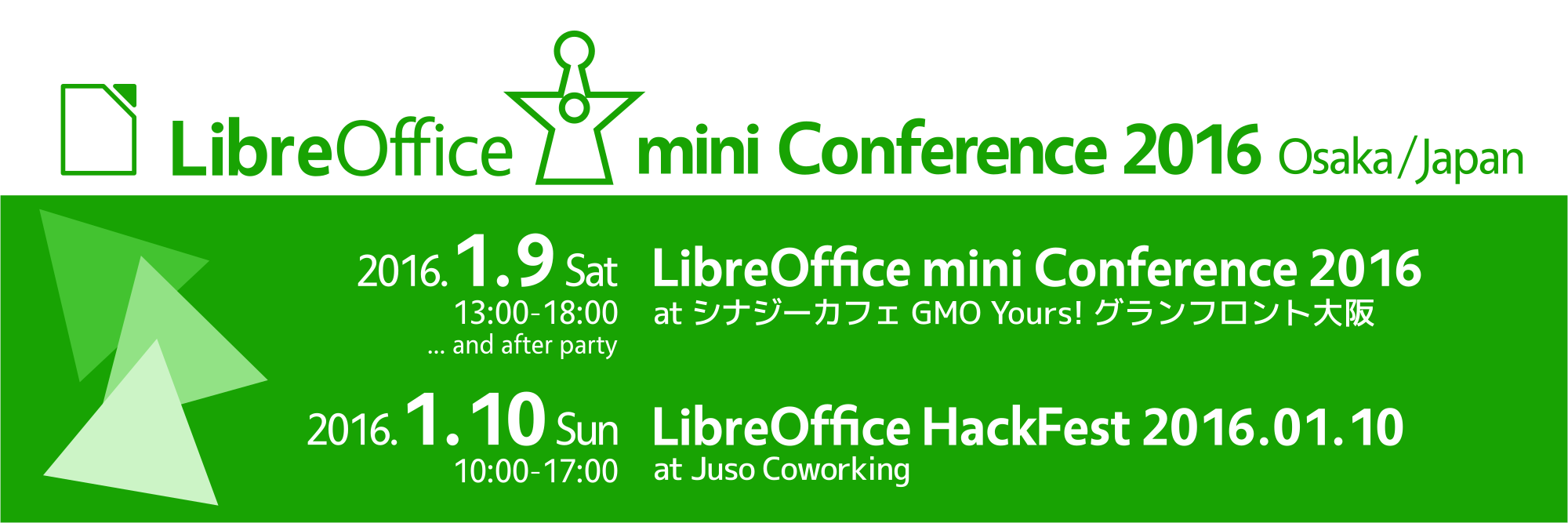
LibreOffice mini Conference 2016 Osaka

banner_2000x667The Japanese community has just organized their LibreOffice mini Conference 2016 in Osaka. We have asked Takeshi Abe, a leading member of the Japanese community, a few questions about the event.

Can you tell us more about the context of the Japan LibreOffice Mini-Conference?

In 2012, the idea of a mini Conference in Japan has emerged from discussions in LibreOffice Japanese Team, in charge of the organization of the series of events.…
Read More

LibreOffice: the numbers

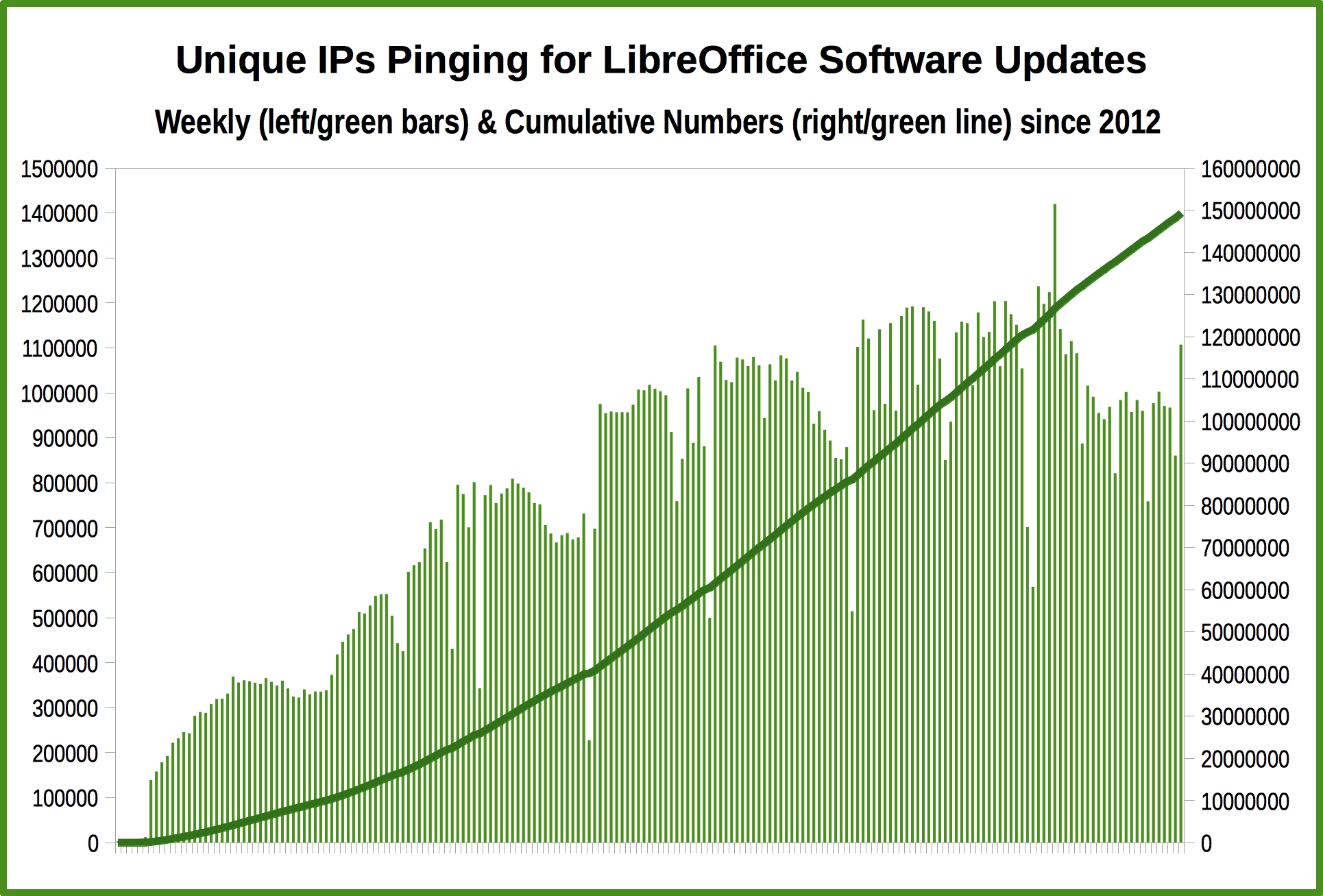
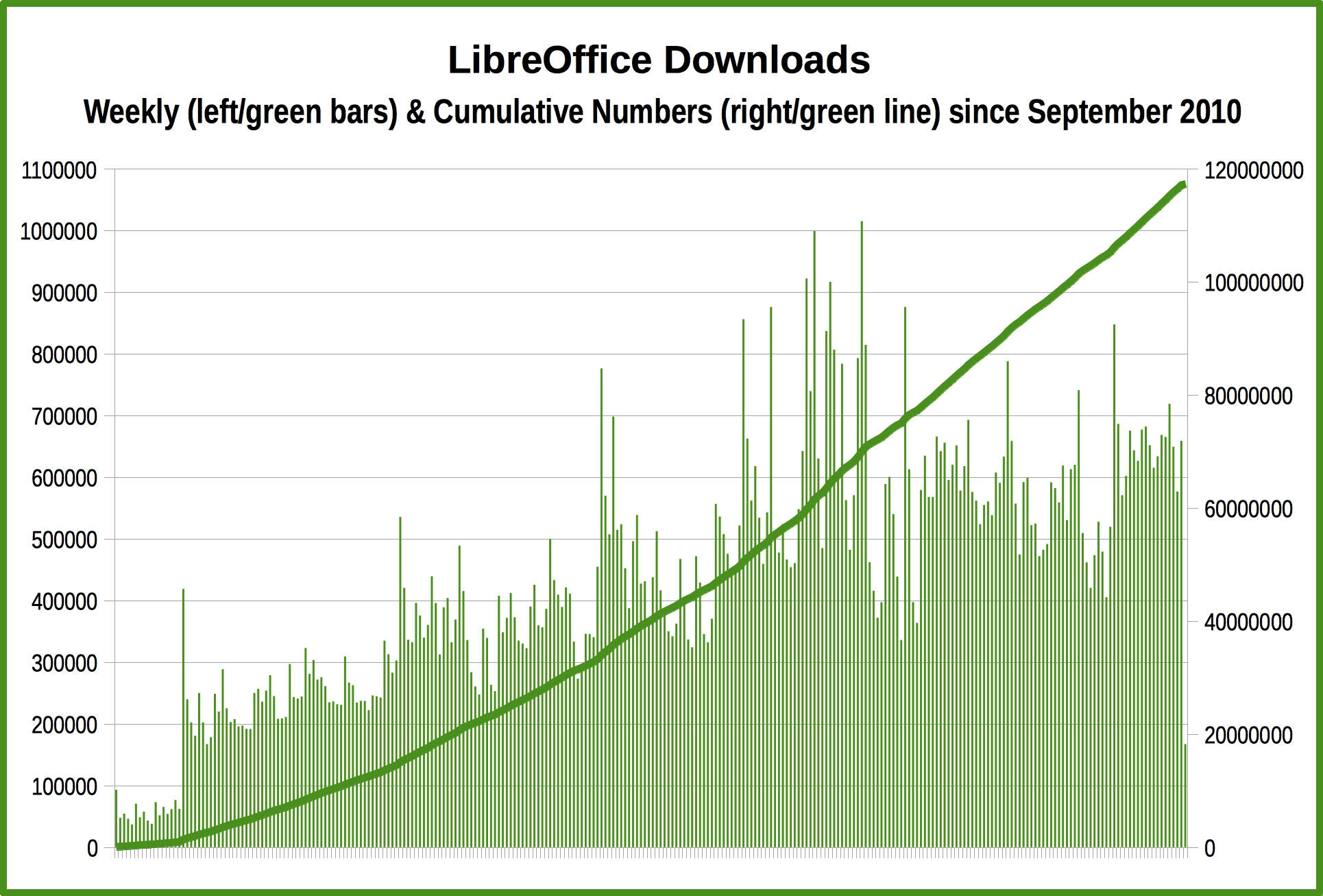
The LibreOffice project keeps growing, and 2015 numbers have just confirmed this positive trend.

downloadsuniqueipsDownloads since September 2010 are close to 120 million, with a rather steady increase of weekly numbers. In 2013 there have been visible spikes after the launch of LibreOffice 4.0 and 4.1, as these versions were representing a significant growth in term of features over previous releases.…

Read More

LibreOffice: Advent Tip #24

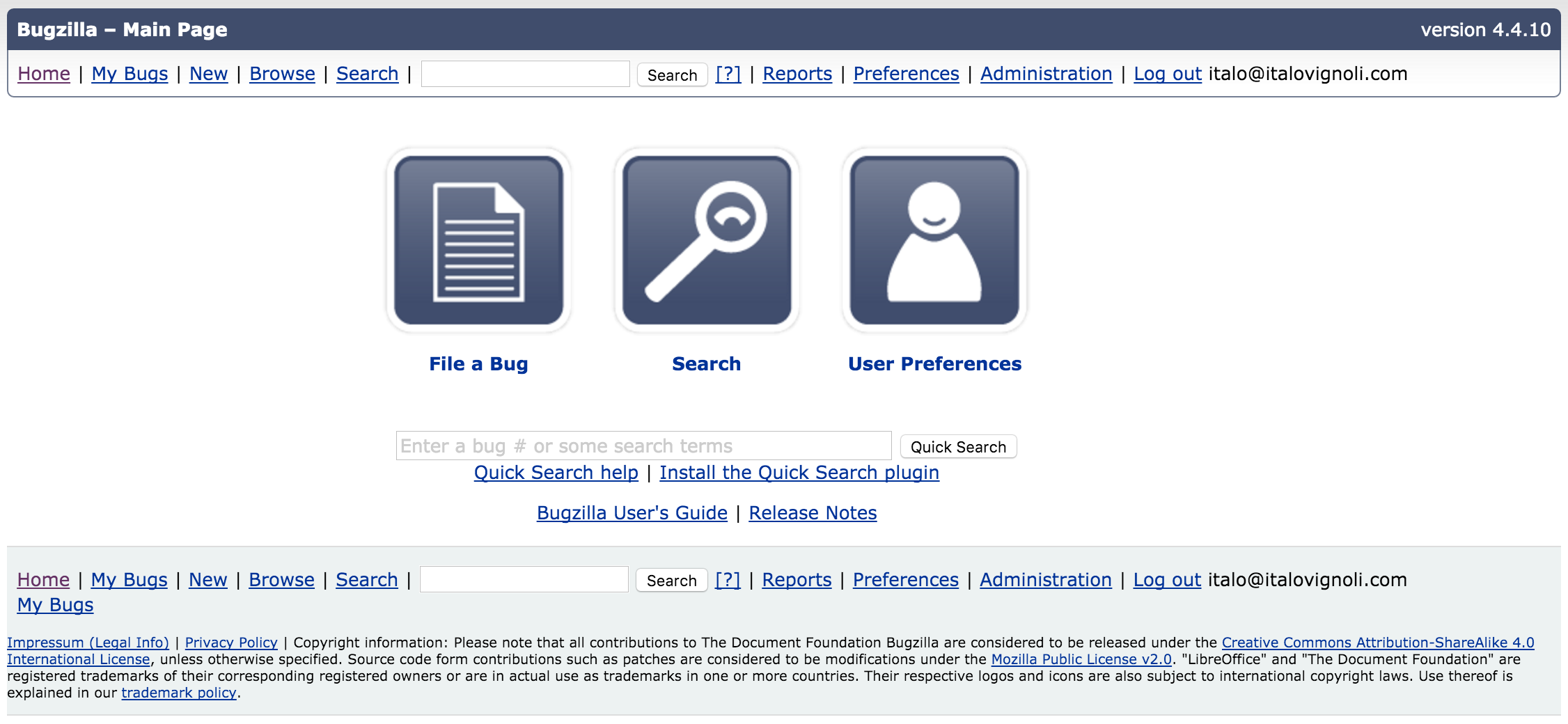
Bugzilla Main PageLibreOffice last tip of the series (a huge success, according to the numbers) is slightly different from the previous ones, because is not a real tip but an invitation to help the project by submitting bugs and regressions.

In fact, only with the help of our large user community (stay tuned for the numbers…) we will be able to improve the quality of LibreOffice, release after release.…

Read More

LibreOffice: Advent Tip #23

zoom

LibreOffice provides a Zoom & View Layout dialog which makes it easier to set the size of the document inside the software window. The feature can be accessed either with the menu View > Zoom > Zoom… or by double clicking on the zooming percentage in the lower right corner. The dialog allows to set both the Zoom Factor and the View Layout, with a number of different option for each choice.…

Read More

LibreOffice: Advent Tip #22

form

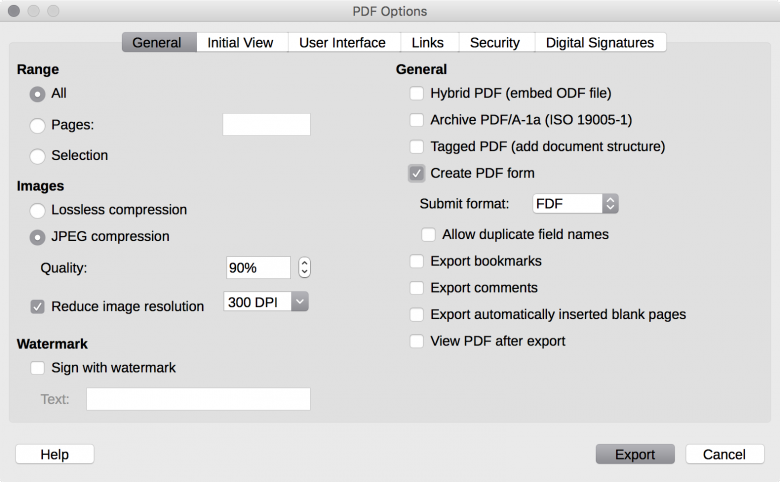
LibreOffice has several hidden gems, ignored by the majority of the users. One of these gems is the creation of editable PDF forms, which is a rather comprehensive feature and not a simple tip (but after 20 days, even the most basic user is now a skilled LibreOffice user…).

I will try to summarize the feature, which is explained in brief in this short tutorial (PDF) and in detail in a chapter of the LibreOffice Writer Guide (PDF).…

Read More

LibreOffice: Advent Tip #21

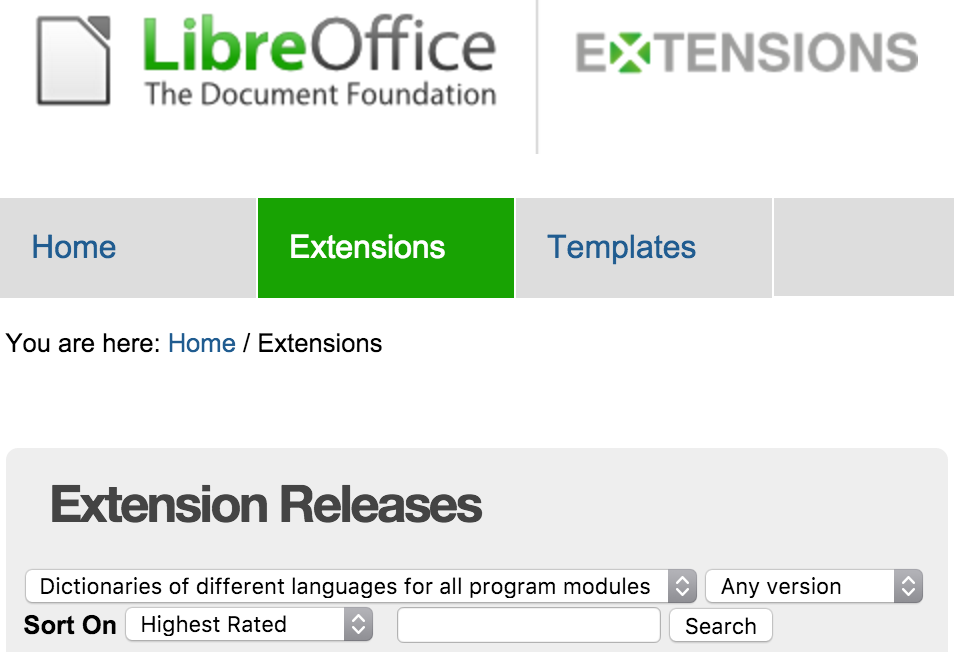
Extensions — LibreOffice ExtensionsLibreOffice offers a large number of dictionaries for spell checking documents and presentations. They are available from the Extensions website, and can be searched by using one of the pre-configured selections (as shown in the picture).

Dictionaries can be recognized by the OXT file extension.

Once downloaded, dictionaries must be installed with the Extensions Manager (menu Tools > Extensions Manager).…

Read More