Coming up on December 22: Bug Hunting Session for LibreOffice 6.0 RC1

2017 is coming to a close, but our community is still busy preparing for the release of LibreOffice 6.0, which is due in late January 2018. Many new features have been added to this version, and to make it as reliable as possible, we want your help!

On December 22 we will have an international Bug Hunting Session (BHS), testing the RC1 (first release candidate) of LibreOffice 6.0. You can download, try out and test this RC1 version – and if you spot any bugs, let our QA (Quality Assurance) community know.

Mentors will be available to help you file bugs from 11:00 UTC to 15:00 UTC on that day. All assistance is greatly appreciated – together we can make LibreOffice 6.0 the best release ever, for millions of people around the world! For full details on the Bug Hunting Session, and how to get involved, see our wiki:

Click here for full details about the Bug Hunting Session

In addition, there will be a local event in Ankara, organised by the Turkish LibreOffice community. Here are the details:

  • Date: Dec 22 Friday
  • Time: 14:00-17:00 (UTC+3)
  • Location: TUBITAK ULAKBIM, 7th Floor, Meeting Room 2
  • Registration form: https://goo.gl/forms/paVTg3ExZDn0Oytj1
  • Attendees will bring their own laptops. Registration until Thursday 17:00 (UTC+3) is required. There will be snacks, tea, and some swag!

Document Liberation Project: 2017 in review


While most of the posts on this blog are about LibreOffice, another project overseen by The Document Foundation is DLP – the Document Liberation Project. Whereas LibreOffice is an end-user application, DLP is a collection of free and open source software libraries that help to convert document formats. Developers can use these libraries in their programs, in order to import and export a large variety of files – including proprietary formats. Many well-known applications use DLP libraries, including Inkscape, Scribus, Calligra and of course LibreOffice.

So, what happened in DLP throughout 2017? Read on for our round-up of the year’s news…

New import filter: QuarkXPress

Aleksas Pantechovskis, as part of the Google Summer of Code, worked on a new import filter for QuarkXPress documents: libxqp. It currently supports QuarkXPress 3.1 – 4.1 documents, and this image shows it in action (original QuarkXPress file on the left, and how it’s converted into OpenDocument on the right):

Big improvements to Lotus 123 import

Laurent Alonso made some major improvements to the Lotus 123 filter, adding support for many formatting and layout options. Check out these pictures as an example – the top shows a Lotus 123 file in LibreOffice 5.3, missing almost all of its formatting. Underneath, however, you can see how it’s rendered in LibreOffice 5.4, with much more of the formatting present (click for bigger):

New library releases

Throughout the year, many libraries were updated as well. Here’s a summary:

  • 2 Aug – libepubgen 0.0.1 – This fixes escaping of HTML entities, and the code has been updated to C++11
  • 12 Sep – libwpd 0.10.2X – Also updated to C++11, and includes various fixes from OSS-Fuzz
  • 12 Sep – libwpg 0.3.2 – Improves performance of reading image data from WPG2 files
  • 14 Sep – libzmf 0.0.2 – Minor code cleanups and some fixes from OSS-Fuzz
  • 15 Sep – libcdr 0.1.4 – Fixes issues found by Coverity, and require C++11 for build
  • 16 Sep – libfreehand 0.1.2 – Parses more features, including text on paths, stroke patterns, arrows, and custom line and fill styles
  • 21 Oct – libvisio 0.1.6 – Various improvements to import of MS Visio files, plus Coverity and OSS-Fuzz fixes
  • 23 Oct – libetonyek 0.1.7 – Improves support for gradients, cell styles, non-RGB colours, and table border lines
  • 13 Dec – libepubgen 0.1.0 – EPUB3 support, plus support for embedded fonts, cover images and footnotes
  • 13 Dec – writerperfect 0.9.6 – Adds support for StarOffice Writer and Zoner Draw documents, and includes universal conversion tools

Find out more!

For details on the libraries mentioned above, see the projects page on the site. And check out the contribute page to see how you can help – because even if you’re not a developer, you can prepare sample documents for testing. Oh, and to learn more about DLP, watch this short video!

Please confirm that you want to play a YouTube video. By accepting, you will be accessing content from YouTube, a service provided by an external third party.

YouTube privacy policy

If you accept this notice, your choice will be saved and the page will refresh.

LibreOffice contributor interview: Gautam Prajapati

Gautam has been working on the LibreOffice Viewer for Android, as part of the Google Summer of Code. We caught up with him at our recent conference in Rome, to talk about progress in the Android app, his experiences of joining the community, and how others can get involved.

Please confirm that you want to play a YouTube video. By accepting, you will be accessing content from YouTube, a service provided by an external third party.

YouTube privacy policy

If you accept this notice, your choice will be saved and the page will refresh.

Month of LibreOffice, November 2017: The results!

The Month of LibreOffice, November 2017 has finished – and what a great month it has been. There have been contributions all across the project, including source code patches, bug report confirmations, user interface translations and documentation updates. Not to mention user support on Ask LibreOffice, along with LibreOffice promotion on Twitter! Here’s how many stickers have been awarded:

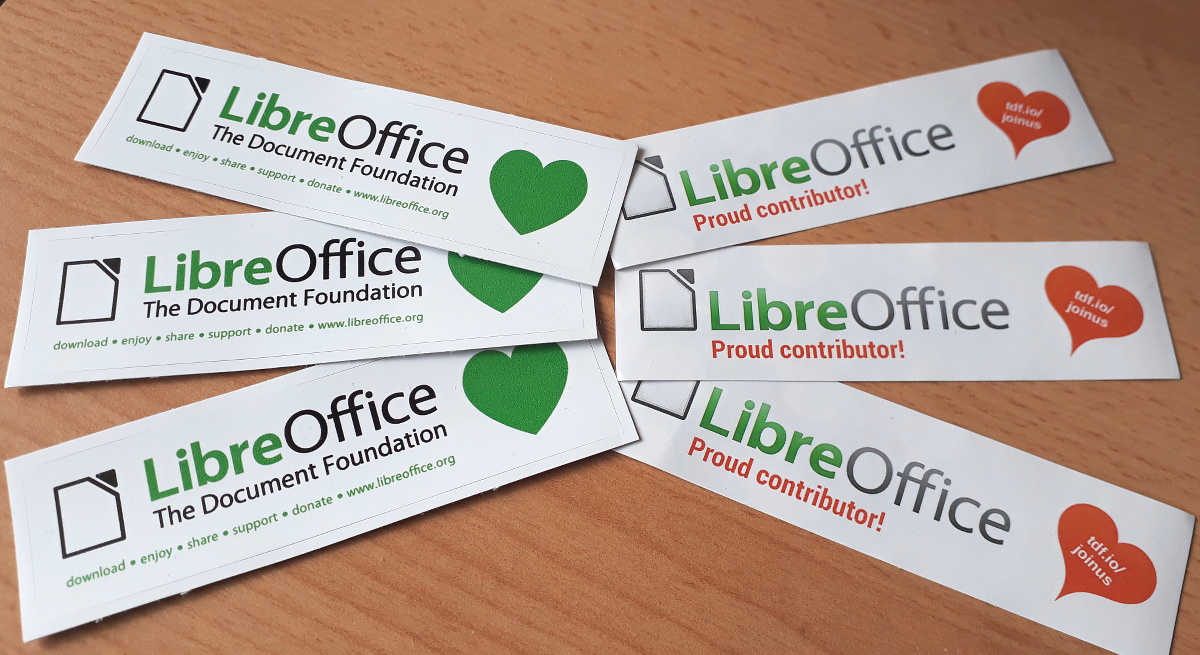
Click the number for the full details. And if you see your name (or username) on that page, claim your sticker for your laptop, PC or other devices! Simply email mike.saunders@documentfoundation.org with your name (or username) from the wiki page, and “Sticker claim” in the subject line, along with your postal address. We’ll send you a sticker in the next couple of weeks – and it’ll look like this:

(Note that your postal address will only be used for posting the sticker to you, and not be stored afterwards or used otherwise.) Enjoy showing off your sticker, and thanks again for your contribution!

Going into detail

So what happened over the month? Let’s go through the sections on the stickers page. The first, code patches, shows source code contributions from community members. It has been great to get fixes, updates and new features from the community – and note that this list doesn’t include people who are paid to work on the code on a daily basis! See here for a full list of recent development activity.

Next up we have bug report confirmations. This is an important job, and our QA community works hard to categorise and check new bug reports as they come in. It’s also a way for anyone to get involved, even if you’re not a developer: just find a new report on our bug tracker, see if it affects you as well (with the latest LibreOffice version), and confirm it if so. This helps our QA team to narrow down the cause of a bug.

Then we had translations of the LibreOffice interface – lots of fantastic work there! One of the goals of LibreOffice is to make the software accessible to everyone, regardless of location or language, so it’s great to see so many contributions here. Next we give credit to people who help other users on Ask LibreOffice, which isn’t always an easy task, but the answers can be very useful for other people in the future.

Finally, we had documentation contributions and people spreading the word on Twitter. A huge thanks once again to everyone who took part, and don’t forget to claim your sticker! We’ll run another Month of LibreOffice next year – but you can get involved at any time. Join our friendly community, help make LibreOffice even better, and we look forward to your contributions!

TDF supports the “Munich stays free” alliance

Following the recent decision by Munich’s City Council to step back to closed source and proprietary software, at a large cost to taxpayers, a group of free and open source software (FOSS) supporters have created a website explaining the importance of FOSS in public administrations.

The German website, called München bleibt frei (Munich stays free), lists numerous benefits of FOSS, including:

  • Independence from a single software vendor
  • Boost to local industry (because anyone can improve FOSS)
  • Sustainability
  • Security and data protection

The Document Foundation supports this position. Our previous statement on the situation in Munich can be found here.

Final week of the Month of LibreOffice, November 2017!

Yes, we’re into the final week of this Month of LibreOffice, which gives thanks (and stickers) to our great worldwide community for all their hard work! Here’s how many stickers have been awarded so far:

256

Click the number to see if your (user)name is on the list – and if so, you’ll soon be able to get a shiny sticker for your computer kit! Here they are, waiting to be claimed:

But if you’re not yet on the list, you still have time to get involved with LibreOffice, help make the software better for millions of users around the world, and grab a sticker from us as thanks for your work. Plus, you build up experience of working in a friendly and well-known open source project! Read on to see ways you can help…

How to get a sticker

  • Help to confirm bugs: go to our Bugzilla page and look for new bugs. If you can recreate one, add a comment like “CONFIRMED on Windows 10 and LibreOffice 5.4.2”. (Make sure you’re using the latest version of LibreOffice.)
  • Contribute code: The codebase is big, but there are lots of places to get involved with small jobs. See our Developers page on the website and this page on the wiki to get started. Once you’ve submitted a patch, if it gets merged we’ll send you a sticker!
  • Translate the interface: LibreOffice is available in a wide range of languages, but its interface translations need to be kept up-to-date. Or maybe you want to translate the suite to a whole new language? Get involved here.
  • Write documentation: Another way to earn a badge is to help the LibreOffice documentation team. Whether you want to update the online help or add chapters to the handbooks, here’s where to start.
  • Answer questions from users: Over on Ask LibreOffice there are many users looking for help with the suite. We’re keeping an eye on that site so if you give someone useful advice, you can claim a shiny sticker.
  • Spread the word: Tell everyone about LibreOffice on Twitter! Just say why you love it or what you’re using it for, add the #libreoffice hashtag, and at the end of the month you can claim a sticker. (We have a maximum of 100 stickers for this category, in case the whole internet starts tweeting!)