The Calc Guide 7.6 is Published

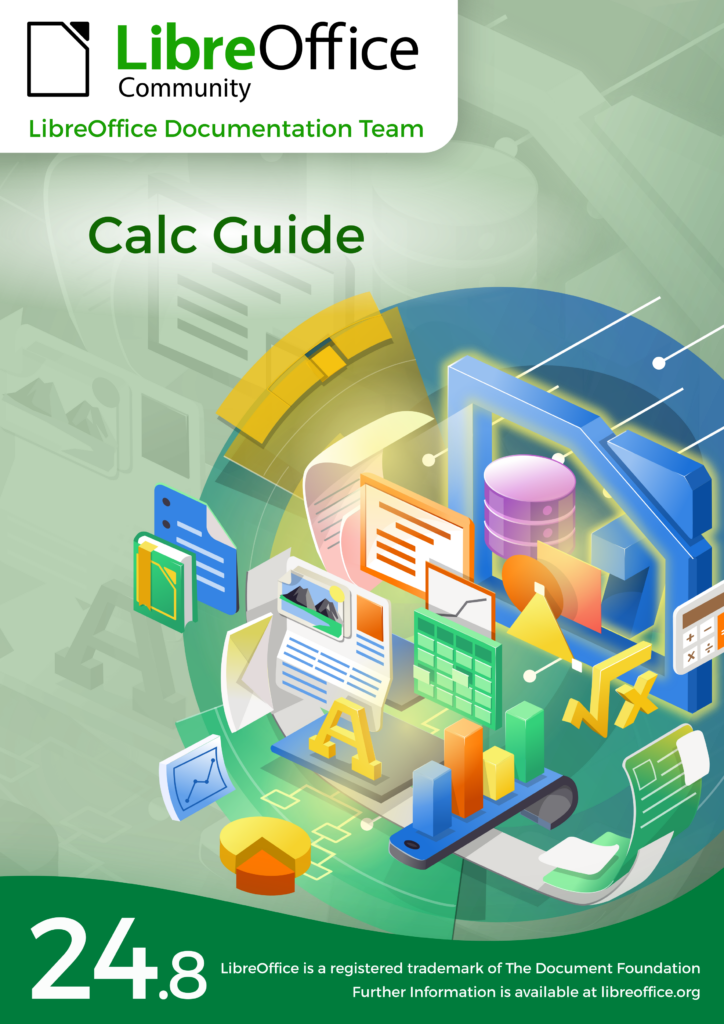
The Documentation Team is proud to announce the immediate availability of the Calc Guide release 7.6.

The Calc Guide 7.6 update was coordinated by Steve Fanning, with assistance of Olivier Hallot and B. Antonio Fernandez, and is based on the Calc Guide 7.5. Many accessibility issue were addressed and is work in progress.

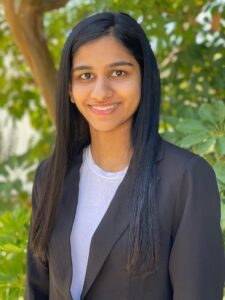
Steve Fanning
Steve Fanning

This book has been updated from LibreOffice Calc Guide 7.5. It covers changes that are visible in the LibreOffice Calc user interface, including the following areas:
• Detect scientific notation option on Text Import dialog (Chapters 1 & 11).
• Confirmation dialog when deleting empty sheet(s) (Chapter 1).
• Data Entry Form tool (Chapter 2).
• Sort by Color option for AutoFilters (Chapters 2 & 14).
• Poisson distribution option for random numbers on the Fill tool (Chapter 2).
• Chart data tables (Chapter 3).
• Sparklines (Chapter 3).
• Drawing styles (Chapter 5).
• Document themes (Chapters 5 & 15).
• Formula indicator and hint option (Chapters 8 & 15).
• Removed unnecessary statement about taking particular care when using date information in the GETPIVOTDATA() function (Chapter 9).
• Pivot table compact layout (Chapter 9).
• Saving solver settings to file (Chapter 10).
• General comment facility (Chapter 12).
• Error codes (Appendix B).

LibreOffice 7.6 Community also includes many other changes, including improvements in accessibility, change tracking, spell checking, and interoperability with Microsoft’s proprietary file formats.

Release Notes are here: https://wiki.documentfoundation.org/ReleaseNotes/7.6

The guide is available for immediate download in PDF format as well as in source format (OpenDocument Format). Soon it will be available as printed book by LuLu inc. and in HTML format for online reading

Download the Calc Guide 7.6 from the documentation websites at: documentation.libreoffice.org and the bookshelf at books.libreoffice.org.

LibreOffice community interview: Robert Cabane, QA project

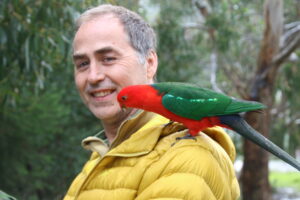
Robert Cabane

Today we’re talking to Robert Cabane, who helps out in LibreOffice’s Quality Assurance (QA) community:

Tell us a bit about yourself!

I’m now retired (aged 71), living in Bordeaux, France. Formerly mathematics teacher, successively in Paris and Bordeaux, and as such involved in the teaching of computer science (named “informatics” in Europe).

Since my retirement, I have been an active member of the Société Informatique de France. I have also been co-author of some textbooks on mathematics.

In my free time I like to go hiking in the Pyrenées mountains.

What are you working on in the LibreOffice project right now?

I like to detect bugs and check for them in Bugzilla! When you encounter something strange using LibreOffice, it’s not immediately clear whether it’s a bug or a feature… so I first look in Ask LibreOffice or the forums.

After that, searching in Bugzilla for a specific bug is a unique experience, because LibreOffice is an enormous piece of software. You have to test various keywords in order to eventually find a more or less corresponding bug description. If the bug is referenced, consider adding useful comments; if it’s not the case, try to propose a new bug, as well-documented as possible.

Why did you choose to join the project, and how was the experience?

I started as a user with StarOffice 5.2 (1999), simply because I needed a good office suite running under Linux, and I followed with OpenOffice.org and LibreOffice since its beginning.

My experience was excellent with Calc, good with Draw, and more difficult with Writer, essentially because of two reasons: writing mathematics with Writer isn’t as easy as it is with LaTeX, and exchanging documents with people who use Microsoft Word can be very frustrating at times.

Anything else you plan to do in the future? What does LibreOffice really need?

I think that some activism is still useful at the citizen level: using LibreOffice instead of Microsoft Office is now very common in local, regional and national associations, and should increase for evident reasons. And making donations eligible to tax deductions (as is the case in Germany) would be fantastic!

Big thanks to Robert for all his contributions! Everyone is welcome to join our QA community and help to keep LibreOffice rock-solid.

Winners in the Month of LibreOffice, November 2023 – Get your free sticker pack!

Month of LibreOffice stickers

At the beginning of November, we began a new Month of LibreOffice, celebrating community contributions all across the project. We do these every six months – so how many people got sticker packs this time? Check it out…

Fantastic work, everyone! Hundreds of people, all across the globe, have helped out in our projects and communities. We’re hugely thankful for your contributions – and, of course, everyone who’s listed on the wiki page can get a sticker pack, with the stickers shown above.

How to claim

If you see your name (or username) on this page, get in touch! Email mike.saunders@documentfoundation.org with:

  • your name (or username) from the wiki page
  • along with your postal address

and we’ll send you a bunch of stickers for your PC, laptop and other kit. (Note: your address will only be used to post the stickers, and will be deleted immediately afterwards.) If you contributed to the project in November but you’re not on the wiki page, please let us know what you did, so that we can add you!

There is one more thing…

And we have an extra bonus: nine contributors have also been selected at random to get an extra piece of merchandise – a LibreOffice hoodie, T-shirt, rucksack or snazzy glass mug. Here are the winners (names or usernames) – we’ll get in touch personally with the details:

  • Kira Tubo
  • Steph1
  • @makerblock@mastodon.social
  • Joanmarie Diggs
  • PaulL1
  • Bernd Wechner
  • @hack_the_planet@fosstodon.org
  • Xandru Martino Ruz
  • Sahil Gautam
  • TXDon

Congratulations to all the winners, and a big thanks once again to everyone who took part – your contributions keep the LibreOffice project strong. We plan to have another Month of LibreOffice in 2024, but everyone is welcome to see what they can do for LibreOffice at any time!

LibreOffice in Sri Lanka

ICTer International Conference is the successor to the seminal International Information Technology Conference (IITC) held in Sri Lanka since 1998. We have been invited by the conference organizers, thanks to the connection established by Daniska Navin, a long time project member, to attend the 2023 event on November 8 and November 9, to present LibreOffice during a keynote speech, and to manage a two day workshop about LibreOffice and the Migration Protocol, on November 7 and November 10.

I attended the conference and provided the keynote speech about LibreOffice Technology, and together with Lothar Becker – Certification Co-Chair – managed the two day workshop. The conference was a huge success, as we met many interested people, including some students who asked to organize a similar workshop in 2024 at their universities in other cities of Sri Lanka. We will definitely be back next year to attend ICTer 2024, and to visit the other universities for a workshop.

During the workshop we covered many topics:

  1. Workshop Day 1: LibreOffice project’s history, the technical evolution of the development platform, LibreOffice’s six modules, with an introduction to main features, an introduction to open source software and open standards (for software and for documents), and free open-source licenses and business models.
  2. Workshop Day 2: LibreOffice Migration Protocol, fixing bugs and regressions, interoperability with proprietary document formats, conversion of document templates and macros, compatibility of VBA macros, and integration with third-party applications.

At the end of the workshop, we handed the basic LibreOffice Certified recognition to the following people (in alphabetical order by first name): BWRU Siriwardhana, CS Jayakody, DN Gunawardana, Dilani Sagarika, DMDC Kumari, Gayani Sadagiri, HK Jayarathna, HP Henegama, JKDI Thilakarathne, JRM Muthumalki, KDPM Kannangara, Malsha Katugampala, Mrs LC Karunasagara, Ms AS Gunathilake, Nisantha Ranathunga, NS Gajasinghe, R Prasanna, Rajika Dilrukshi, Renuka Matiwalakumbura, RMJM Rathnayake, Ruwan Jayalath, Sachini de Silva, Selani Ekenayake, Vimukthika Sewwuandi and WMNK Weerasooriya.

A big thank to all our hosts at the School of Computing of the University of Colombo: the Director Dr DAS Atukorale and the Deputy Director Prof Kasun de Zoysa, and all the other academic and administrative staff members who have welcomed us and made the conference memorable. A special thanks to Sanduni Thrimavithana, who made our stay as memorable as the conference. And a final thanks to all the other people we have met during the four days. See you all in 2024.

LibreOffice project and community recap: November 2023

Group photo from the LibreOffice Latin American Conference 2023

Here’s our summary of updates, events and activities in the LibreOffice project in the last four weeks – click the links to learn more…

Month of LibreOffice

  • Next up was the release of LibreOffice 7.5.8, a maintenance release for the 7.5 branch with compatibility improvements and bug fixes.

LibreOffice 7.5 banner

LibreOffice Impress and Draw guides

Screenshot of TheCAT LibreOffice extension

  • LibreOffice is free (as in freedom) software. And our friends at the Free Software Foundation Europe handed over an Open Letter “The right to install any software on any device” to the German parliament, to support sustainability and freedom in electronic products in the EU.

Tabea Rößner, Chair of the Digital Committee

The Document Foundation team photo

LibreOffice Latin American Conference 2023

LibreOffice Viewer for Android screenshots

Keep in touch – follow us on Mastodon, Twitter (aka “X”), Bluesky and Facebook. Like what we do? Support our community with a donation – or join our community and help to make LibreOffice even better!

More info about LibreOffice Viewer app for Android in the Google Play Store

LibreOffice Viewer for AndroidWith the release of LibreOffice 7.6.3, the LibreOffice Viewer app for Android has been made available in the Google Play Store.

LibreOffice Viewer is a lightweight version of LibreOffice for Android smartphones and tablets for viewing Open Document Format (.odt, .ods, .odp) and Microsoft Office (.docx, .xlsx, .pptx) documents. It is built on the same LibreOffice technology as the LibreOffice desktop app for Windows, macOS and Linux, so it displays documents in exactly the same way.

LibreOffice Viewer also has experimental editing features that can be enabled in the application’s settings, but are not considered ready for production use. As we’re a volunteer-driven, community open source project, we’d appreciate help to improve the editing support.

LibreOffice Viewer has been available on Google Play in the past, but due to lack of maintenance it was withdrawn in 2020. Since then, more than two hundred changes have been made to improve the app, increase its stability and usability, support current Android versions and better integrate with the system.

Since the beginning of this year, LibreOffice Viewer has been updated to the latest versions in F-Droid. With the re-release of the app on the Google Play Store, LibreOffice Viewer is now widely available to Android users.

Feedback and bug reports are welcome to help the community improve the quality of the app. You can report bugs and attach files here: bugs.documentfoundation.org

Developers interested in helping improve the app can find more information about LibreOffice development in general and the Android version in particular on the wiki.

Tap here to get LibreOffice Viewer on Google Play