LibreOffice: Advent Tip #15
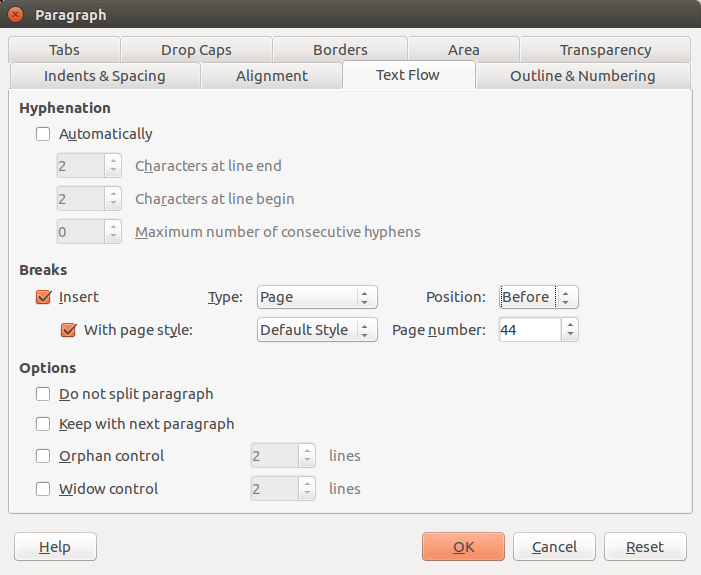 To change the number of a page – for instance, if you add a new document to a series which has to be compiled into a single book at the end of the year – you must put the cursor somewhere in the first paragraph of the page and access the menu Format > Paragraph. Inside the multi tab dialog window, you have to open the Text Flow tab (shown in the image on the left), and in the Break section check the Insert box – with Type “Page” and Position “Before” – and the With Page Style box, using Default Style.…