Try the LibreOffice 2018 Christmas Quiz!

How much do you know about LibreOffice – the software, the community and its history? We’ve made a little quiz for you to try out, so check out the questions below, and you’ll find the answers at the bottom. Good luck 🙂

1 – LibreOffice is a successor to OpenOffice.org, which was based on the proprietary suite StarOffice. Which company was behind StarOffice?

A: Star Corp
B: Solar Sys
C: Star Division

2 – In which year was The Document Foundation (TDF), the non-profit entity behind LibreOffice, legally established?

A: 2009
B: 2012
C: 2014

3 – Who is the current chairperson of TDF?

A: Marina Latini
B: Michael Meeks
C: Thorsten Behrens

4 – LibreOffice includes a graphics editing tool – what is it called?

A: Create
B: Draw
C: Graphic

5 – If you don’t like the default icon set in LibreOffice, how can you change it?

A: Under the Format menu
B: Via Tools > Options > View
C: Using an extension

6 – What’s the standard document format of LibreOffice called?

A: OpenDocument Format
B: OpenXML Format
C: LibreDocument Format

7 – What is a “Hybrid PDF?”

A: It includes interactive elements and animations
B: It includes all fonts, to display properly everywhere
C: It includes the original source document, to allow editing

8 – LibreOffice includes a dockable window to help you move around complex documents. What is it called?

A: DocBrowser
B: Navigator
C: Overview

9 – If you want Writer to automatically add numbered captions when inserting objects, where do you go?

A: Tools > Options > Objects > Preferences
B: Insert > Image > tick “Add captions” box
C: Tools > Options > LibreOffice Writer > AutoCaption

10 – With which major LibreOffice release did the branding change to include cubes?

A: LibreOffice 4
B: LibreOffice 5
C: LibreOffice 6

11 – LibreOffice 6.2 will include a new (optional) user interface design. What’s its name?

A: TabBar
B: GroupedBar
C: NotebookBar

12 – Where did the 2013 LibreOffice Conference take place?

A: Berlin
B: Milan
C: Paris

13 – And where will the 2019 Conference be?

A: Almeria
B: Stockholm
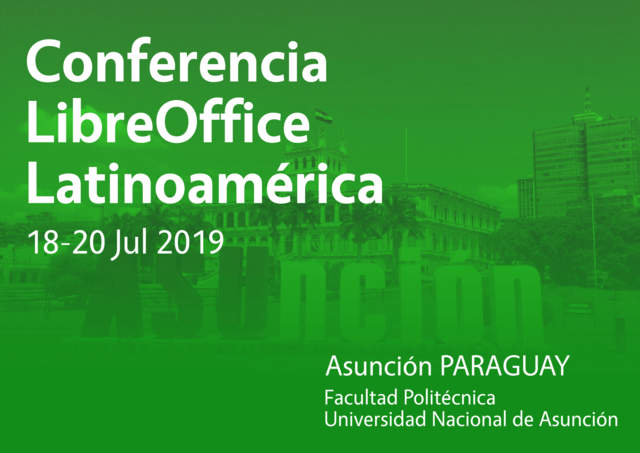
C: Budapest

14 – Markus Mohrhard is a long-time LibreOffice developer, who has been involved in the project since its early years. What is his nickname?

A: Moggi
B: Marko
C: Maggi

15 – Another hard-working member of the community is “raal”, who helps out with events in the Czech Republic. But what’s his real name?

A: Stanislav Horáček
B: Zdeněk Crhonek
C: Jan Dvořák

16 – Finally, who can join the LibreOffice project and help to improve the software?

A: Experienced C++ developers
B: Members of The Document Foundation
C: Absolutely anybody

And now, the answers:

1: C
2: B
3: A
4: B
5: B
6: A
7: C
8: B
9: C
10: C
11: C
12: B
13: A
14: A
15: B
16: C, of course!

We in the community wish you all a great Christmas and festive time, and a happy new year. Here’s to a great 2019, with many more LibreOffice releases, events and fun to be had!

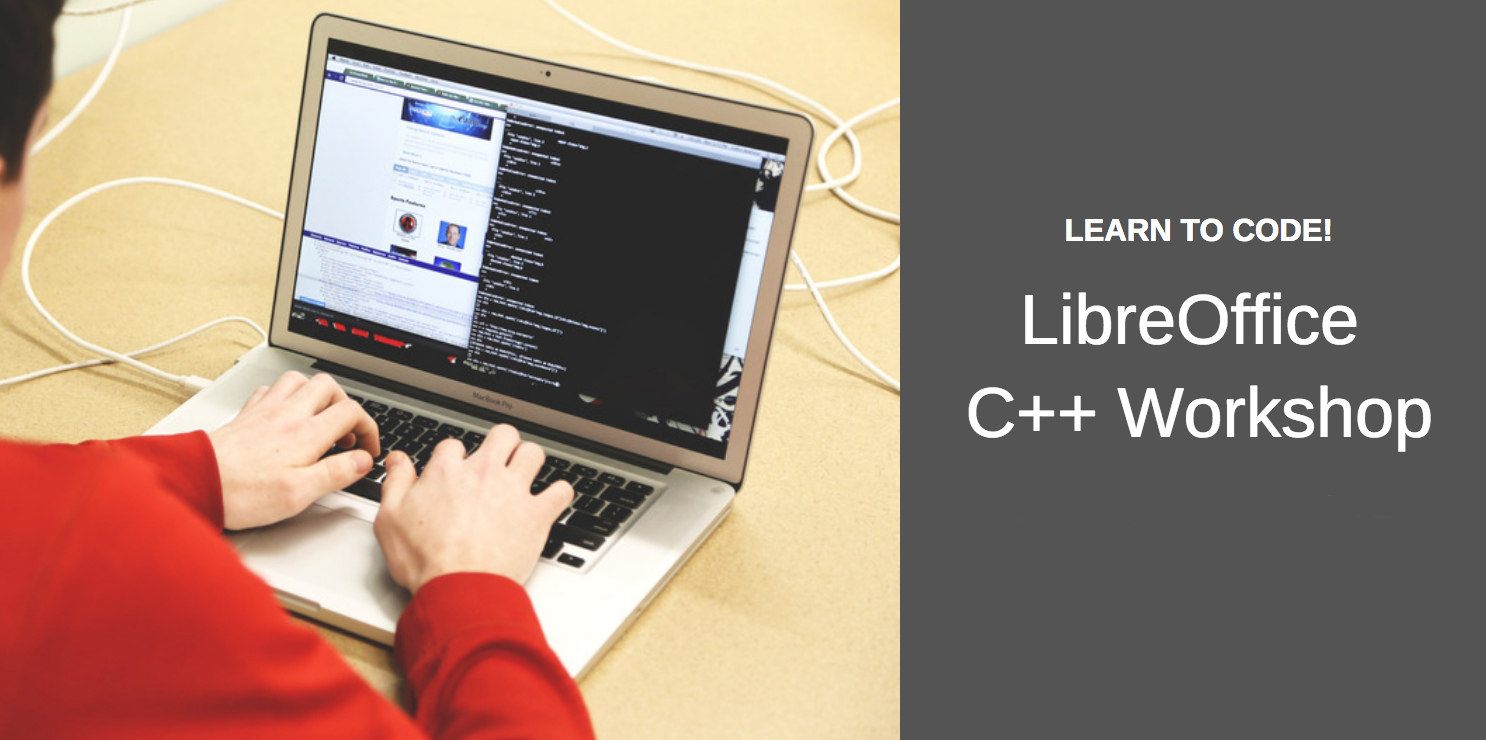
Coming up on December 20: Next C++ workshop

Improve your C++ skills! Last week, we had a workshop covering an introduction to the language, and looking at functions and strings. Participants watched a couple of presentation videos, and then had the opportunity to put questions to experienced LibreOffice developers.

Well, the second workshop is coming up! On December 20 at 19:00 UTC, join us to discuss these topics: I/O streams and building LibreOffice! Beforehand, you can watch this video for an overview:

Please confirm that you want to play a YouTube video. By accepting, you will be accessing content from YouTube, a service provided by an external third party.

YouTube privacy policy

If you accept this notice, your choice will be saved and the page will refresh.

Then check out this page about I/O streams, and the building guides for LibreOffice. (You don’t have to read them all in detail, but take a look, and think of things you want to talk about!)

On December 20, you can join the discussion in the following ways:

See you then!

LibreOffice 6.1.4 announced

Berlin, December 18, 2018 – The Document Foundation announces LibreOffice 6.1.4, the 4th minor release of the LibreOffice 6.1 family, targeted at tech savvy individuals: early adopters, technology enthusiasts and power users.

LibreOffice 6.1.4 provides over 120 bug and regression fixes over the previous version, contributed by a thriving community of developers, which are described in the change log pages: https://wiki.documentfoundation.org/Releases/6.1.4/RC1 (changed in RC1) and https://wiki.documentfoundation.org/Releases/6.1.4/RC2 (changed in RC2).

LibreOffice users are invited to join the community at https://ask.libreoffice.org, where they can get and provide user-to-user support. While TDF can not provide commercial level support, there are guides, manuals, tutorials and HowTo on the website and the wiki. Your donation help us make these available.

Enterprise deployments

LibreOffice 6.1.4 represents the bleeding edge in term of features for open source office suites, and as such is not optimized for enterprise class deployments, where features are less important than robustness. Users wanting a more mature version can download LibreOffice 6.0.7, which includes some months of back-ported fixes.

Value-added services for enterprise class deployments – related to software support, migrations and training – should be sourced from certified professionals (https://www.libreoffice.org/get-help/professional-support/). In addition, some of TDF Advisory Board members provide LibreOffice LTS (Long Term Supported) versions targeted to enterprise deployments (https://www.documentfoundation.org/governance/advisory-board/).

Sourcing enterprise class software and/or services from the ecosystem of certified professionals are the best support options for organizations deploying LibreOffice on a large number of desktops. In fact, these activities are contributed back to the project under the form of improvements to the software and the community, and trigger a virtuous circle which is beneficial to all parties, including users.

Availability of LibreOffice 6.1.4

LibreOffice 6.1.4 is immediately available from the following link: https://www.libreoffice.org/download/. Minimum requirements for proprietary operating systems are Microsoft Windows 7 SP1 and Apple macOS 10.9. Builds of the latest LibreOffice Online source code are available as Docker images: https://hub.docker.com/r/libreoffice/online/.

LibreOffice Online is fundamentally a server service, and should be installed and configured by adding cloud storage and an SSL certificate. It might be considered an enabling technology for the cloud services offered by ISPs or the private cloud of enterprises and large organizations.

LibreOffice users, free software advocates and community members can support The Document Foundation with a donation at https://www.libreoffice.org/donate.

LibreOffice 6.1.4 is built with document conversion libraries from the Document Liberation Project: https://www.documentliberation.org.

Coming up on December 21: Bug Hunting Session for LibreOffice 6.2 RC 1

After the first and second Bug Hunting Sessions of LibreOffice 6.2, which were held on October 22th 2018 and November 19th 2018 respectively, we’re glad to announce the third and final Bug Hunting Session for LibreOffice 6.2 on December 21st. You can see the release notes describing the new features here.

In order to find, report and triage bugs, the tests during the Third Bug Hunting Session will be performed on the first Release Candidate (RC1) version of LibreOffice 6.2, which will be available on the pre-releases server on the day of the event. Builds will be available for Linux (DEB and RPM), macOS and Windows.

Mentors will be available on December 21st 2018, from 7AM UTC to 19PM UTC for questions or help in the IRC channel: #libreoffice-qa and its Telegram bridge. Of course, hunting bugs will be possible also on other days, as the builds of this particular Release Candidate (LibreOffice 6.2.0 RC1) will be available until mid January, 2019. See the release plan.

During the day there will be two dedicated sessions, one about the new KDE5 Integration between 11AM UTC and 13PM UTC and the other about the tabbed NotebookBar from 15PM UTC to 17PM UTC as it is not experimental anymore.

Open Document Editors DevRoom at FOSDEM 2019: Call for Papers

FOSDEM LogoFOSDEM is one of the largest gatherings of Free Software contributors in the world and takes place each year in Brussels (Belgium) at the ULB Campus Solbosch. In 2019, it will be held on Saturday February 2, and Sunday February 3.

The Open Document Editors DevRoom is scheduled for Saturday, February 2 (from 10:30AM to 7:00PM, room UB2.147).

We are inviting proposals for talks about Open Document Editors or the ODF standard document format, on topics such as code, localization, QA, UX, tools, extensions and adoption-related cases. Please keep in mind that product pitches are not allowed at FOSDEM.

The length of talks should be limited to a maximum of 25 minutes, as we would like to have questions after each presentation, and to fit as many presenters as possible in the schedule. Exceptions must be explicitly requested and justified. You may be assigned LESS time than you request.

All submissions have to be made in the Pentabarf event planning tool: https://penta.fosdem.org/submission/FOSDEM19.

While filing your proposal, please provide the title of your talk, a short abstract (one or two paragraphs), some information about yourself (name, bio and photo, but please do remember that your profile might be already stored in Pentabarf).

To submit your talk, click on “Create Event”, then make sure to select the “Open Document Editors” devroom as the “Track”. Otherwise, your talk will not be even considered for any devroom at all.

If you already have a Pentabarf account from a previous year, even if your talk was not accepted, please reuse it. Create an account if, and only if, you don’t have one from a previous year. If you have any issues with Pentabarf, please contact ode-devroom-manager@fosdem.org.

The deadline is Monday, December 24, 2018. Accepted speakers will be notified by Thursday, December 27, 2018. The schedule will be published on Monday, December 31, 2018.

Recording Permission

We will record and stream all main tracks, devrooms and lightning talks live. The recordings will be published under the same licence as all FOSDEM content (CC-BY). If, exceptionally, you believe there is a legitimate reason why your presentation should not be streamed or recorded, you must seek our agreement before submitting it.

In the “Submission notes” field, please indicate that you agree to have your presentation recorded and published under the same license as all FOSDEM content (CC-BY). For example: “If my speech is accepted for FOSDEM, I hereby agree to be recorded and to have recordings – including slides and other presentation related documents – published under the Creative Commons Attribution (CC-BY) 4.0 International License. Sincerely, Name”.

Help us to make document compatibility even better

The Document Liberation Project (DLP) is a sister project to LibreOffice, and provides many software libraries for reading and writing a large range of file formats – such as files created by other productivity tools. Thanks to the DLP, LibreOffice (and other programs) can open many legacy, proprietary documents, but there’s always room for improvement! Check out this short video to learn more:

Please confirm that you want to play a YouTube video. By accepting, you will be accessing content from YouTube, a service provided by an external third party.

YouTube privacy policy

If you accept this notice, your choice will be saved and the page will refresh.